
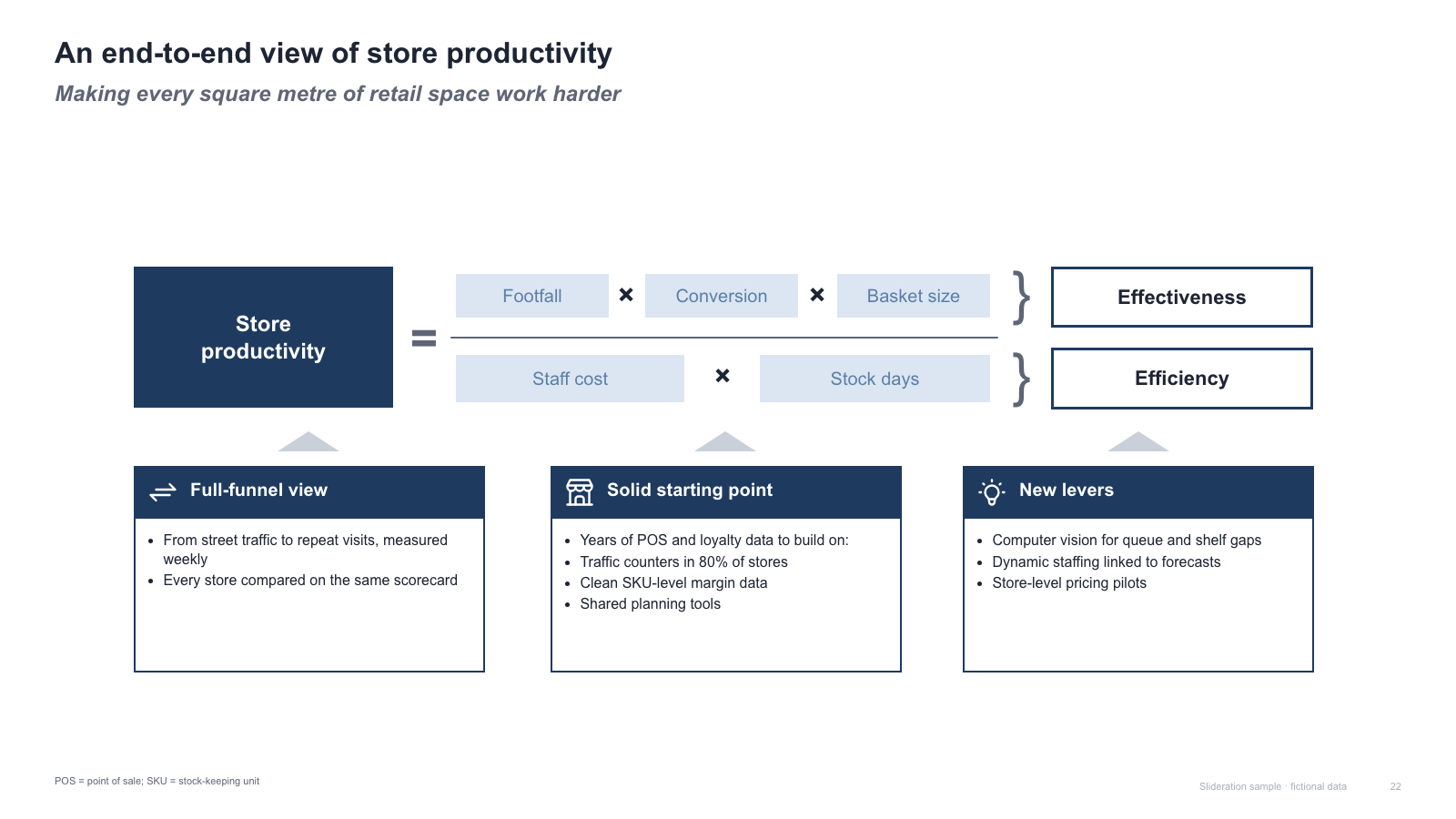
Driver-tree equation with effectiveness/efficiency brackets and three supporting boxes
SLIDE LAYOUT FINDER
See how a consultant would lay out your slide. Paste a screenshot to find matching structures, or browse editable templates.
Try three free PPTX templates · no sign-up required
Not sure which shape to use? Choose a layout for your message
or drop an image here
Search is free · PNG, JPG, WebP
Good layouts
don't start from zero.
Every layout is redrawn from scratch with fictional sample data, and comes as a native PowerPoint file: real shapes and text boxes you can edit, recolor and resize.
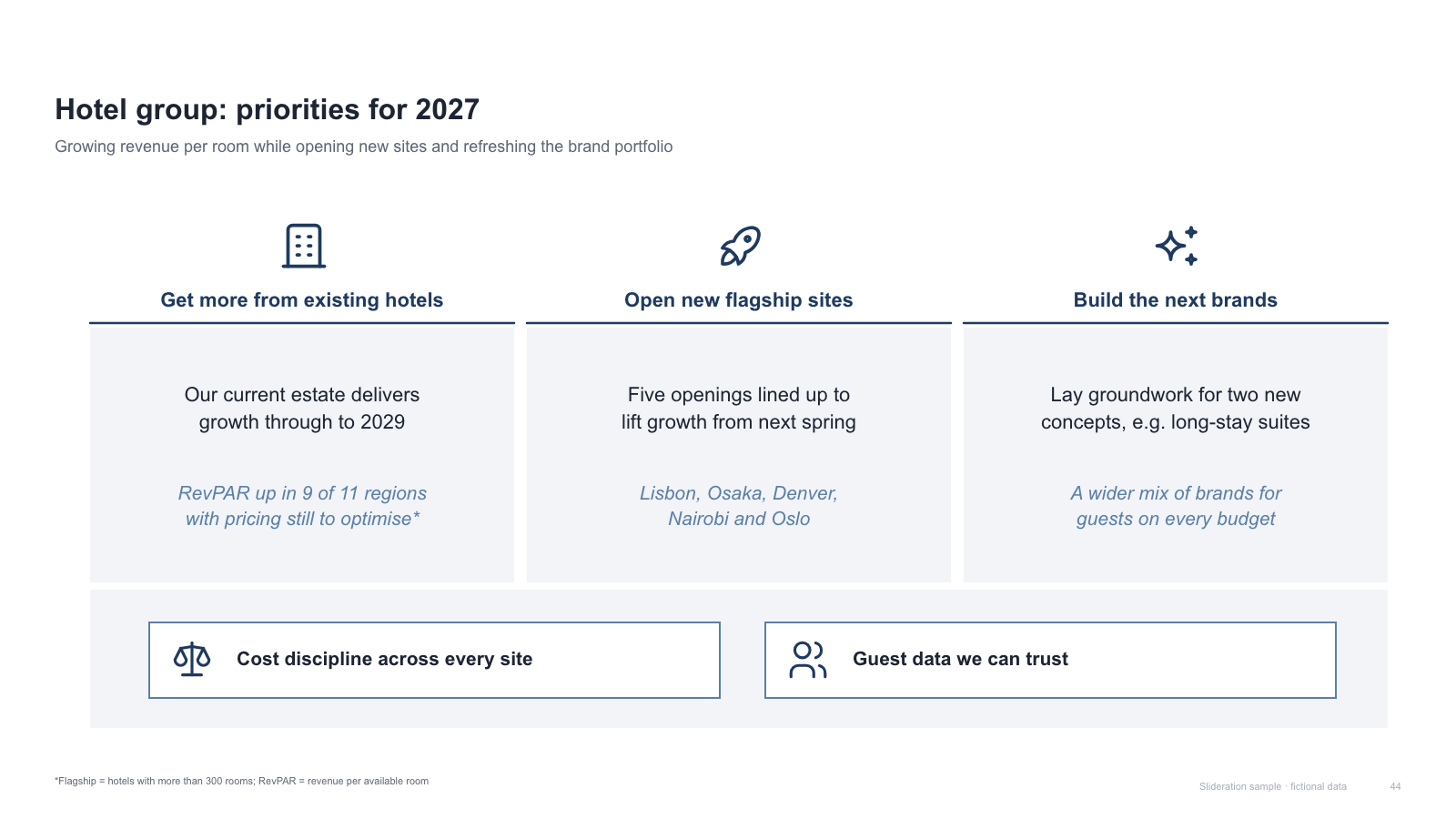
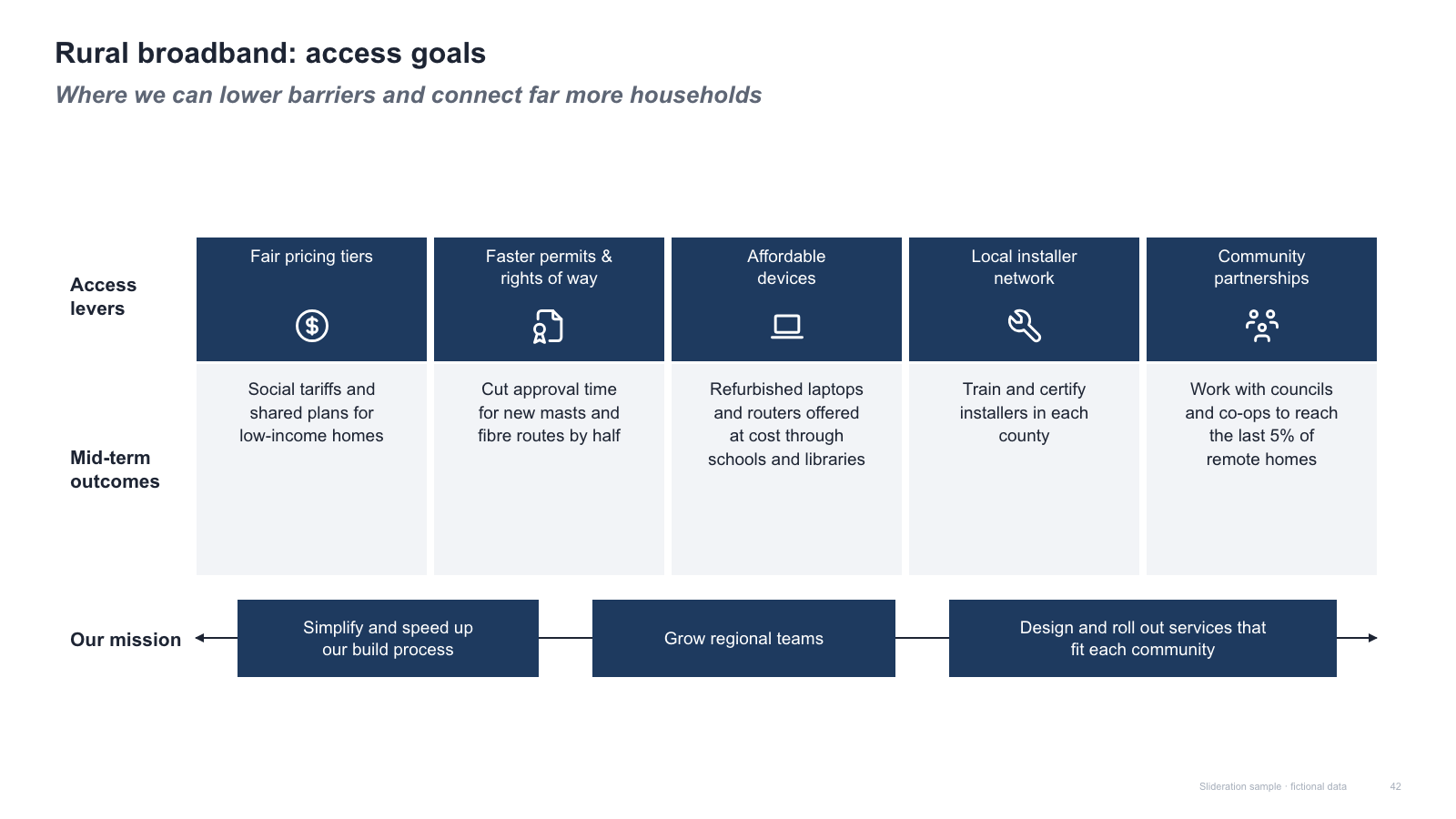
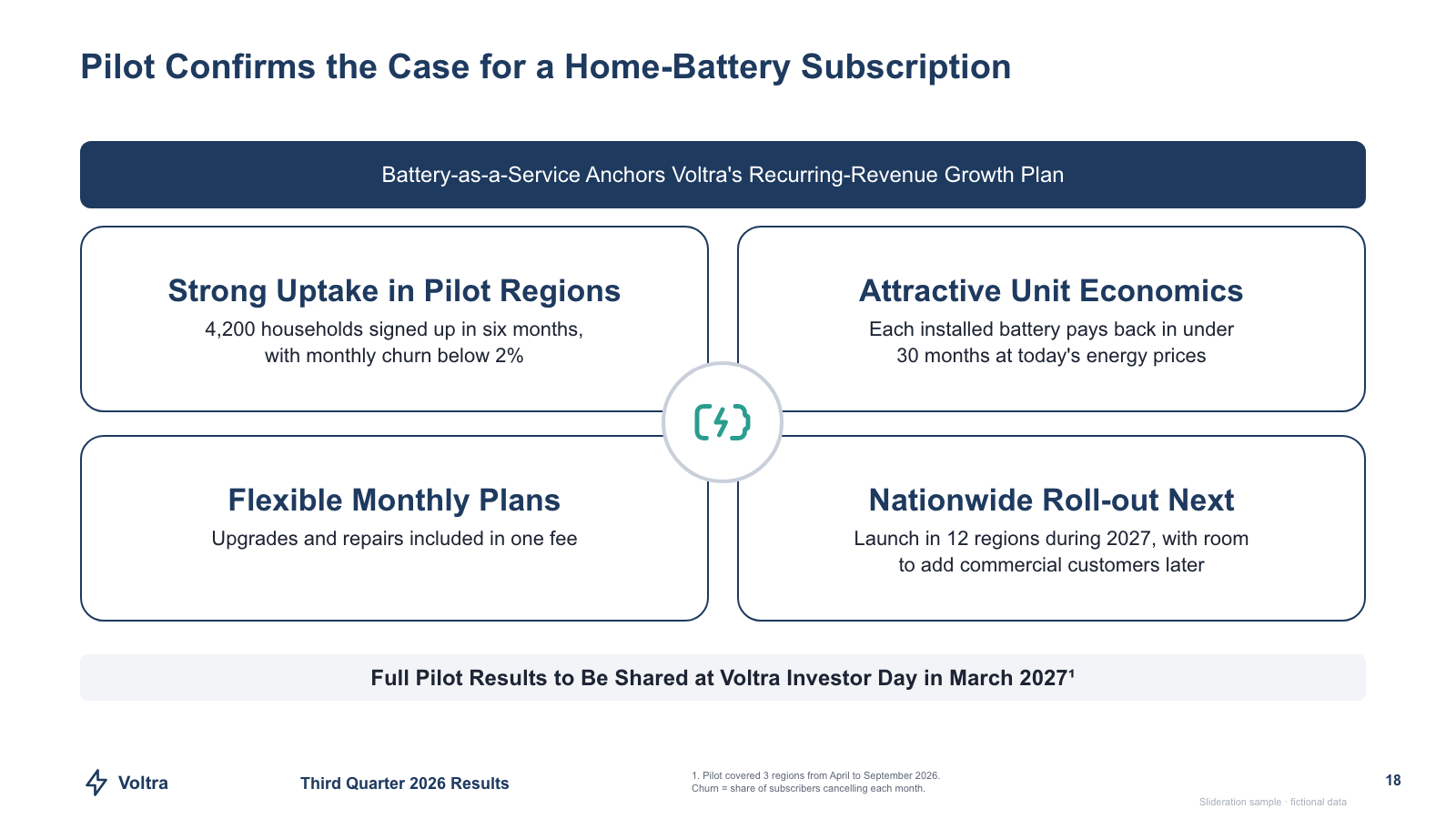
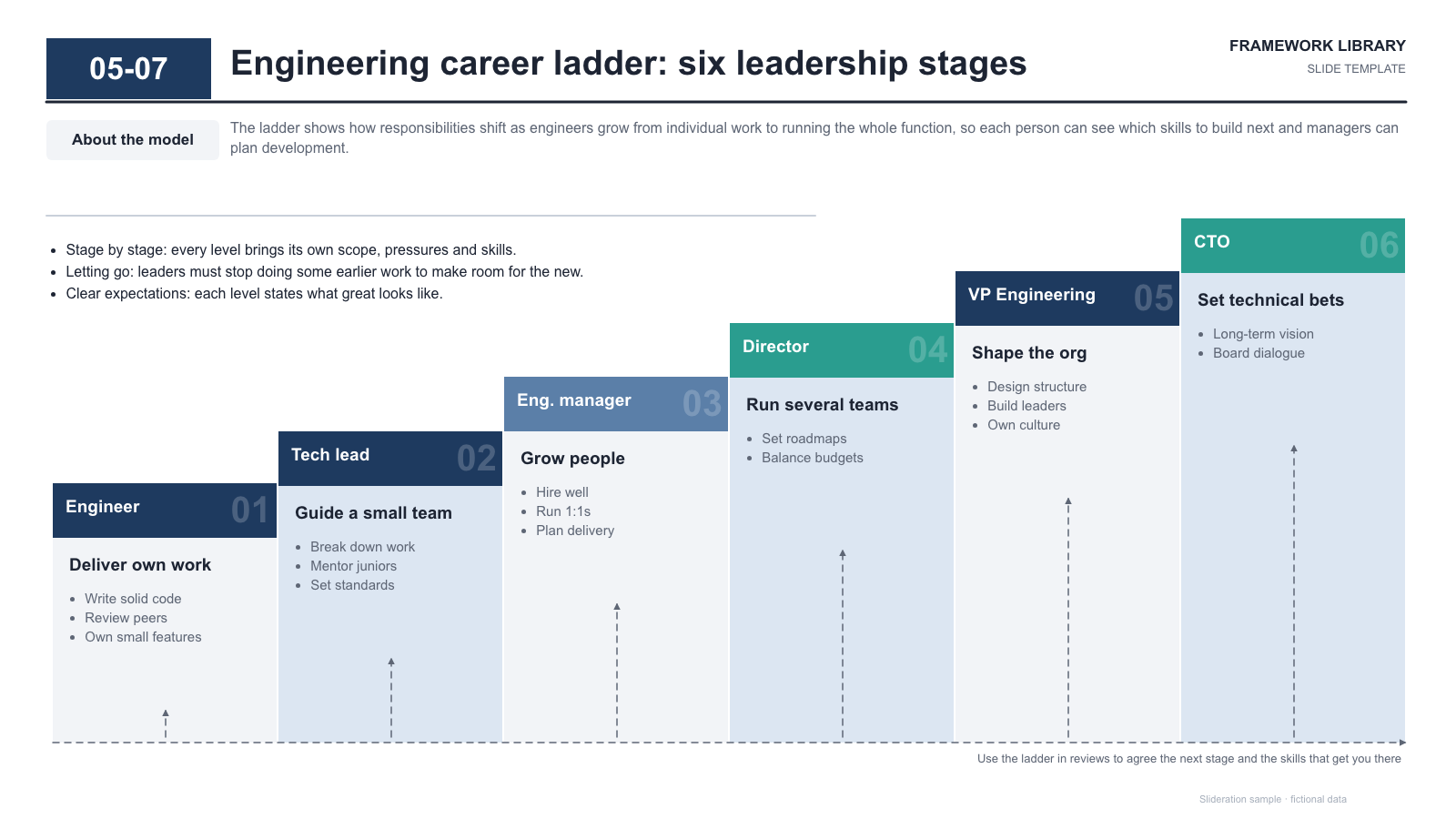
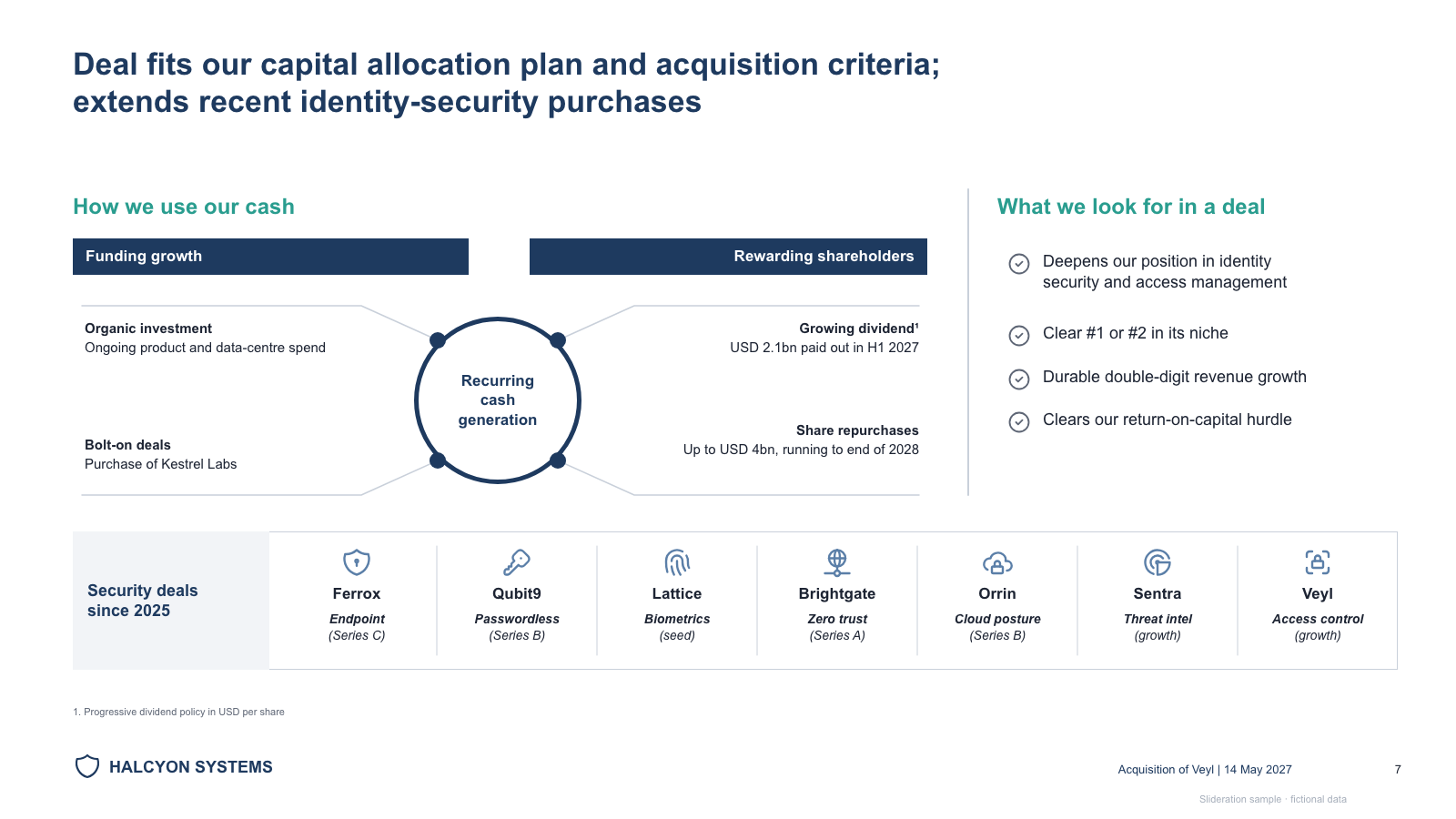
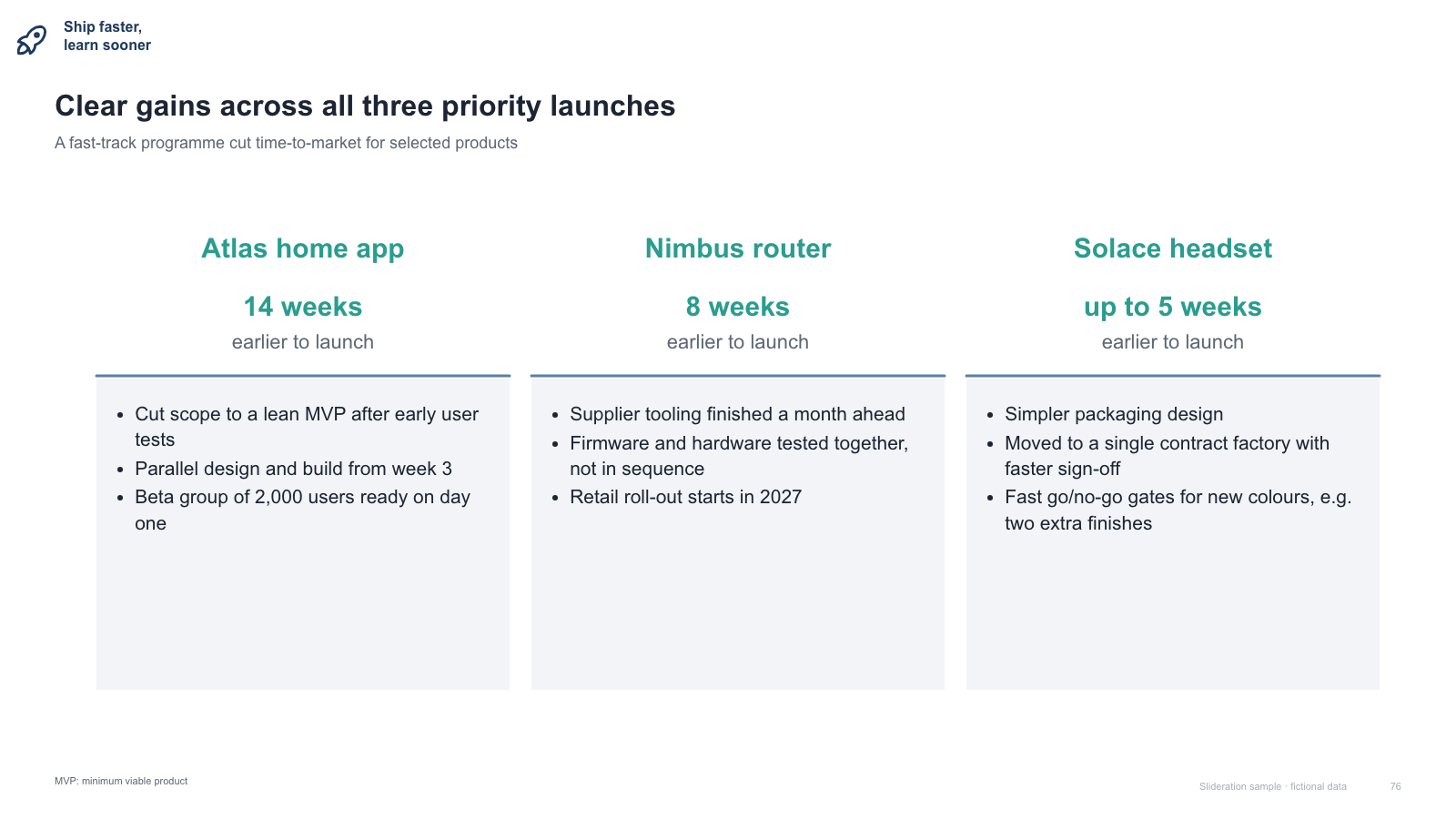
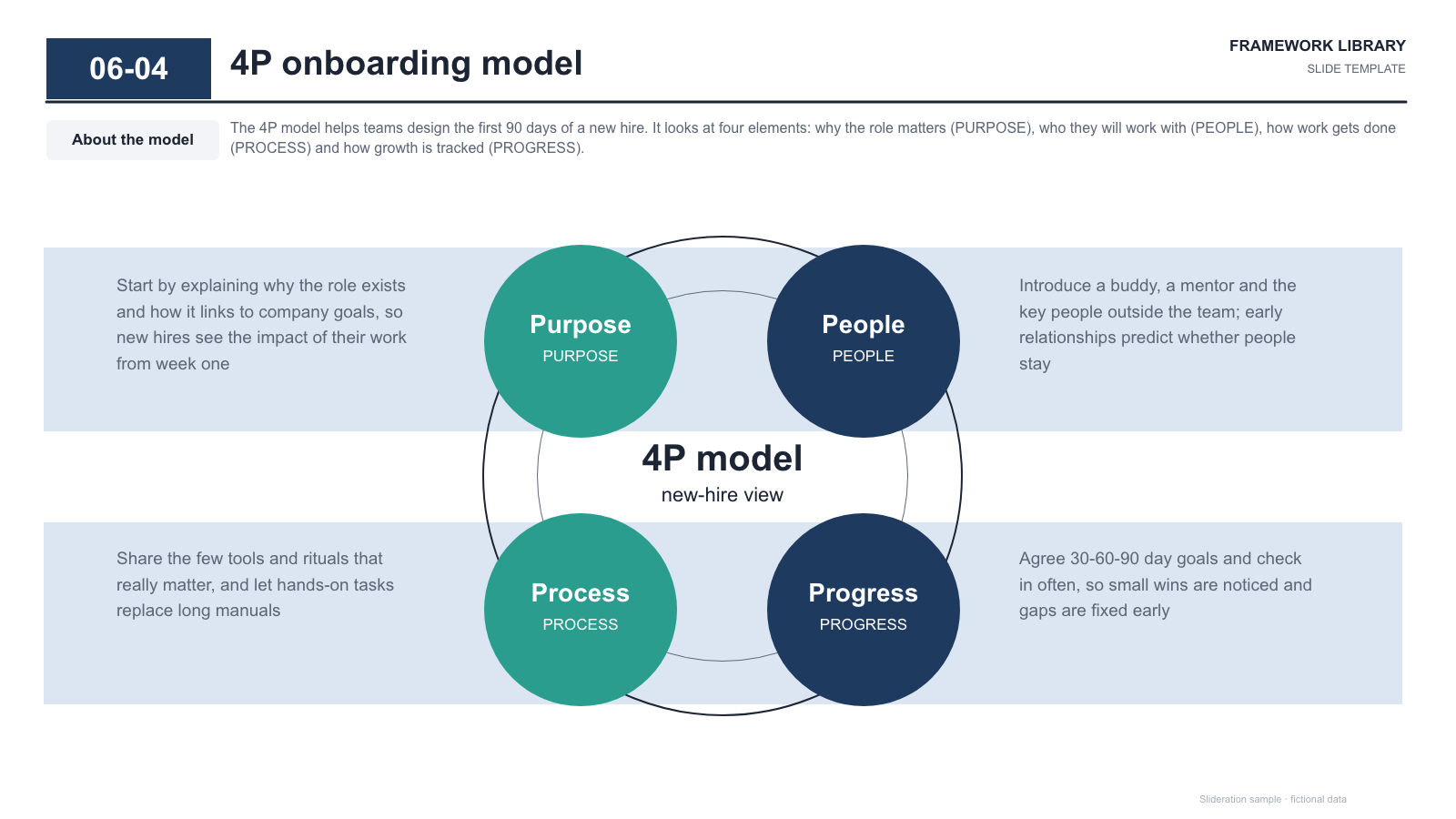
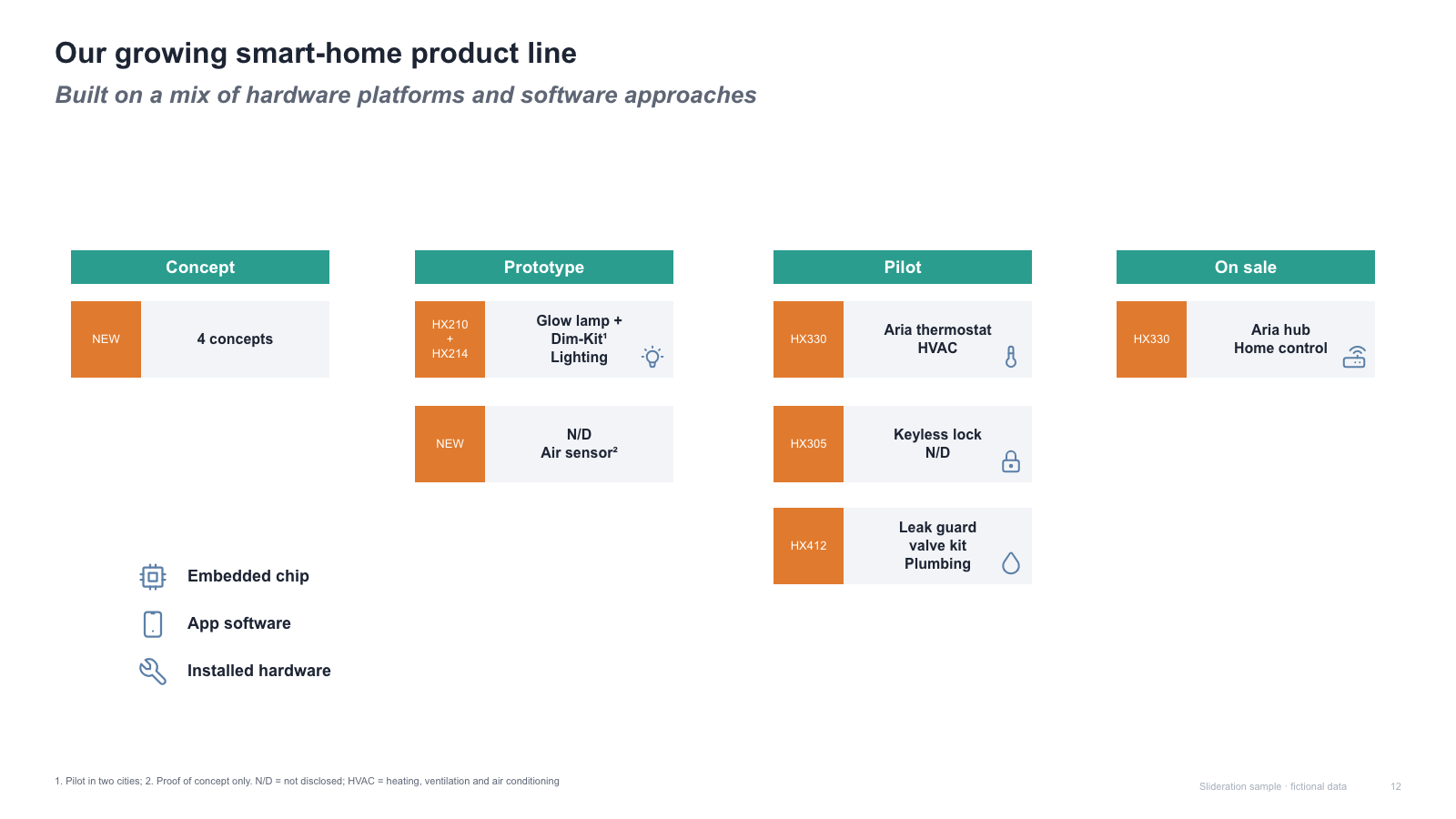
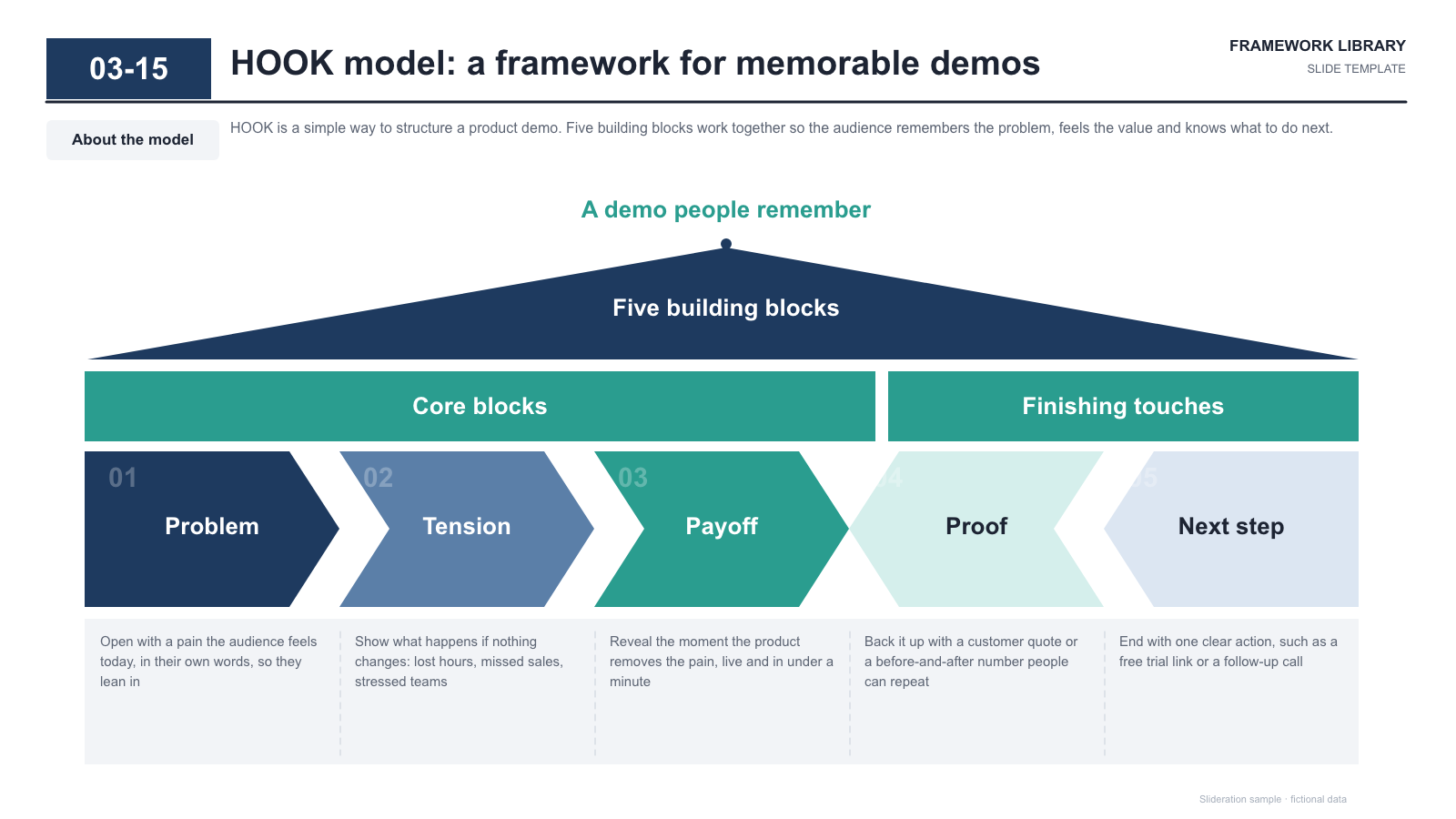
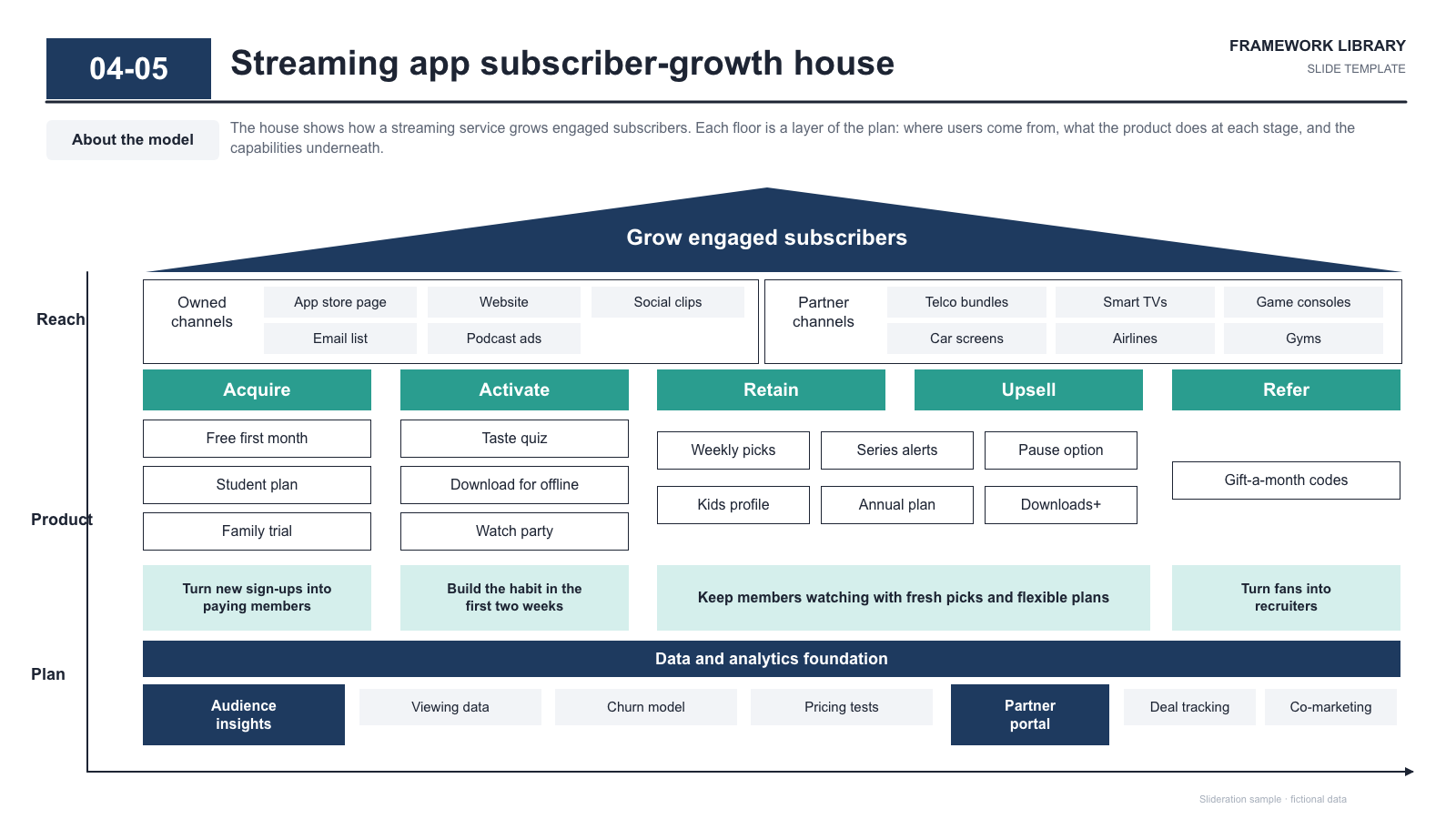
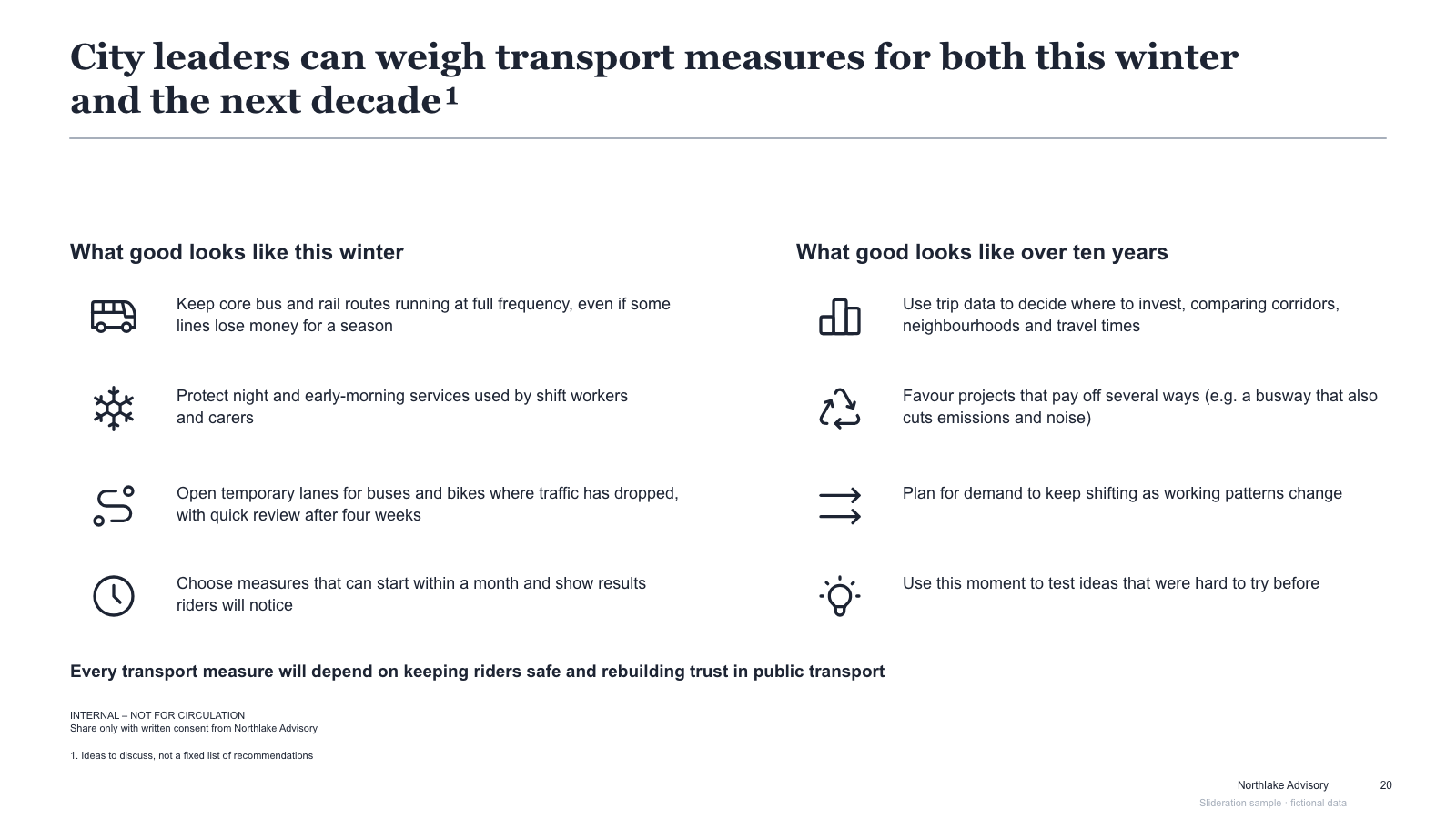
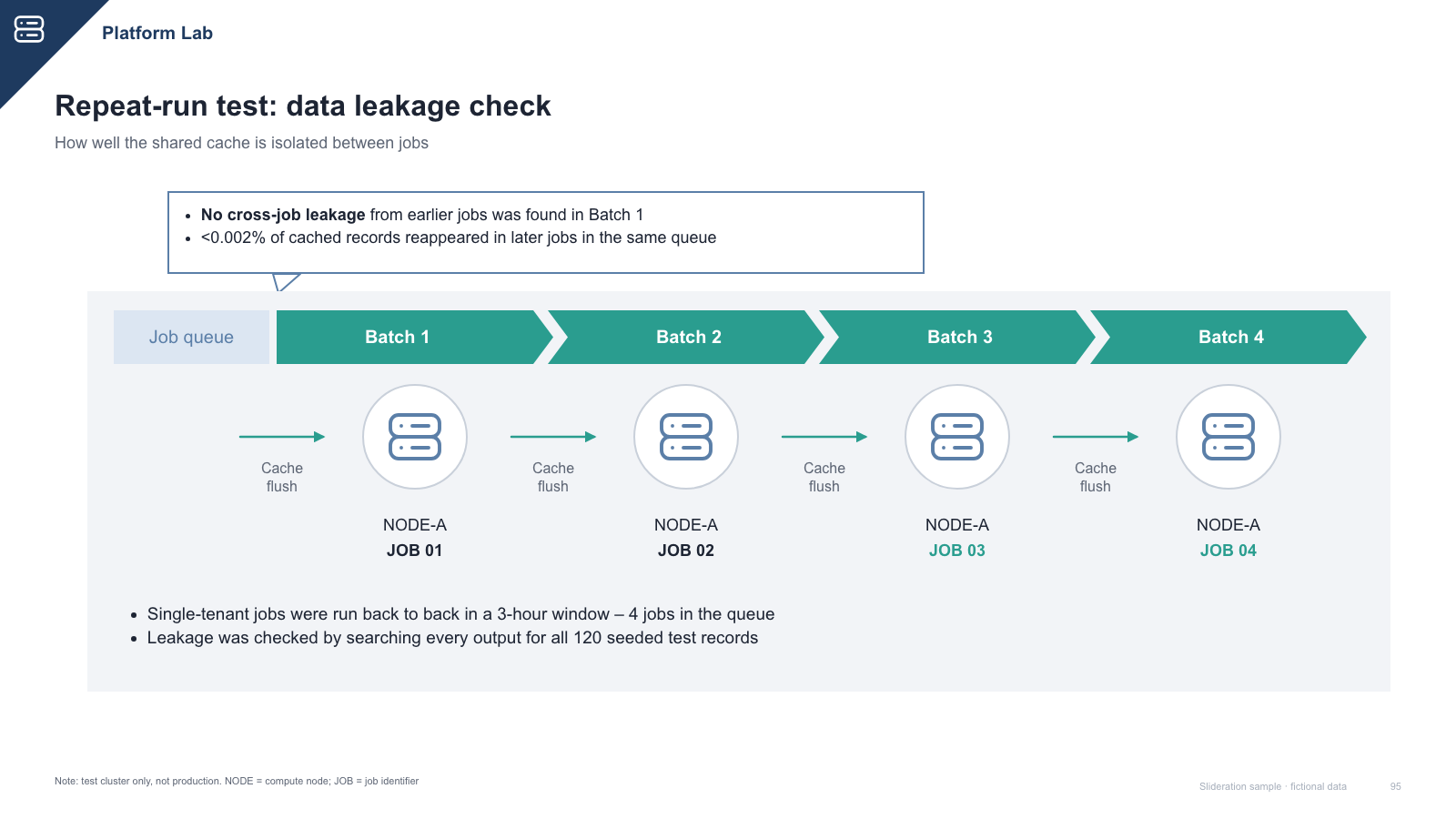
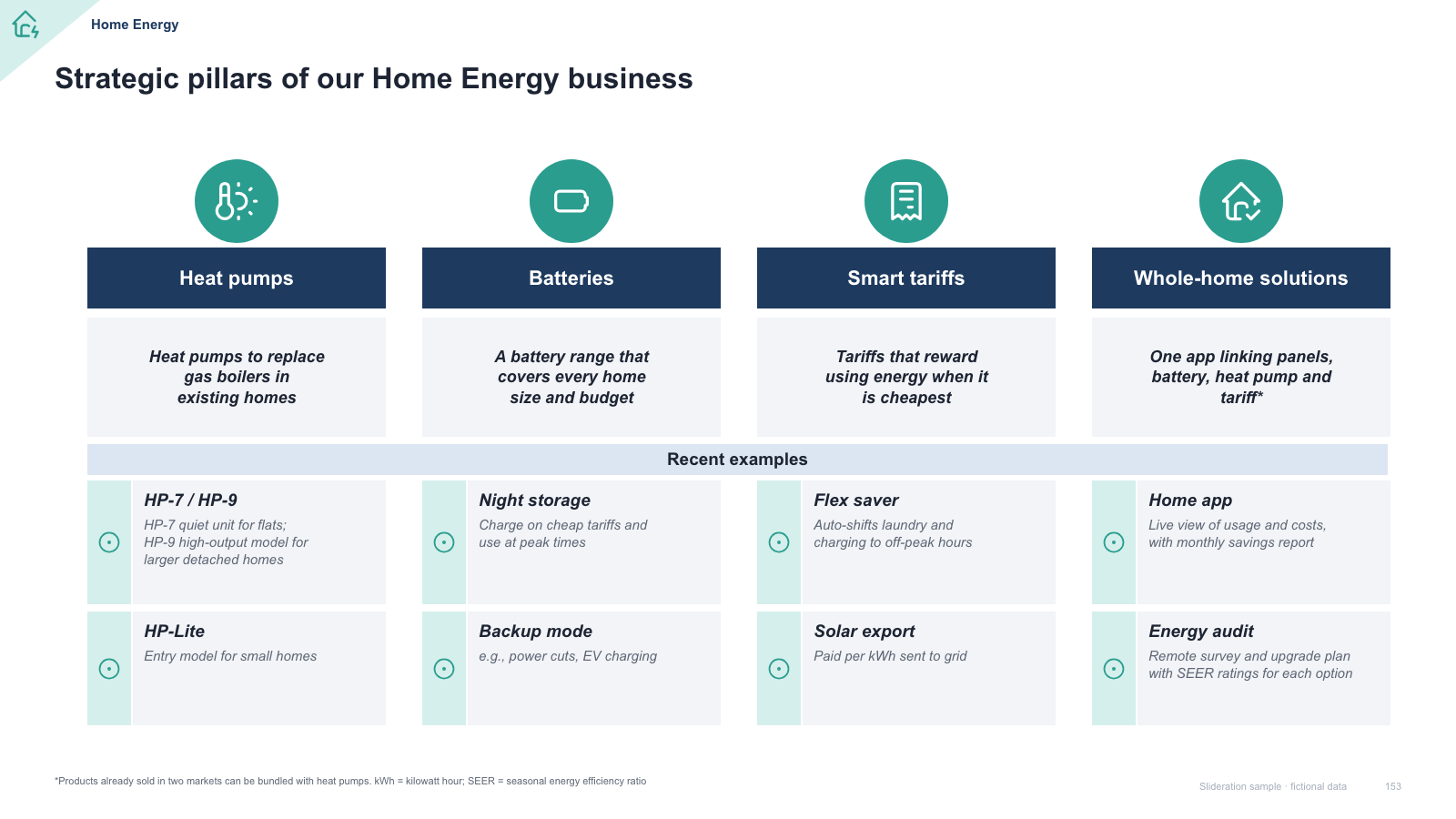
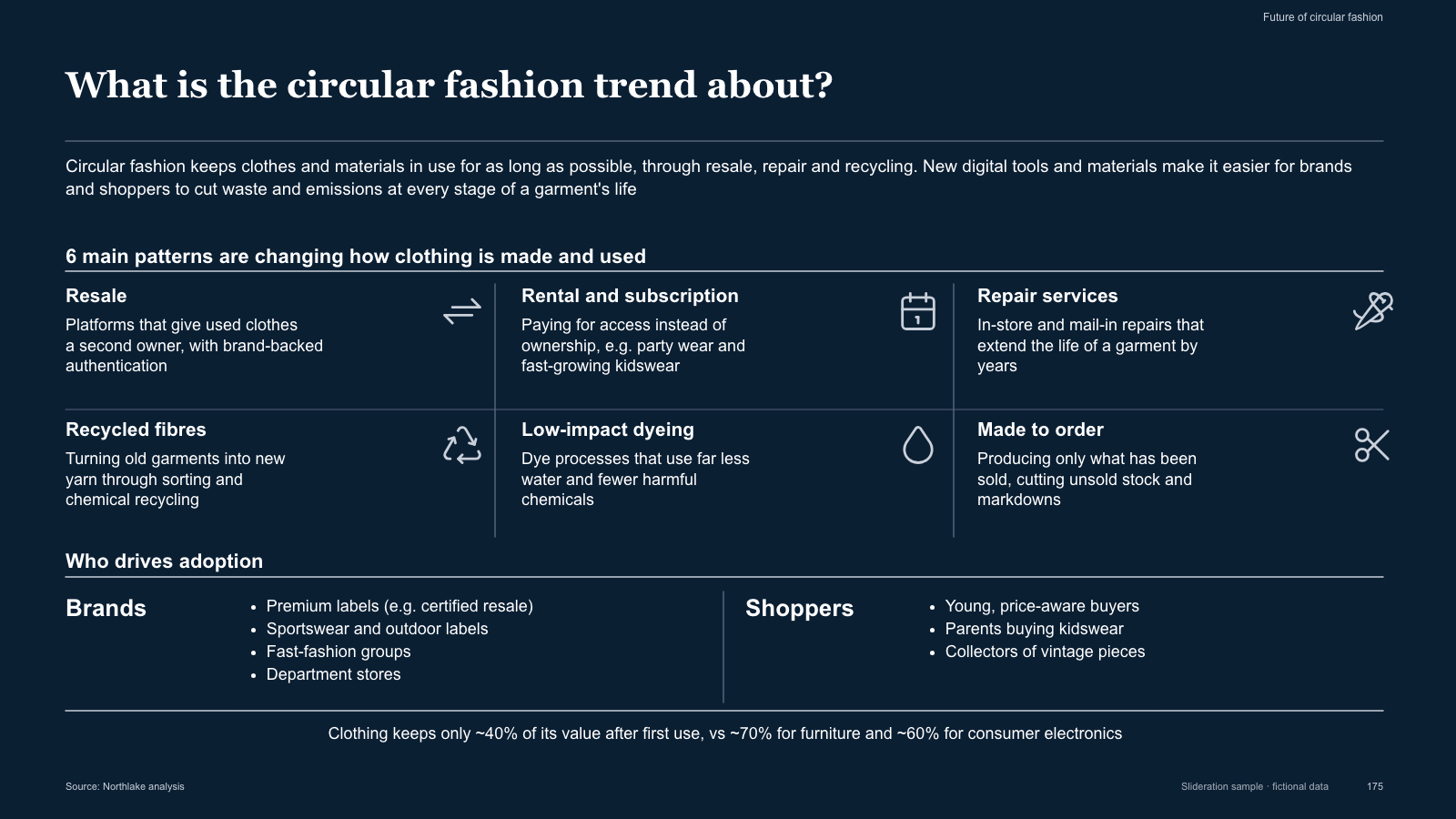

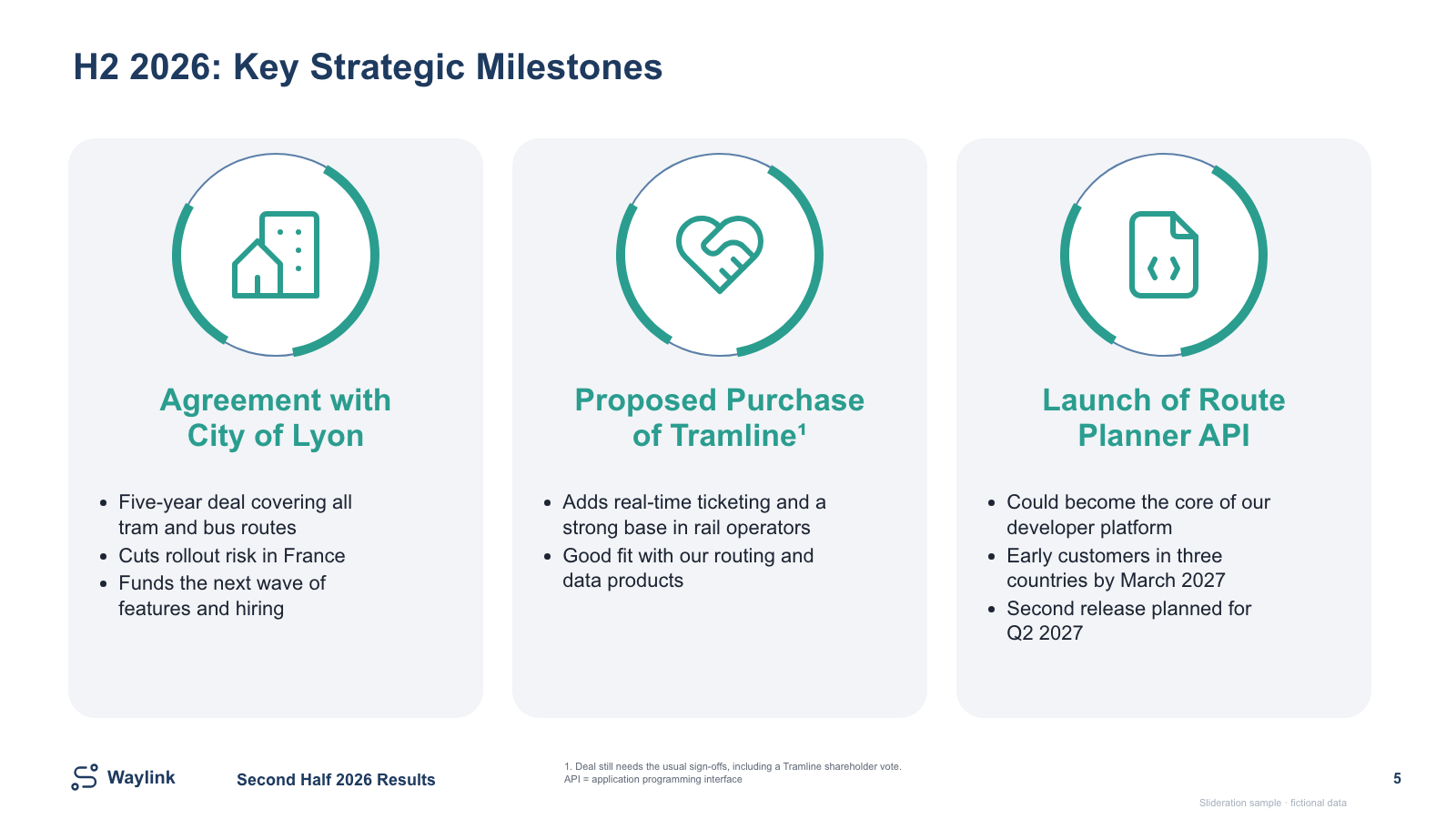
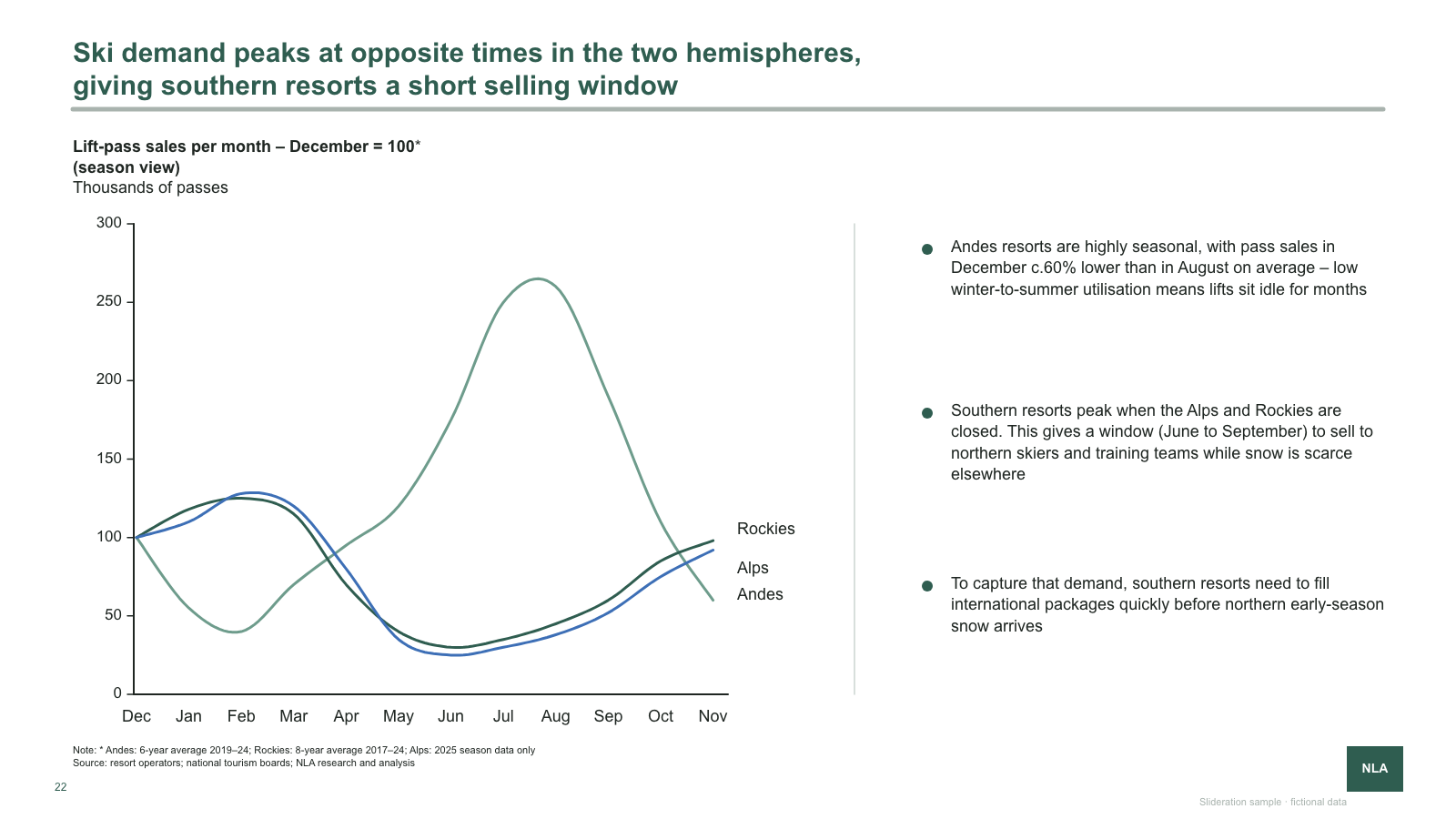
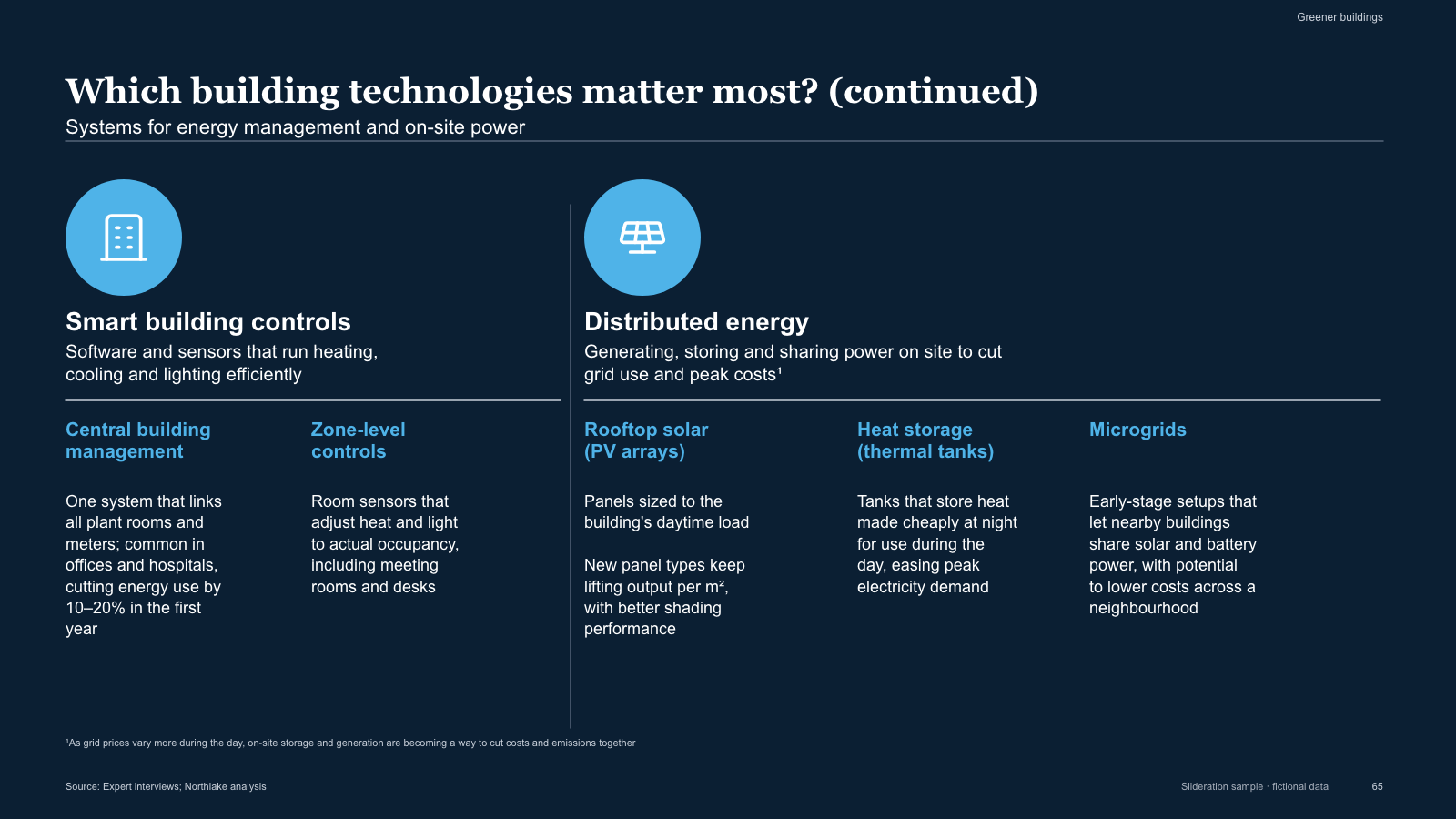
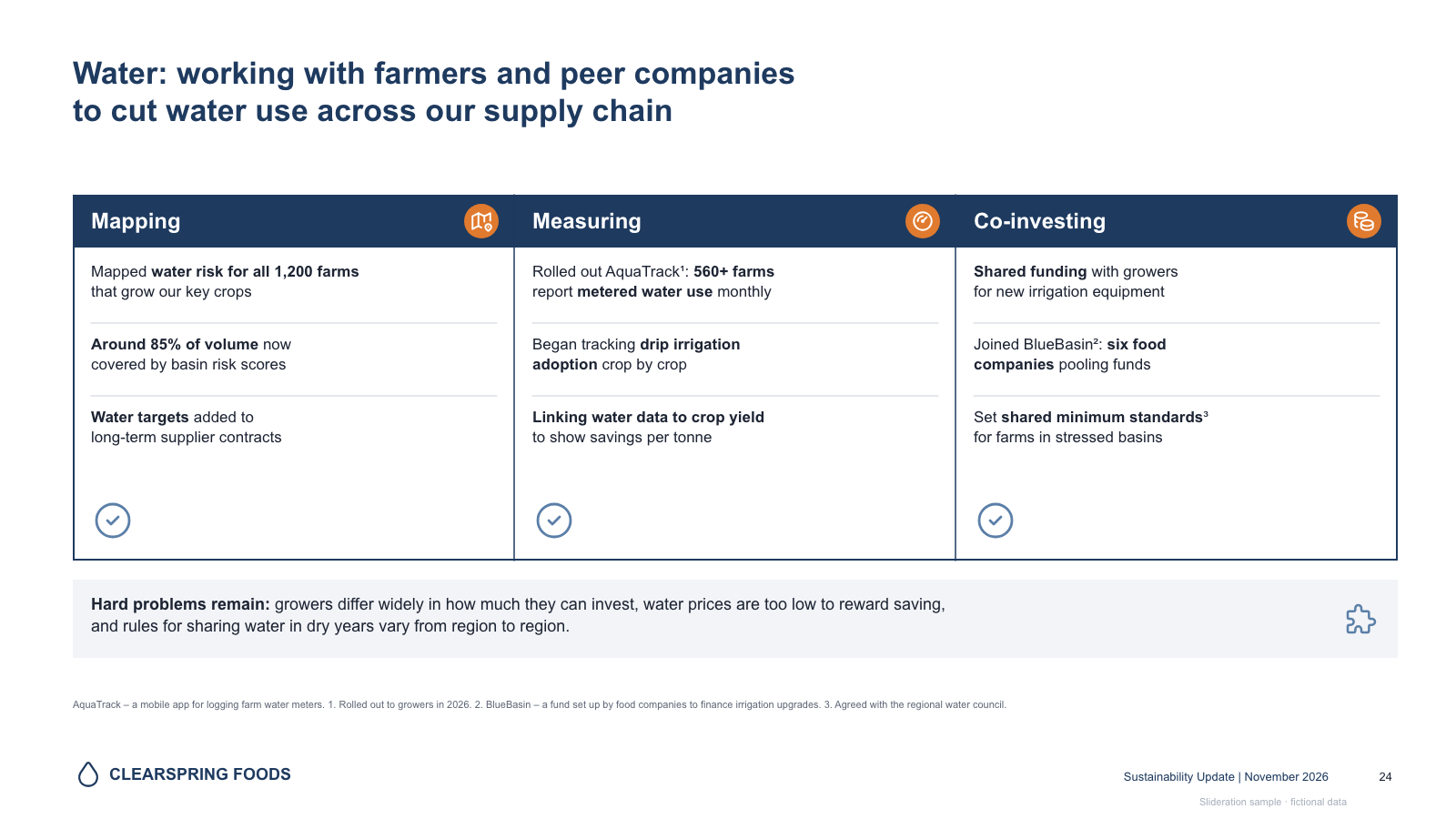
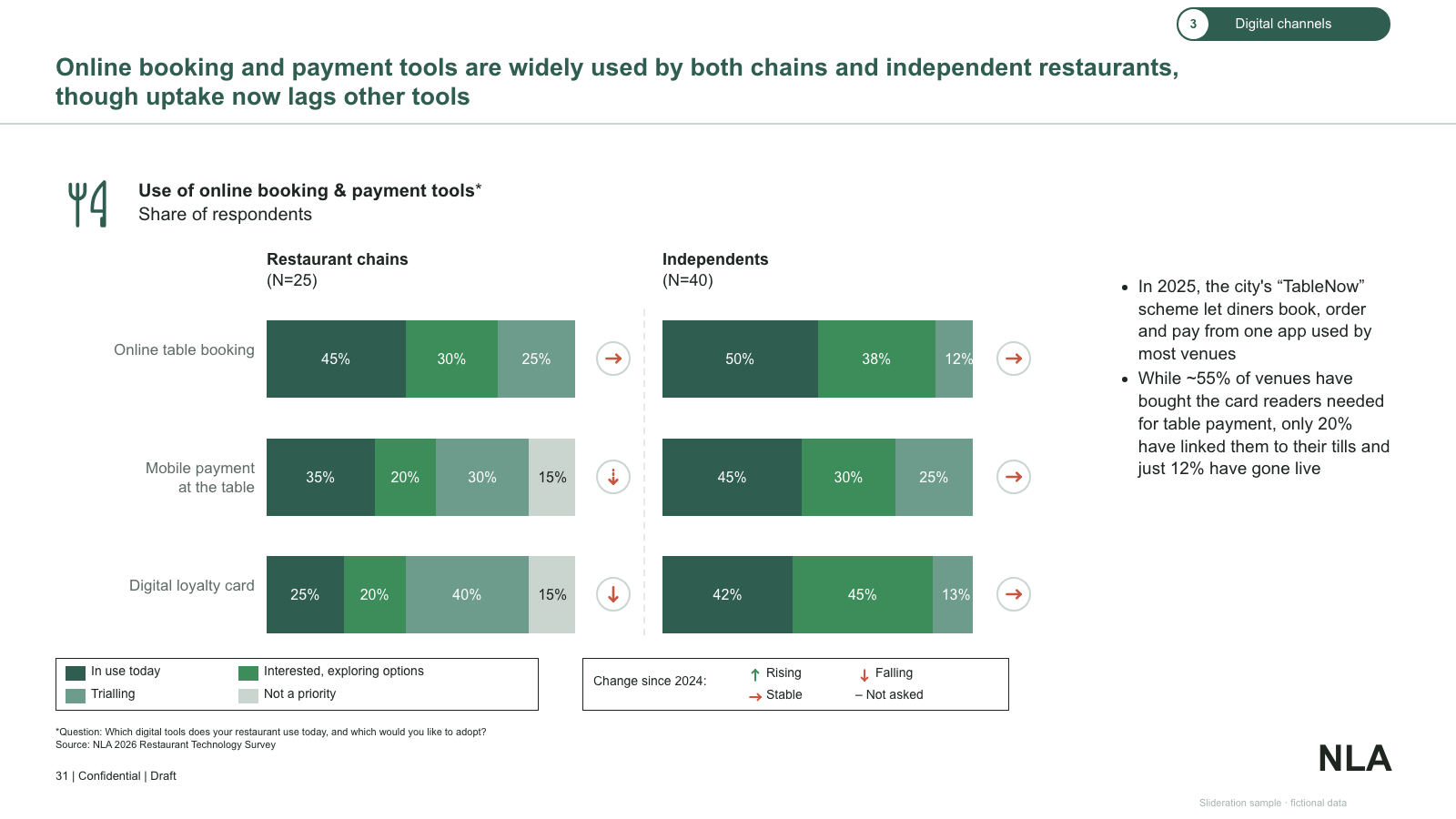
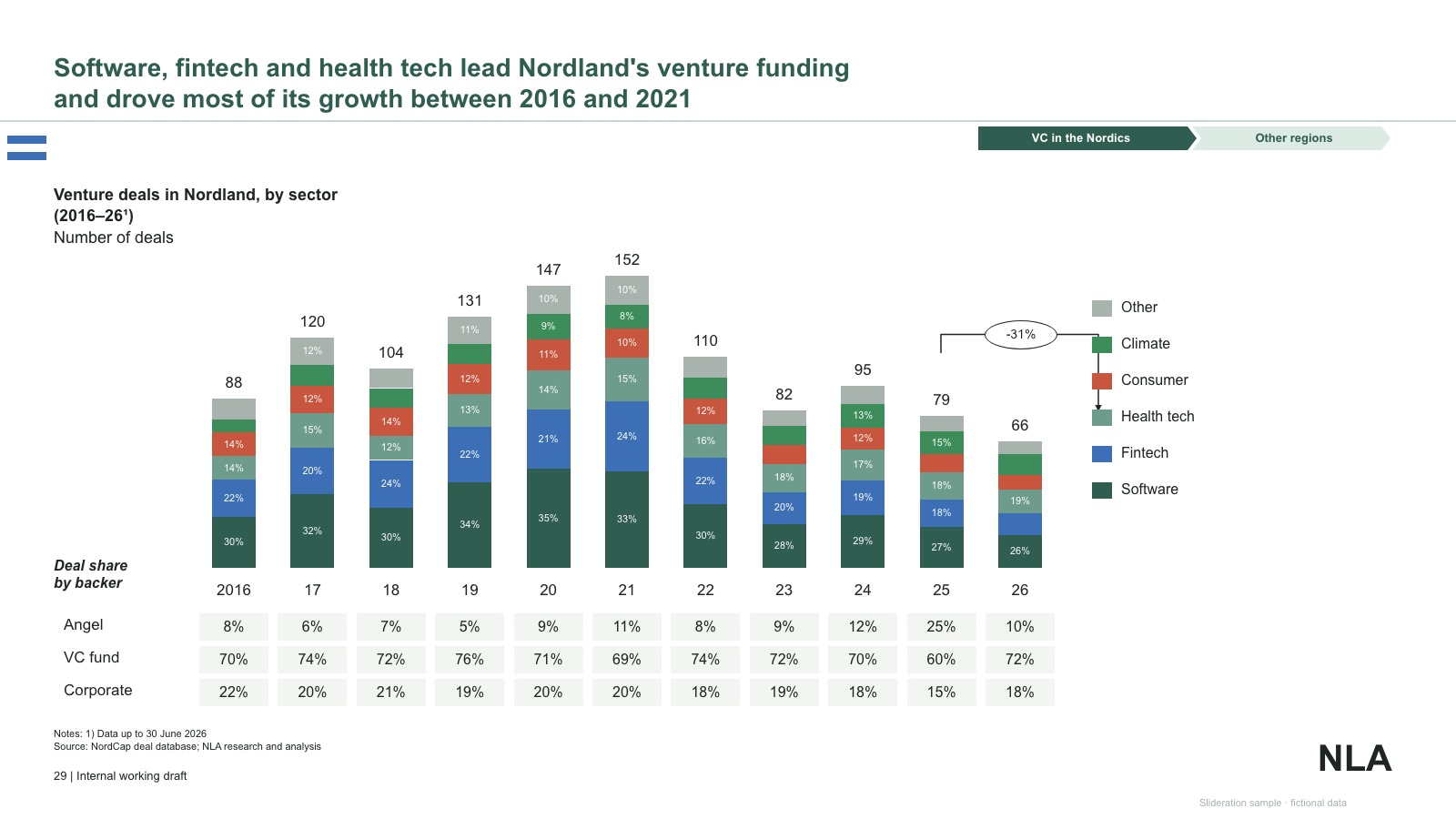
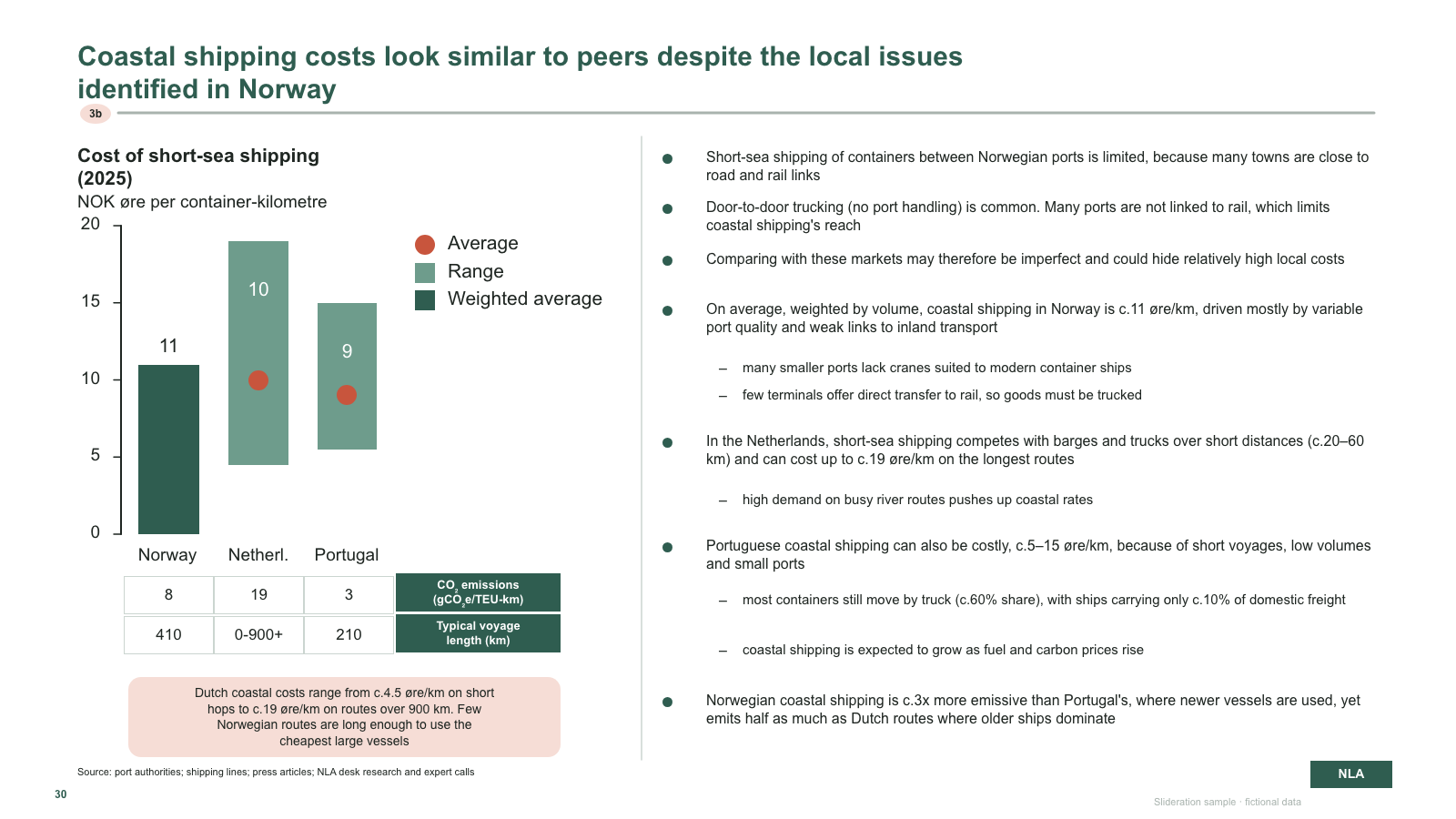
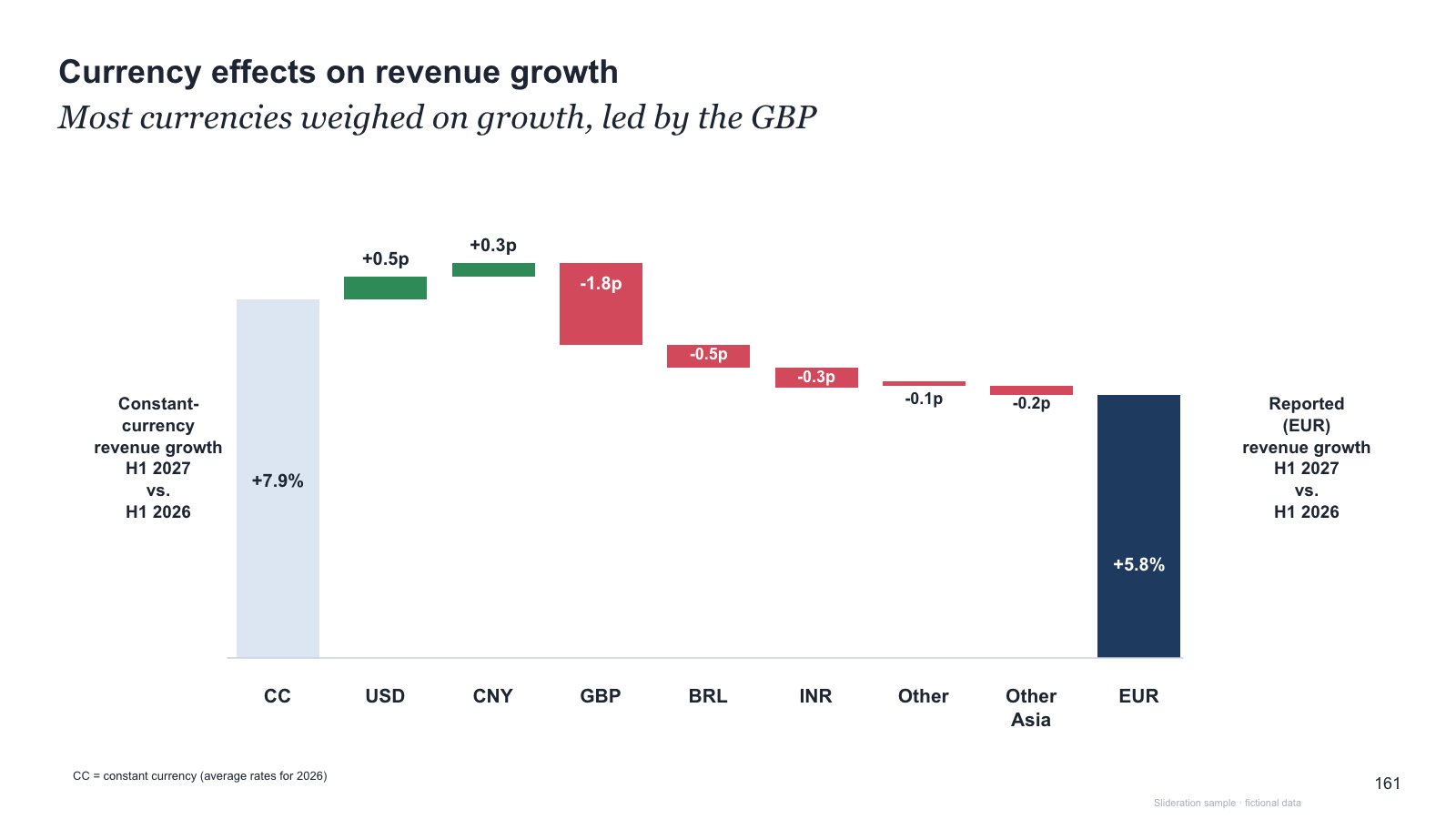
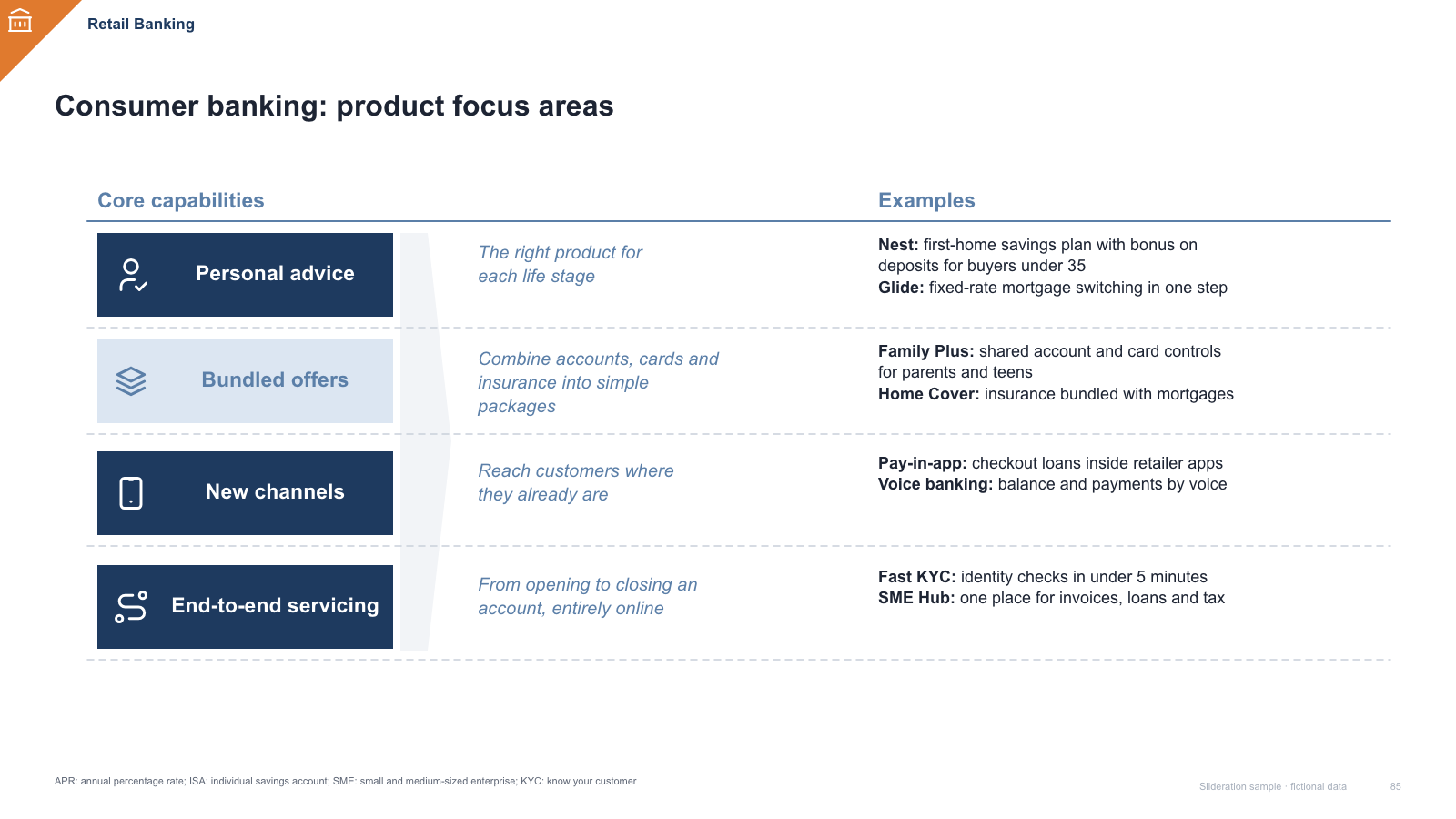
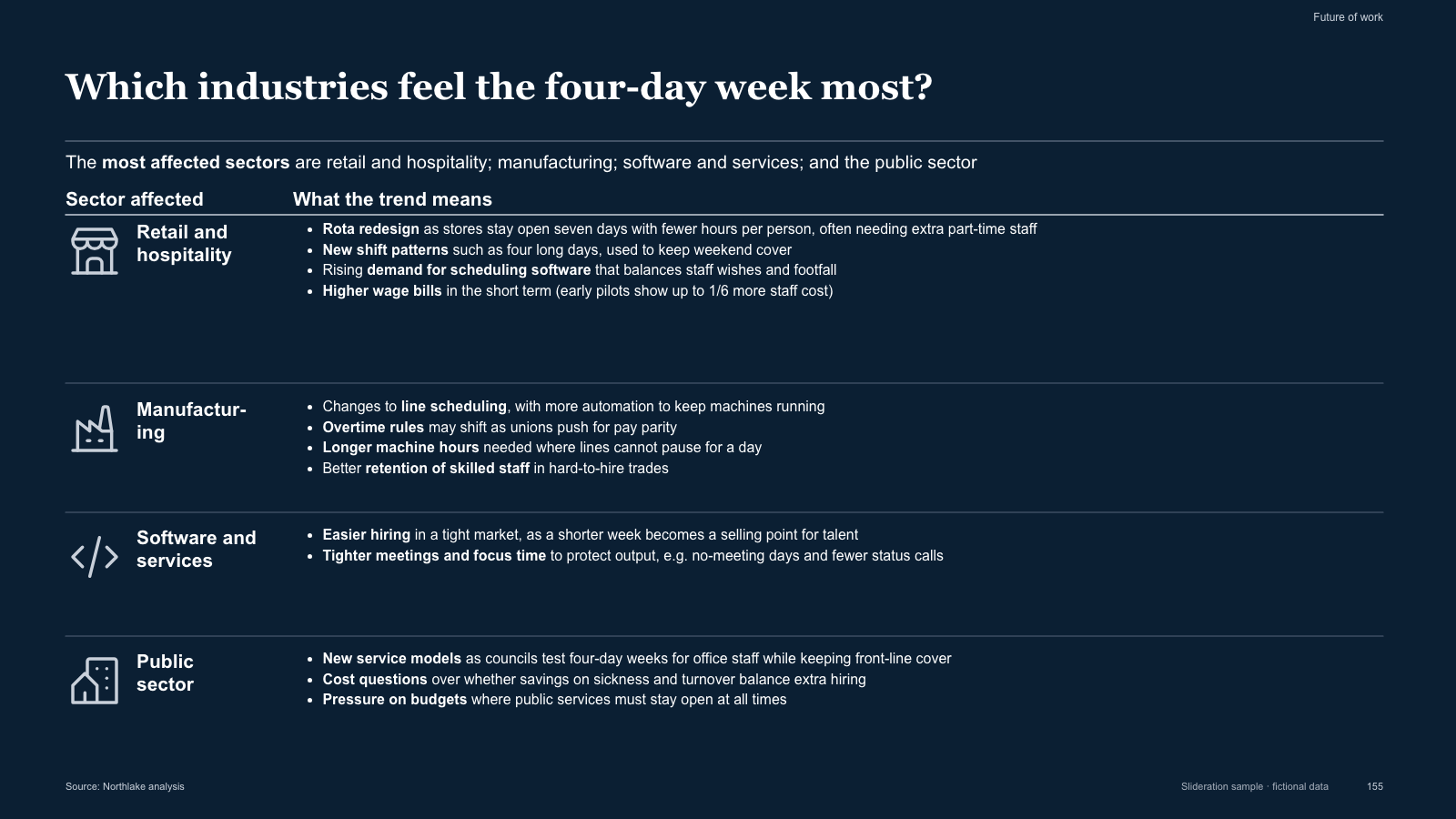
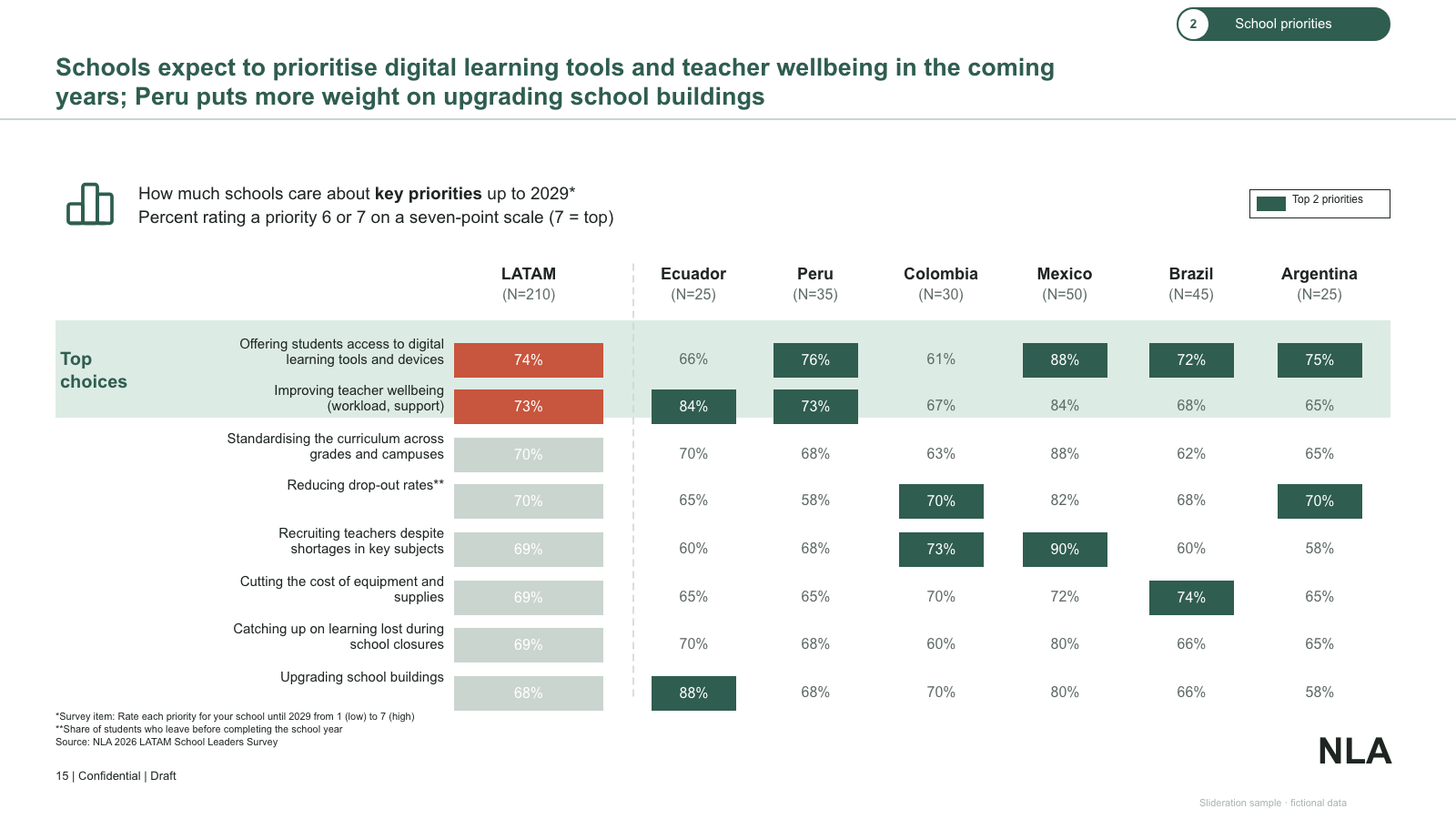
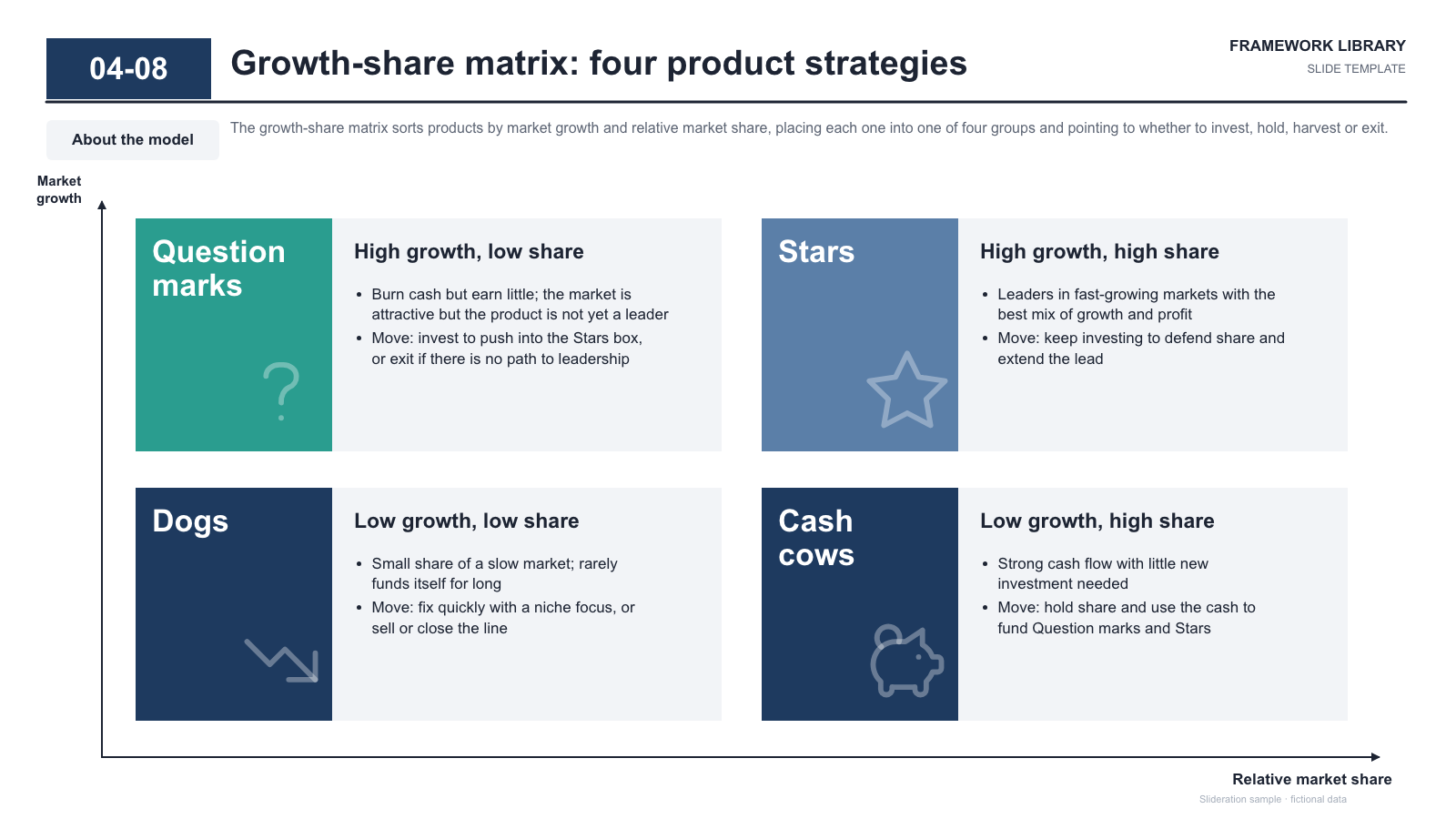
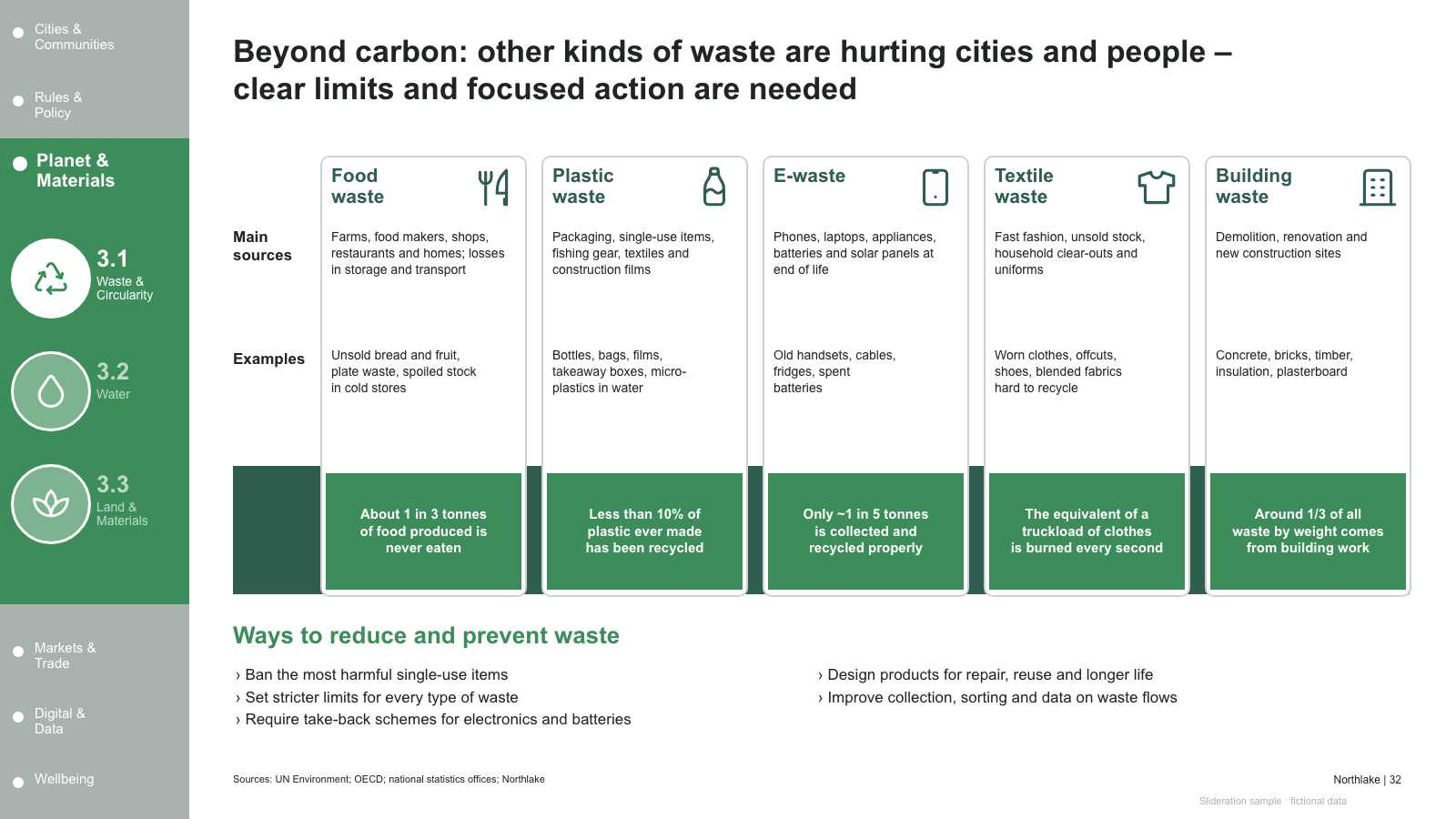
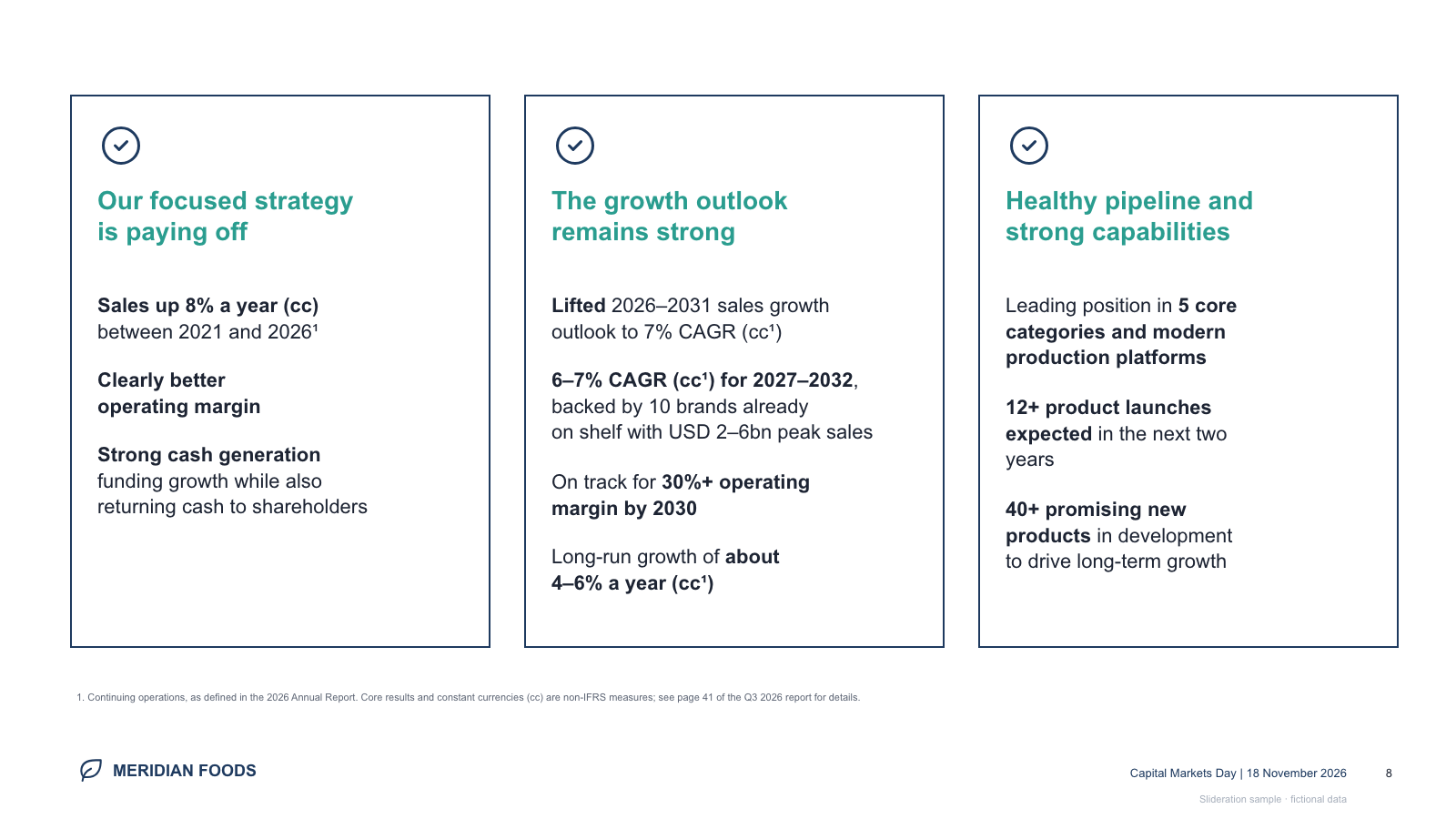
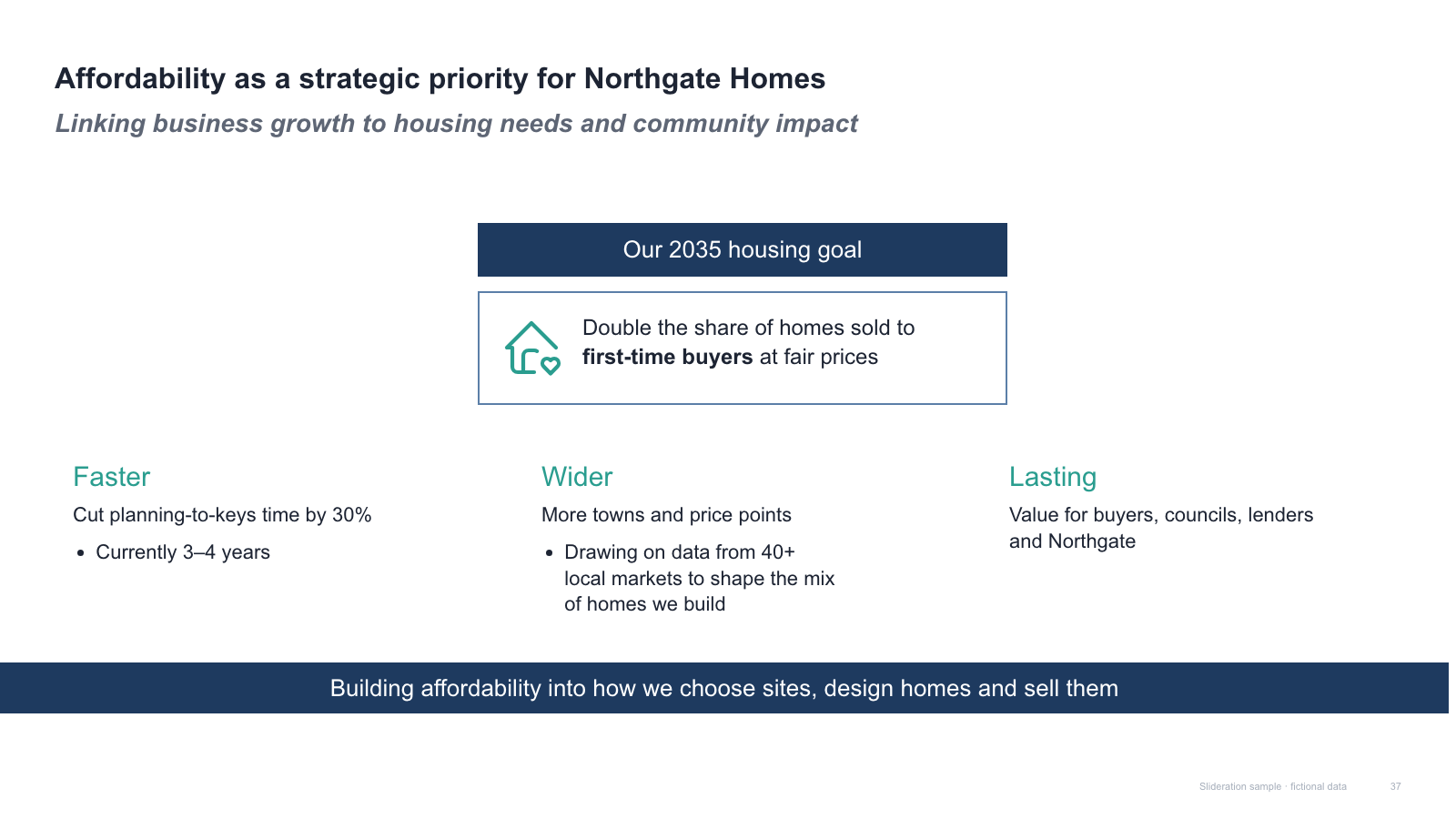
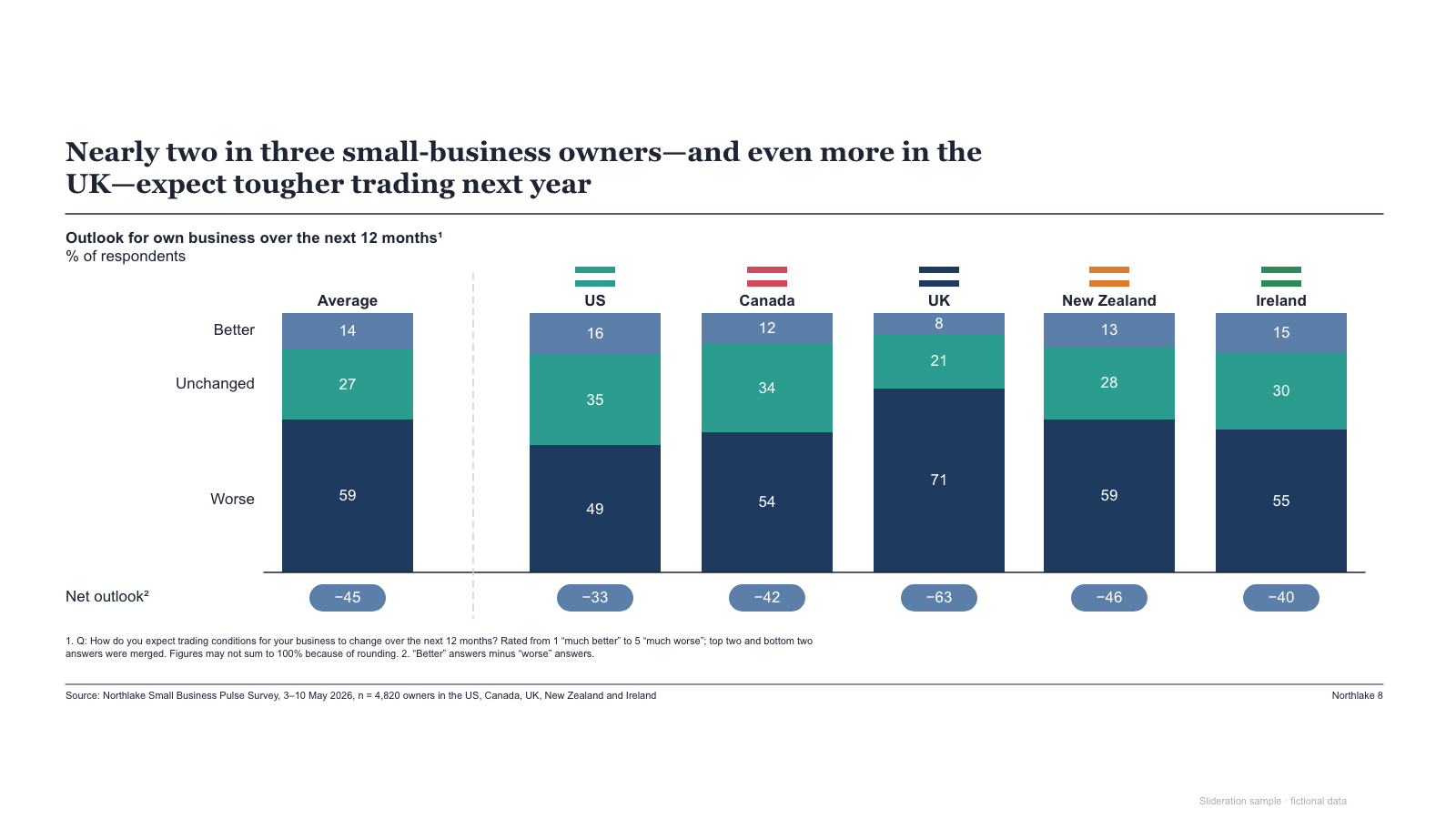
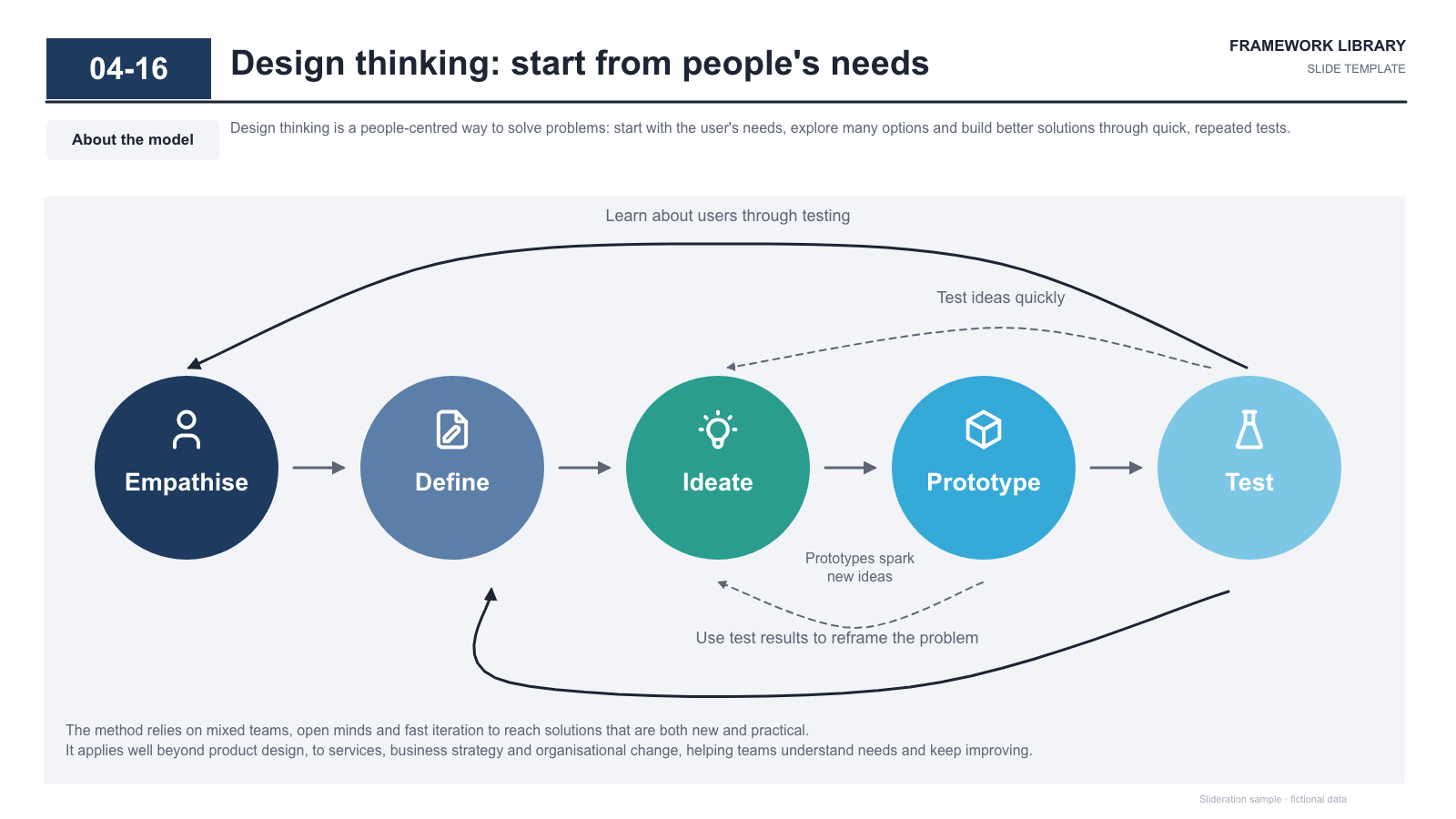
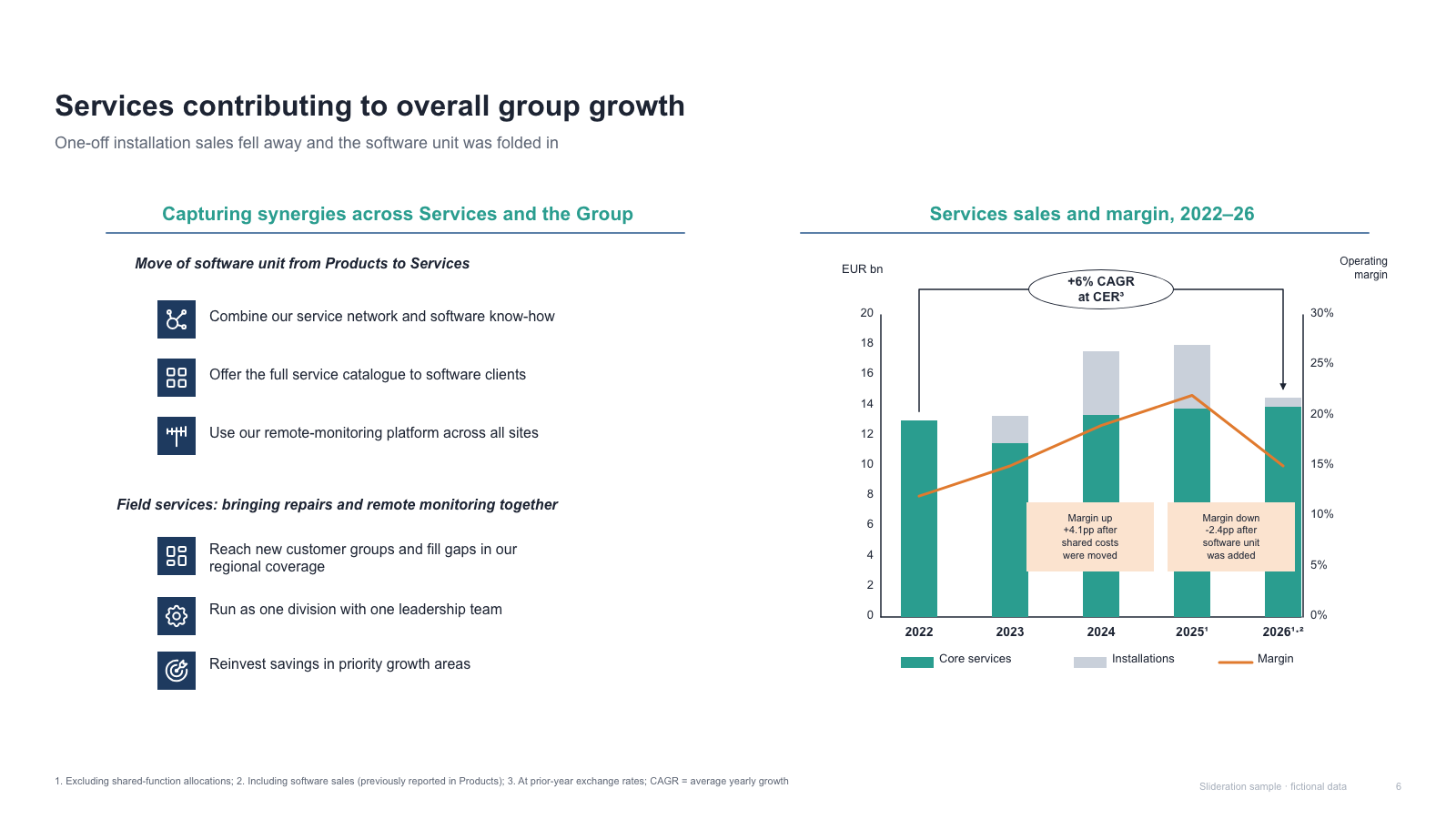

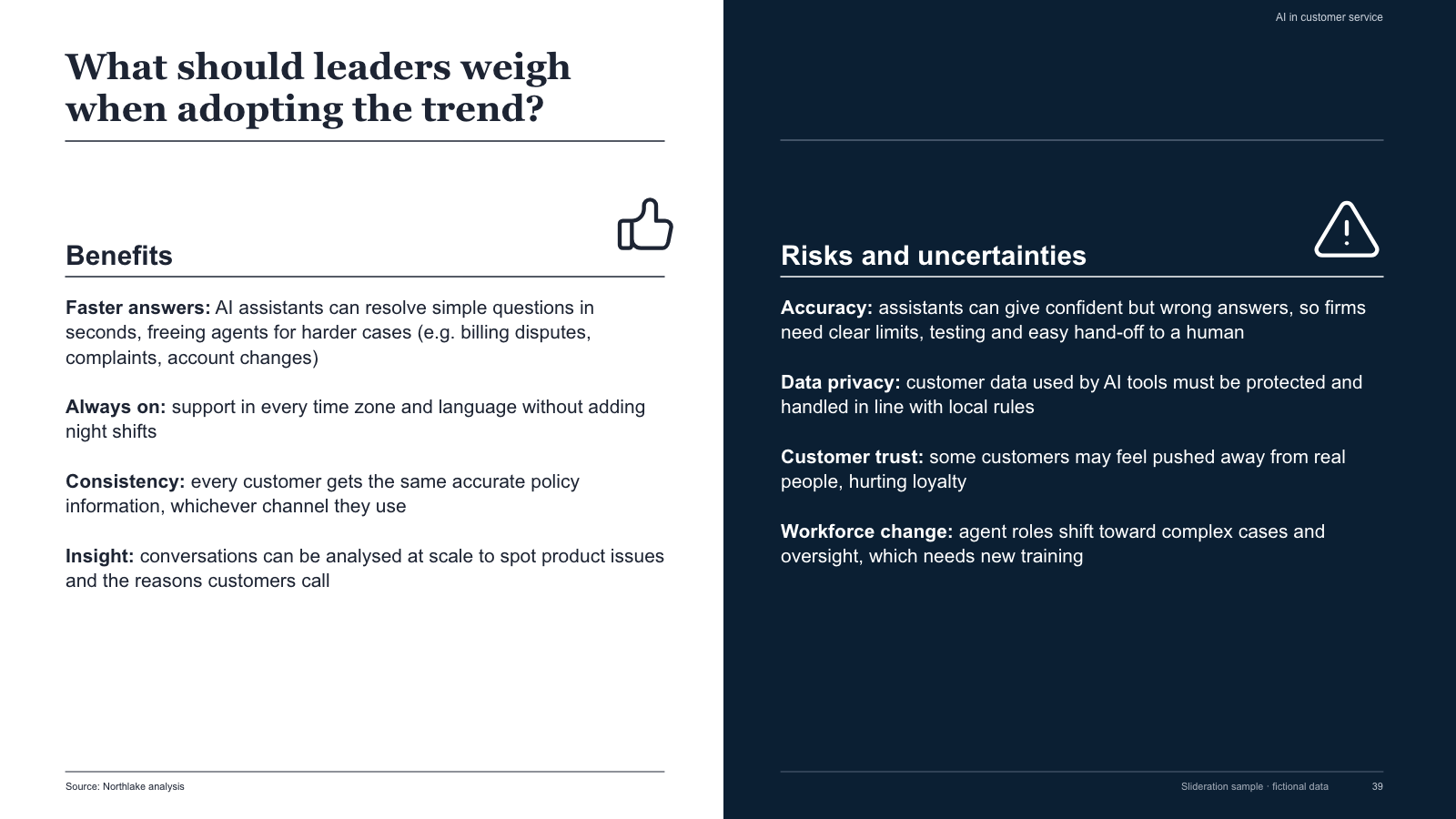
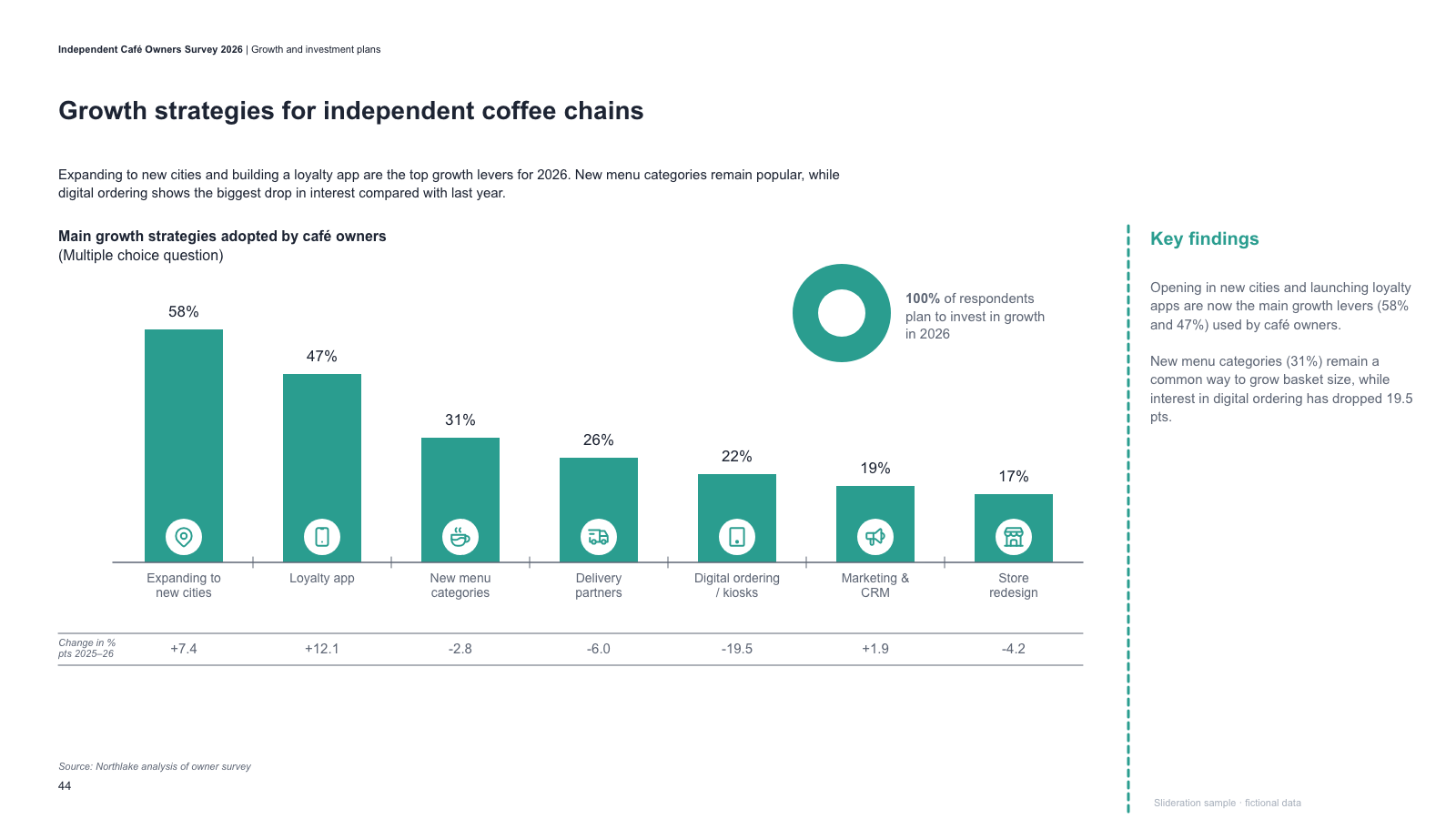
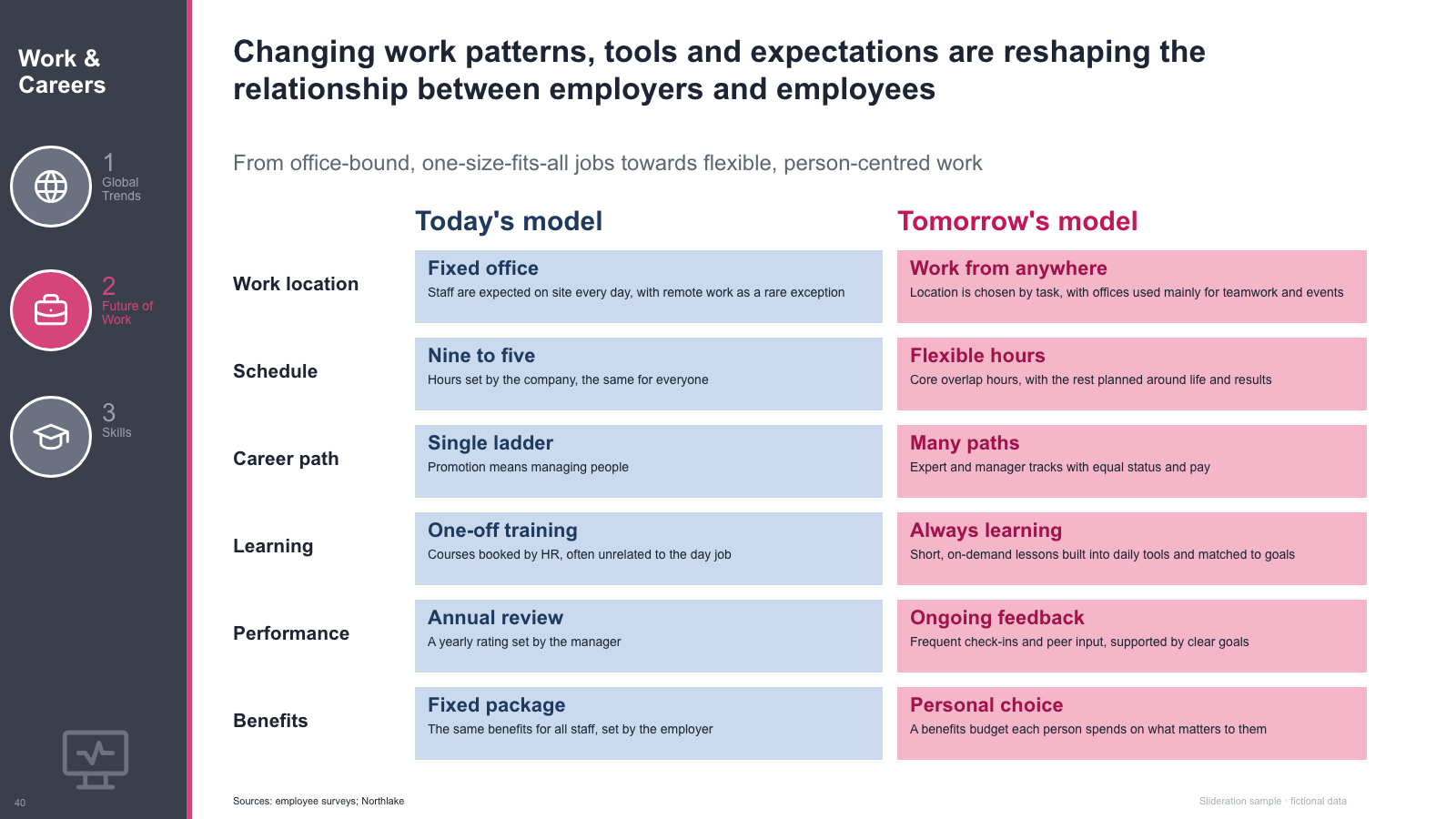
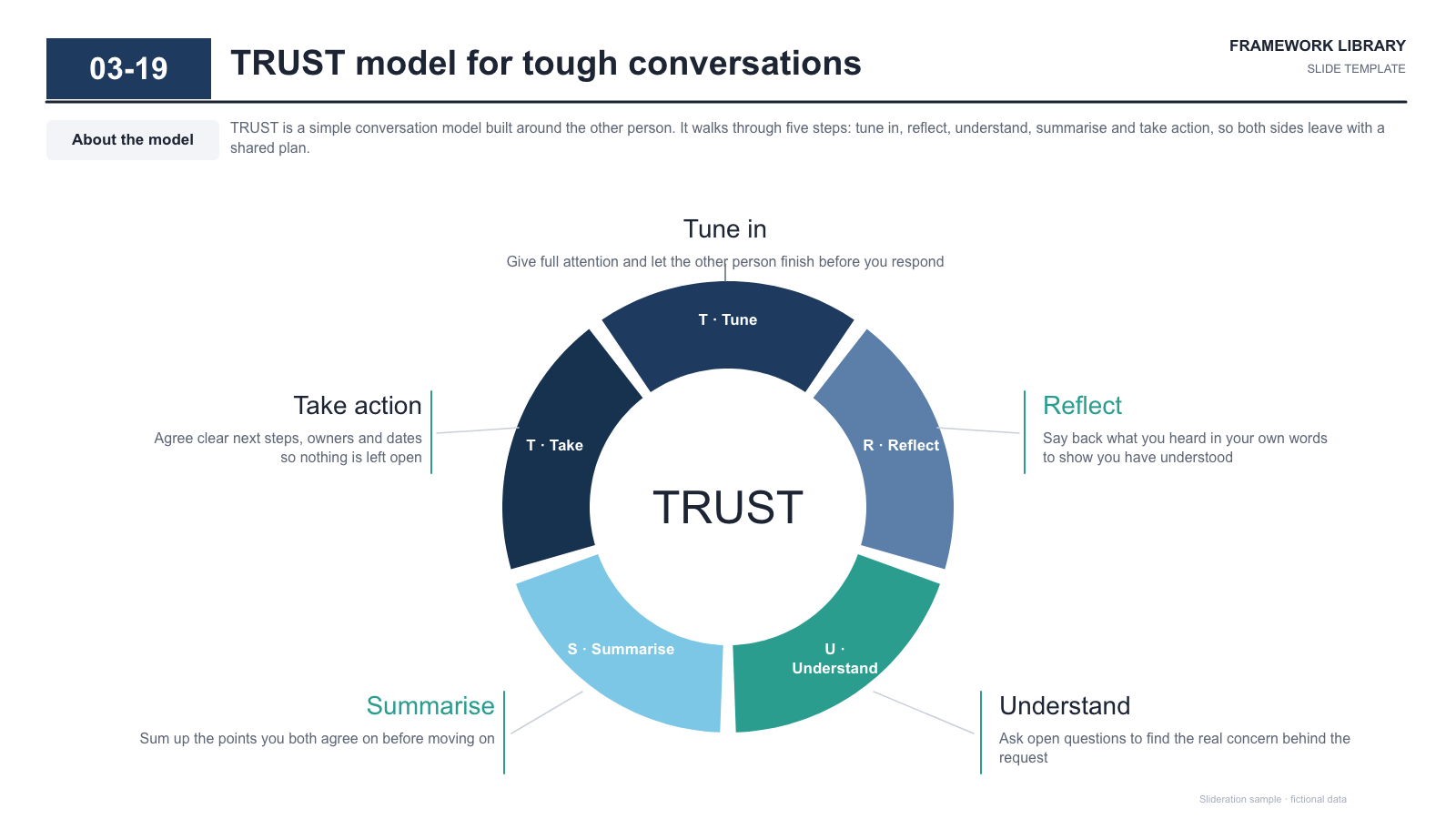
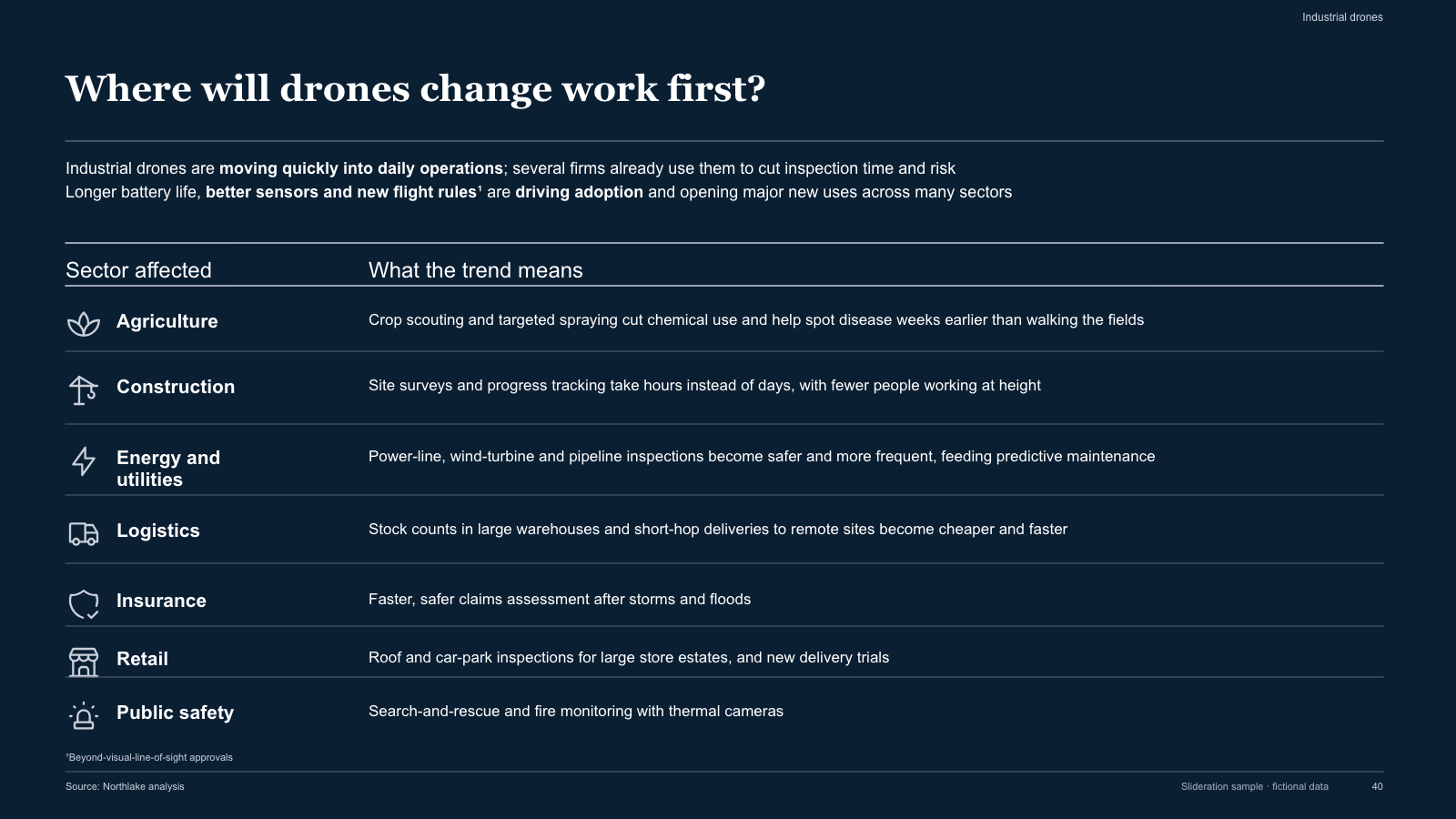
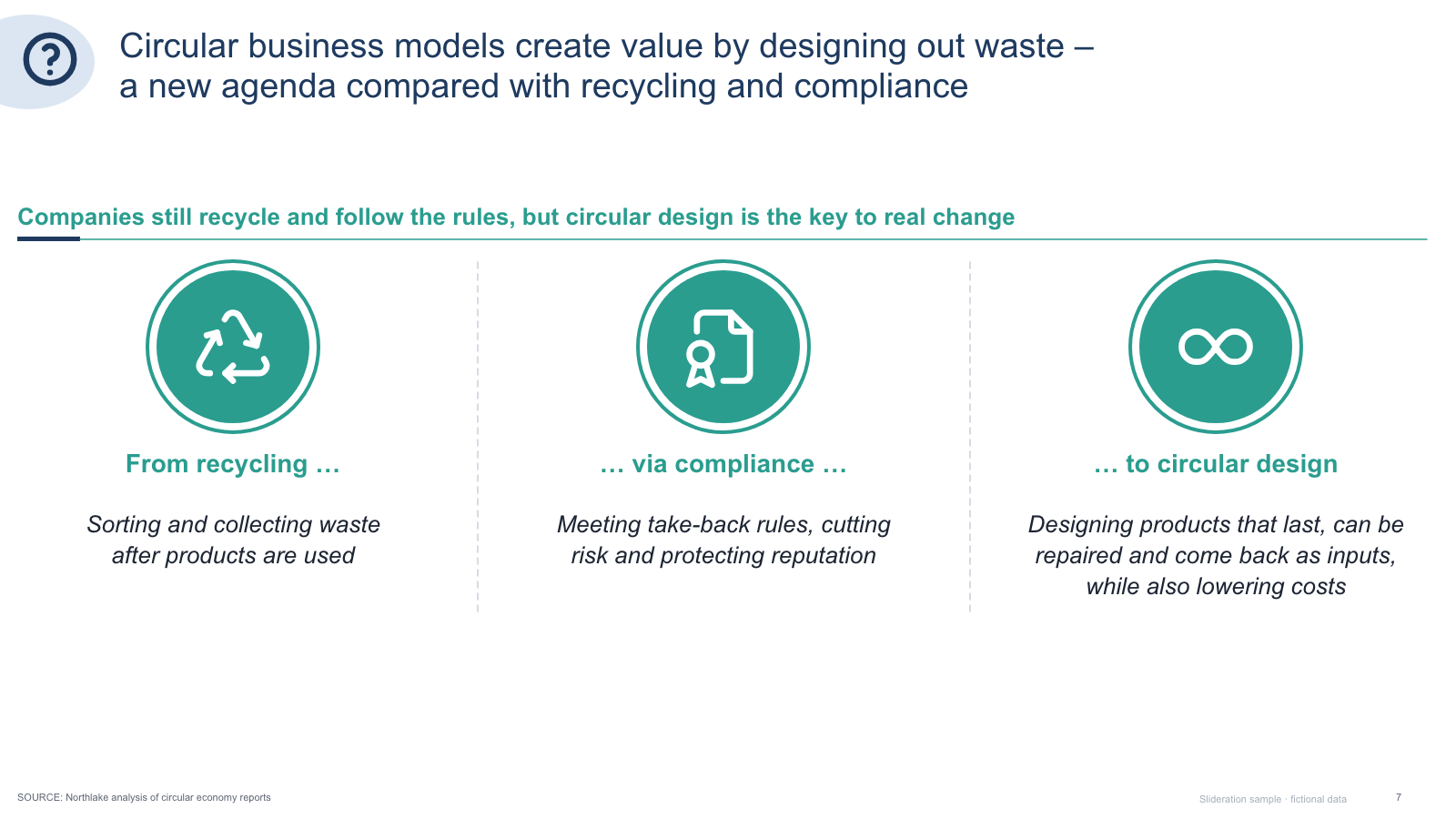
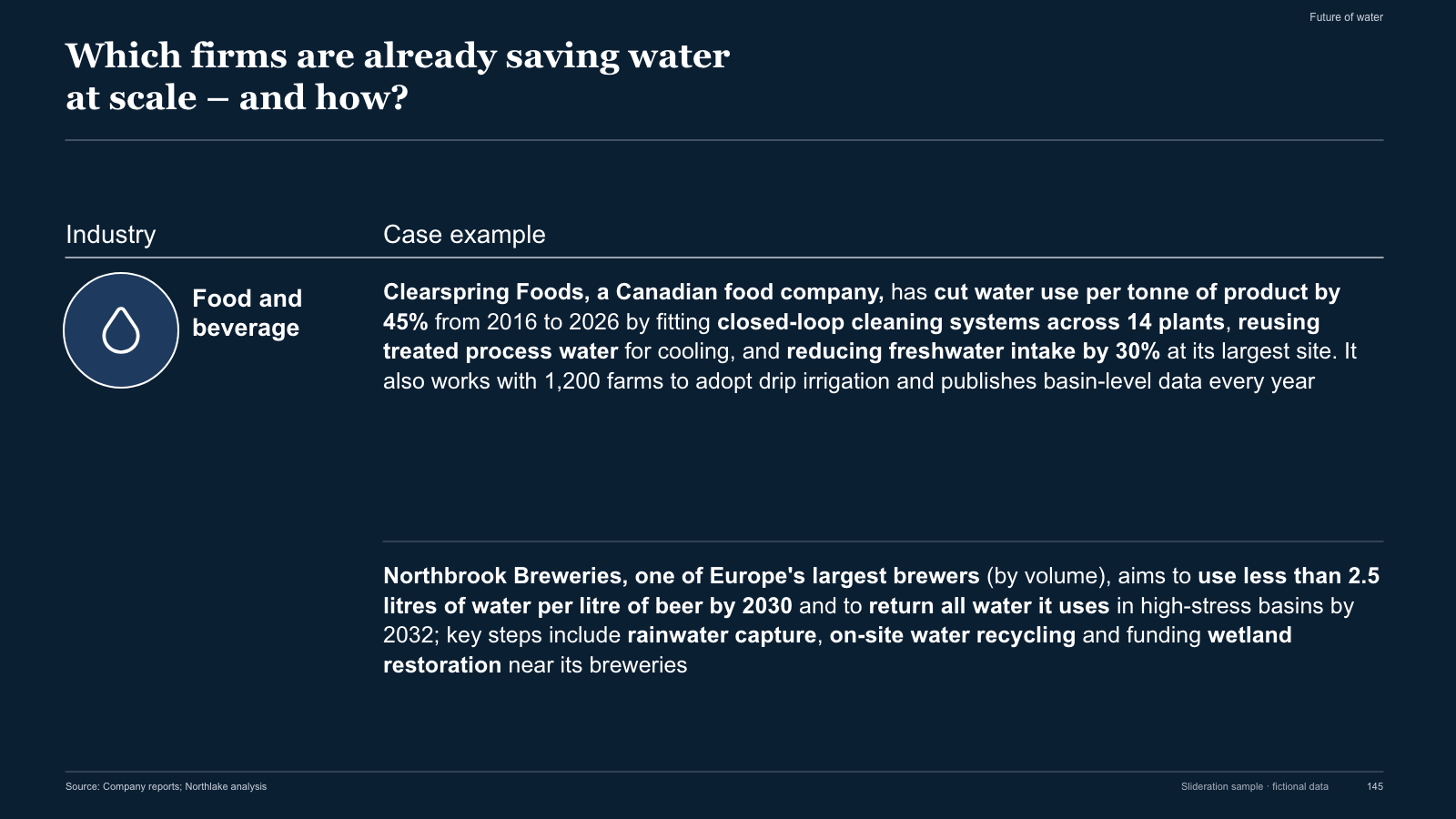
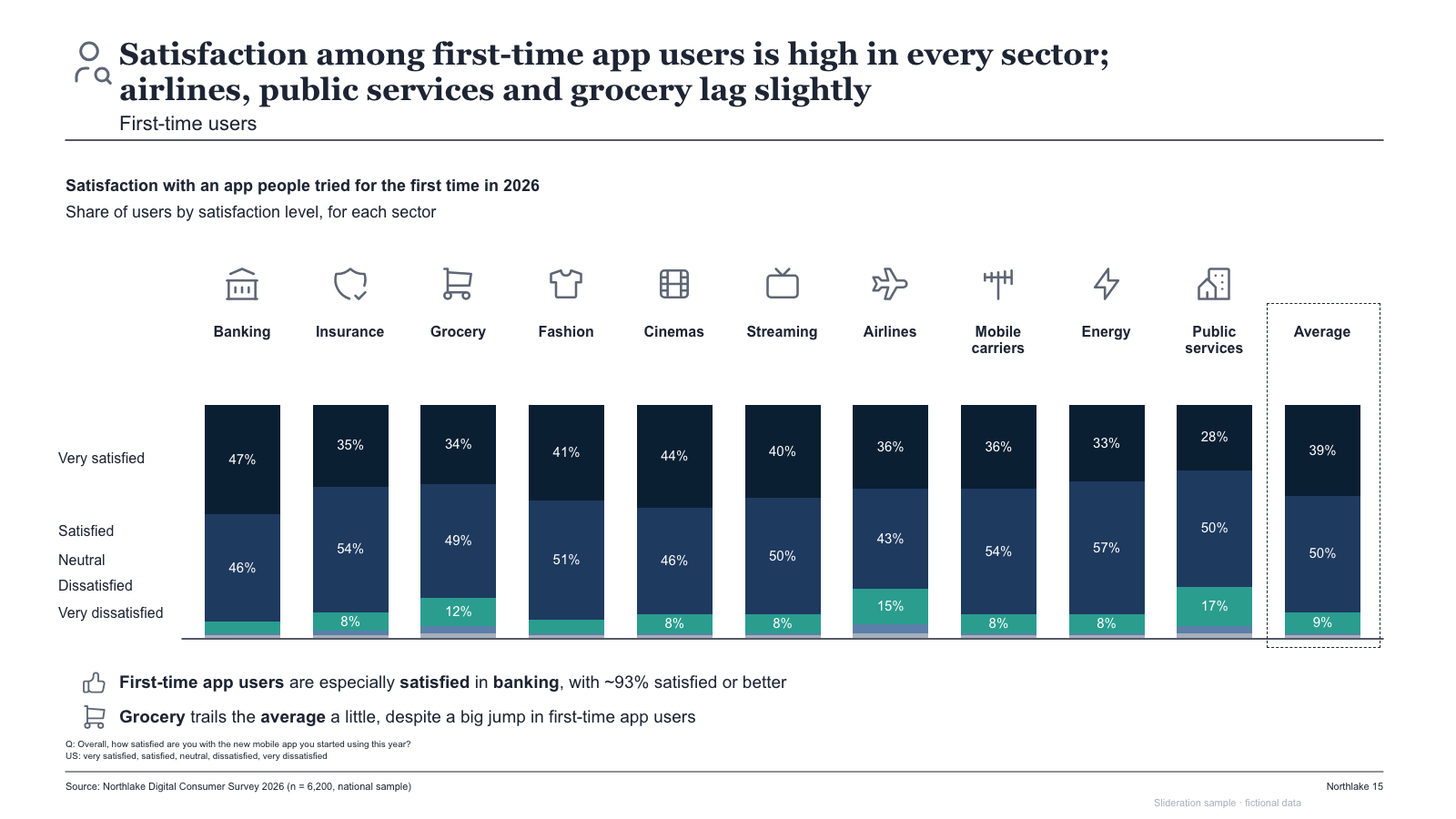
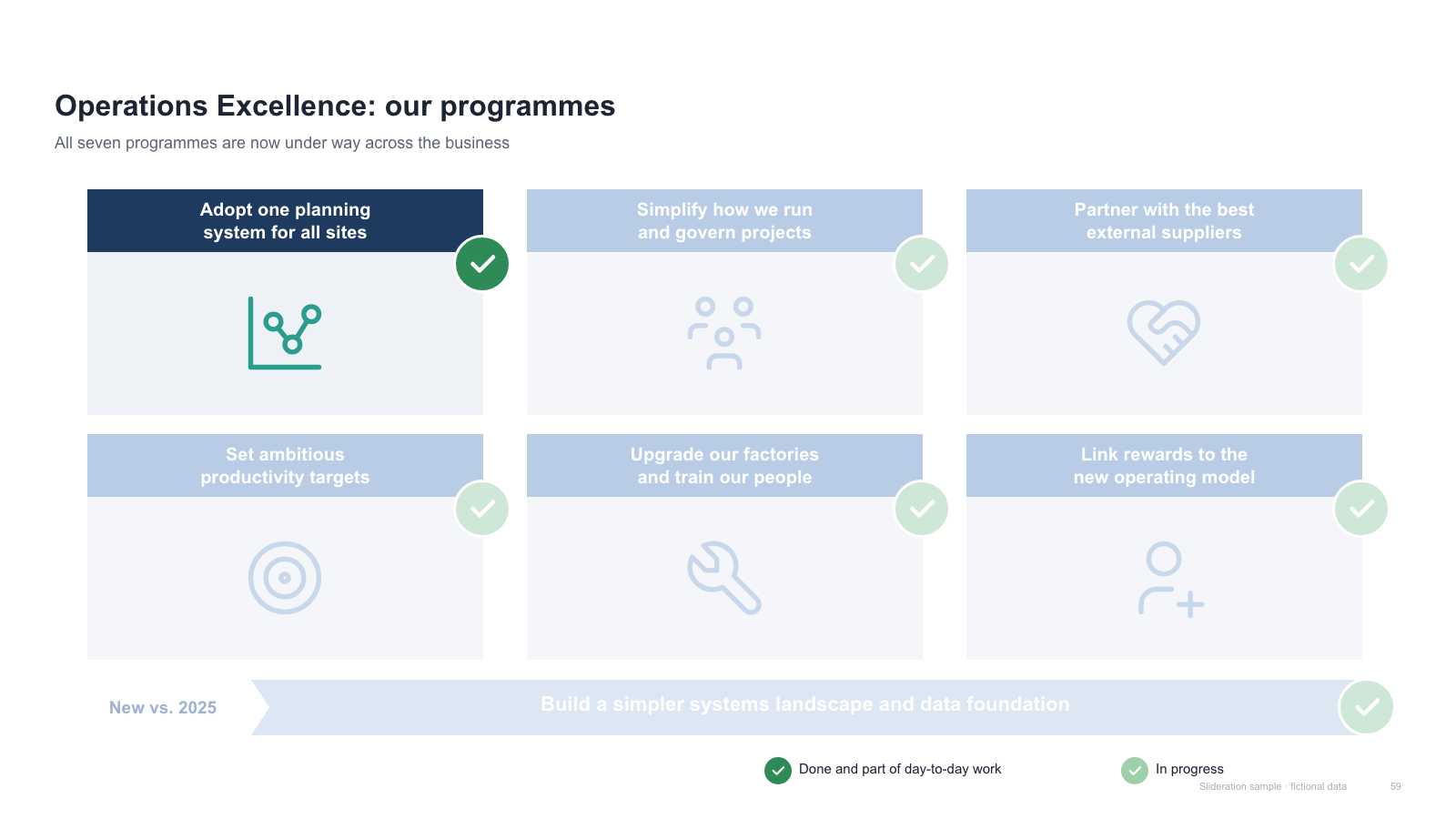
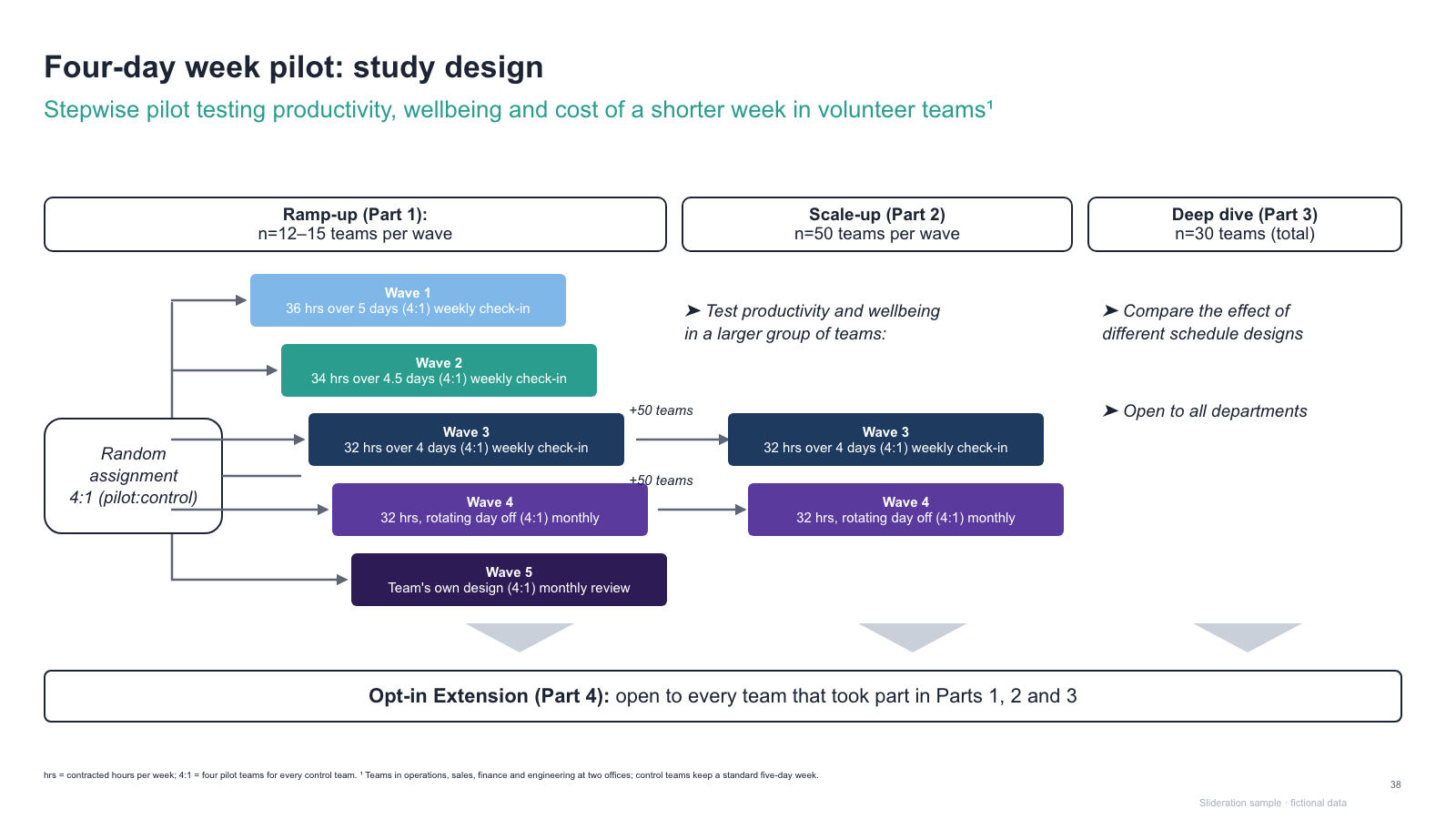
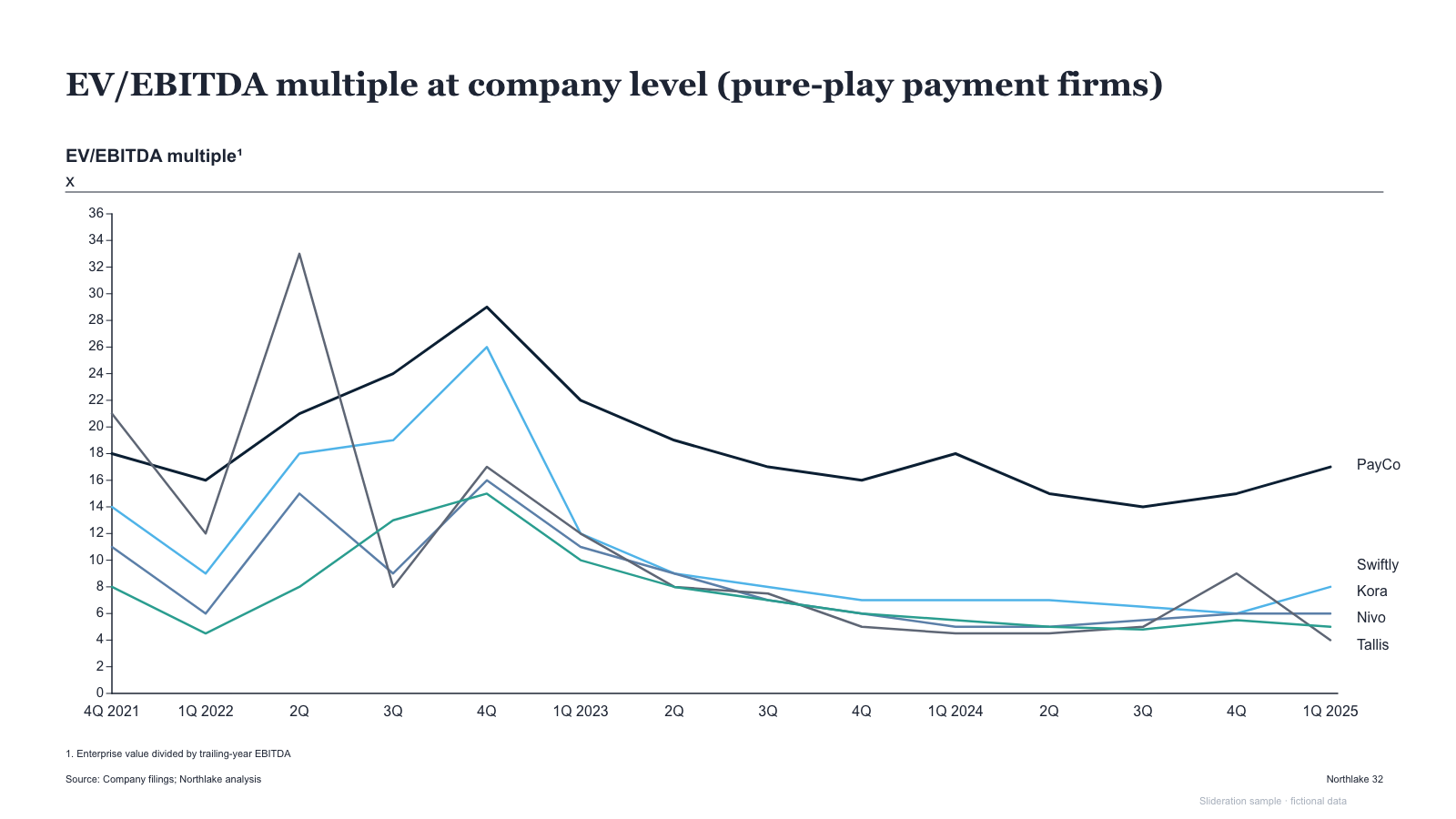
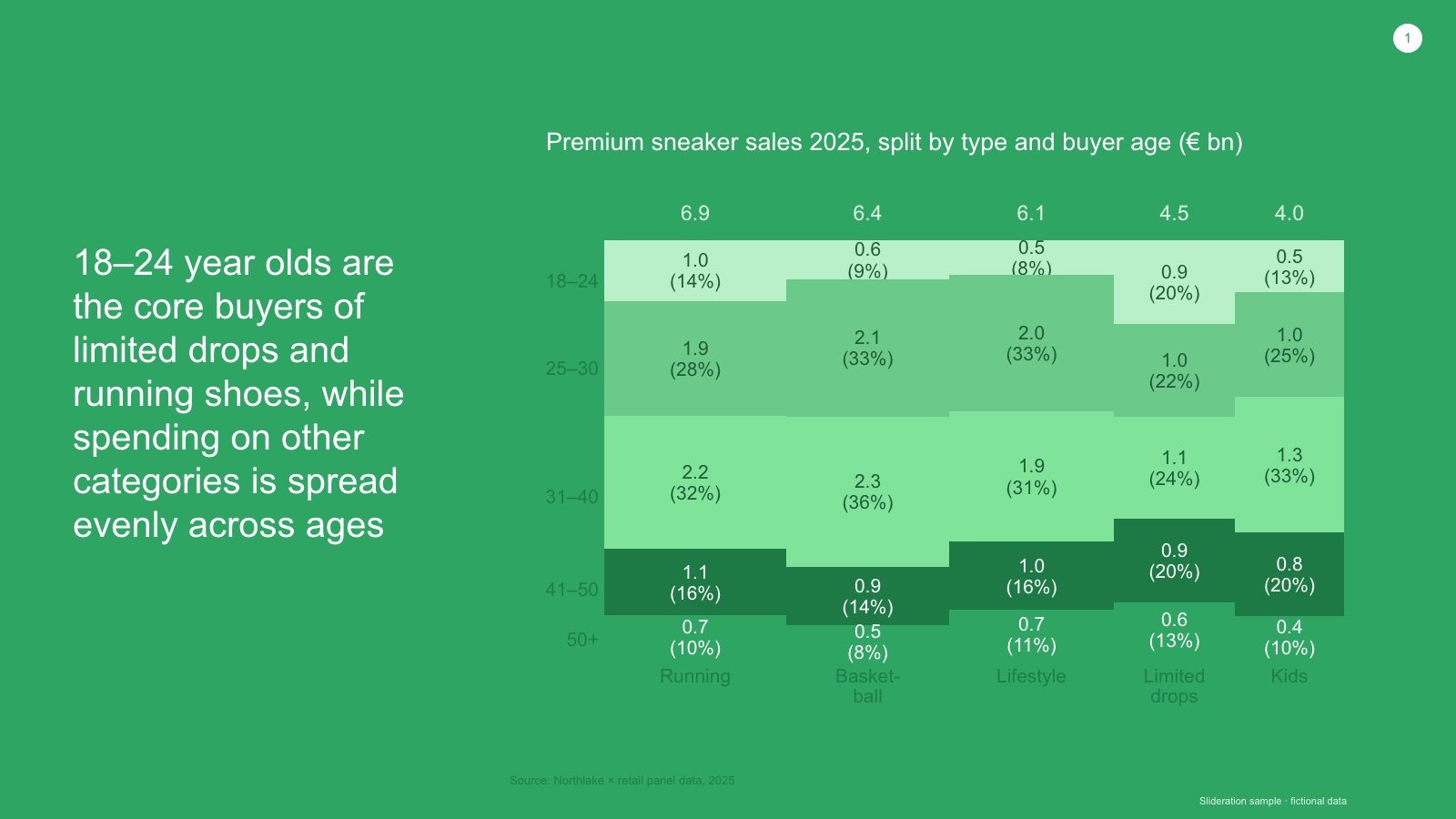
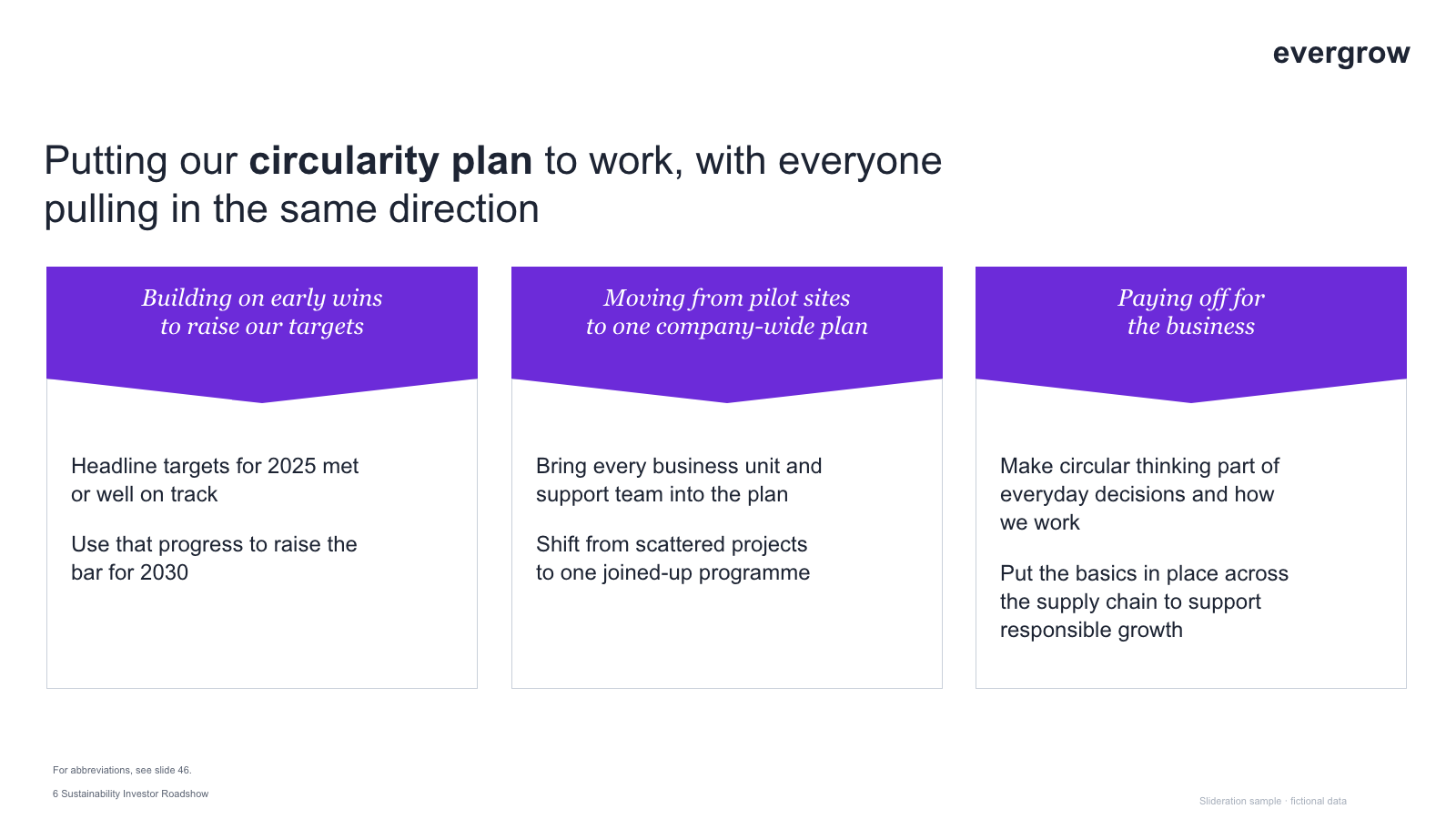
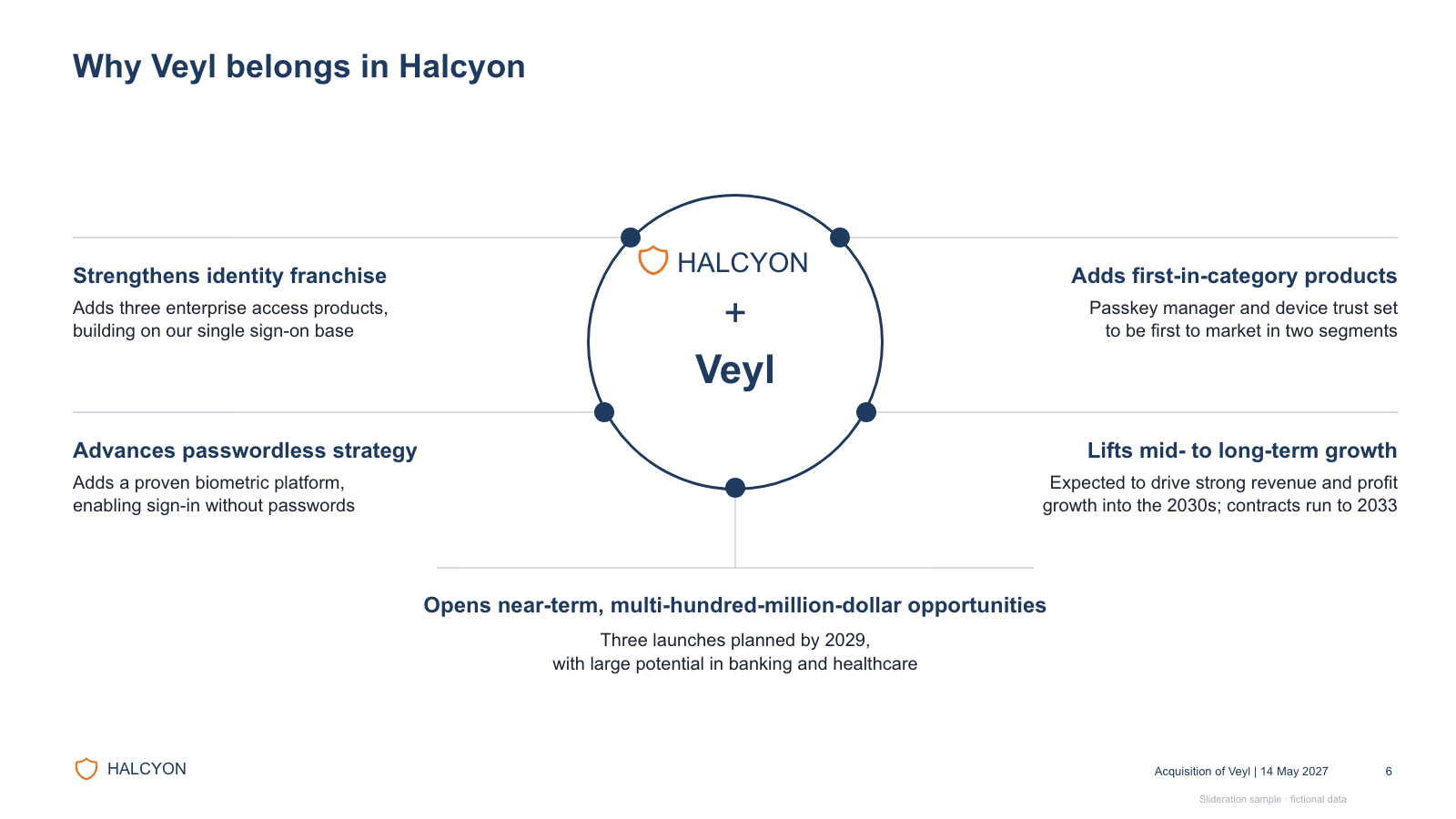
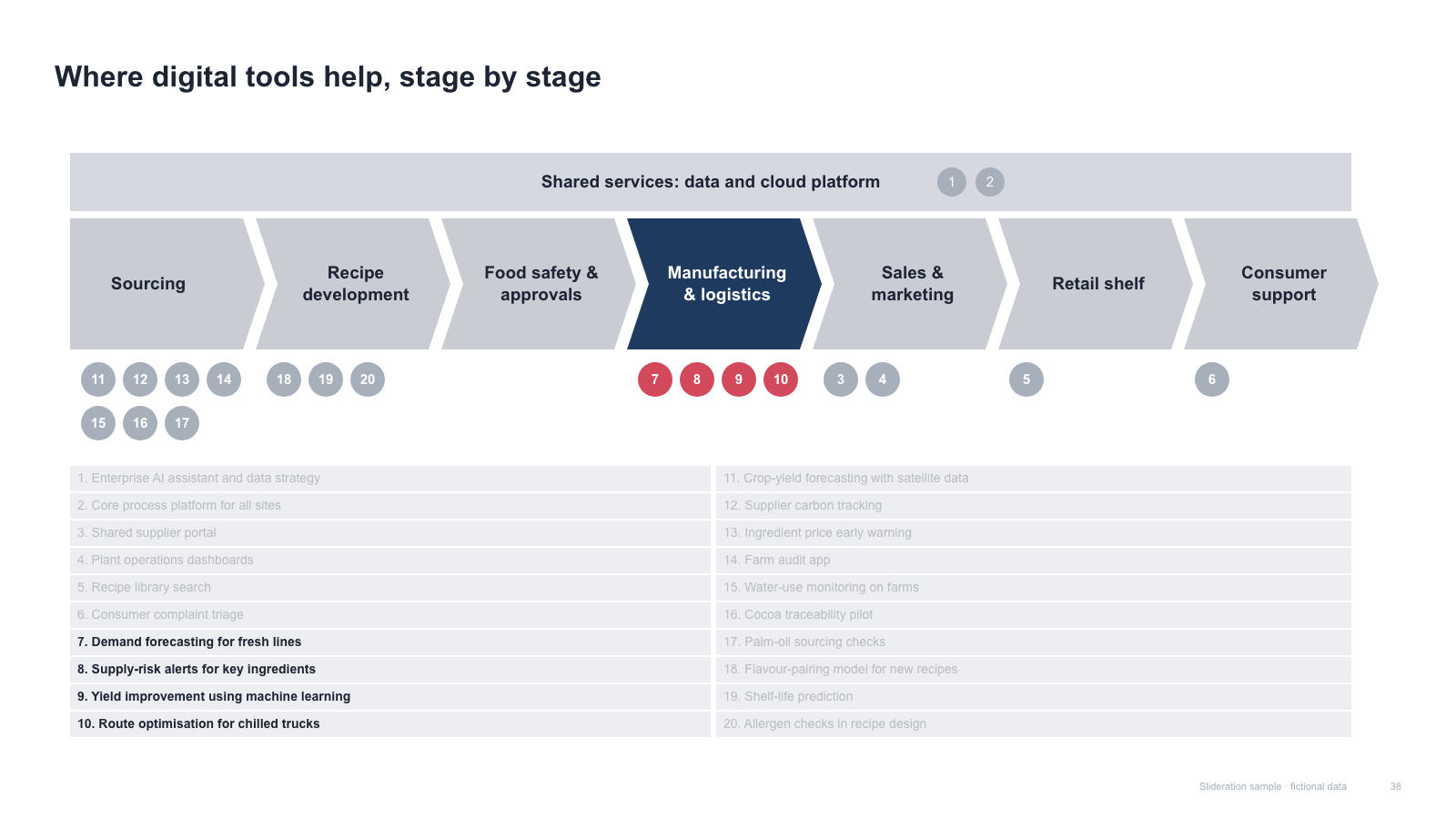
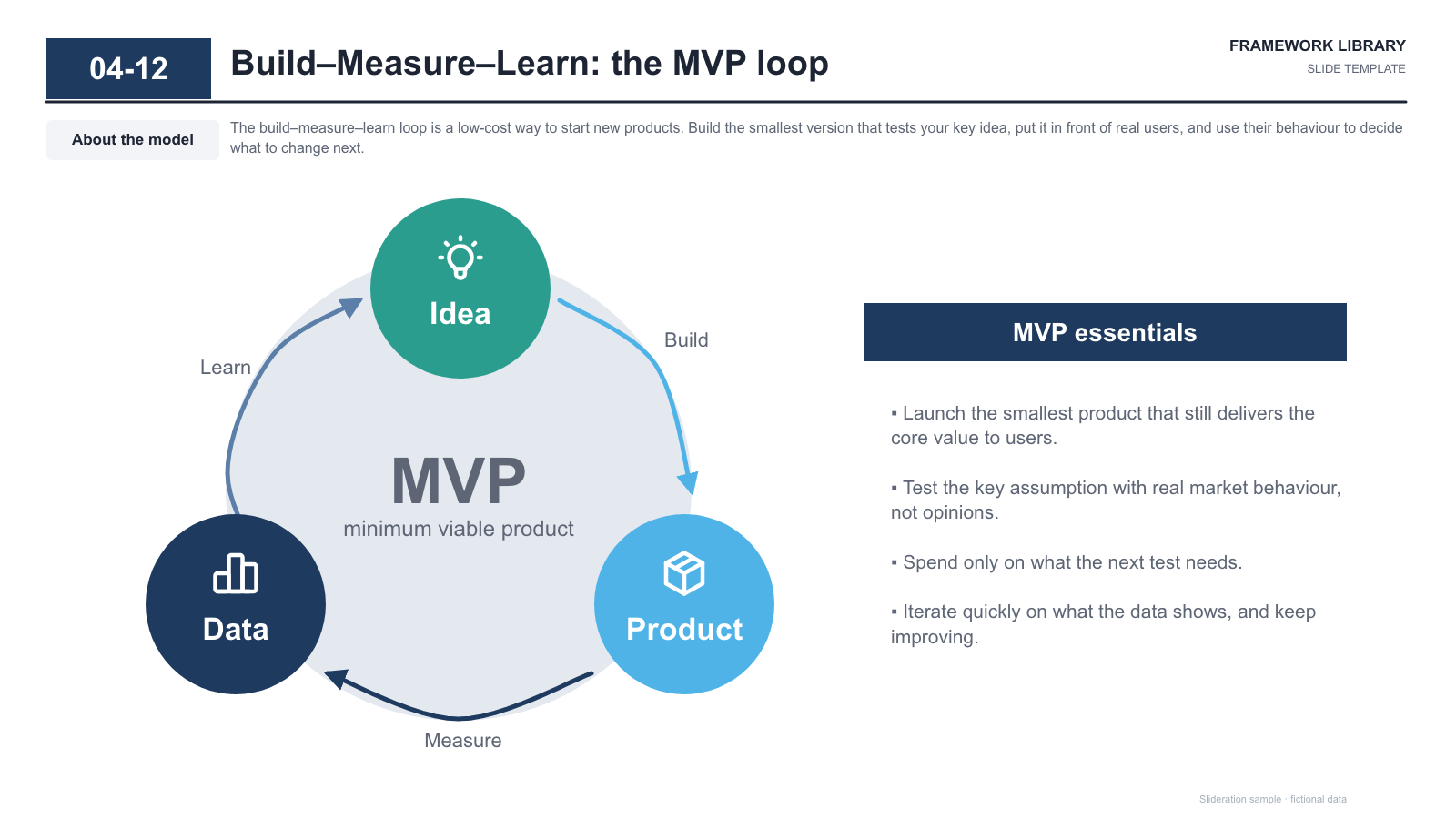


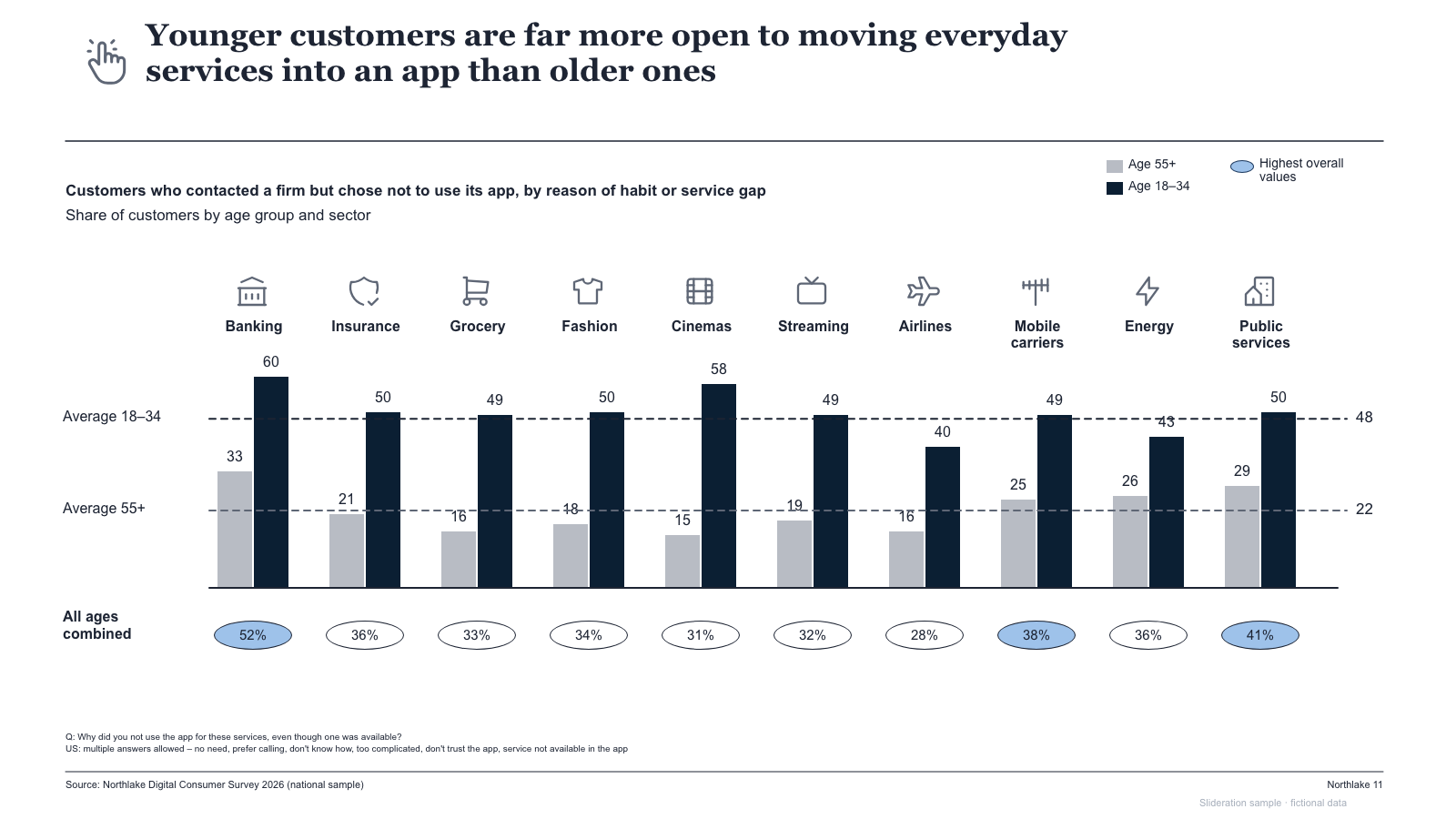
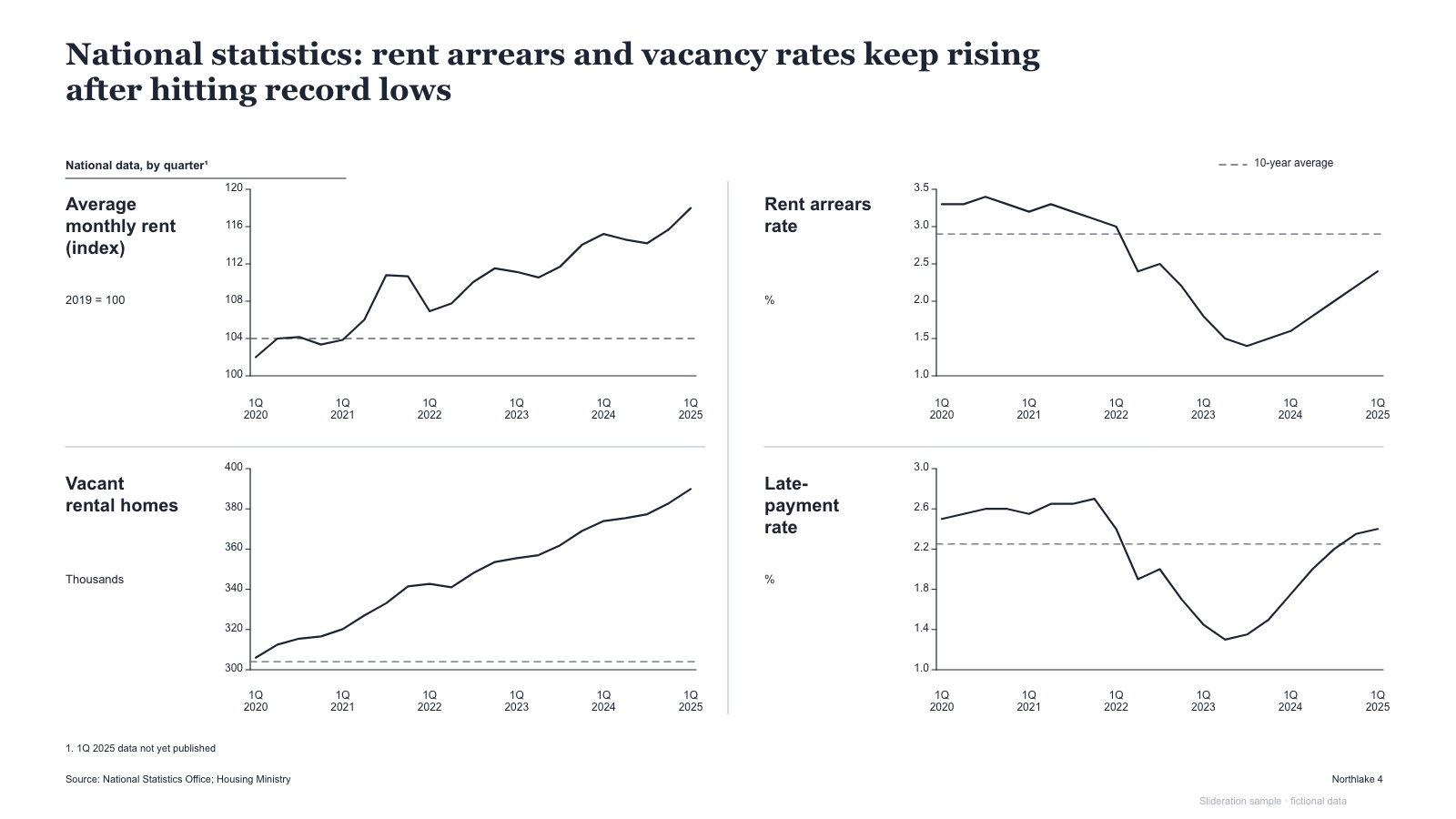
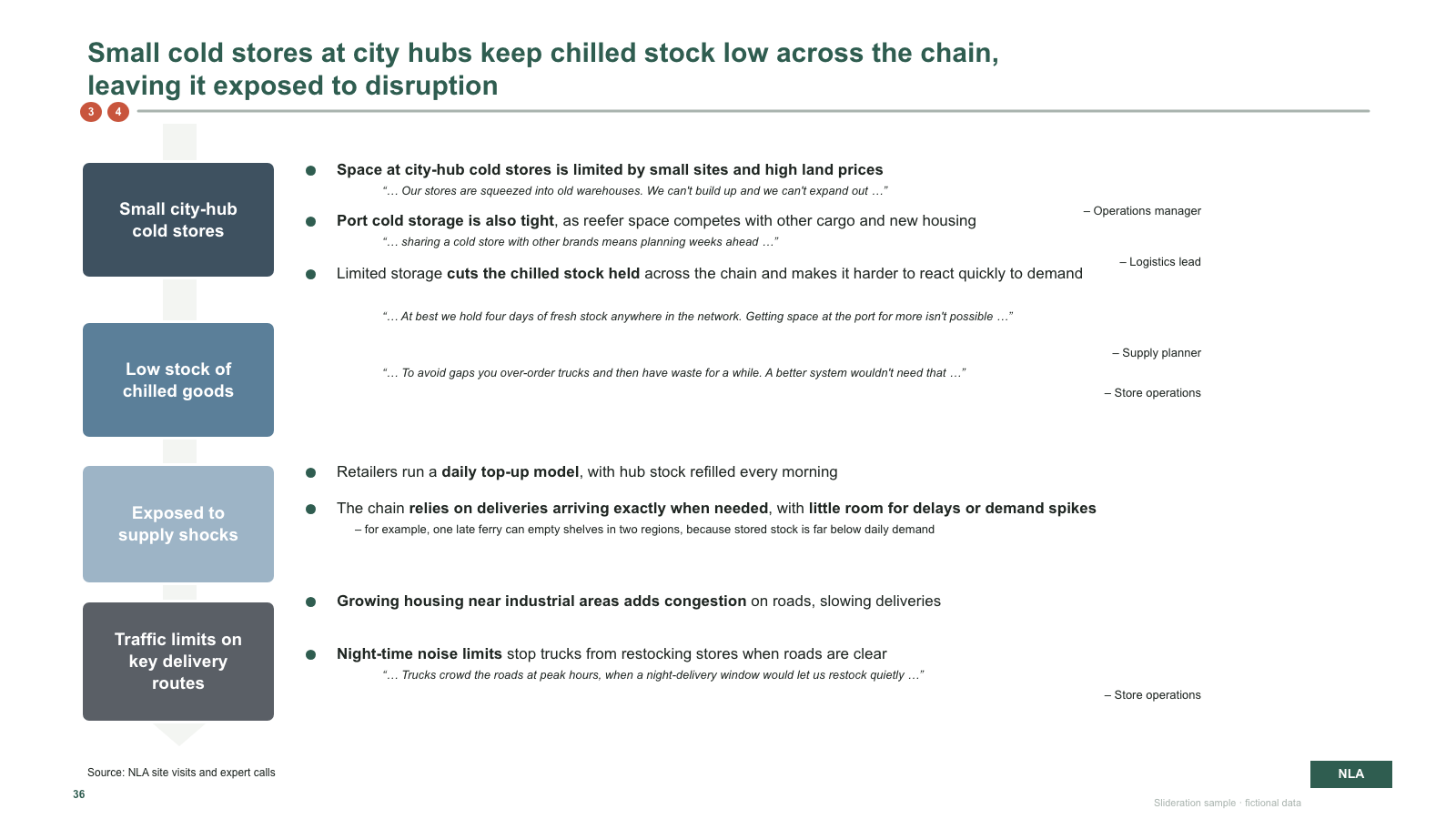
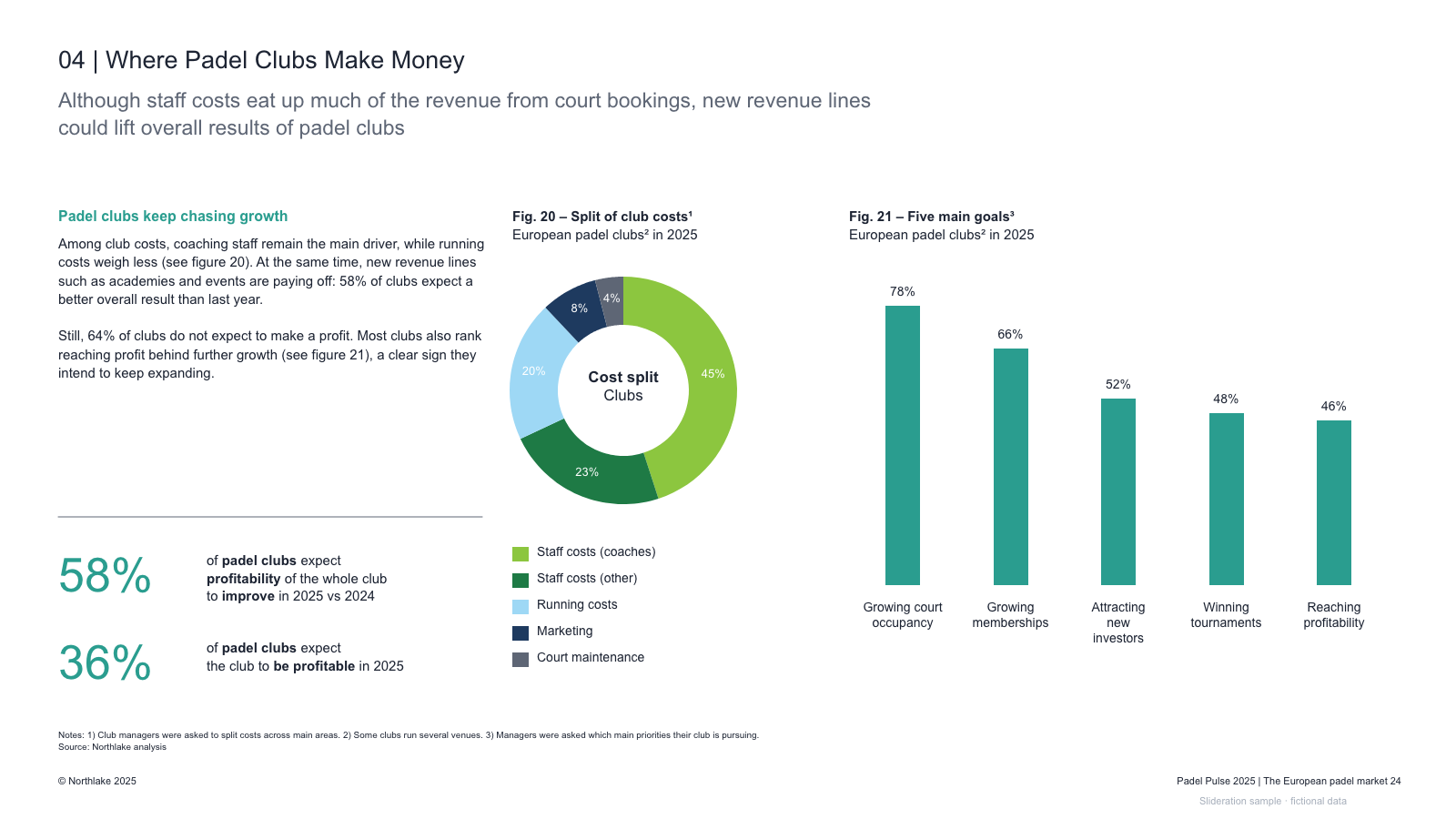
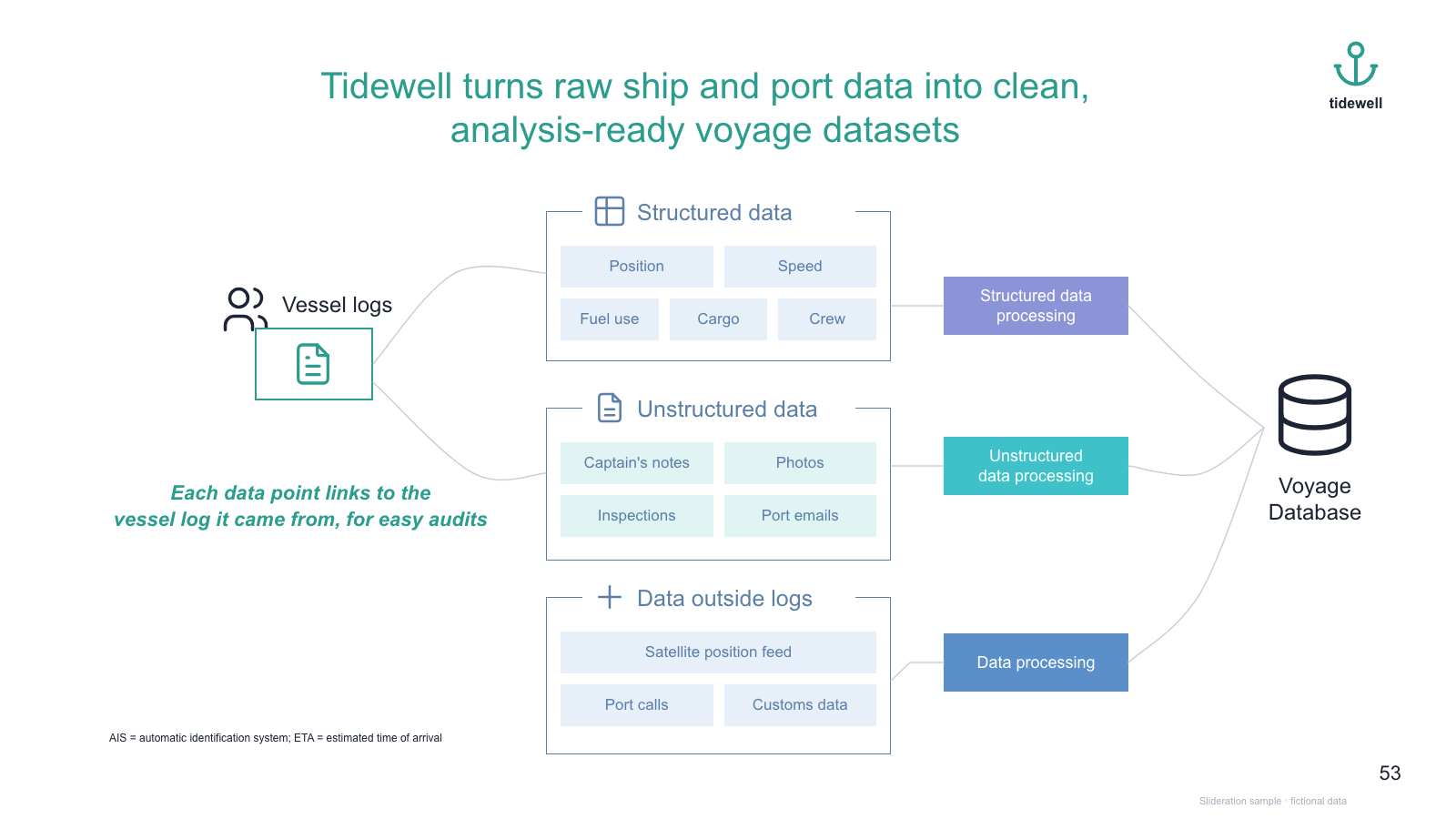
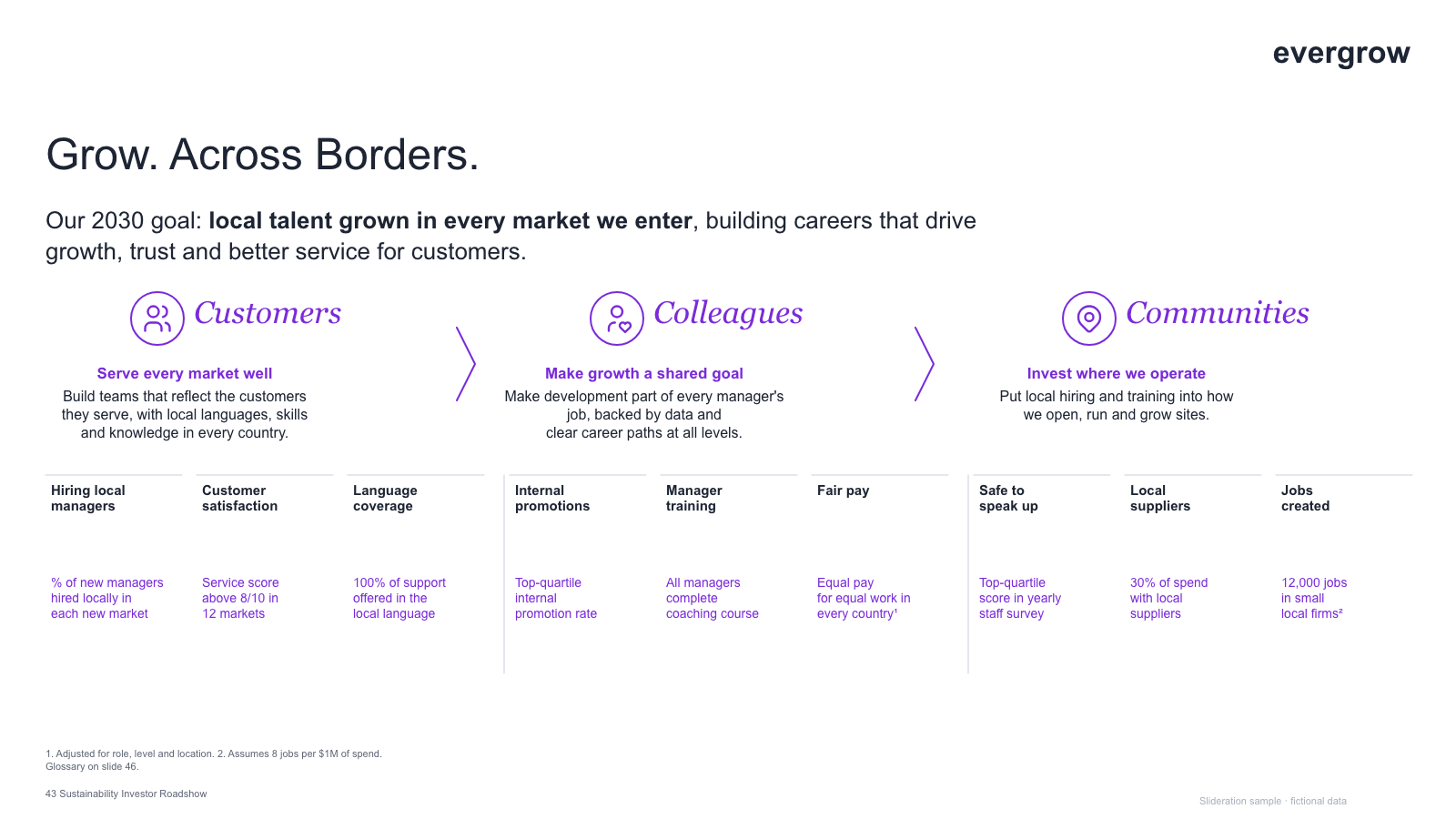
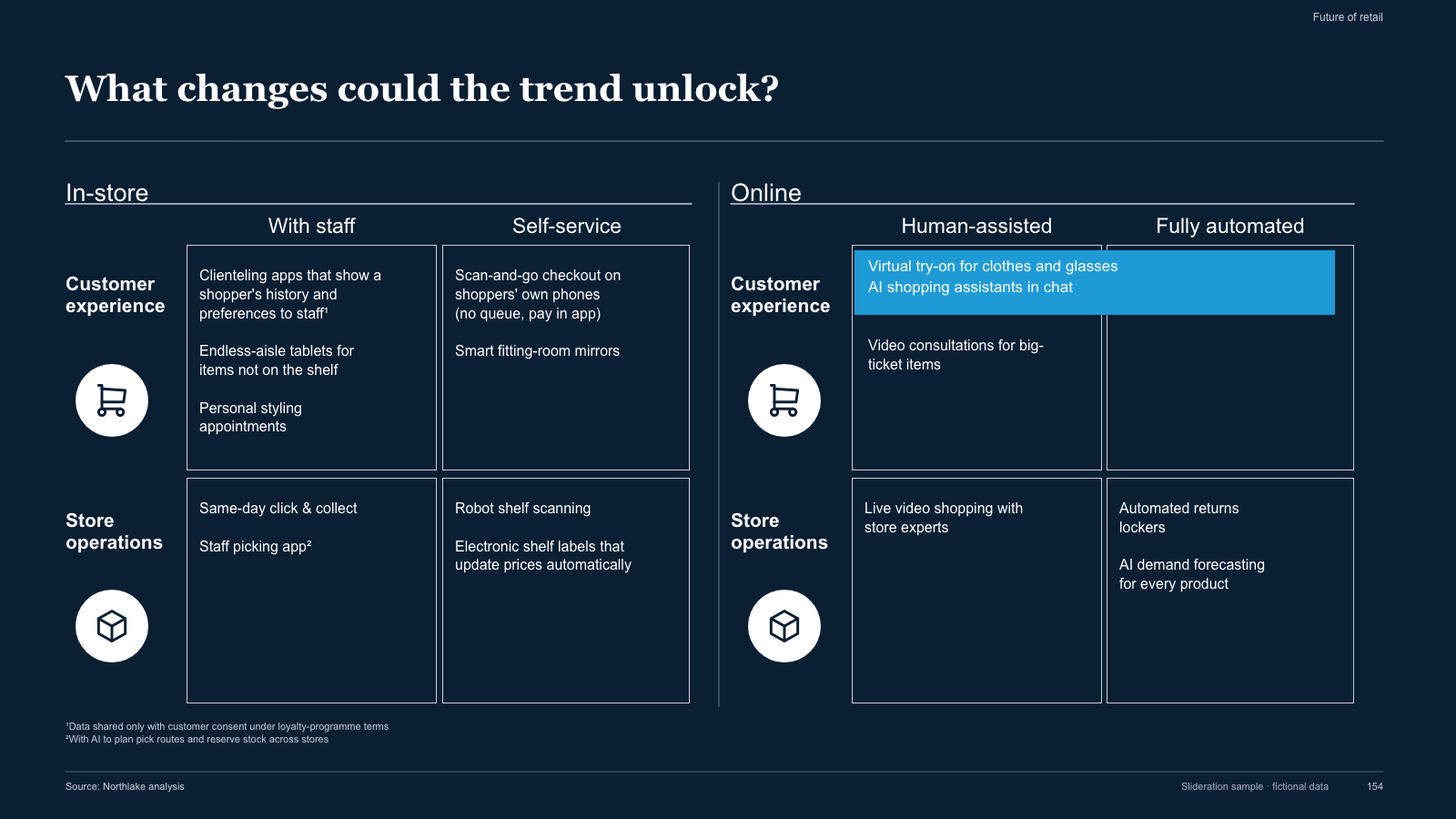
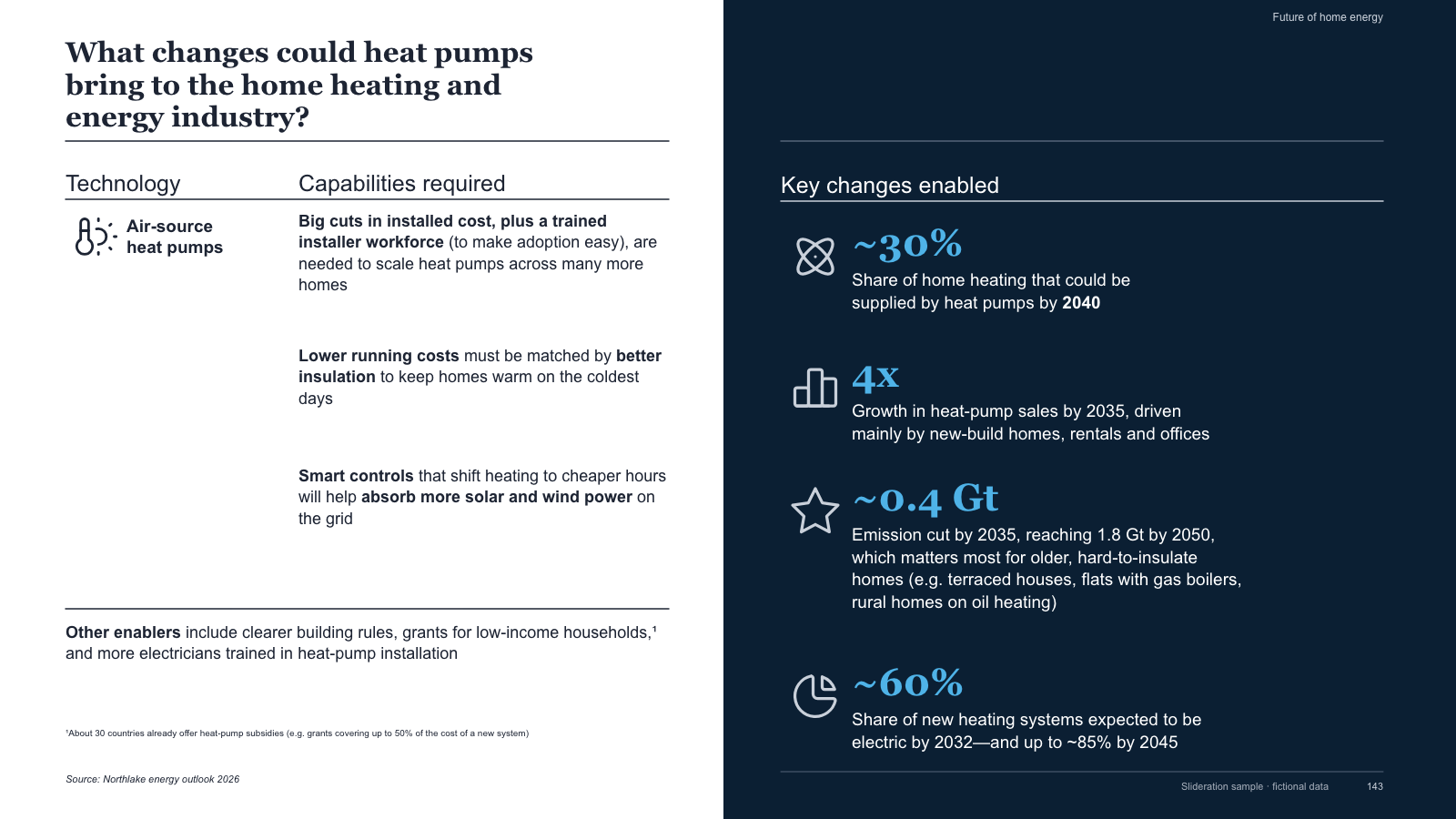
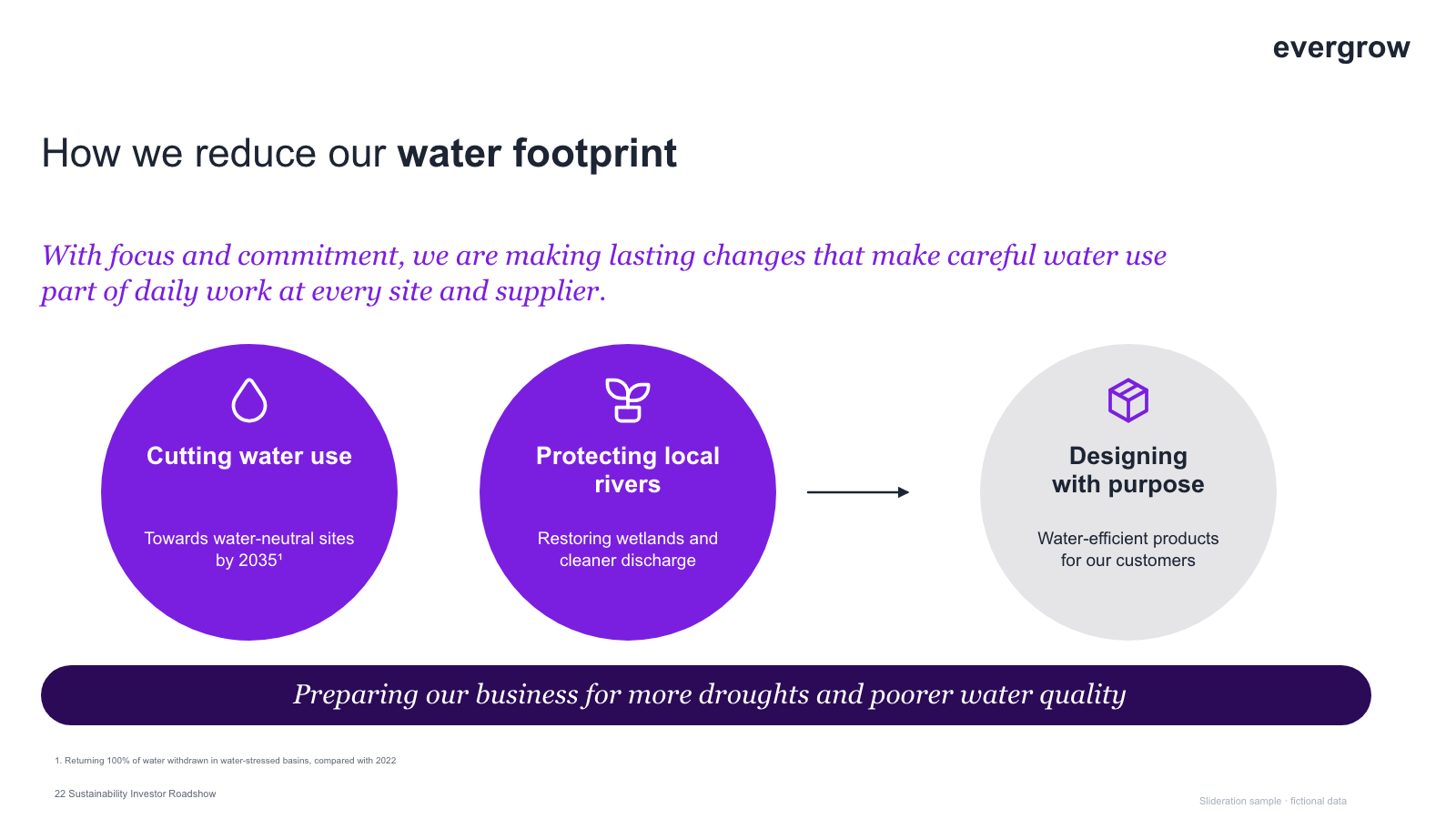
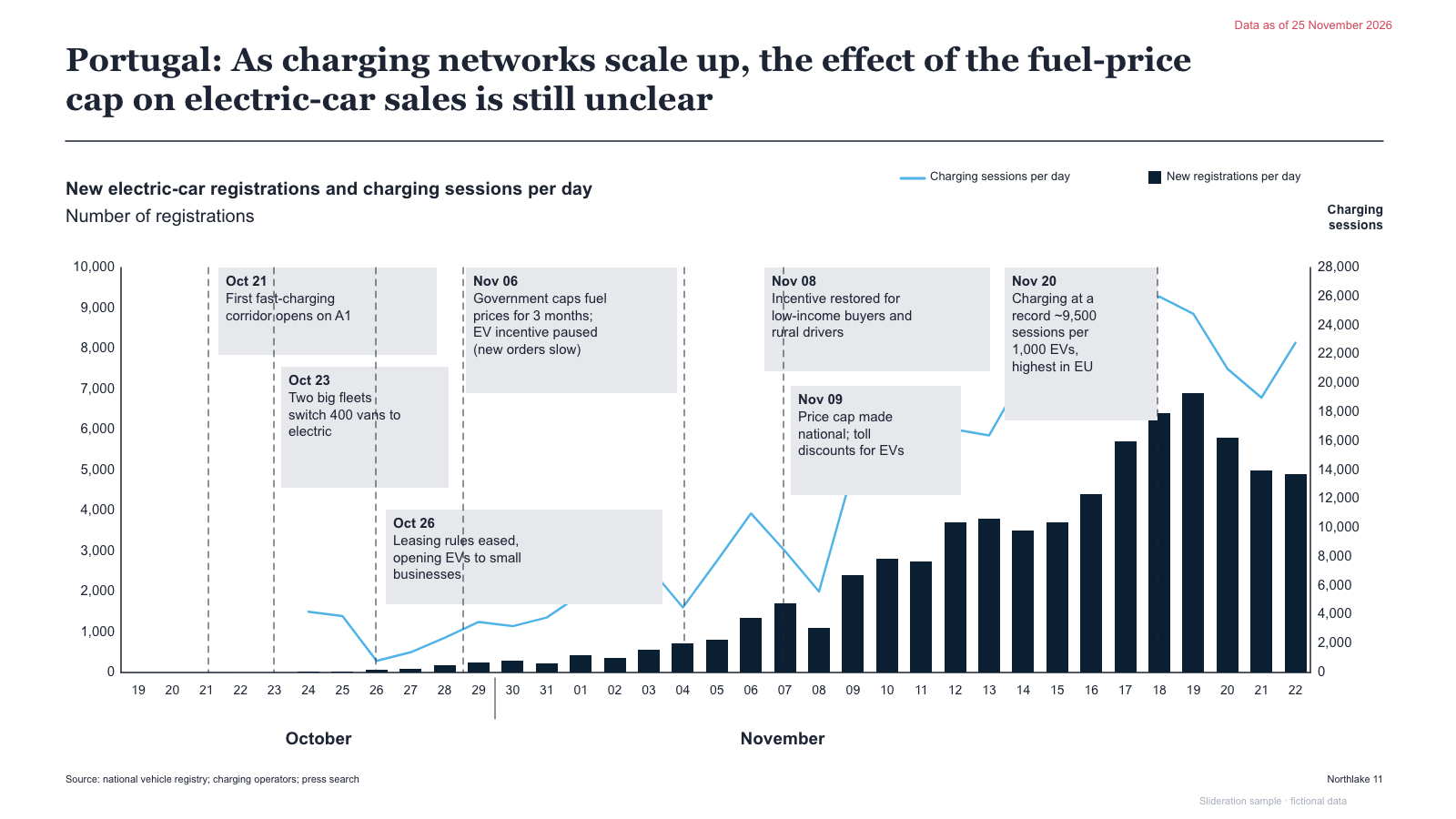
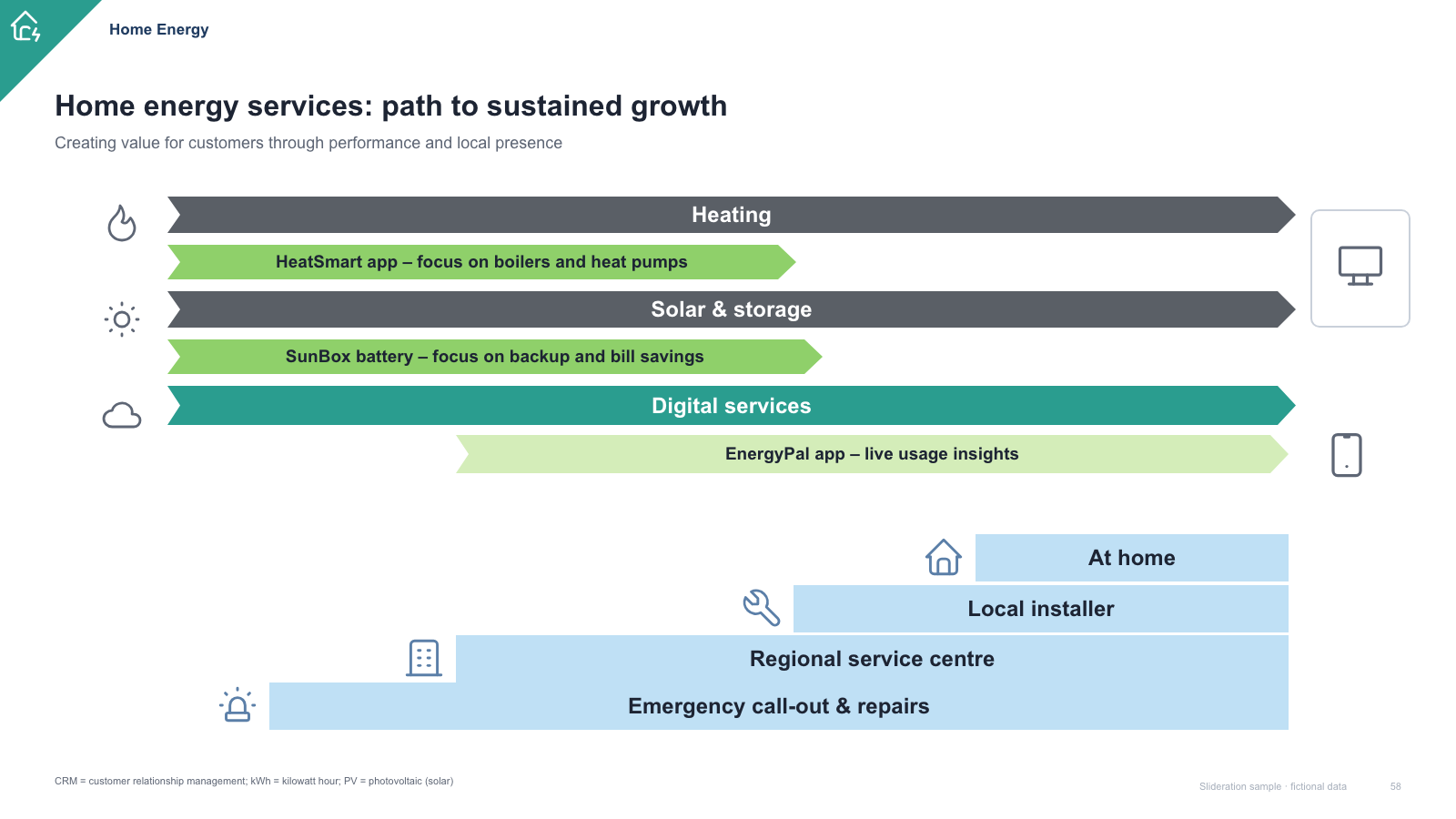
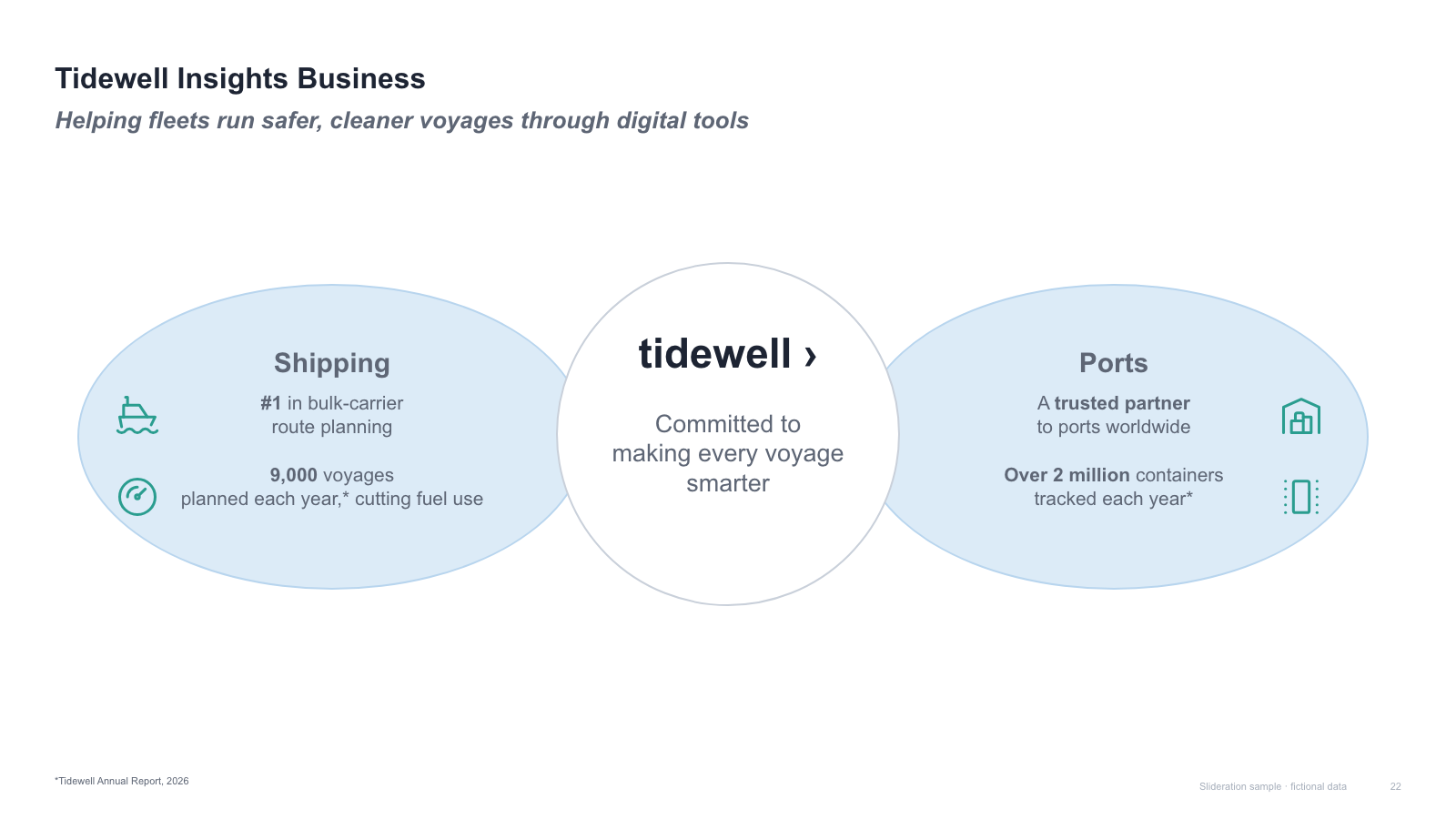
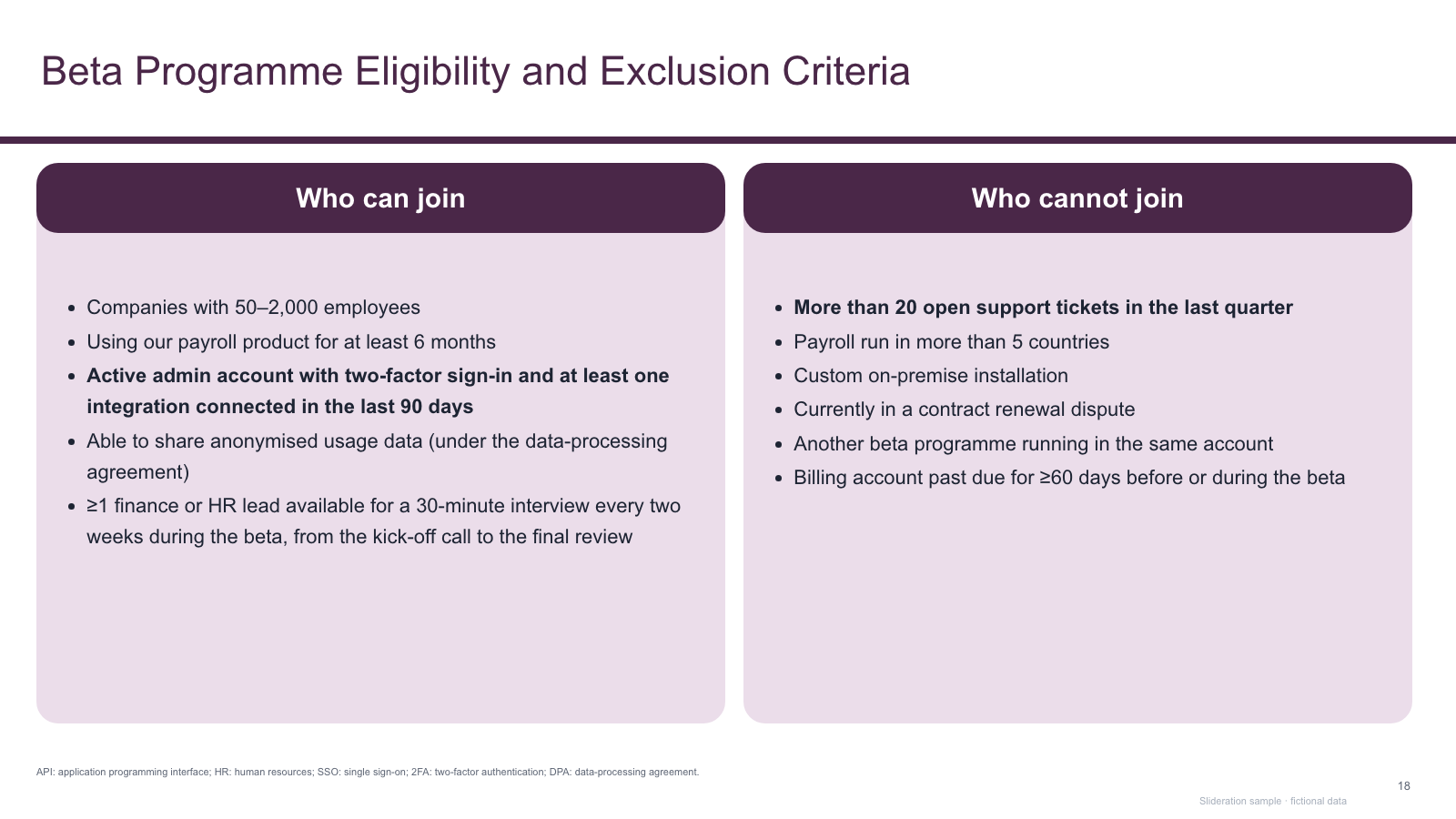
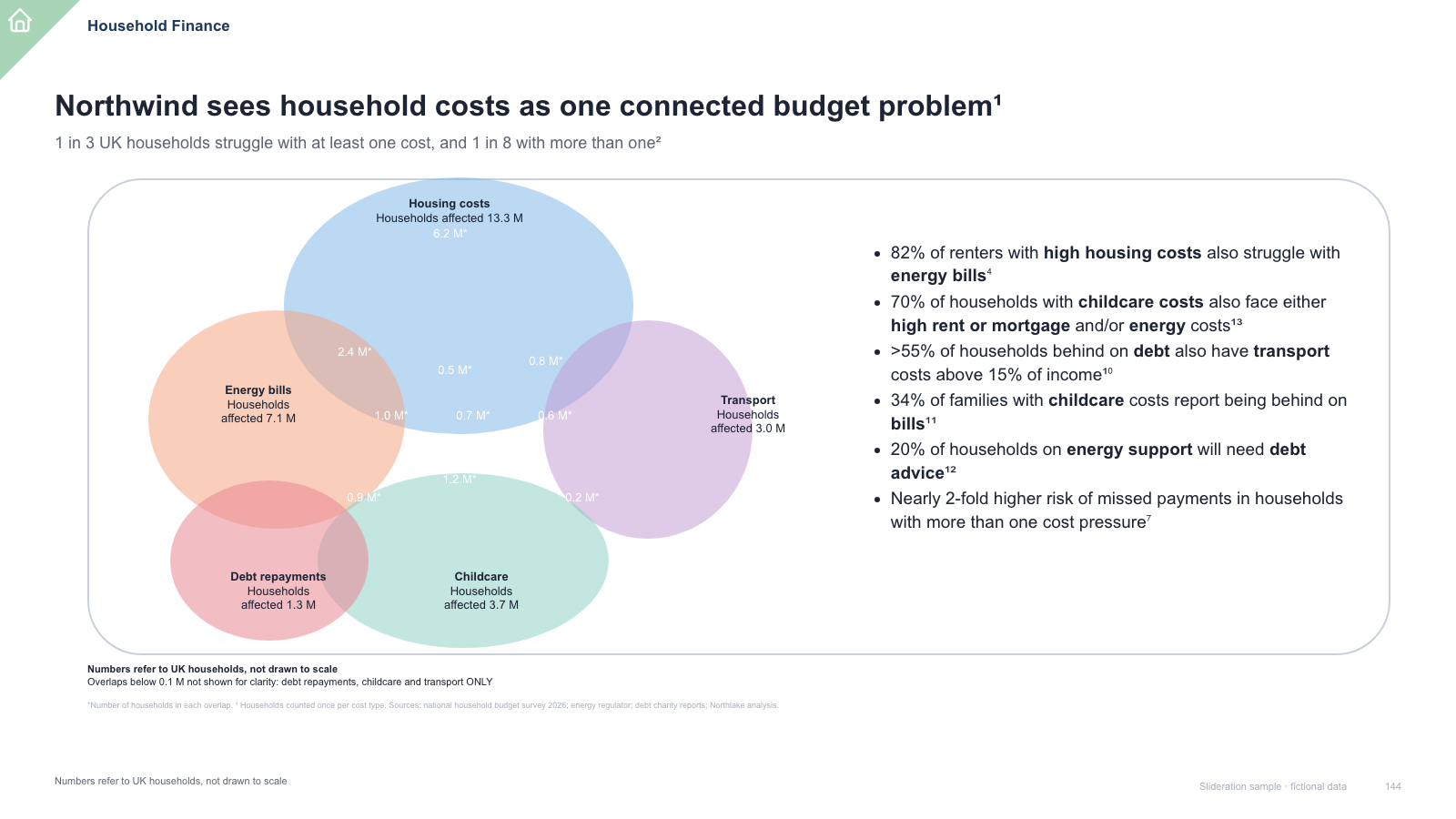
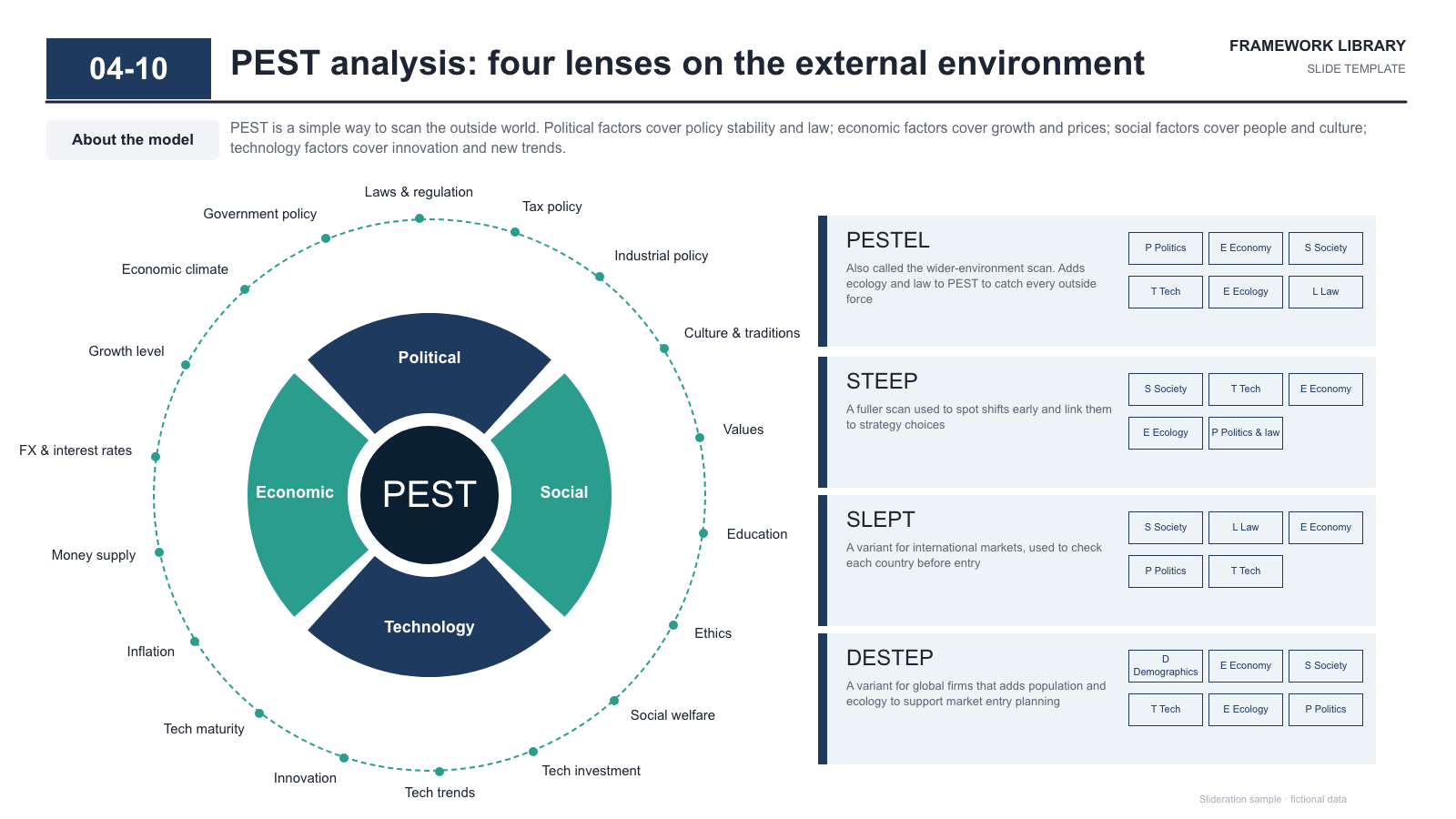
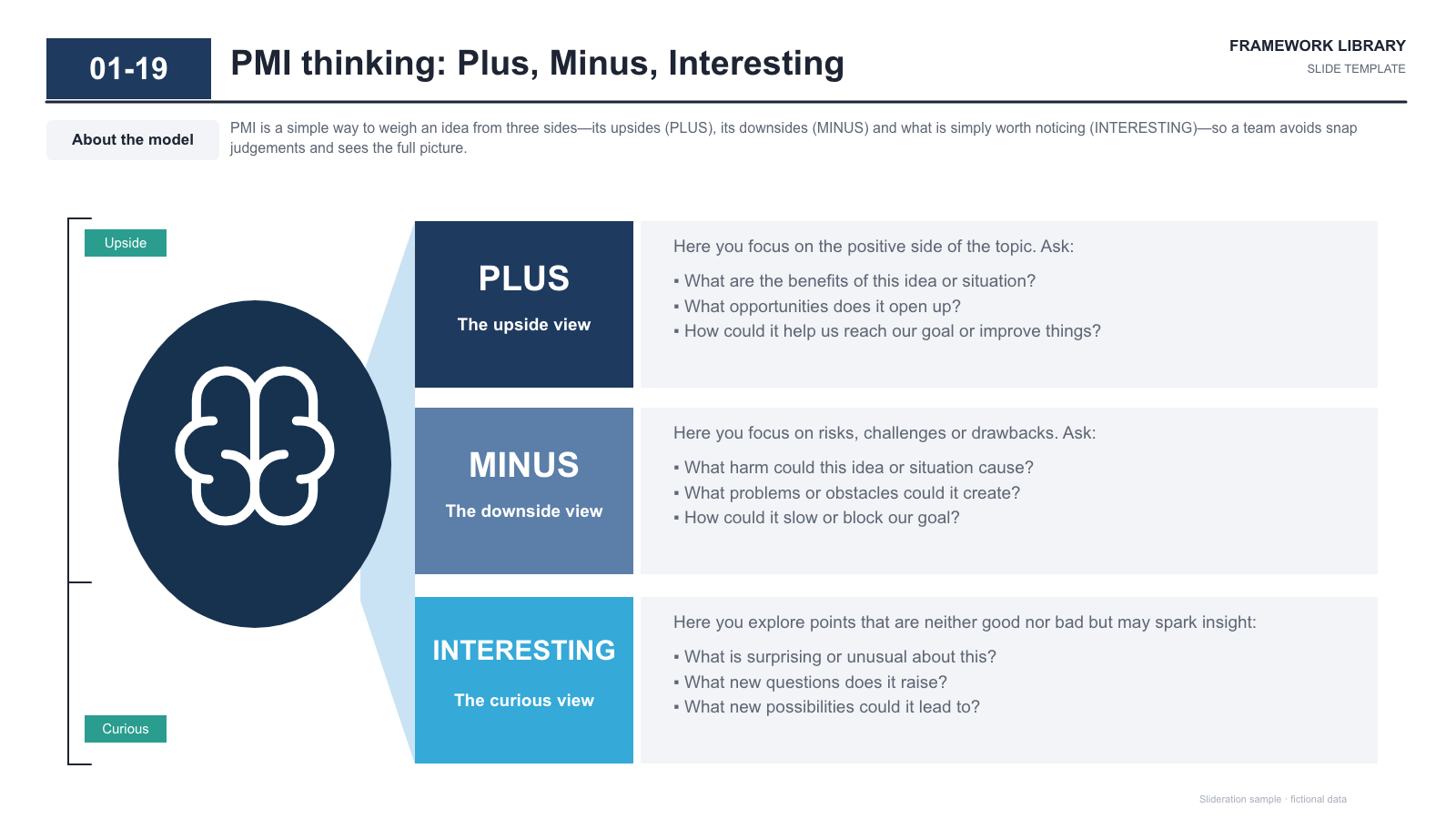
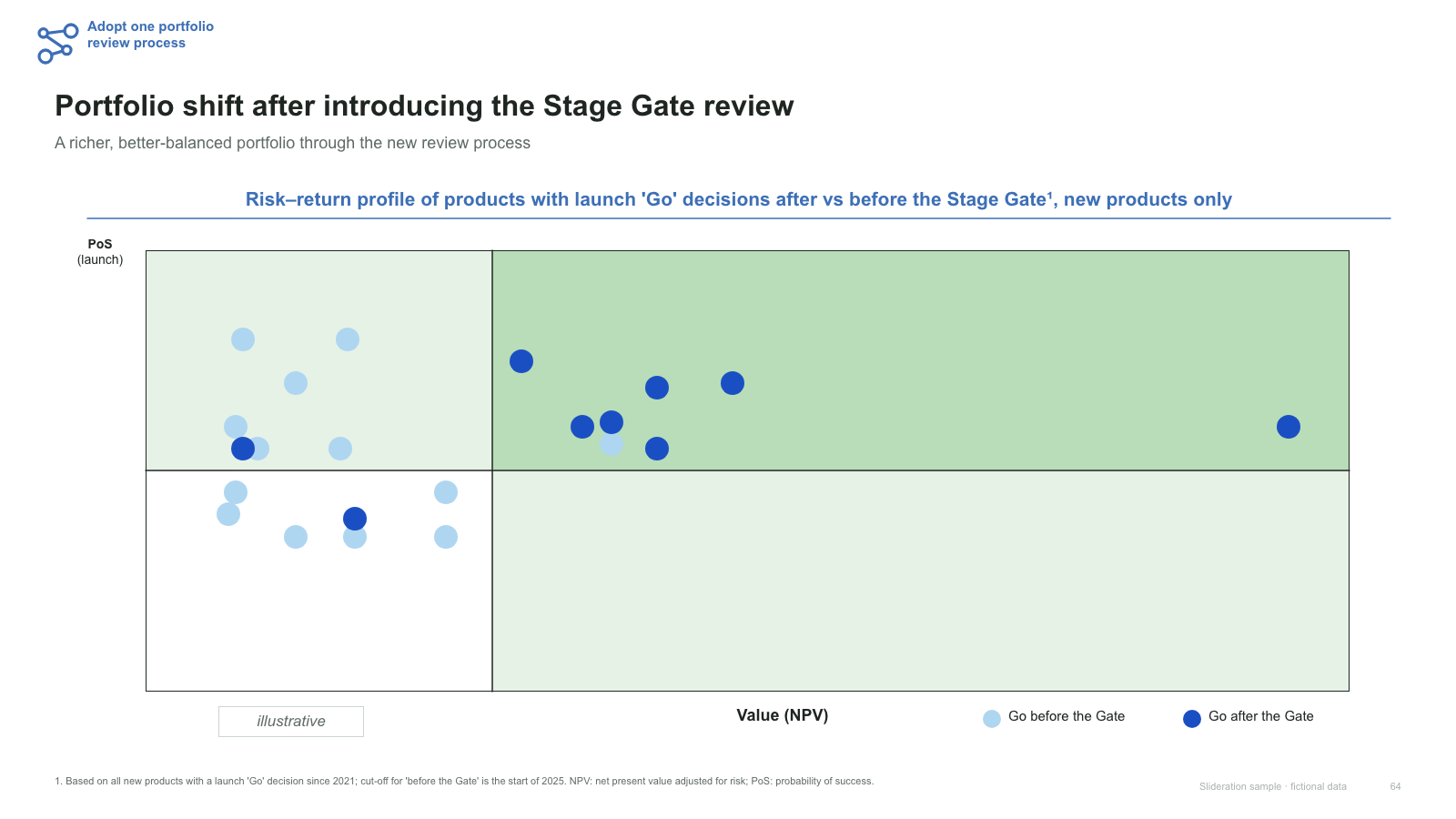
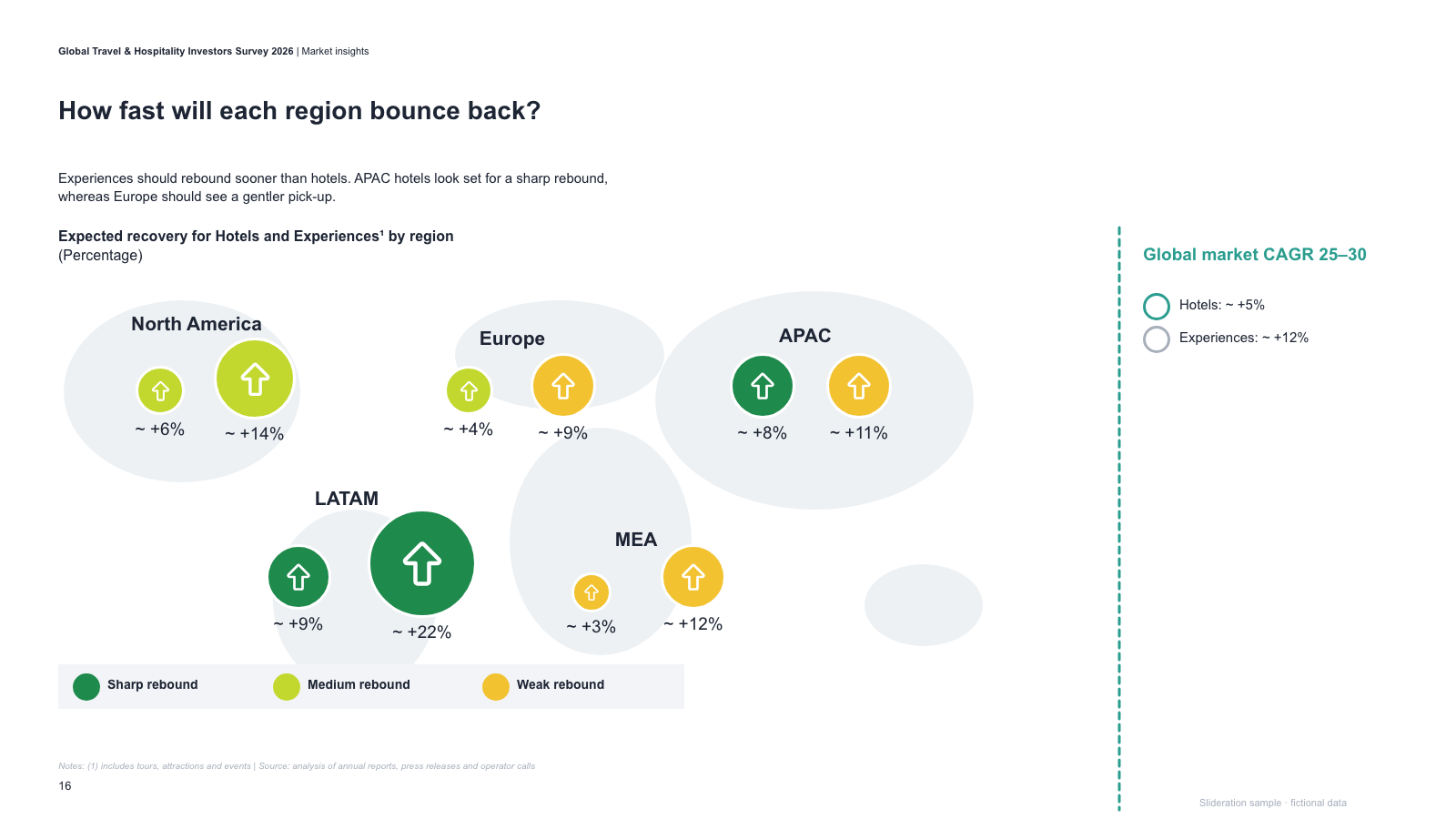
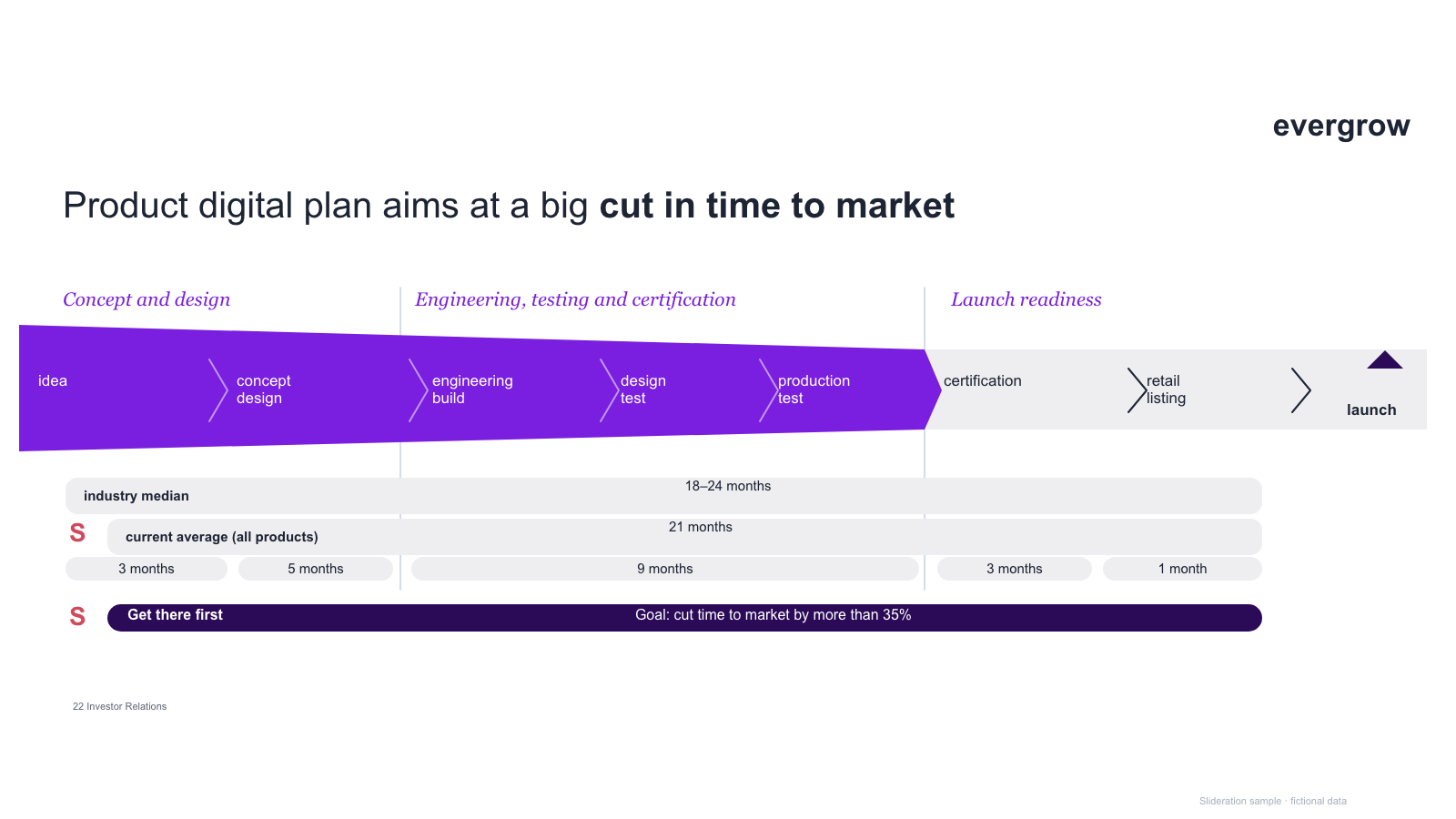
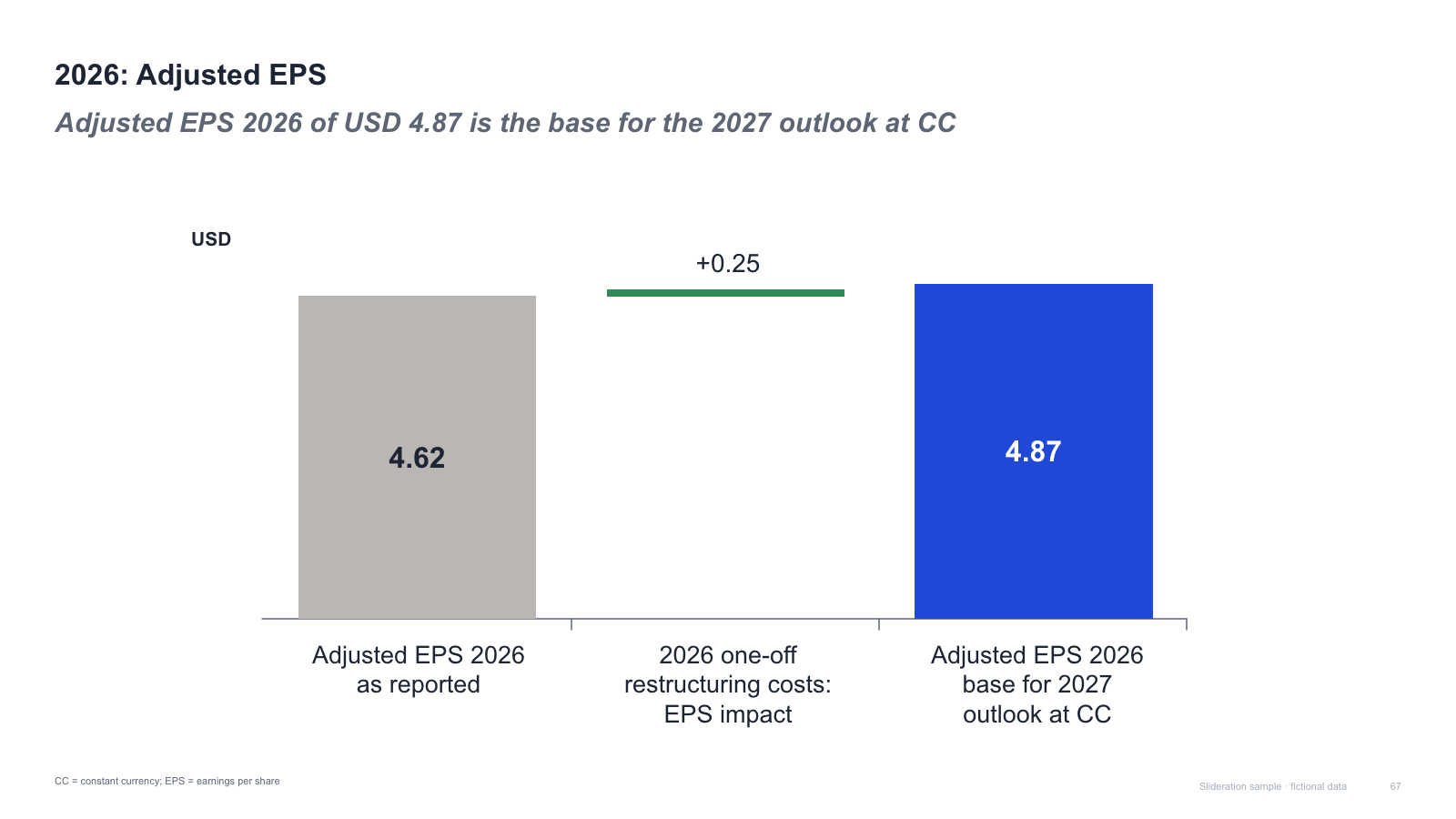
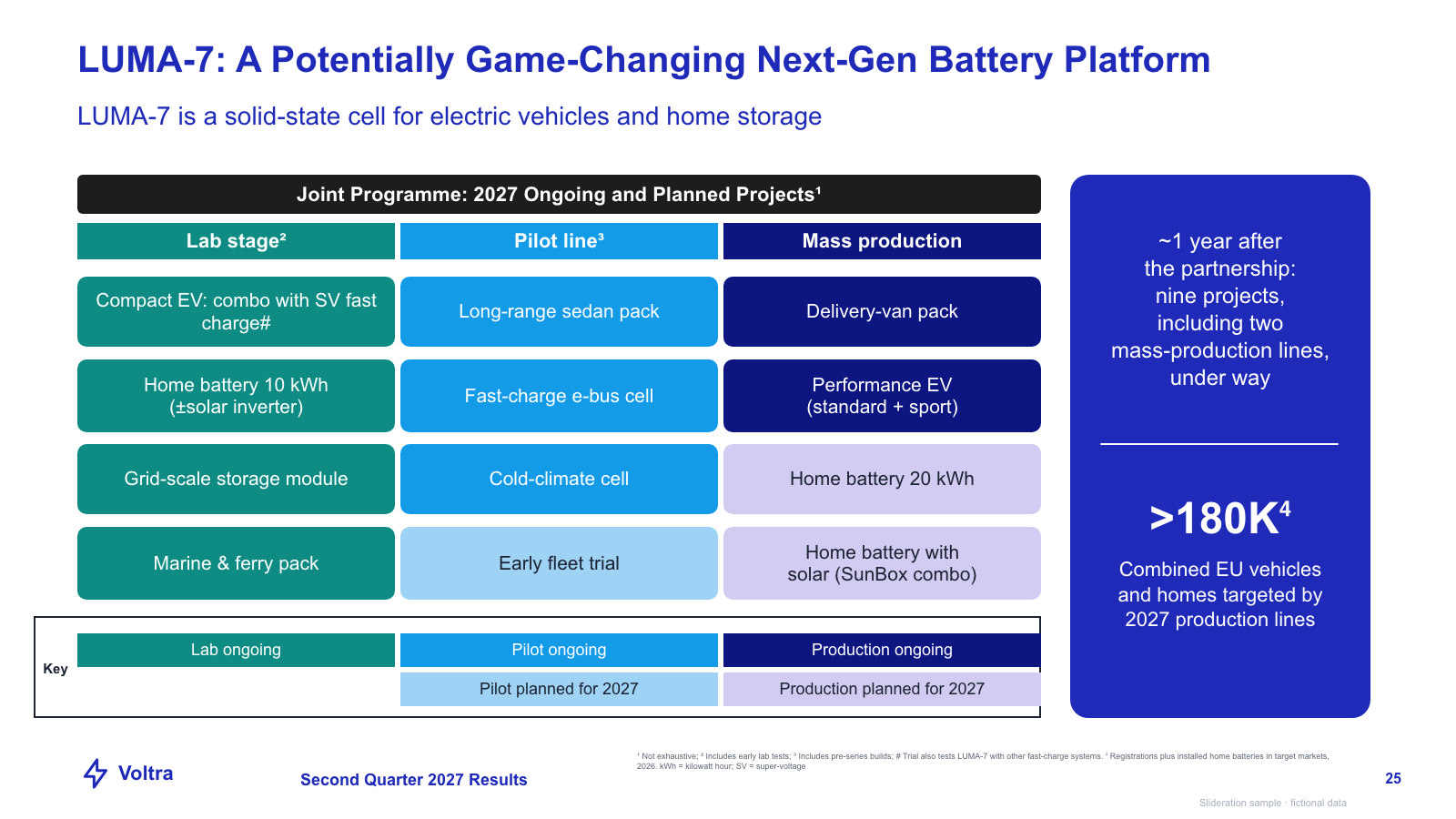
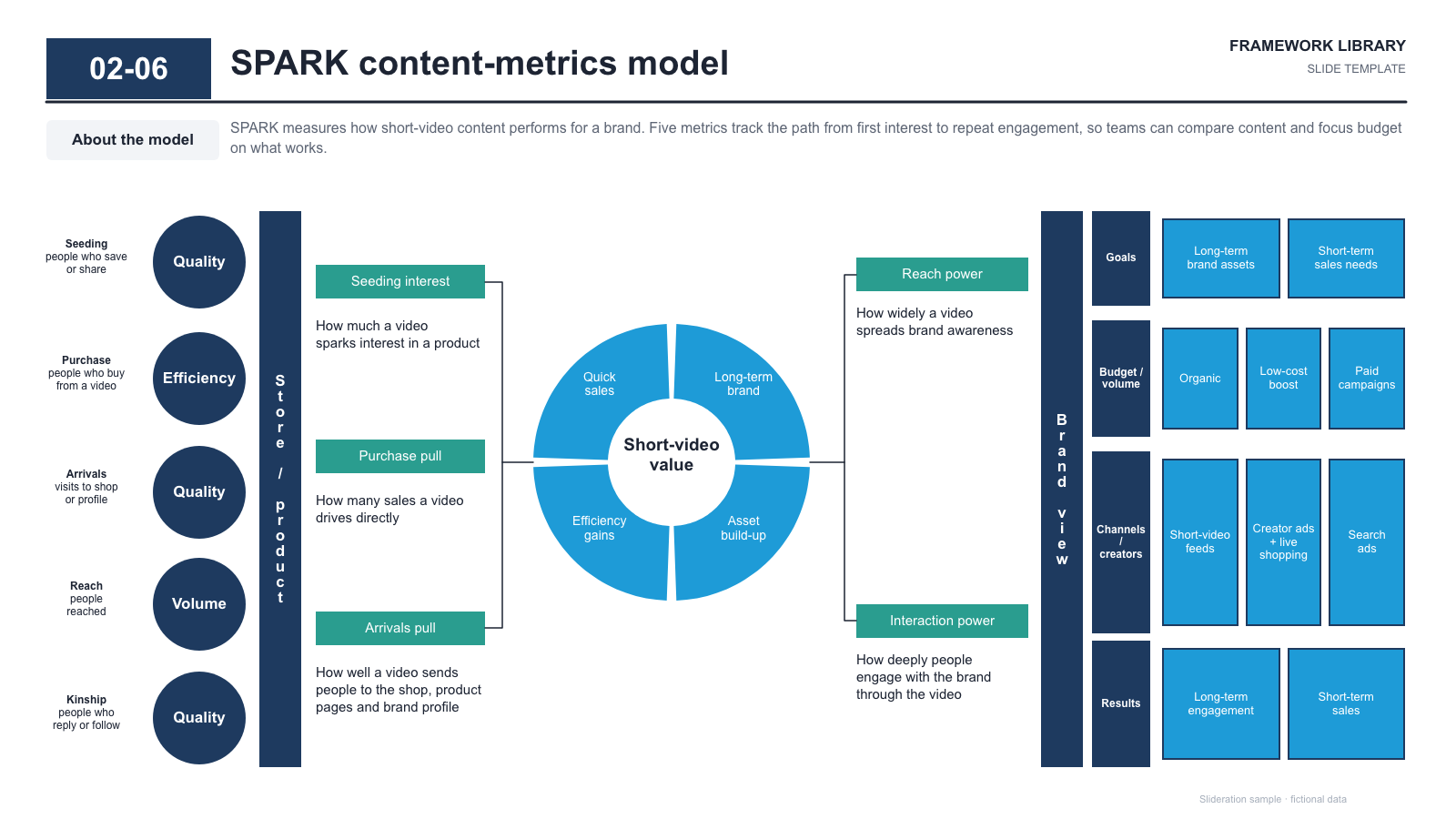

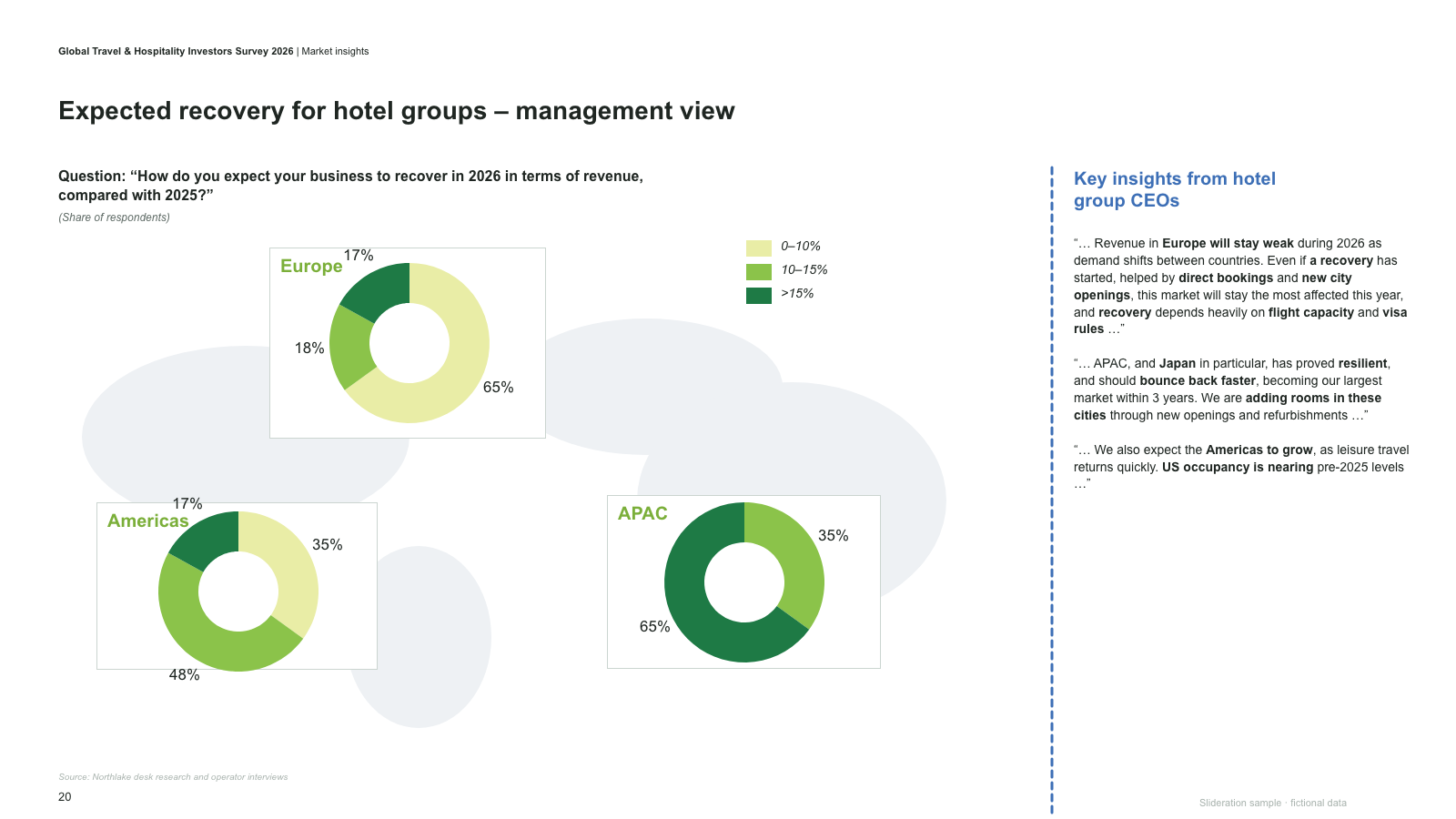
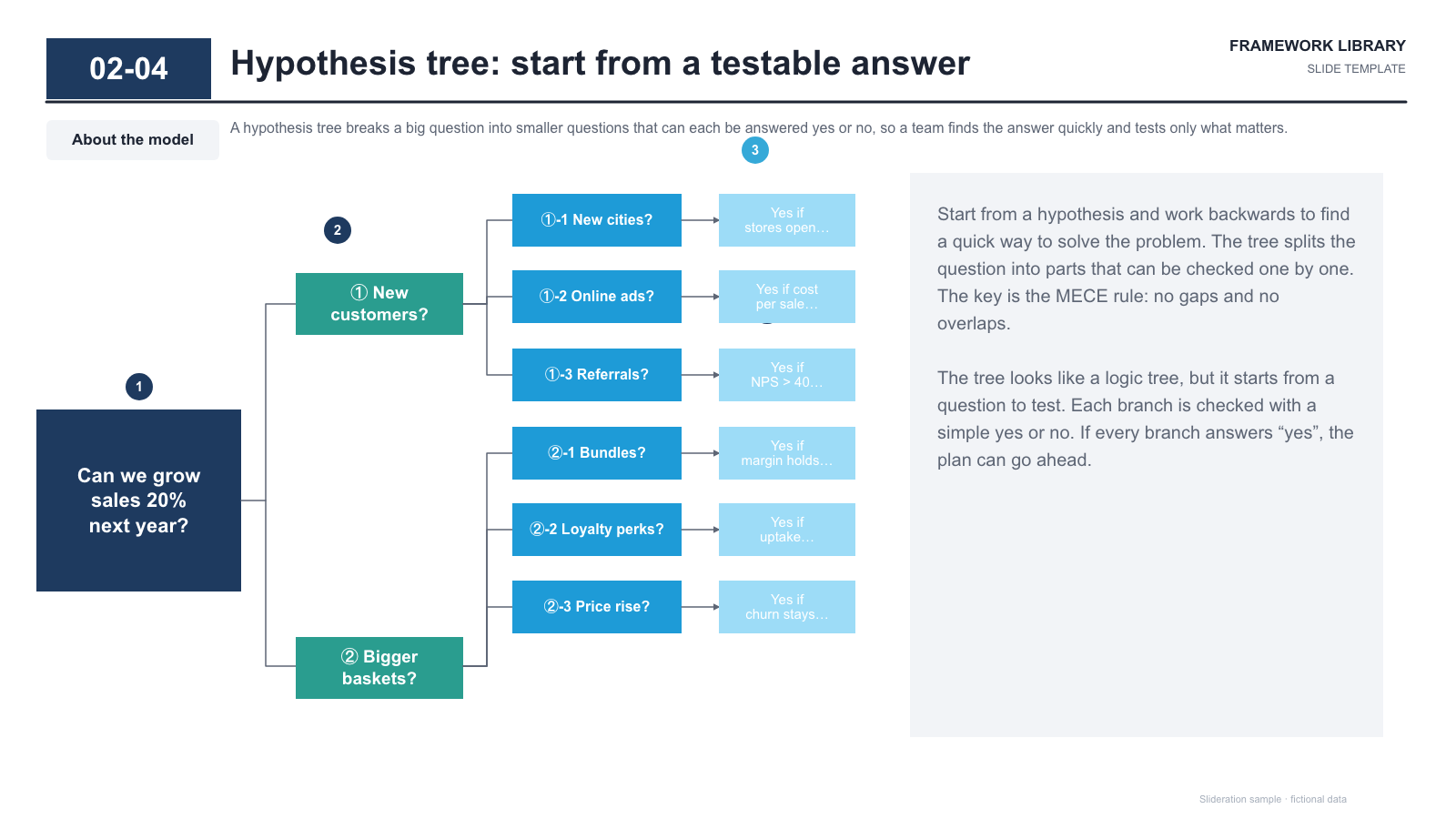
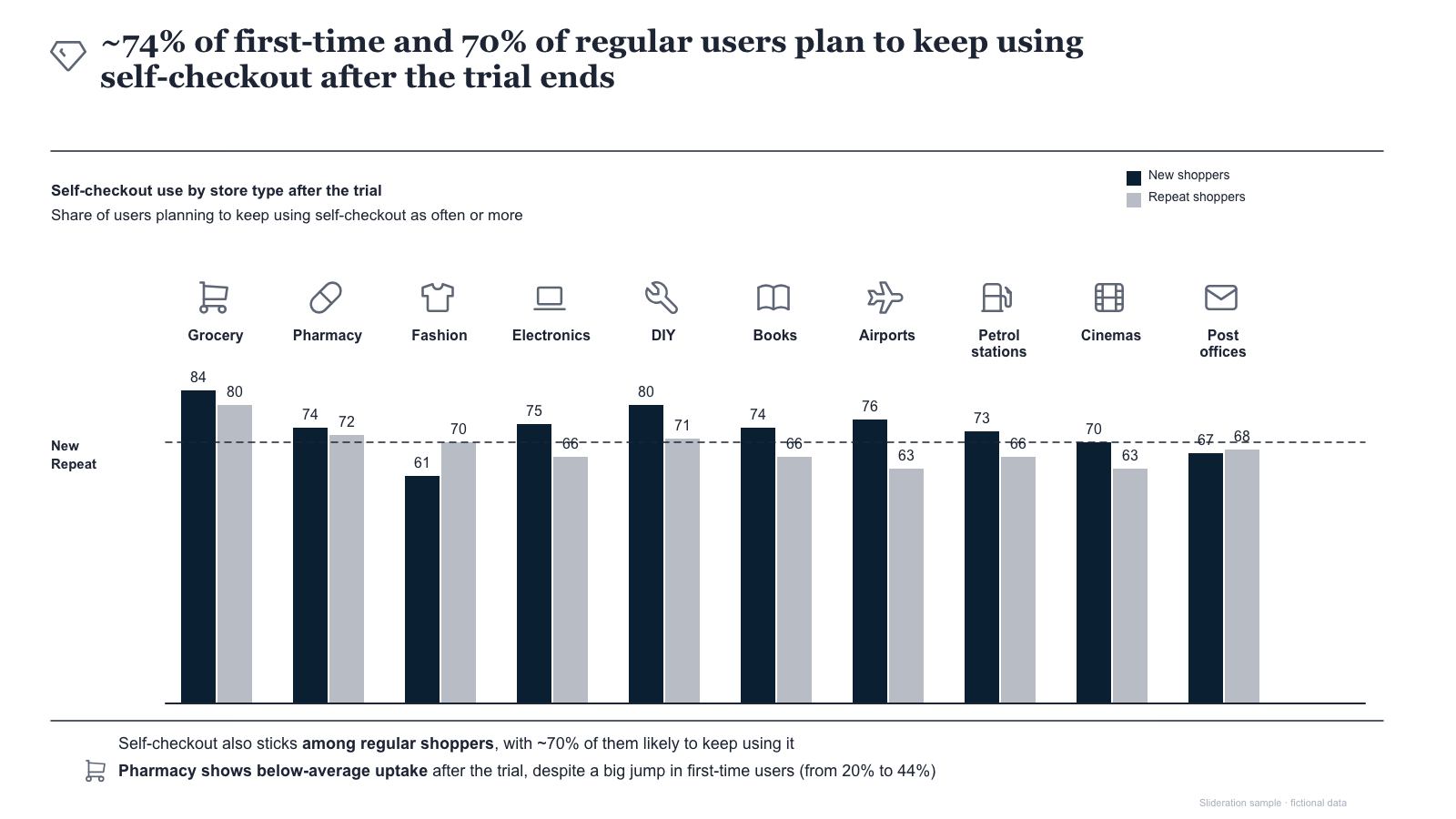
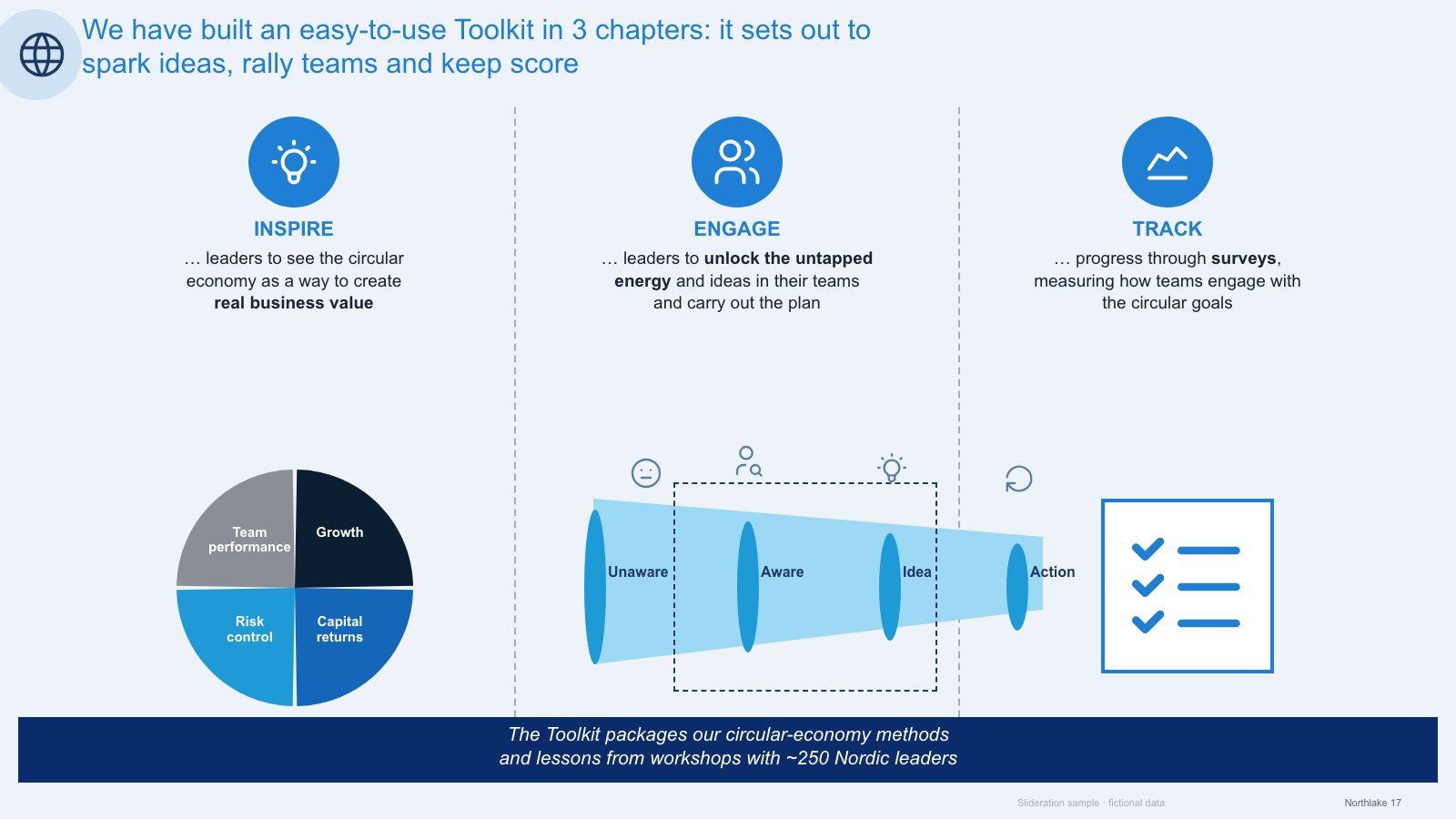
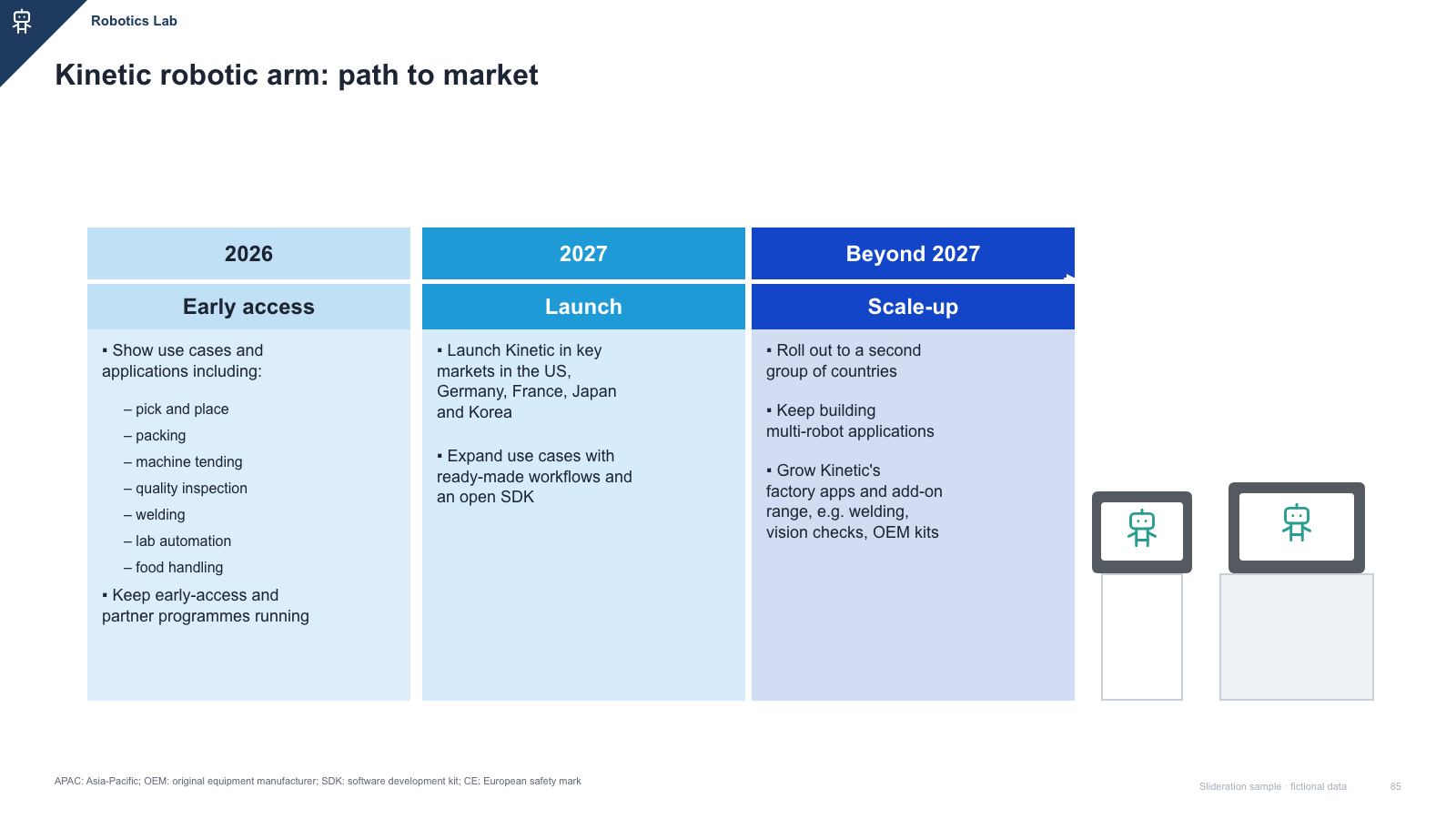
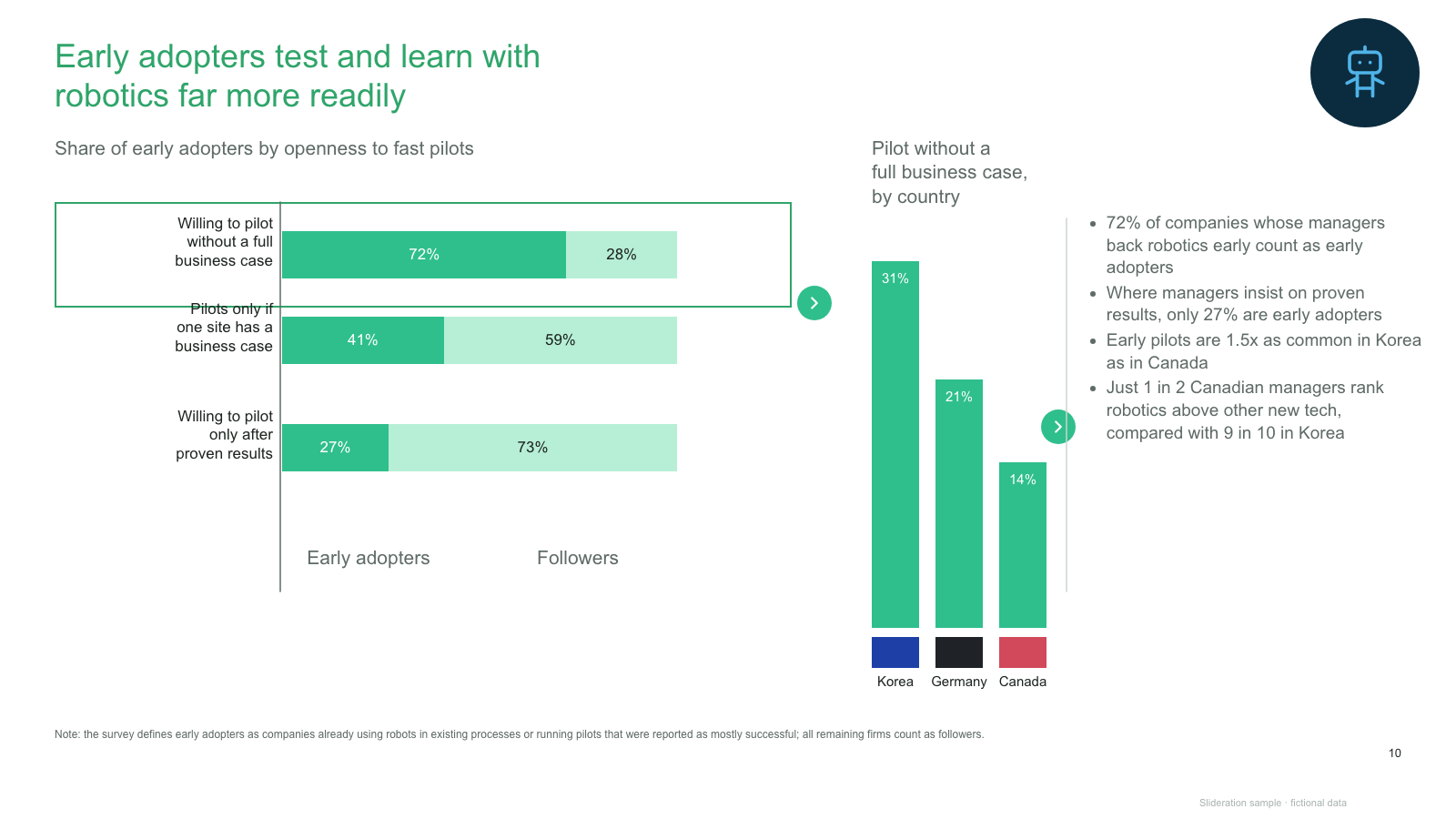
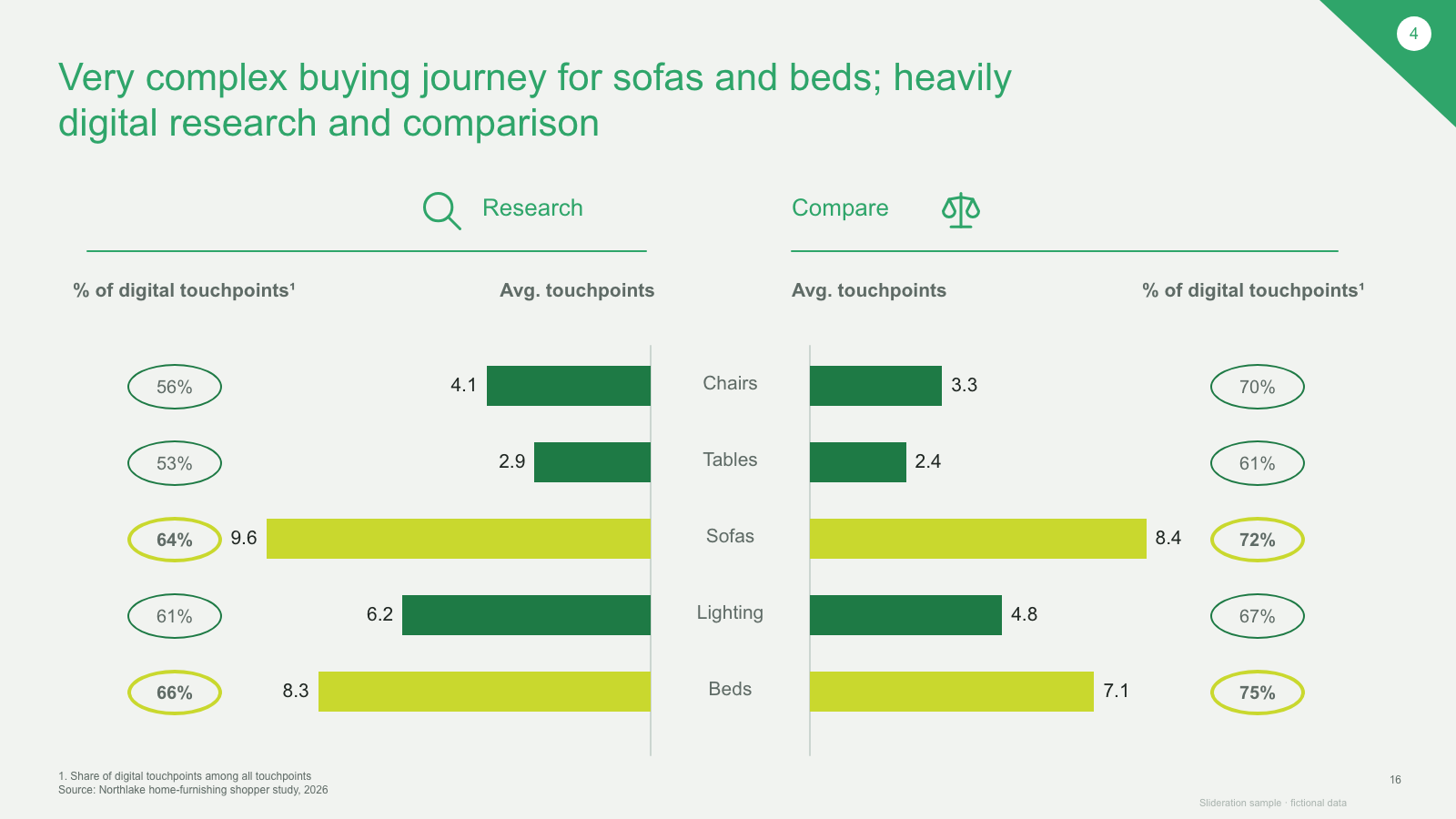
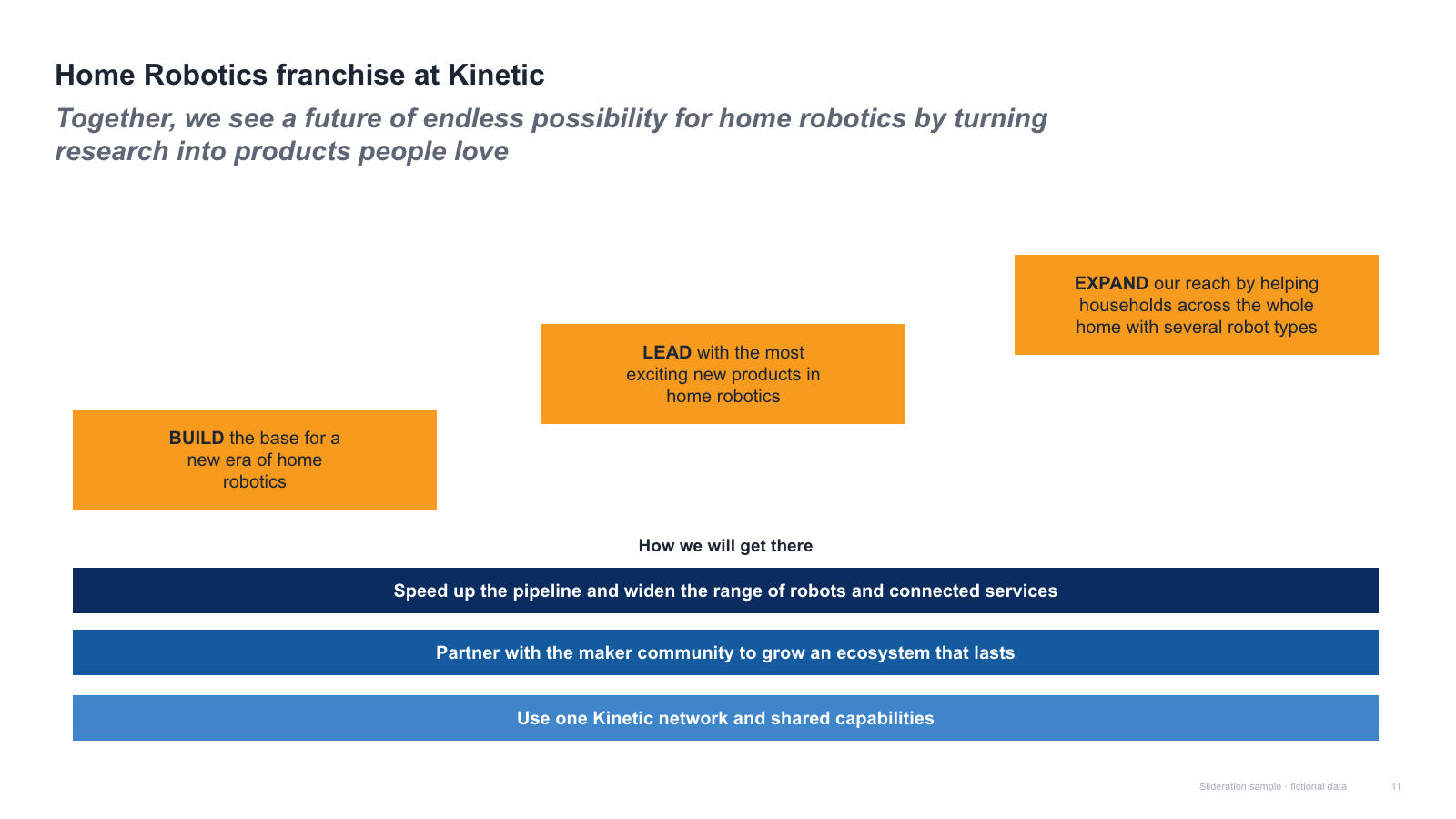
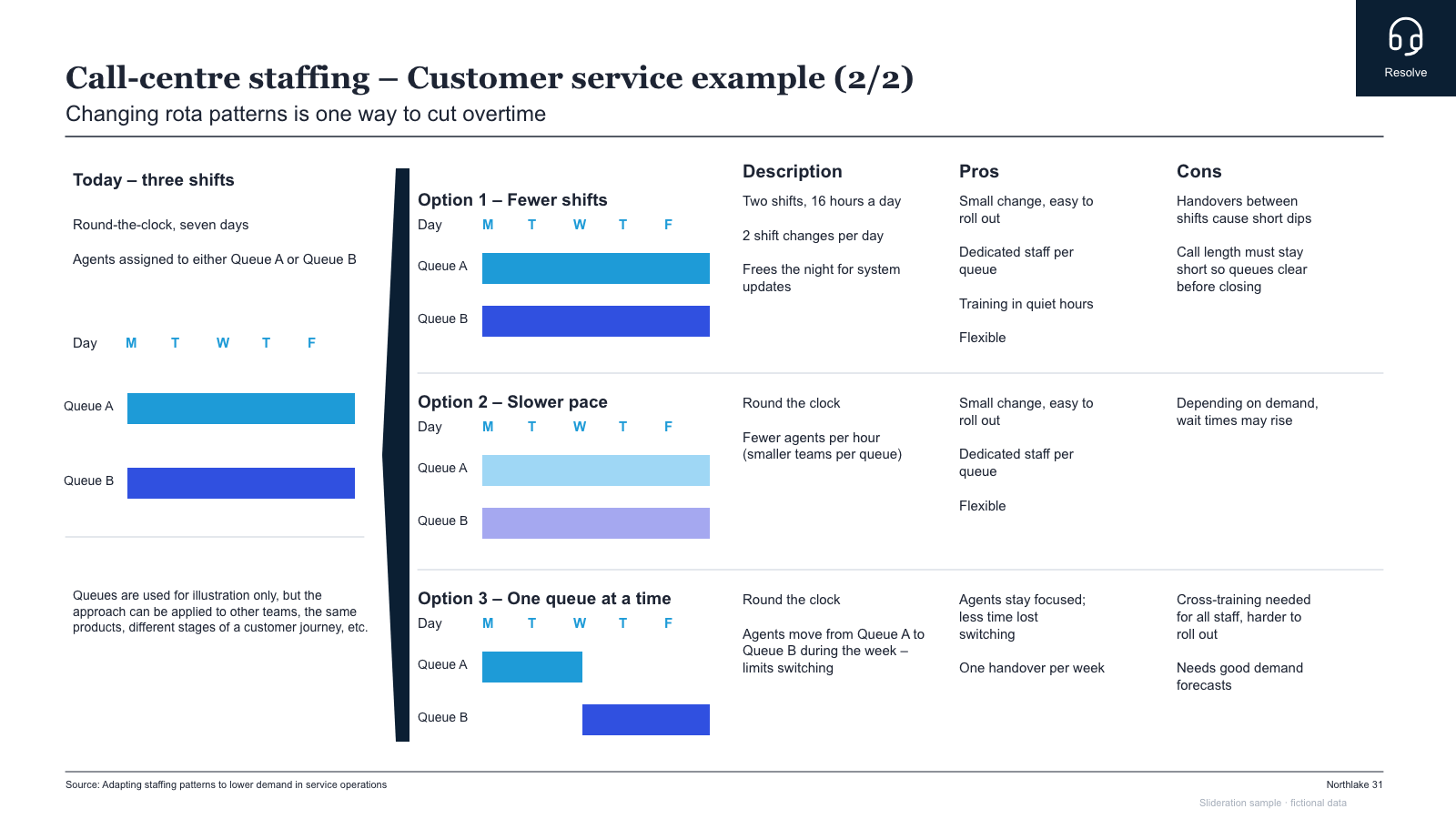
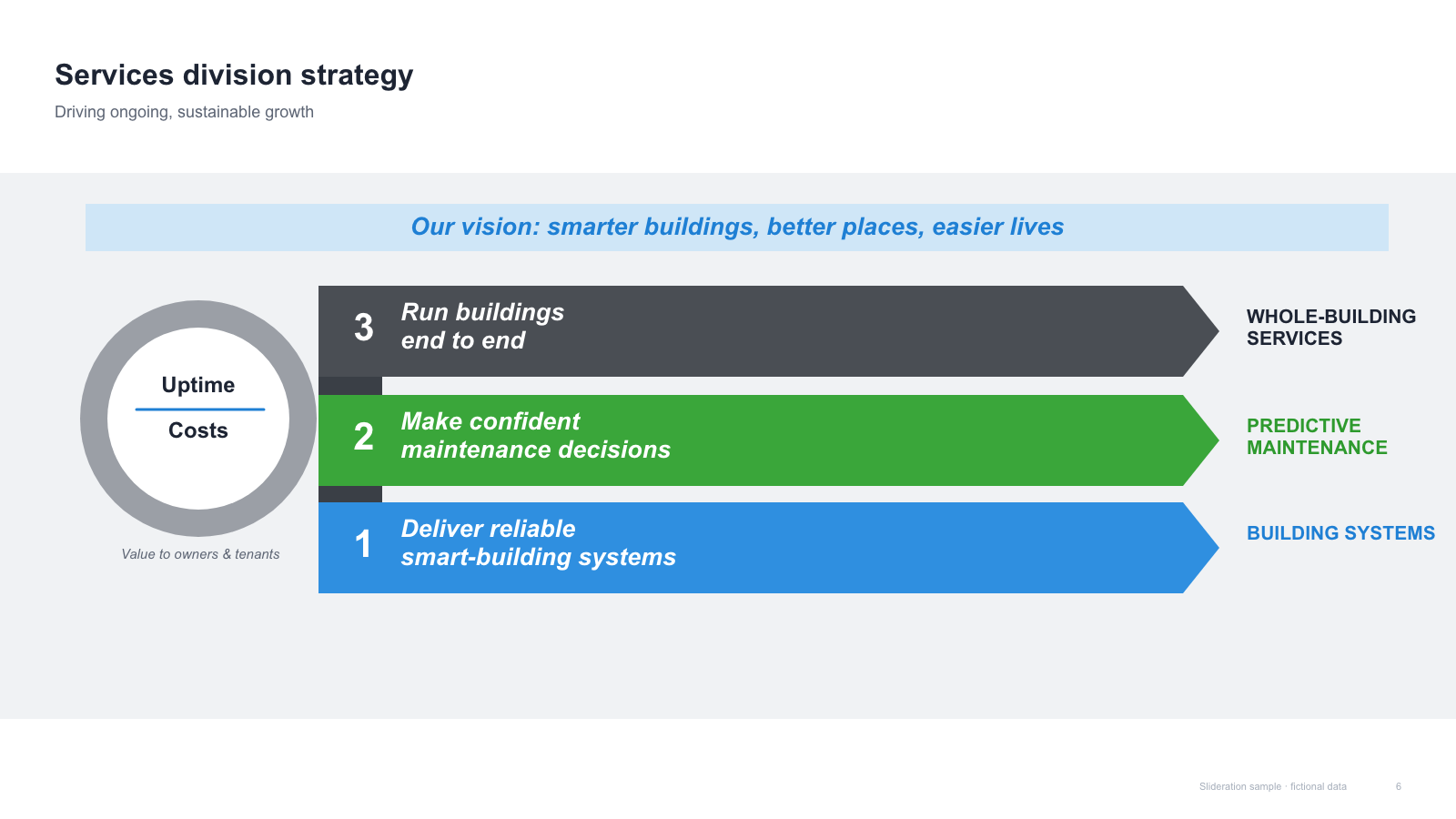
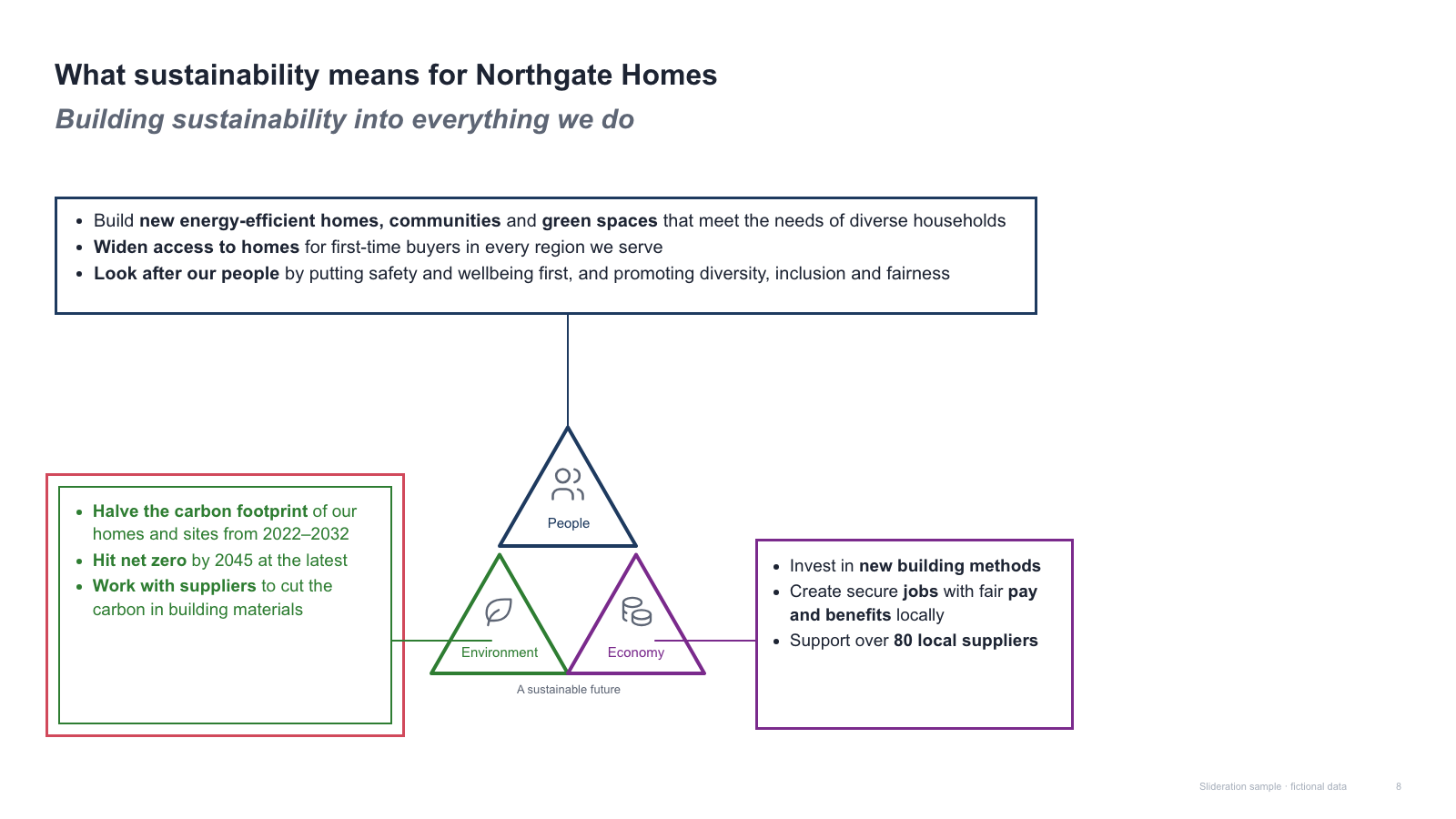

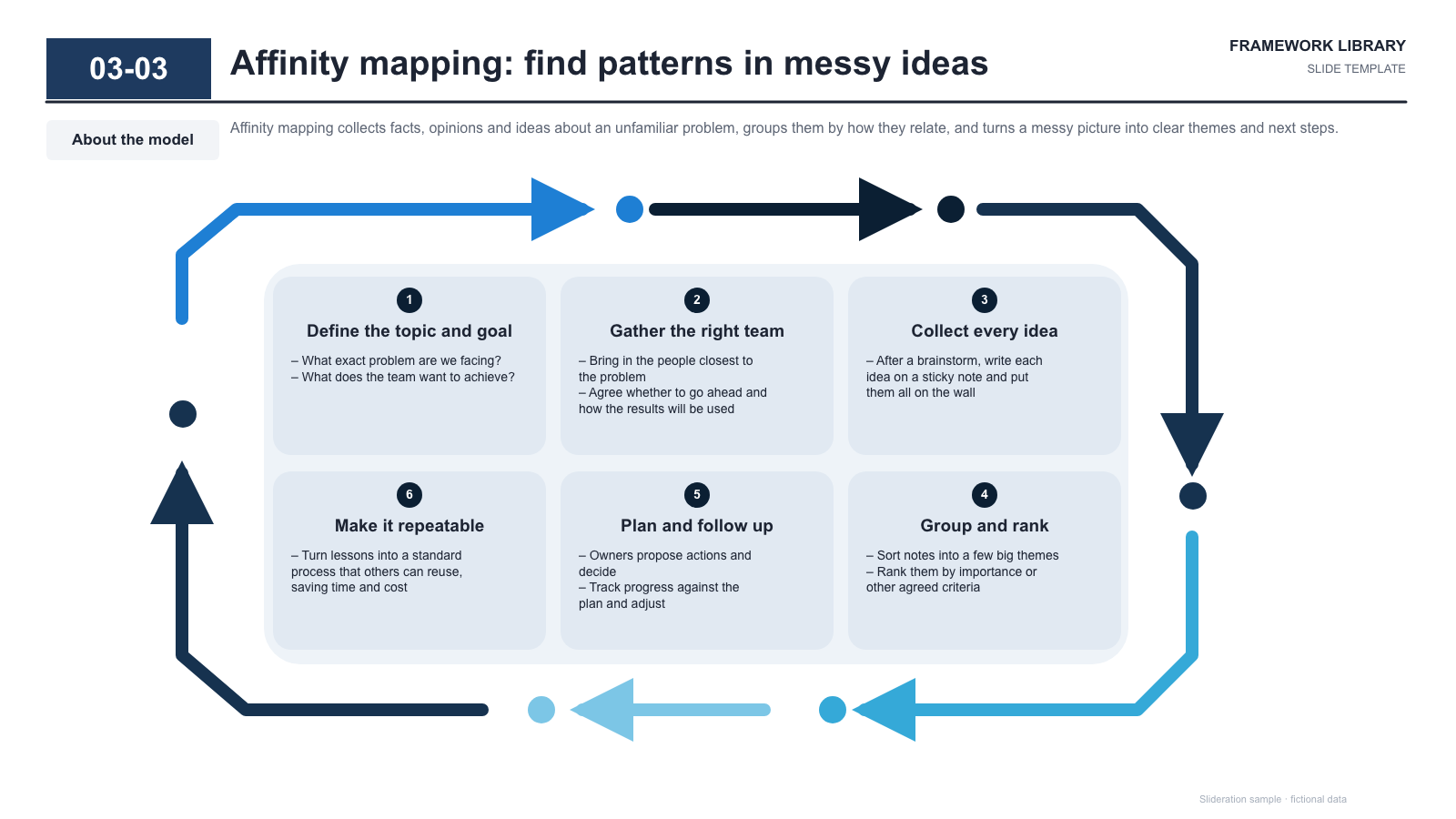

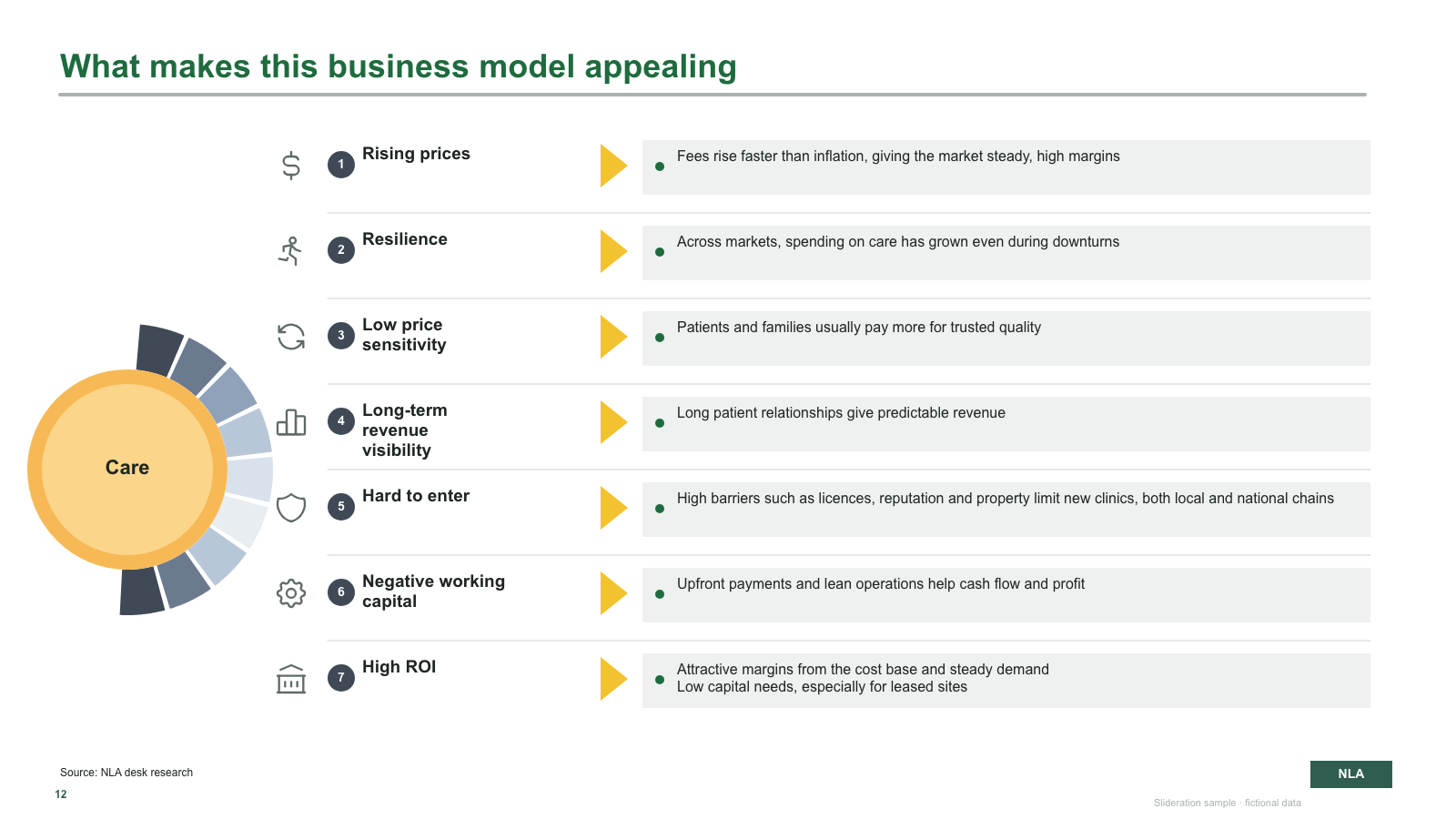
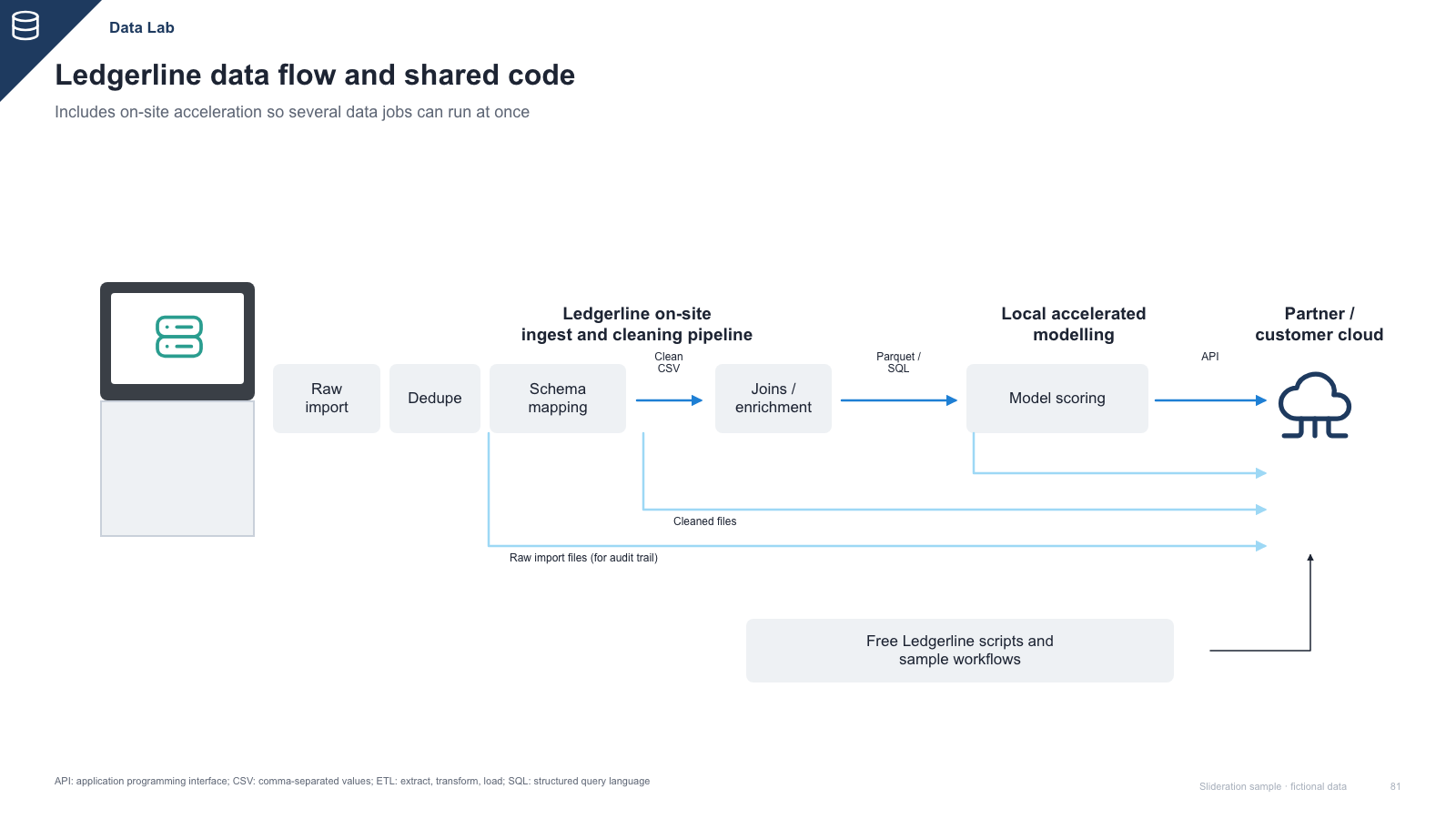



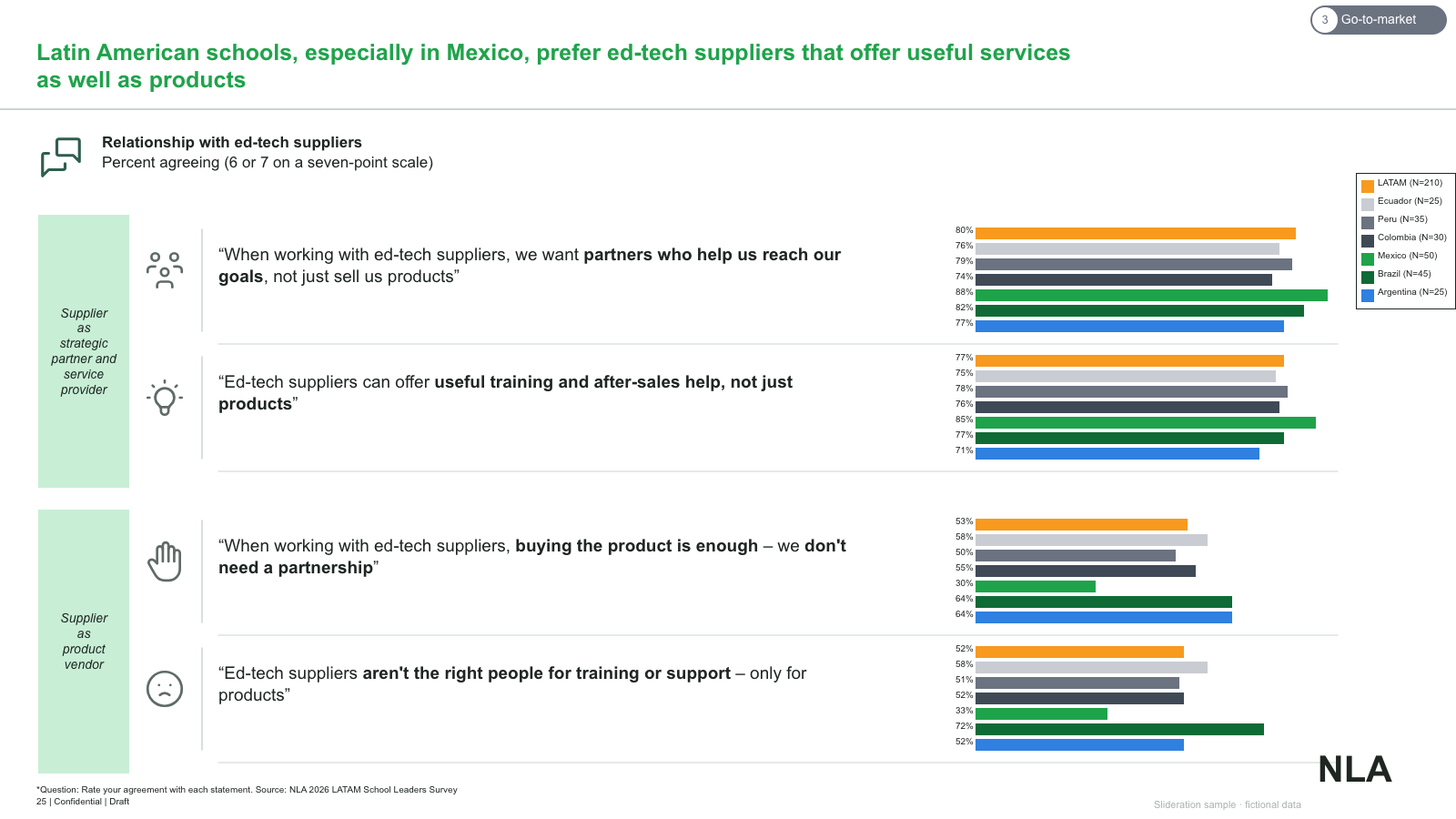
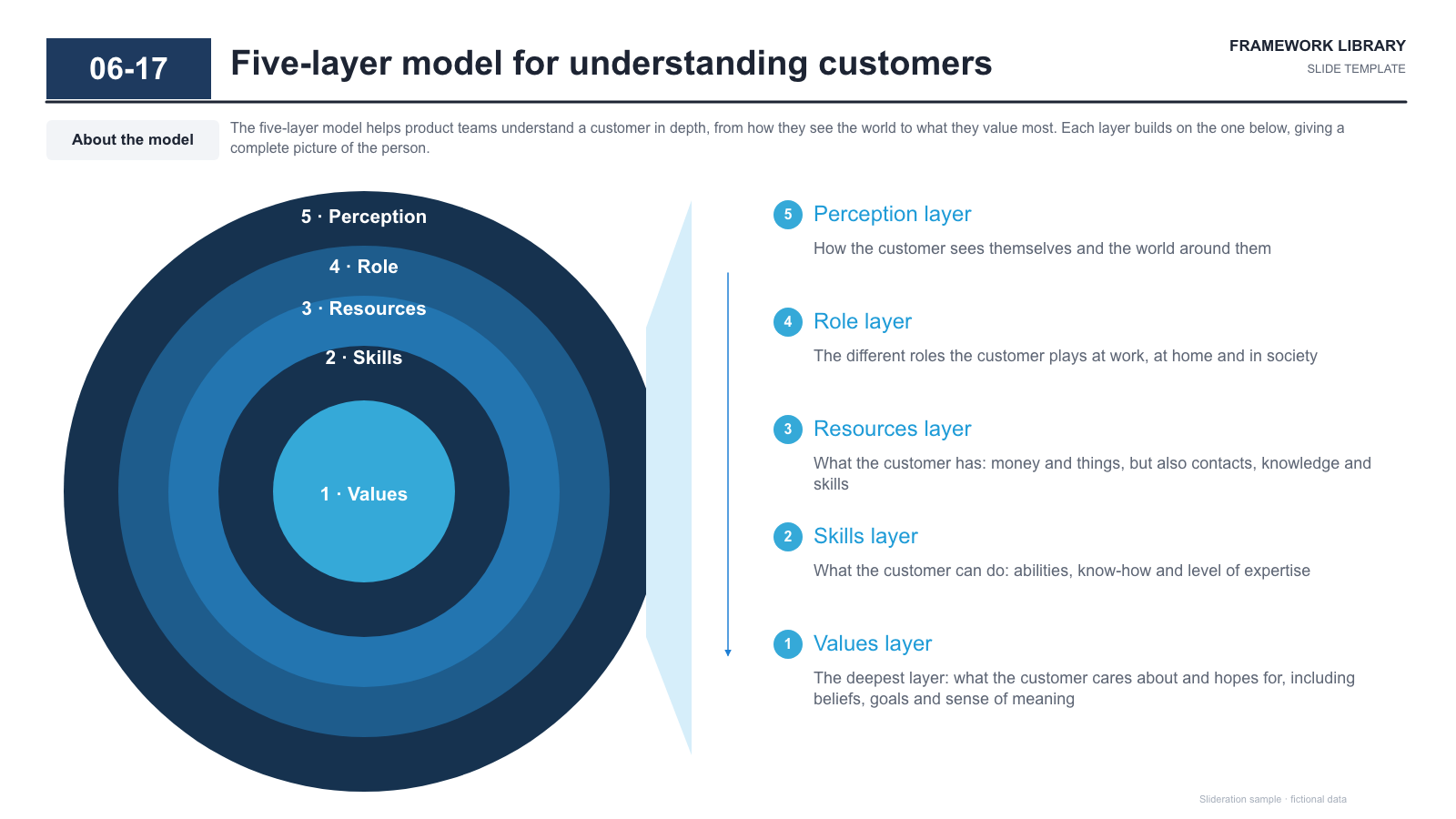
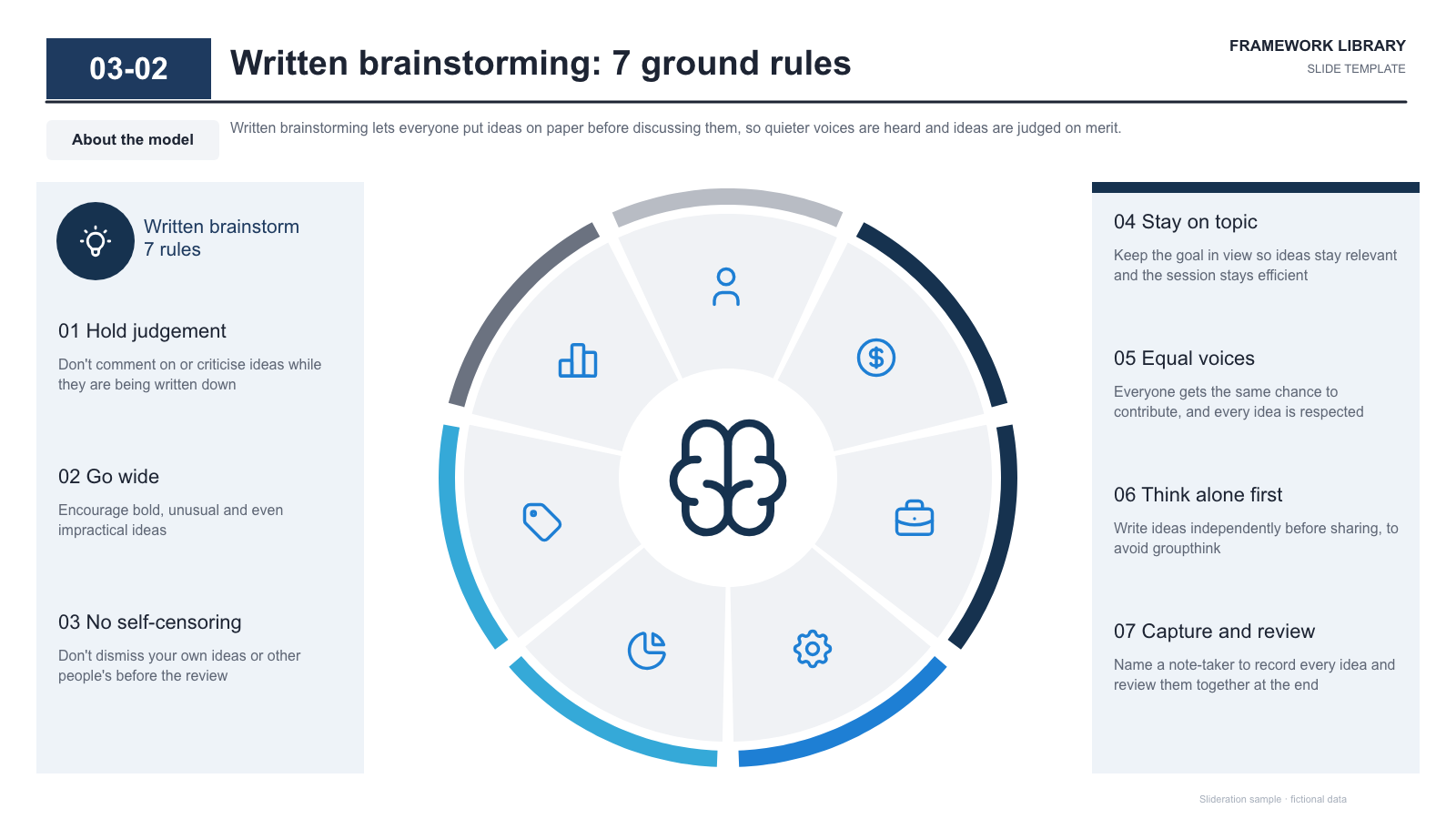
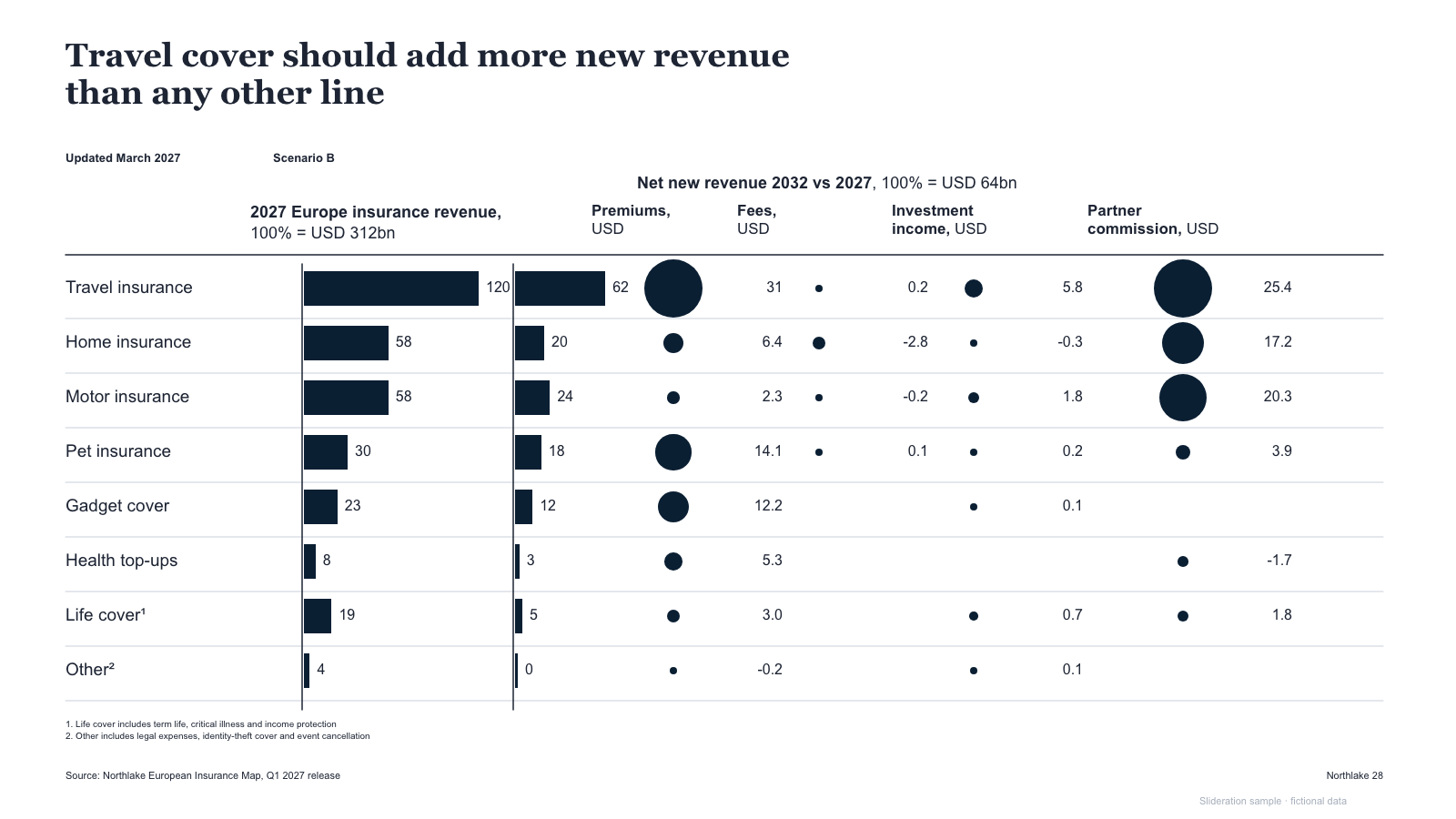
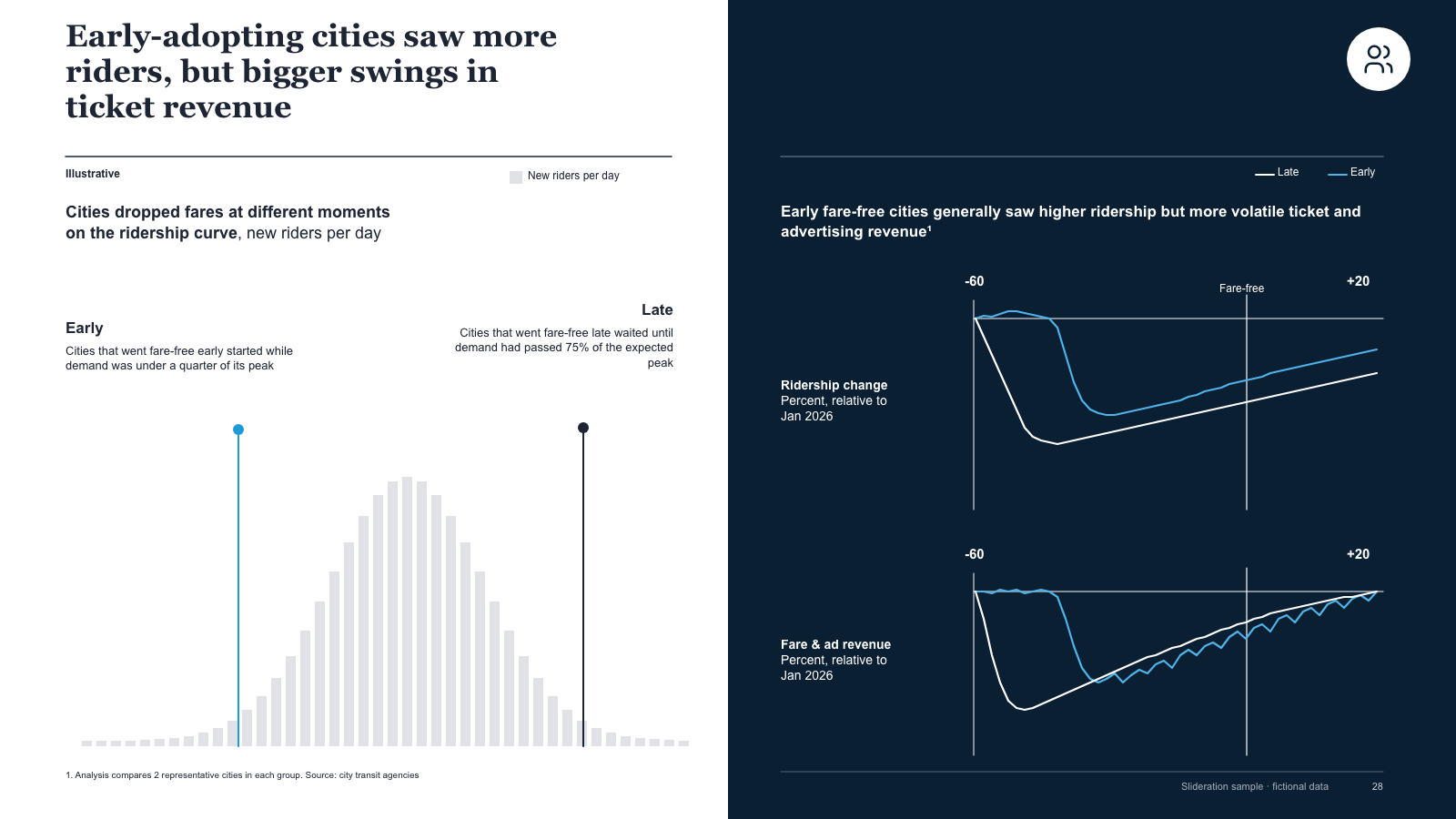
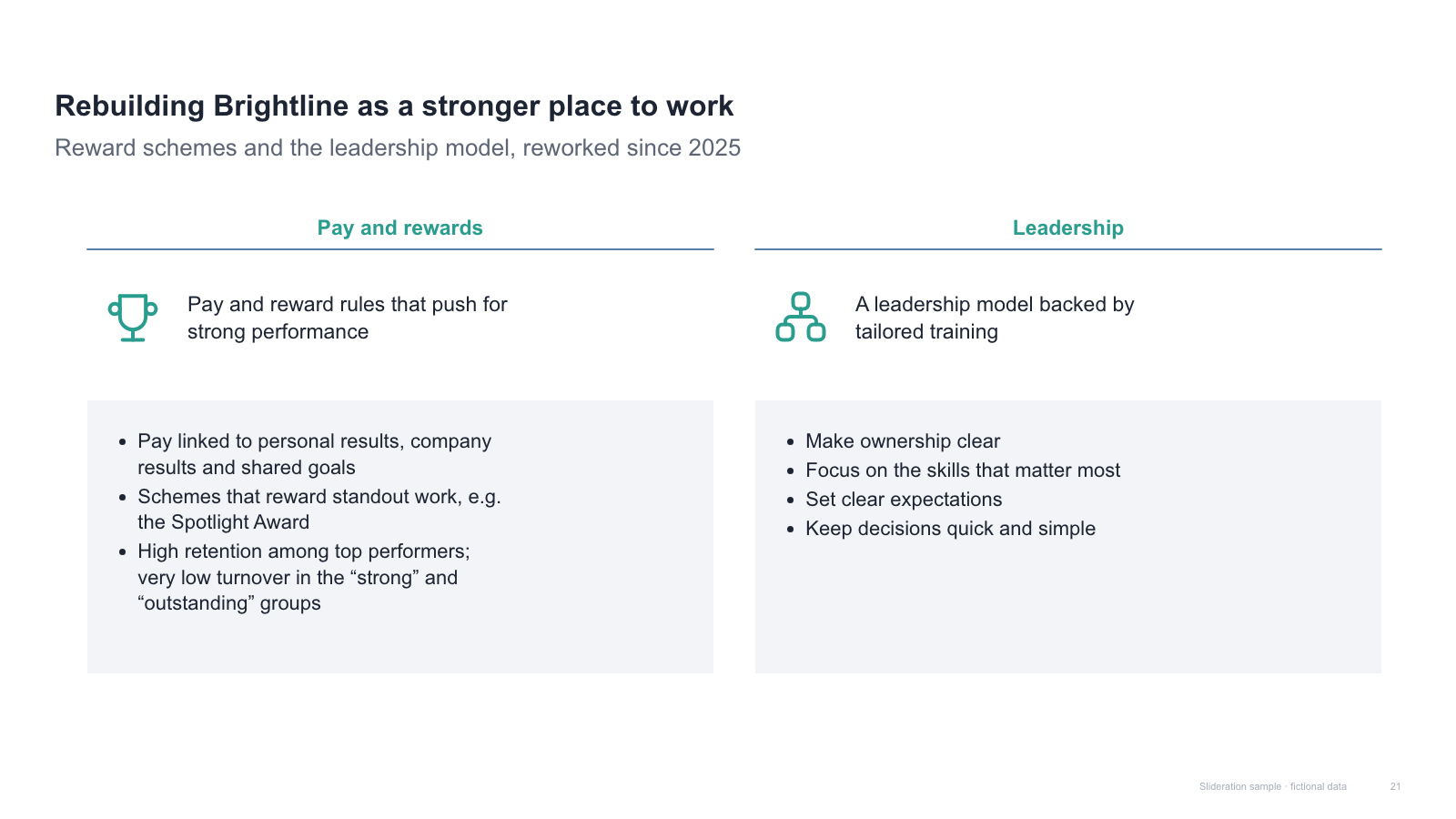
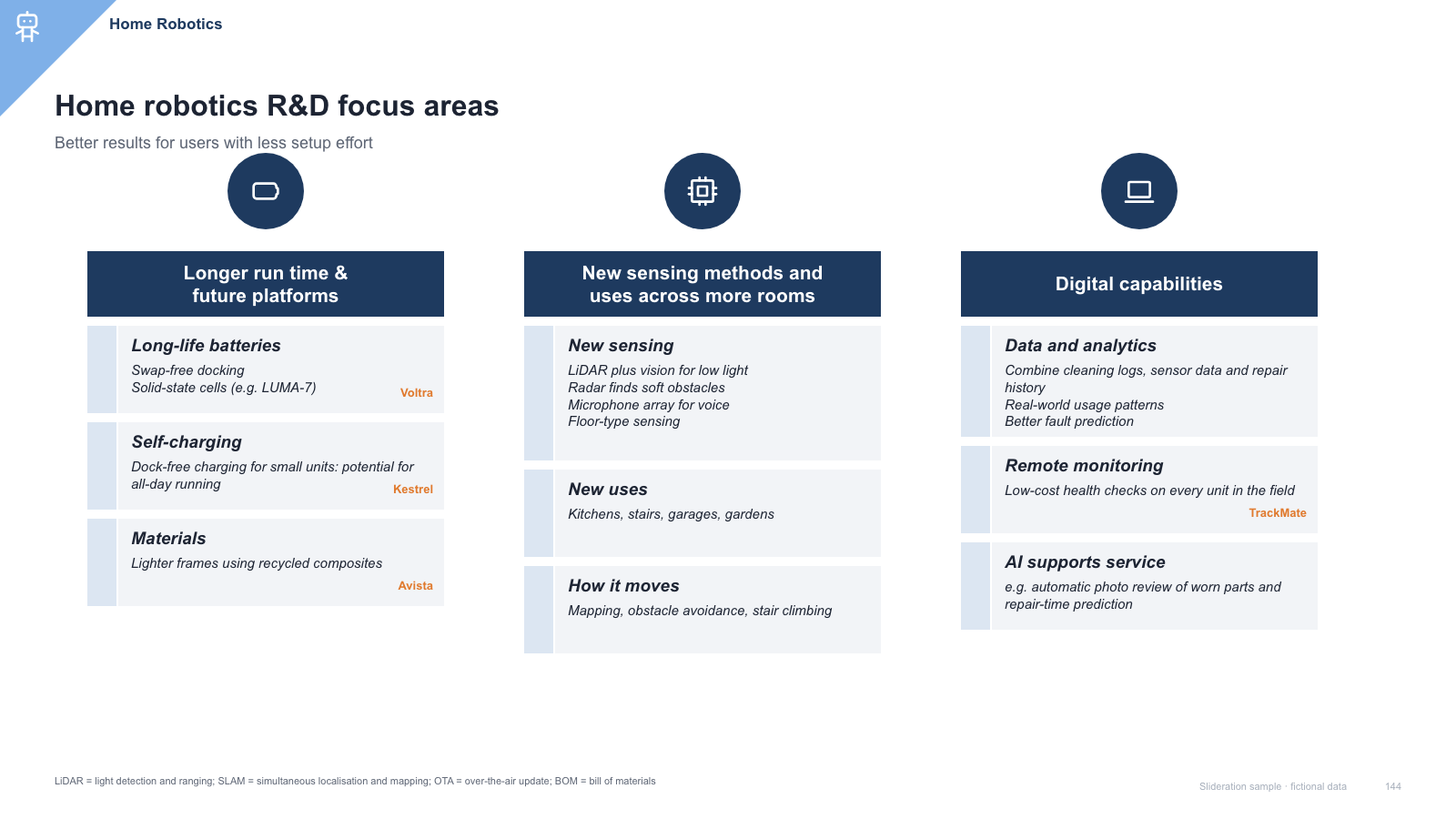

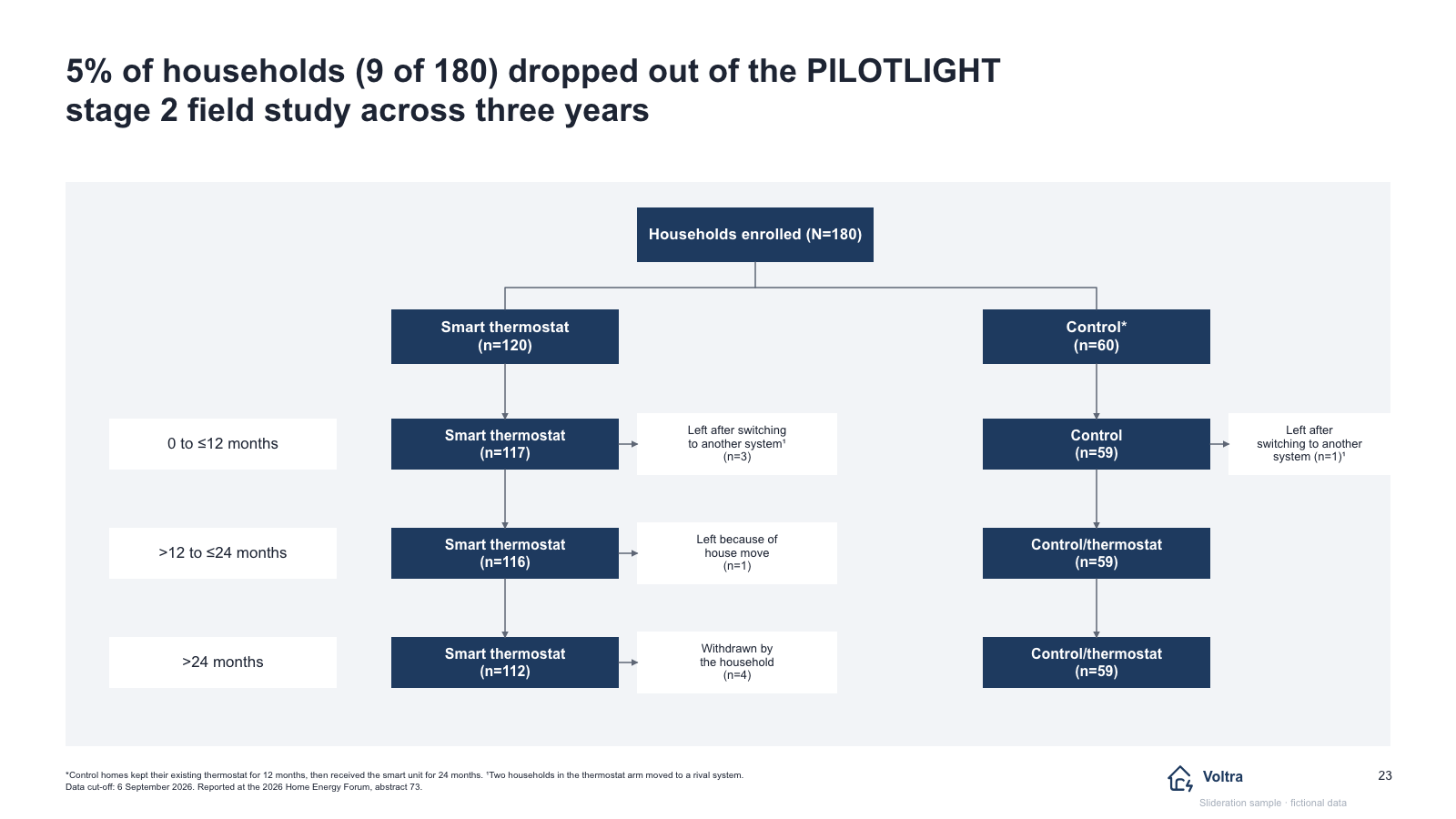
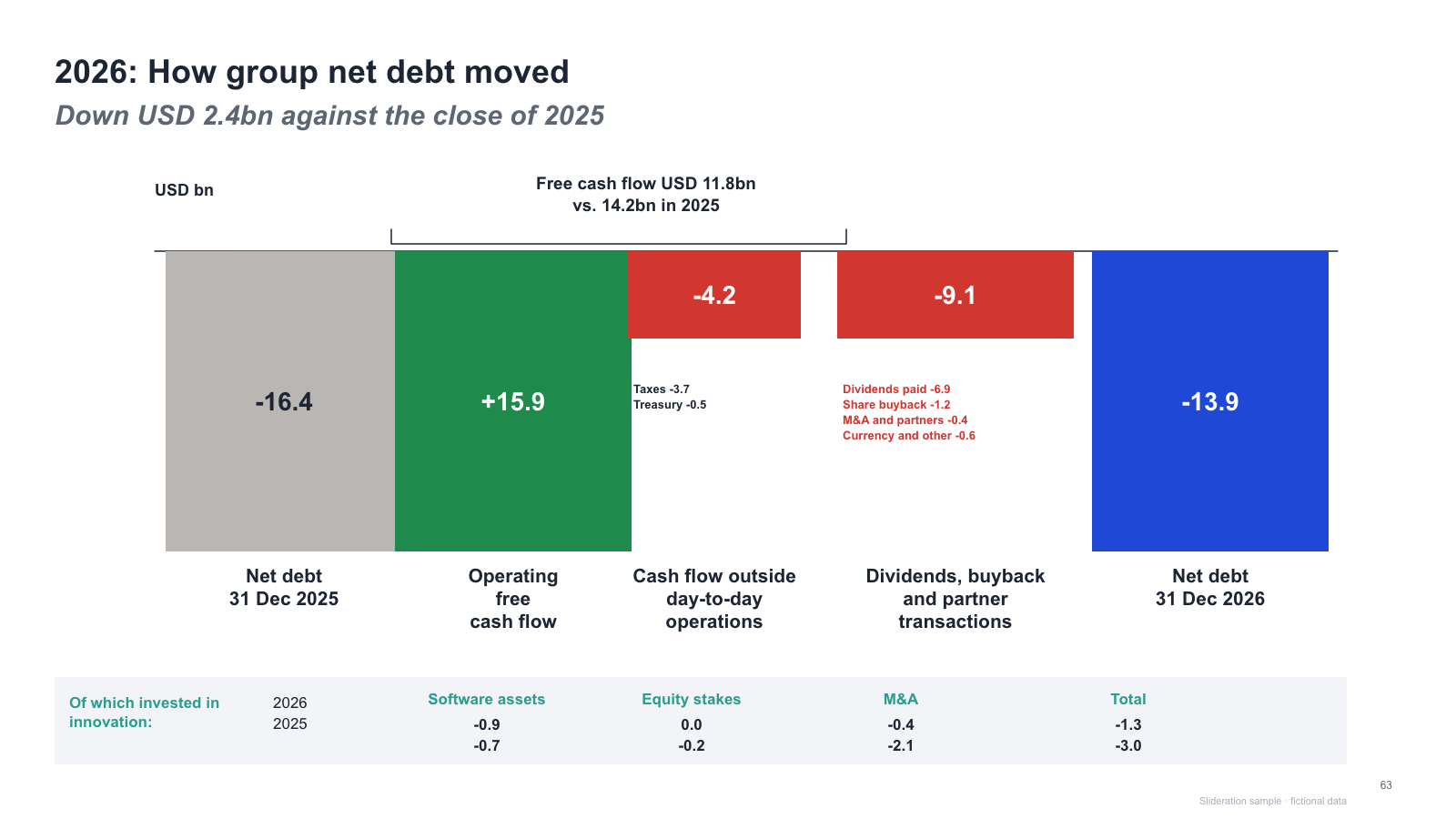
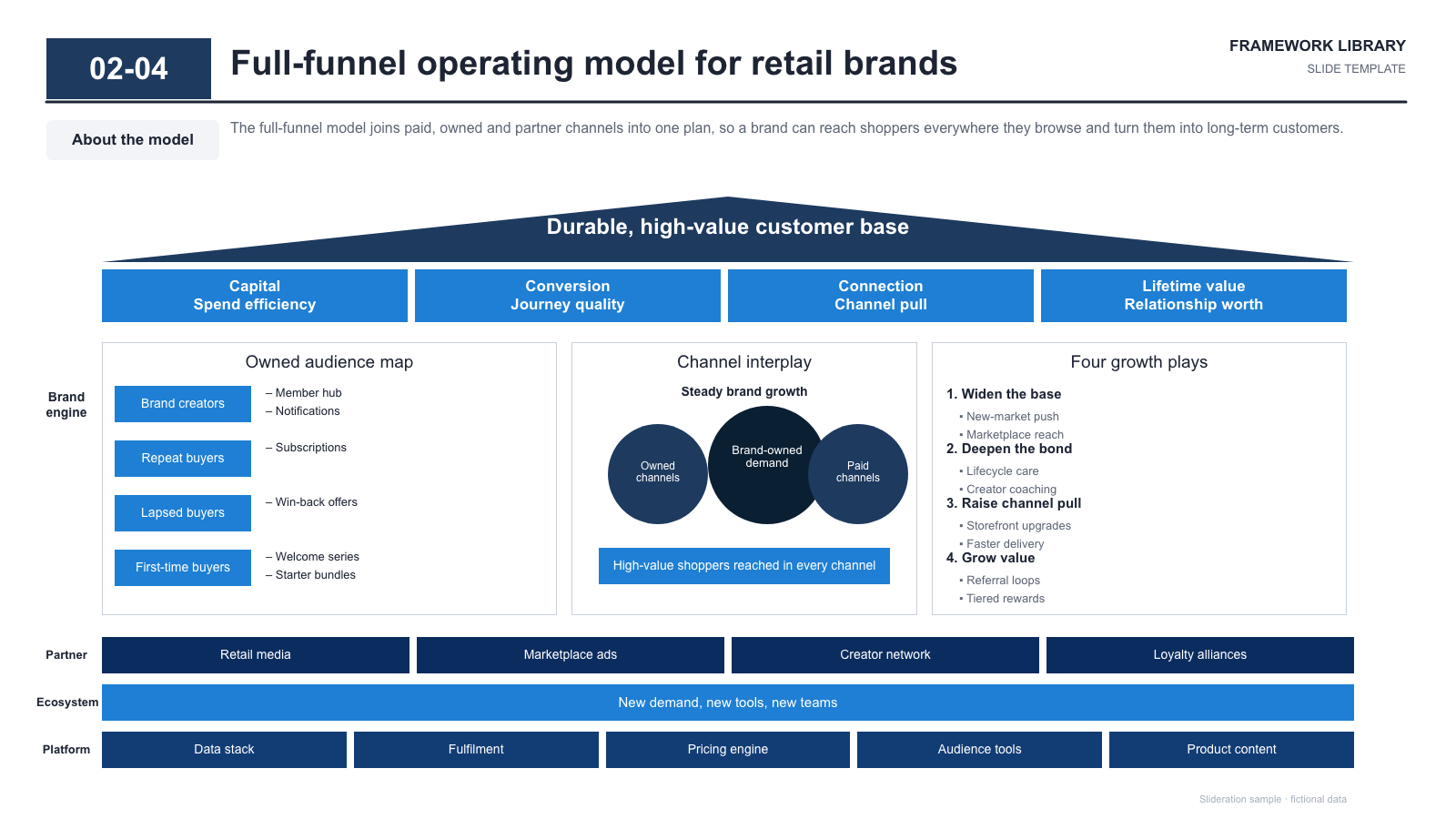

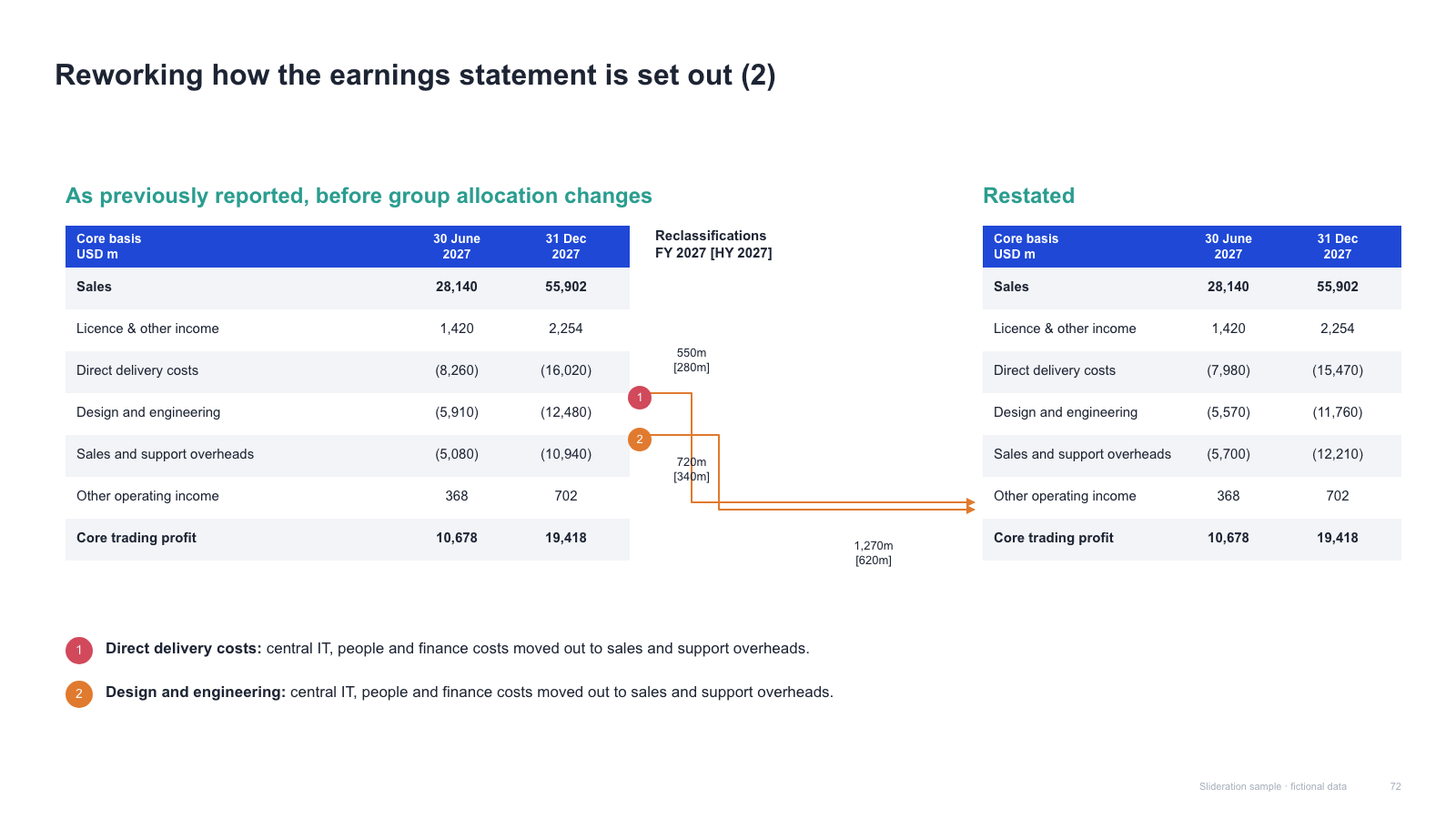
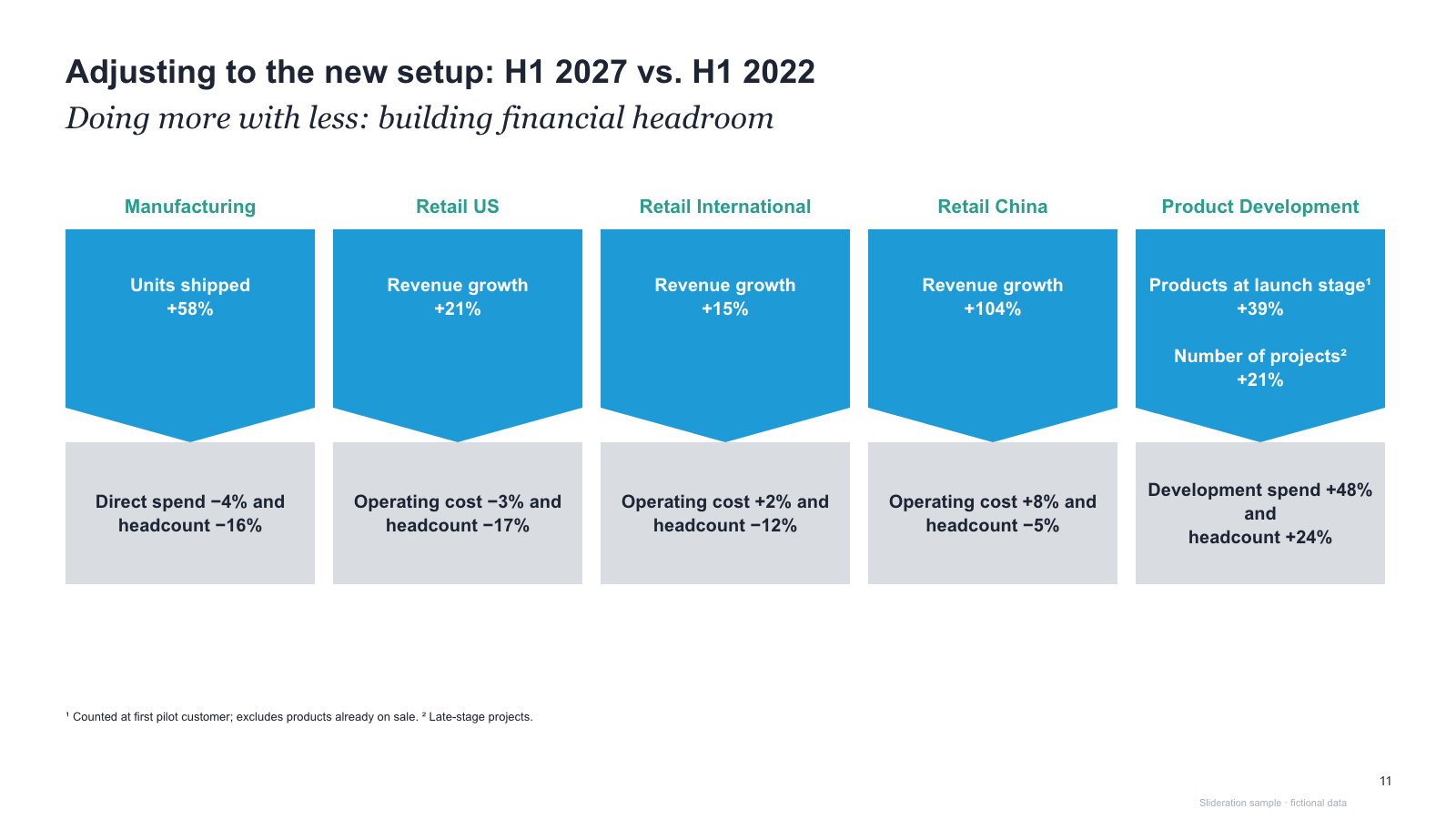
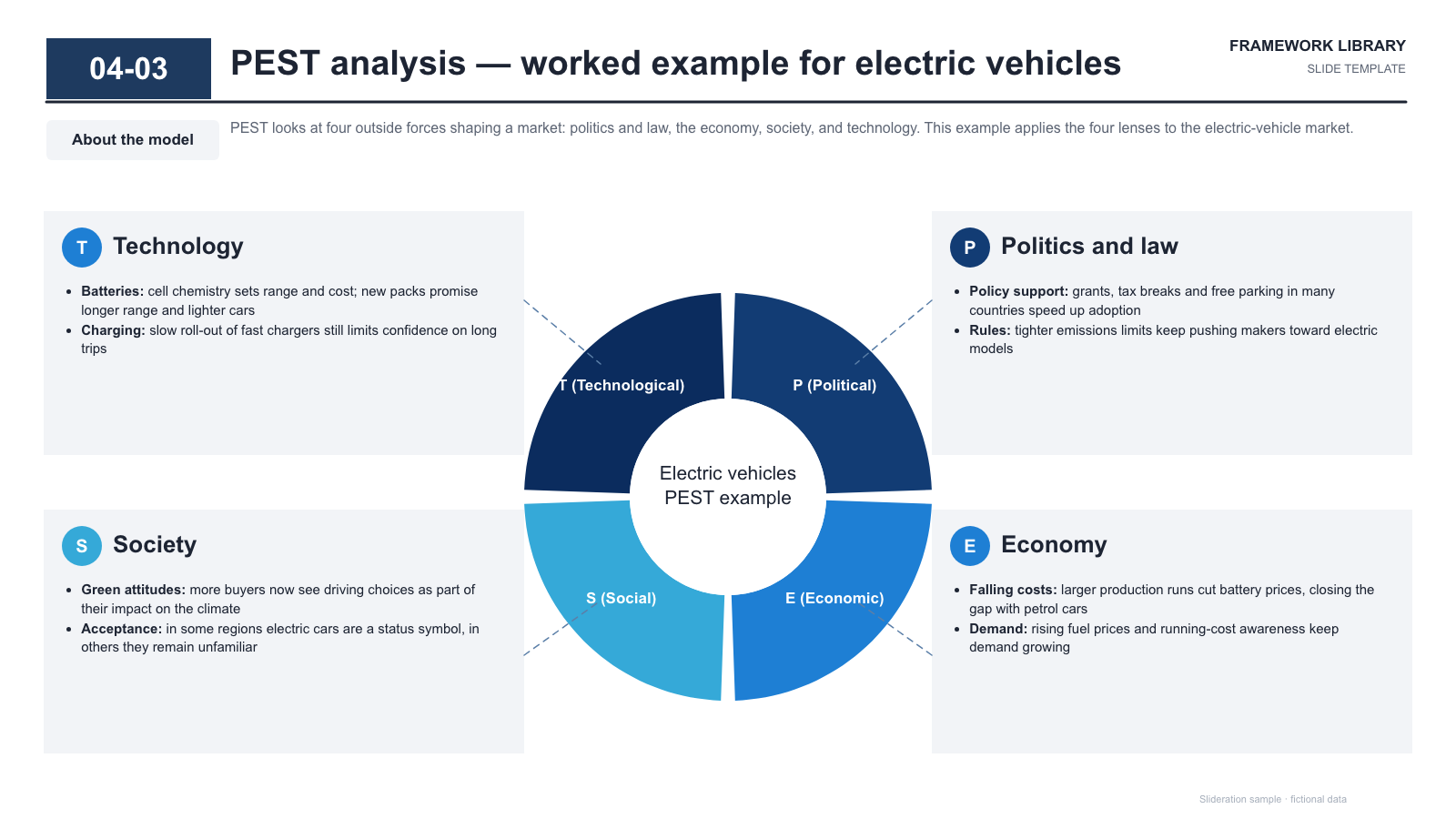
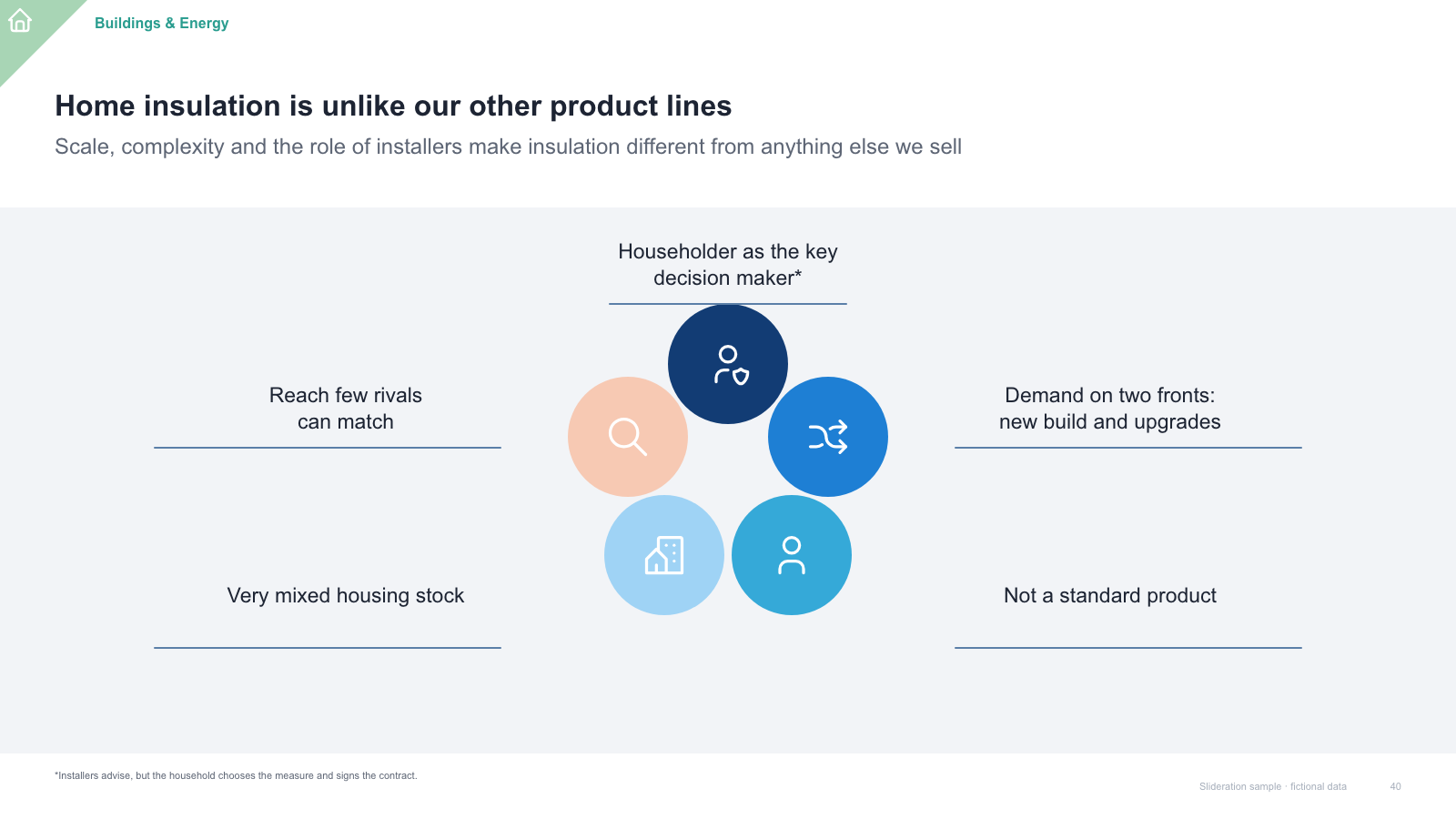
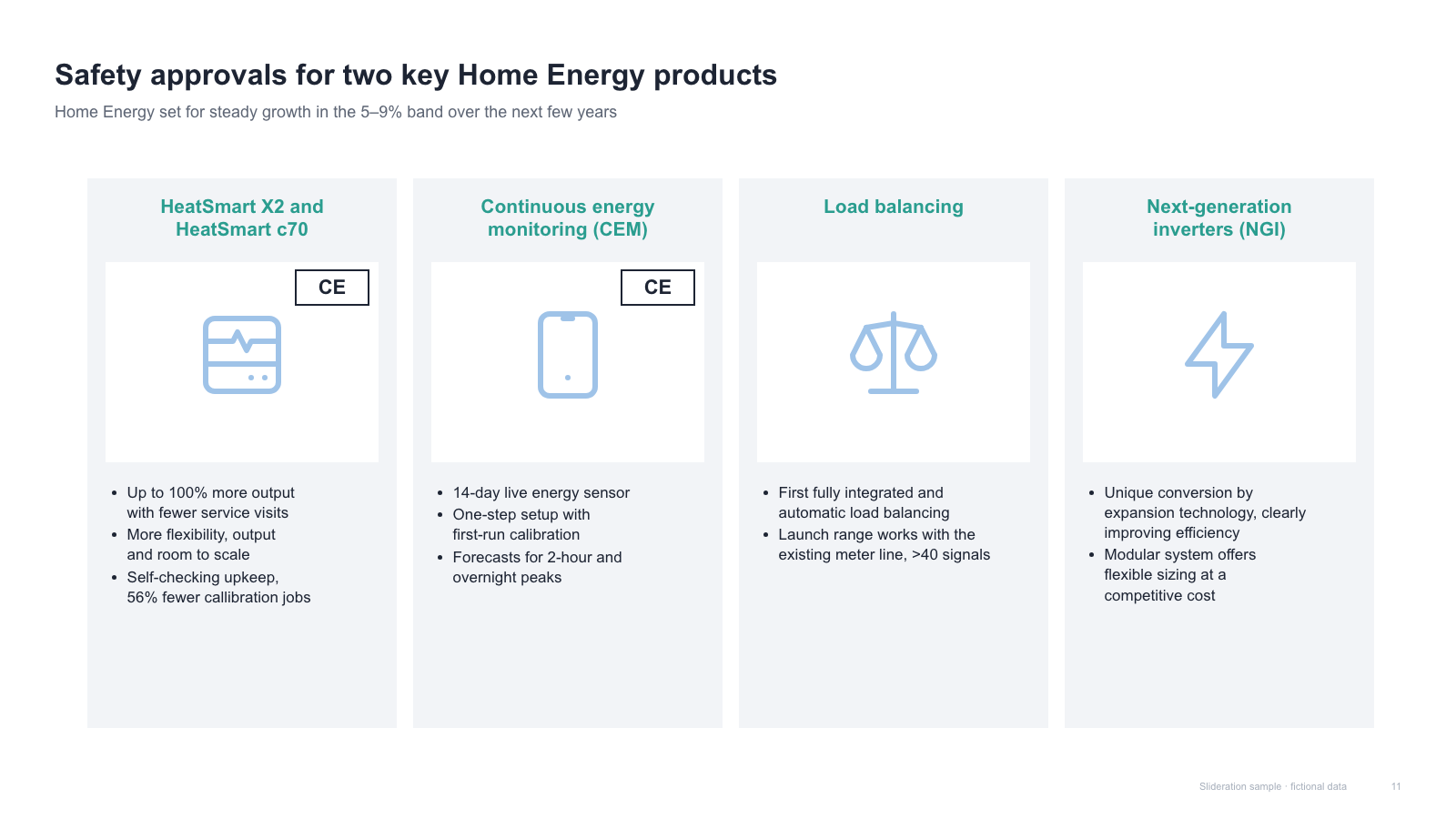
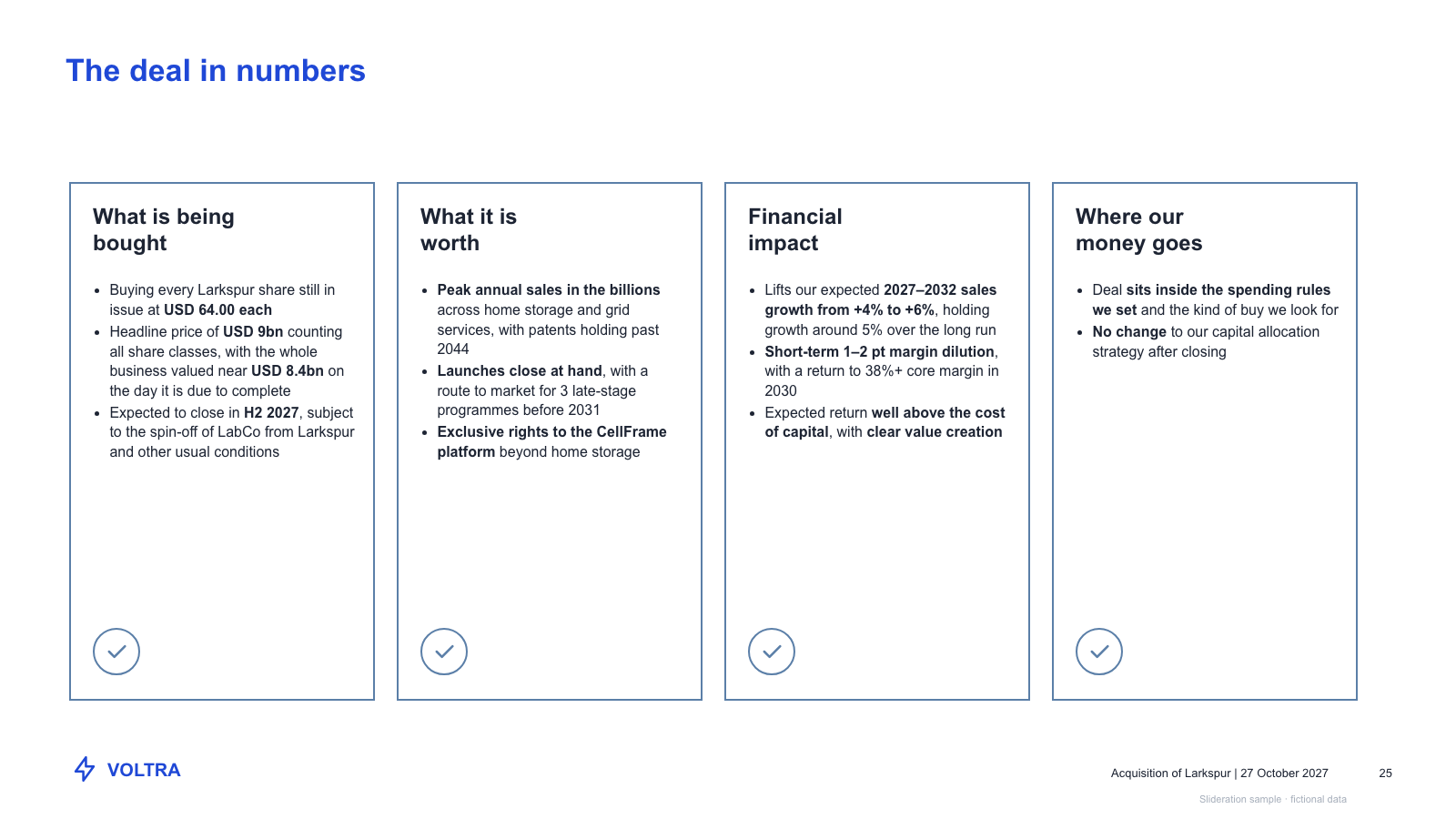

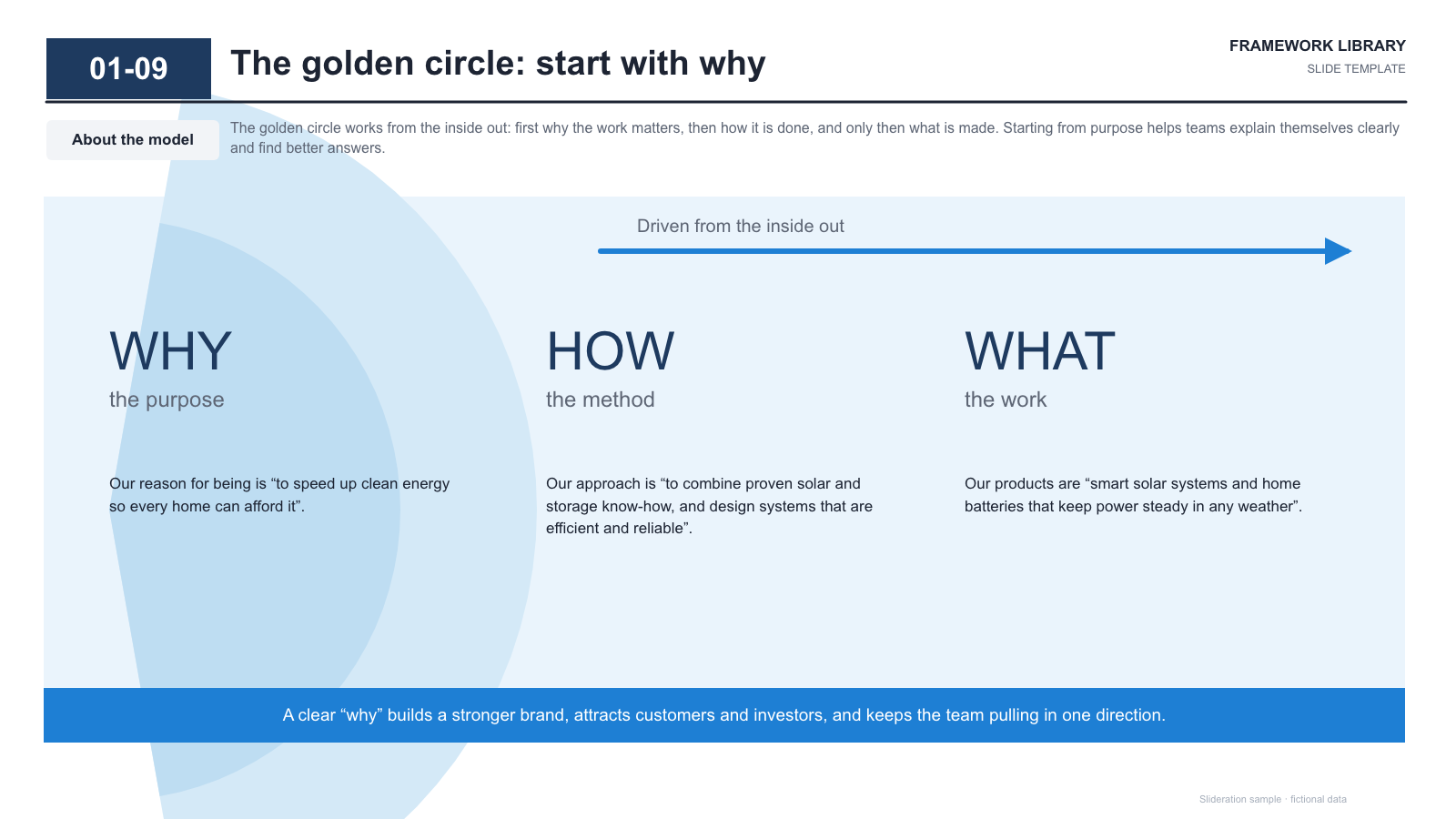
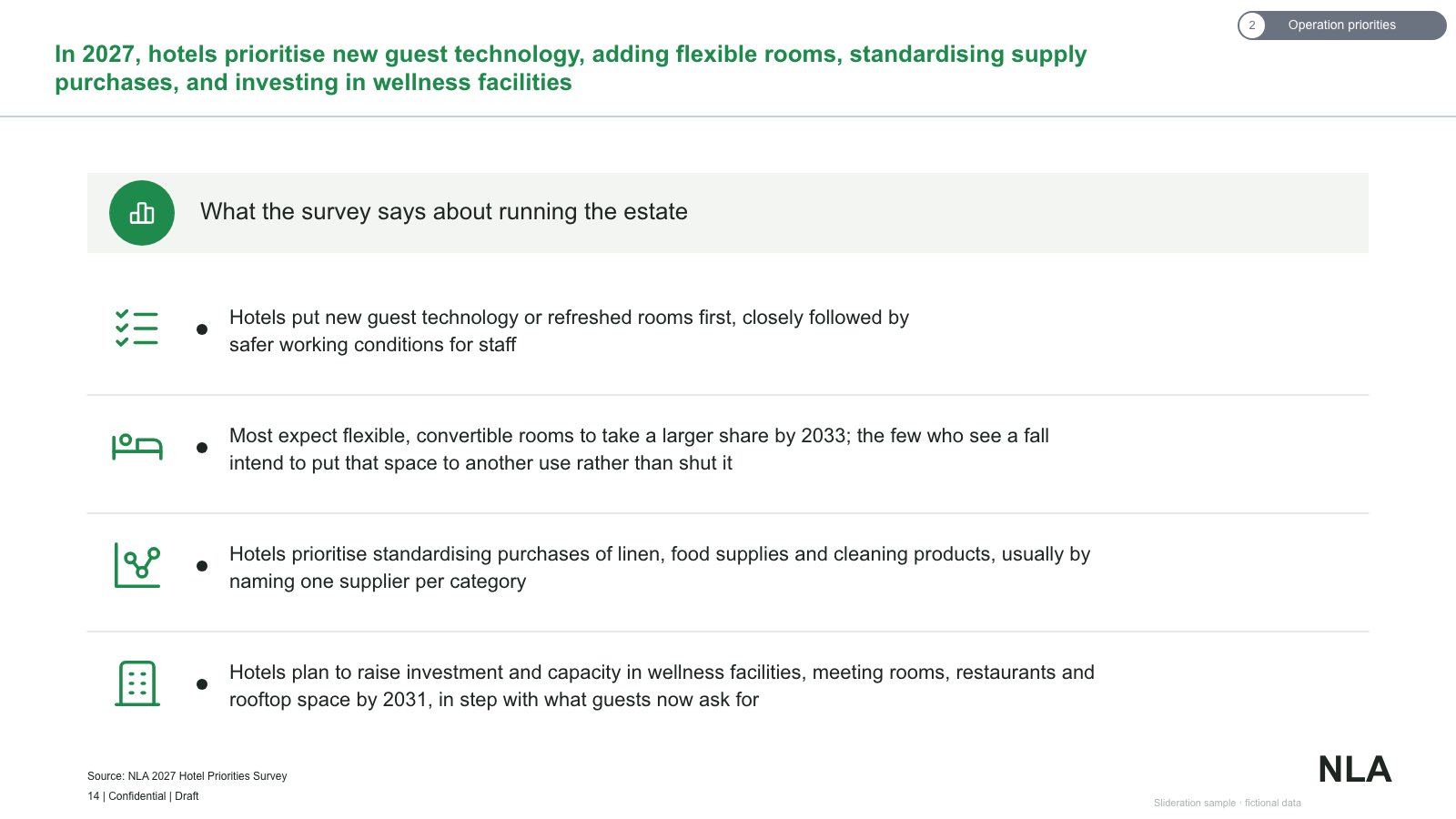
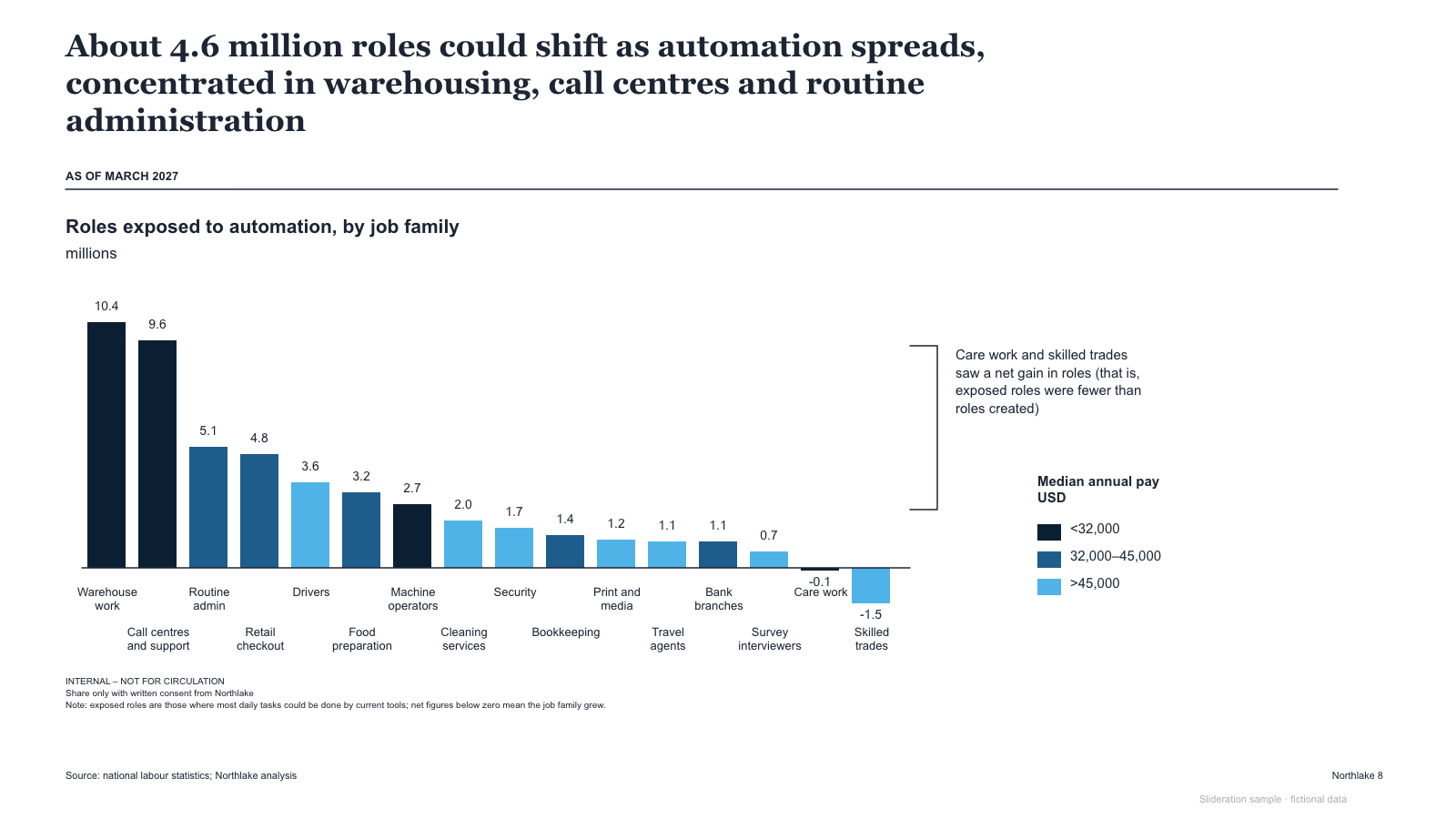
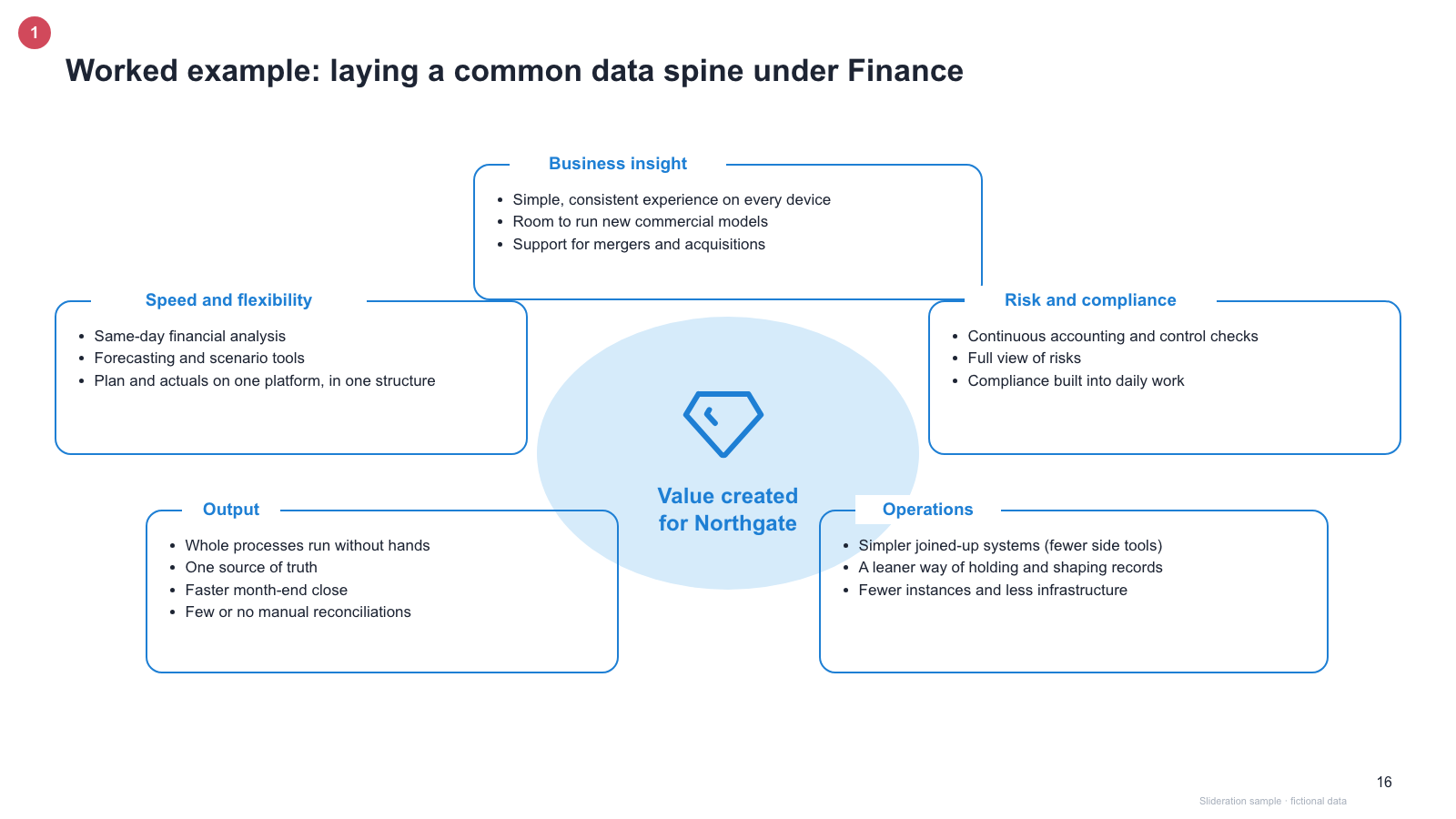
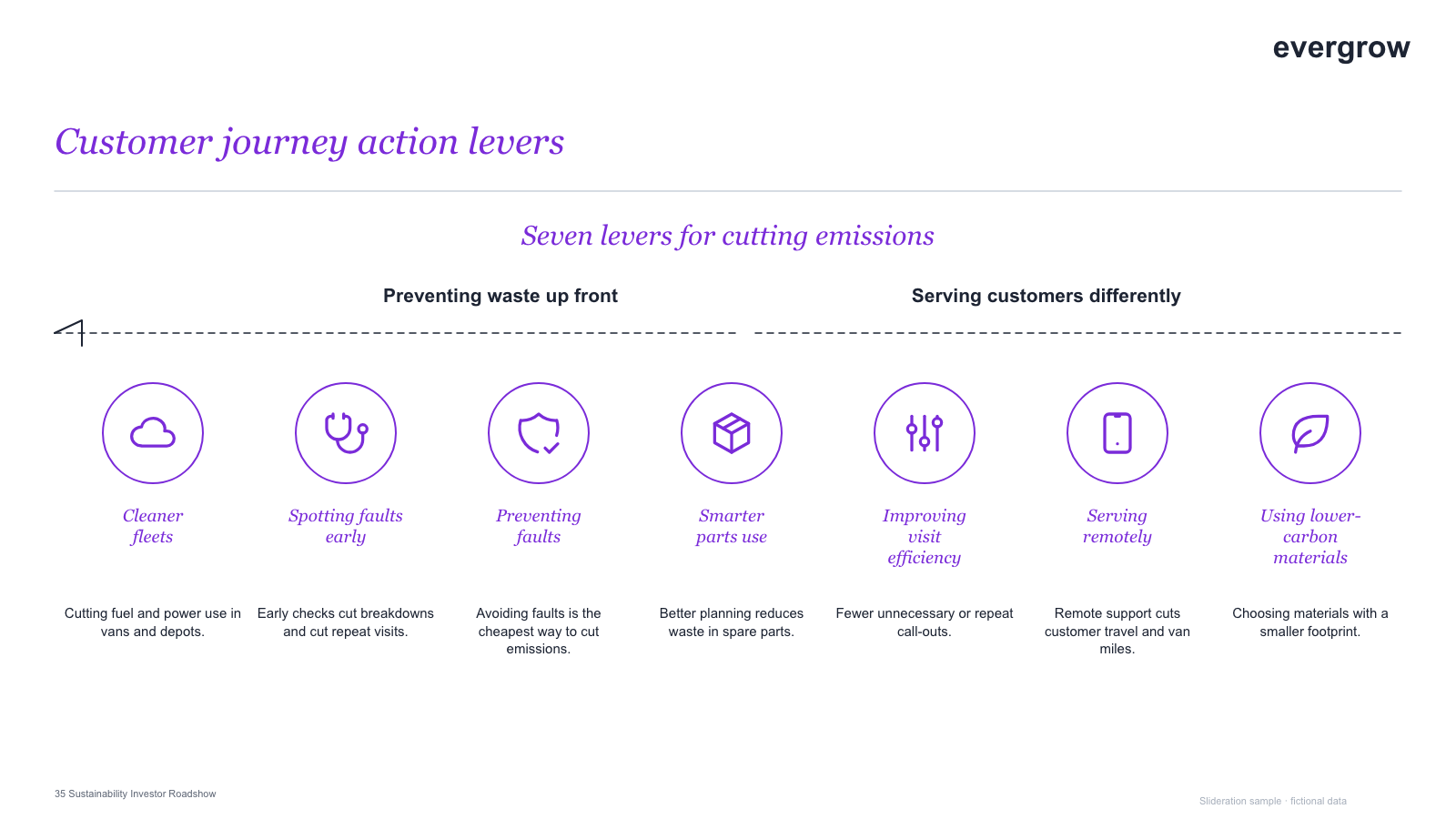
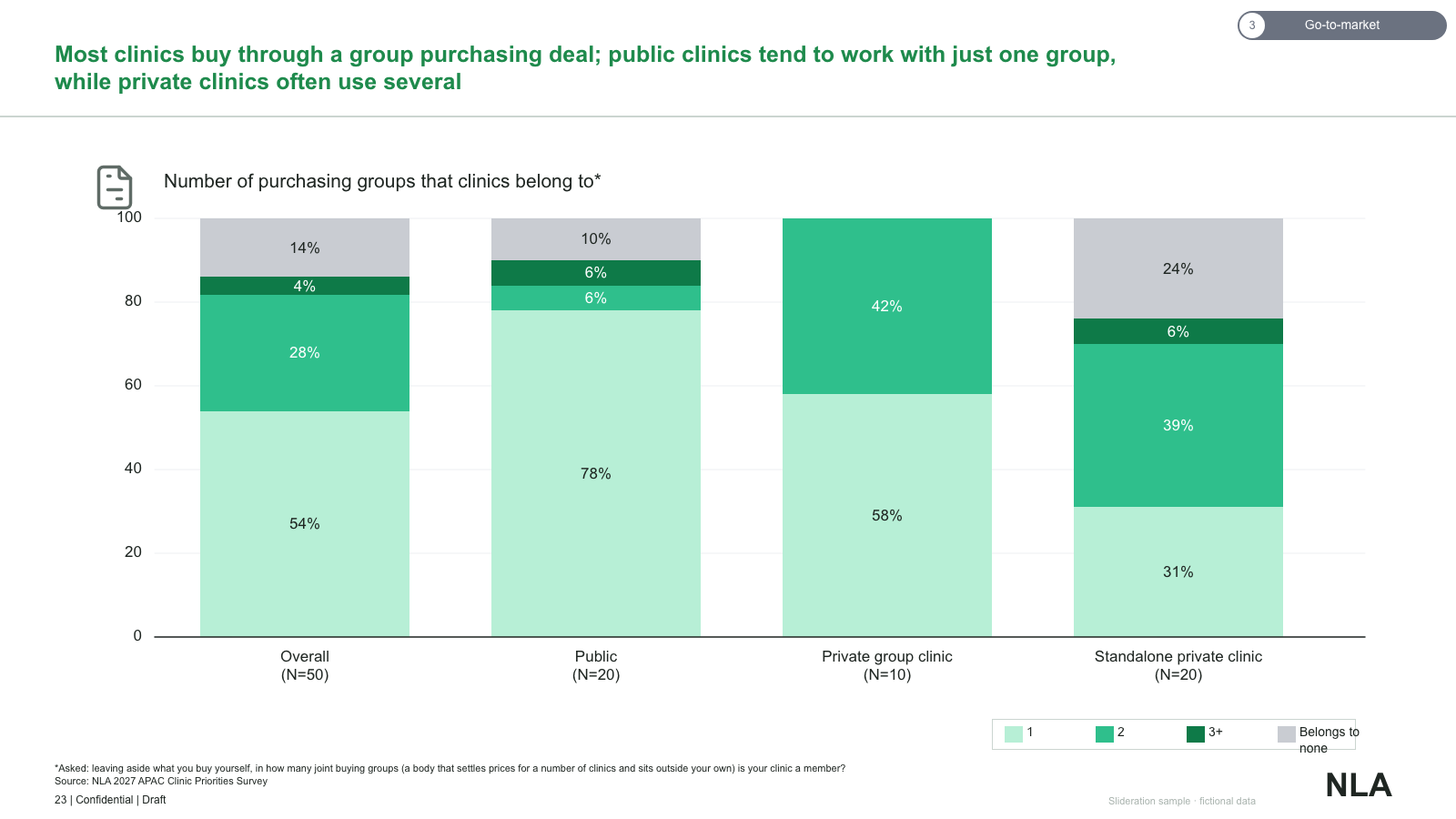
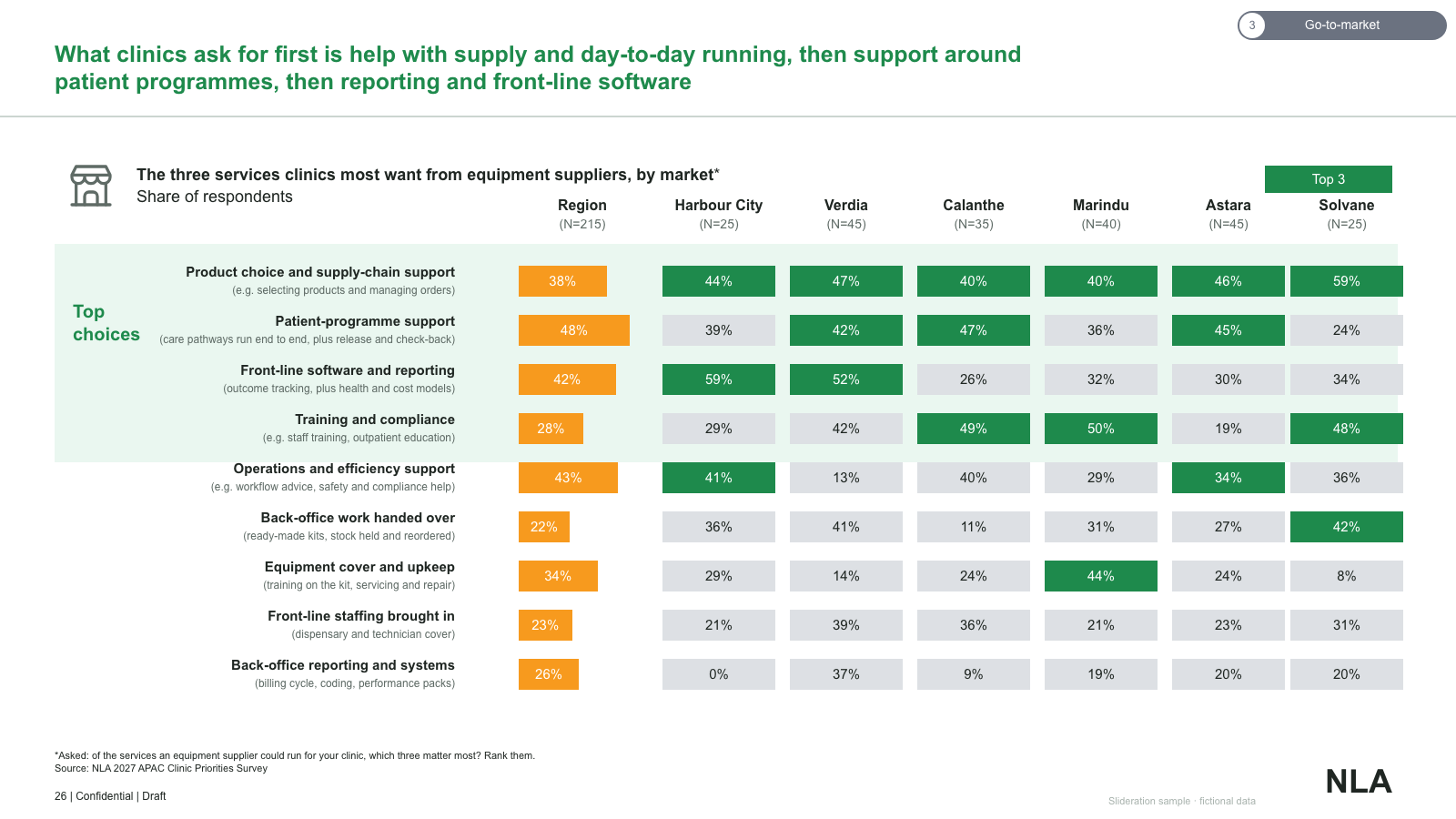
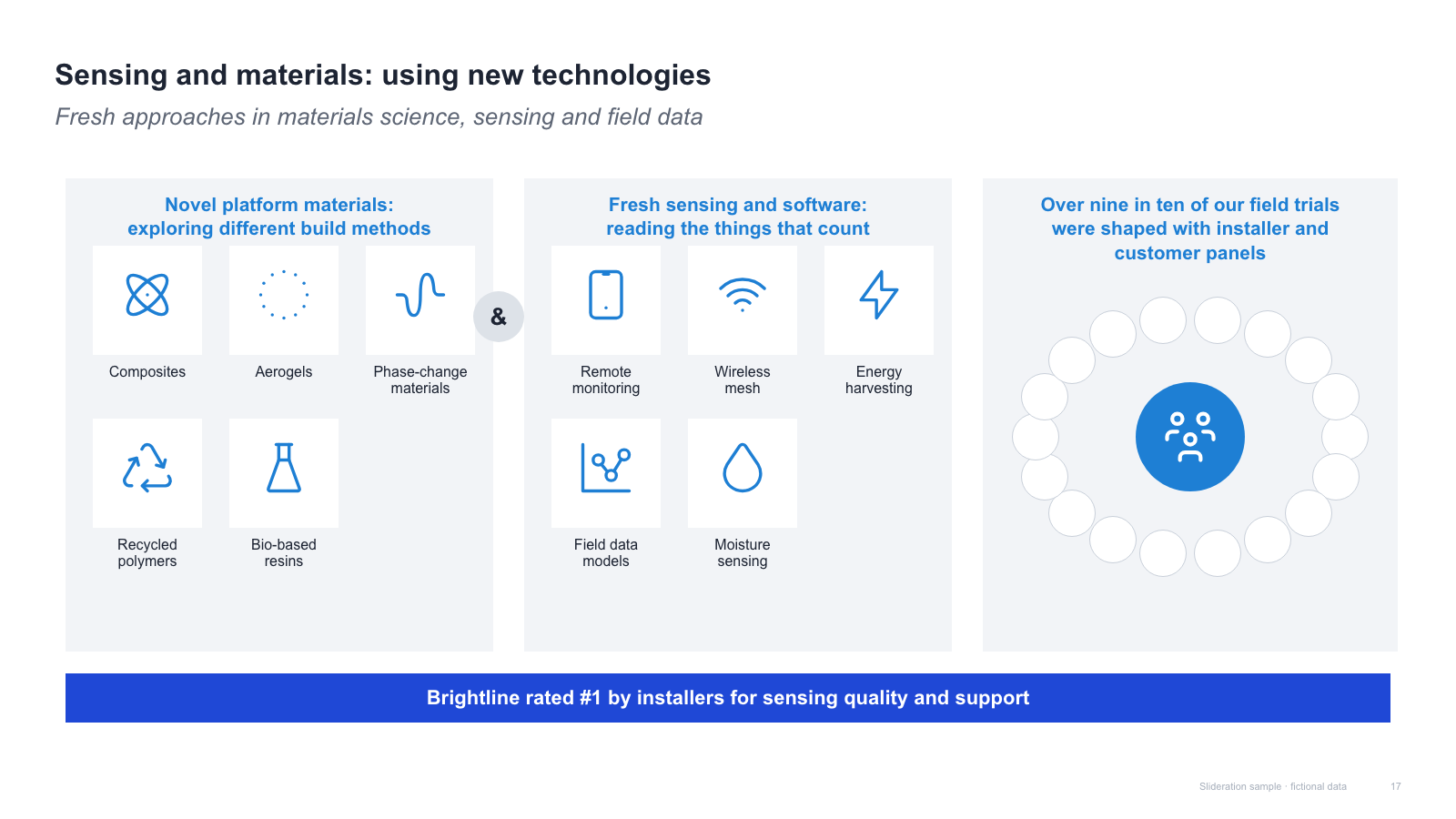
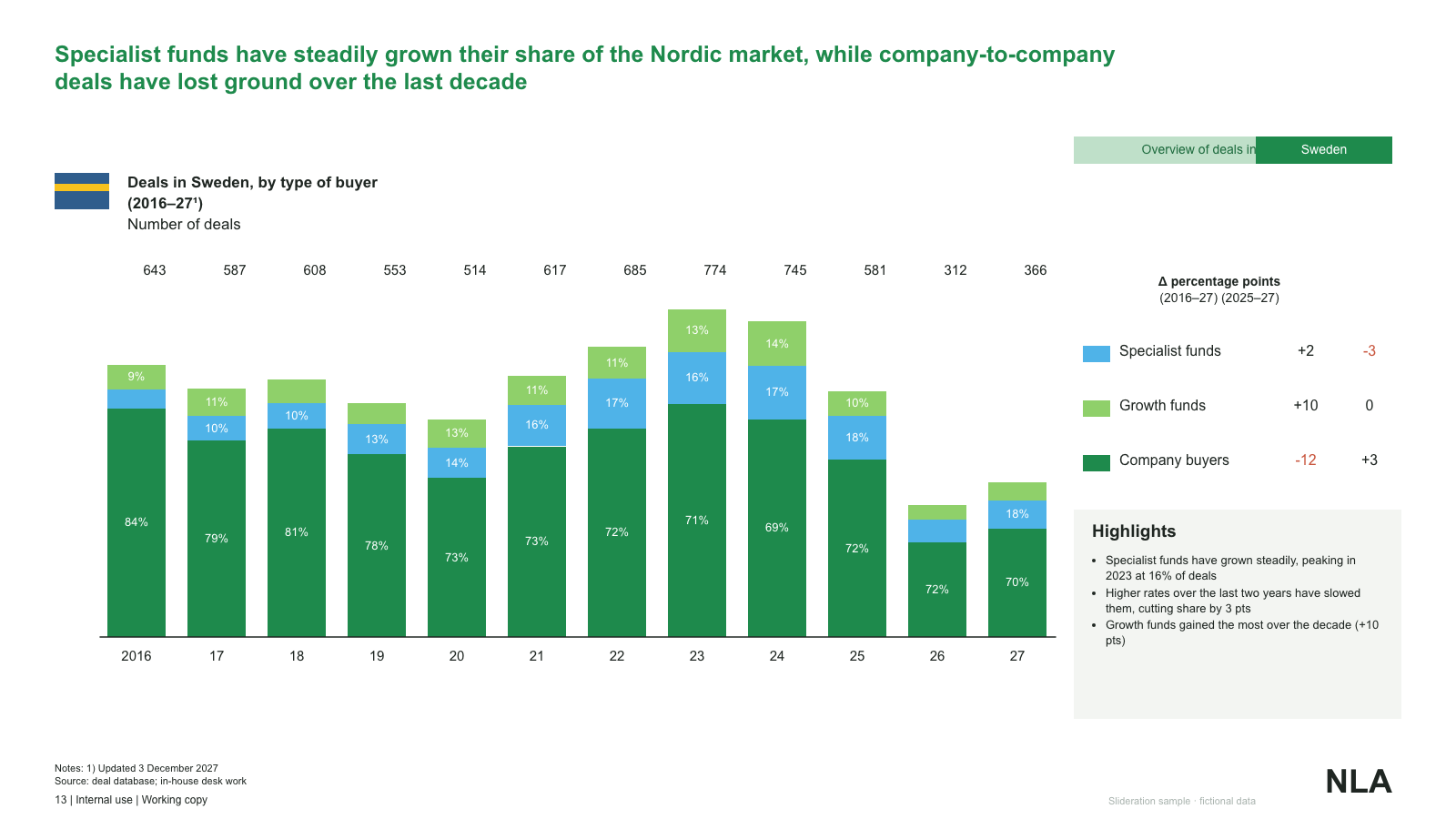
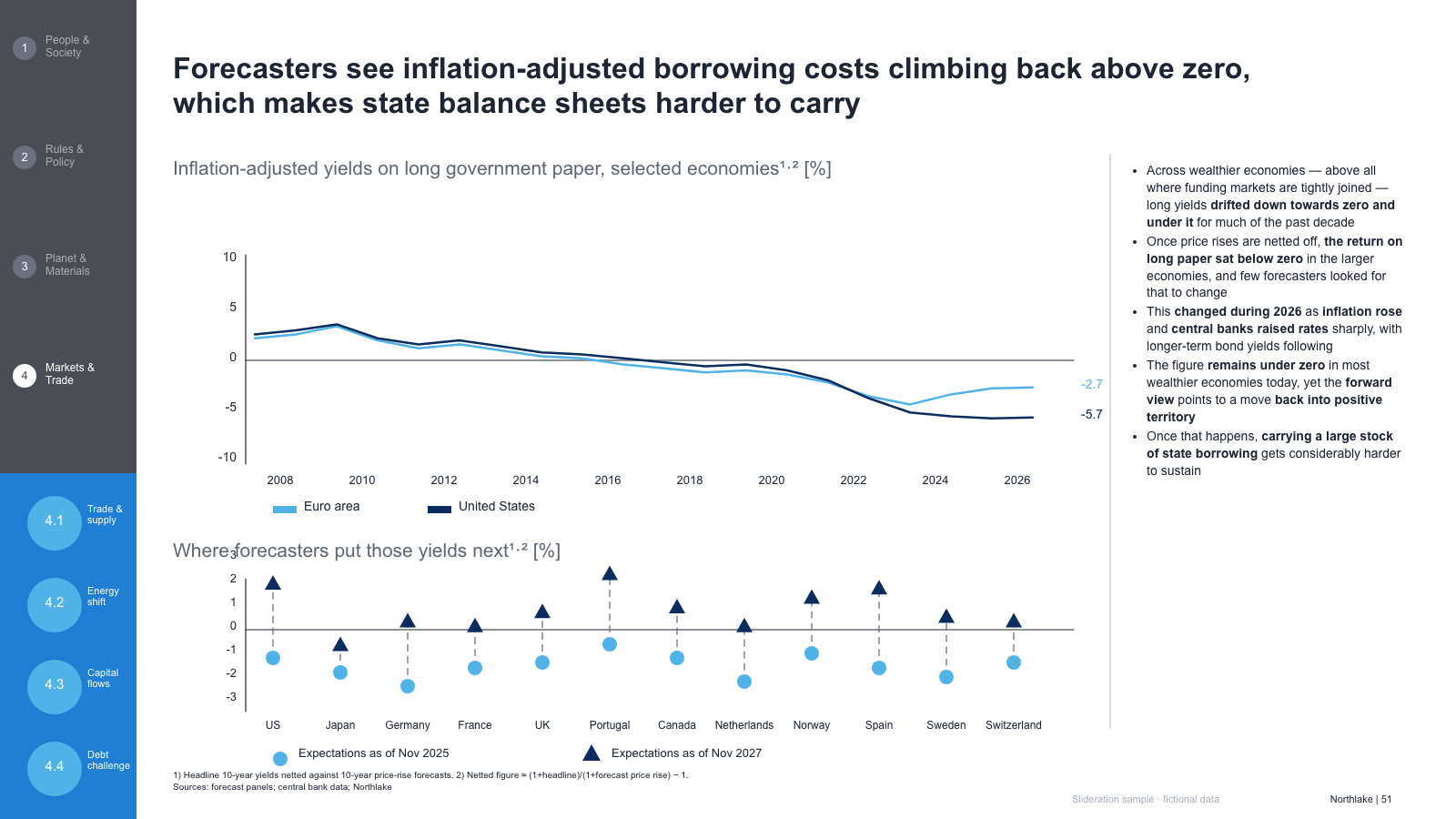
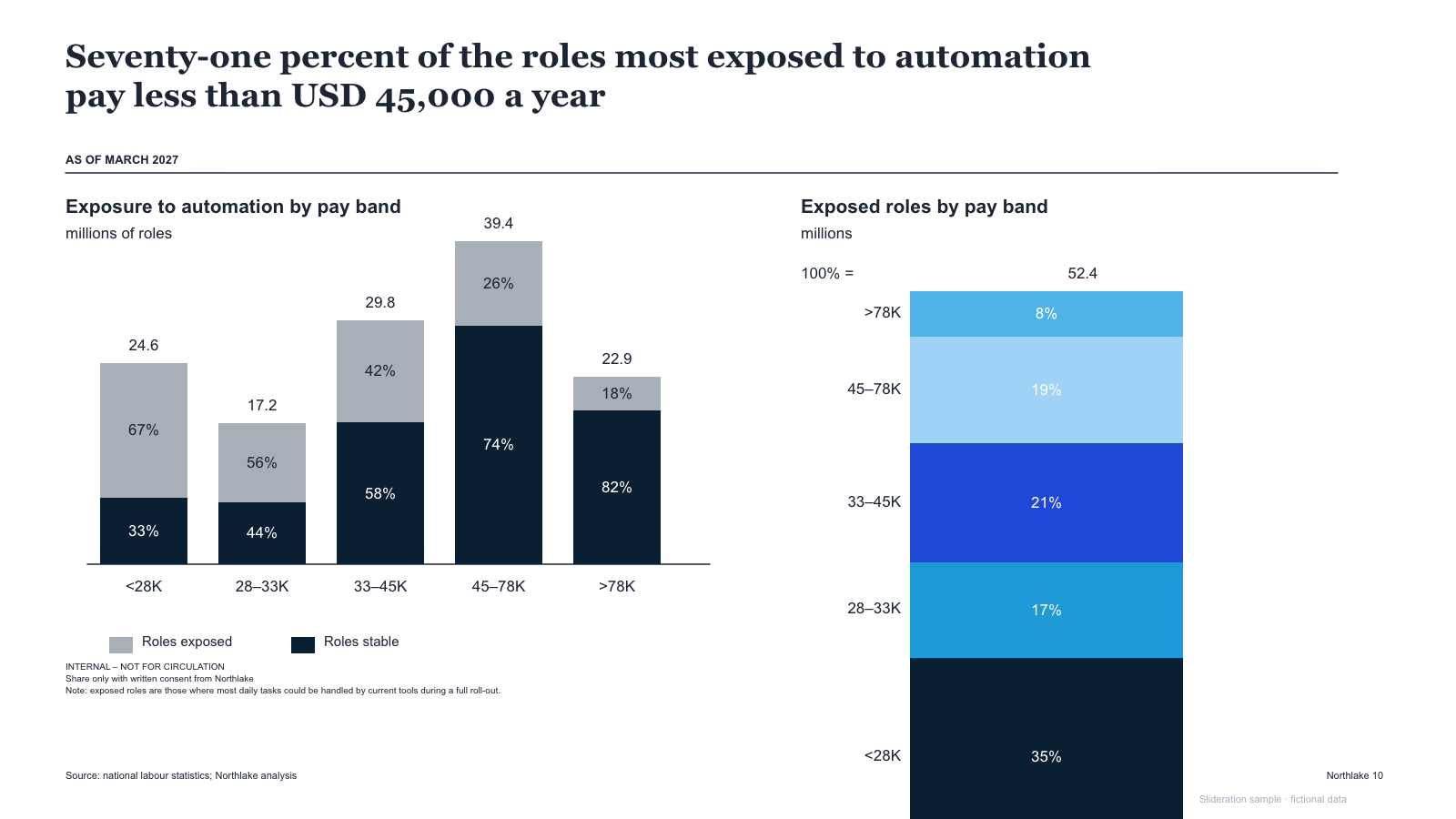
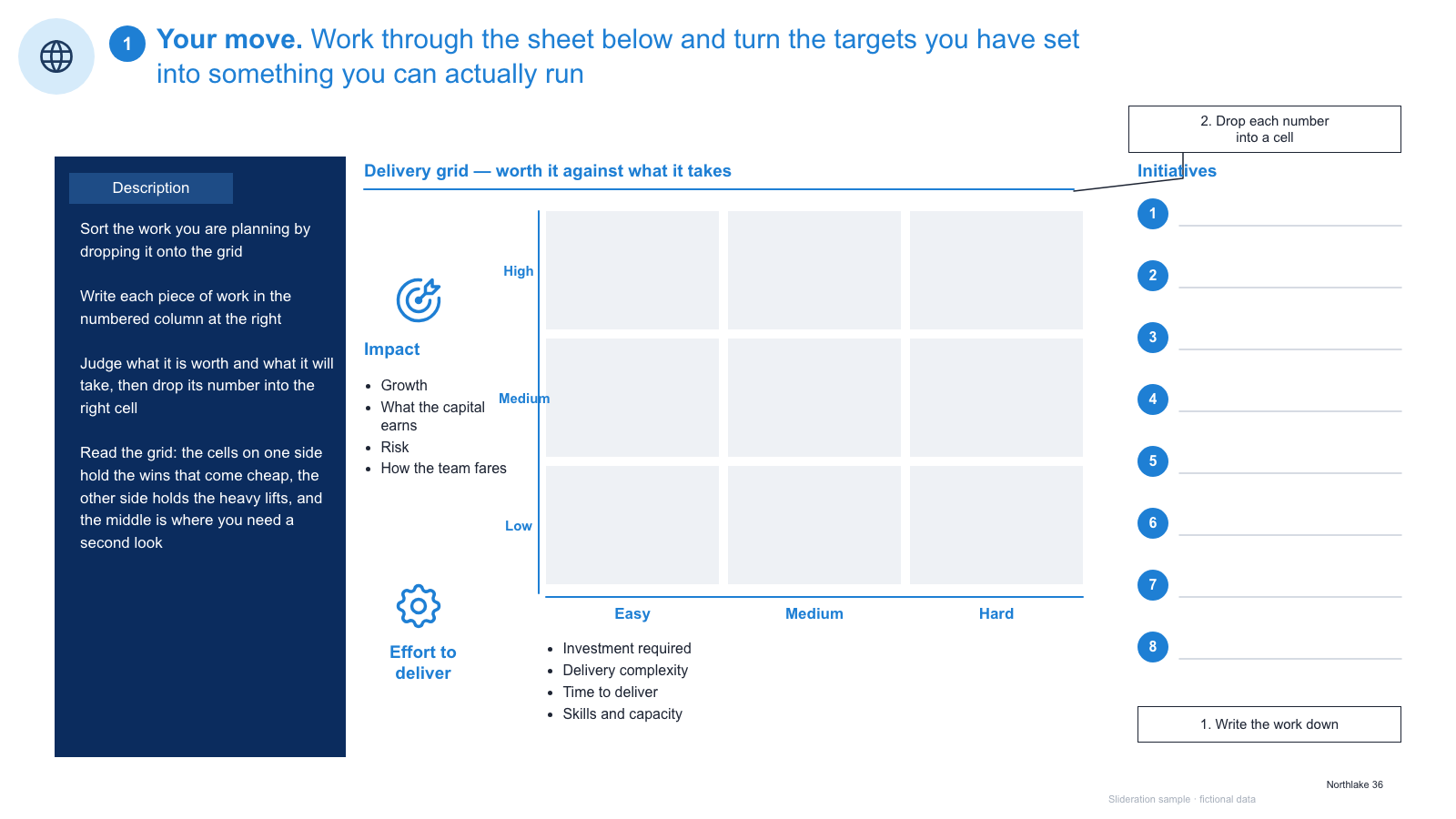
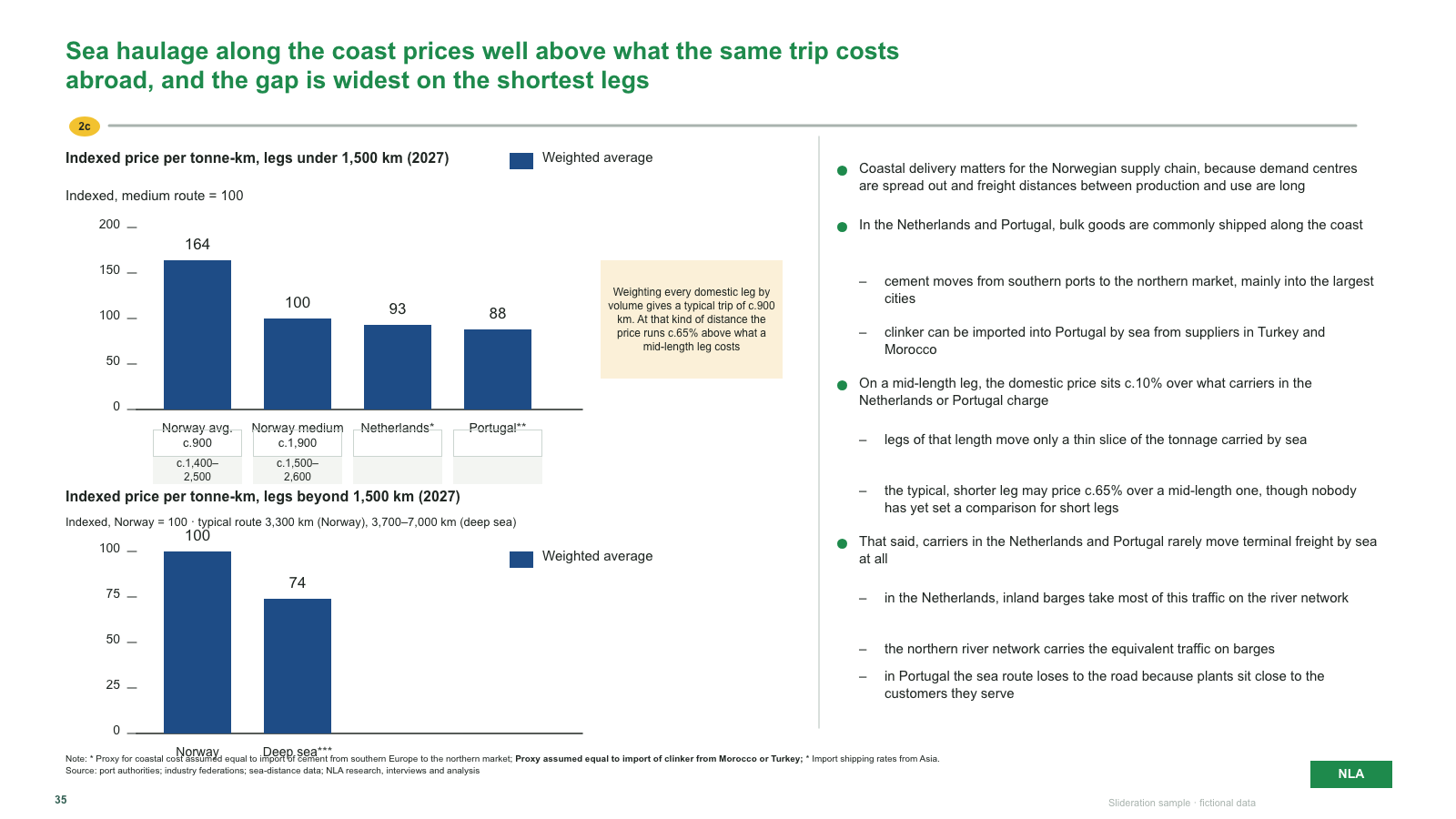
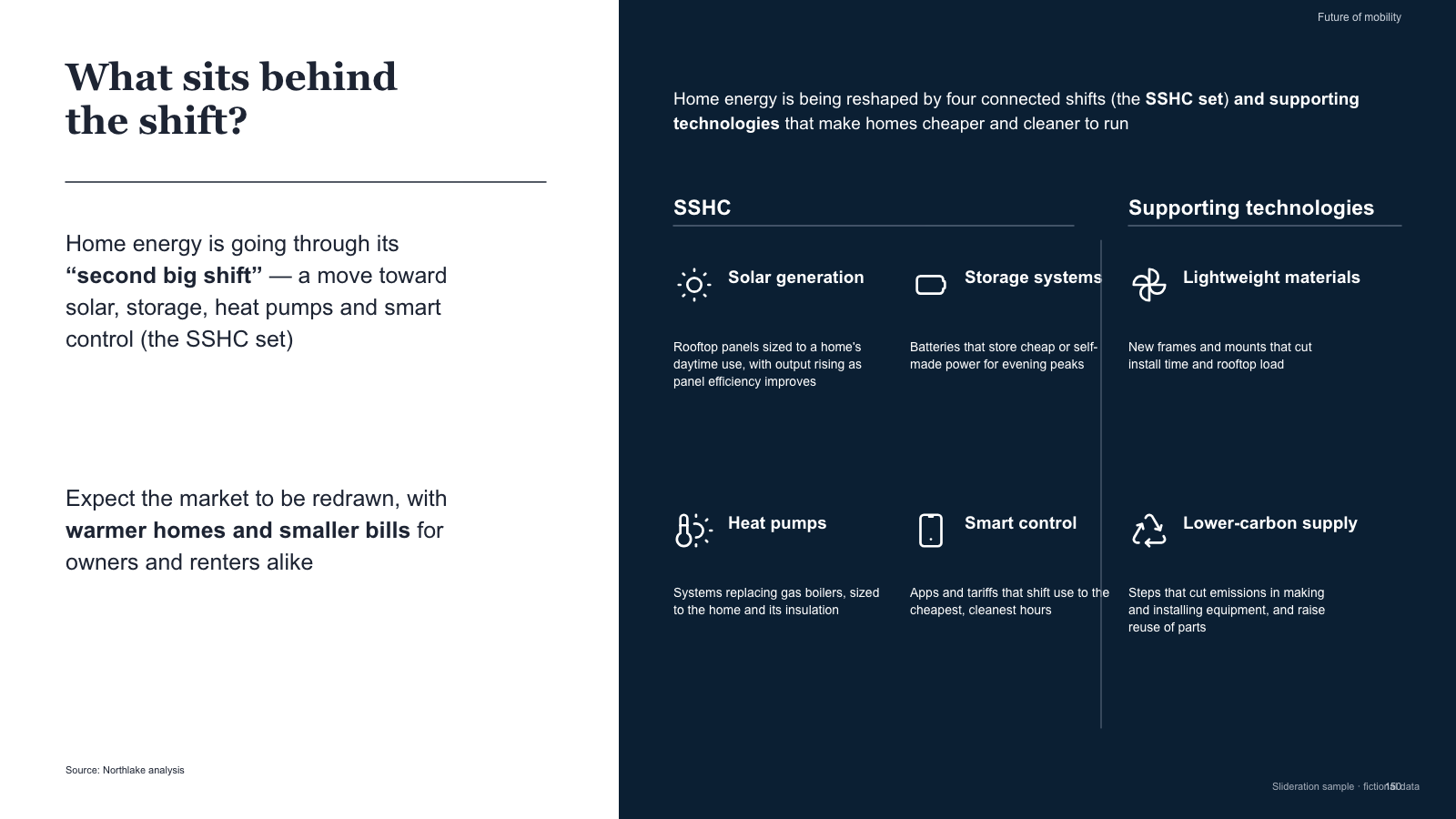
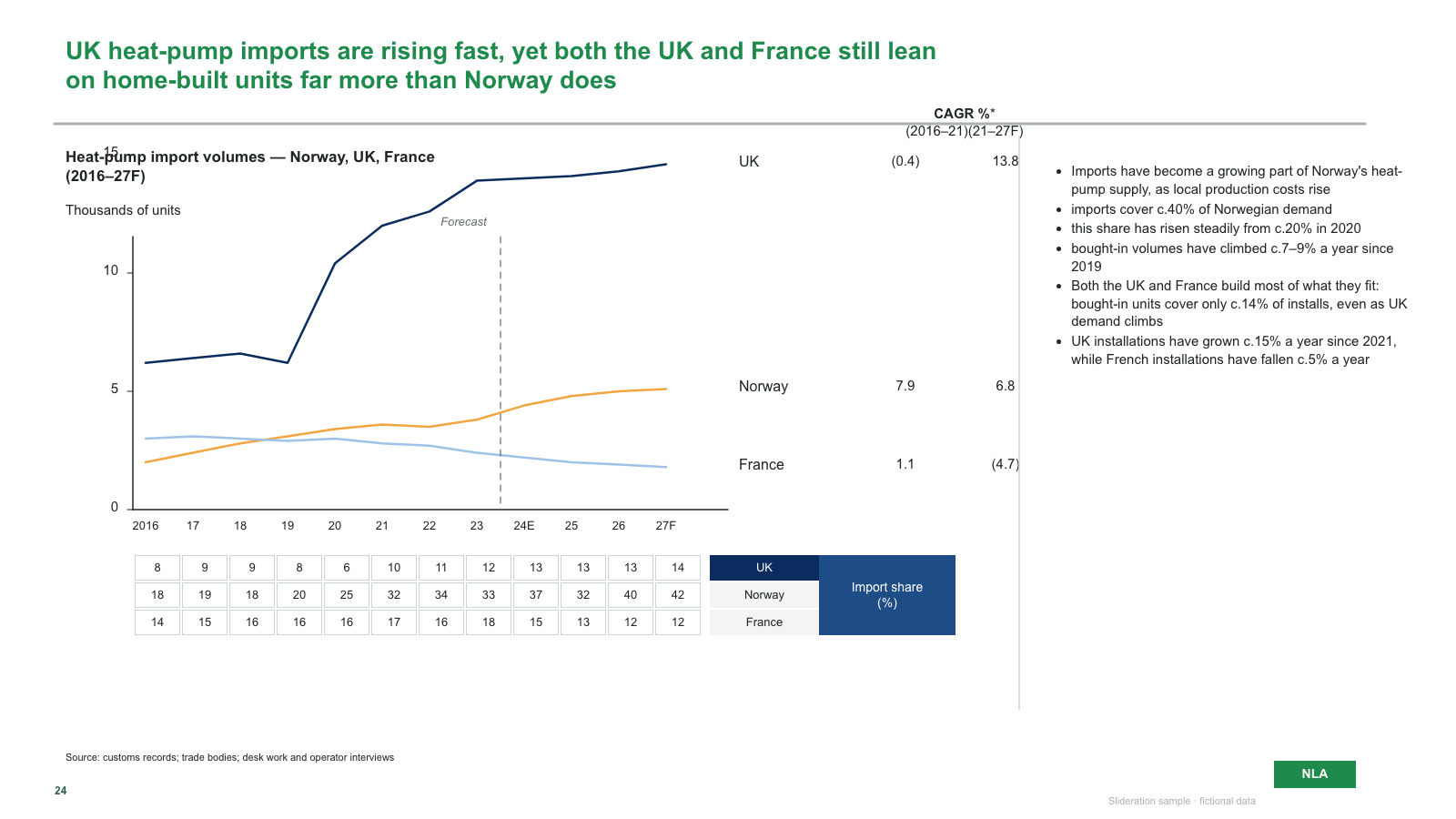
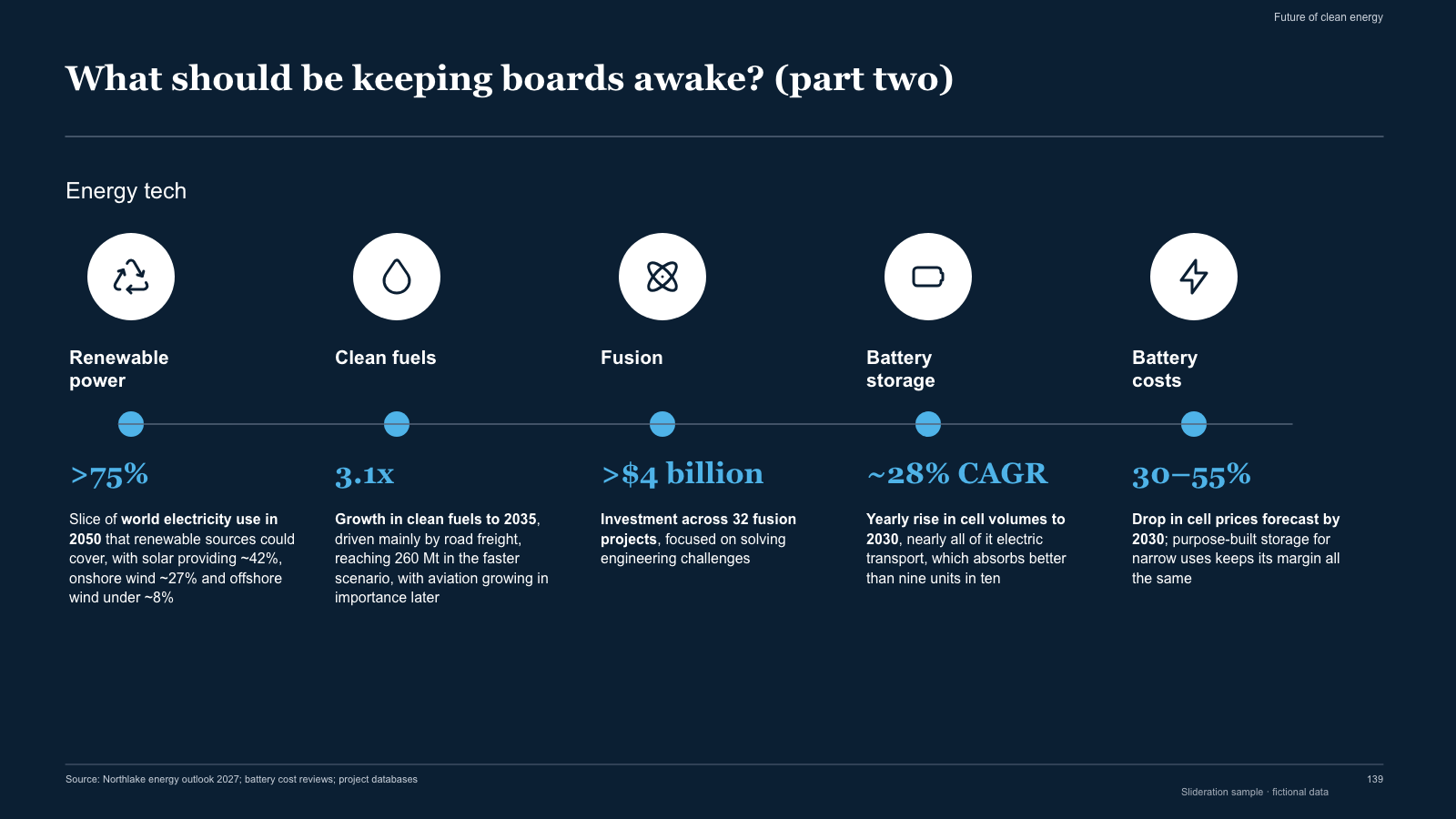
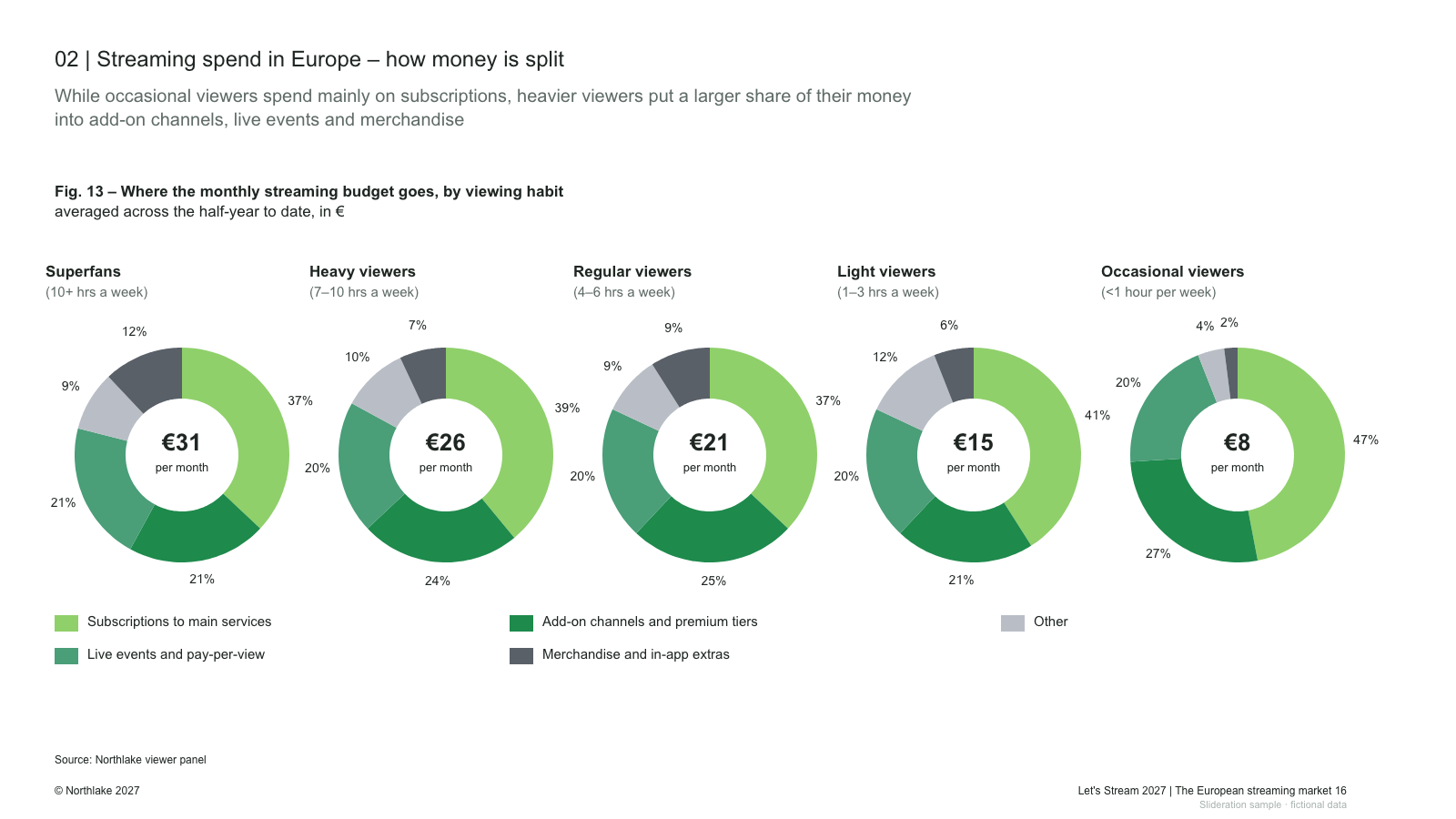
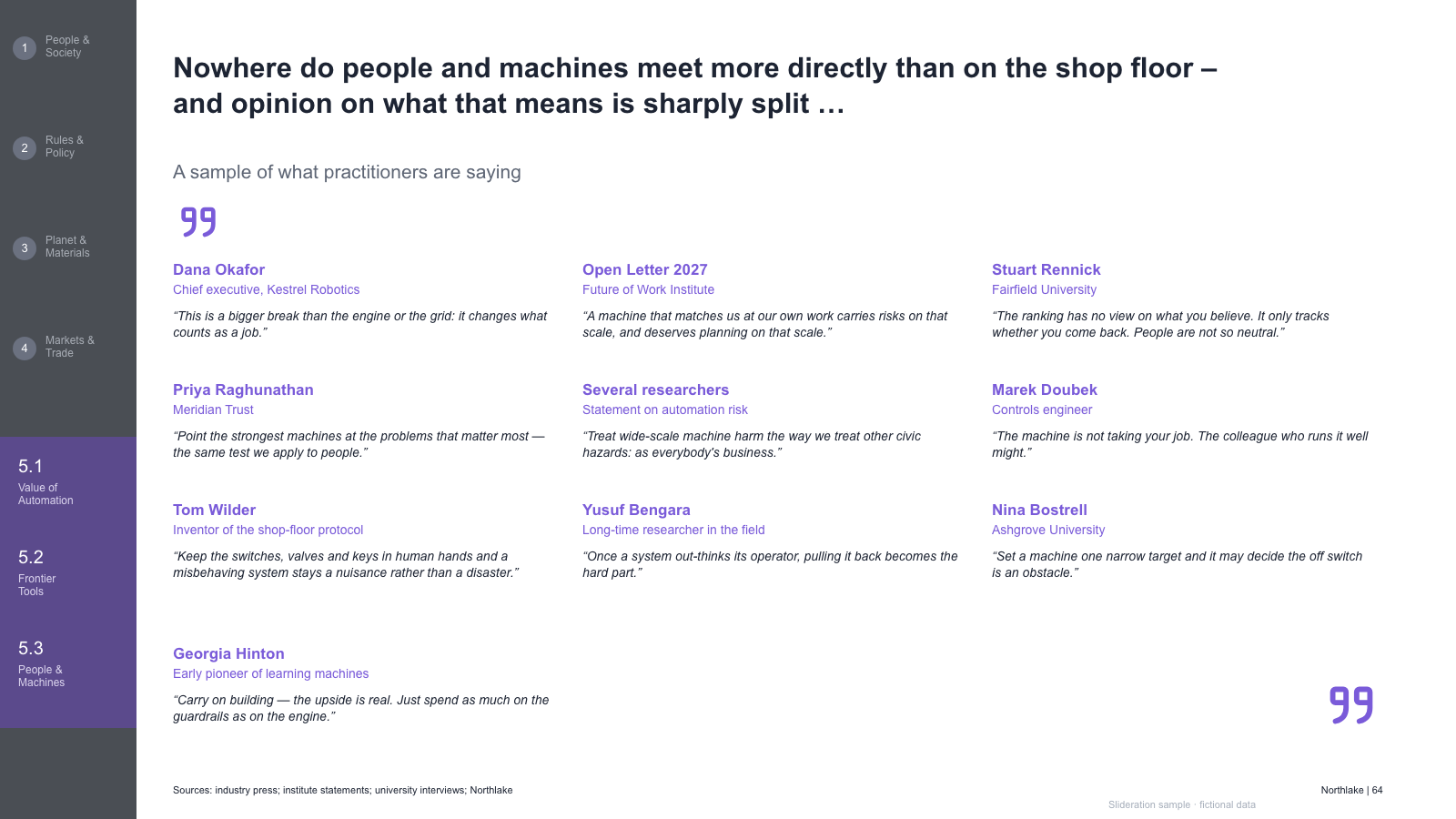
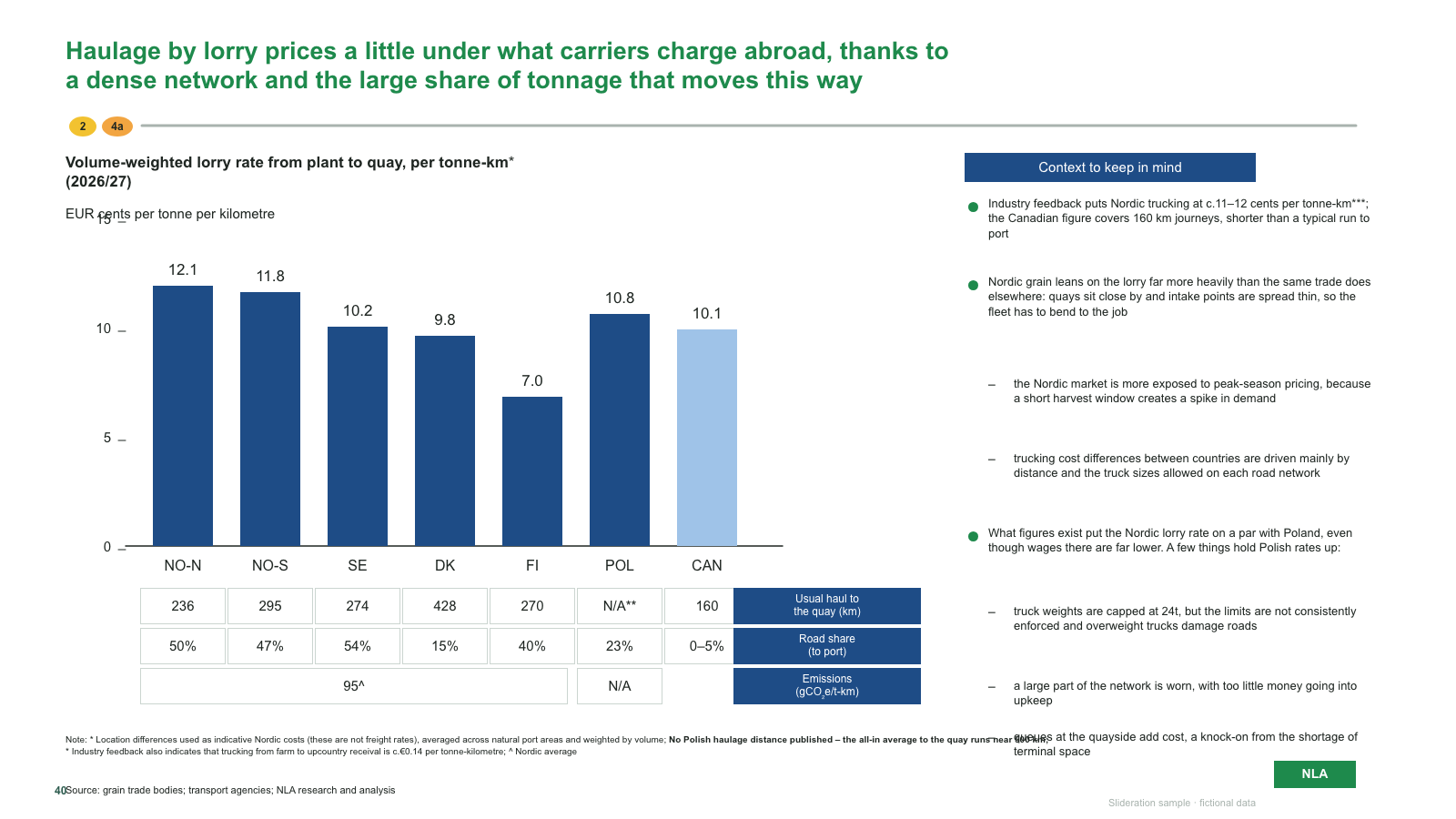
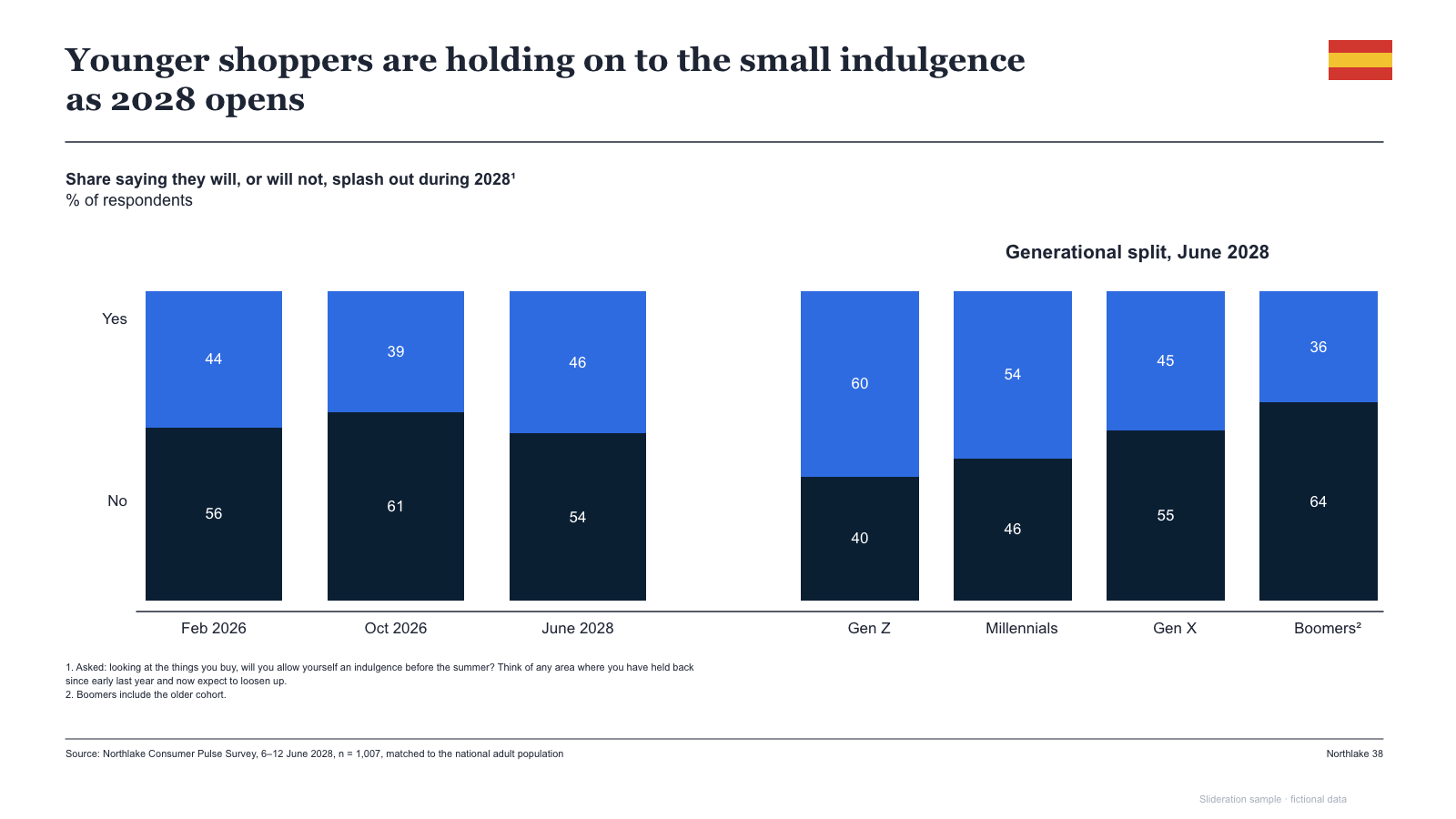
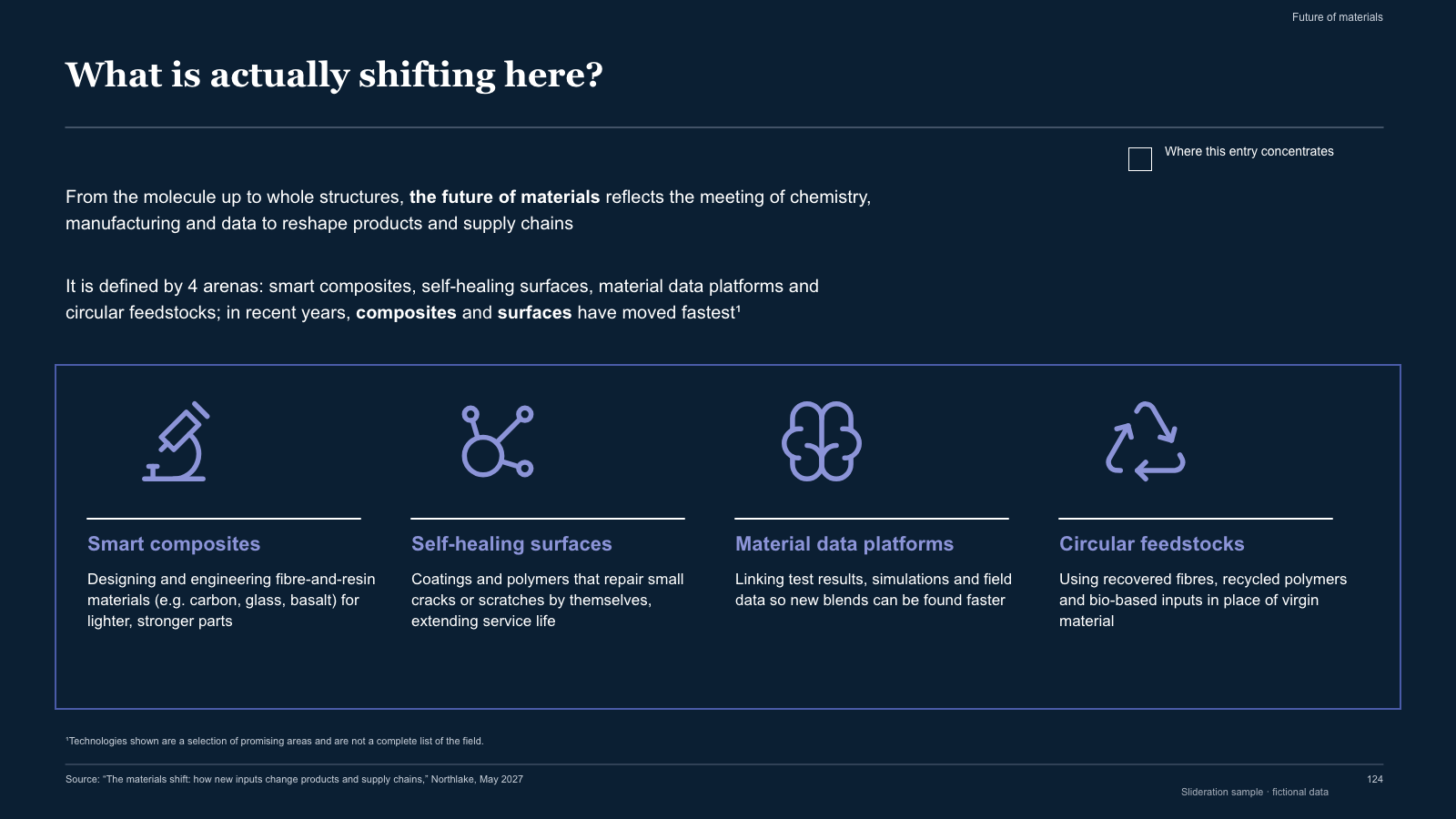
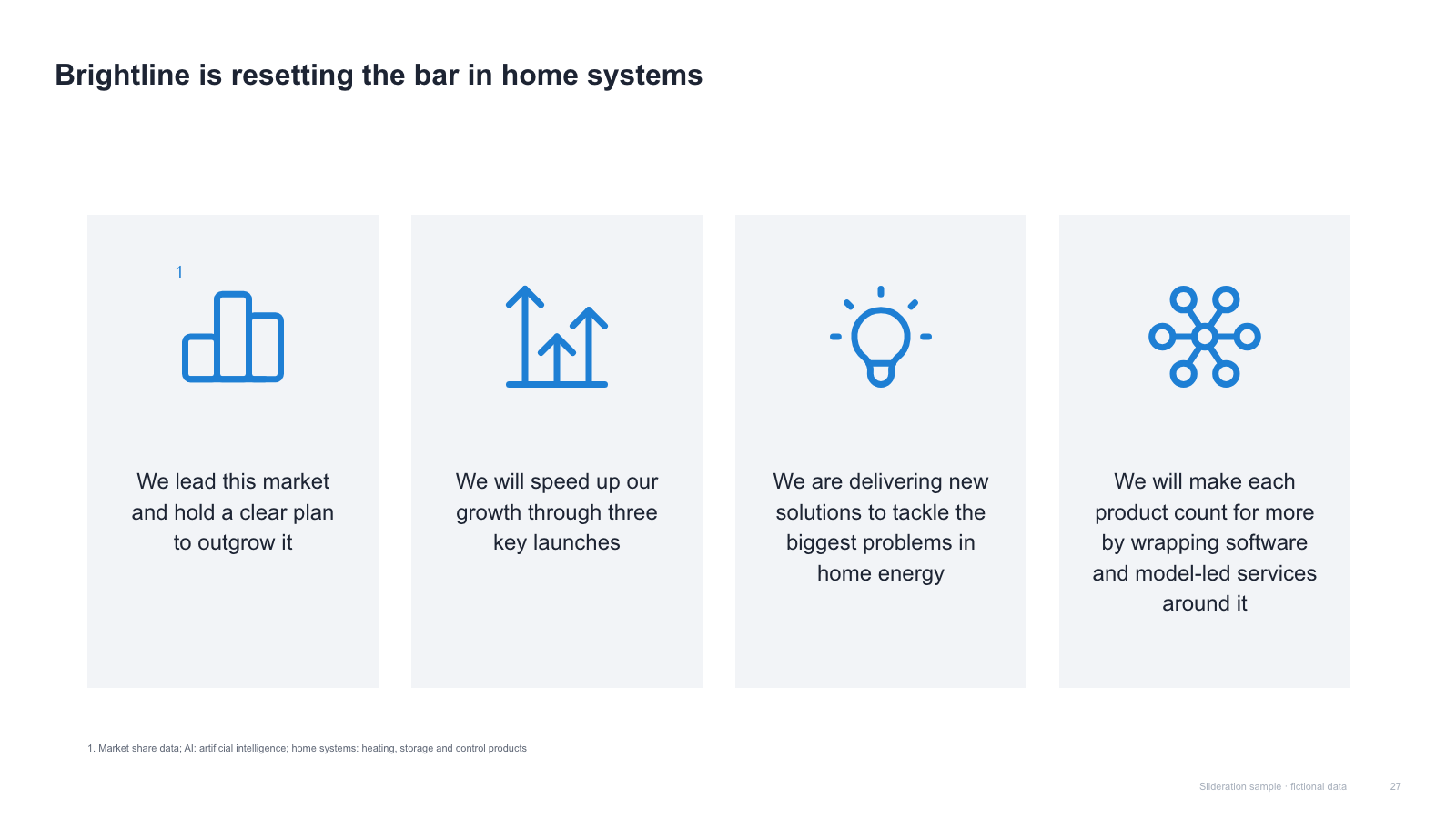
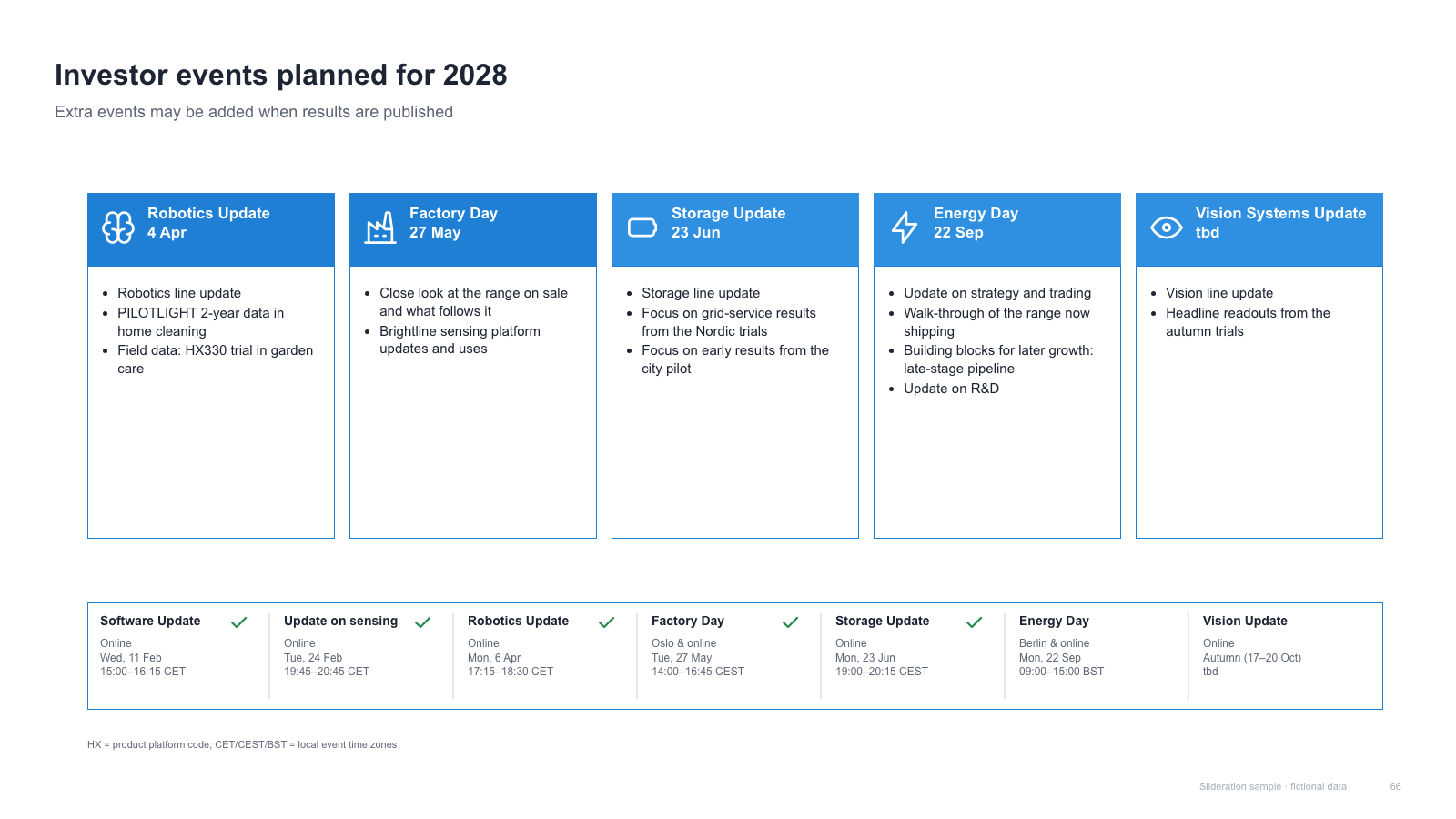
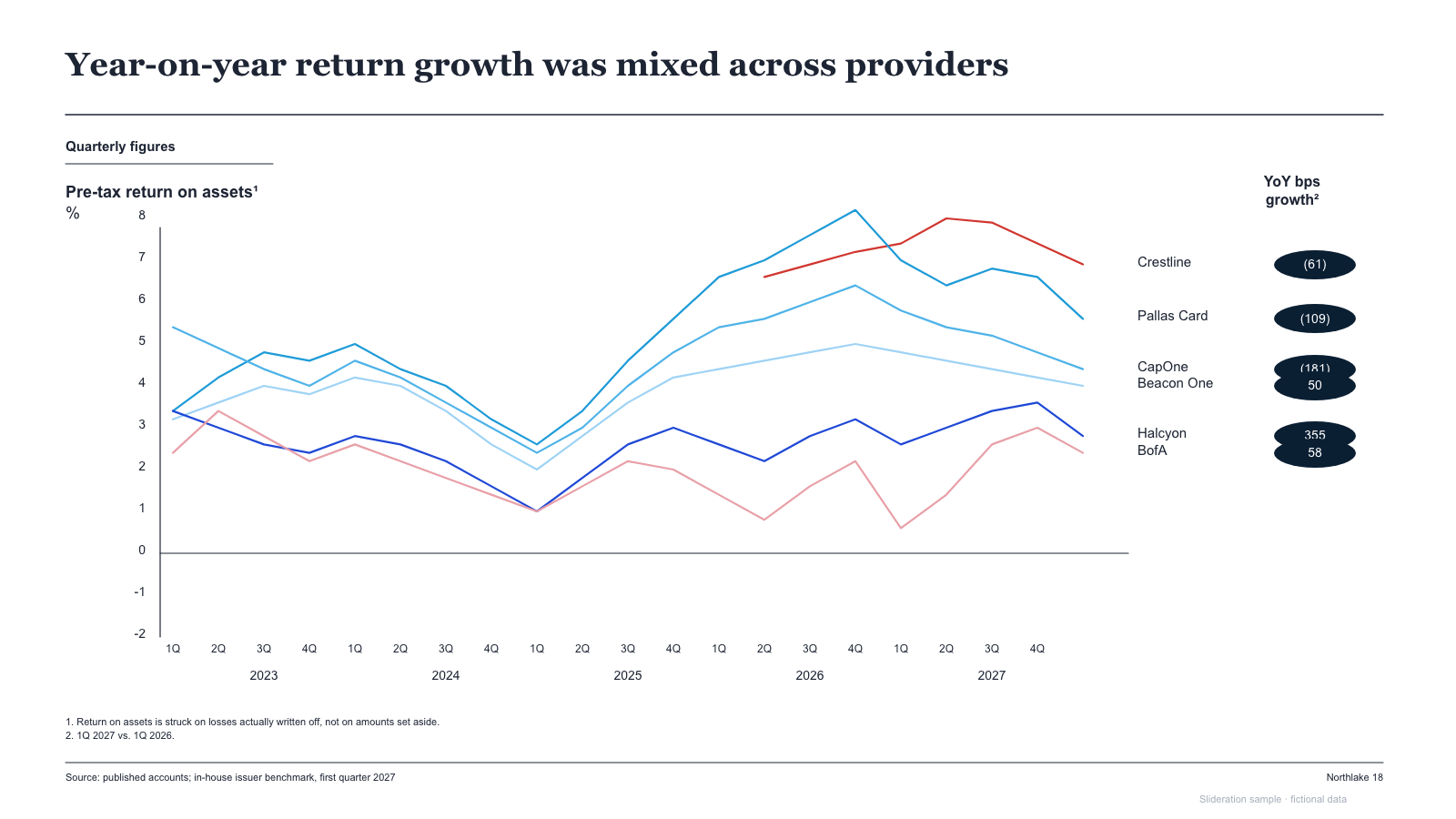
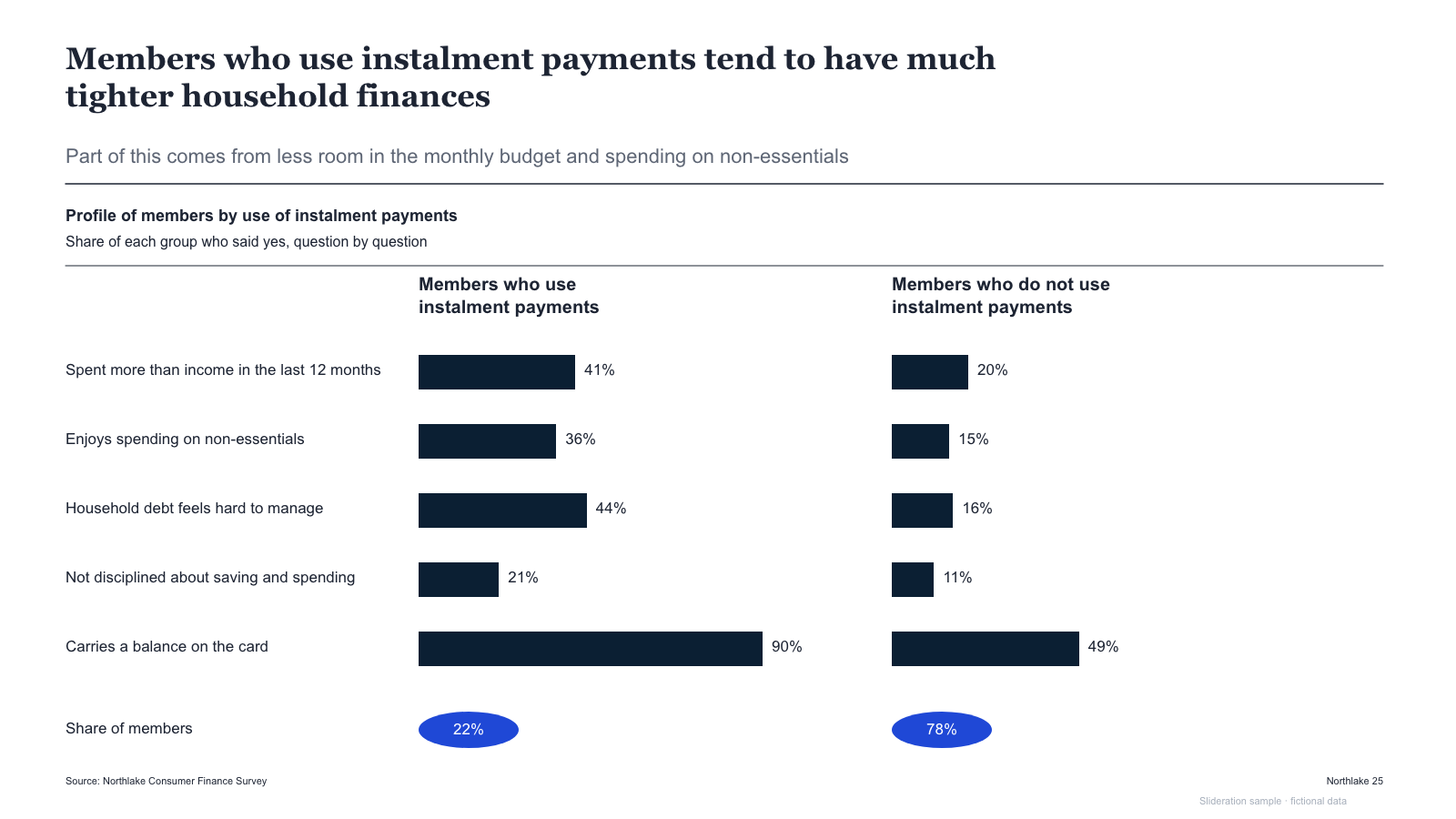
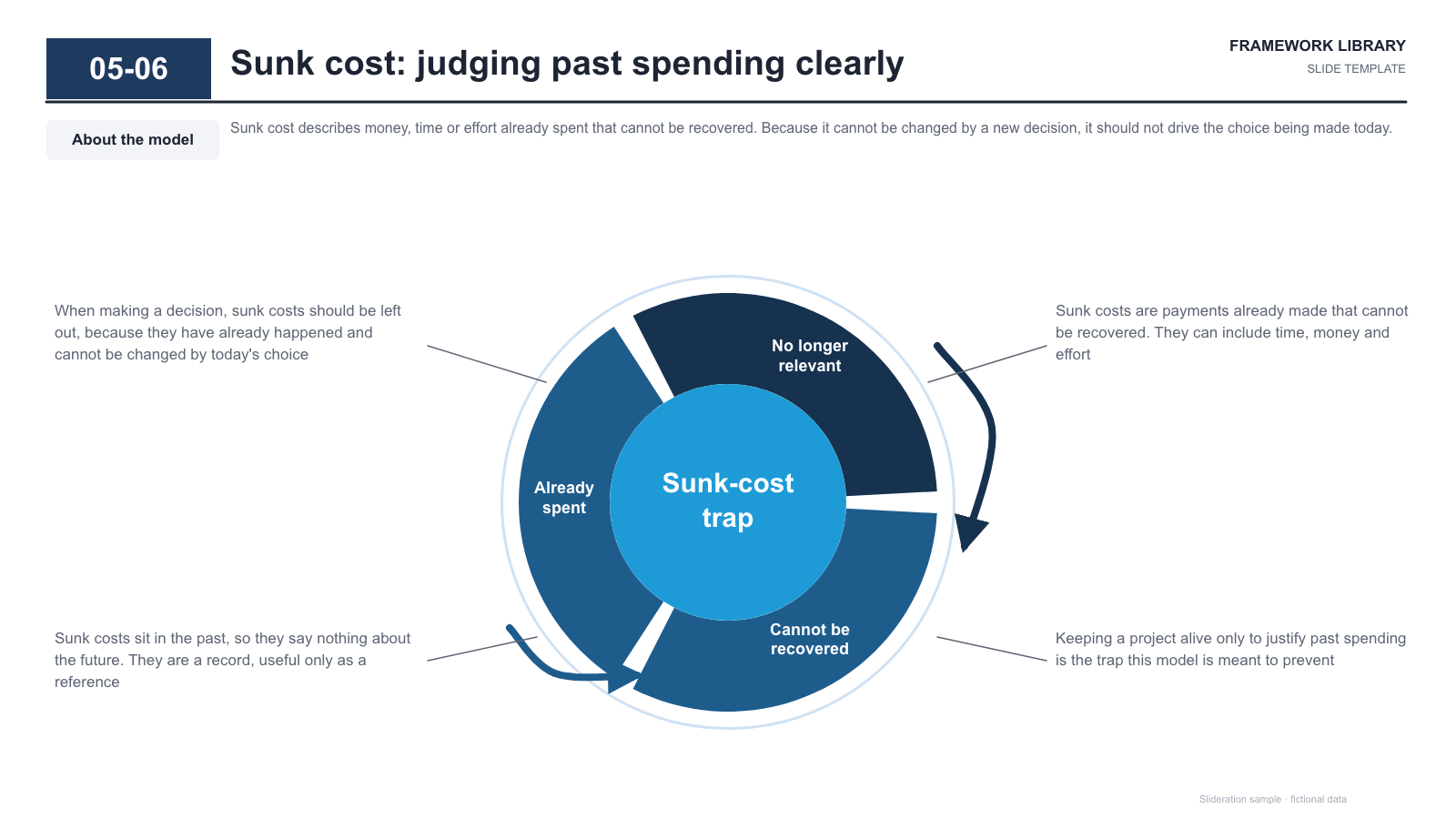
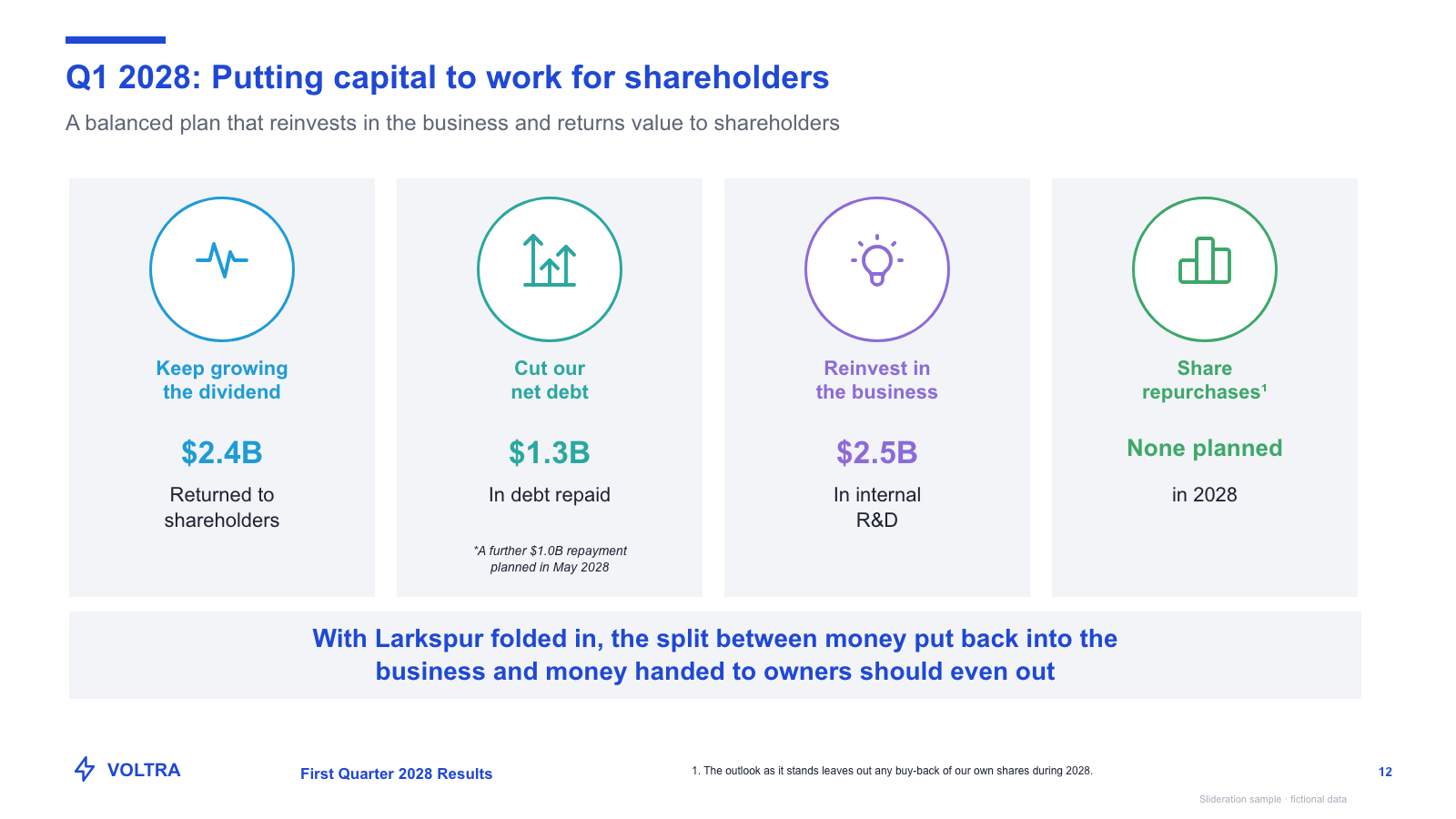
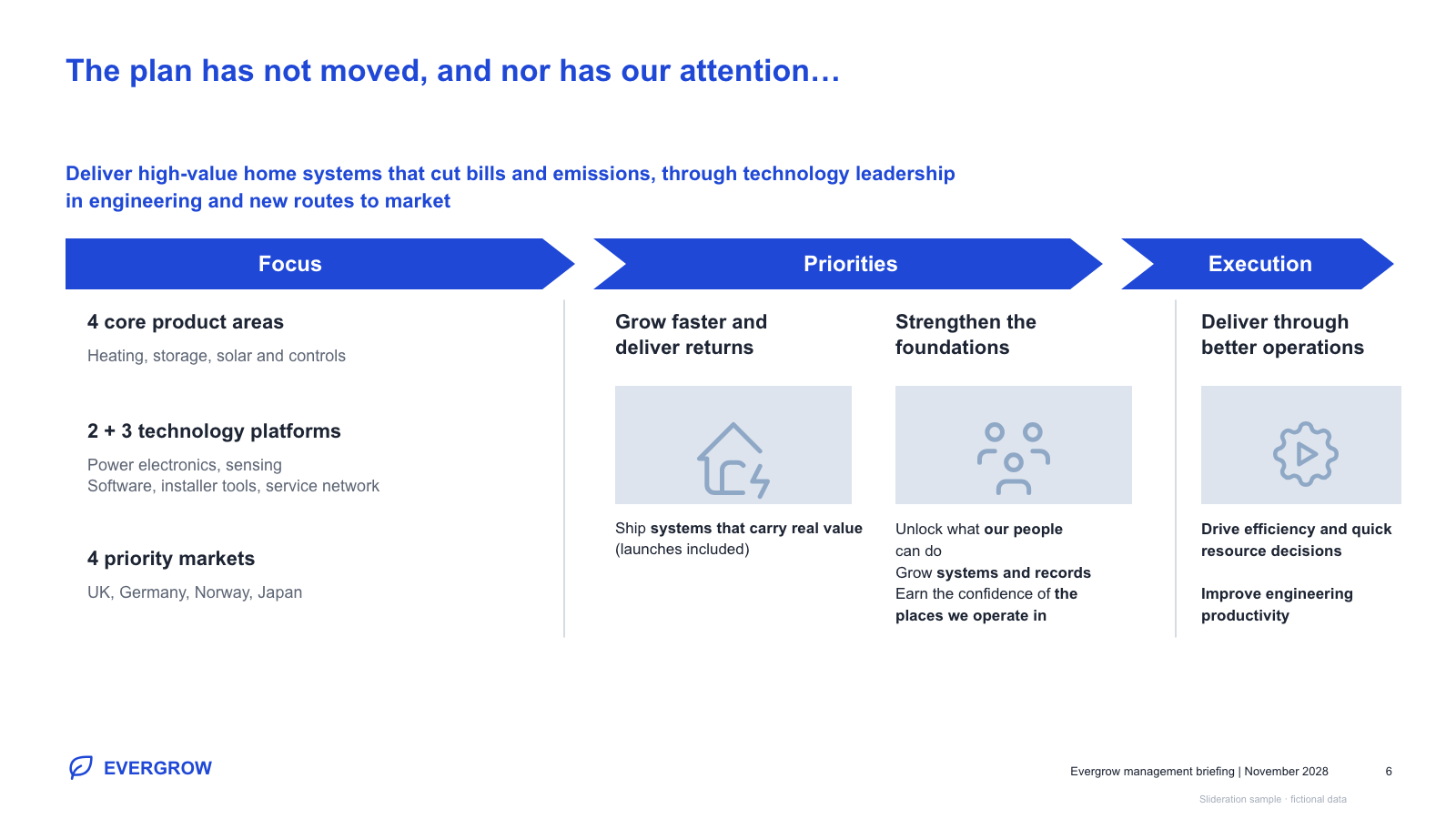
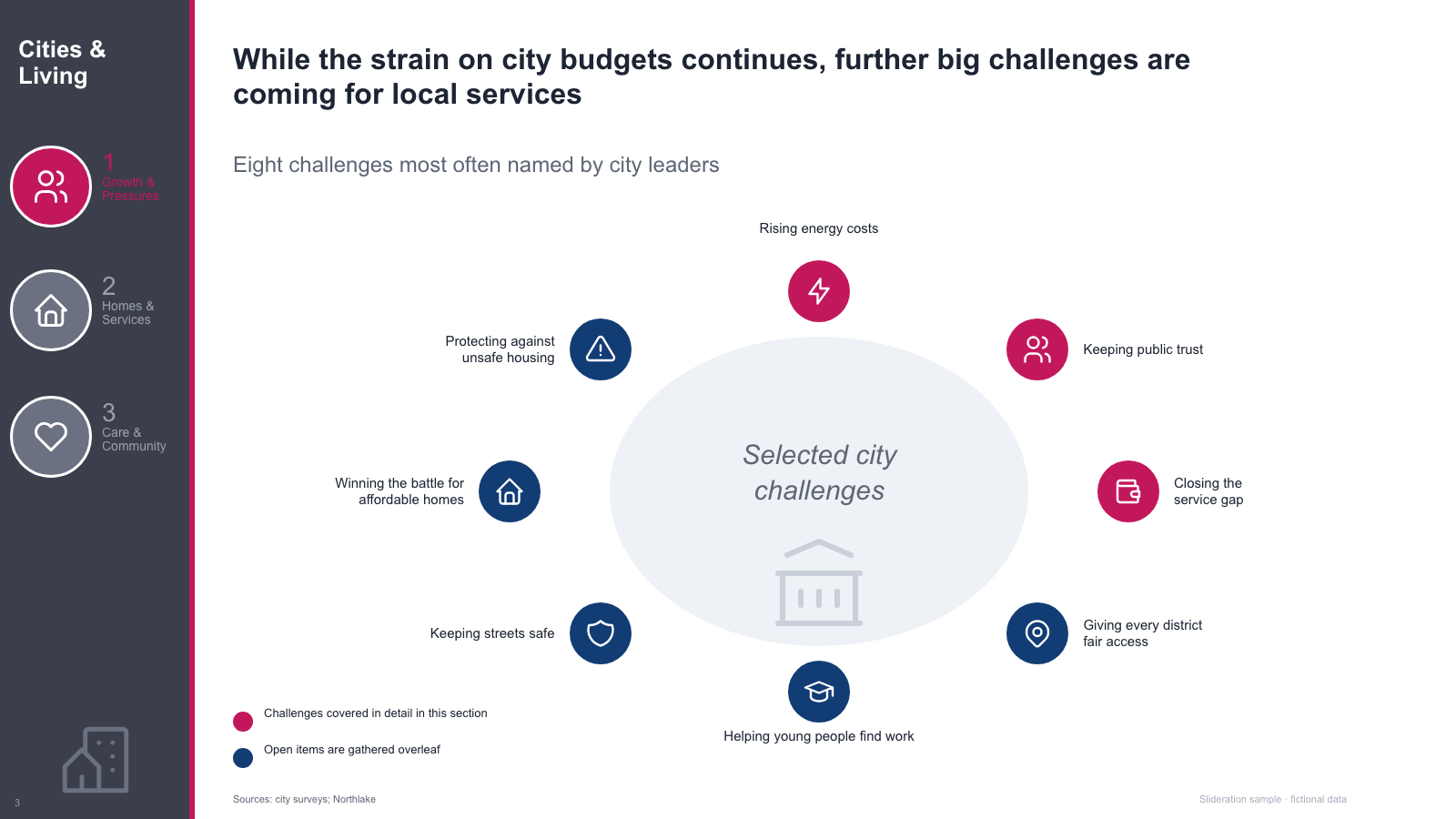
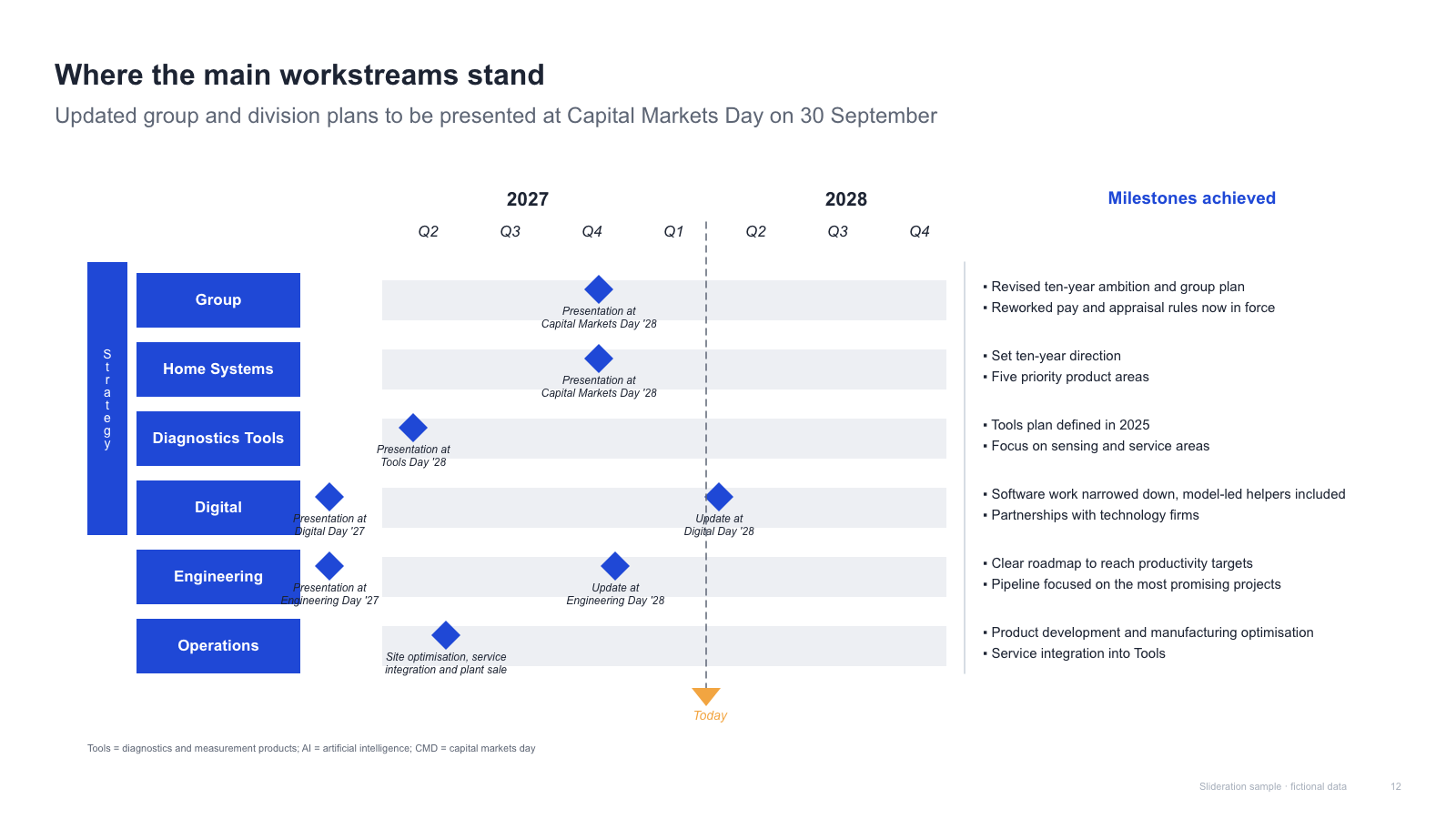
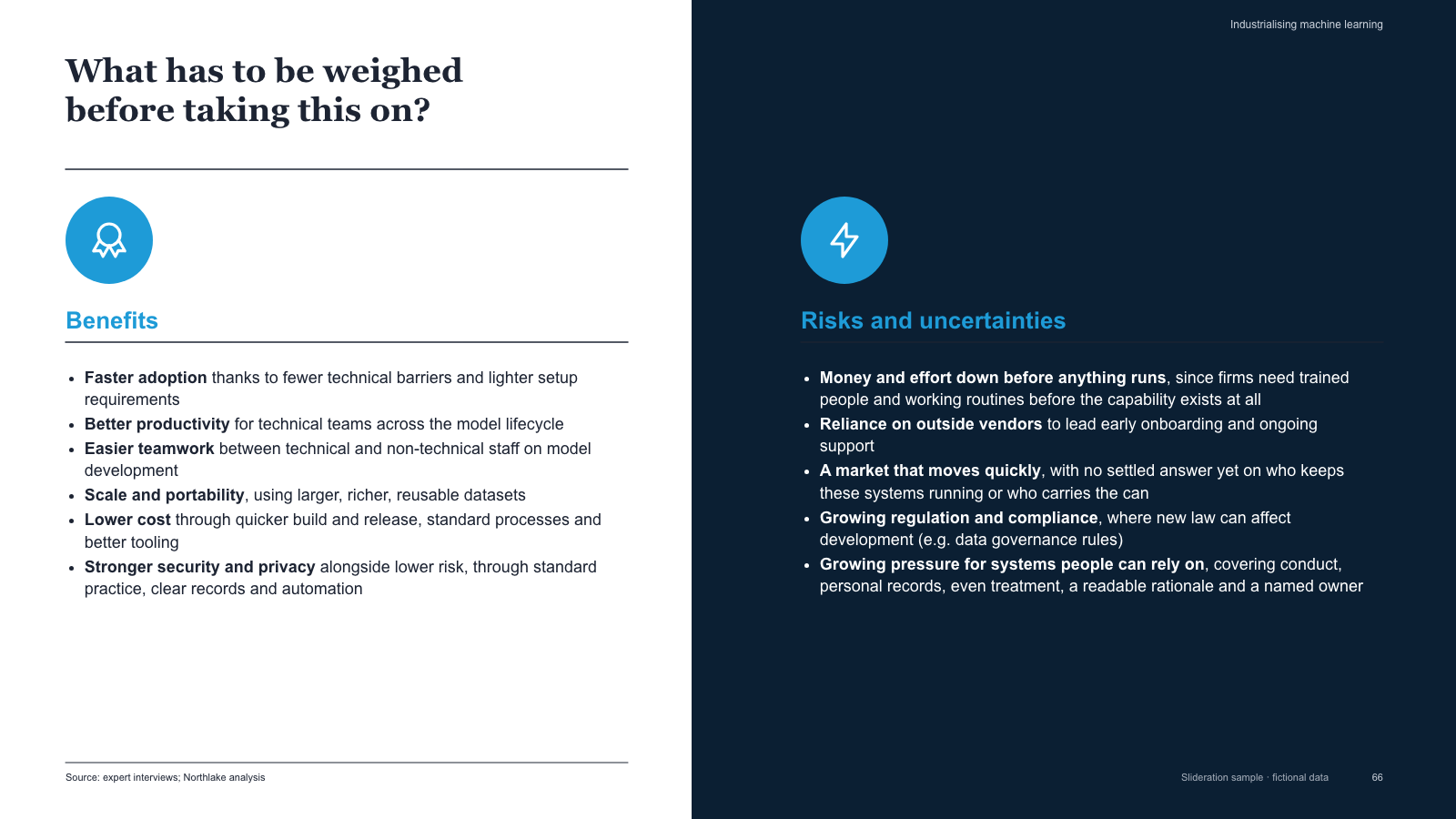
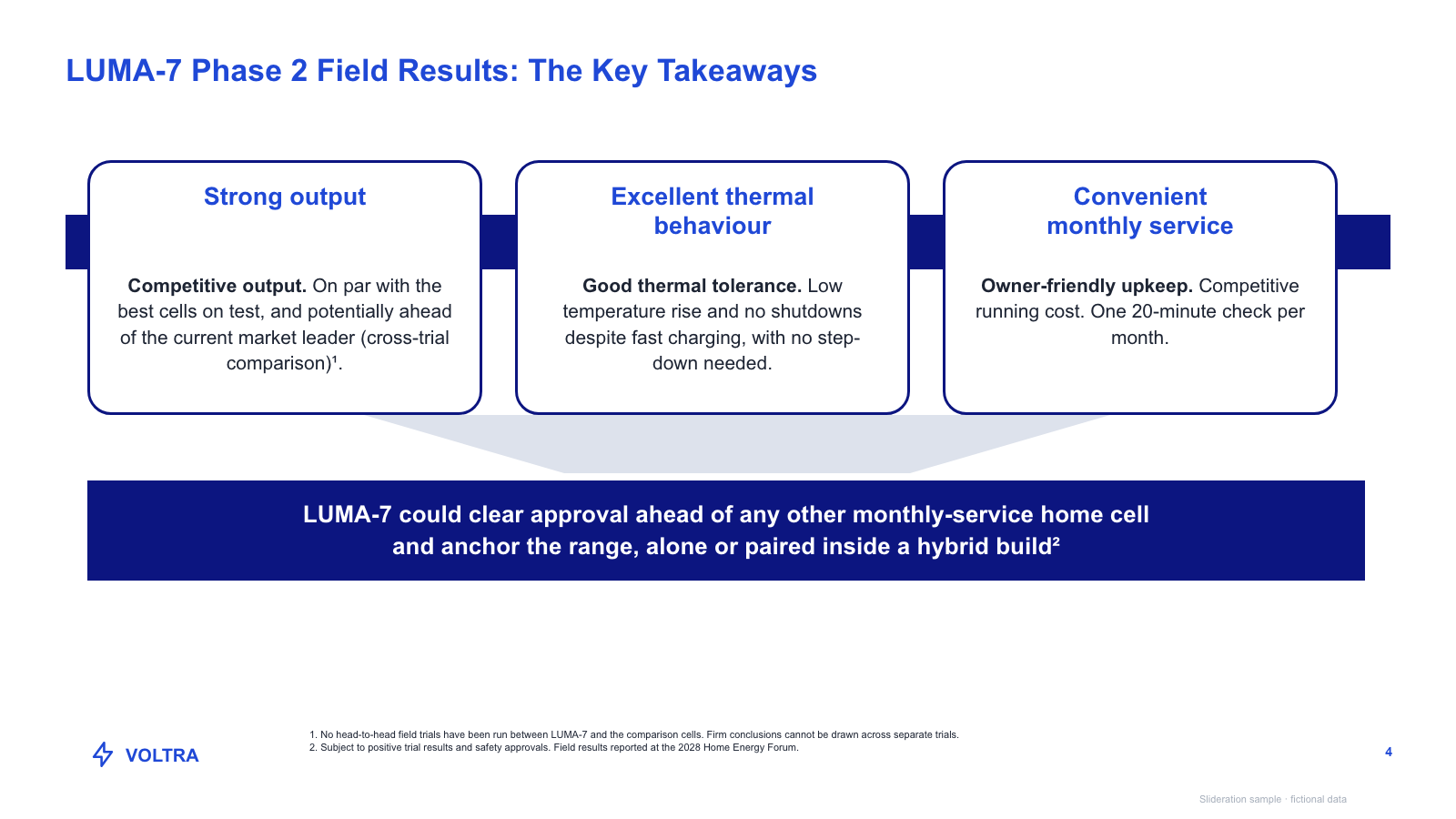
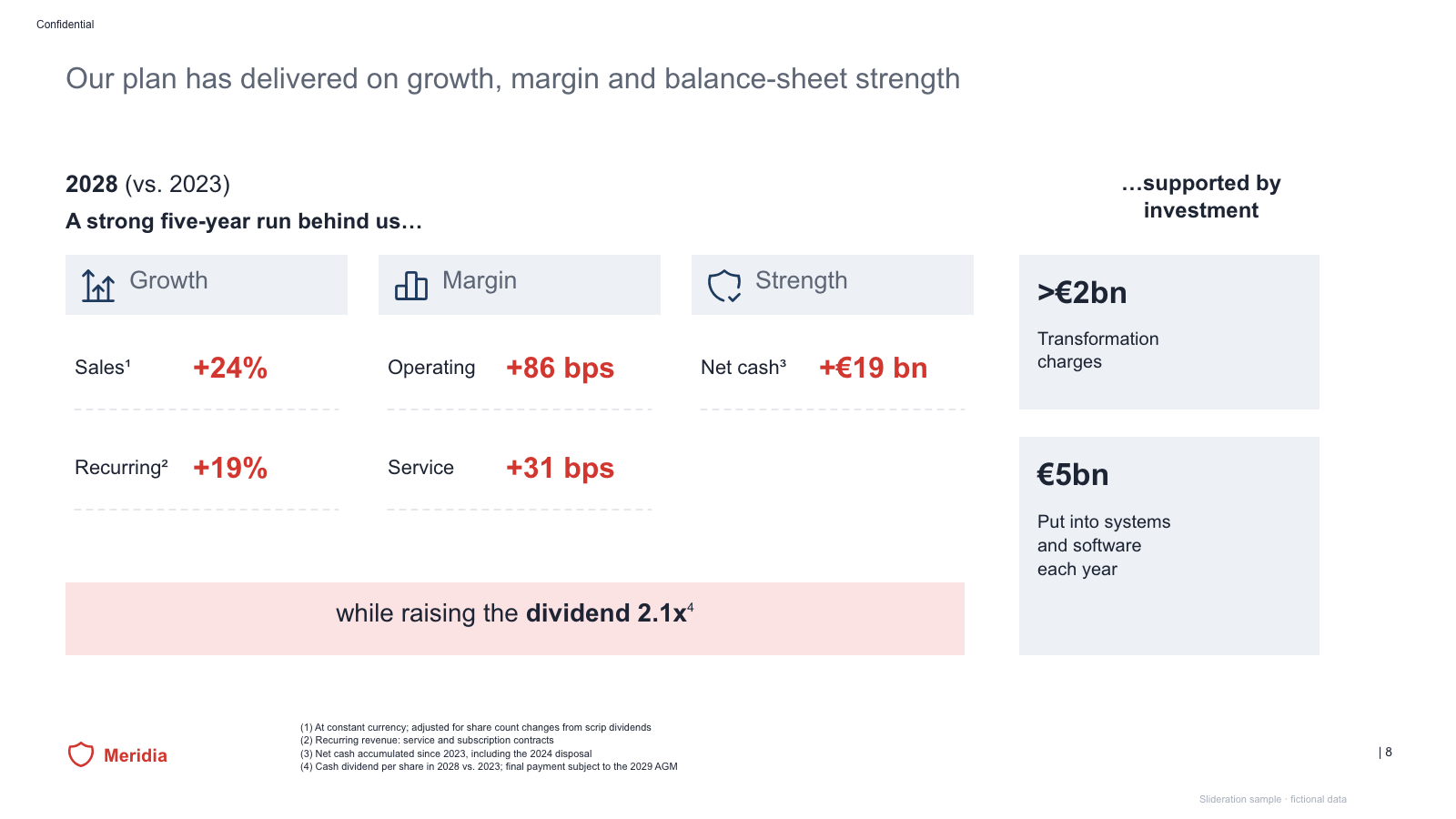
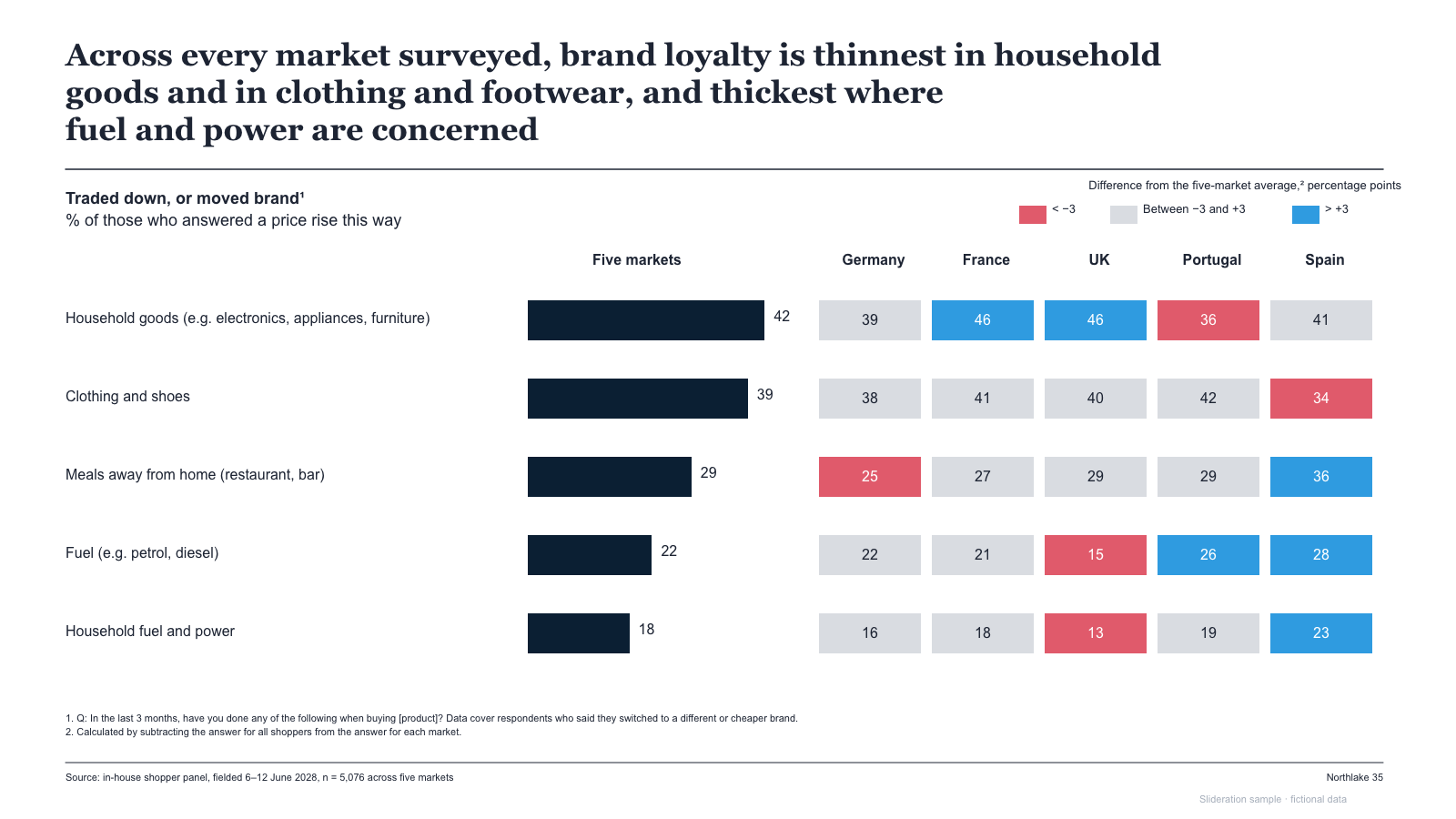
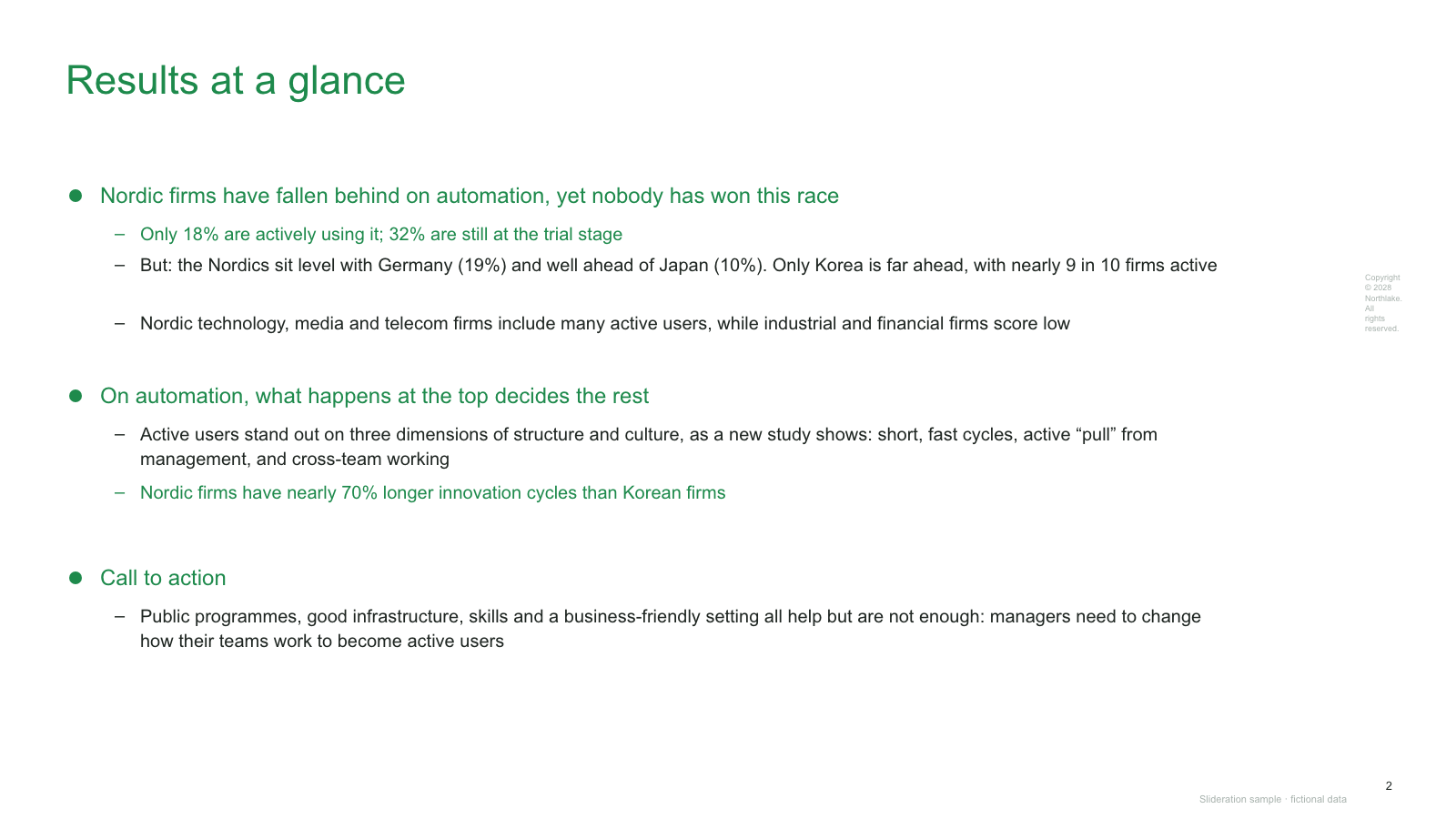
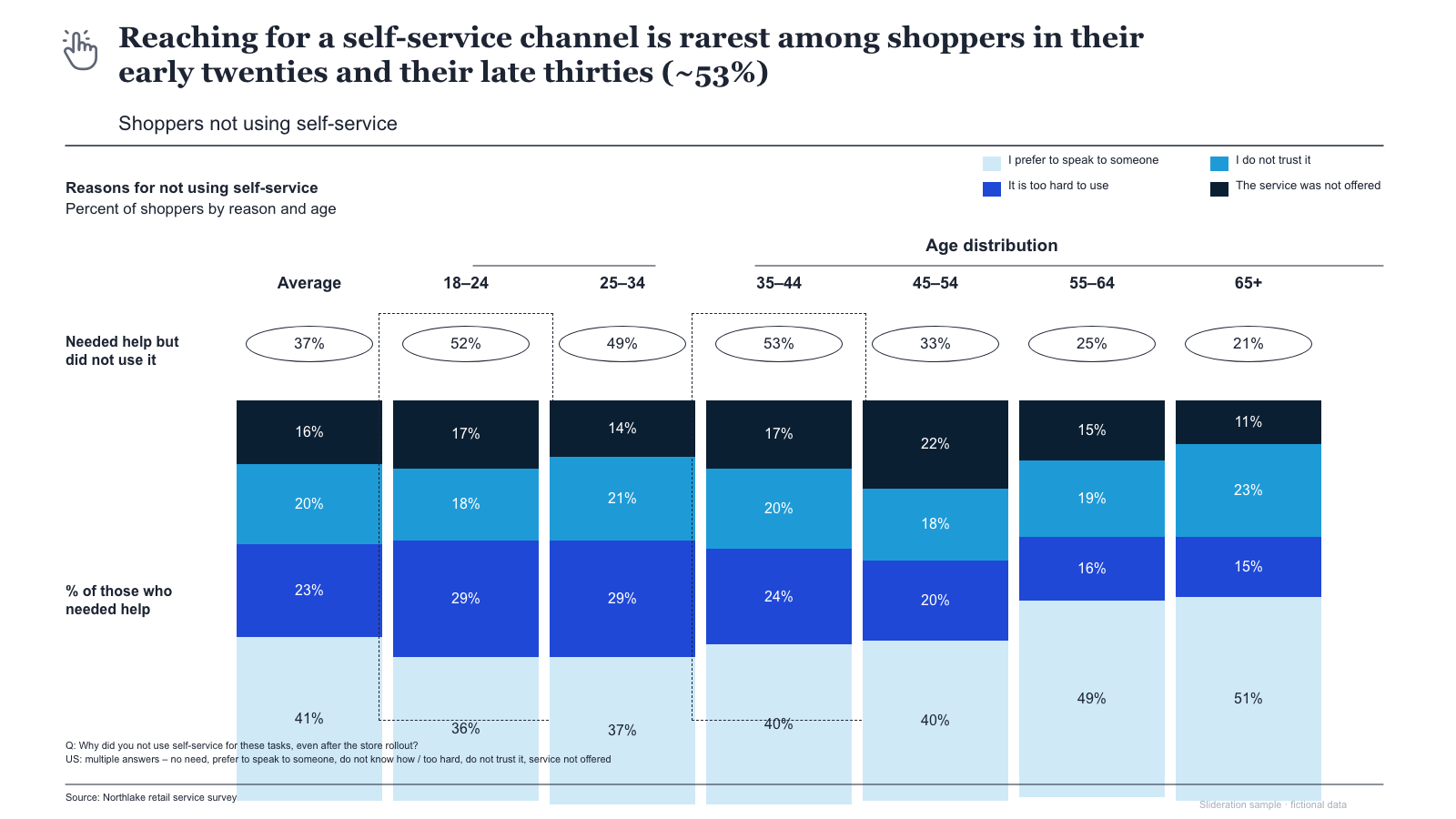
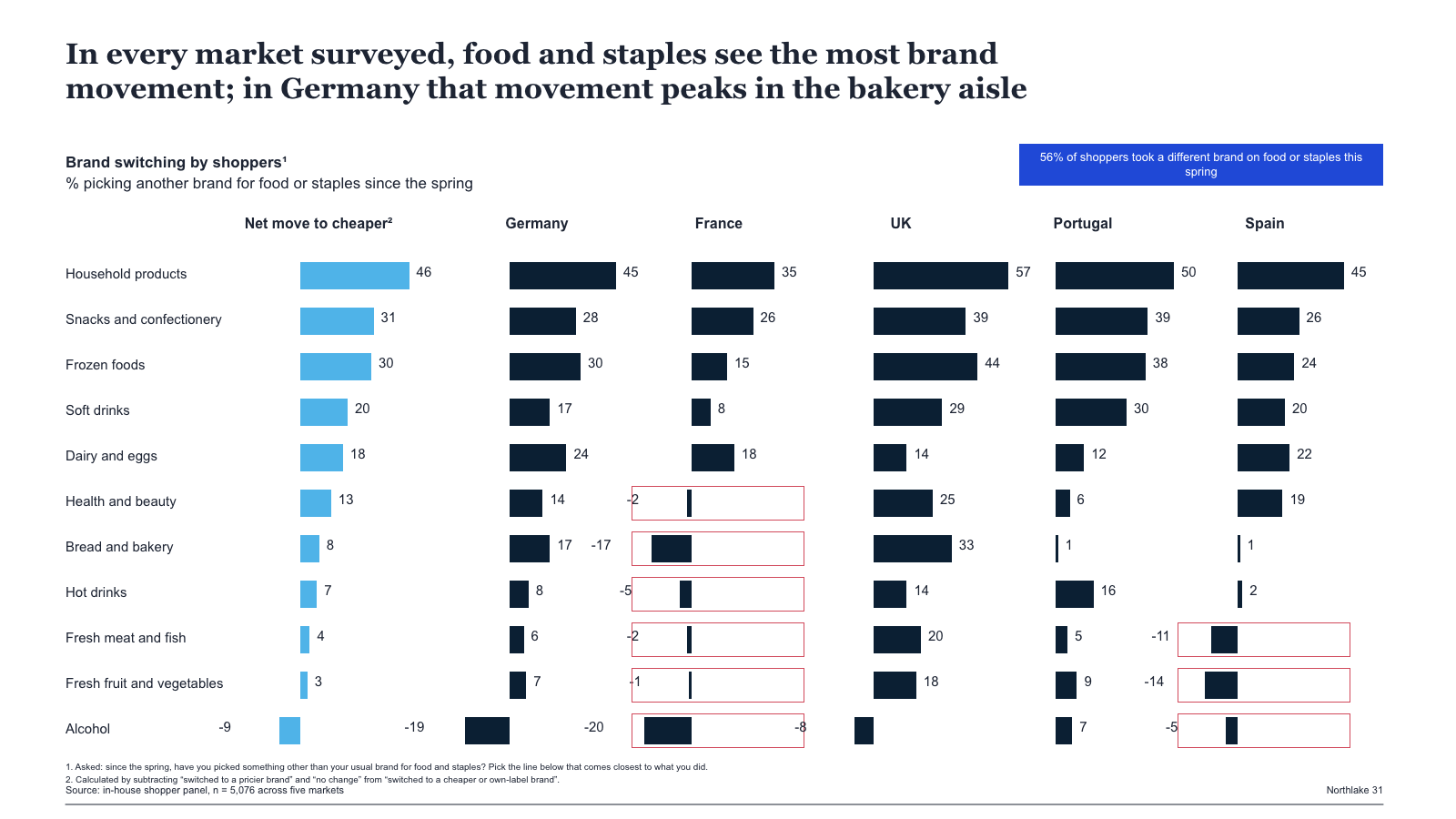
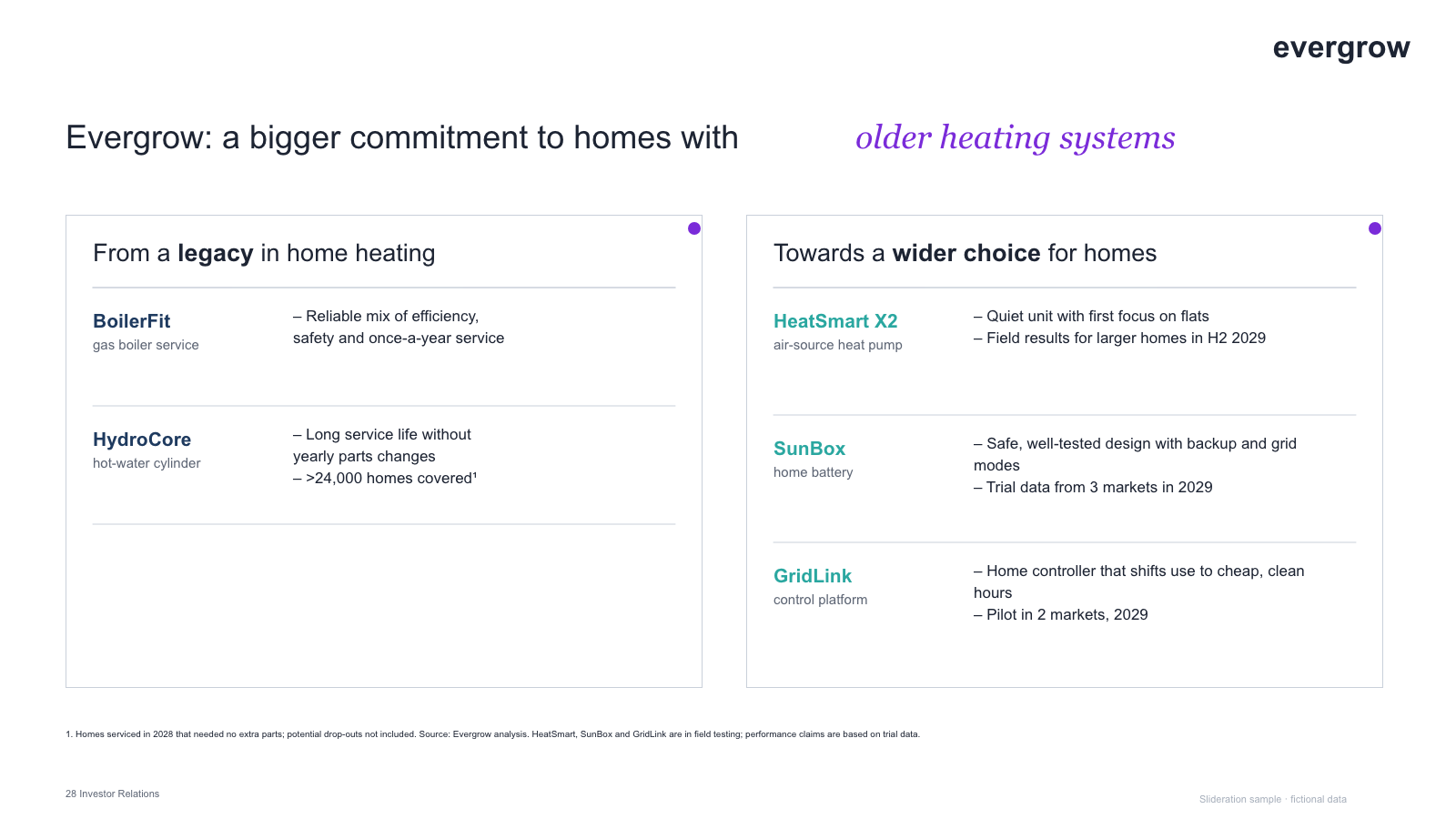
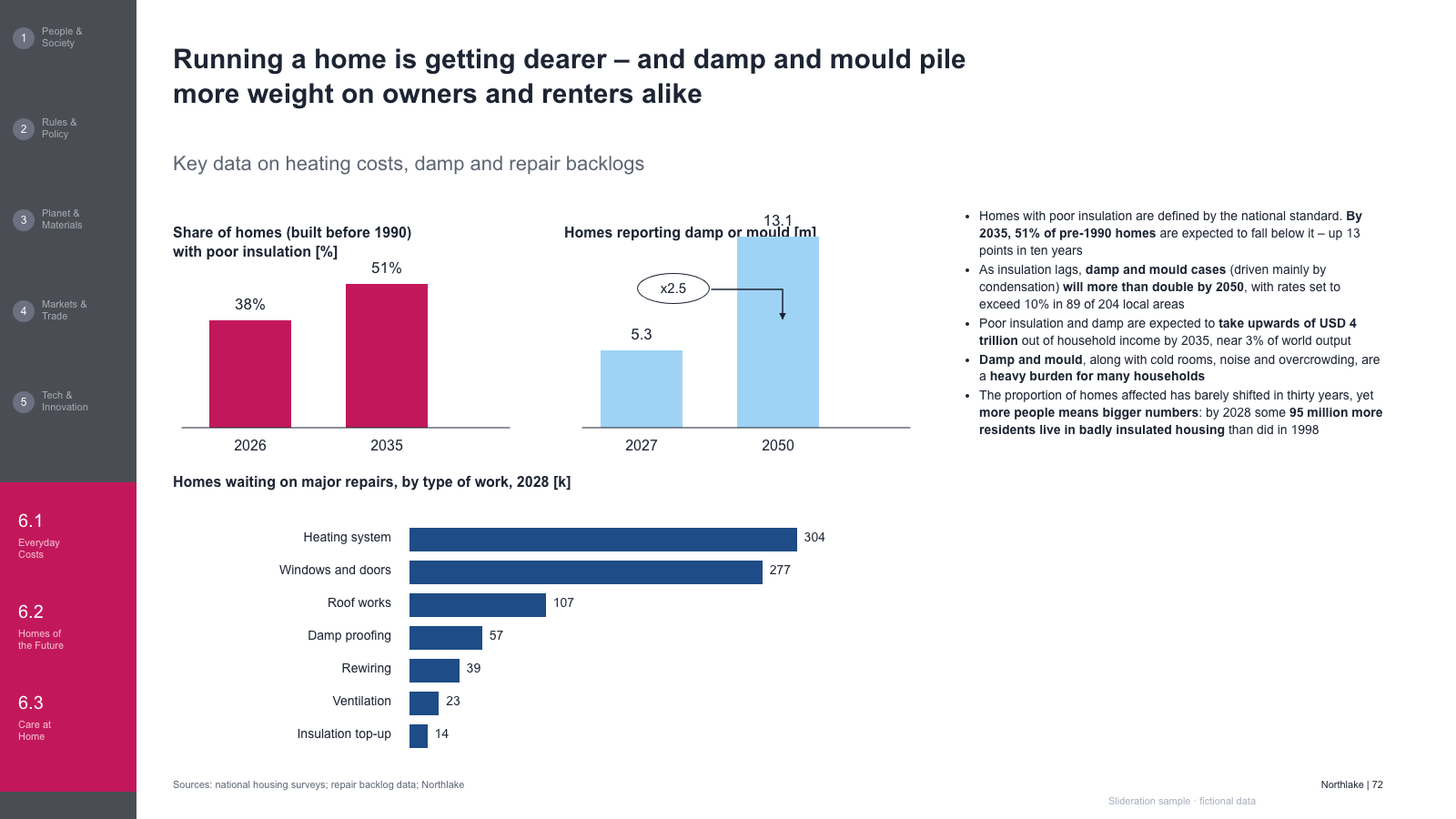
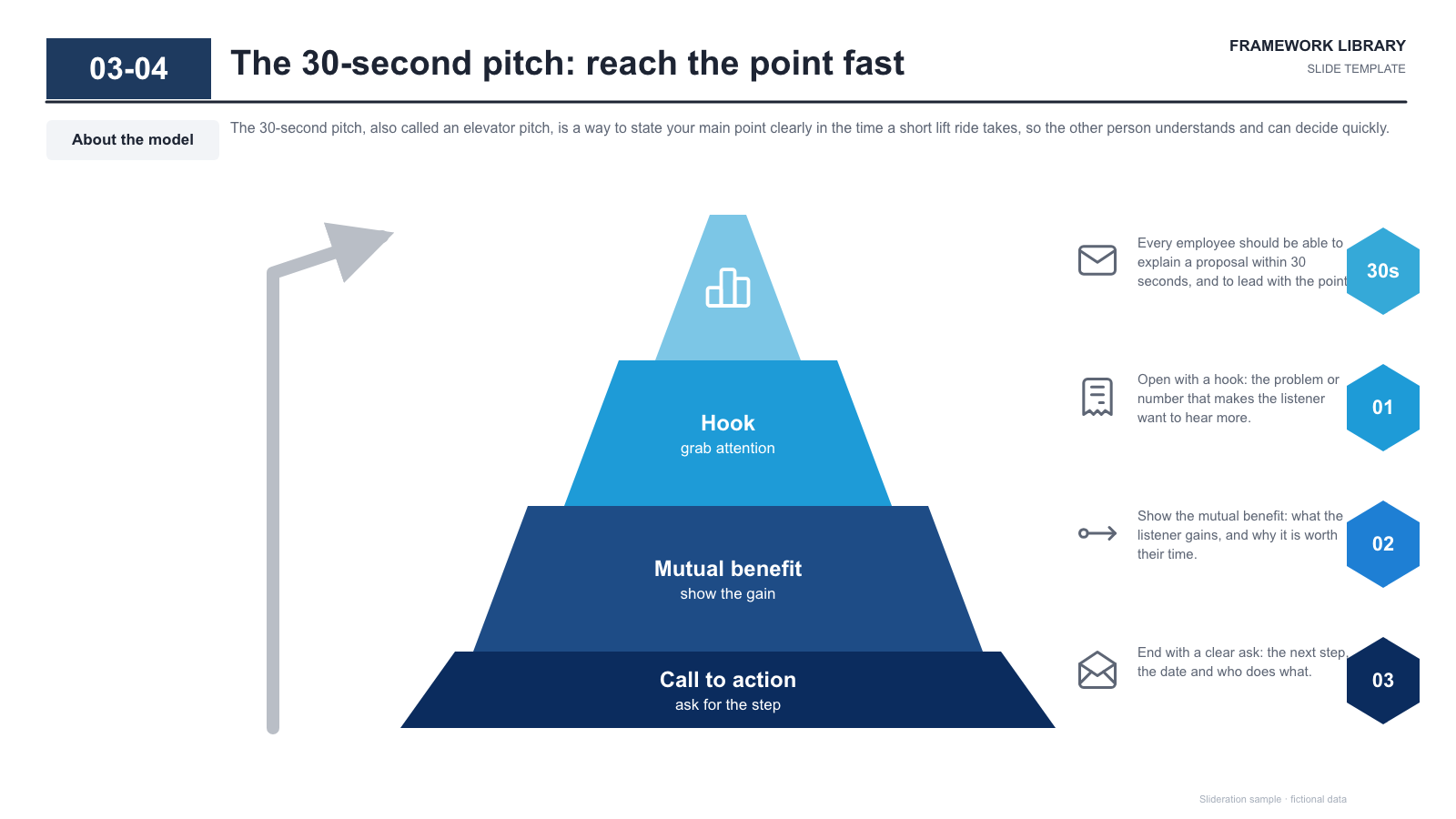
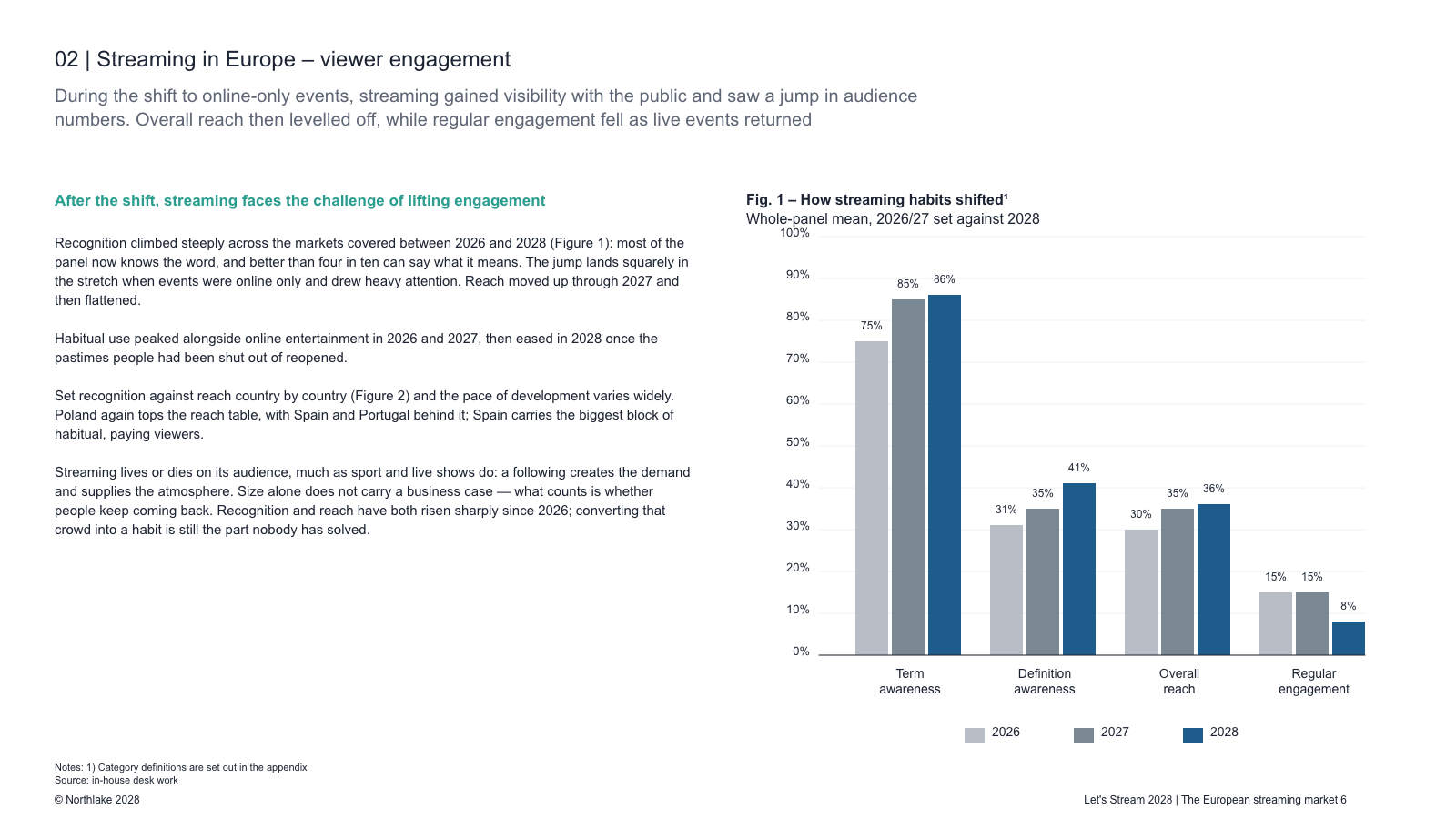
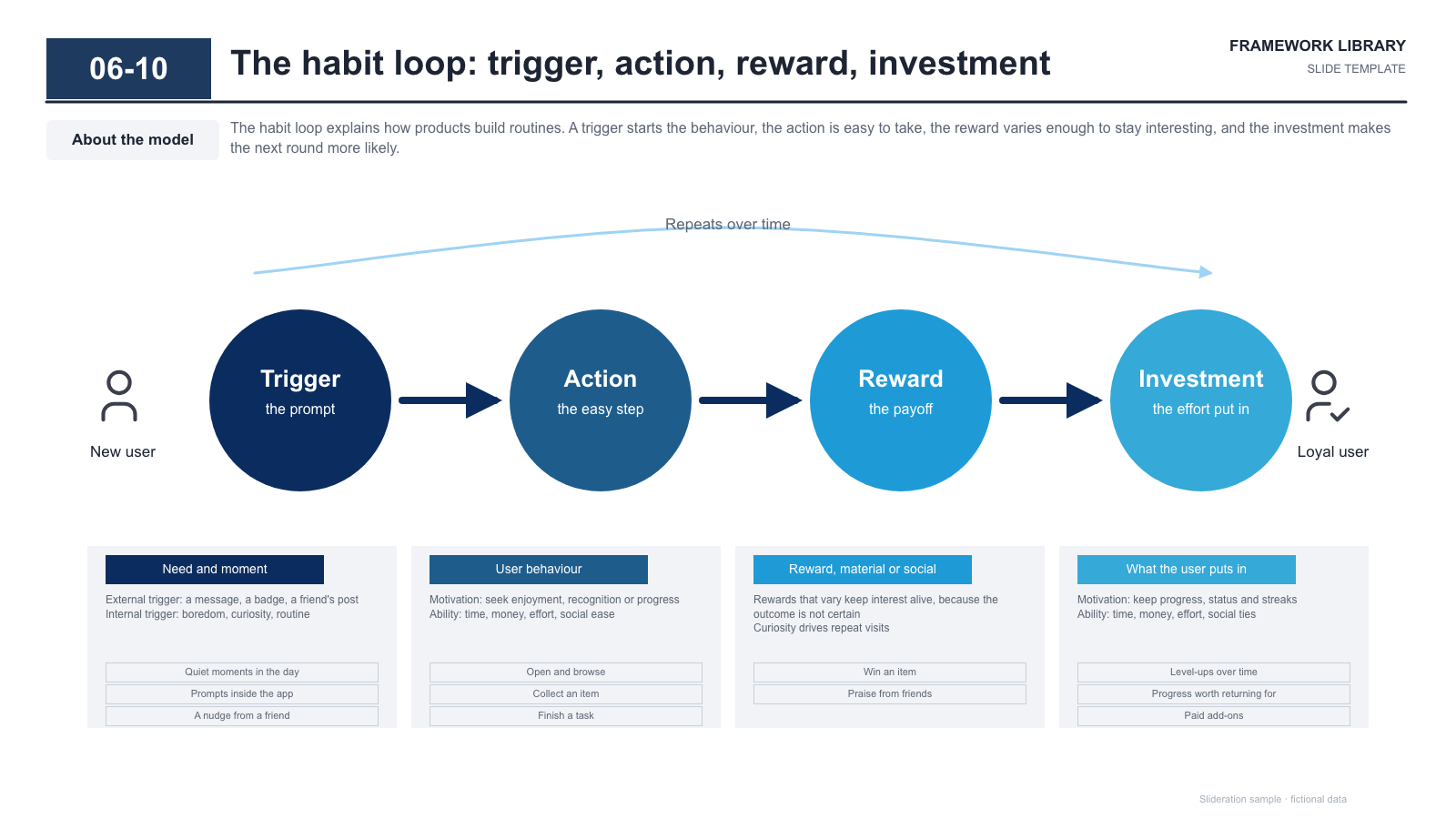
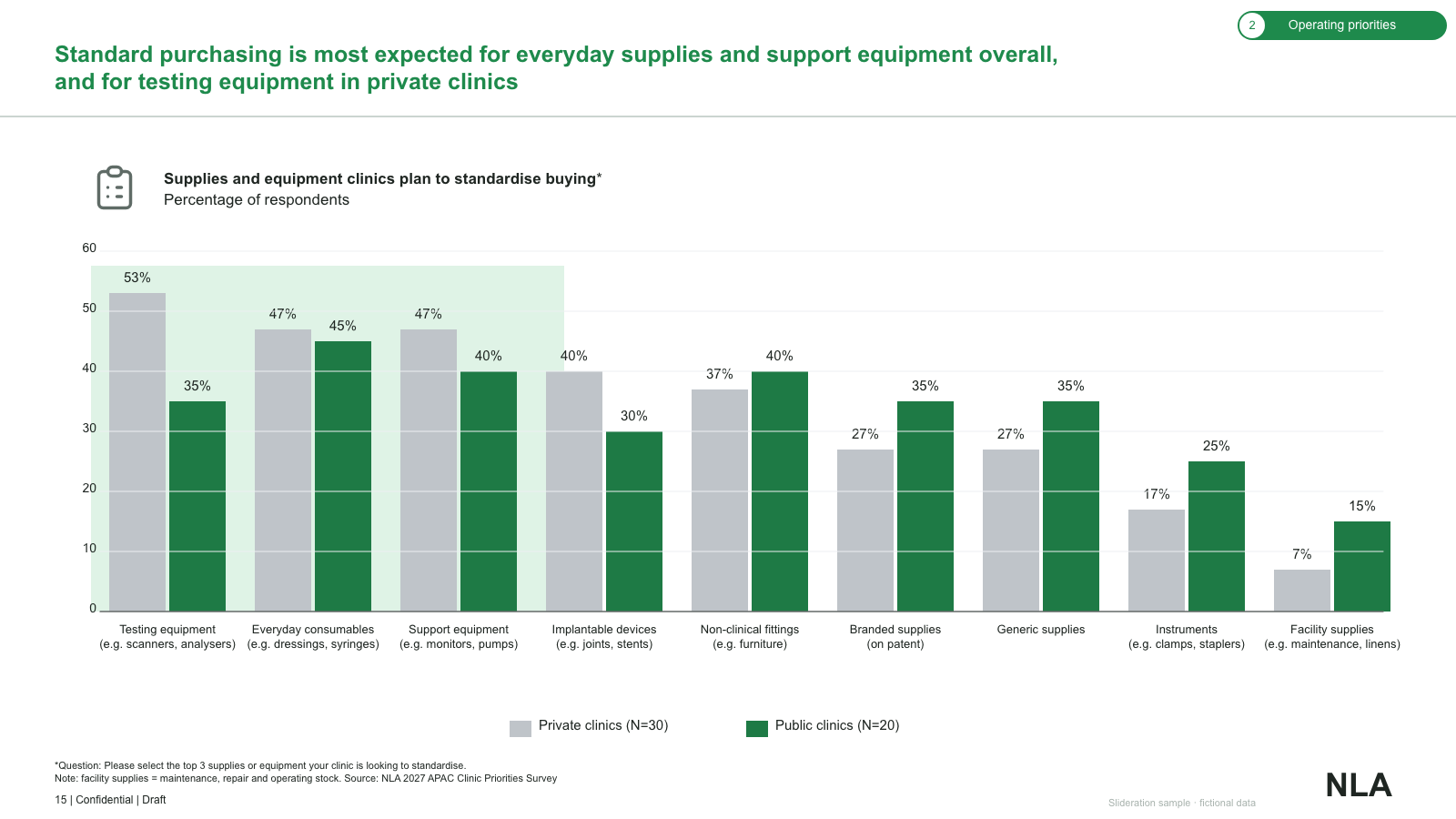
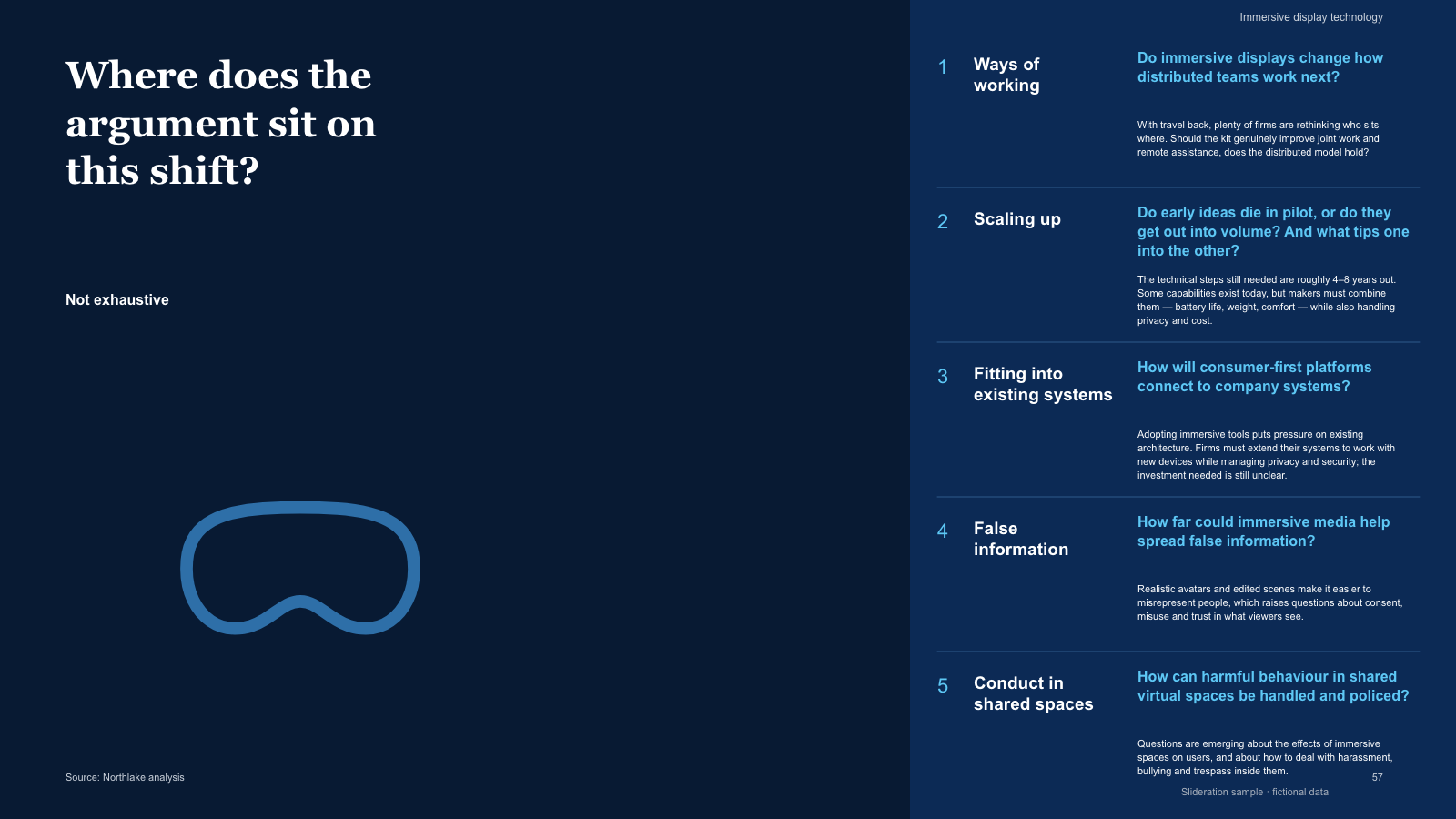
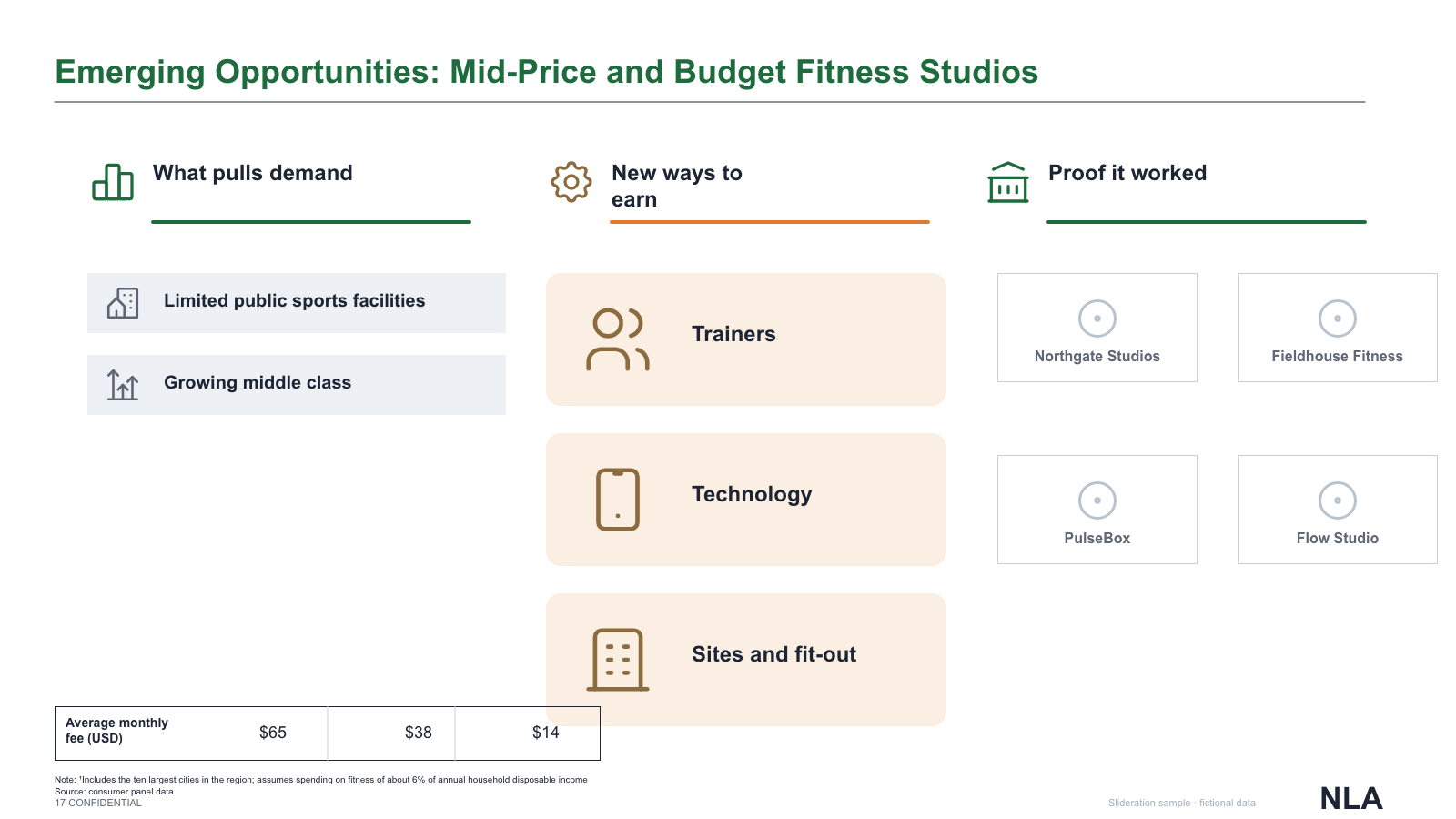
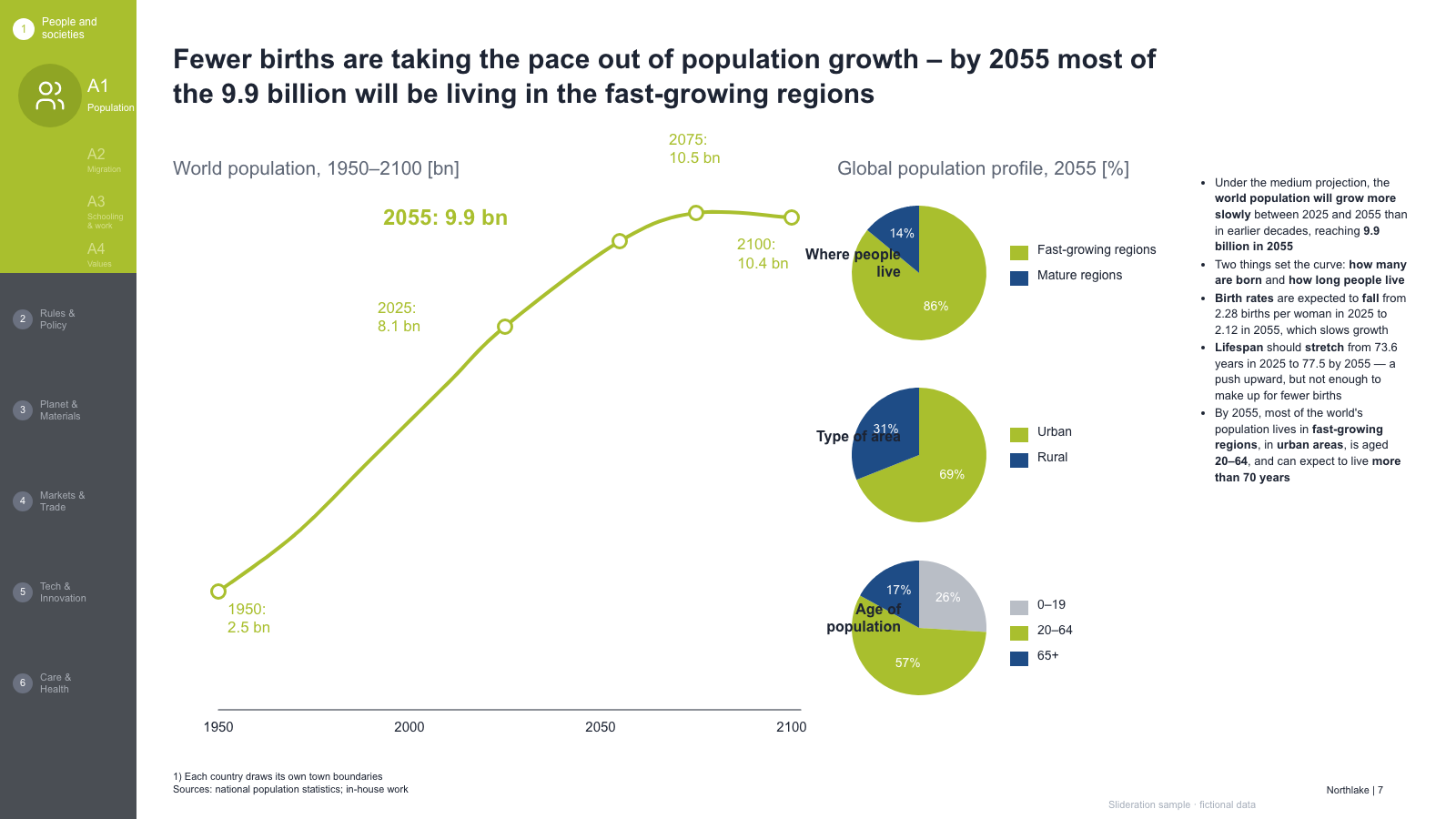
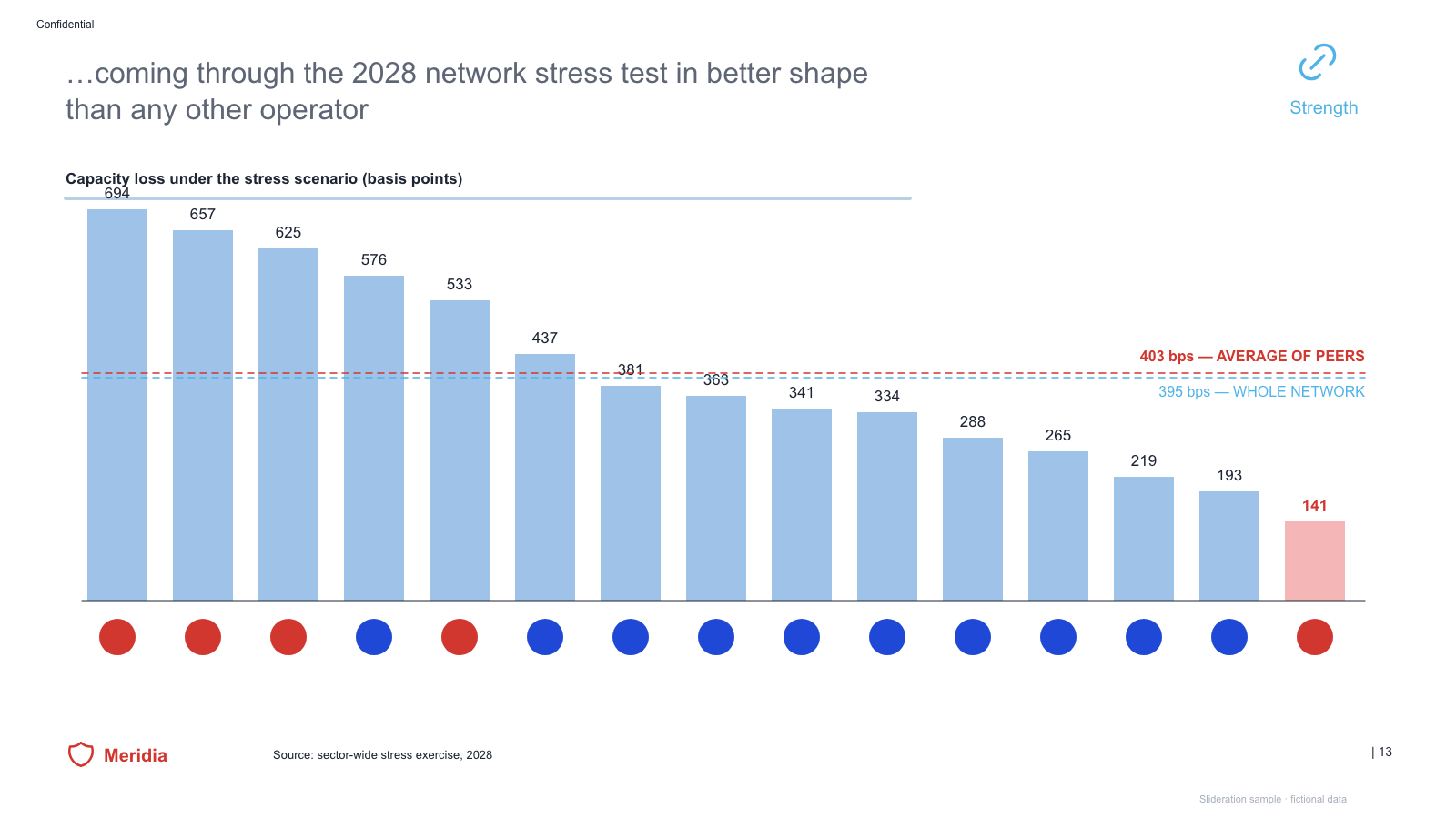
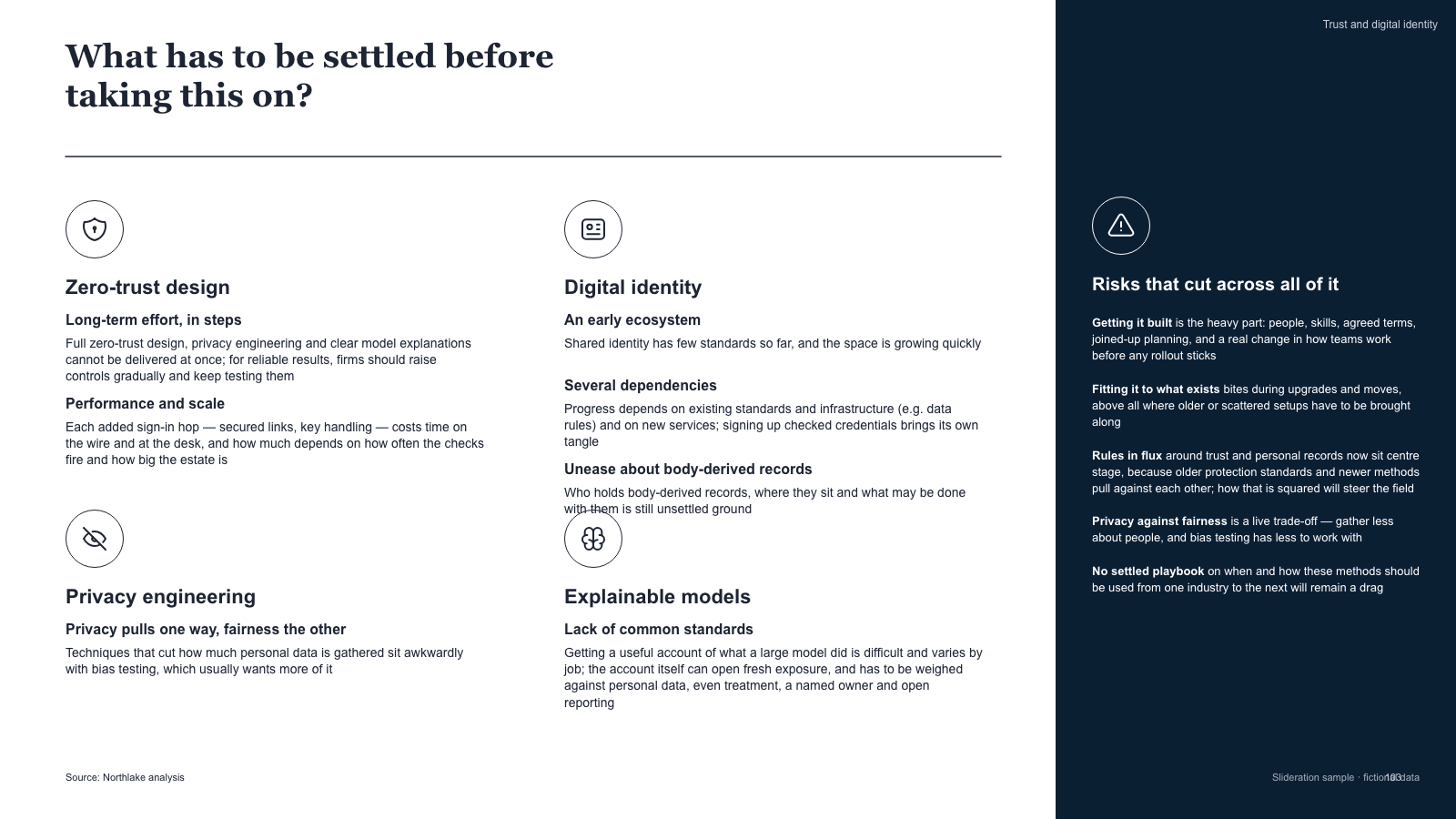
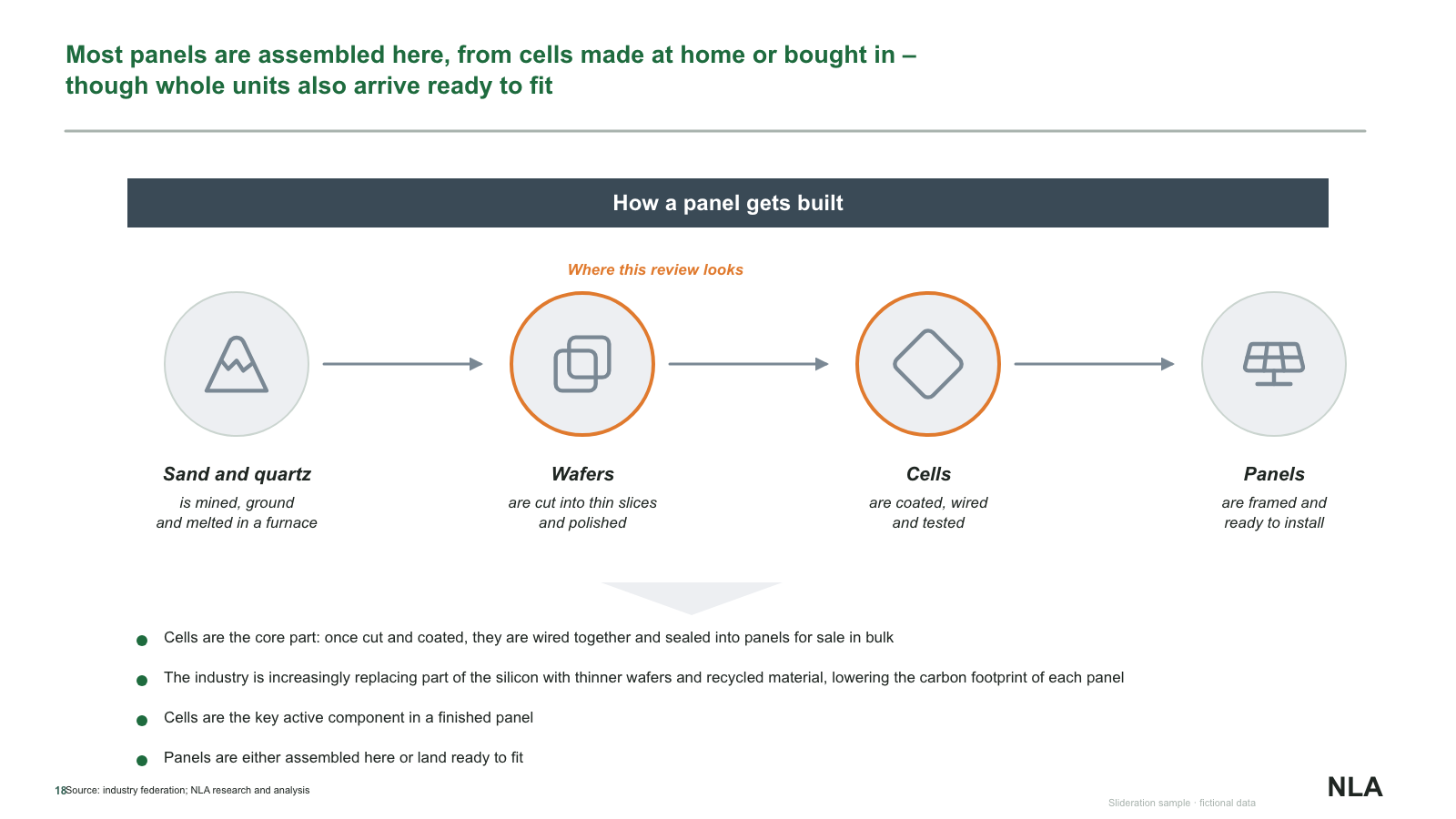
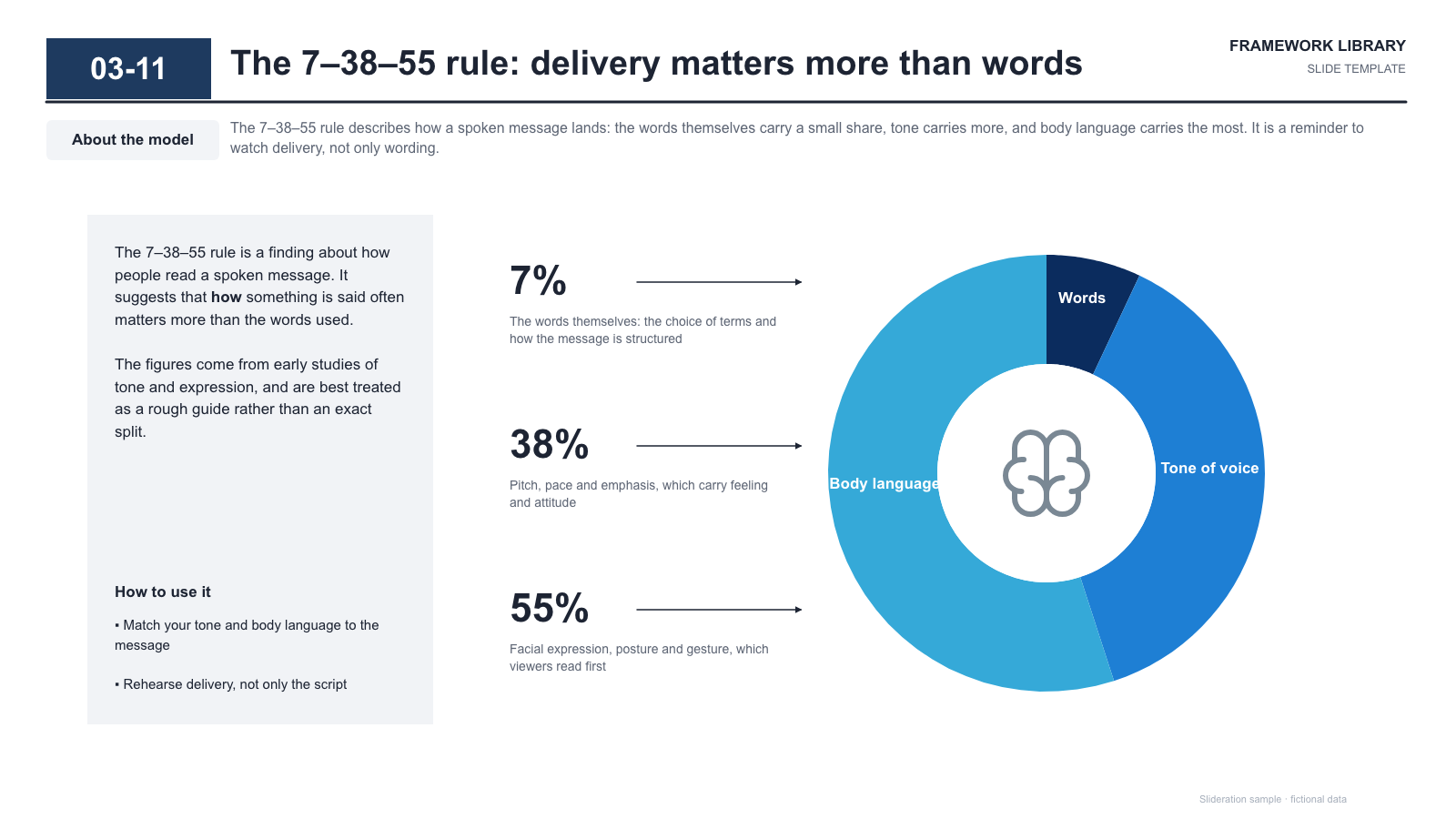
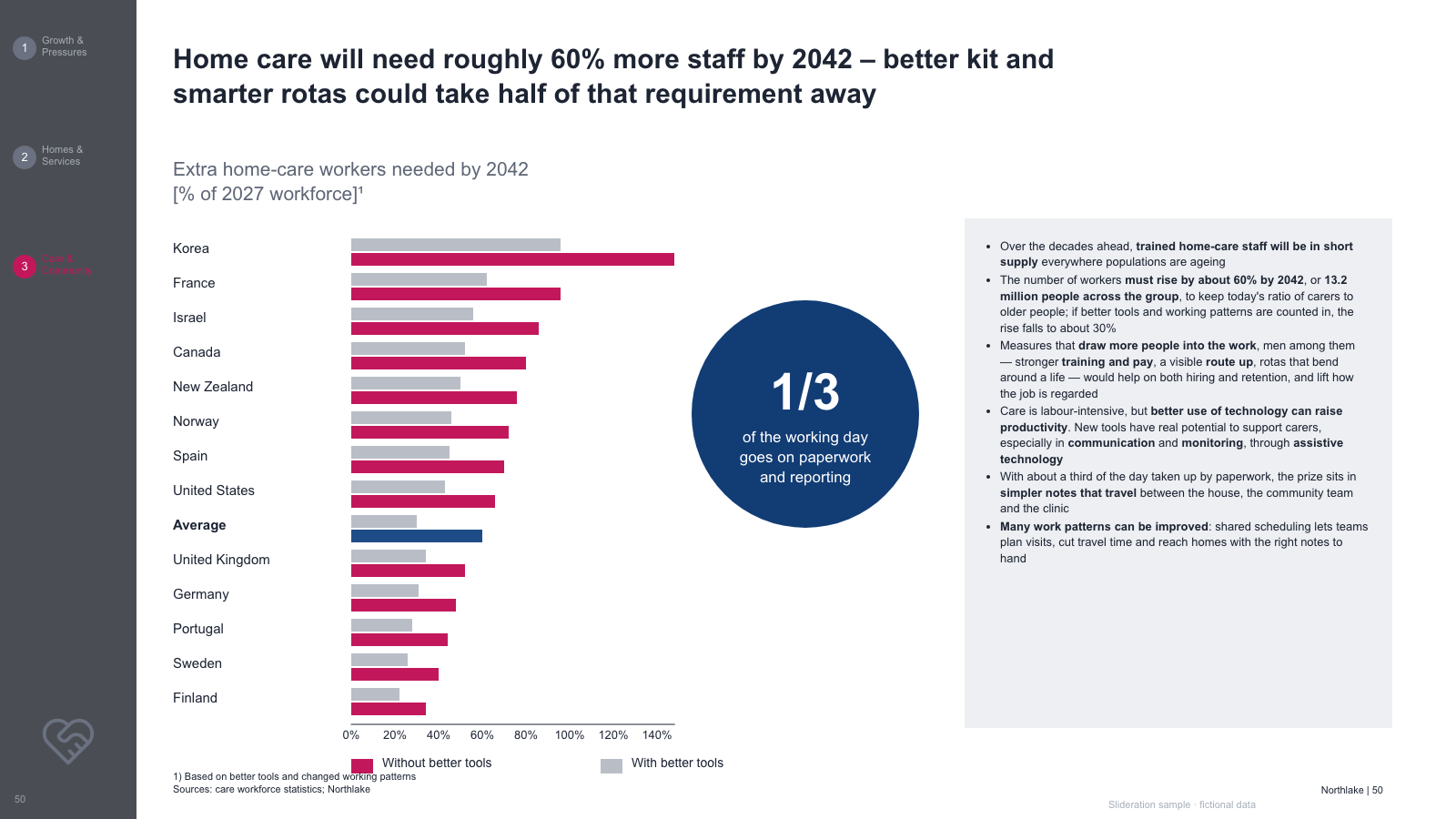
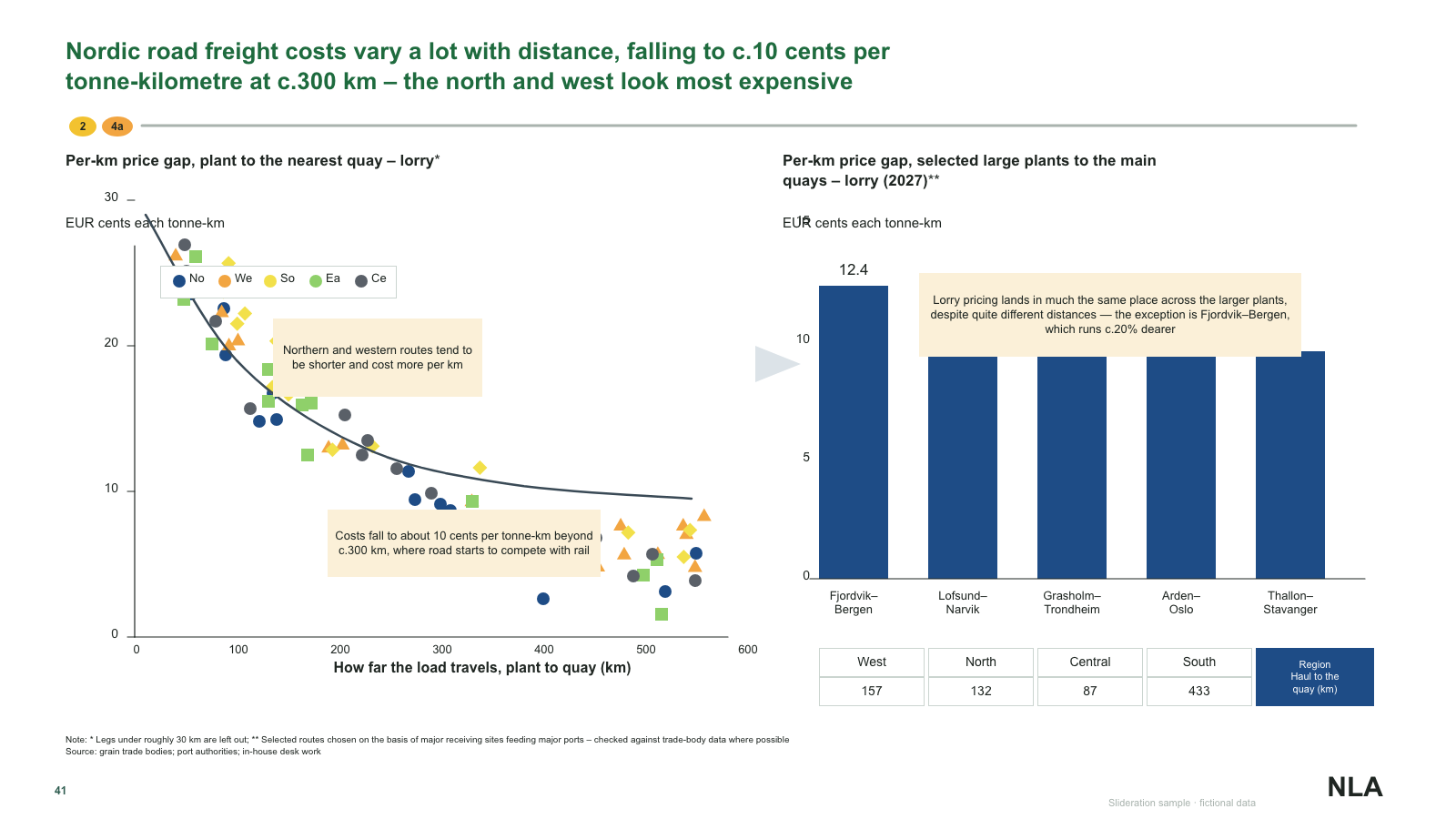
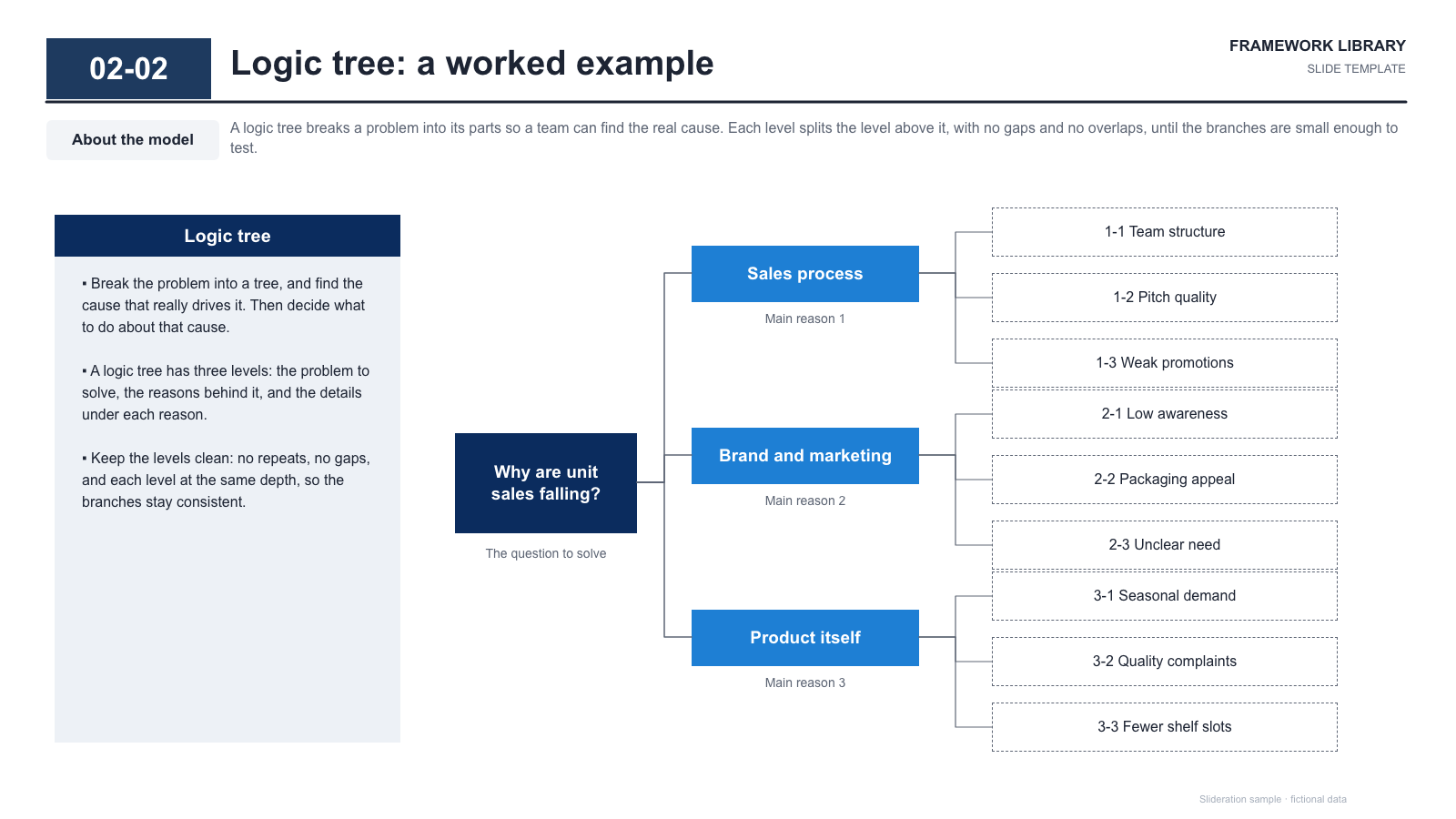
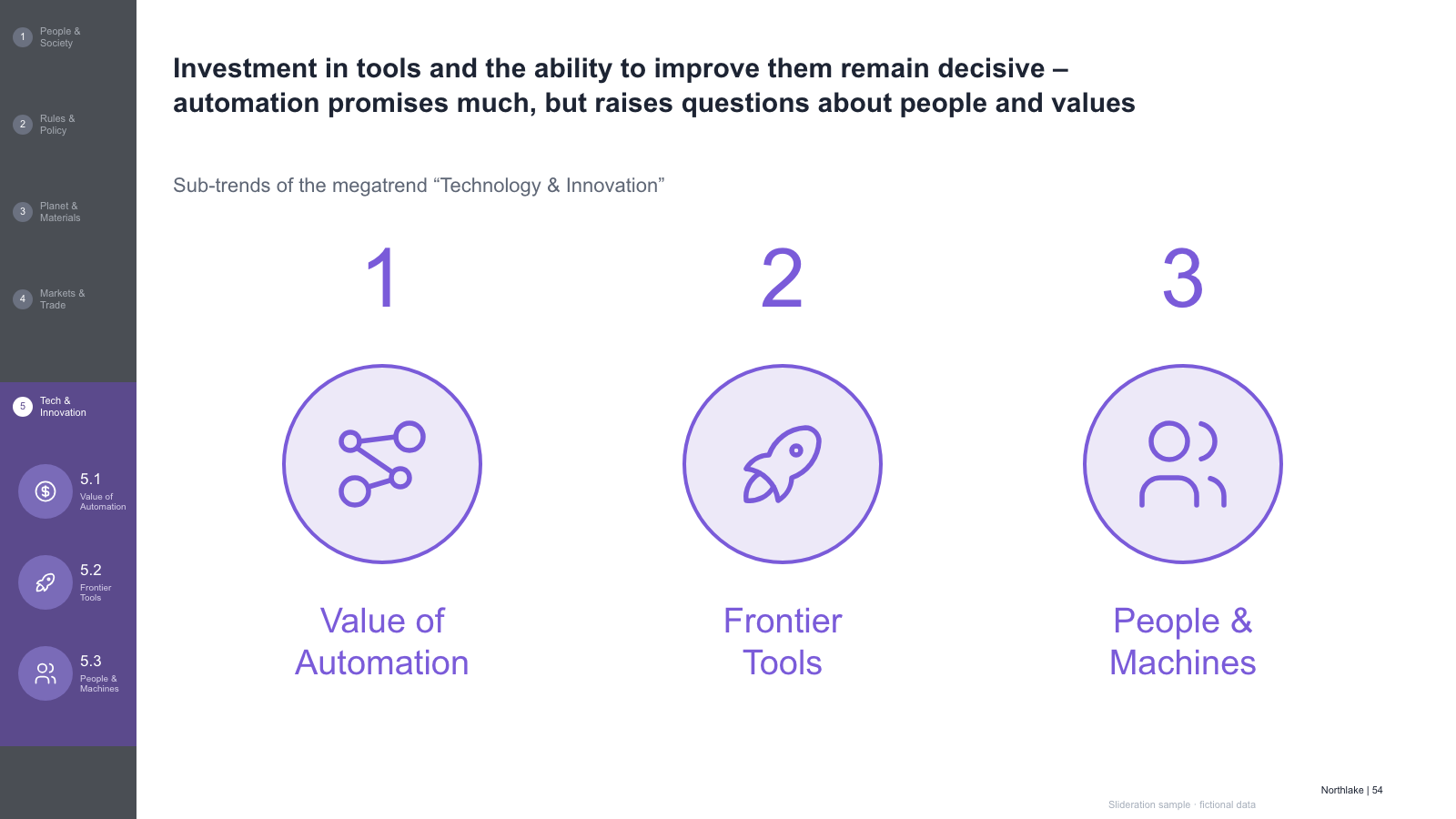
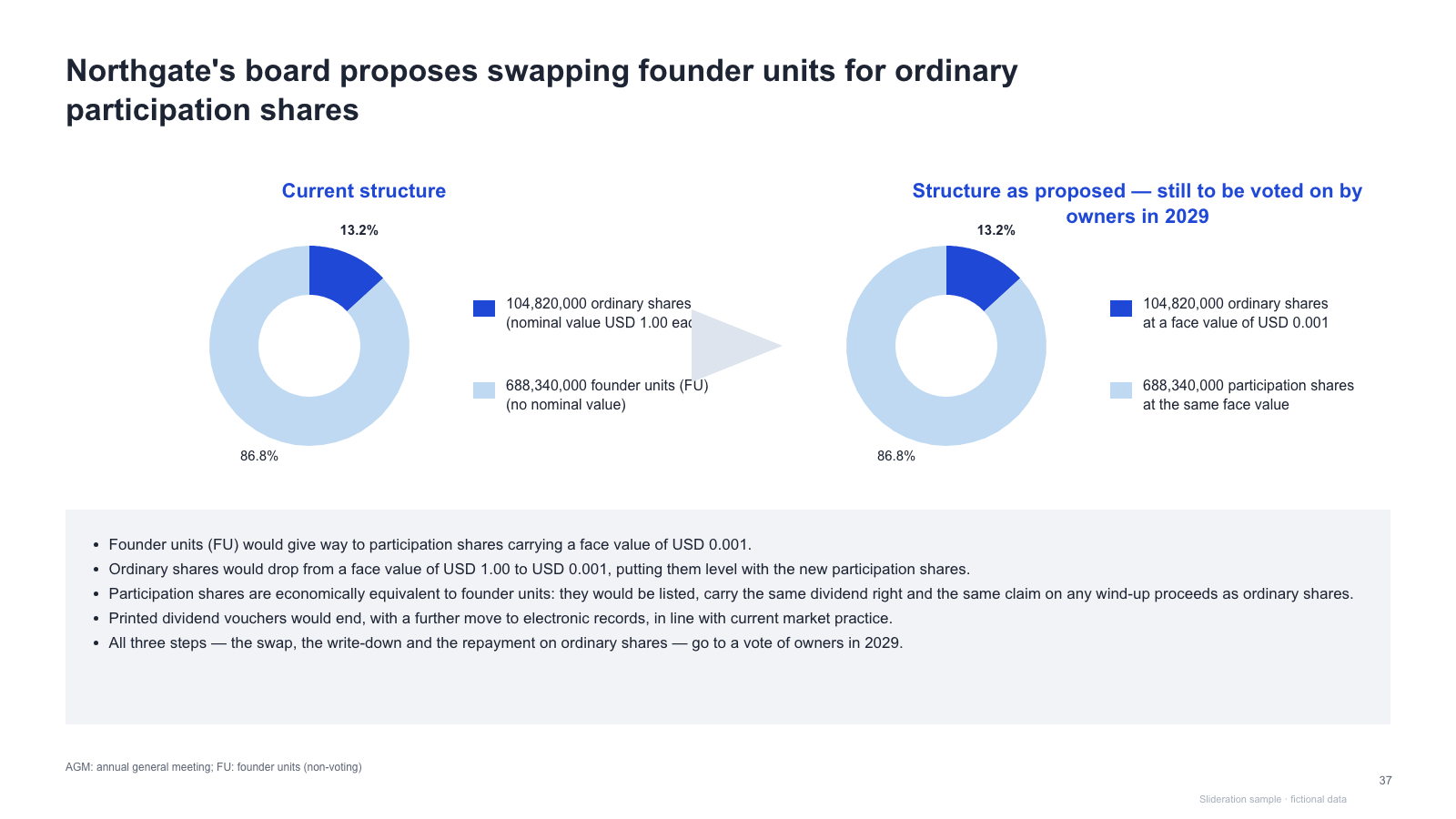
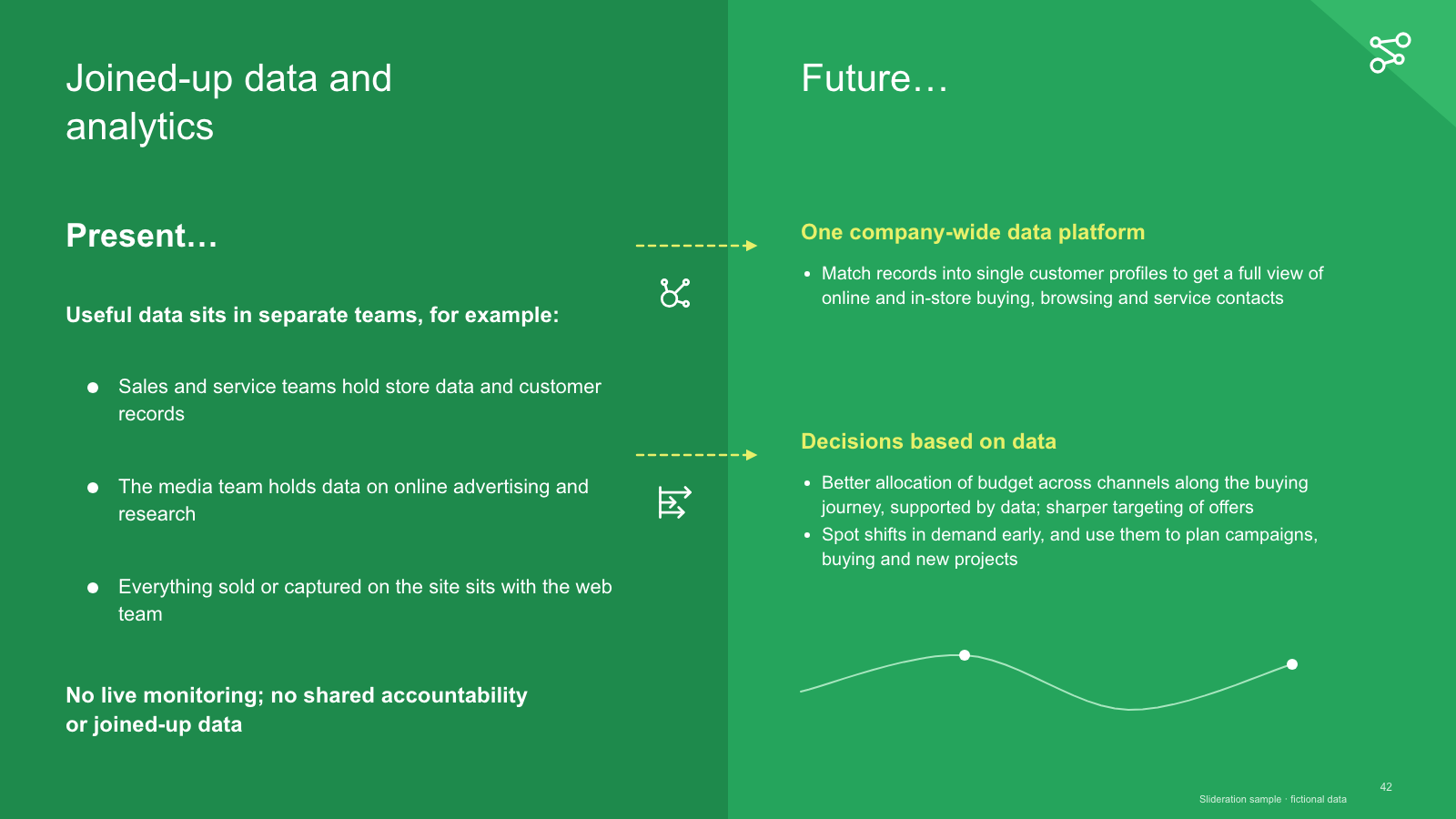
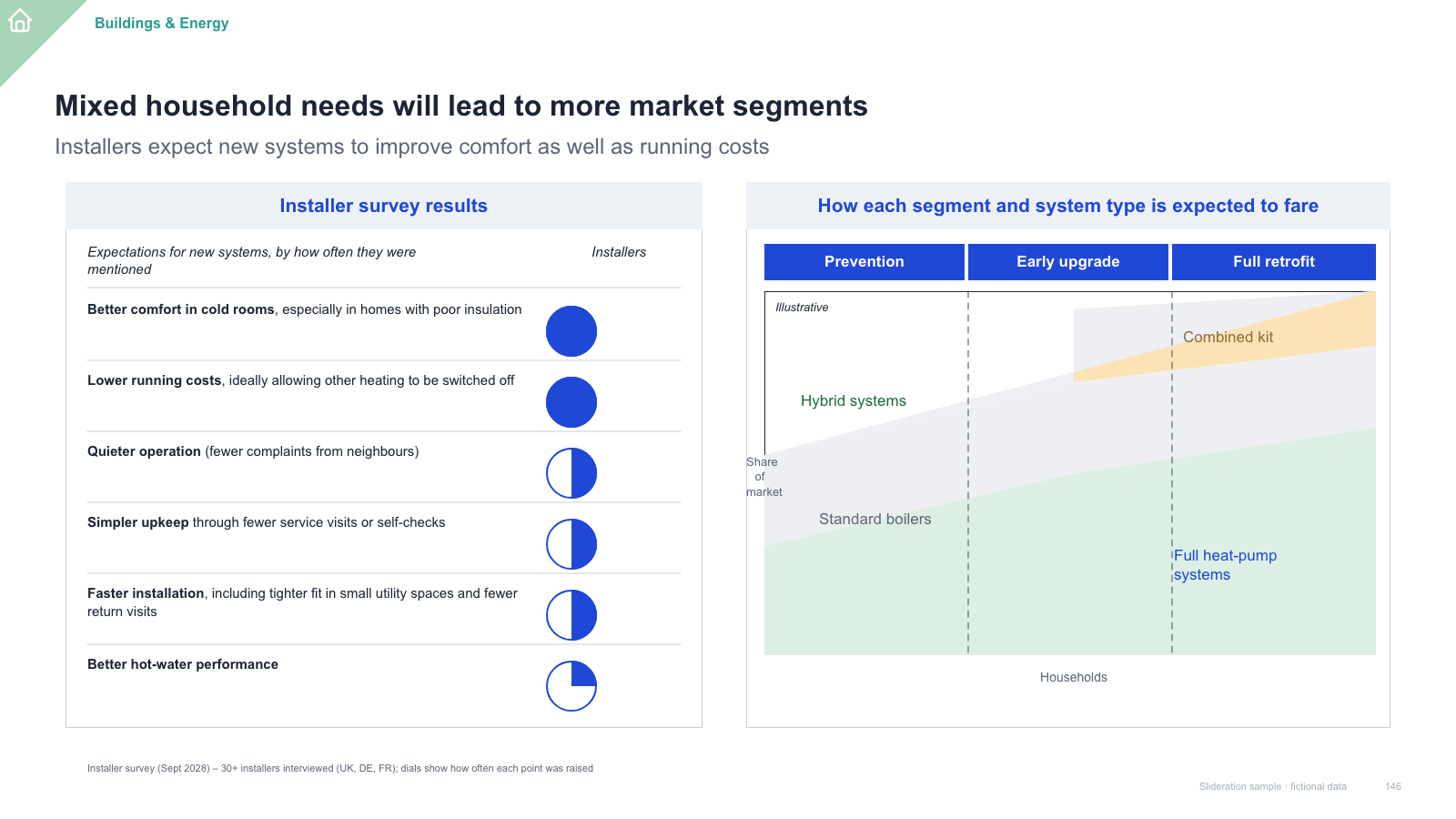
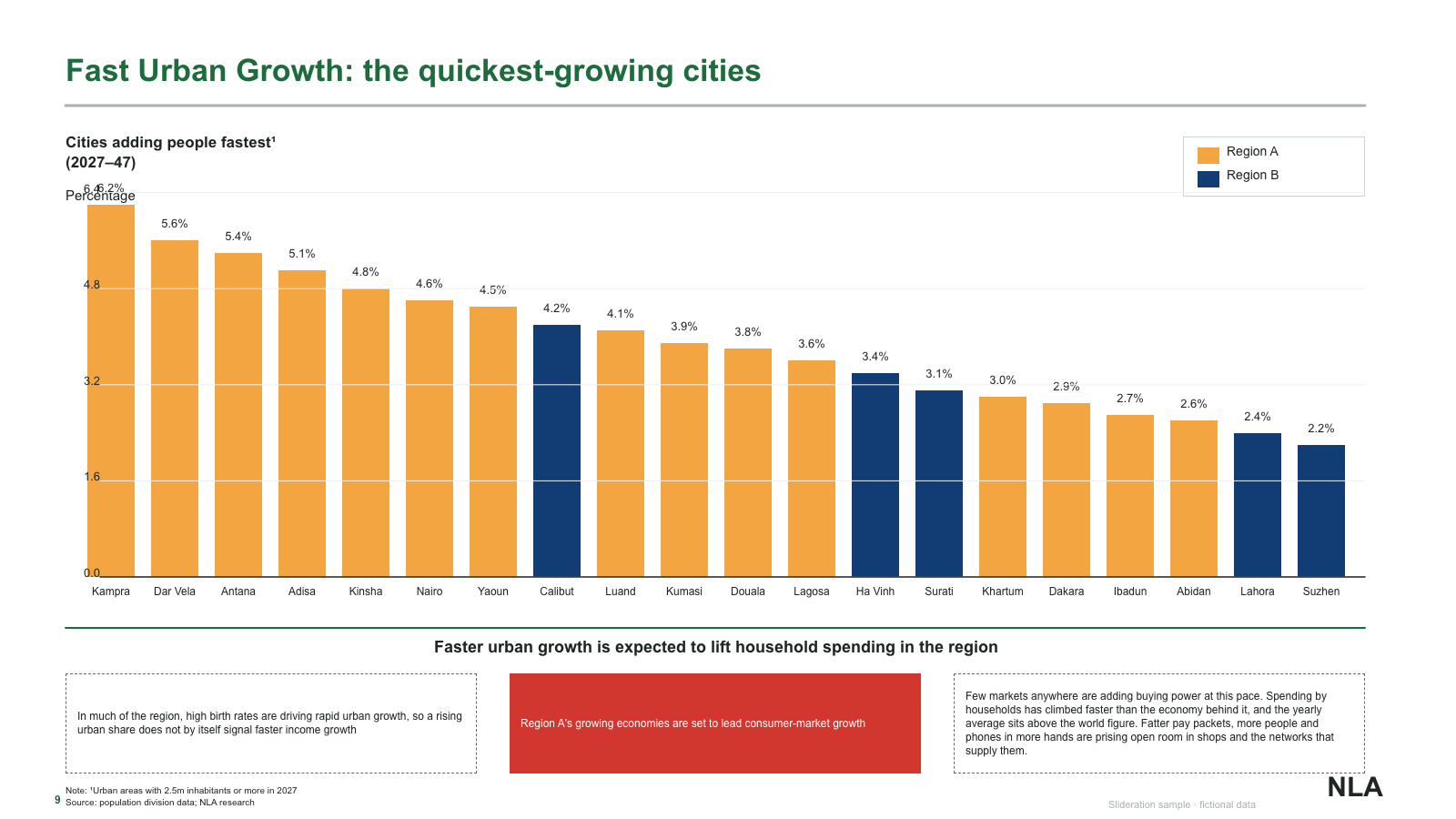
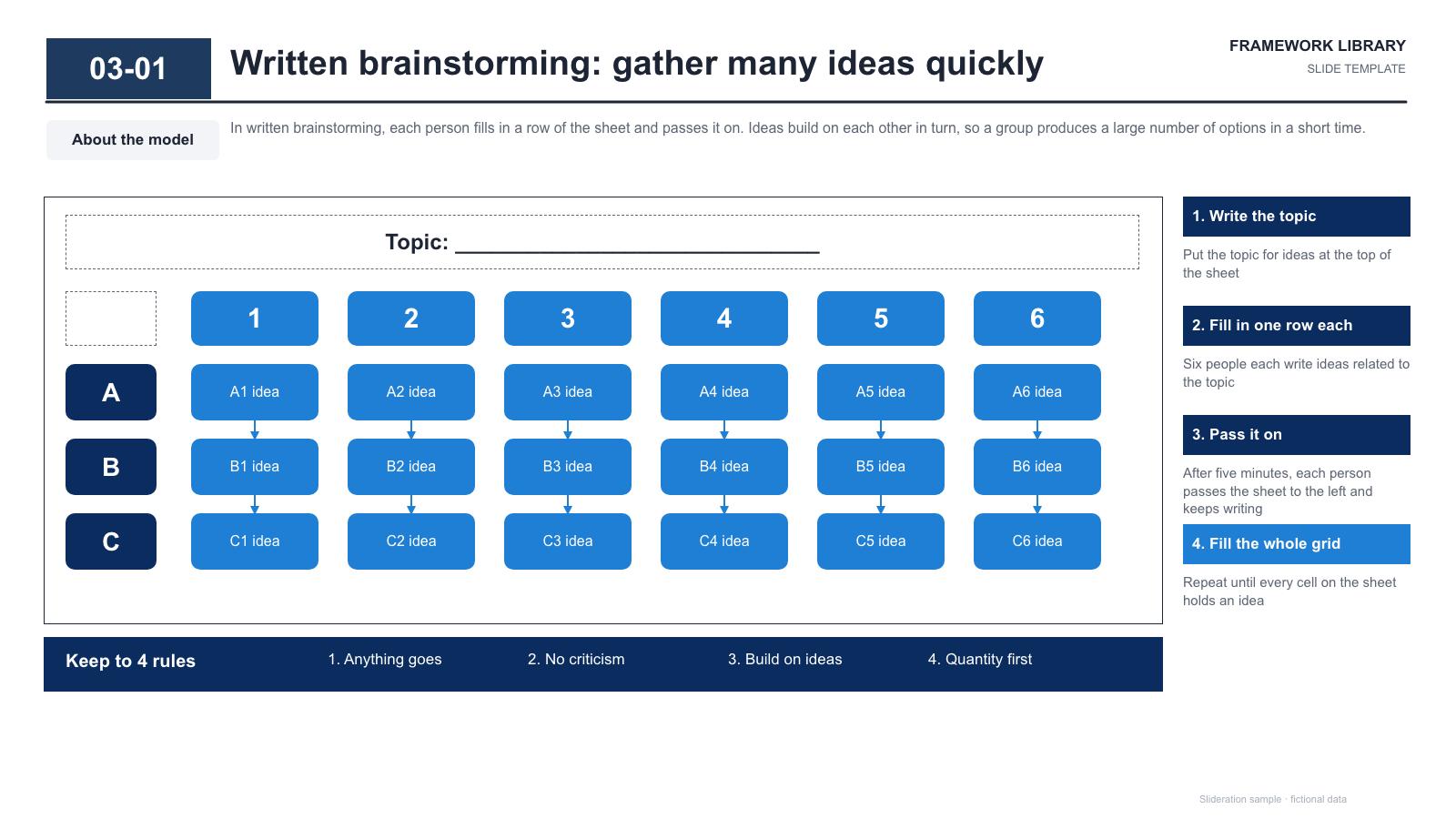
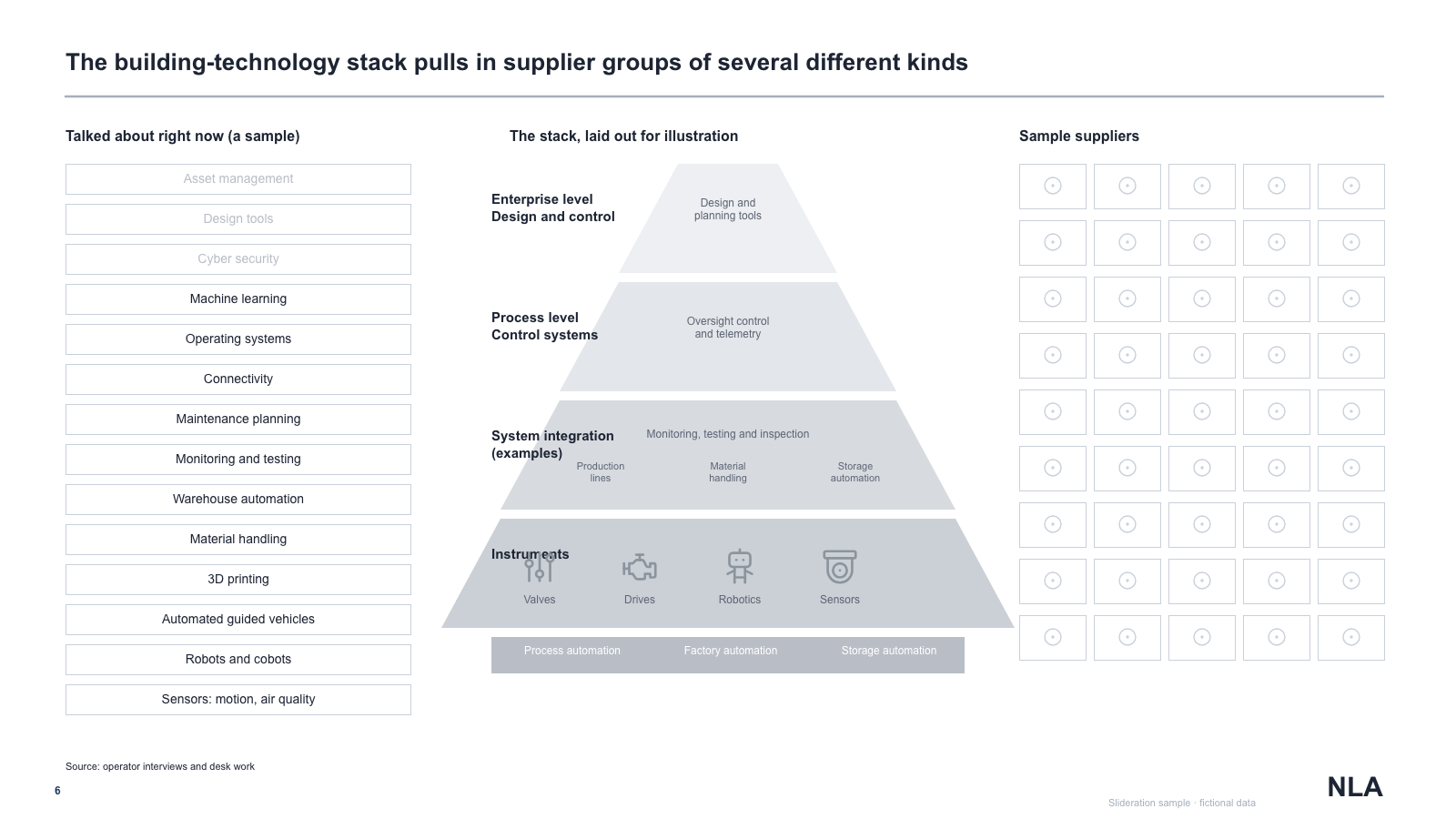
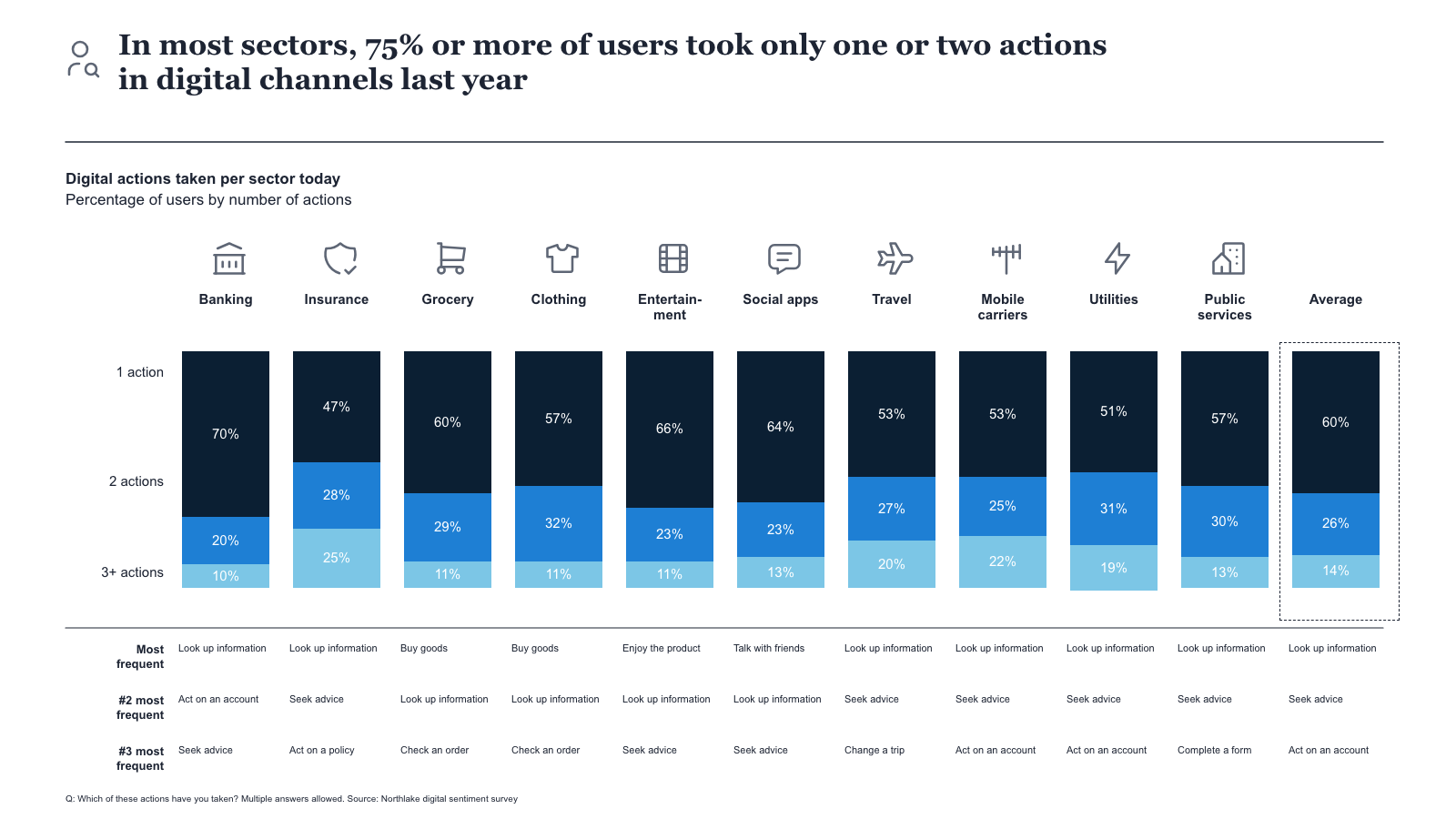
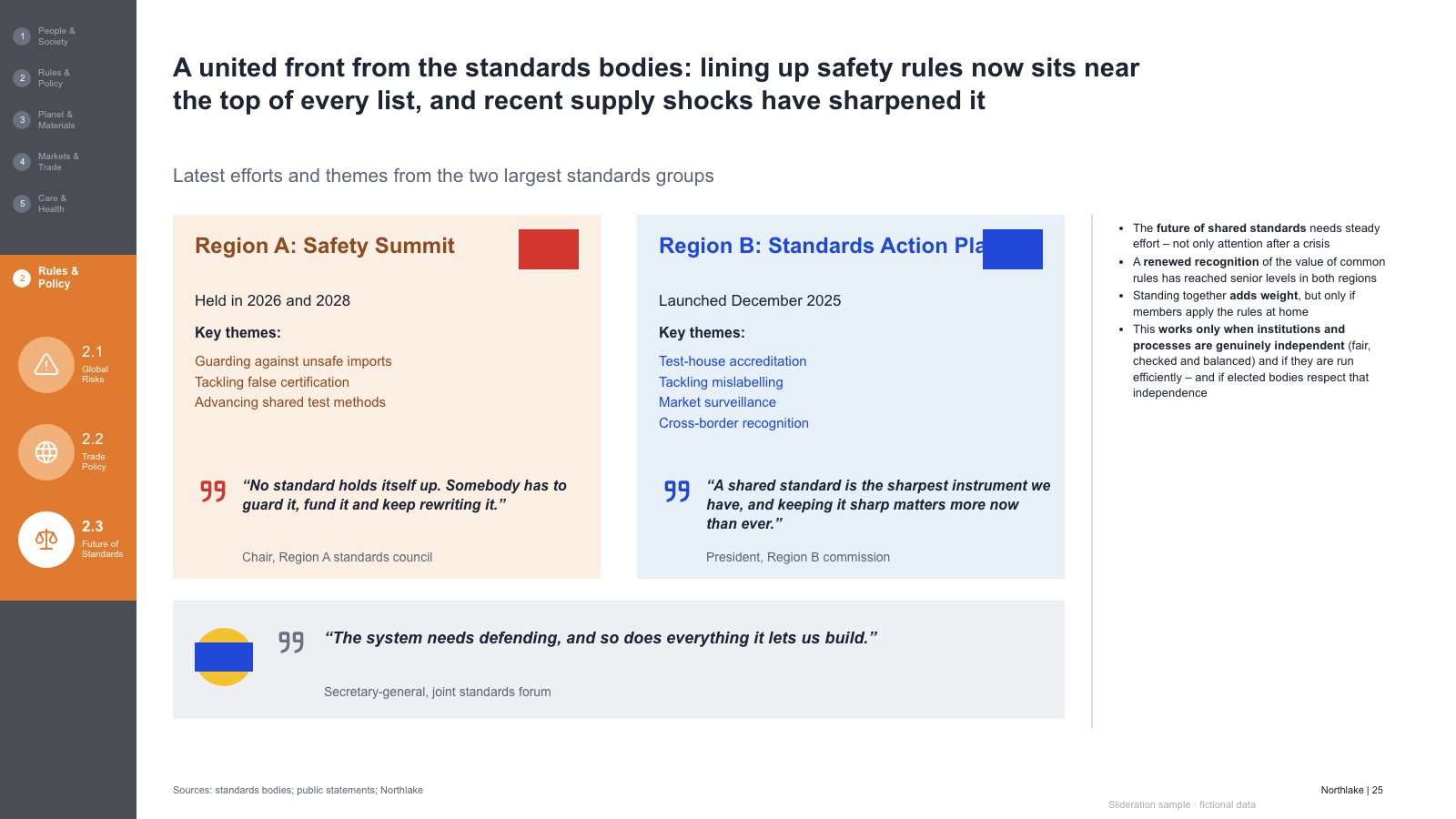
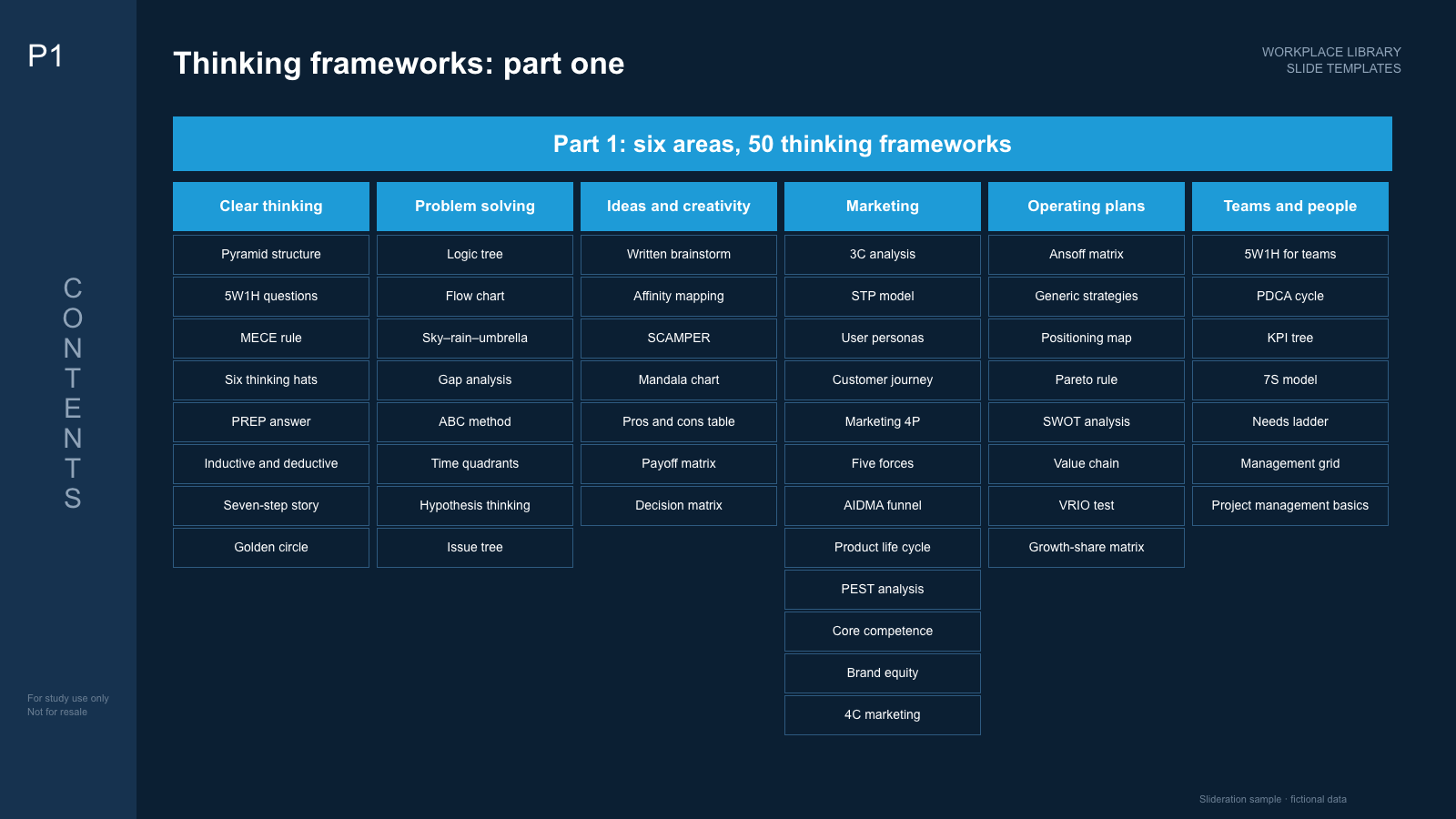
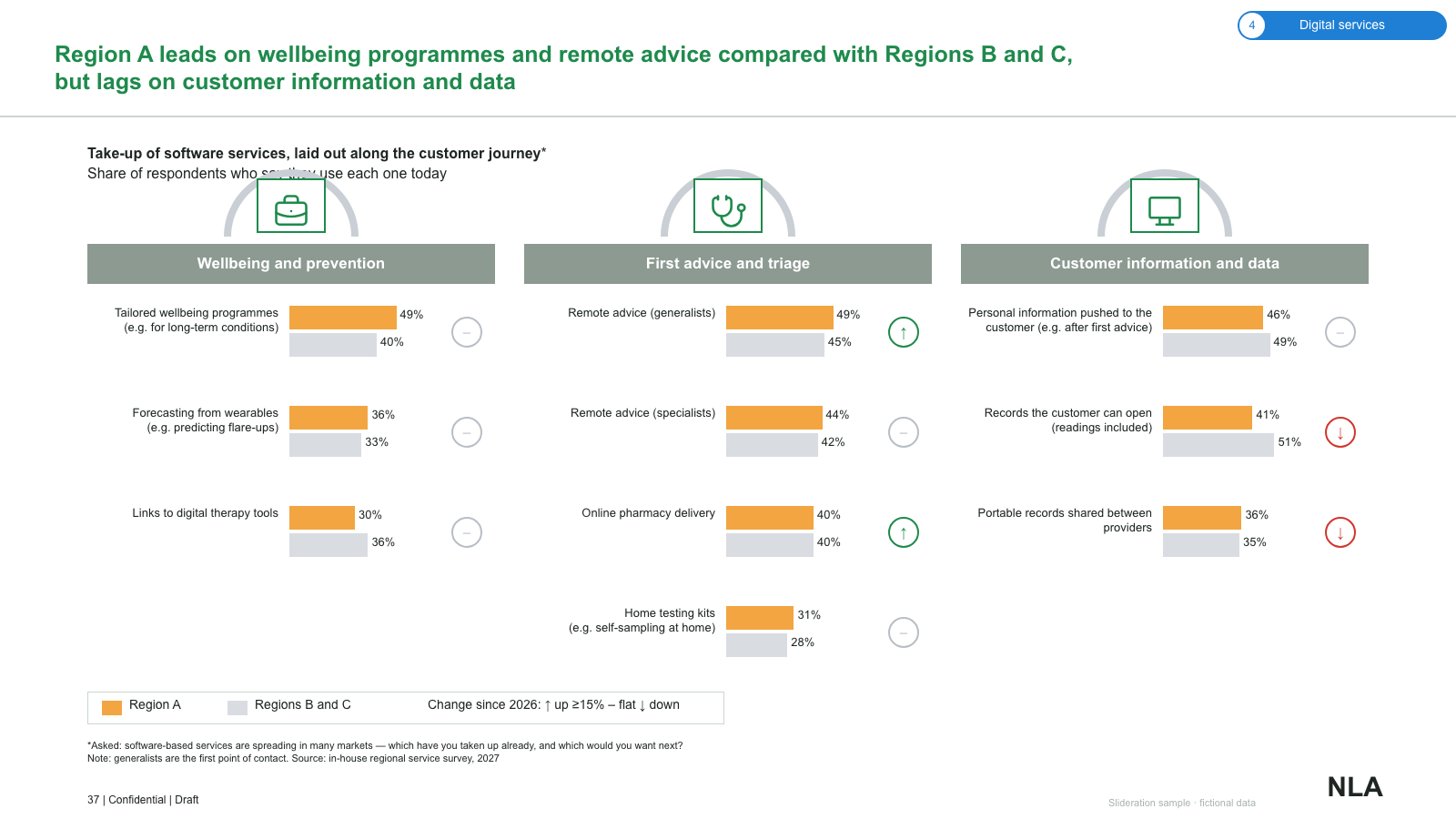
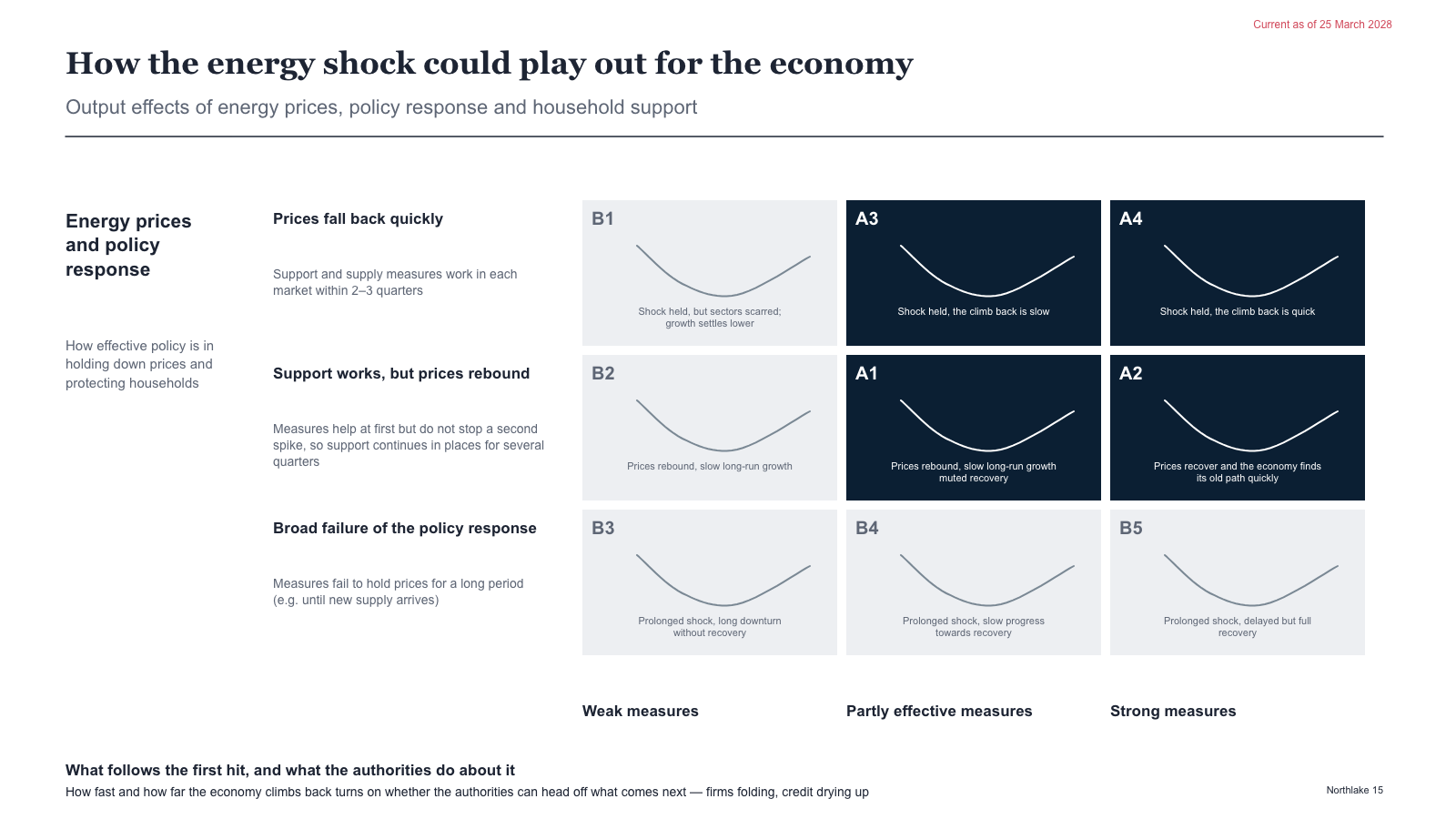
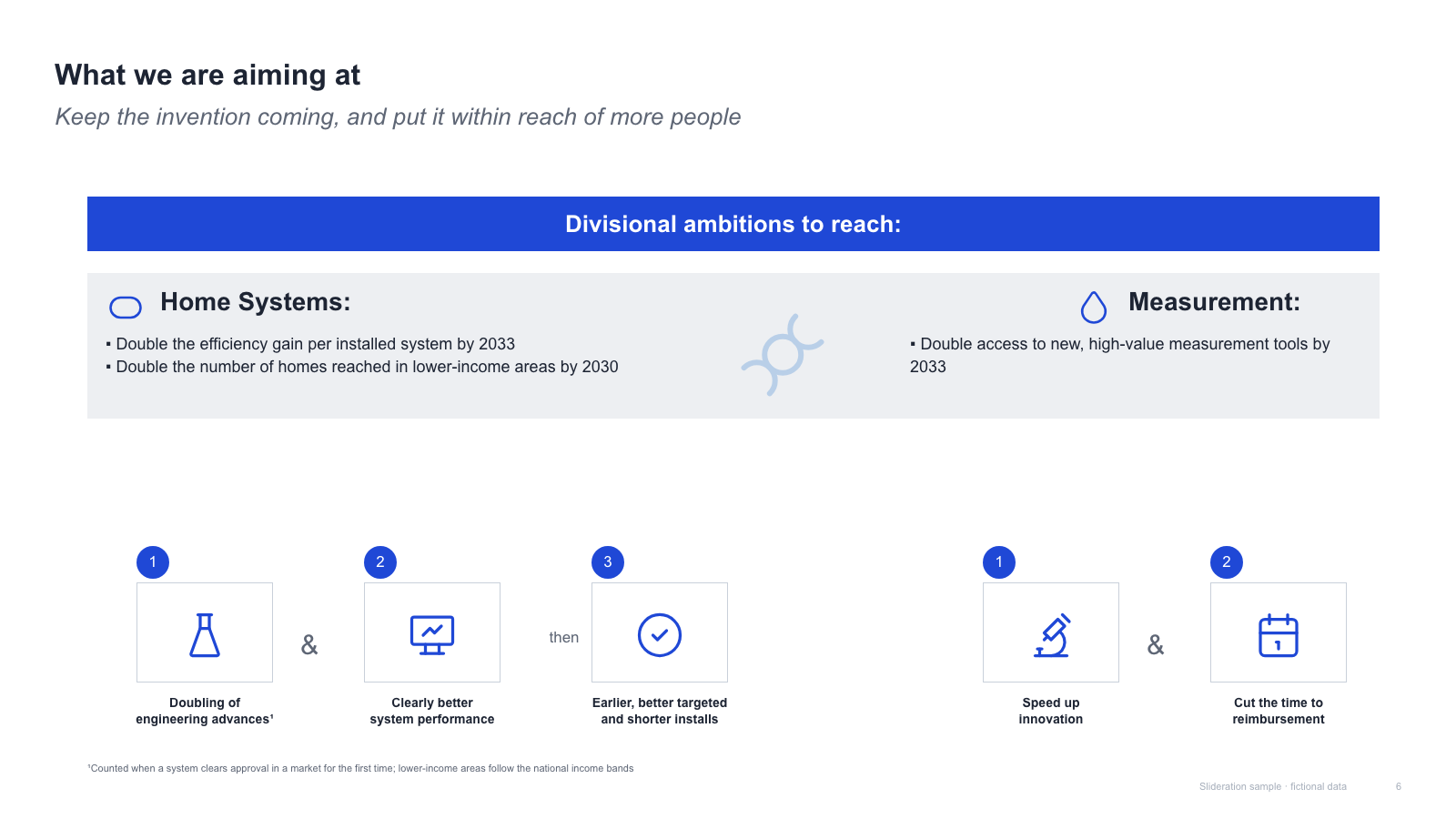
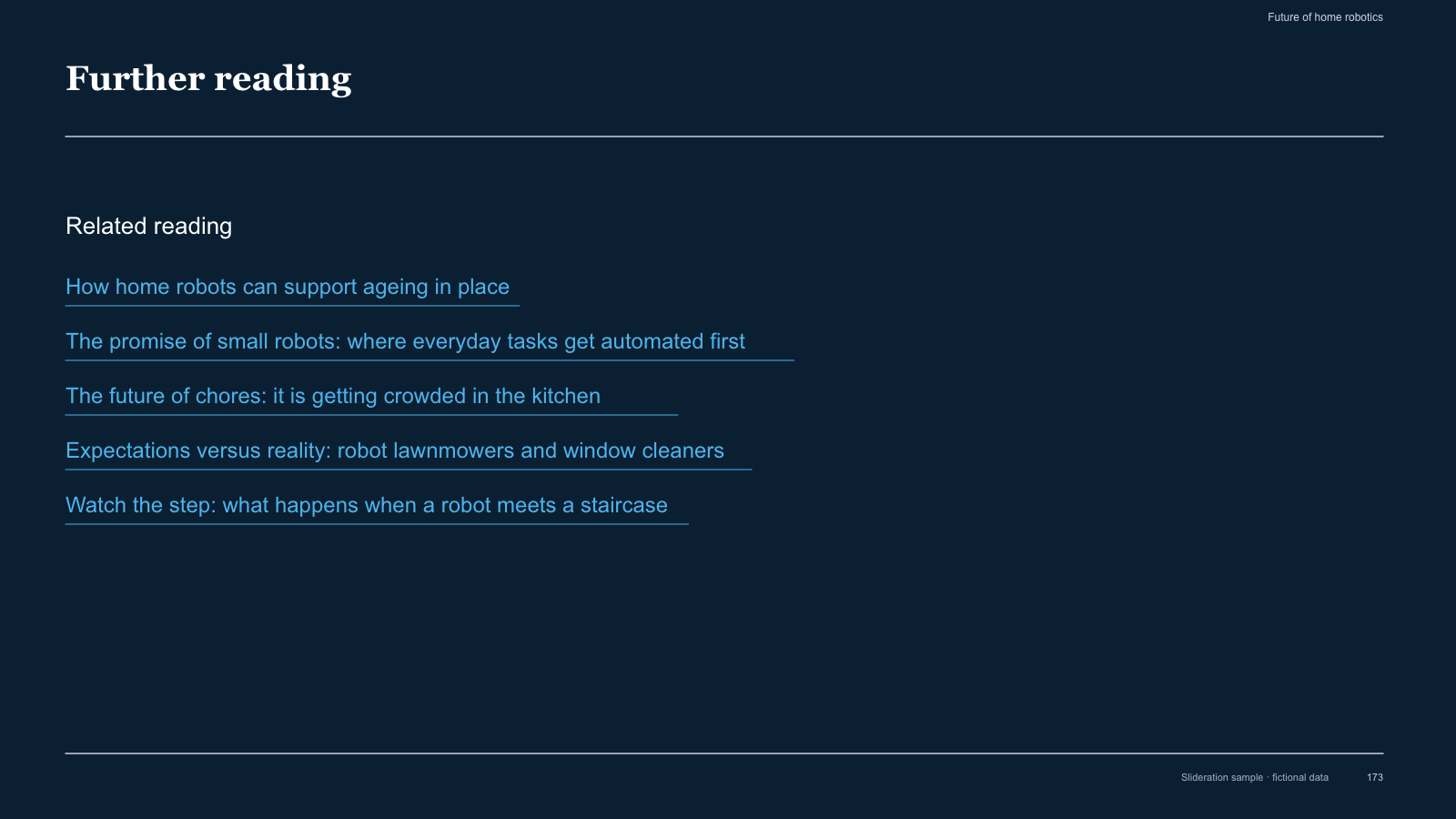
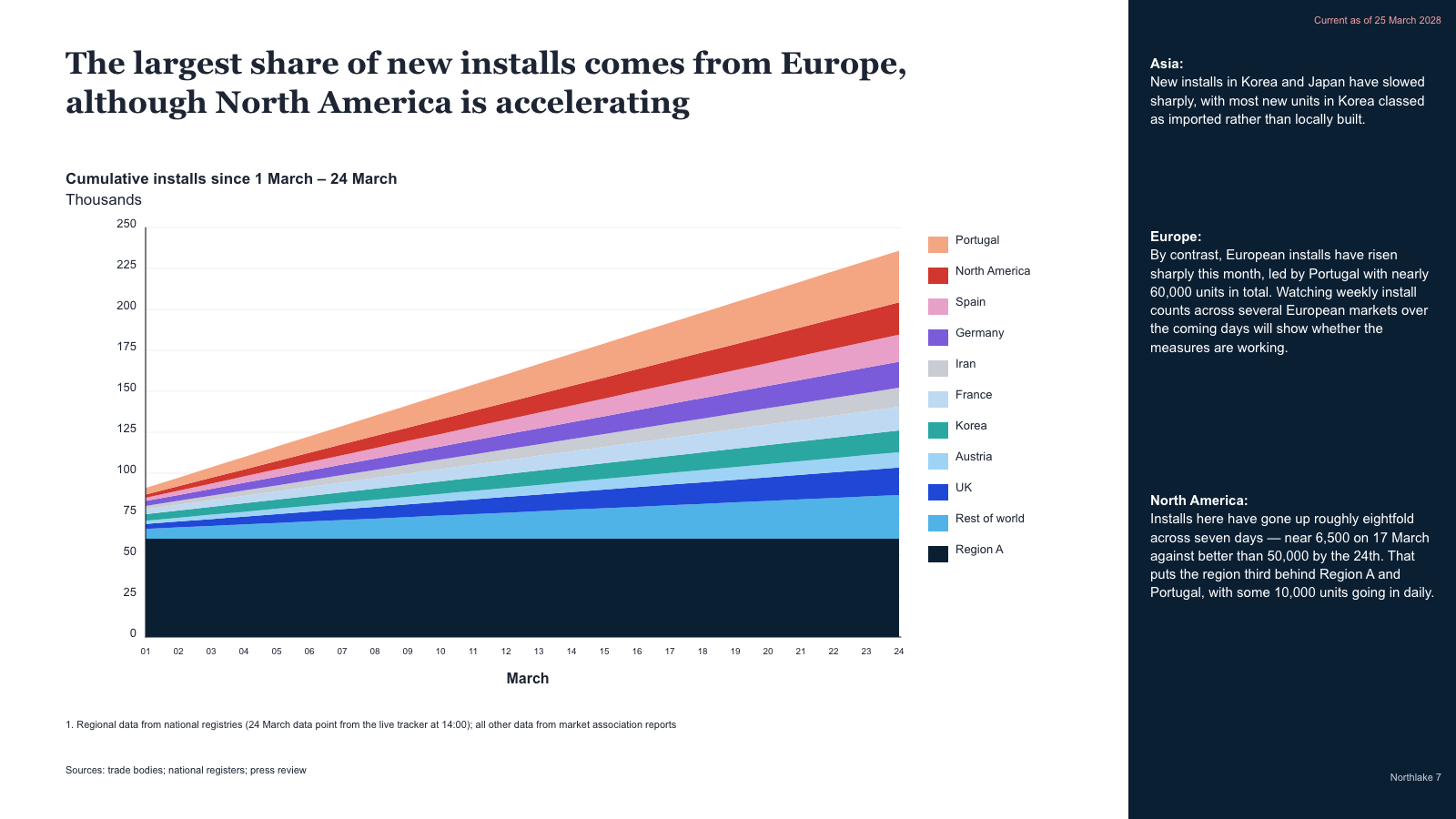
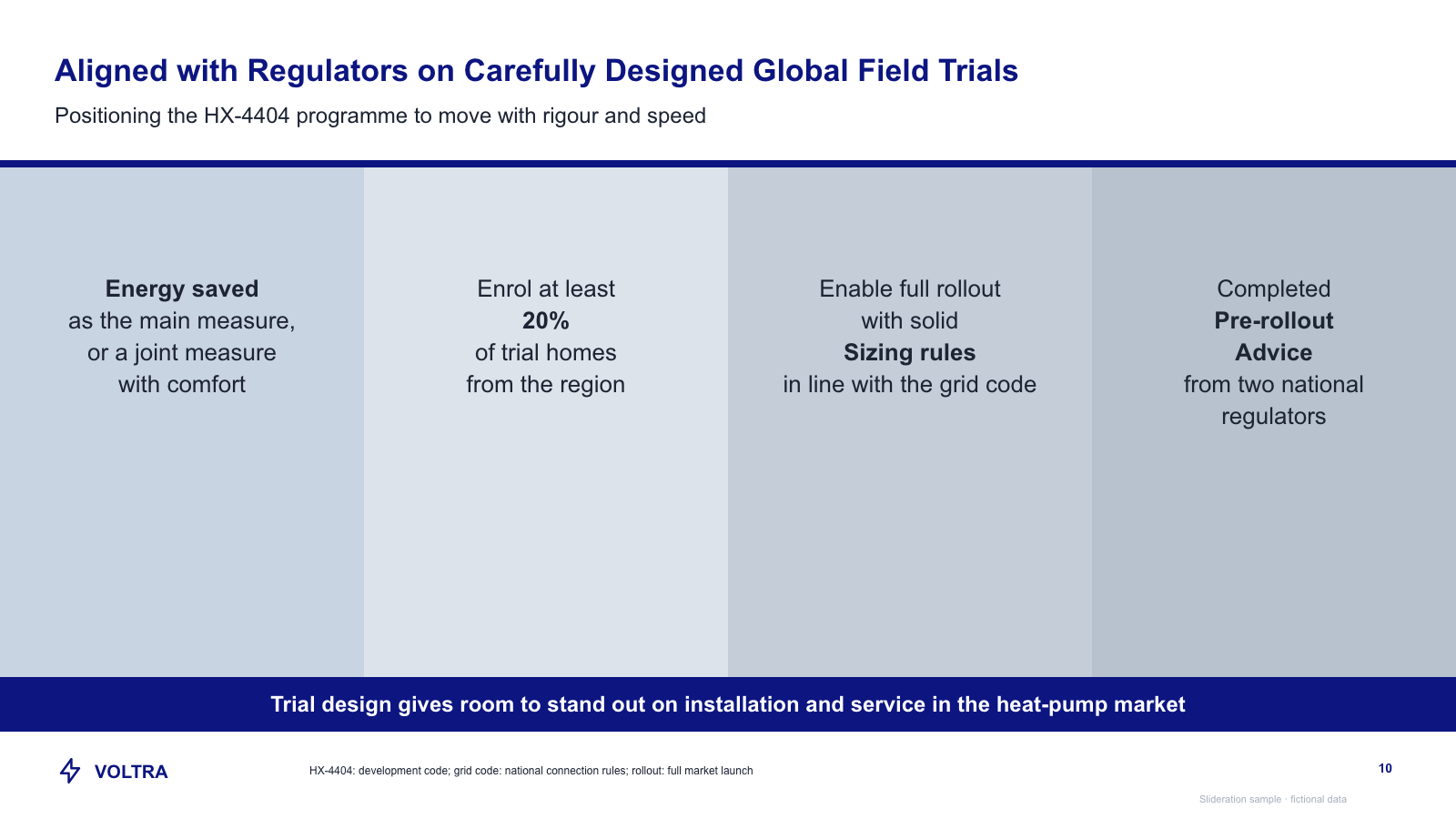
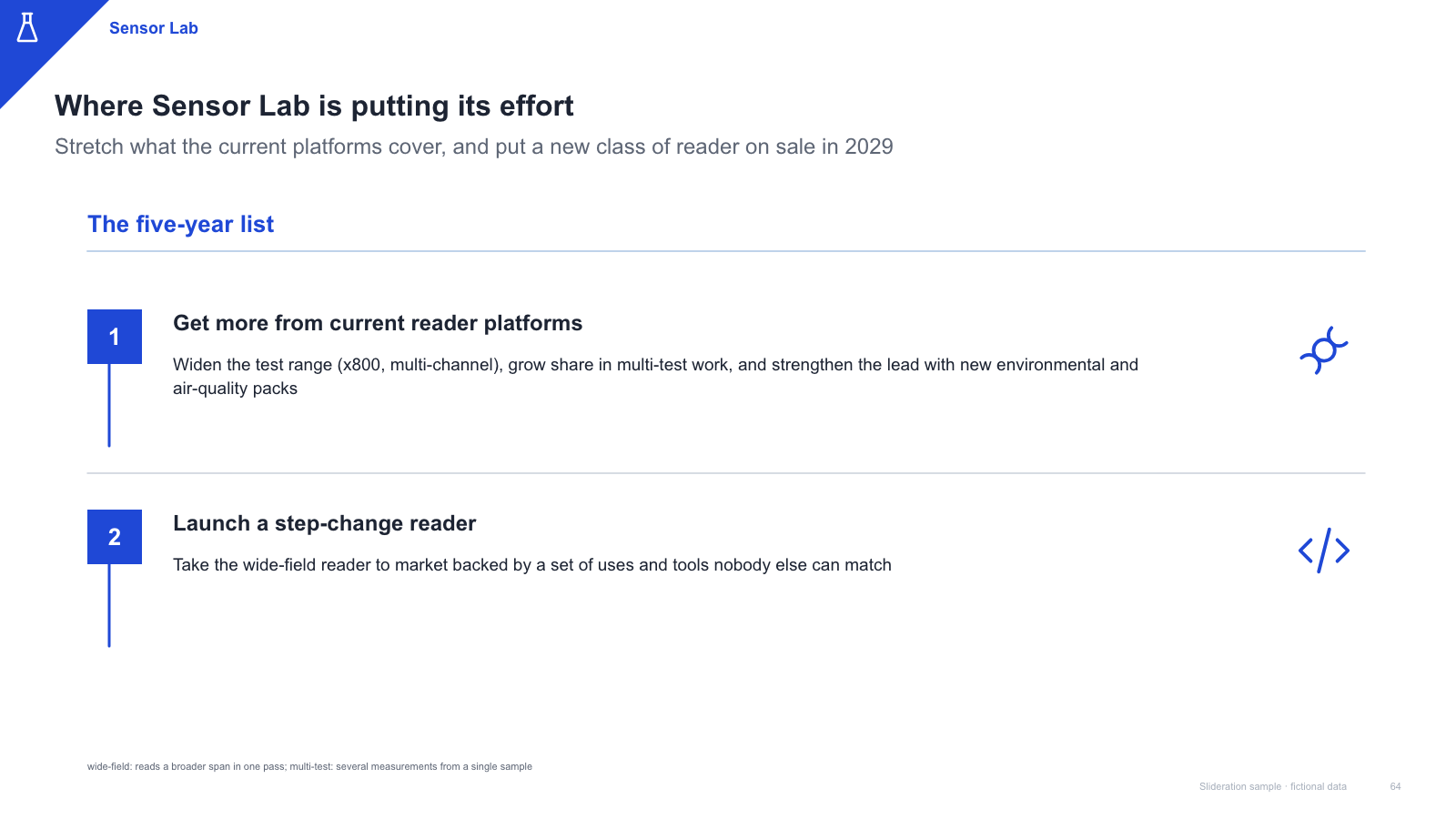
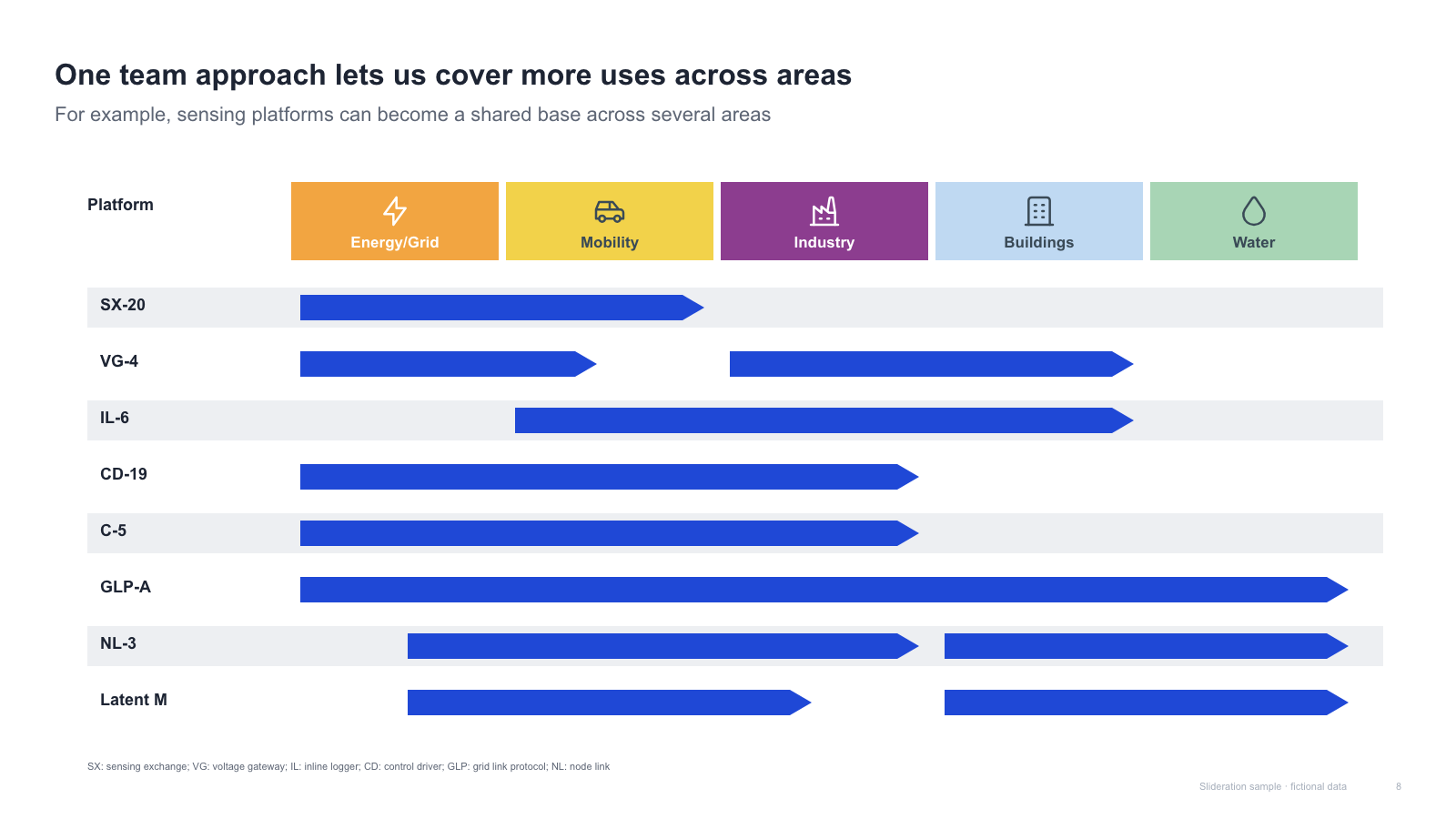
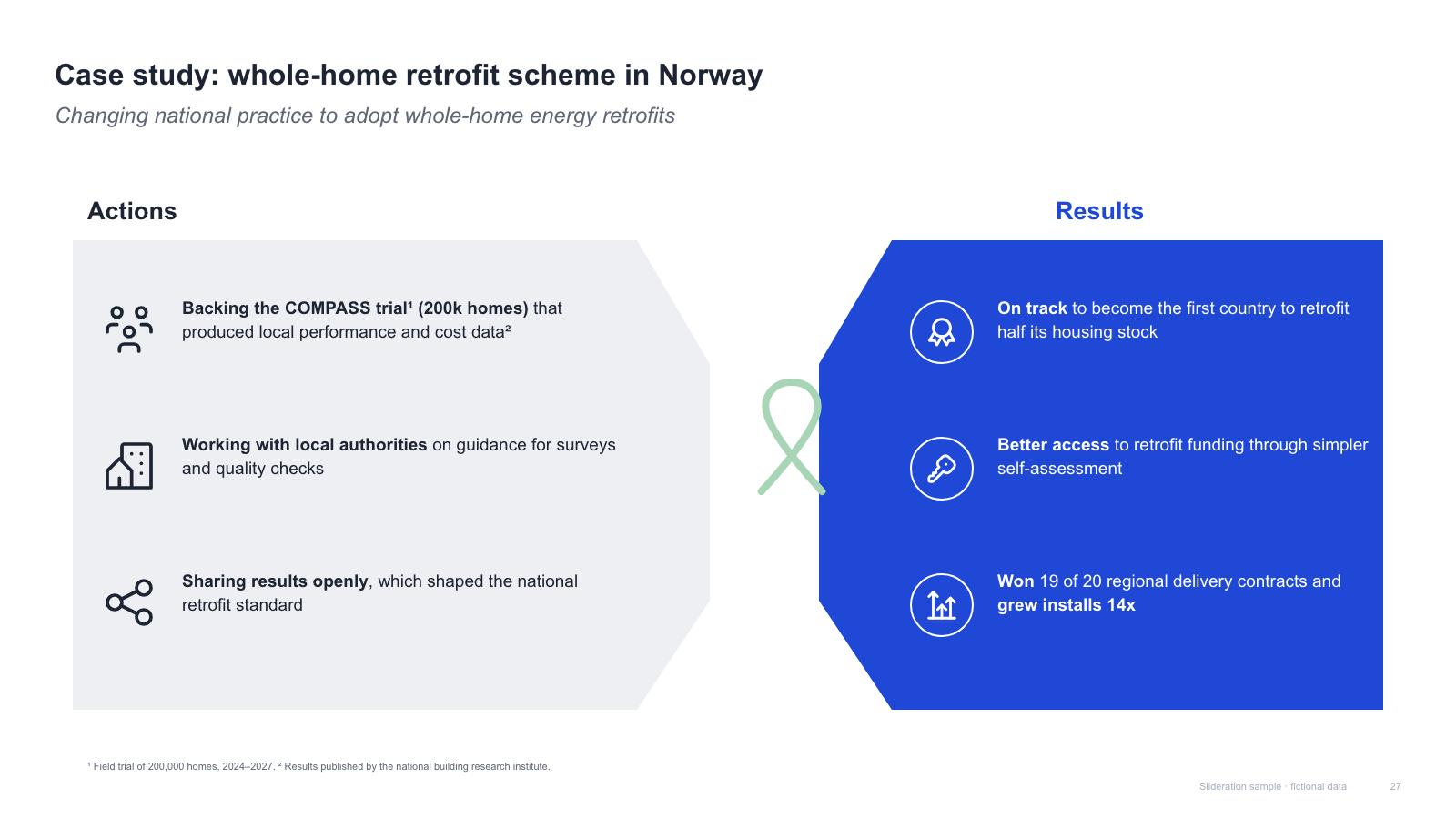
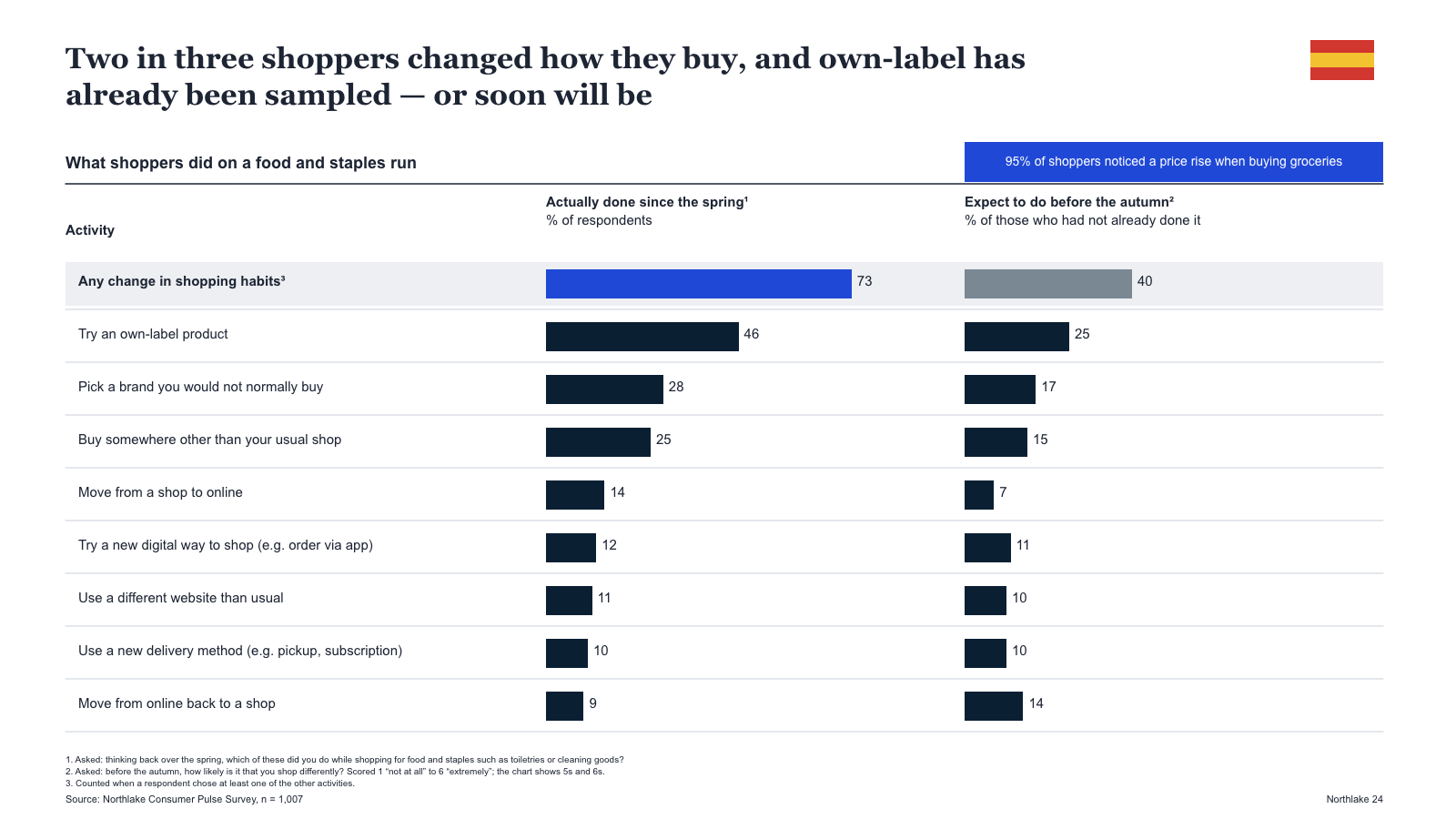
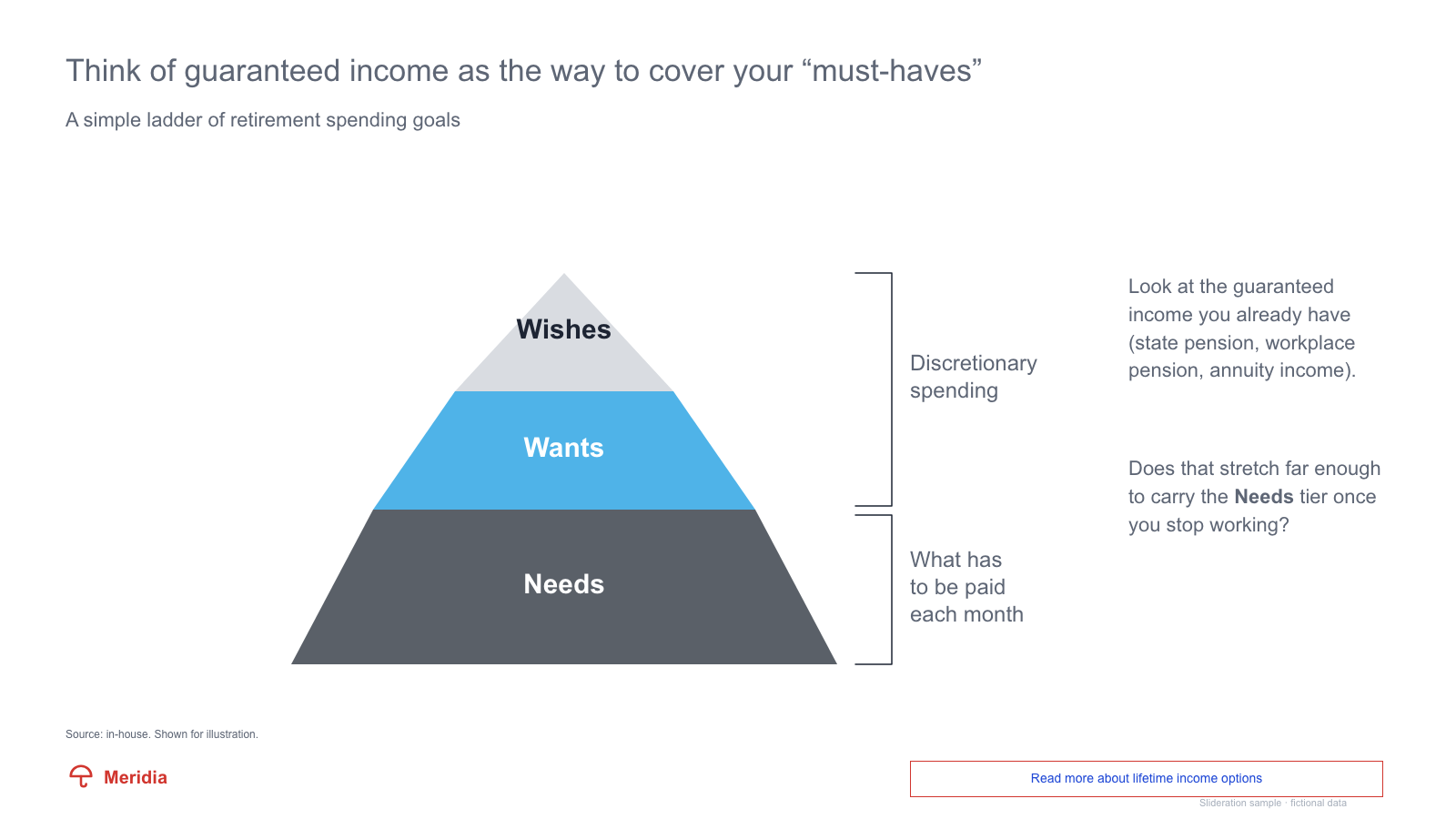
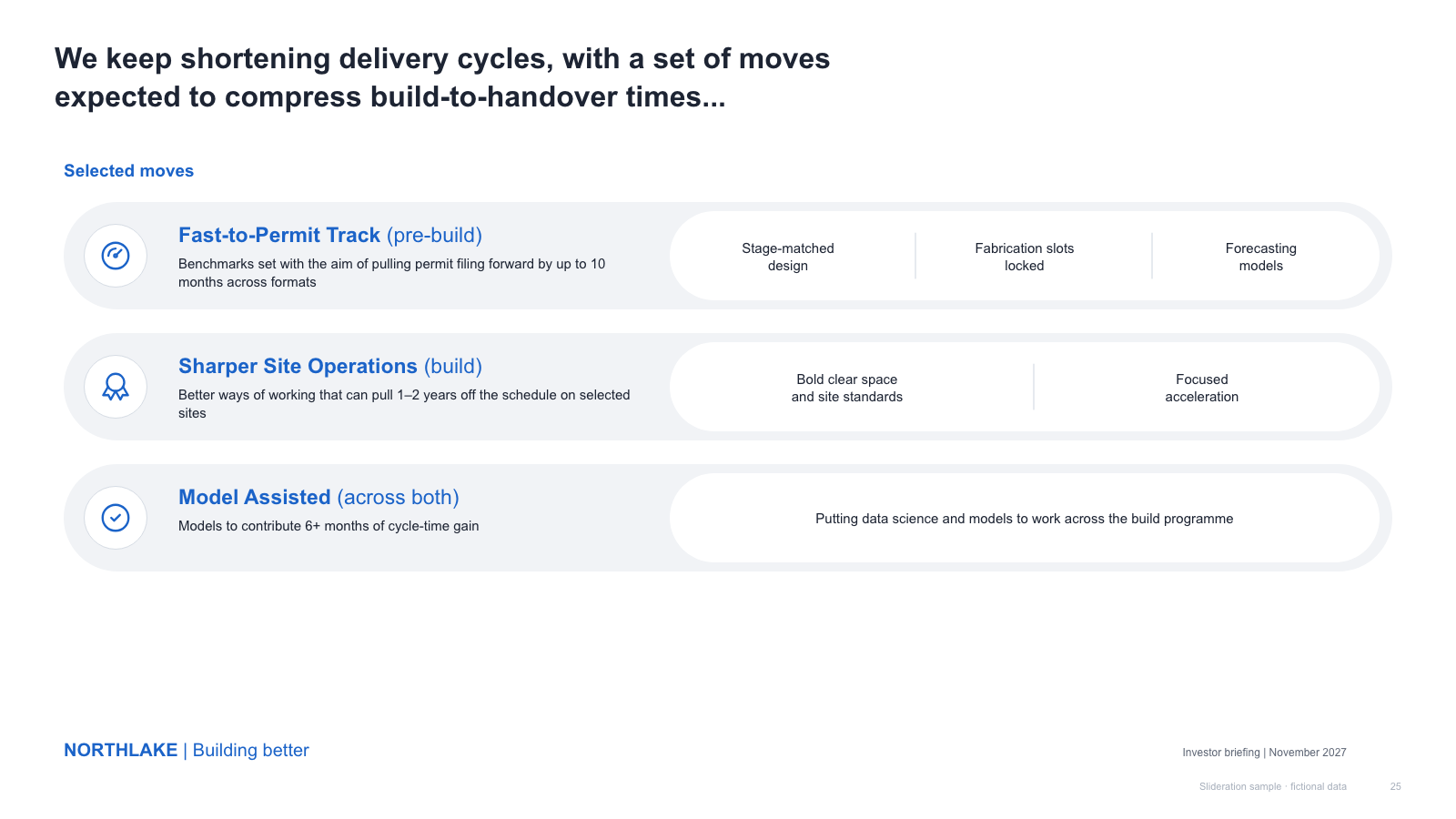
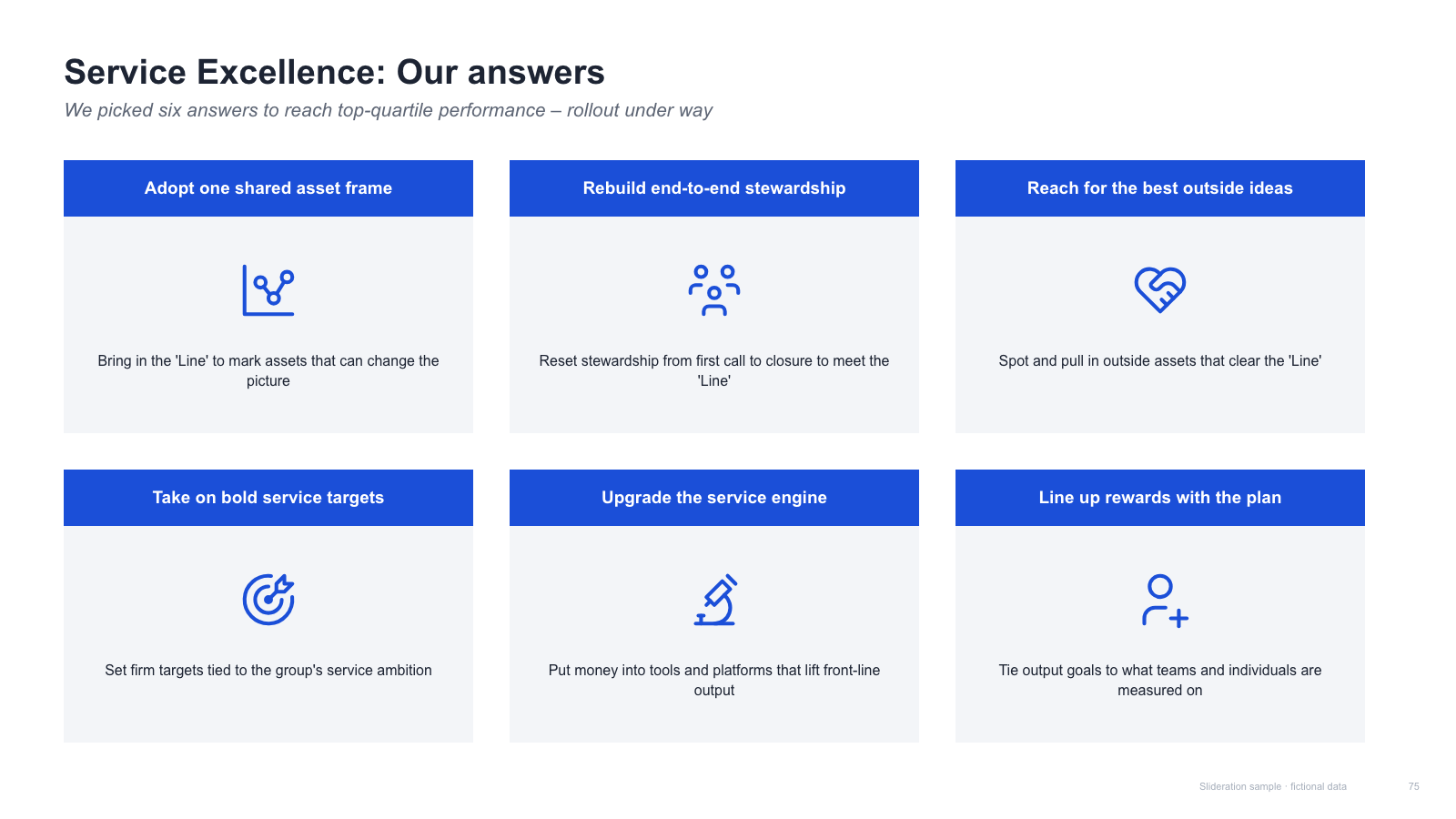
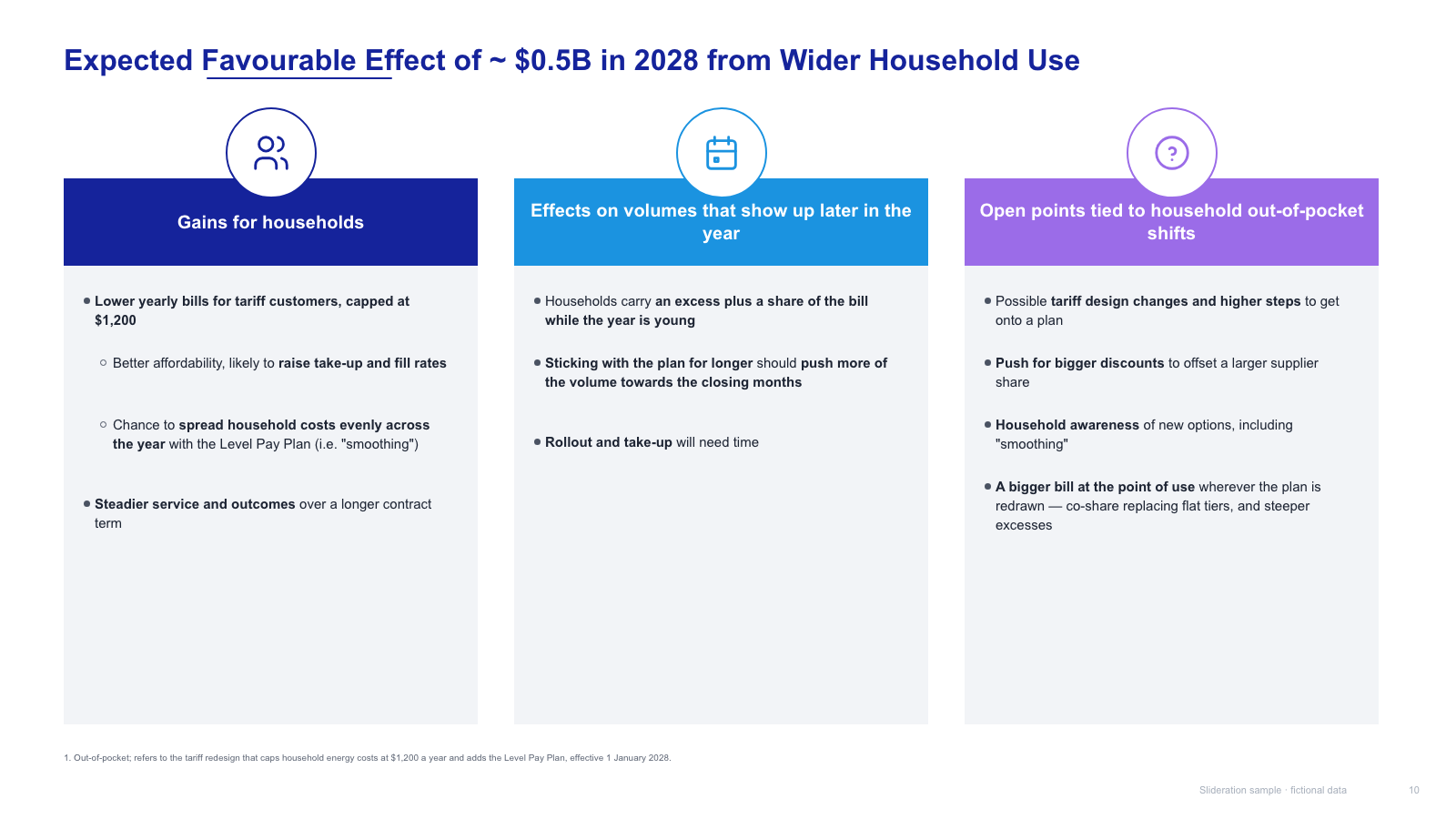
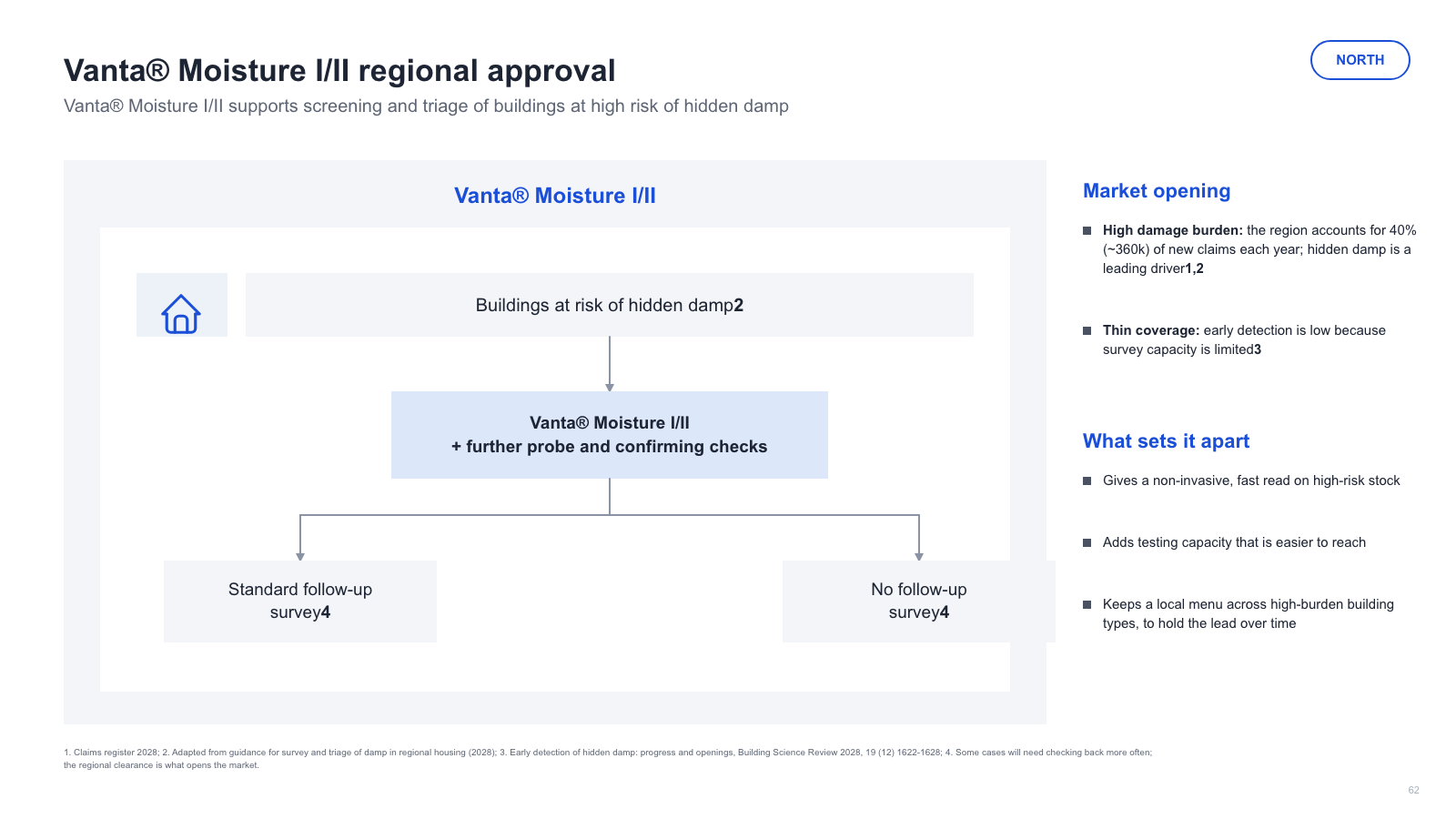
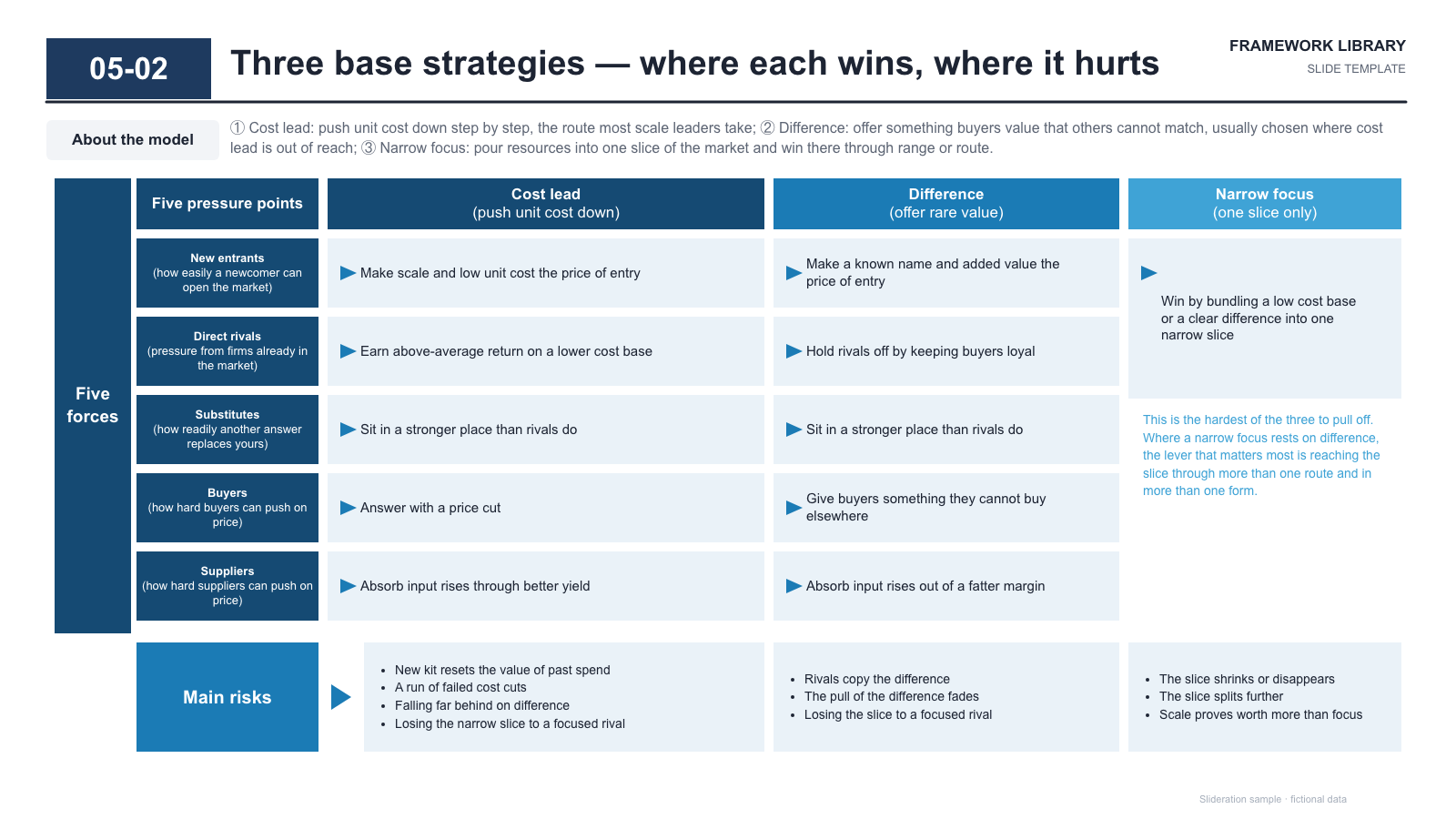
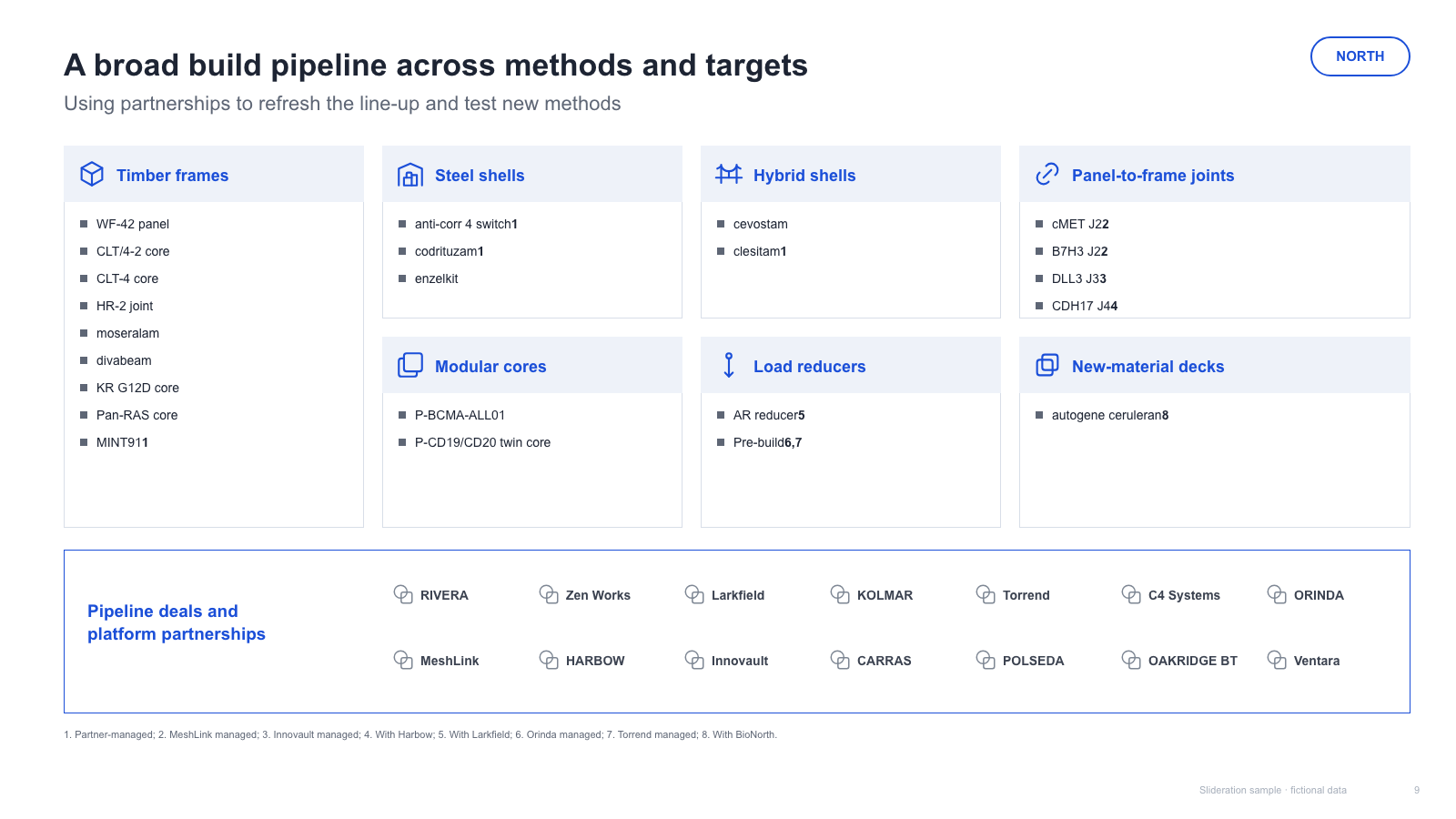
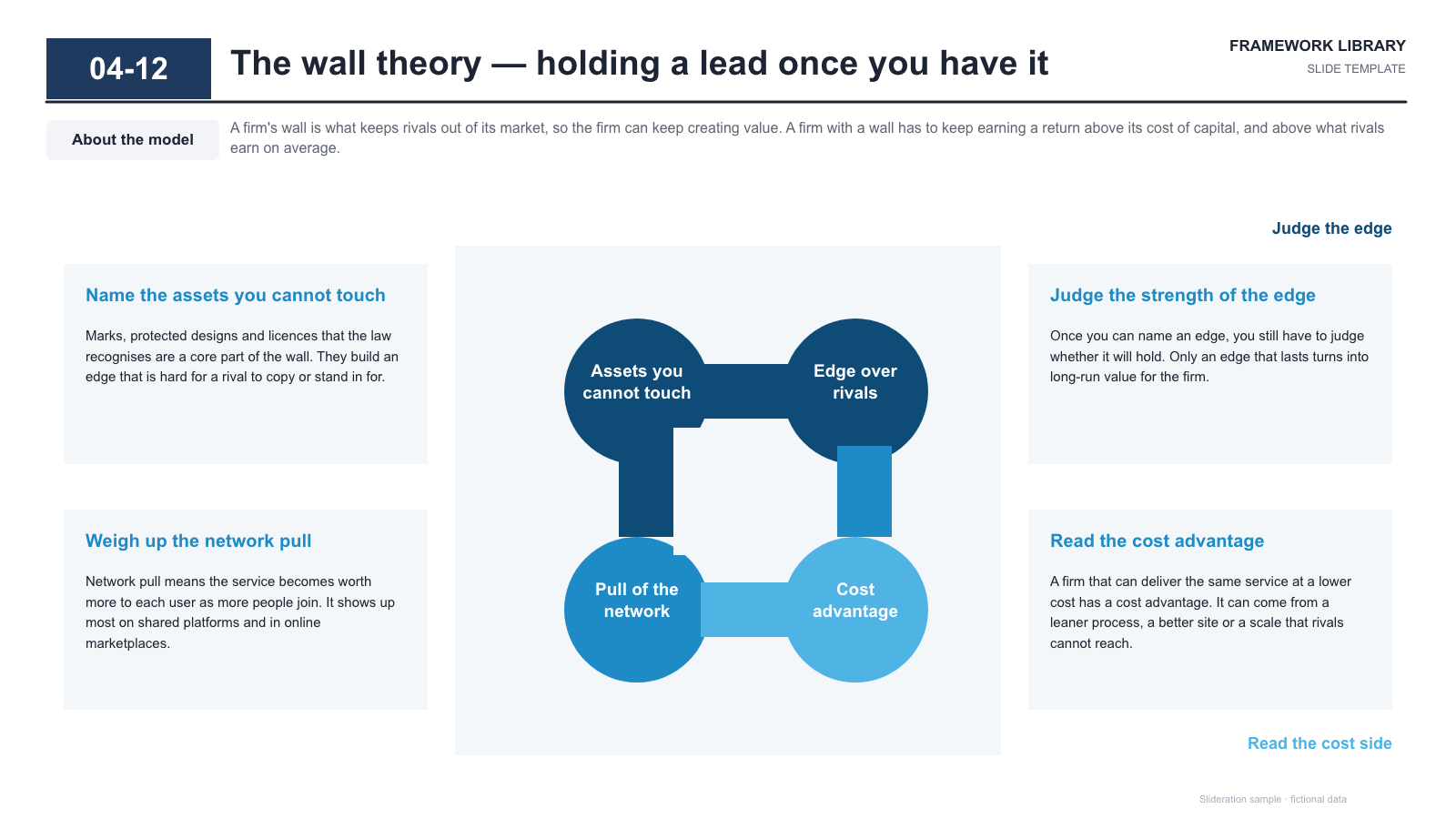
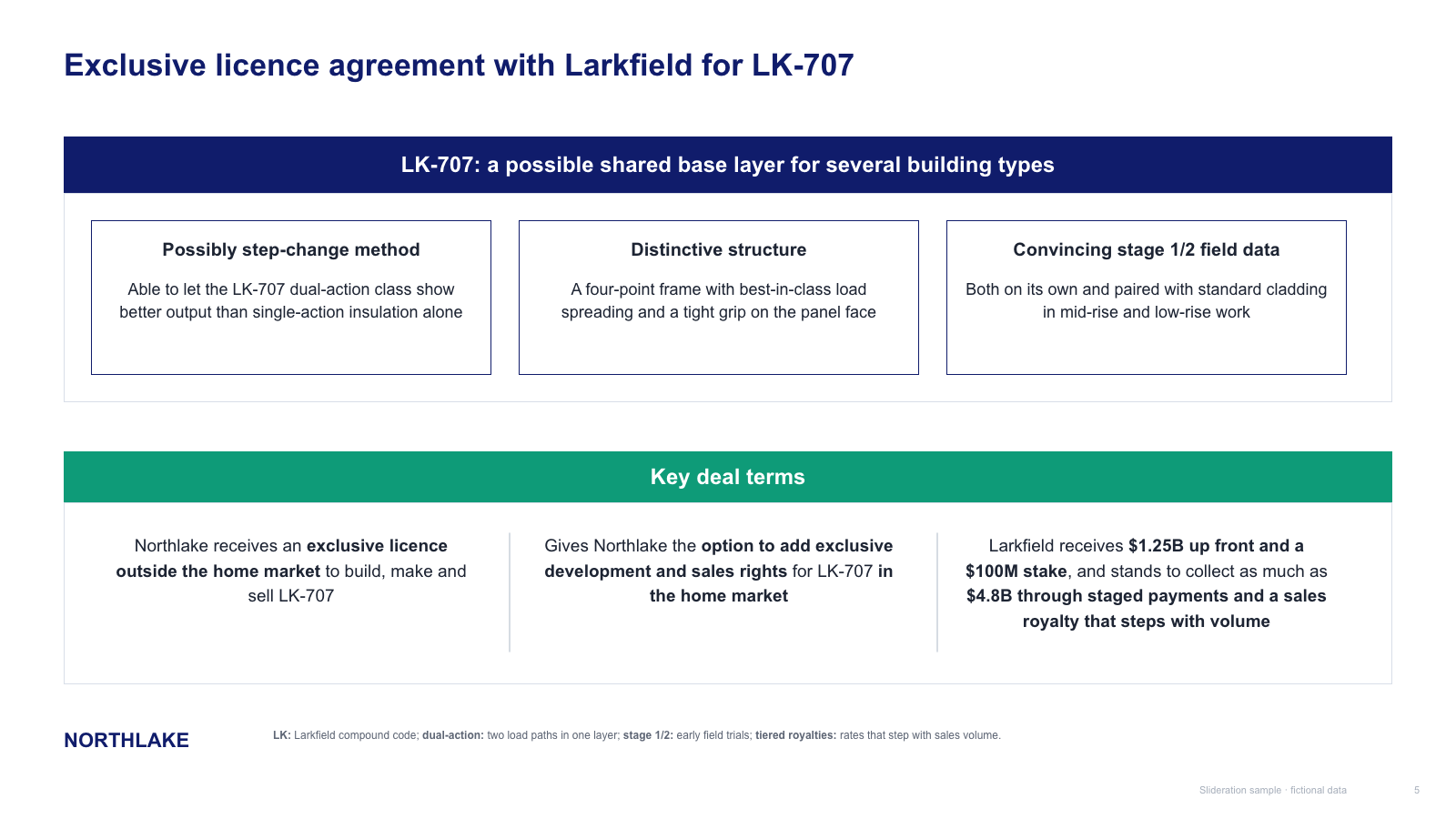
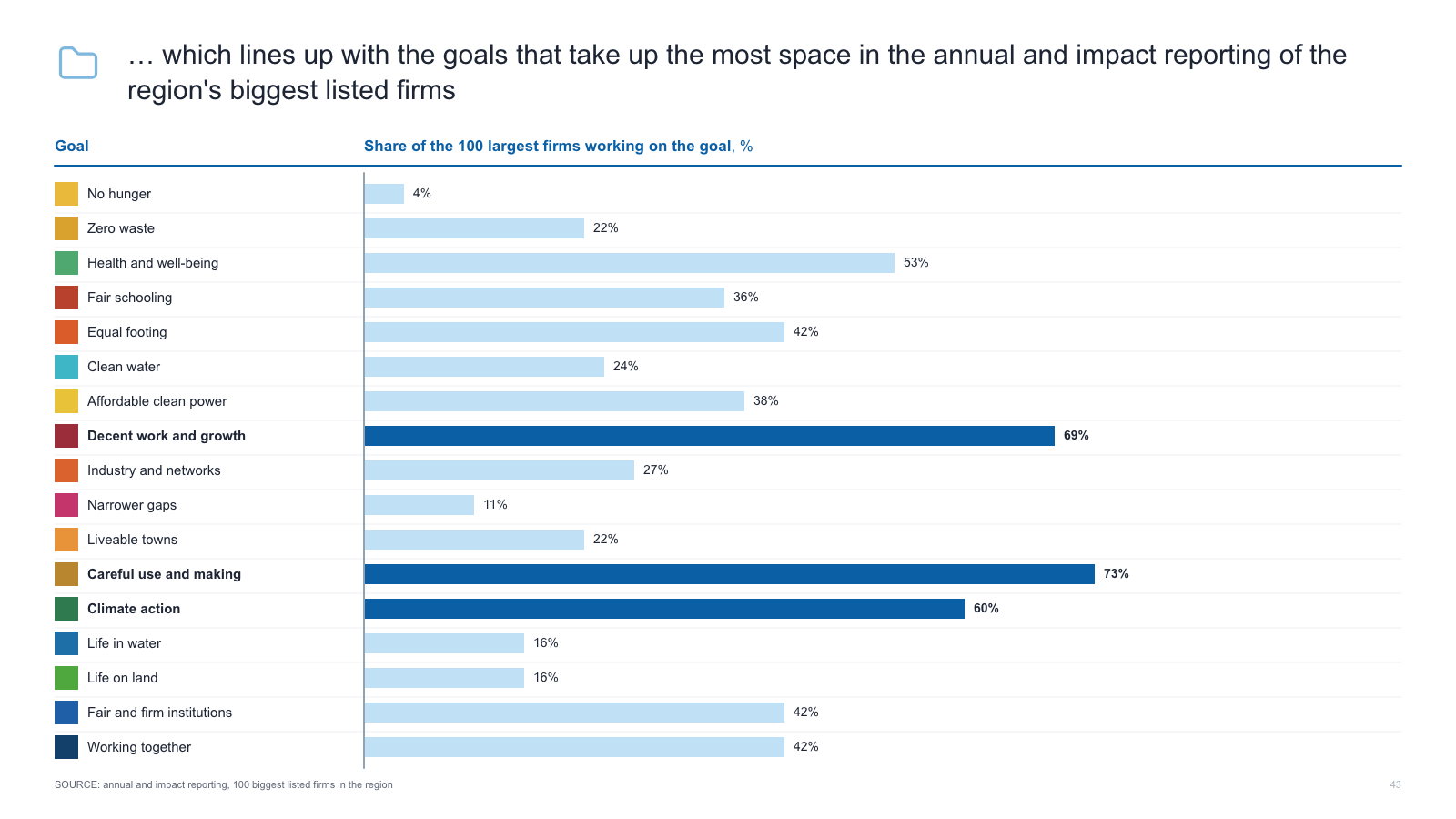
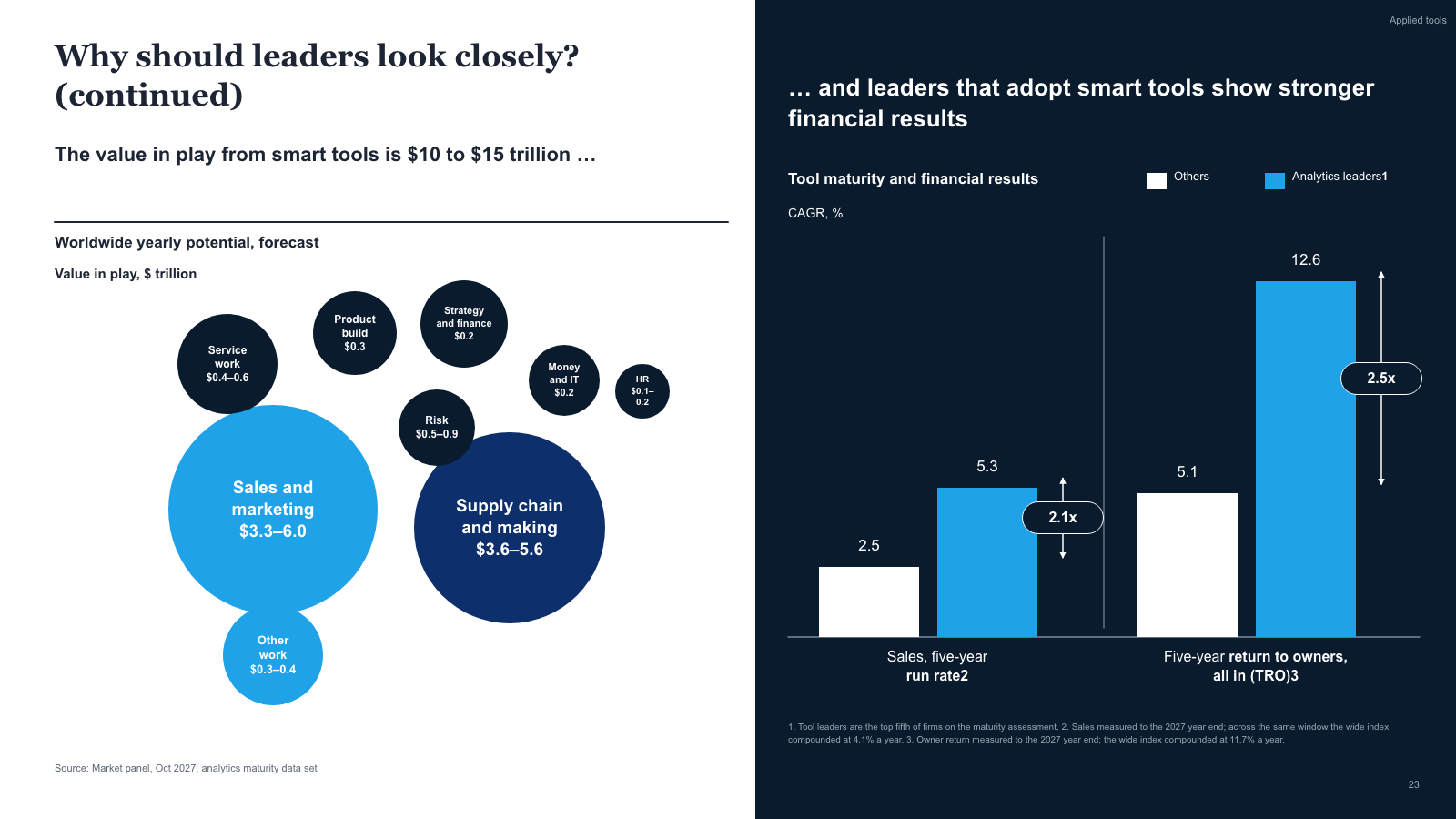
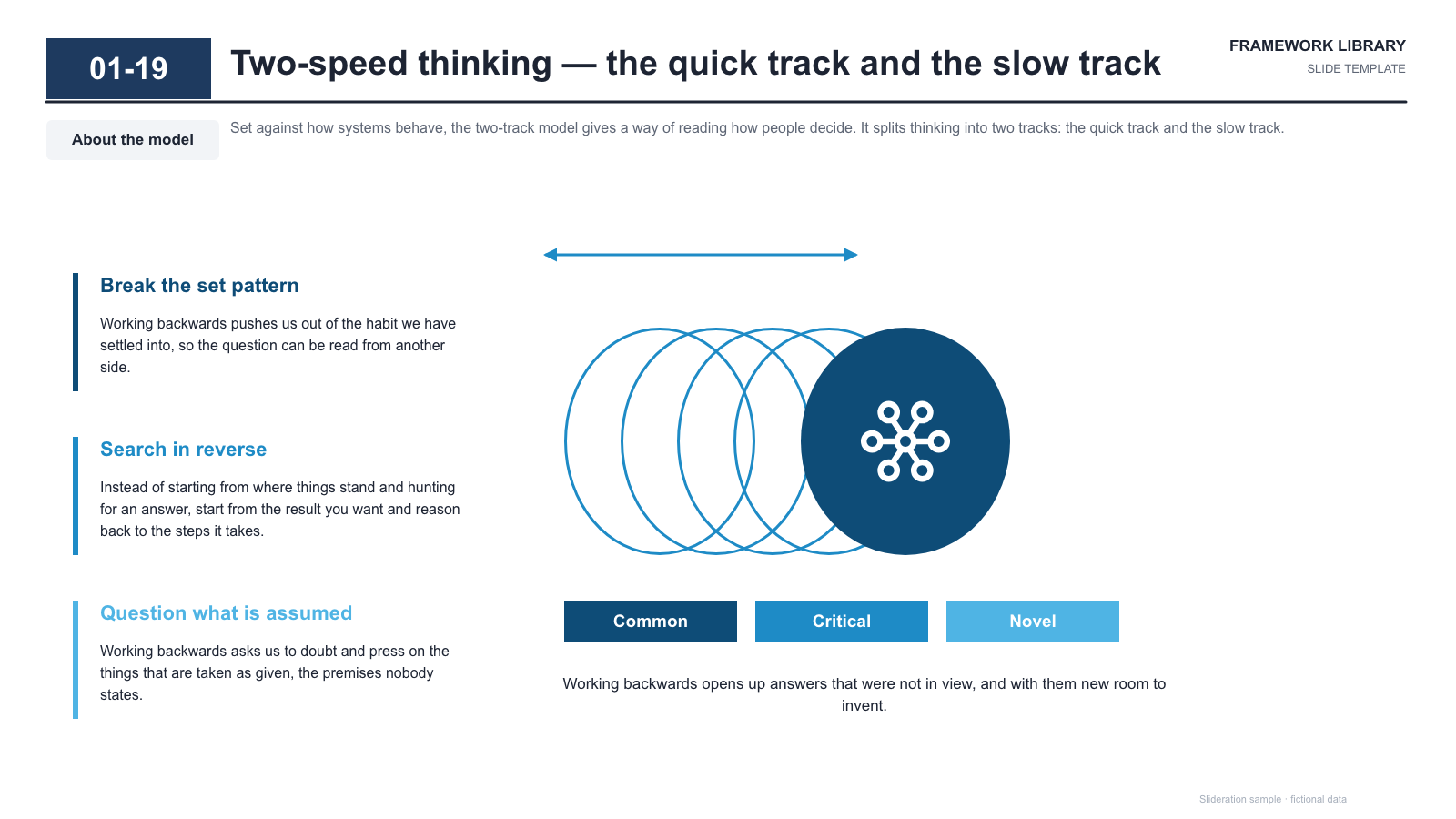
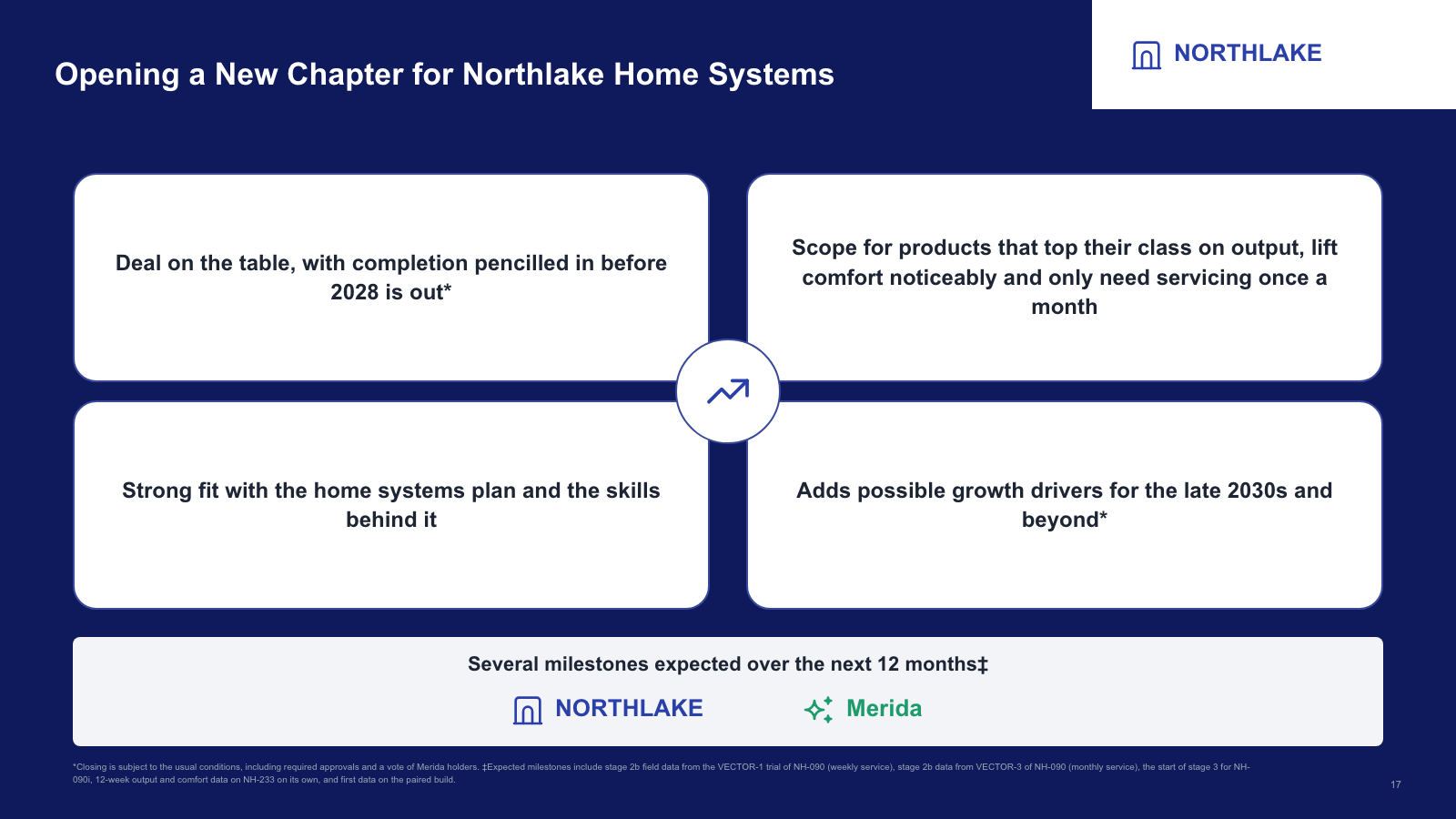
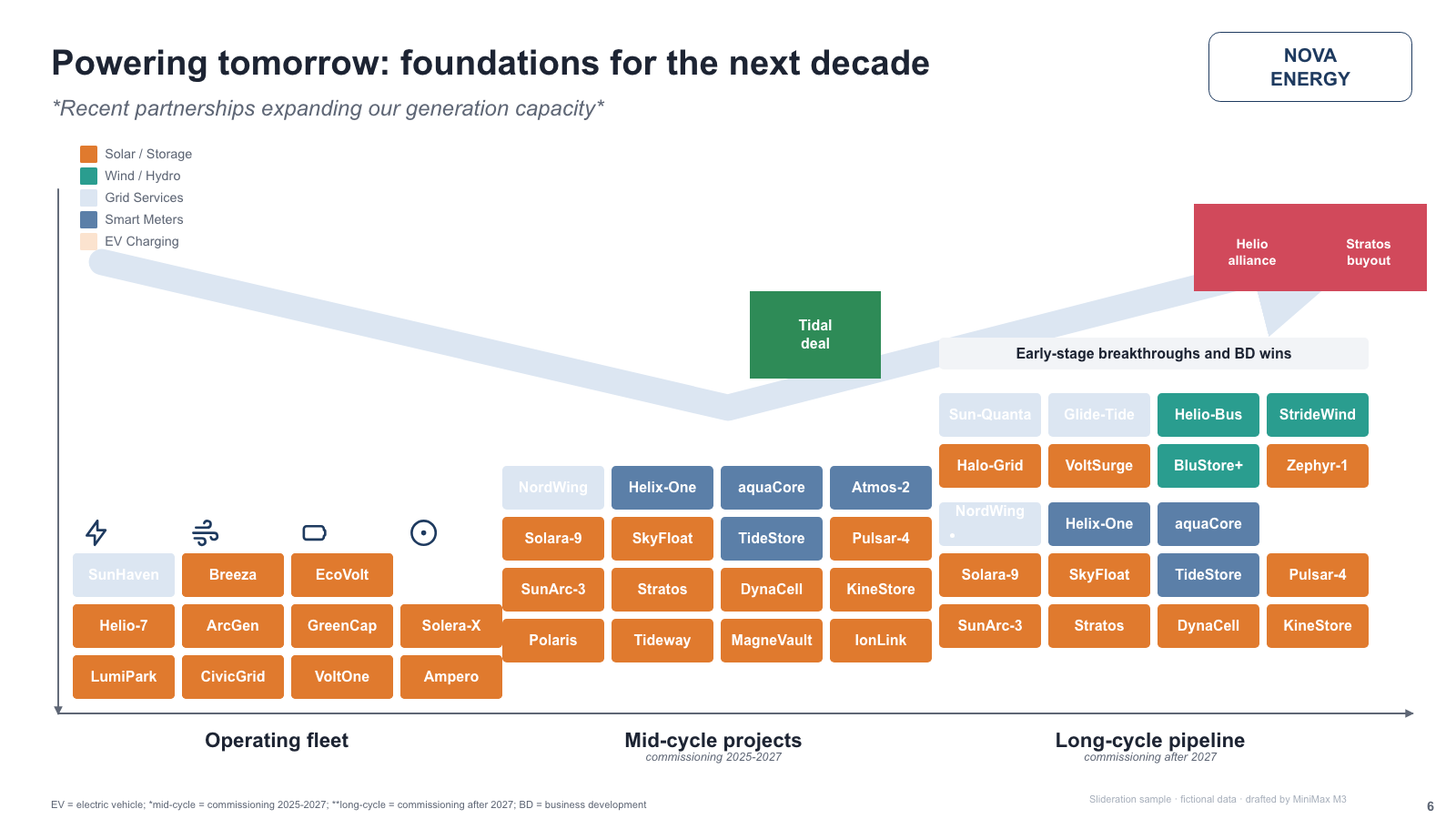

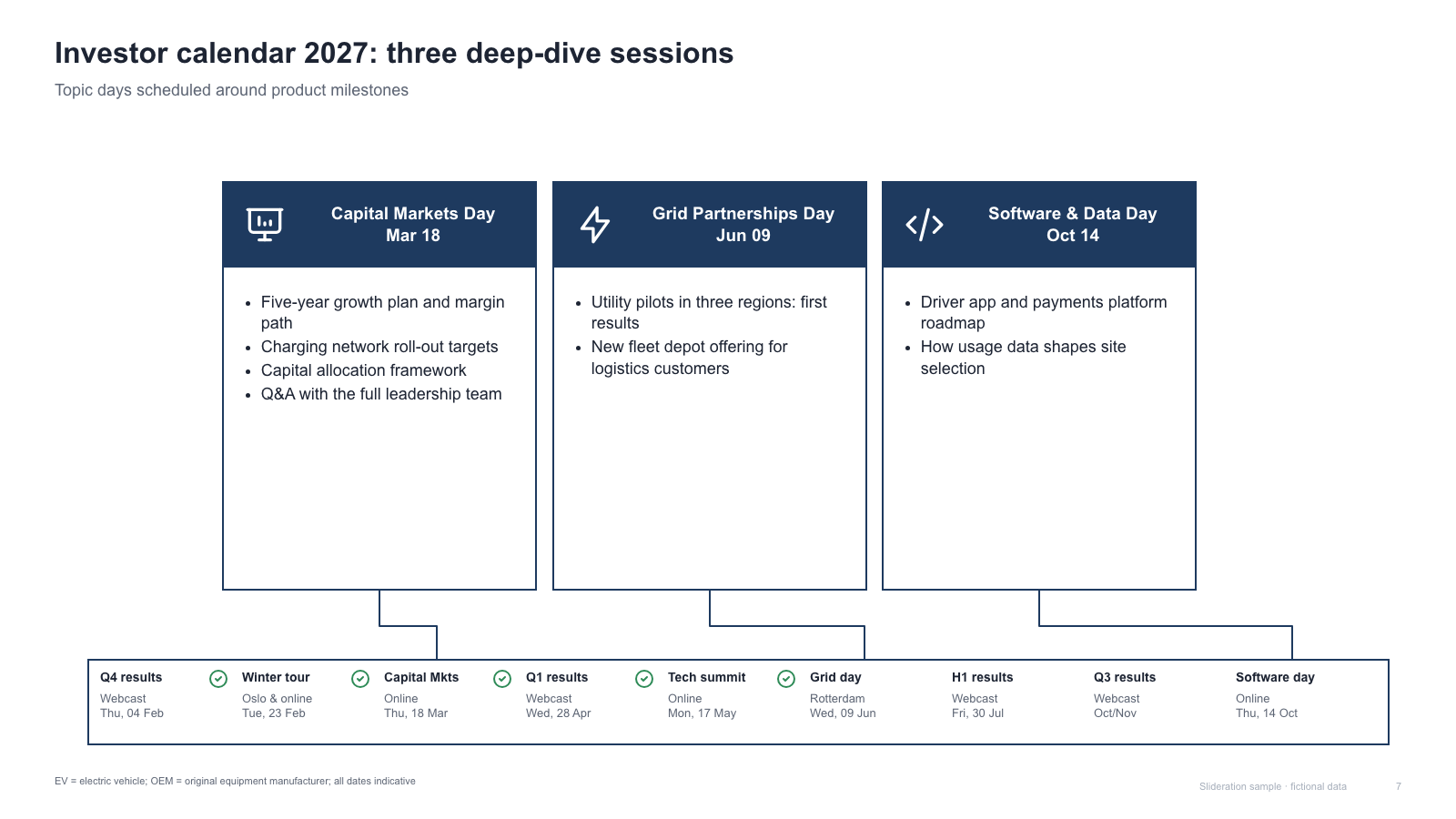
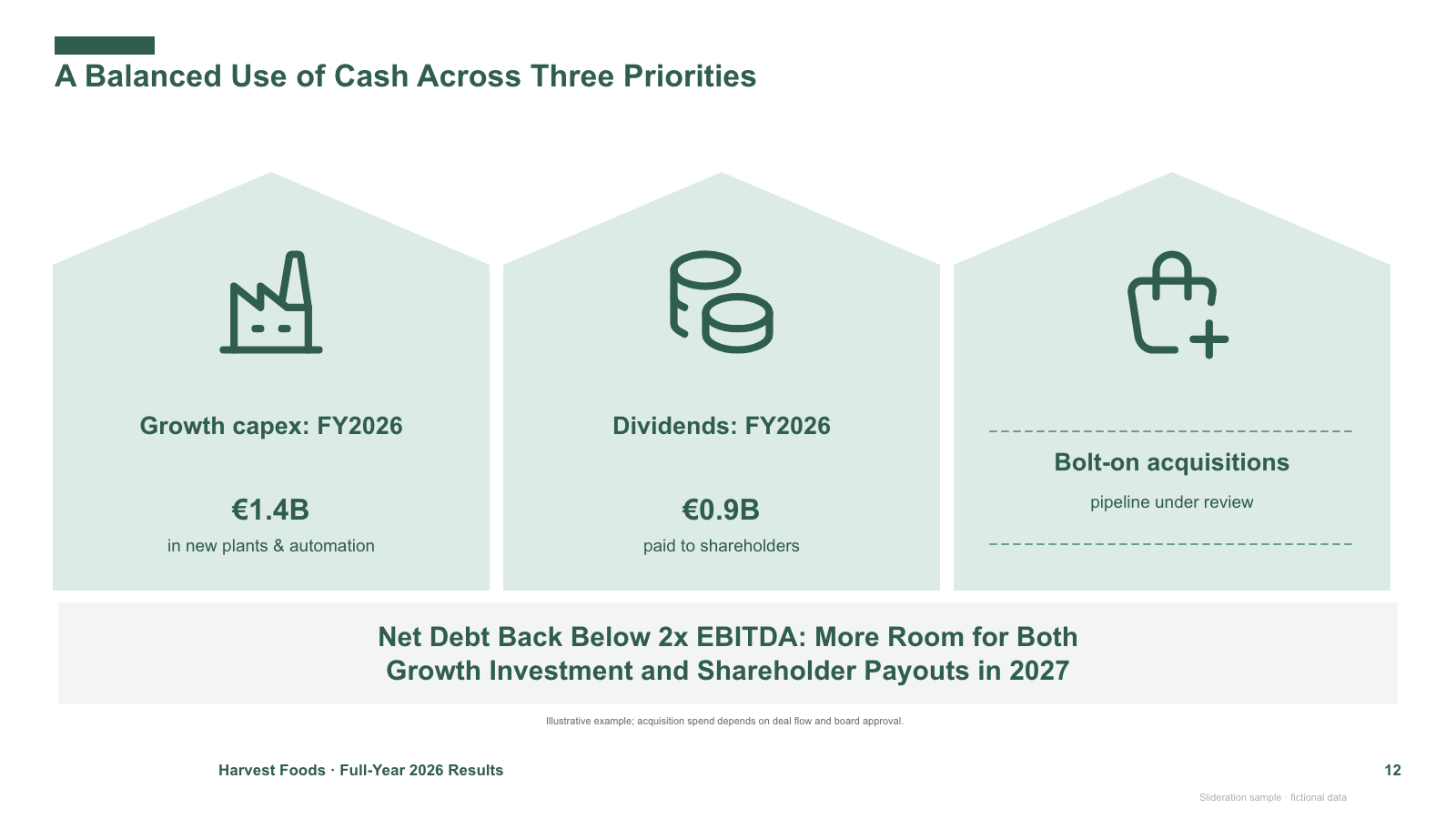
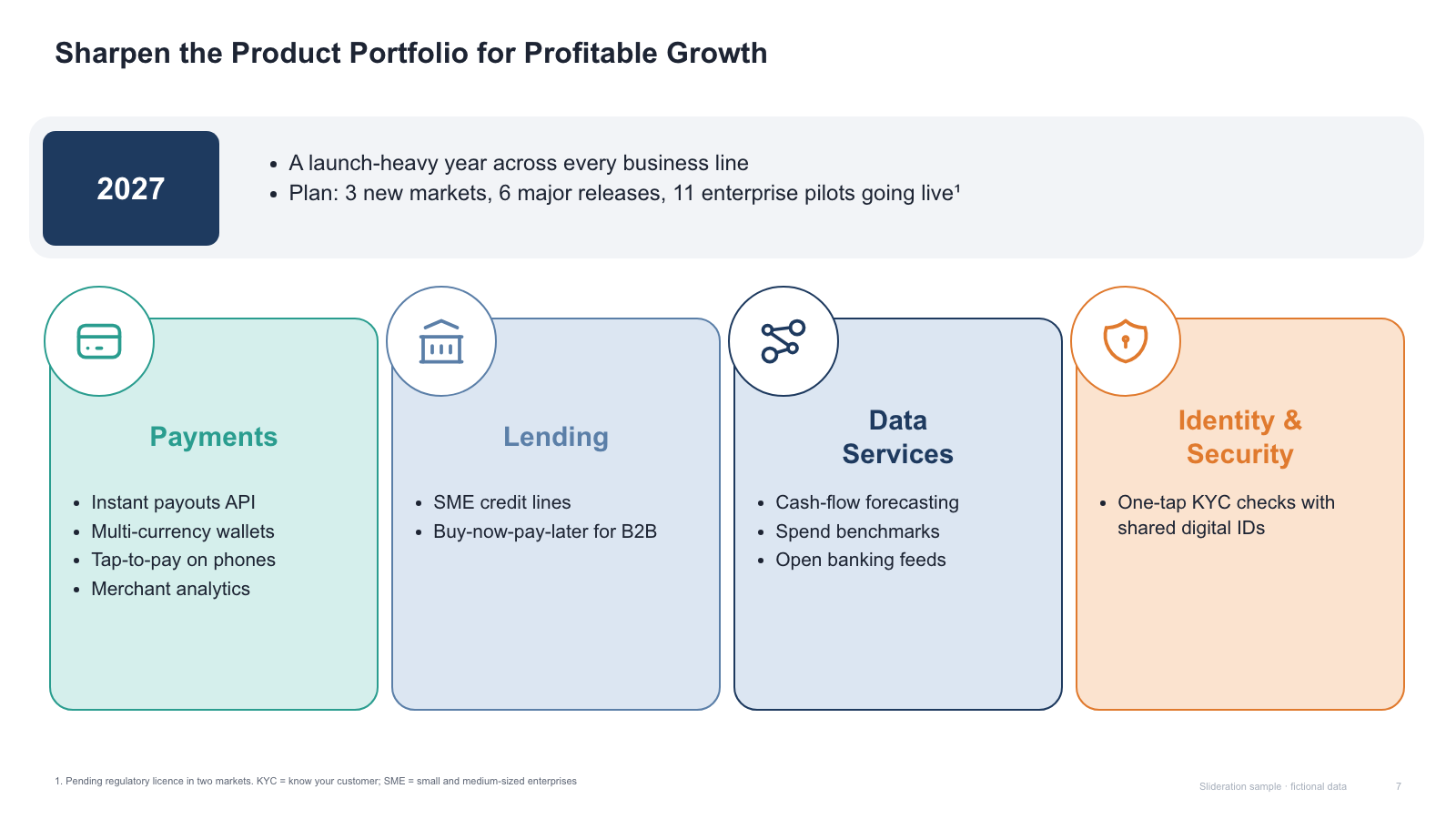
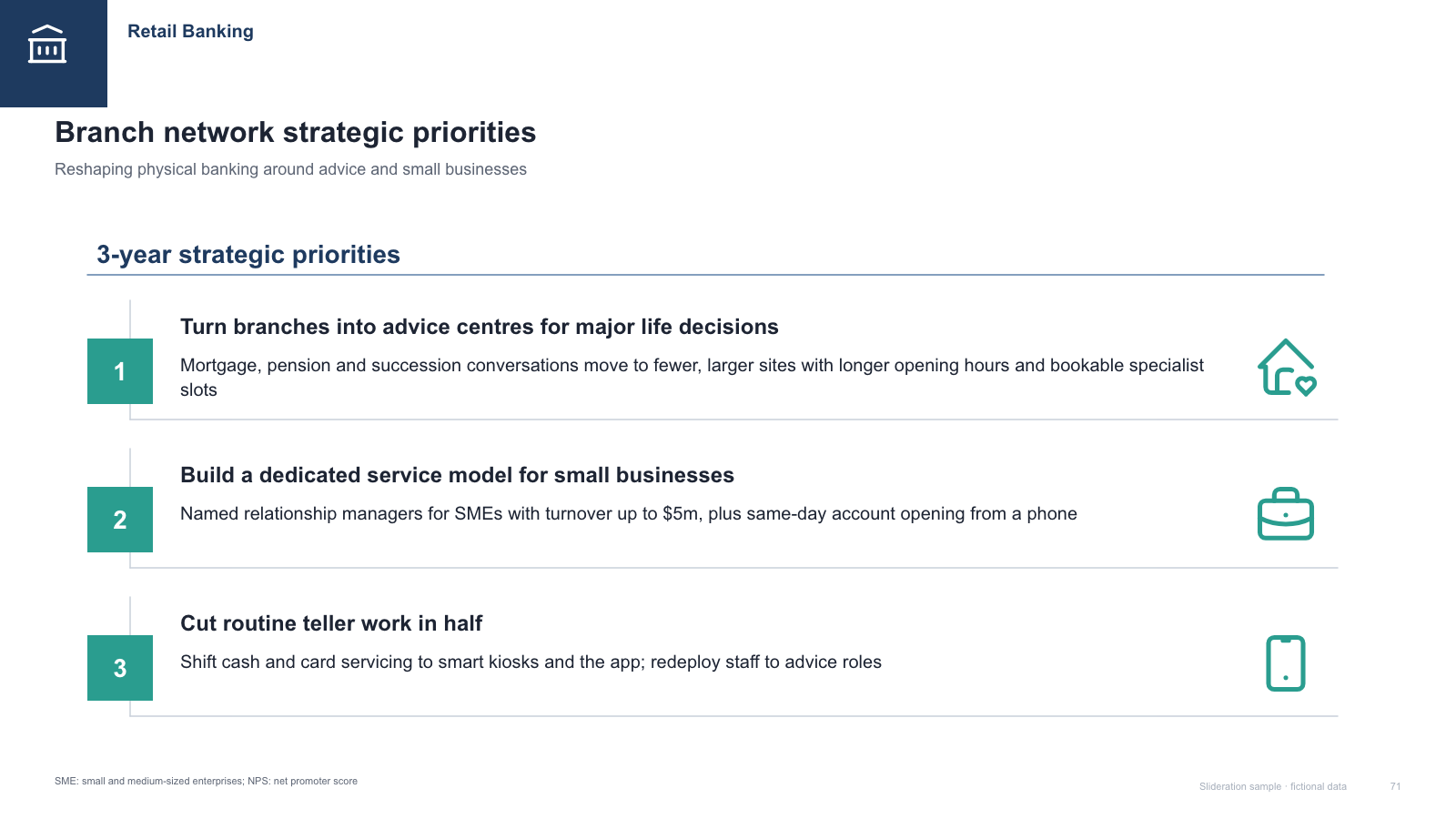
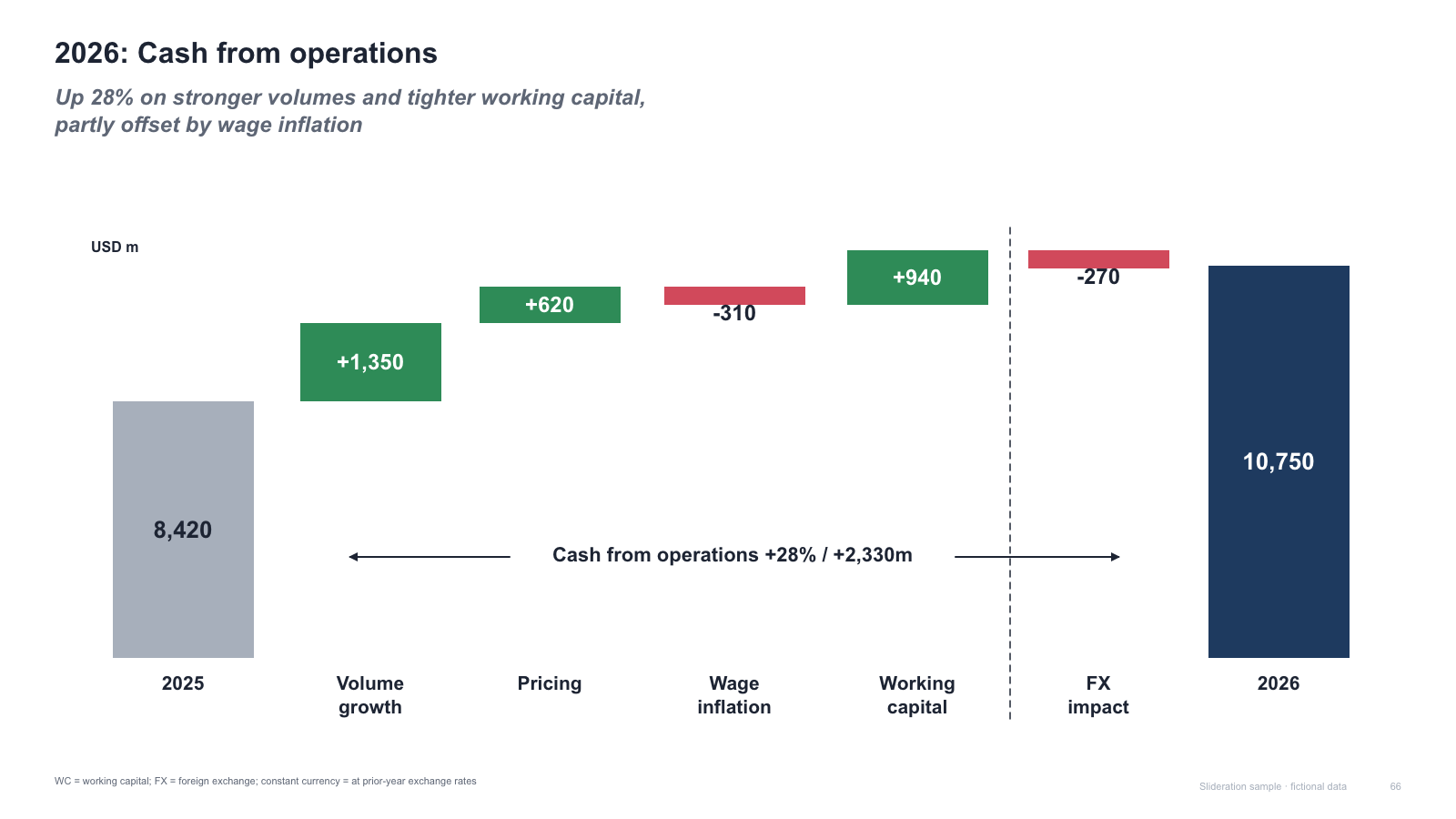
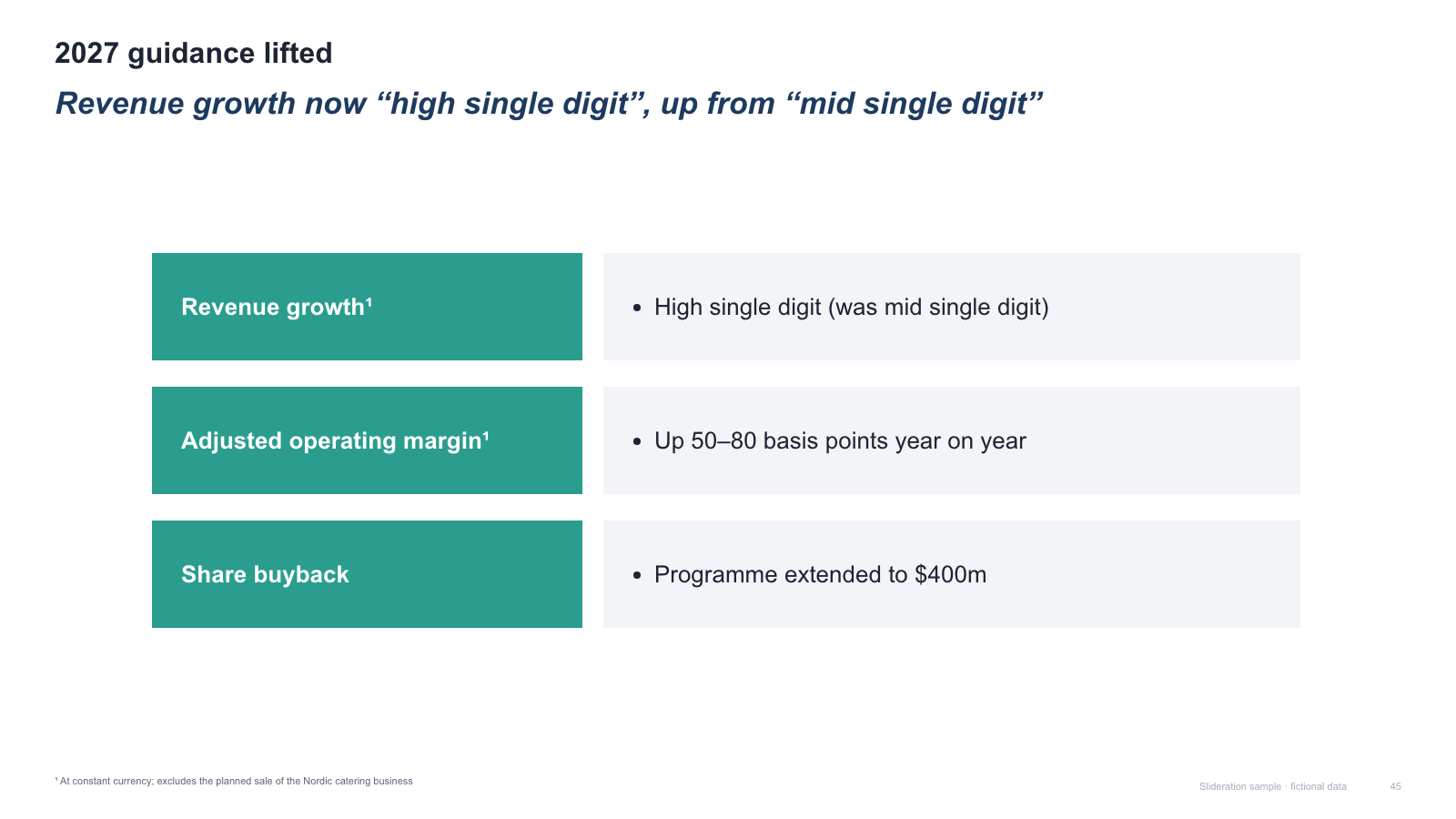
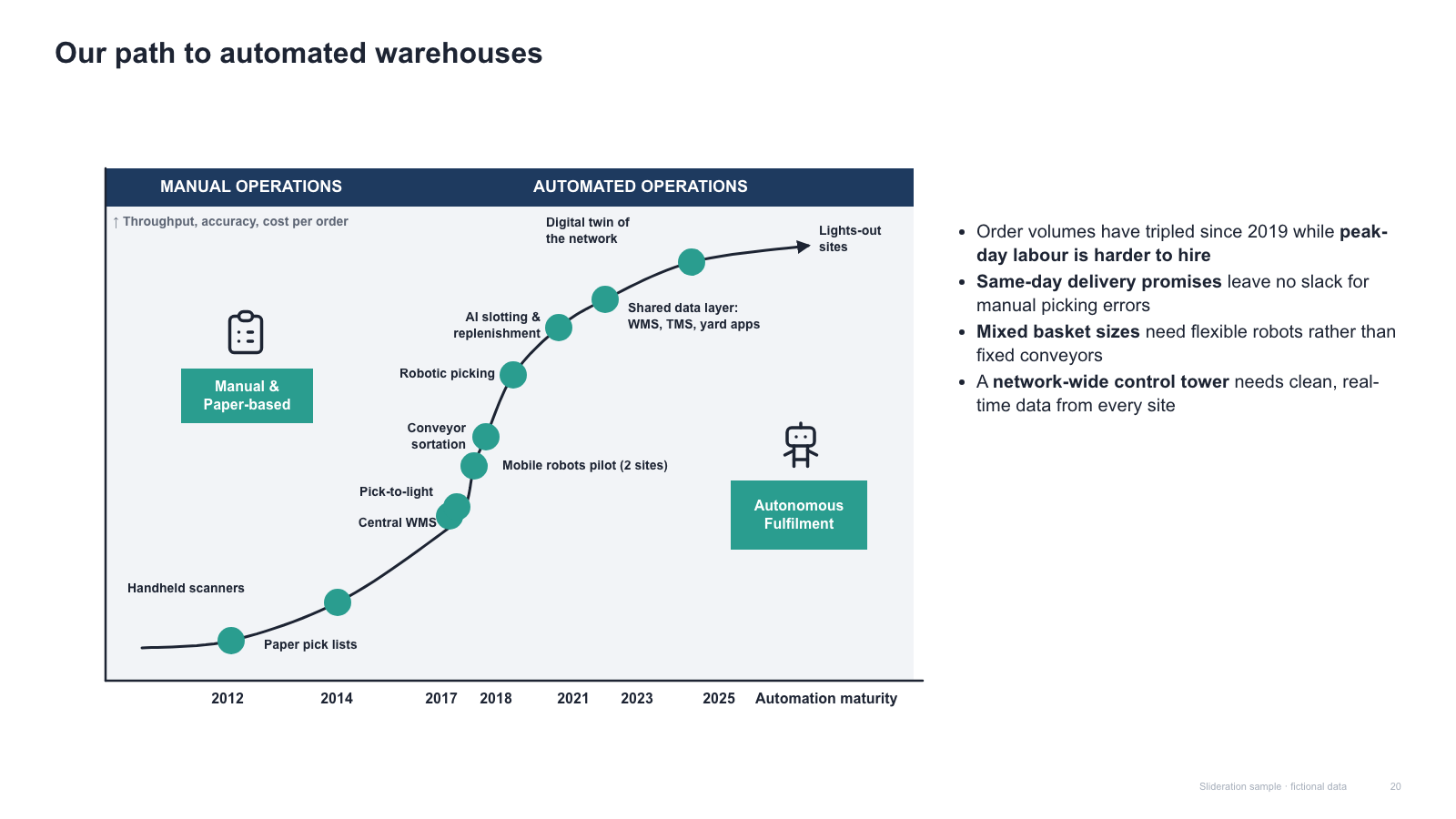
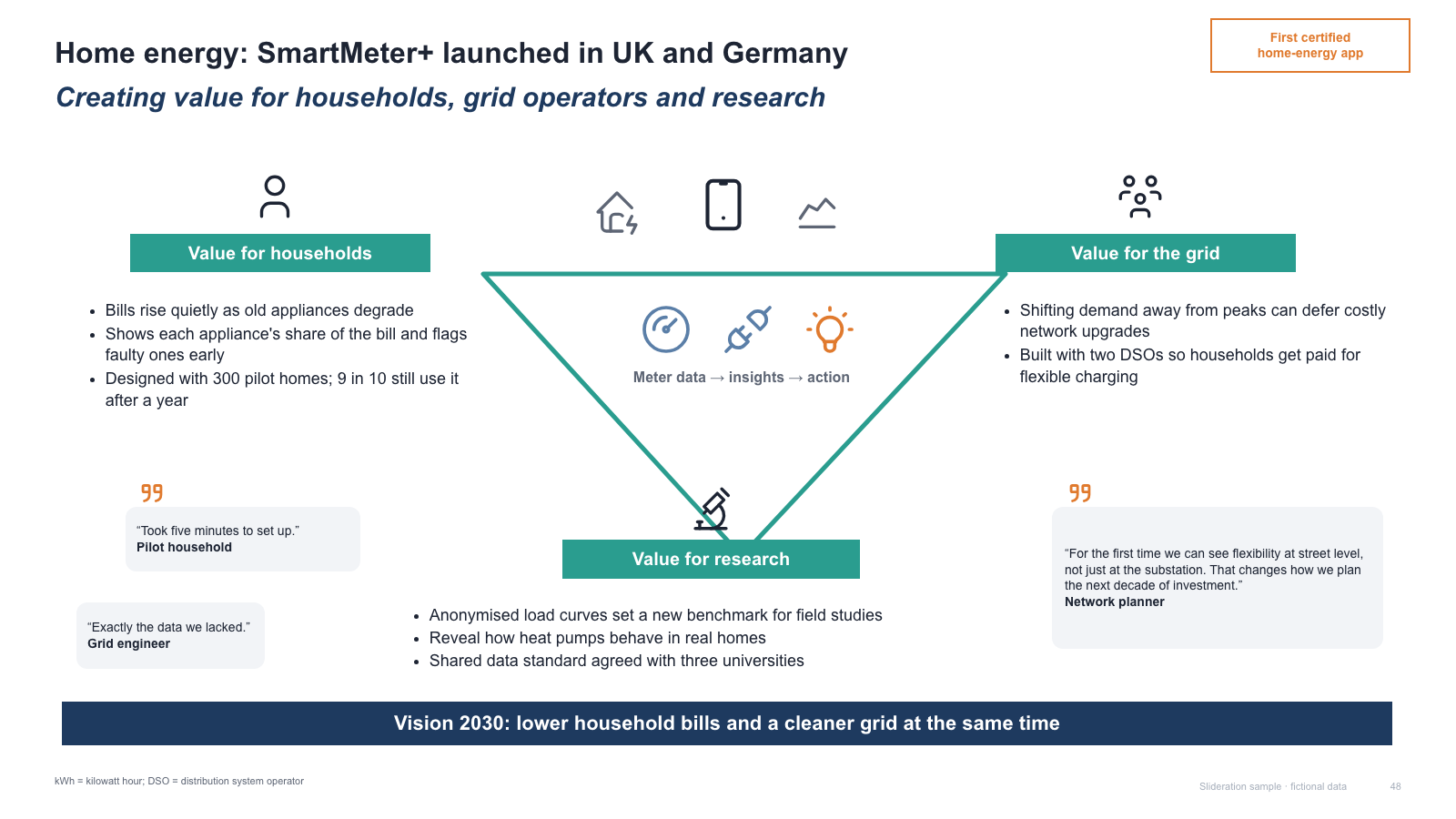
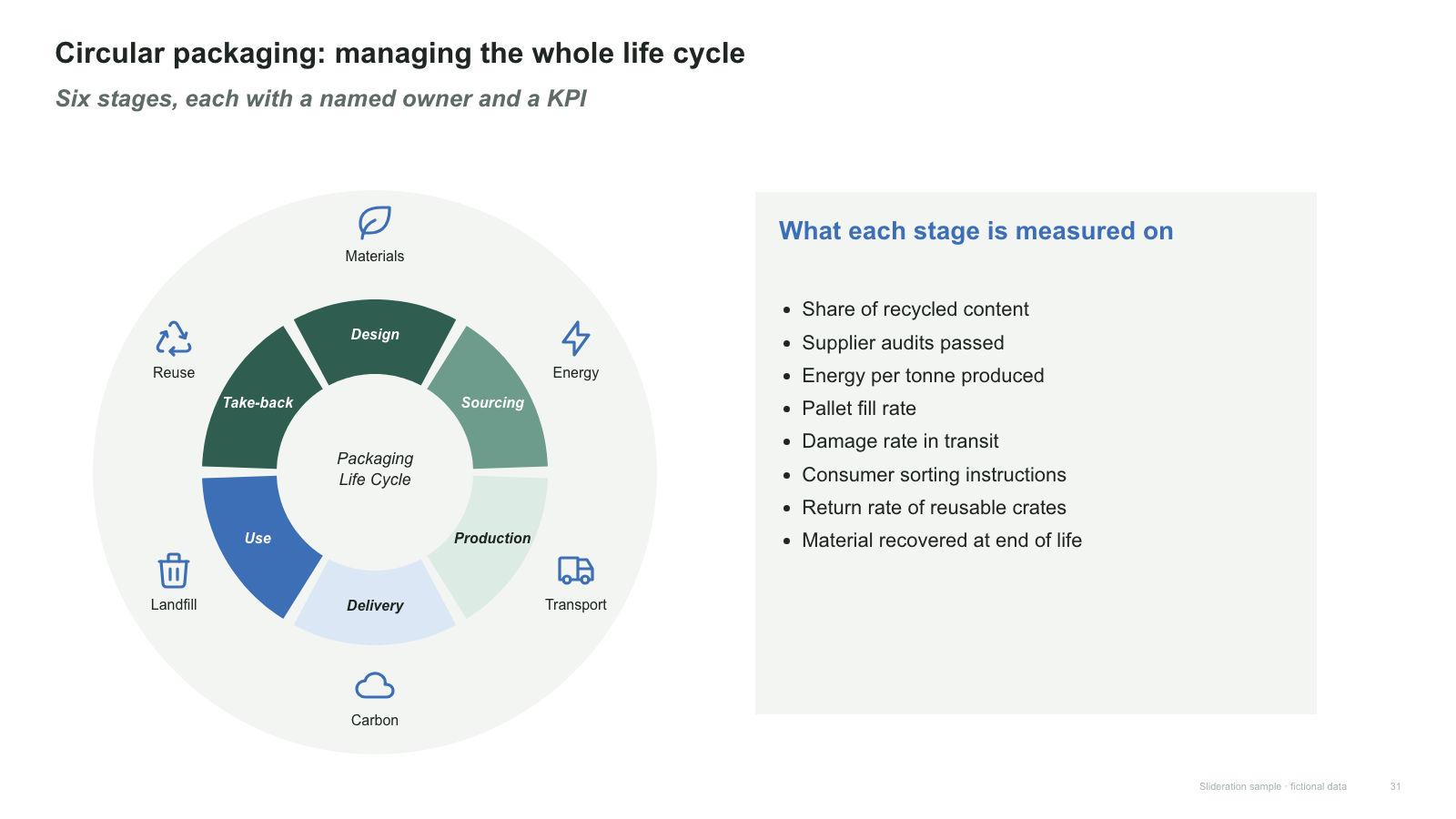
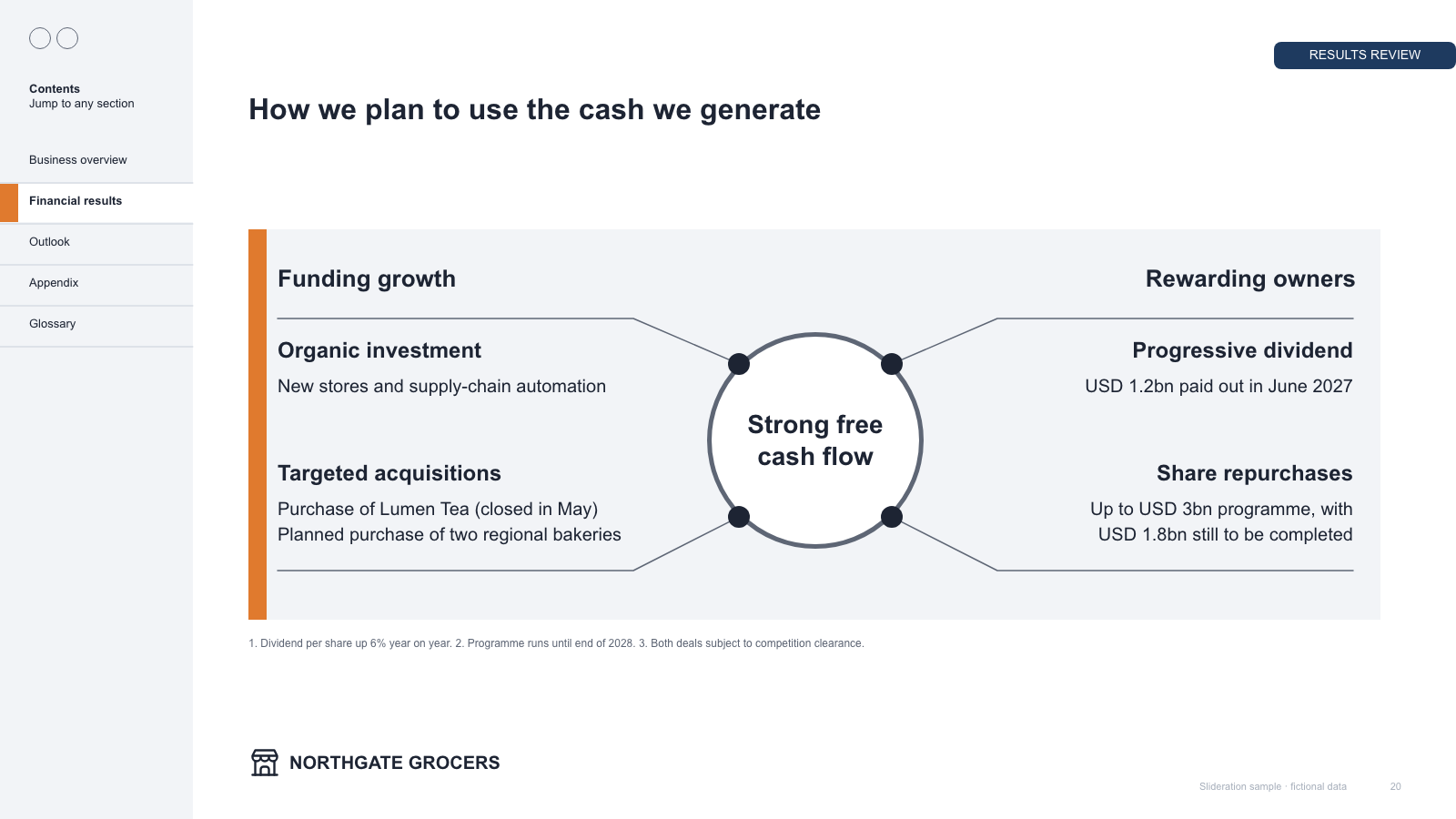
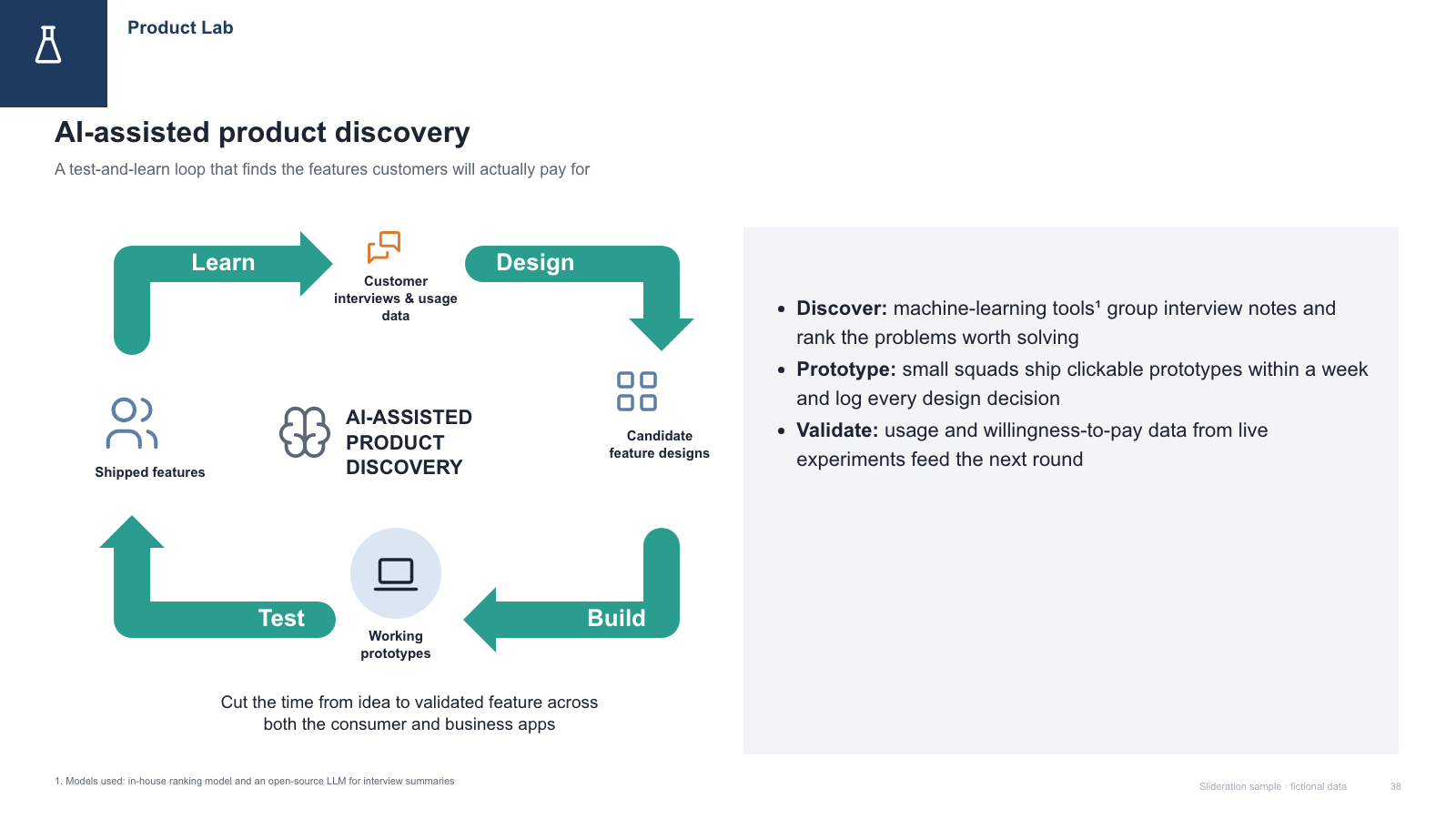
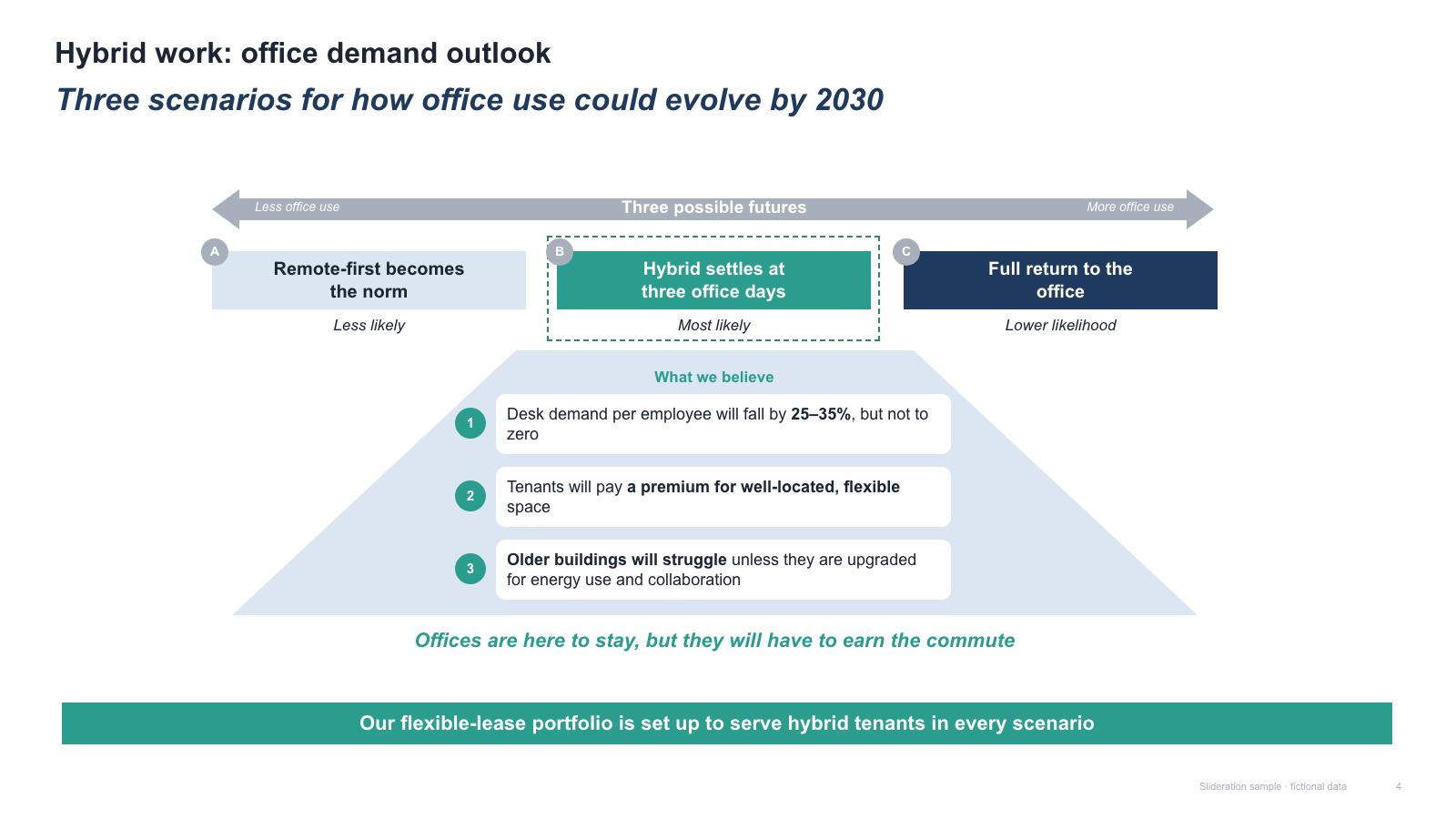
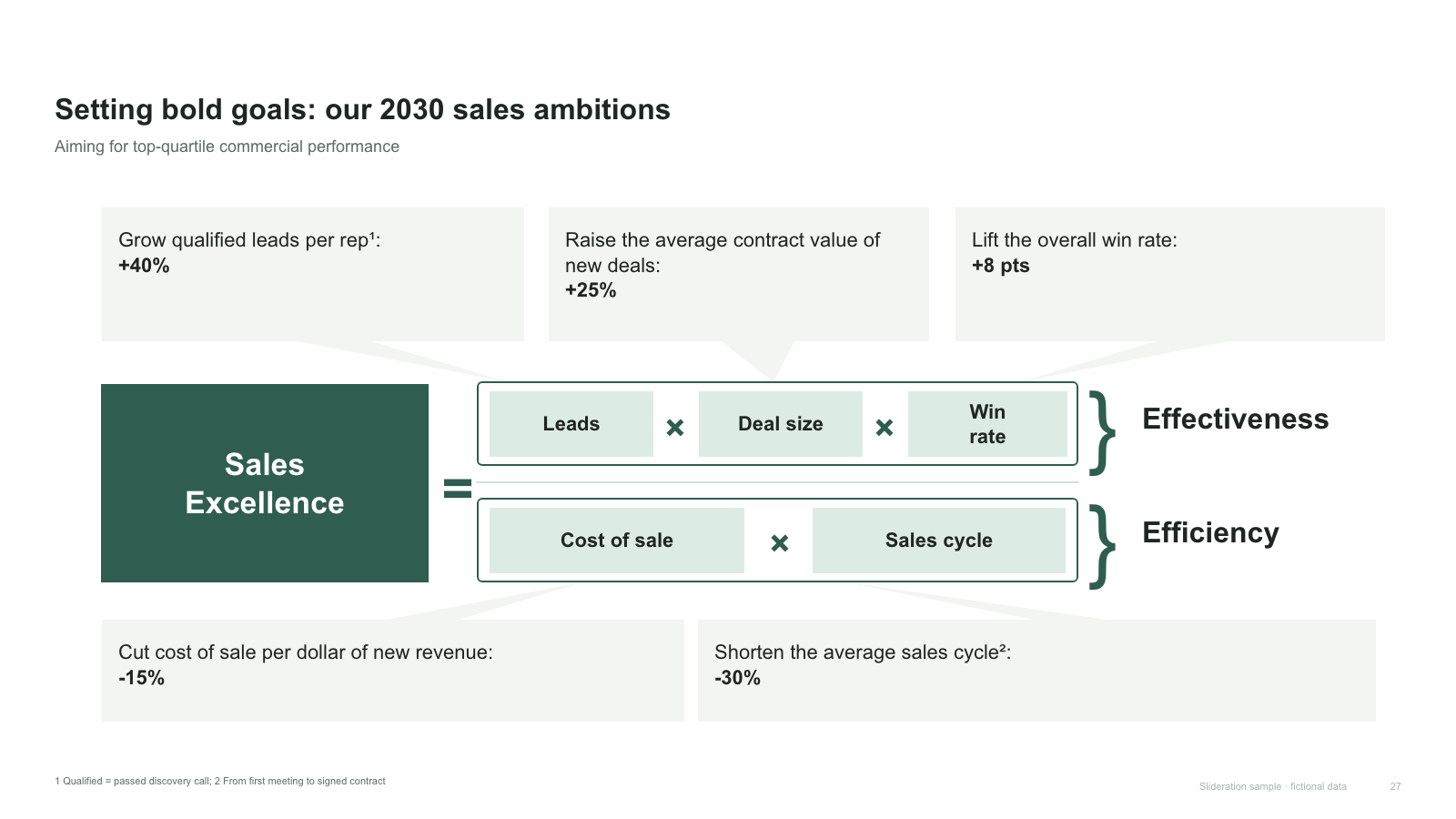
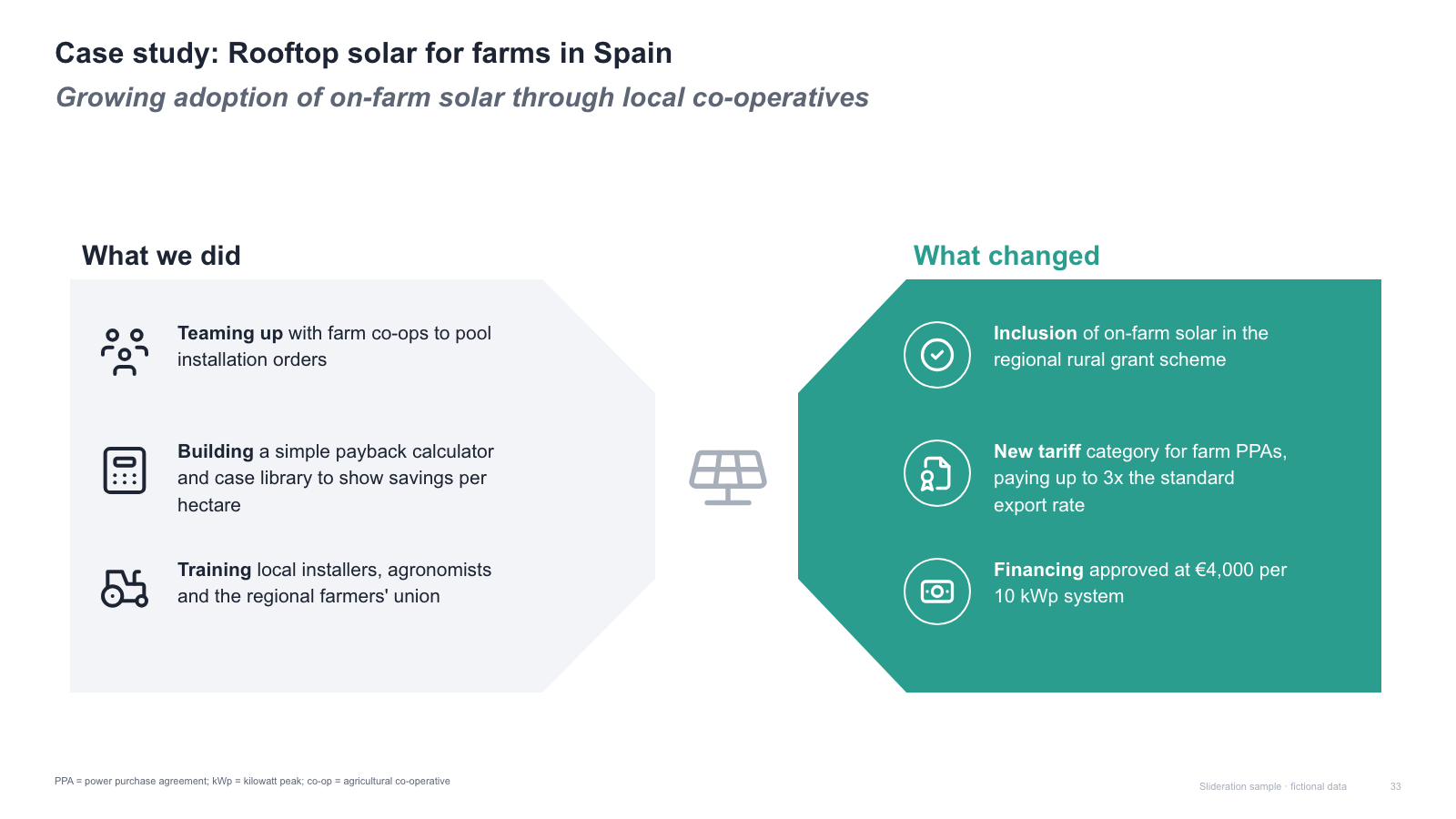
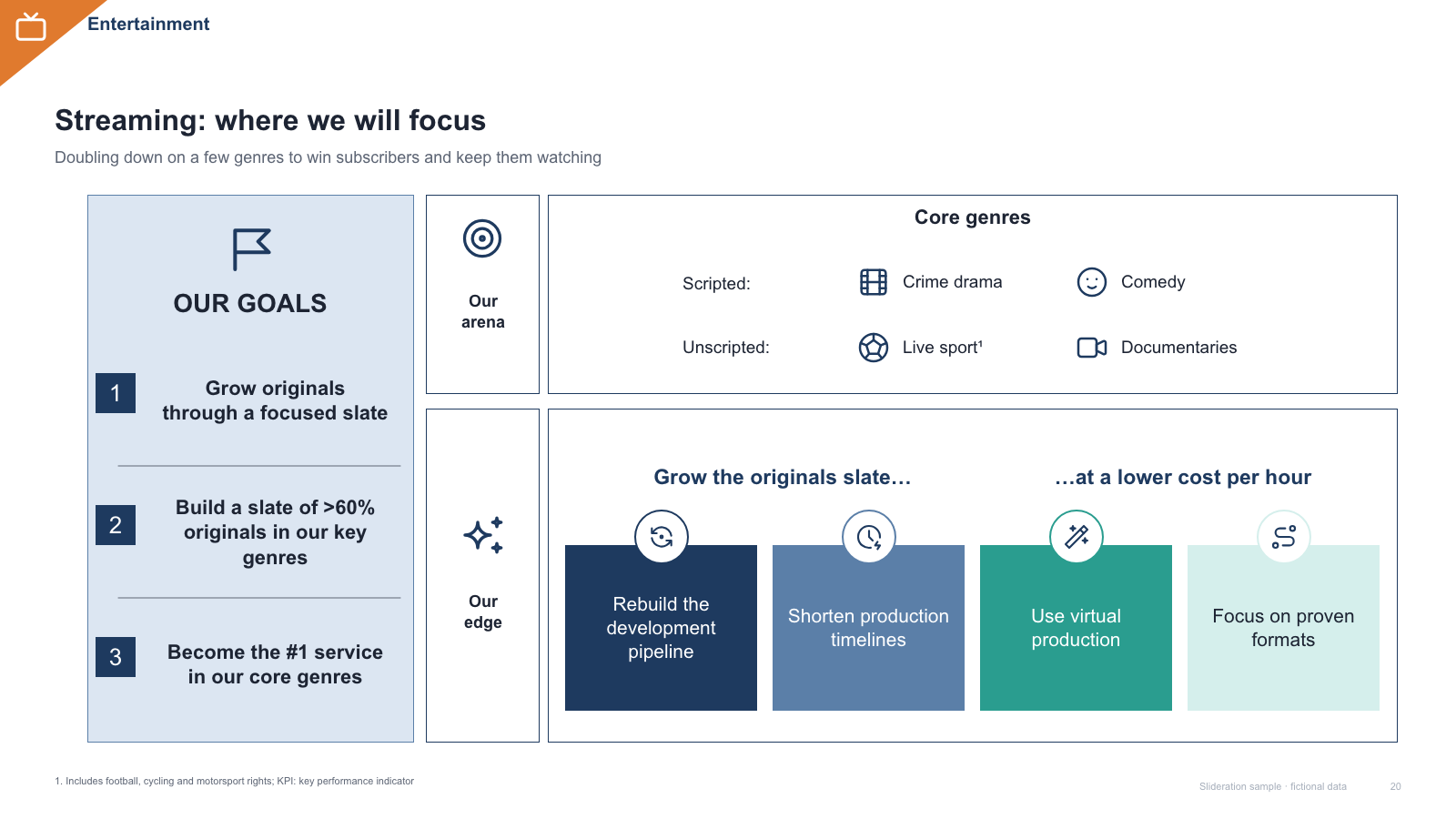
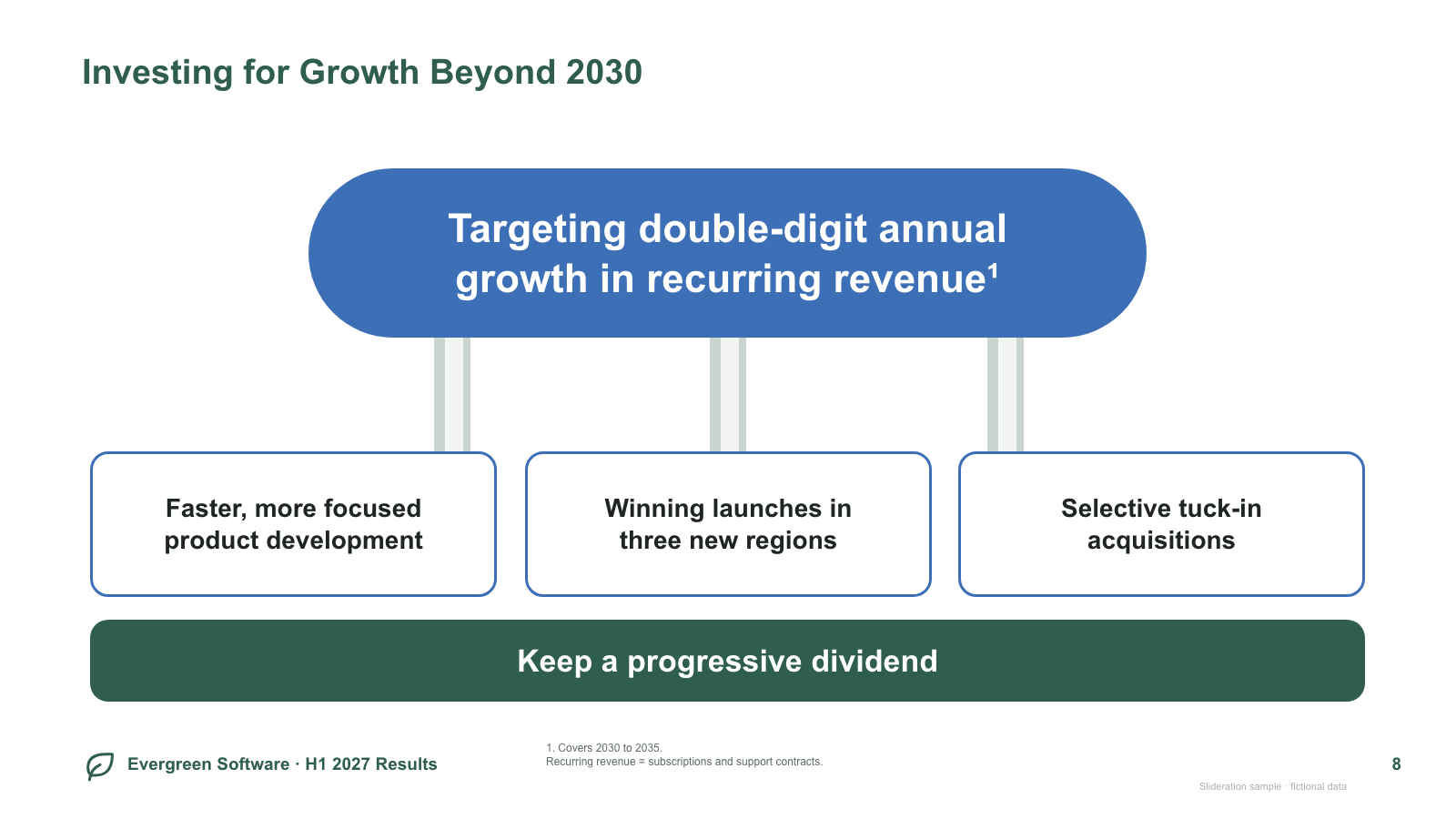
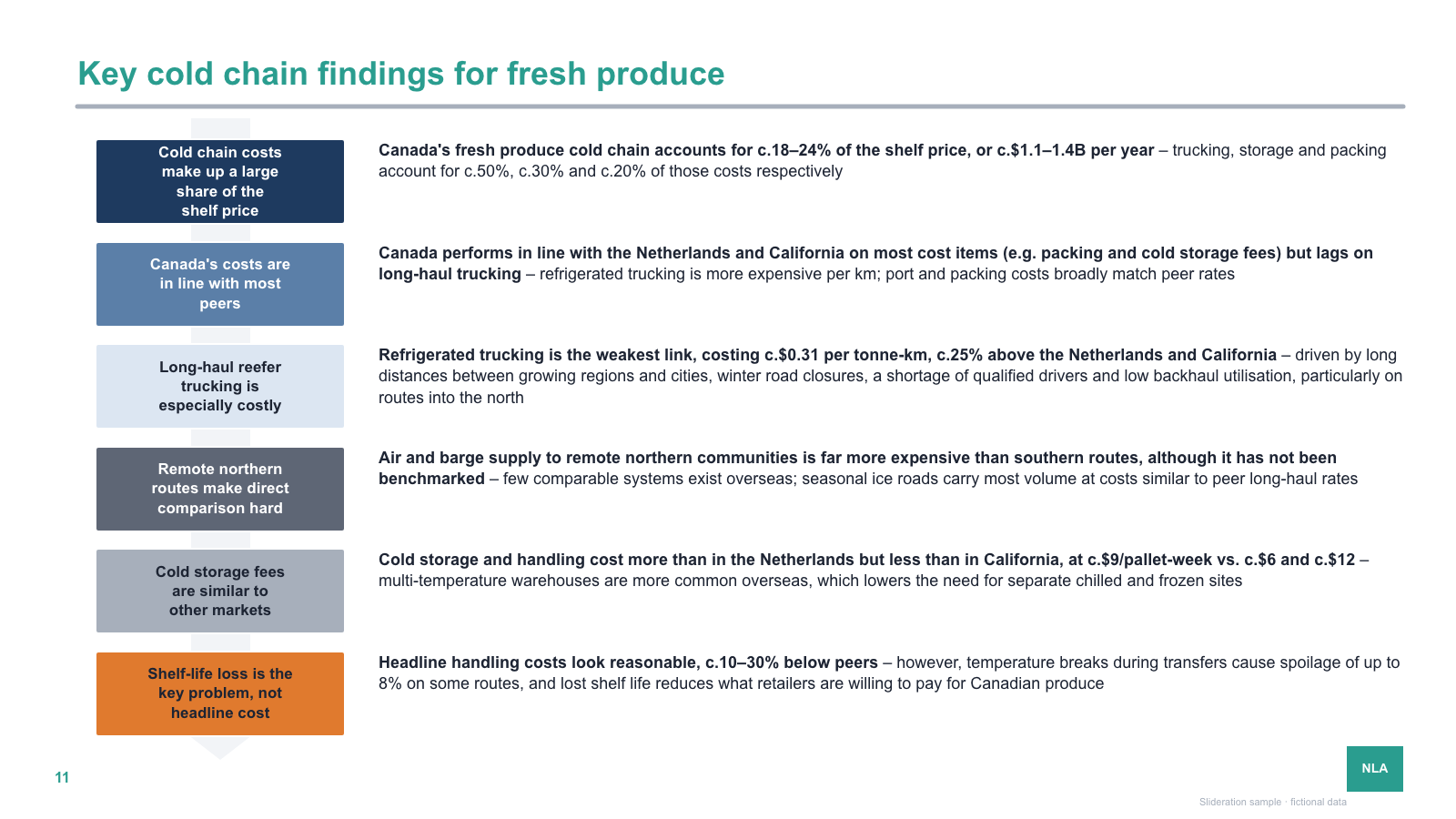
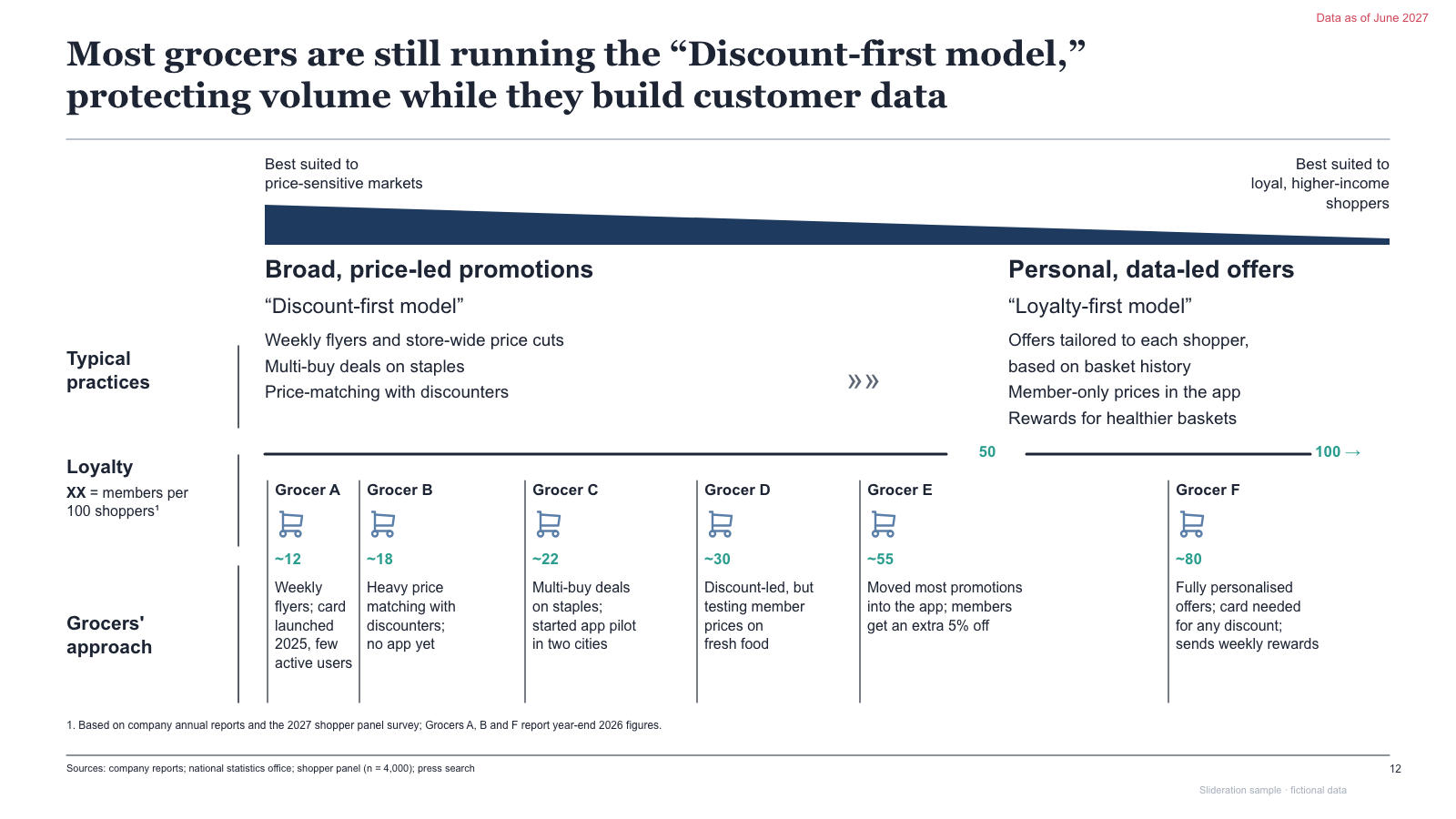

Matched by structure, not color. Download any layout as editable PowerPoint.
The library is small and growing. If nothing fits, try cropping to the part of the slide you care about.
Searching is free. 1 credit = 1 editable PPTX slide, and downloading the same slide again is free. New accounts get 2 free credits. Credits never expire.
One-time payments, no subscription. Prices in USD; taxes may apply at checkout. Payments are processed securely by our reseller and Merchant of Record, Creem. See the refund policy.
A slide layout is the structure of a slide — how the boxes, arrows, columns and labels are arranged — separate from its colours, fonts and wording. Consulting firms reuse a small set of these structures because each one answers a different kind of question.
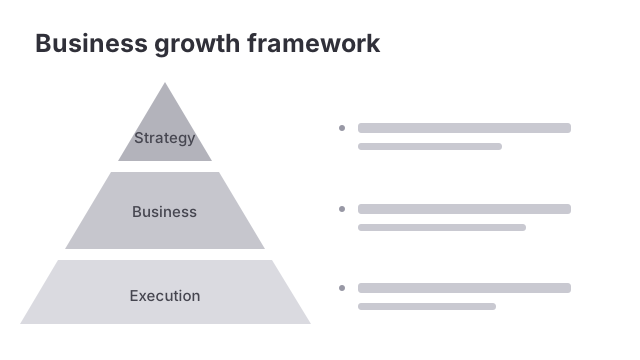
Start from the question the slide answers, not from the look. If the slide says when things land, use a timeline. If it says how one thing advances, use a process flow. If the blocks can swap places without changing the meaning, they are parallel — use pillars or cards. If one point supports another, use a pyramid. Slideration works backwards from this: it reads the structure of your draft and shows you finished layouts built on the same structure.
It compares structure, not appearance. The search reads where the blocks, columns and connectors sit on your screenshot and finds library slides with the same arrangement, so a rough grey sketch still matches a finished, fully coloured layout. You can also drag a box over one part of your slide and search only that region.
No. Every slide in the library is redrawn from scratch as an original file, and all of the text, numbers, company names and logos in them are fictional sample data. What is reused is the structure — the arrangement of shapes — which is not copyrightable. You are downloading an original file, not a copy of someone else’s slide.
A real PowerPoint file. Every layout comes as a native .pptx built from actual shapes and text boxes, so you can edit the wording, recolour it to your brand, resize elements and delete what you do not need. There is no image to trace over and no font to install.
Searching the library is free and needs no account. Three sample PPTX templates are also free to download without signing in. Other editable PPTX downloads cost 1 credit per slide, and downloading the same slide again is free. New accounts get 2 free credits. Credits are bought once and never expire — there is no subscription.
Any screenshot in PNG, JPG, WebP, GIF or BMP, up to 15 MB. Uploaded images are used to run the search and are not stored; see the privacy policy for details.