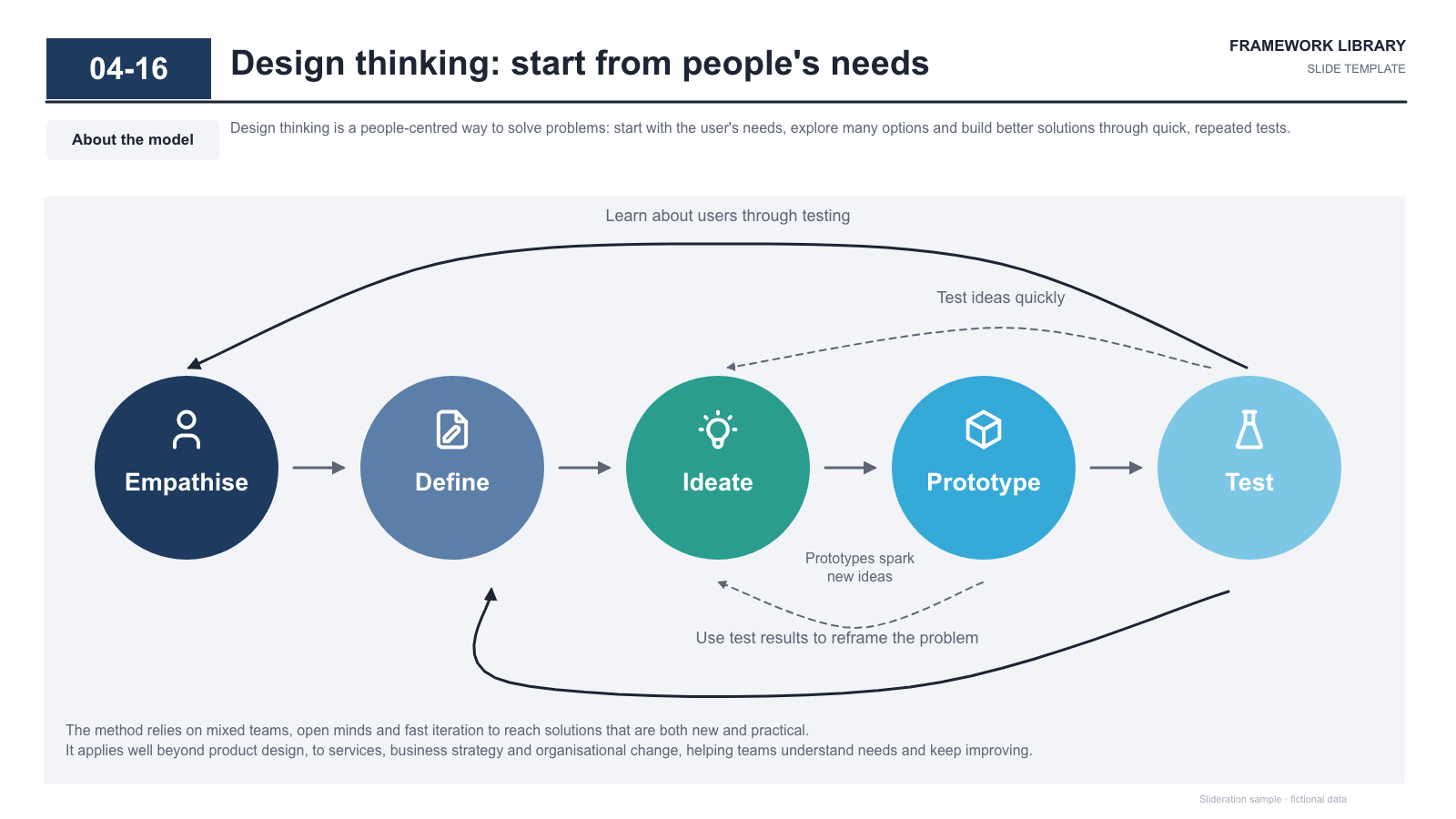
Five-stage circle process with arrows and feedback arcs above and below
Download PPTX · 1 creditSLIDE LAYOUT LIBRARY
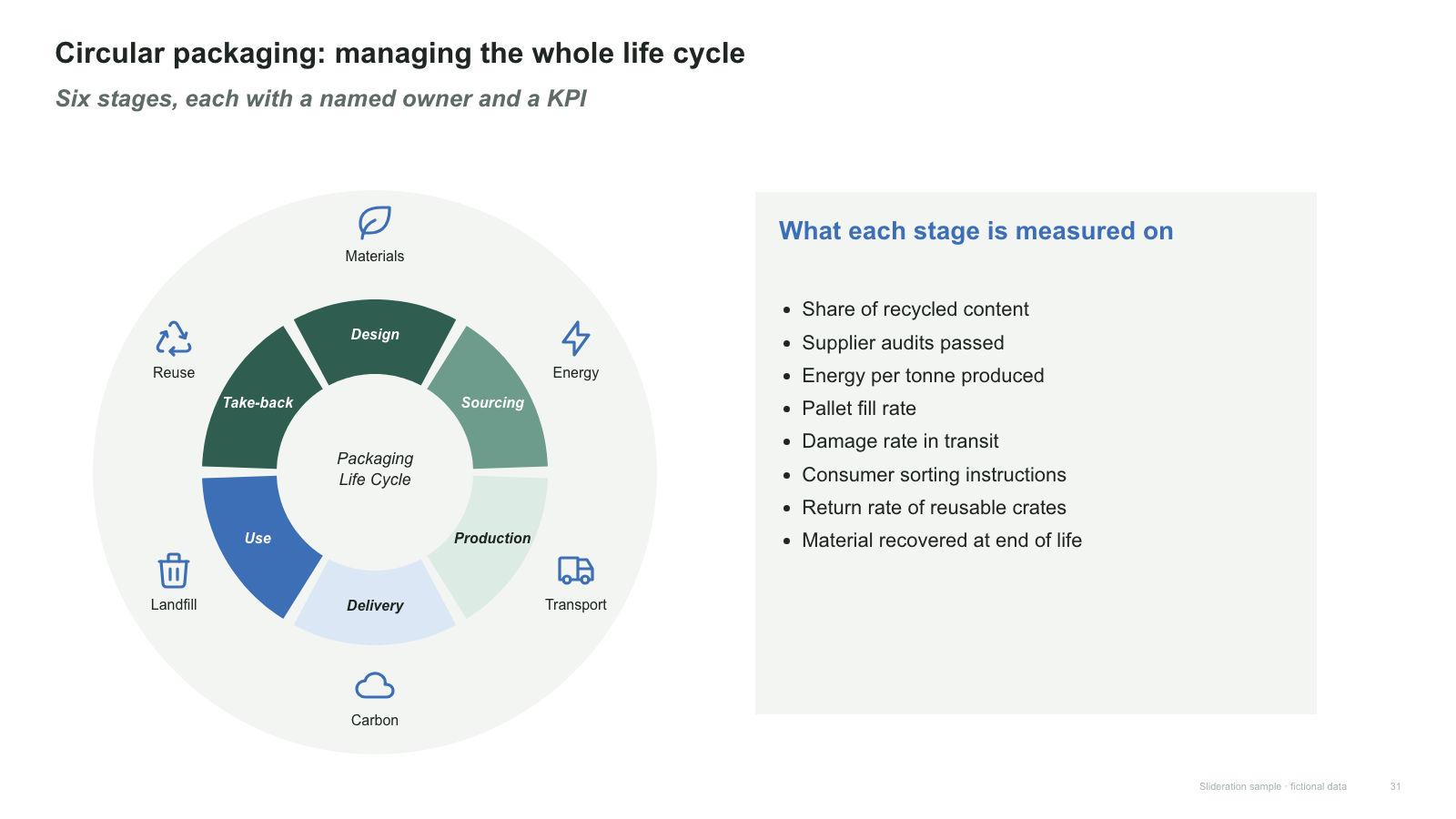
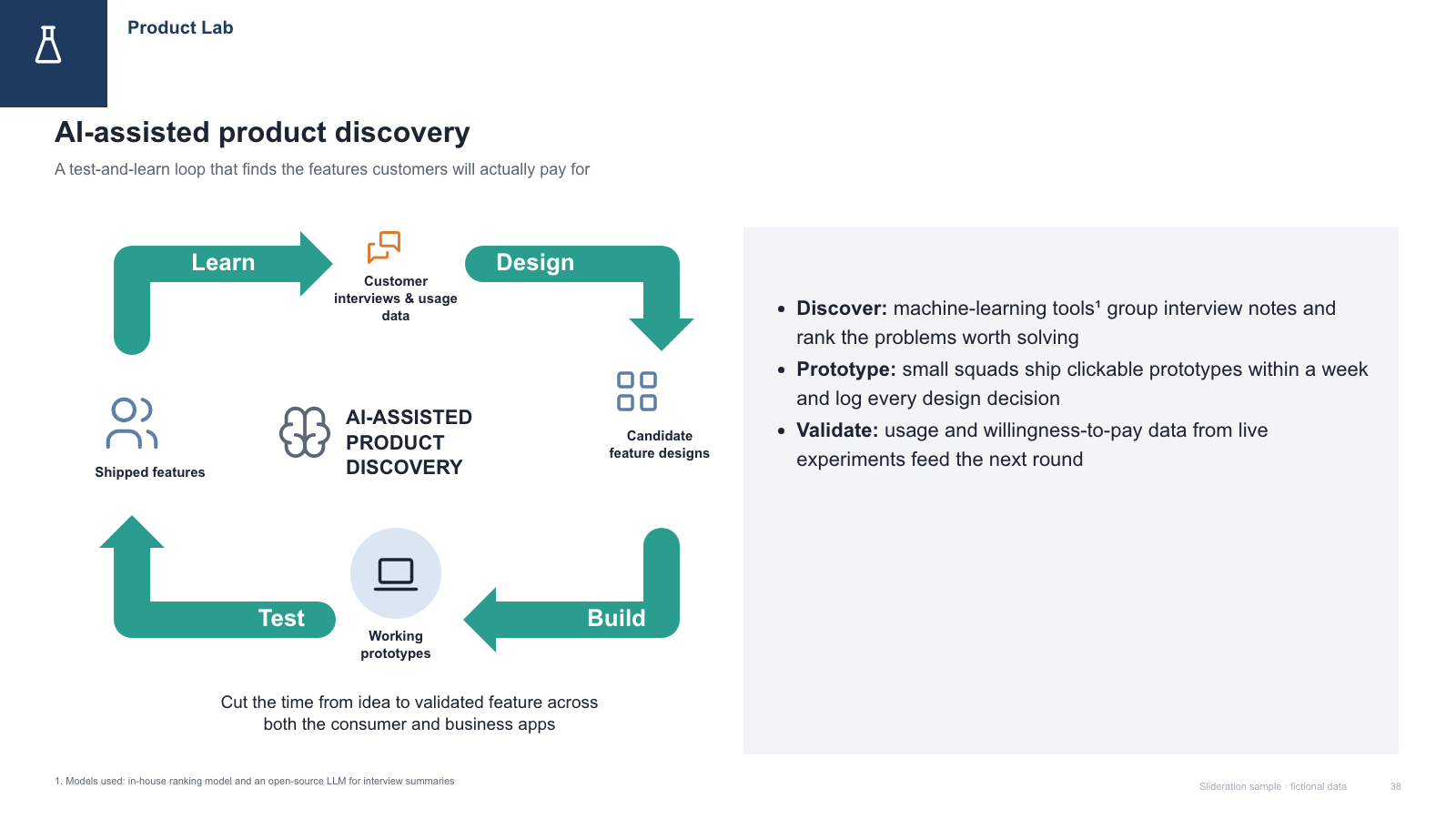
A cycle diagram says the process has no end — that the last stage feeds the first and the loop runs again. It is the right shape for anything continuous, and the wrong shape for anything that finishes.
Browse 7 editable PPTX examplesor drop an image here
Search is free · searches the whole library, not just this page
No screenshot to hand?
Use a cycle when completing the final stage genuinely returns you to the first: plan-do-check-act, build-measure-learn, a product life cycle, a quarterly planning rhythm.
The test is simple and unforgiving. Ask what happens after the last stage. If the answer is “we are done”, it is a process flow and should be drawn as a line. If the answer is “we go round again, with what we learned”, it is a cycle.
A cycle is also useful when you want to argue that the current approach is stuck in a loop — a reinforcing problem rather than a one-off failure. Drawing the loop is often the whole argument.
Each one is redrawn from scratch with fictional sample data and comes as a native PowerPoint file — real shapes and text boxes you can edit, recolour and resize. Open an image for a full-size preview. Samples marked Free PPTX need no account; other downloads use 1 credit.

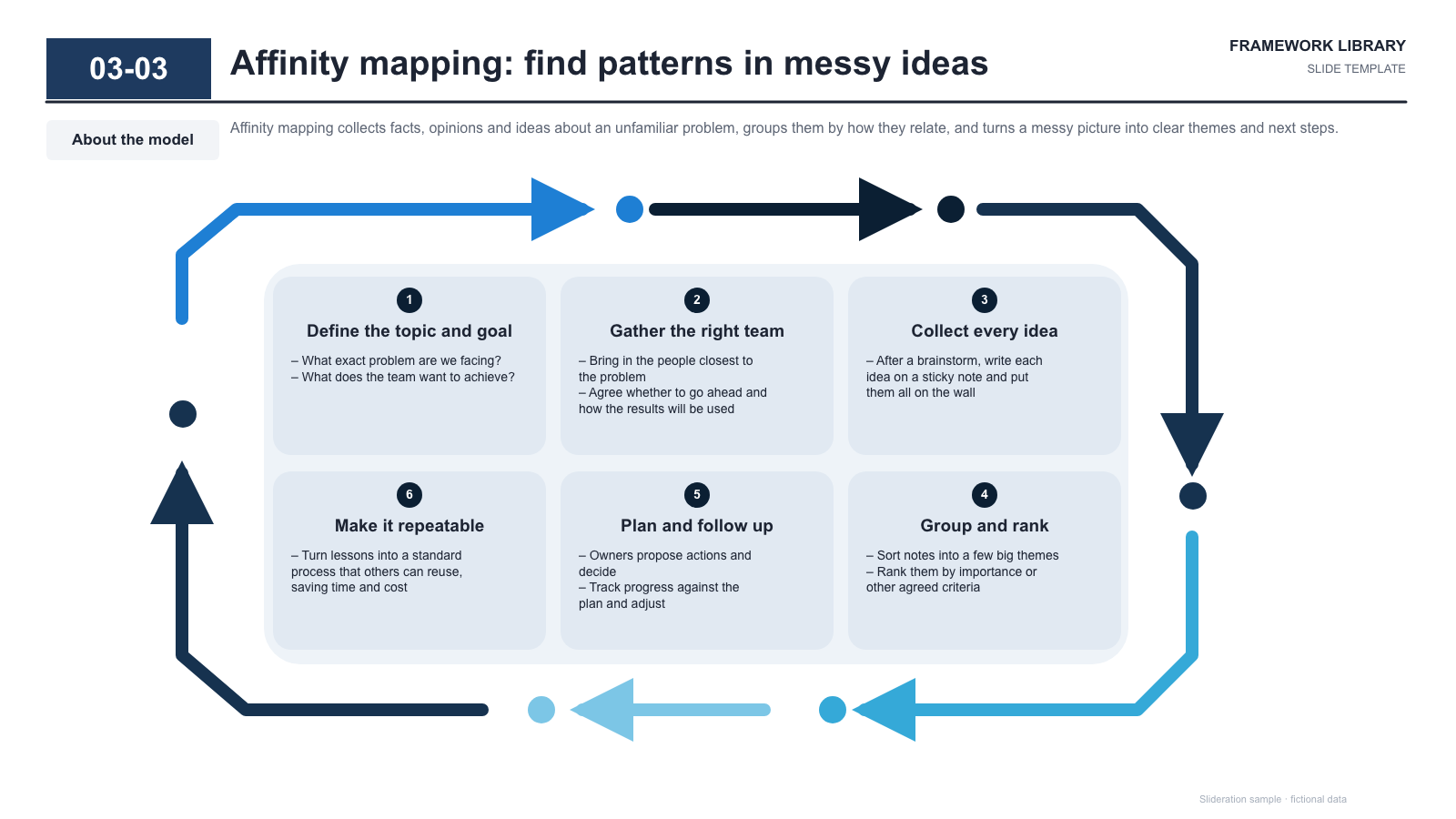
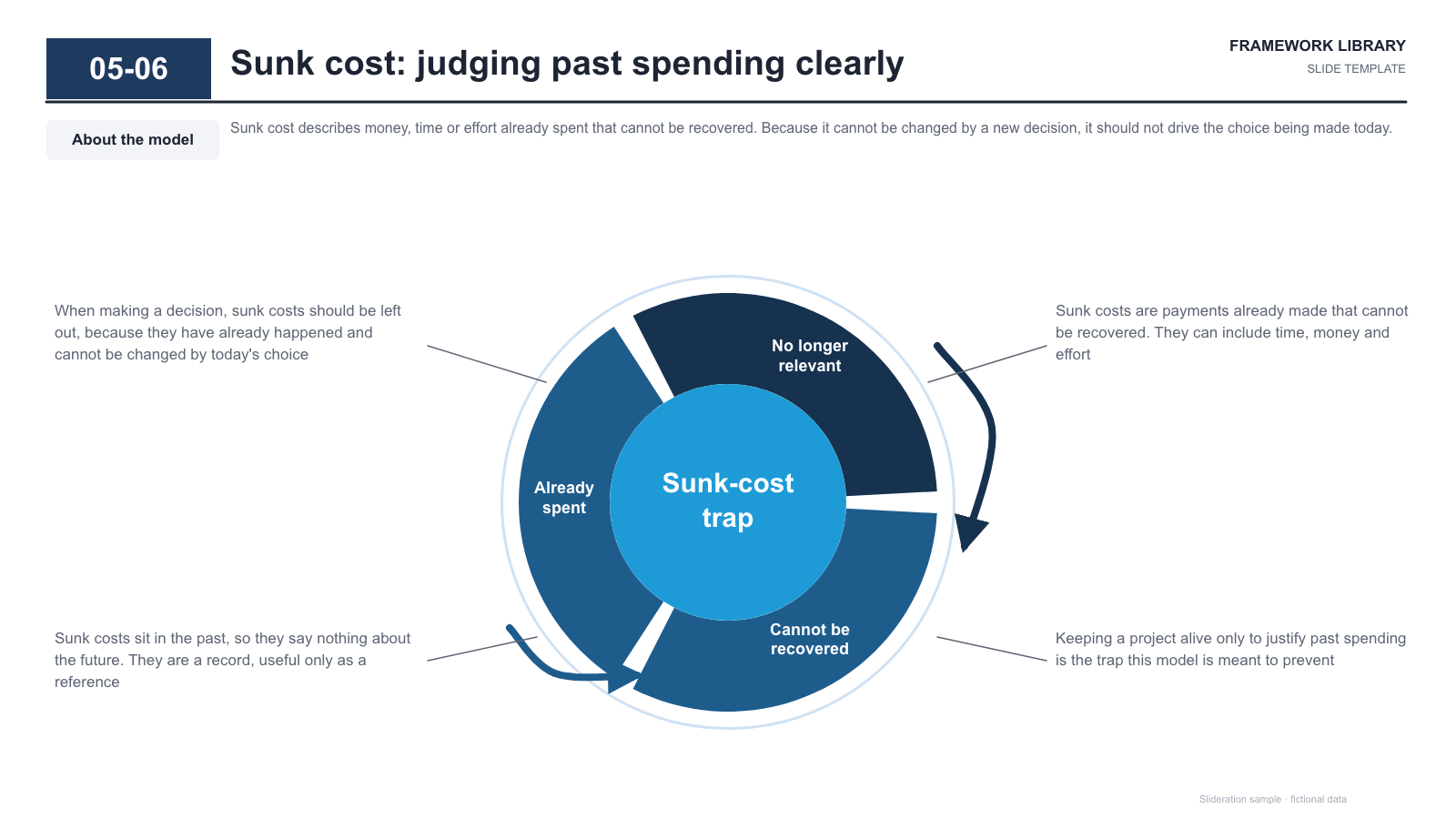
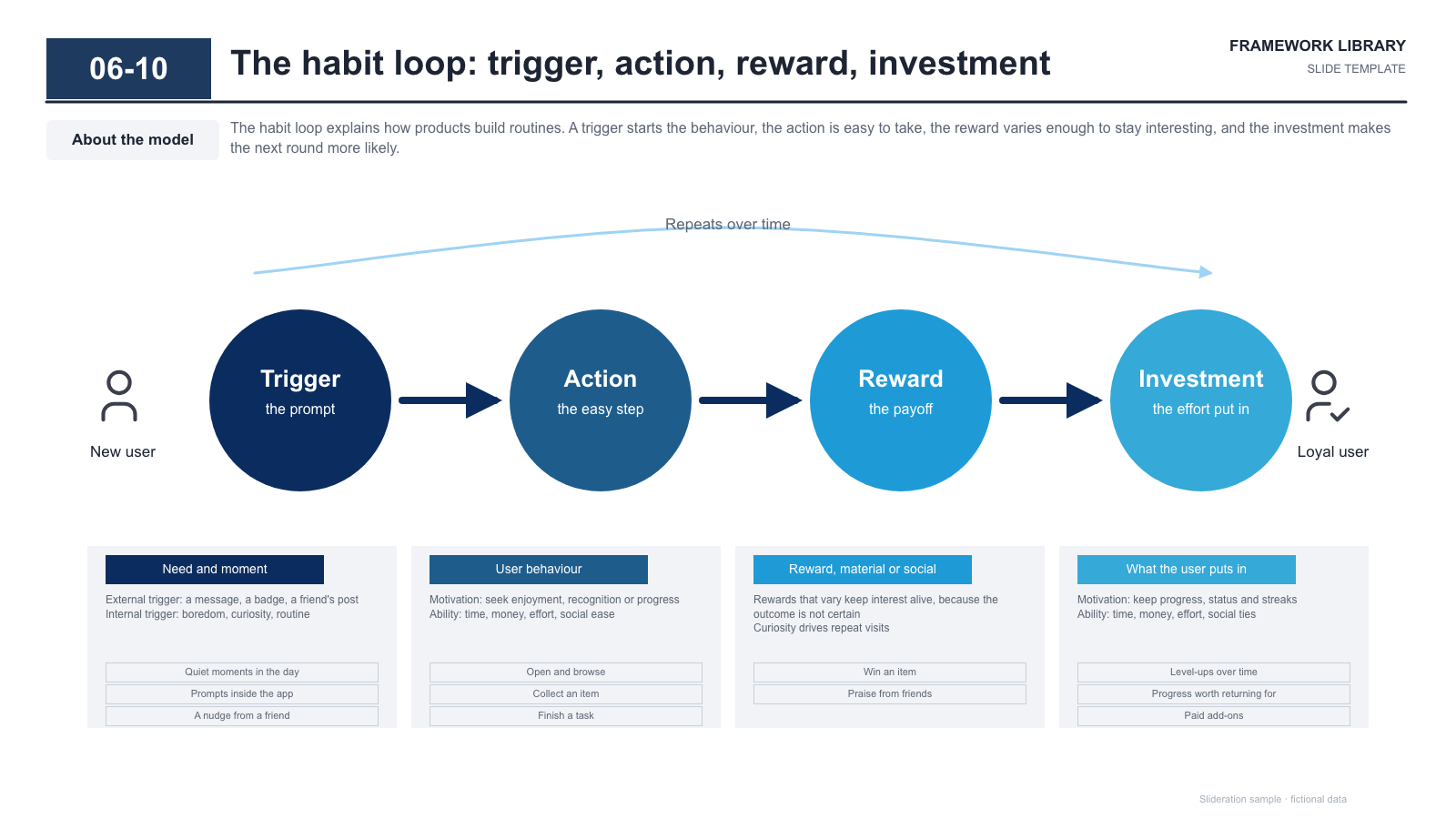
Matched by structure, not color. Download any layout as editable PowerPoint.
The library is small and growing. If nothing fits, try cropping to the part of the slide you care about.
Searching is free. 1 credit = 1 editable PPTX slide, and downloading the same slide again is free. New accounts get 2 free credits. Credits never expire.
One-time payments, no subscription. Prices in USD; taxes may apply at checkout. Payments are processed securely by our reseller and Merchant of Record, Creem. See the refund policy.
When the last stage feeds the first. If the process has a definite end state, draw it as a line — a circle would claim a repetition that does not exist.
Three to six. Two is better shown as a two-way arrow, and beyond six readers lose the sequence as their eye travels round the ring.
Clockwise, unless you have a reason not to. It matches how most readers scan, and consistency across the deck matters more than the specific choice.
Either the outcome the loop produces, or nothing at all with a tighter ring. Repeating the slide title in the centre wastes the most visible spot on the diagram.