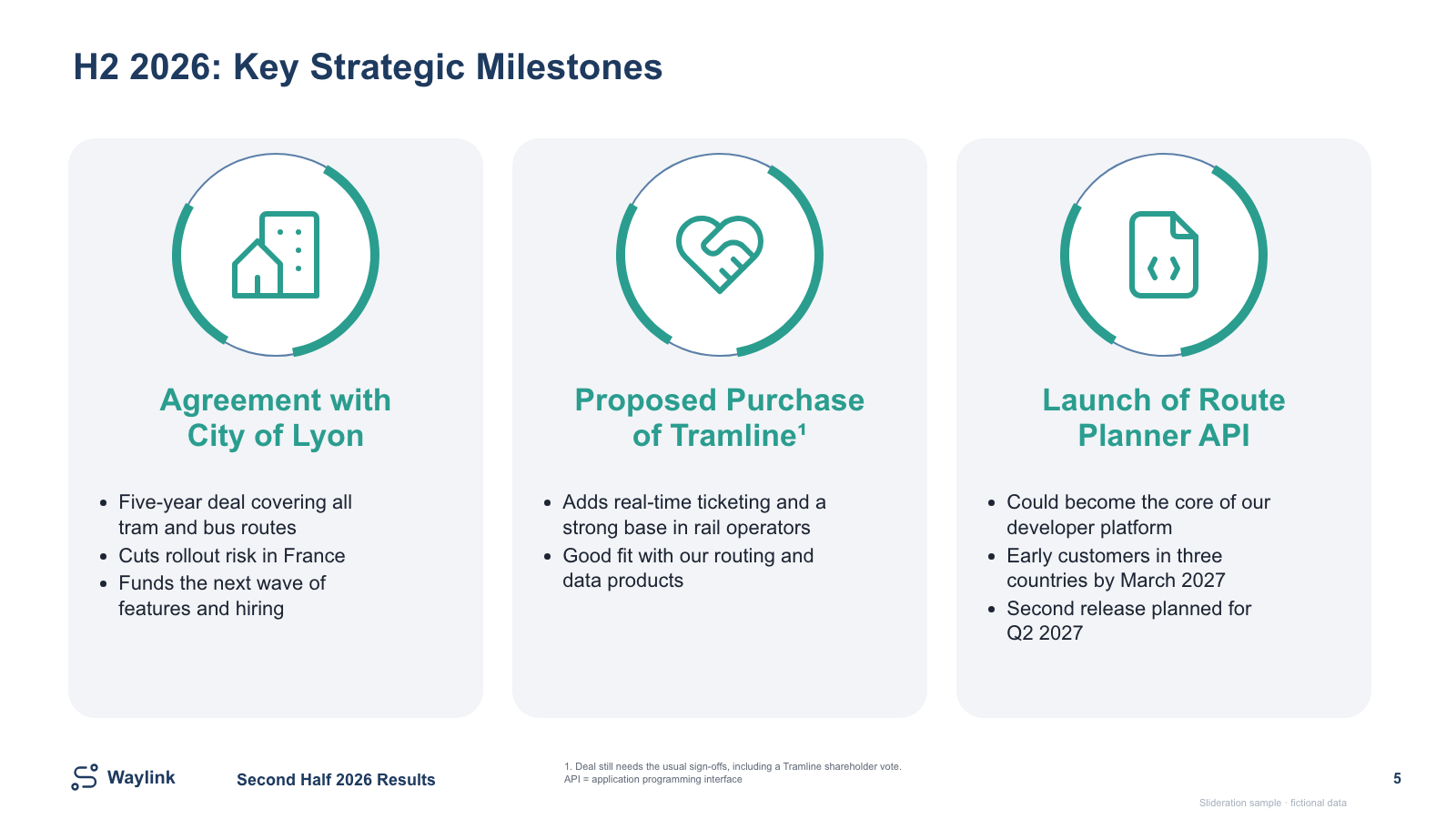
Three rounded milestone cards with ringed icon badges, two-line headers and bullets
Free PPTXSLIDE LAYOUT LIBRARY
A timeline slide answers one question: when does what land? Every layout below puts time on one axis and commitments on the other, so a reader can tell in a few seconds what is already done, what is in flight, and what is still a promise.
One editable sample, no sign-up. See how to adapt it.
or drop an image here
Search is free · searches the whole library, not just this page
No screenshot to hand?
Use a timeline when the order of events carries the meaning — when the fact that one thing happens before another is the point. Launch sequences, trial phases, integration plans and multi-year strategies all qualify.
There is a quick test for this. Take two blocks on your slide and swap their positions. If the slide still says the same thing, the blocks are parallel and you want pillars or cards, not a timeline. If swapping them makes the slide wrong or nonsensical, the order is real and a timeline is the honest shape.
A roadmap is a timeline with a commitment attached to each point. The difference is in the labels, not the geometry: a timeline says this happened in Q2, a roadmap says we will ship this in Q2. The layouts are interchangeable; the wording is not.
FICTIONAL WORKED EXAMPLE
A fictional transport software business needs to explain three milestones: a city agreement, a proposed acquisition and a route-planner API launch. Notes mix achieved commitments, a deal still awaiting approval, and future release dates.
Use the milestone layout c017 when each event needs room for its business meaning and conditions. It is a milestone summary rather than a date-scaled timeline; use one of the dated roadmap layouts below when duration or dependencies matter.
The finished sample gives each milestone its own heading and supporting points. The proposed acquisition stays explicitly conditional, while future API releases remain plans. This keeps the reader from mistaking a pending deal or a promised release for an achieved result.
Edit the reporting period, the three milestone headings, supporting text, icons and the conditional-deal footnote. The headings and content panels are native PowerPoint objects; the small decorative icons may be images.
Read the full before-and-after slide makeover guides
No account, payment or credits required for this sample. Get all three free PowerPoint templates. Use in your own presentations under our slide licence.
Each one is redrawn from scratch with fictional sample data and comes as a native PowerPoint file — real shapes and text boxes you can edit, recolour and resize. Open an image for a full-size preview. Samples marked Free PPTX need no account; other downloads use 1 credit.
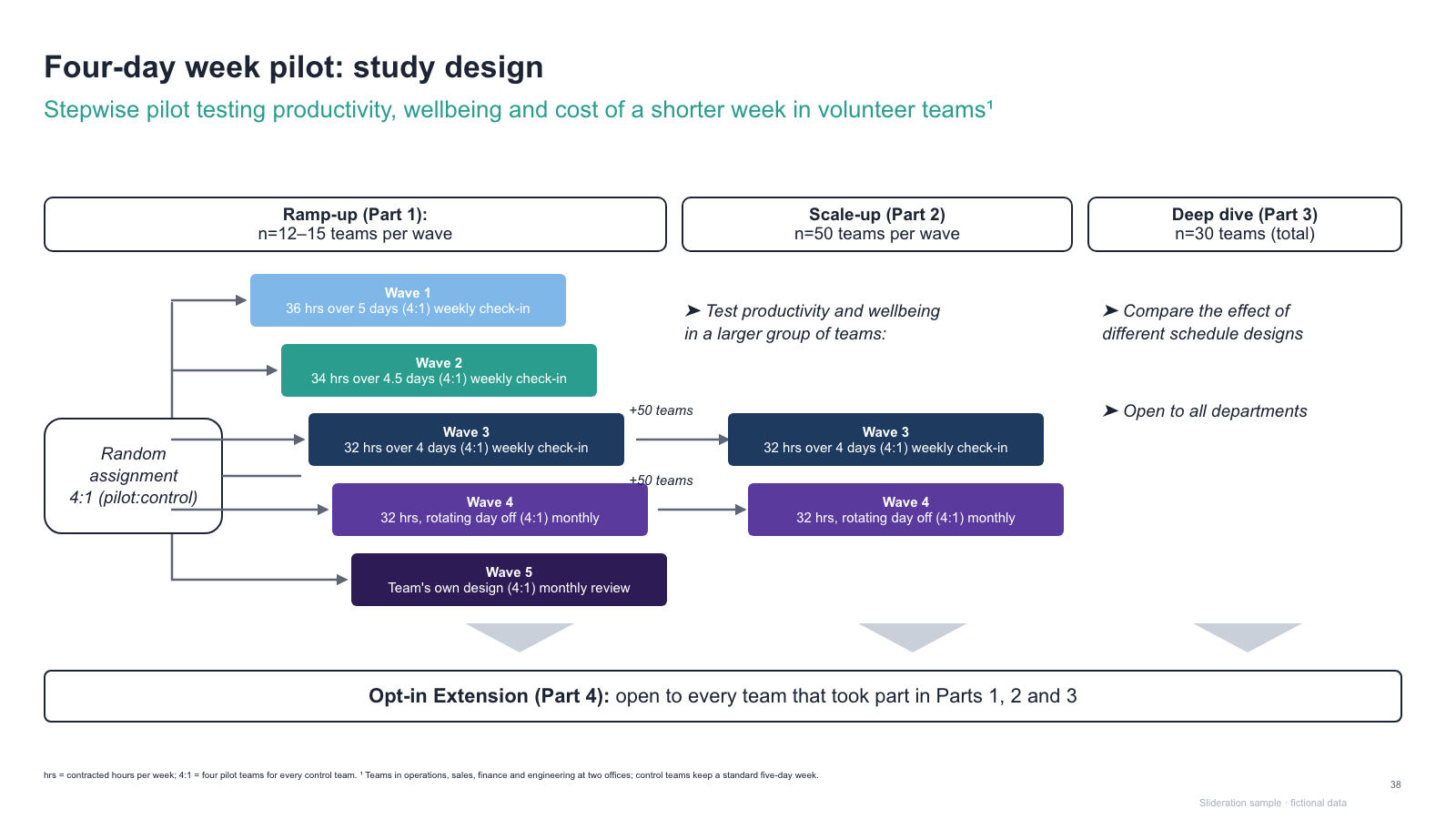
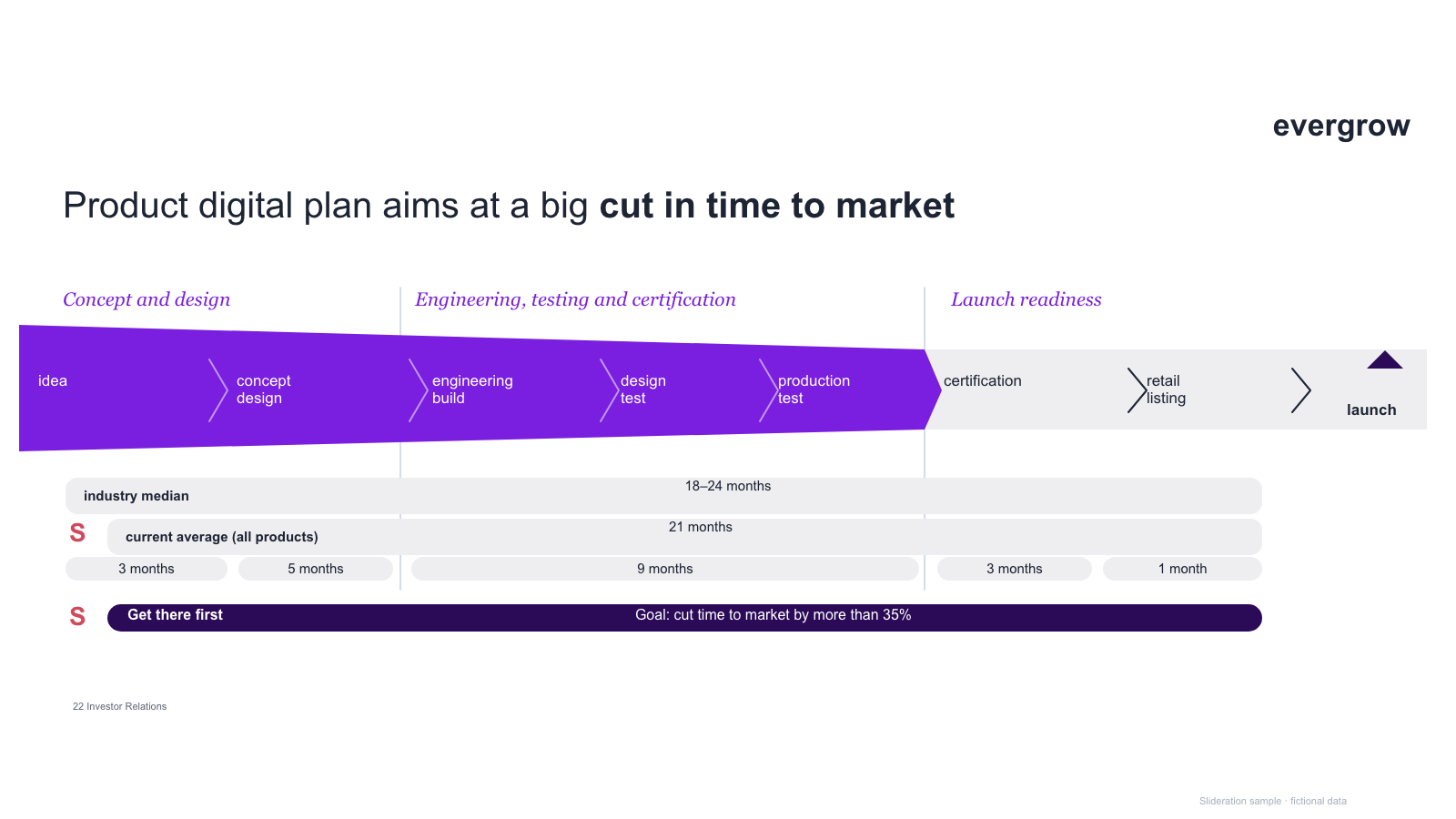
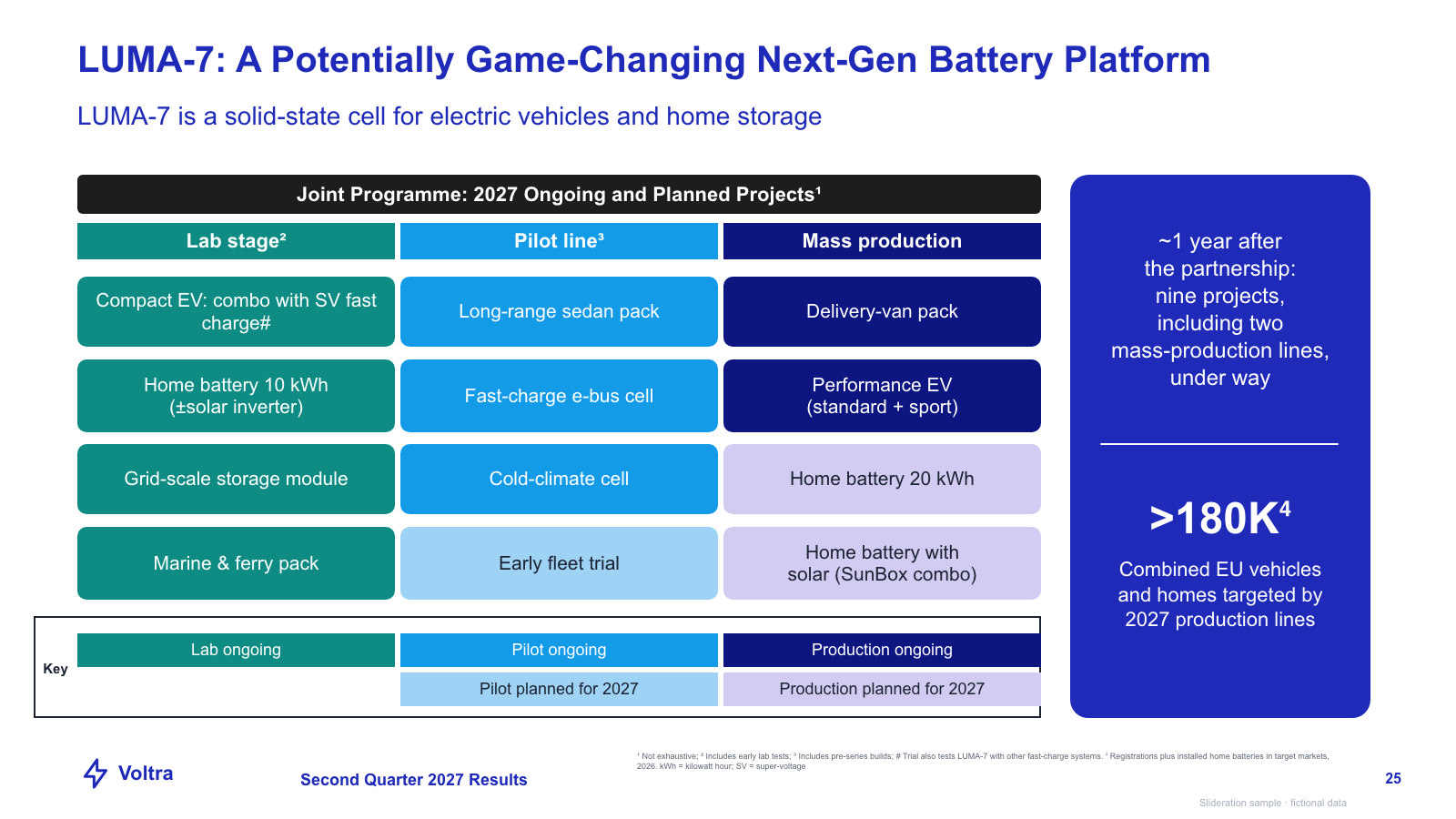
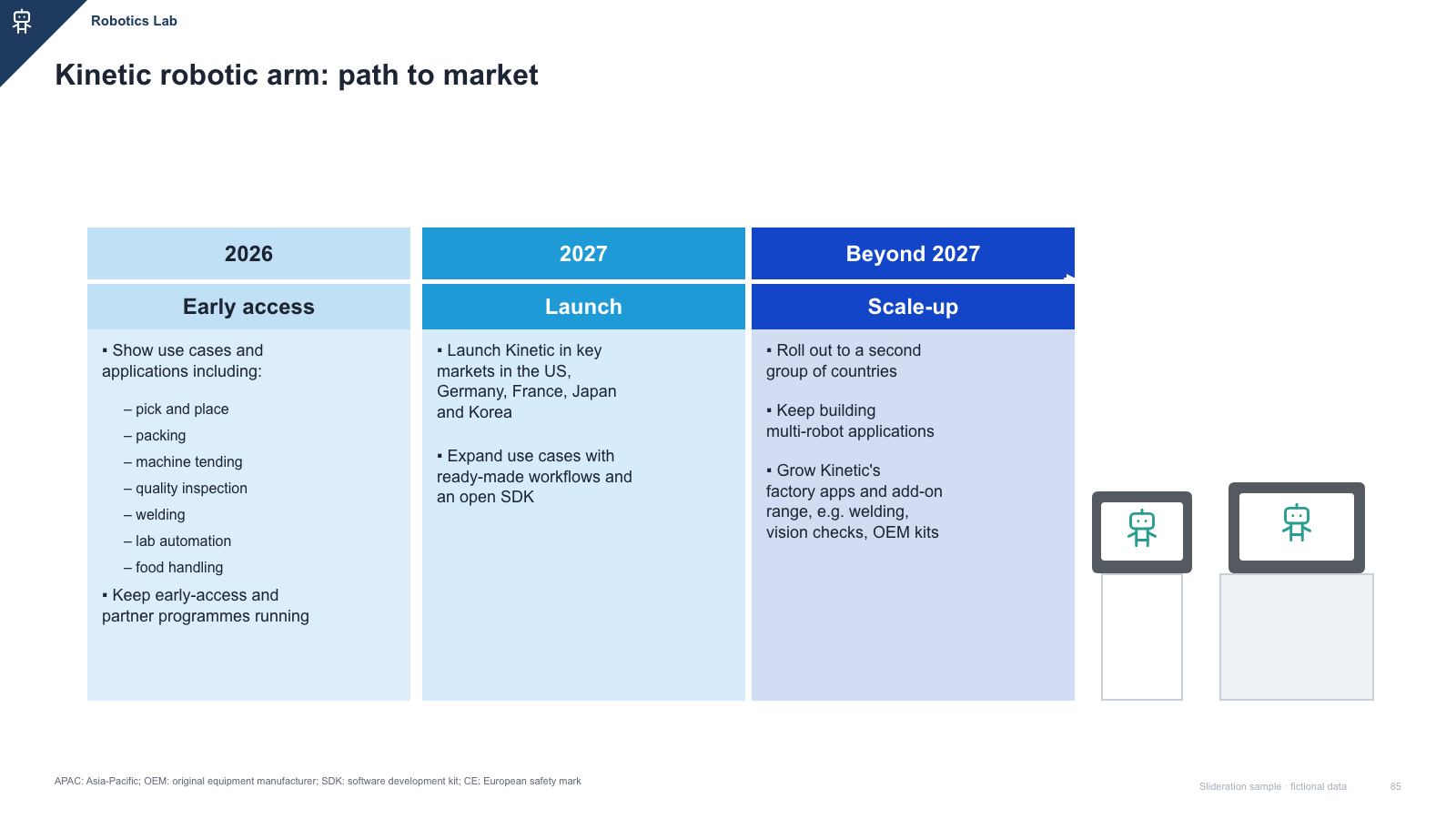
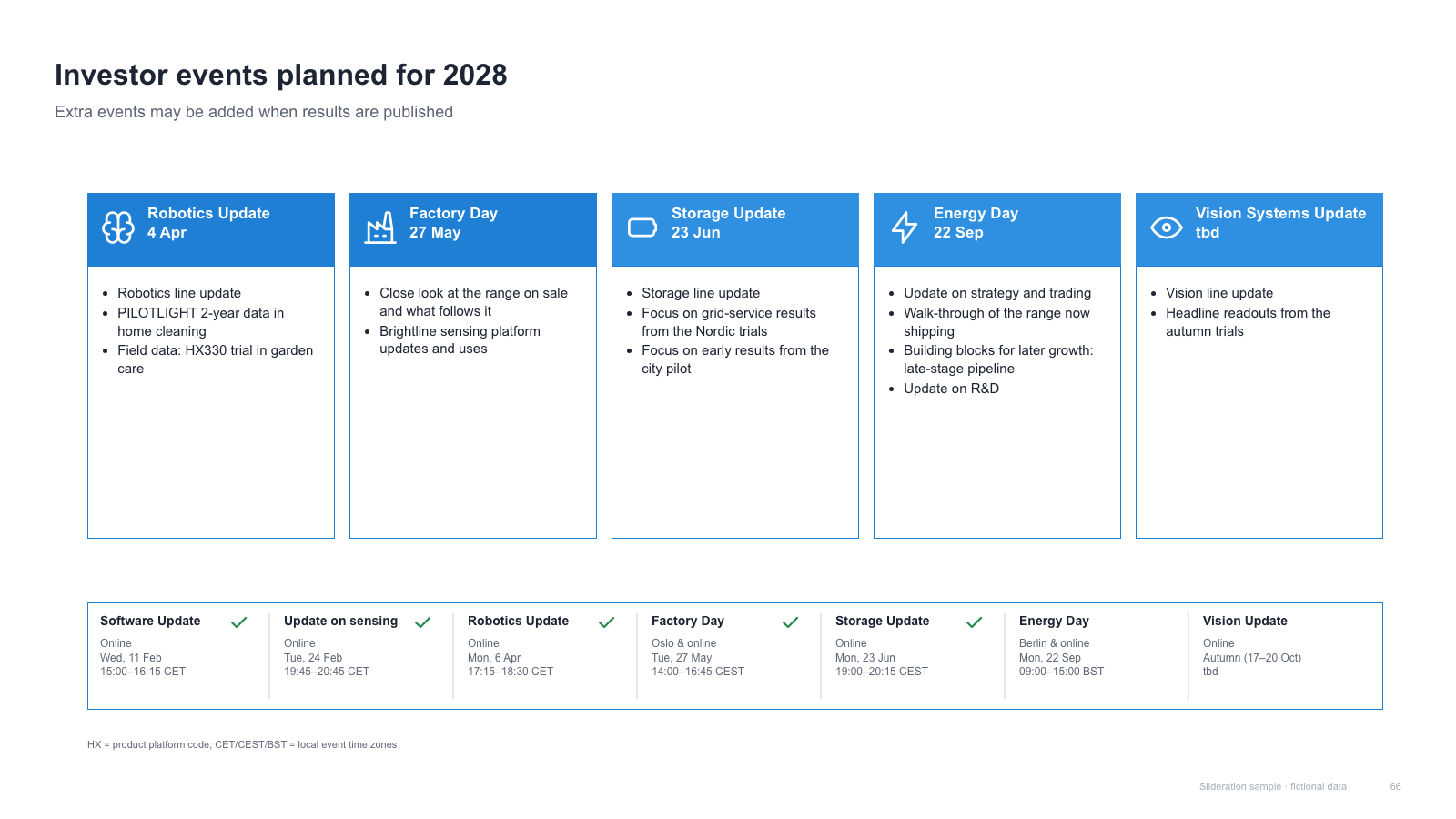
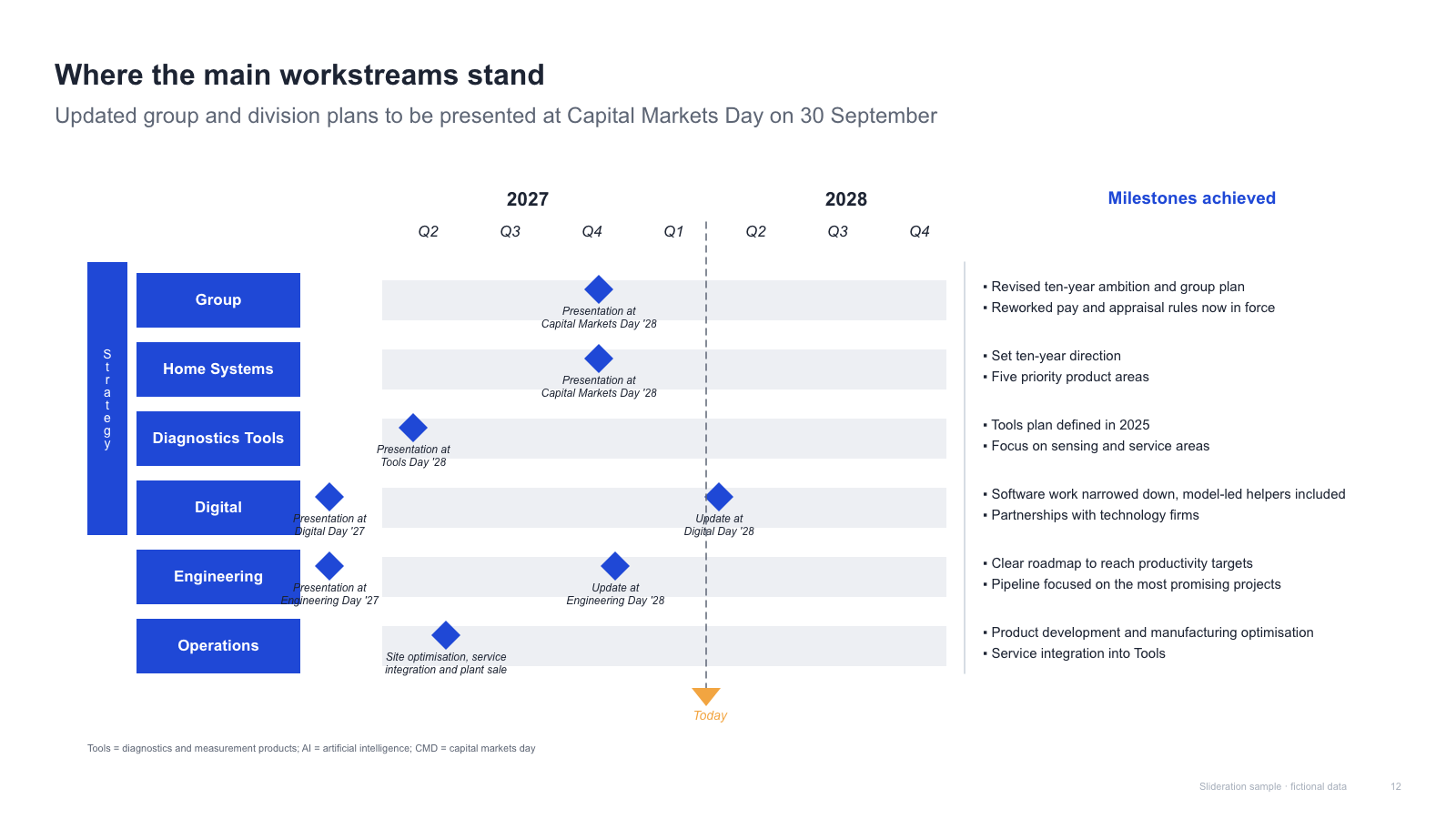
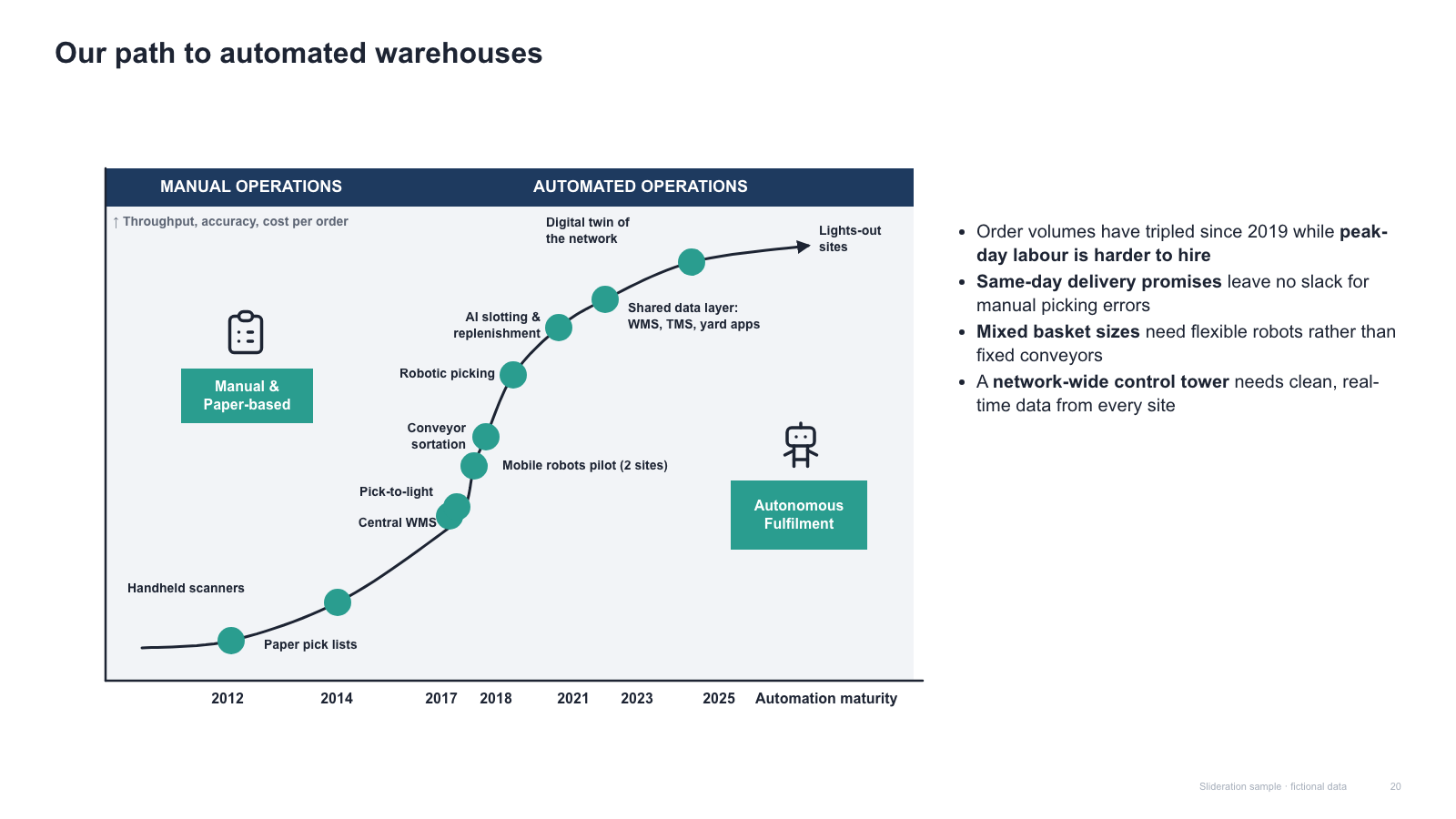
Matched by structure, not color. Download any layout as editable PowerPoint.
The library is small and growing. If nothing fits, try cropping to the part of the slide you care about.
Searching is free. 1 credit = 1 editable PPTX slide, and downloading the same slide again is free. New accounts get 2 free credits. Credits never expire.
One-time payments, no subscription. Prices in USD; taxes may apply at checkout. Payments are processed securely by our reseller and Merchant of Record, Creem. See the refund policy.
A timeline is anchored to dates; a process flow is anchored to sequence. If the slide would still be true if everything slipped by six months, you want a process flow. If the dates are the commitment, you want a timeline.
Three to eight. Below three there is no line worth drawing; above eight the eye starts skipping. If you genuinely have twenty, group them into phases and put the detail in an appendix or a backup table.
Geometry is the same, meaning is not. A timeline reports what happened; a roadmap commits to what will. Because the shape is identical, the layouts on this page work for both — the change is in your labels and your tense.
Yes. Each one is a native .pptx built from real shapes and text boxes, so you can move a milestone, recolour a phase or delete a track without touching an image editor.