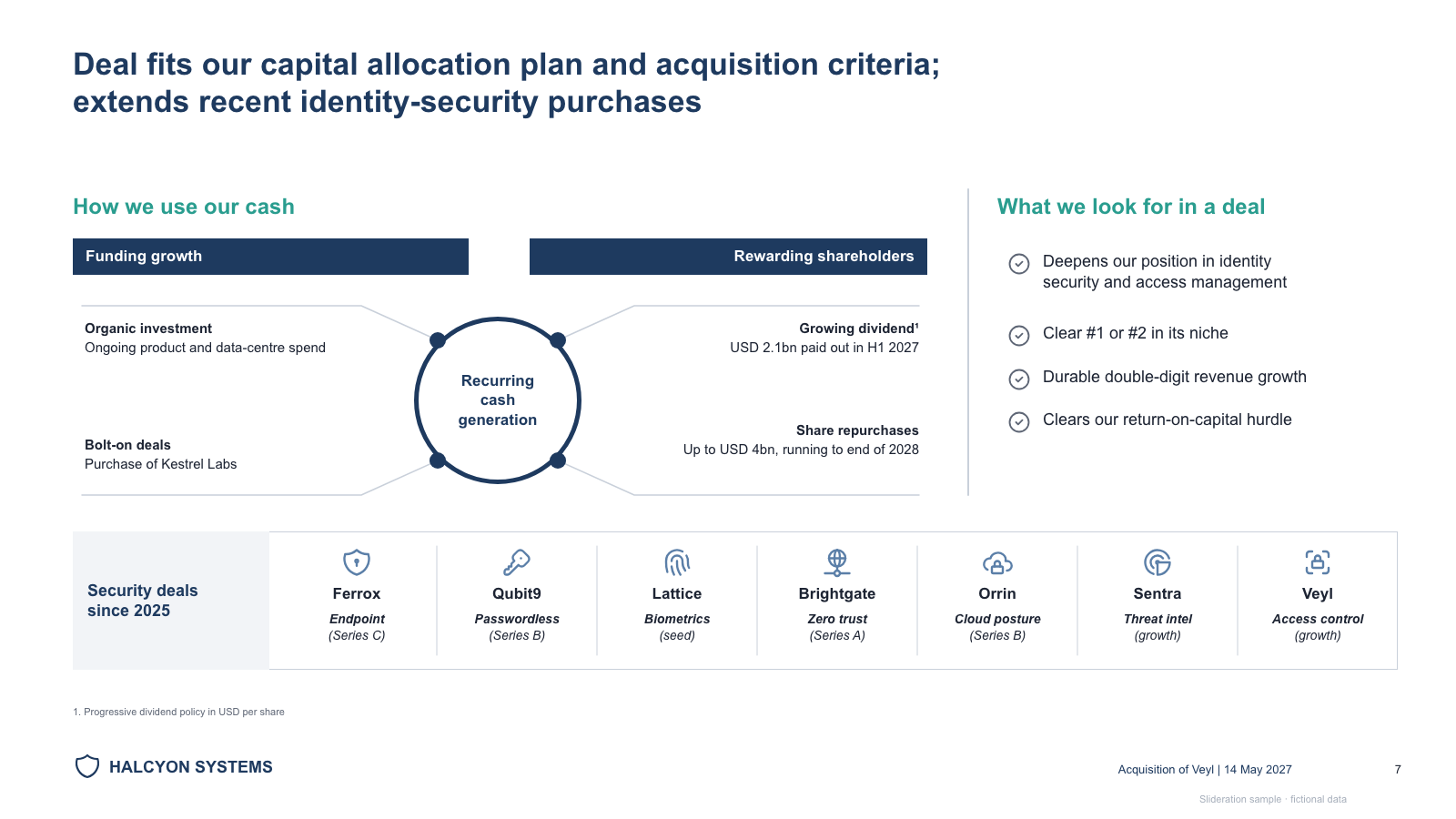
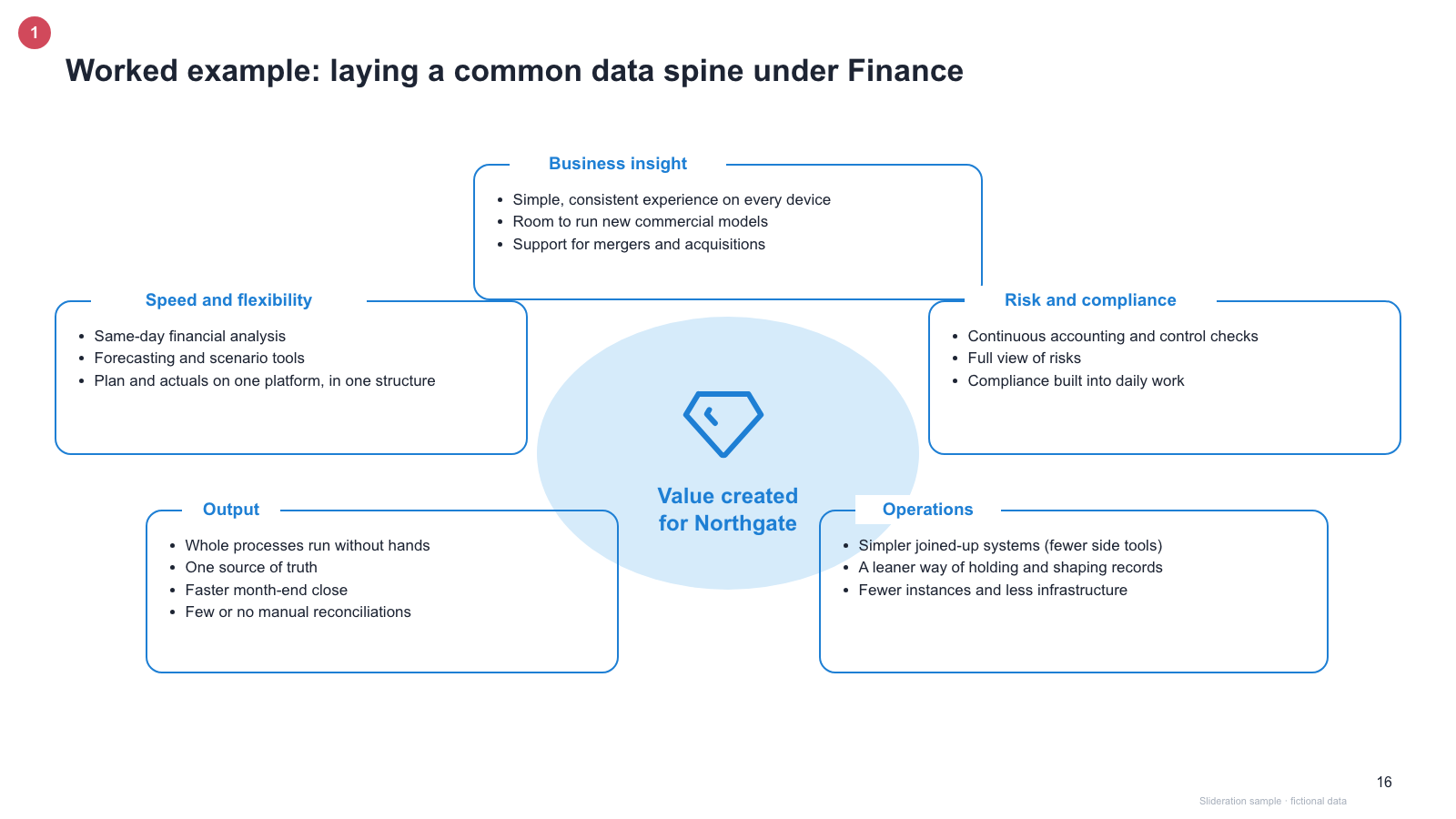
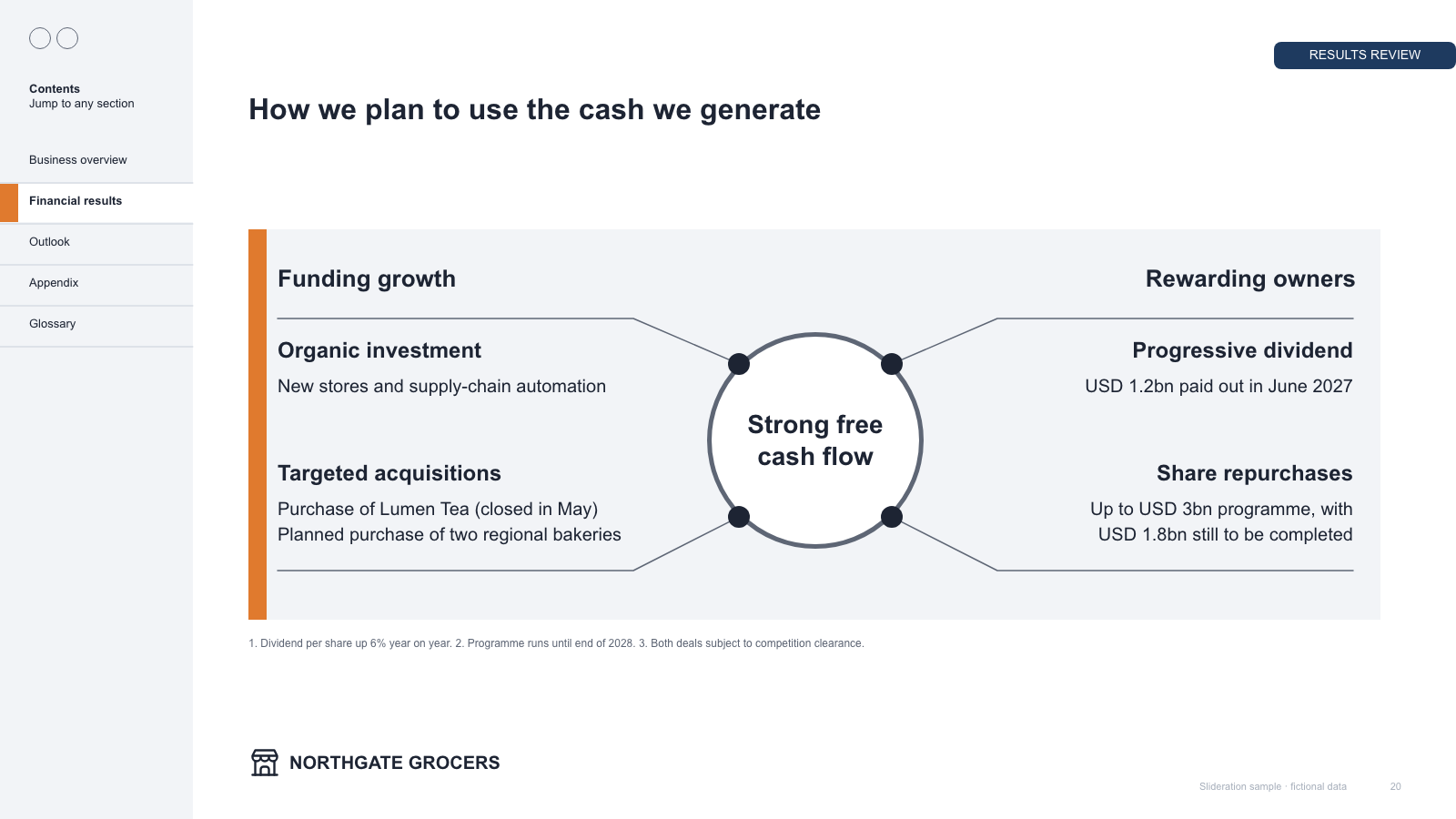
Capital-allocation hub with four connected notes, criteria checklist and a deal strip
Download PPTX · 1 creditSLIDE LAYOUT LIBRARY
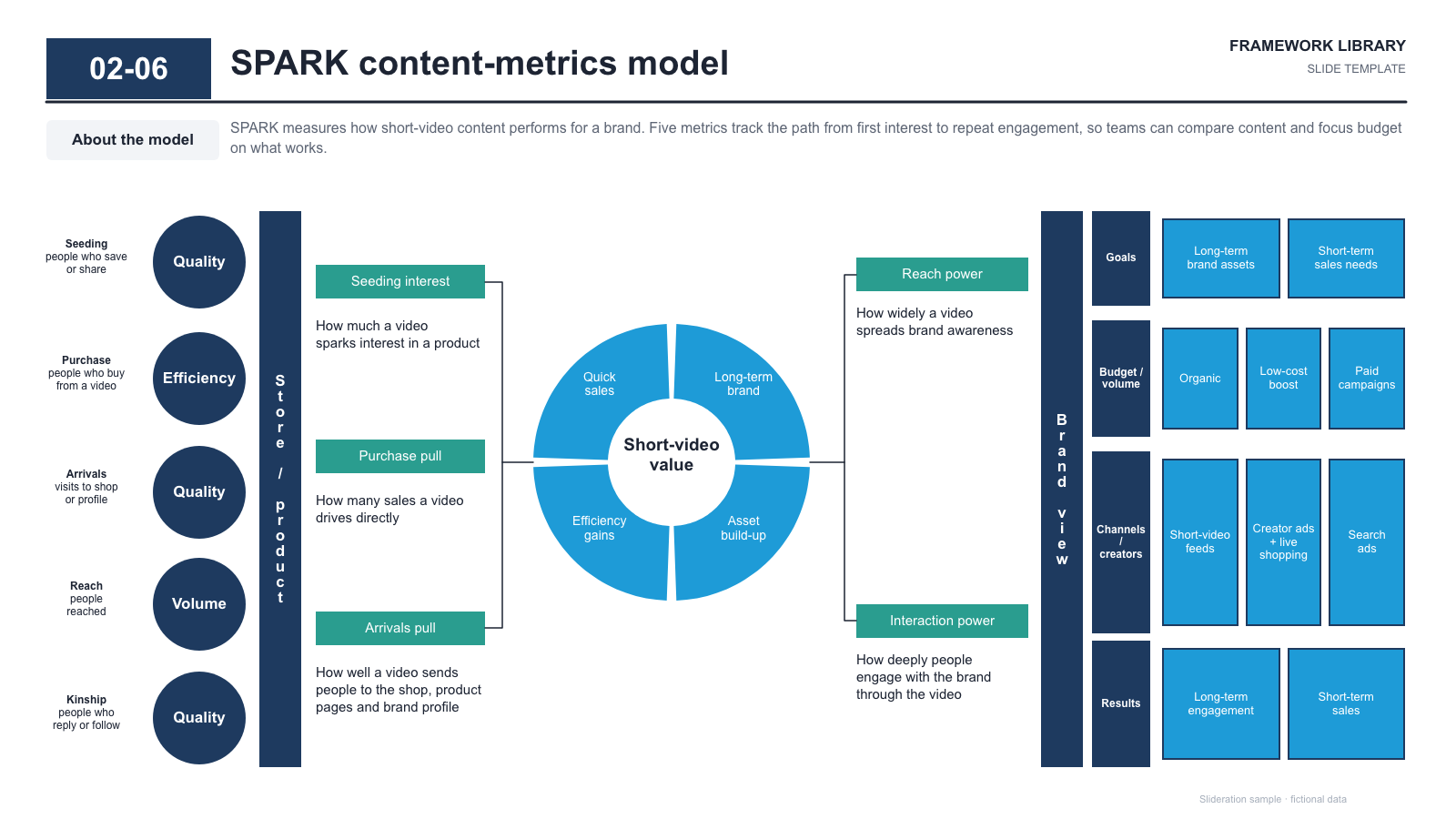
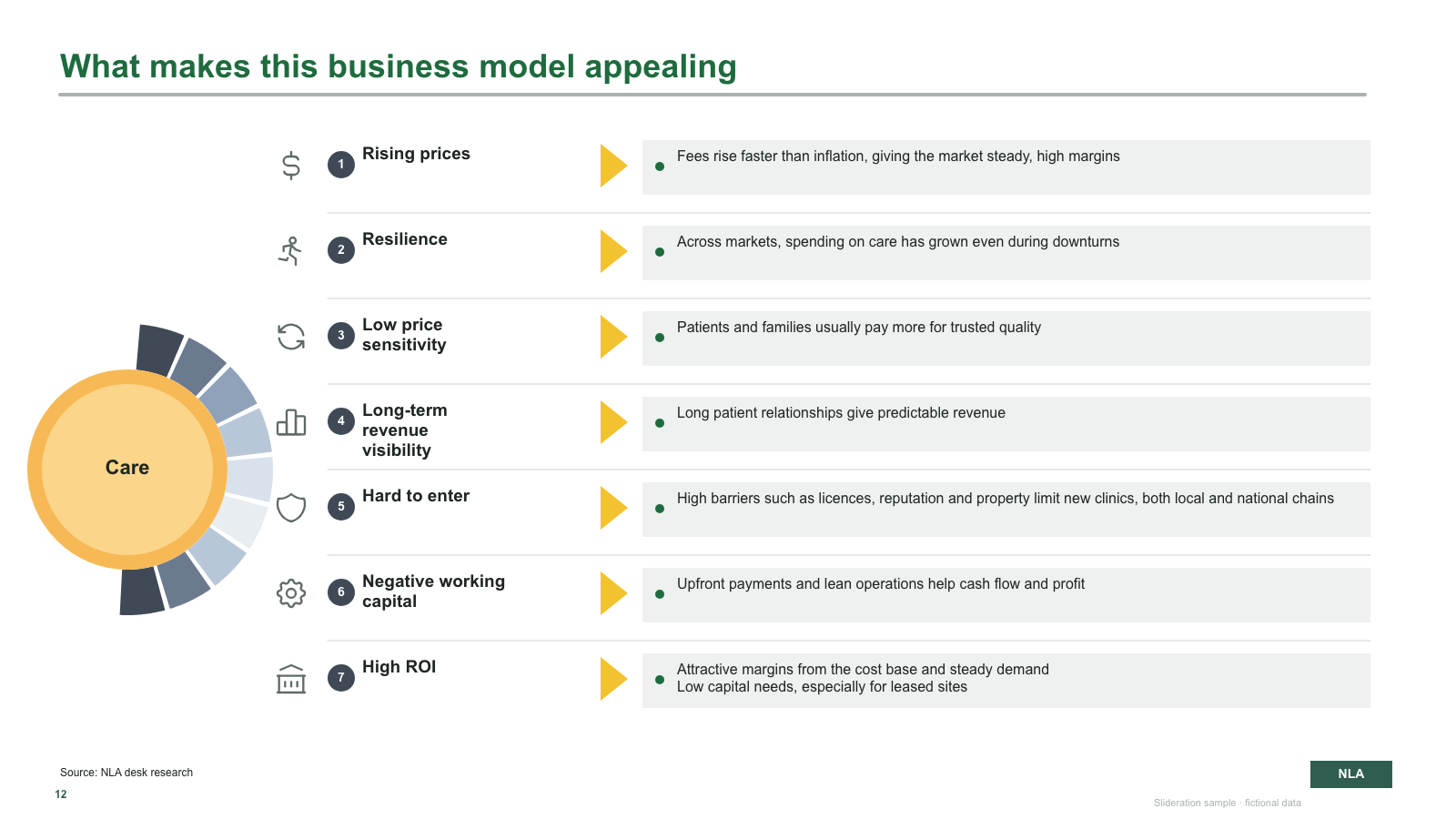
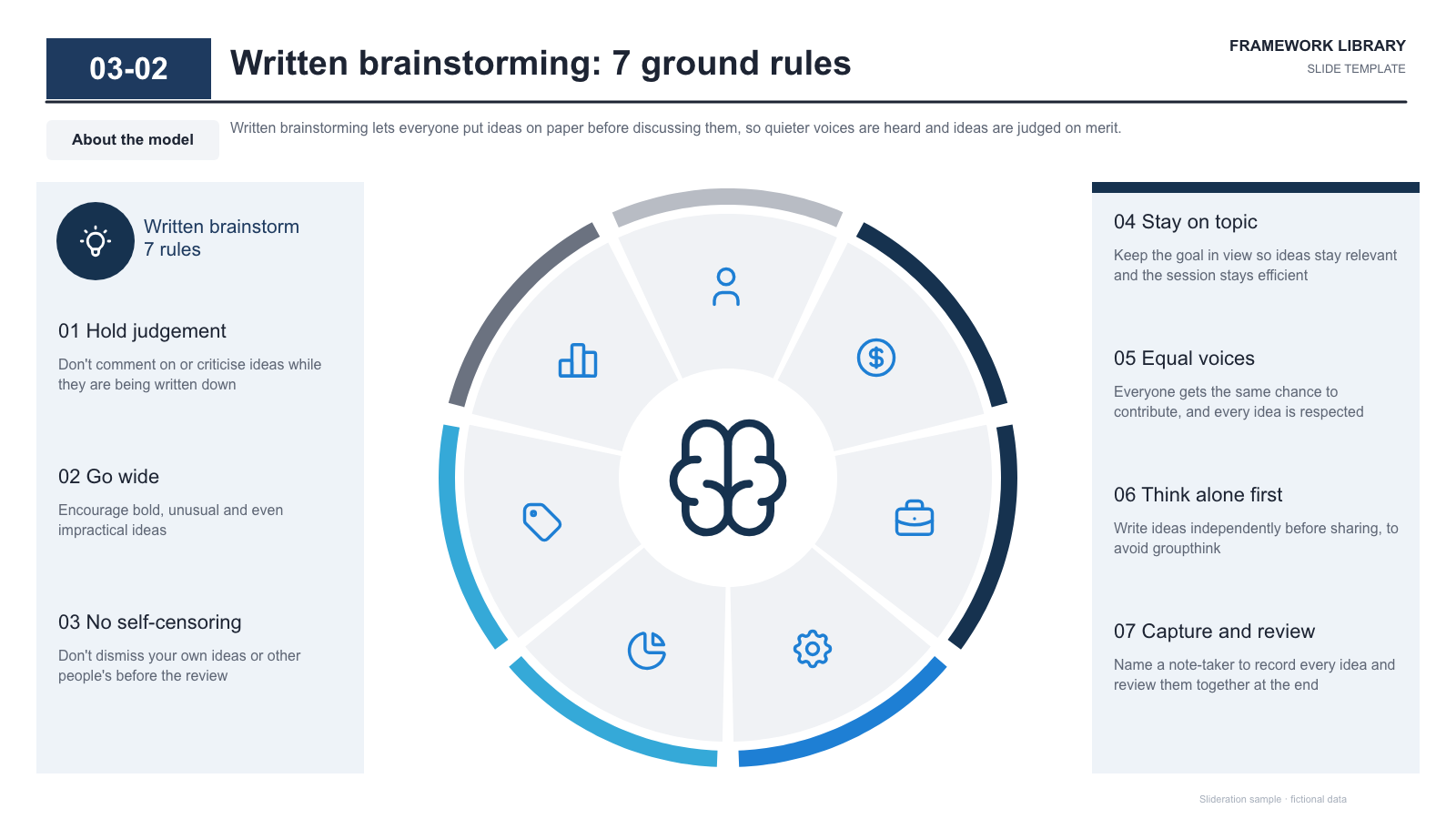
A hub and spoke diagram puts one thing in the middle and arranges everything that connects to it around the outside. The shape makes a specific claim: that the centre is what holds the others together.
Browse 17 editable PPTX examplesor drop an image here
Search is free · searches the whole library, not just this page
No screenshot to hand?
Use it when a central element genuinely mediates the others — a platform the modules plug into, a capability the businesses share, a customer every function points at. The centre has to be doing work.
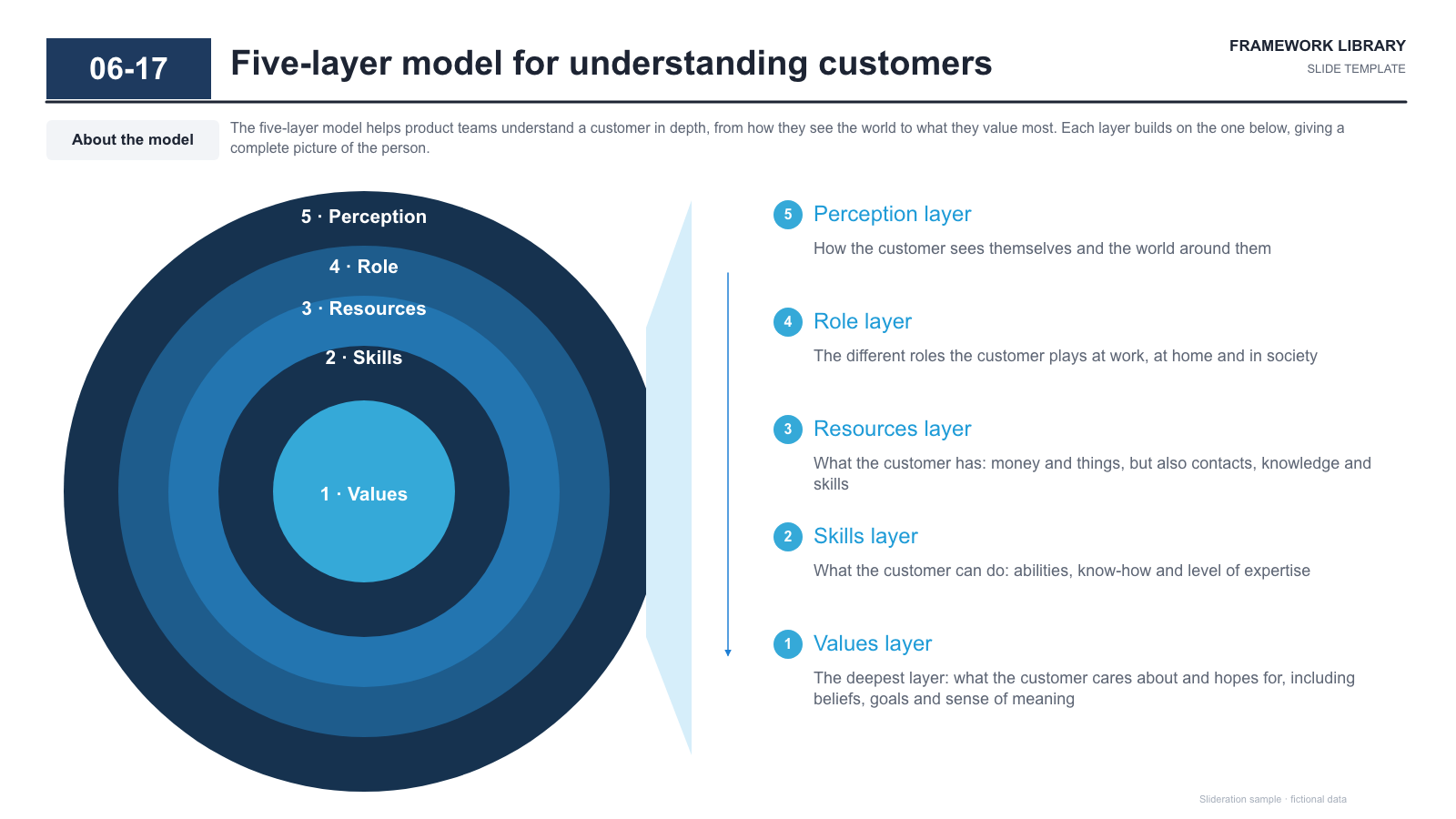
It is also the right shape for elements that have no natural order. A ring has no beginning, so it does not imply a sequence the way a row of boxes or a chain of arrows does. If your four items are genuinely unordered, a ring is more honest than a left-to-right line.
Watch the boundary with a cycle diagram. Arrows running around the ring mean one stage leads to the next, which is a different claim from “all of these connect to the centre”. If nothing flows, leave the arrows out.
Each one is redrawn from scratch with fictional sample data and comes as a native PowerPoint file — real shapes and text boxes you can edit, recolour and resize. Open an image for a full-size preview. Samples marked Free PPTX need no account; other downloads use 1 credit.
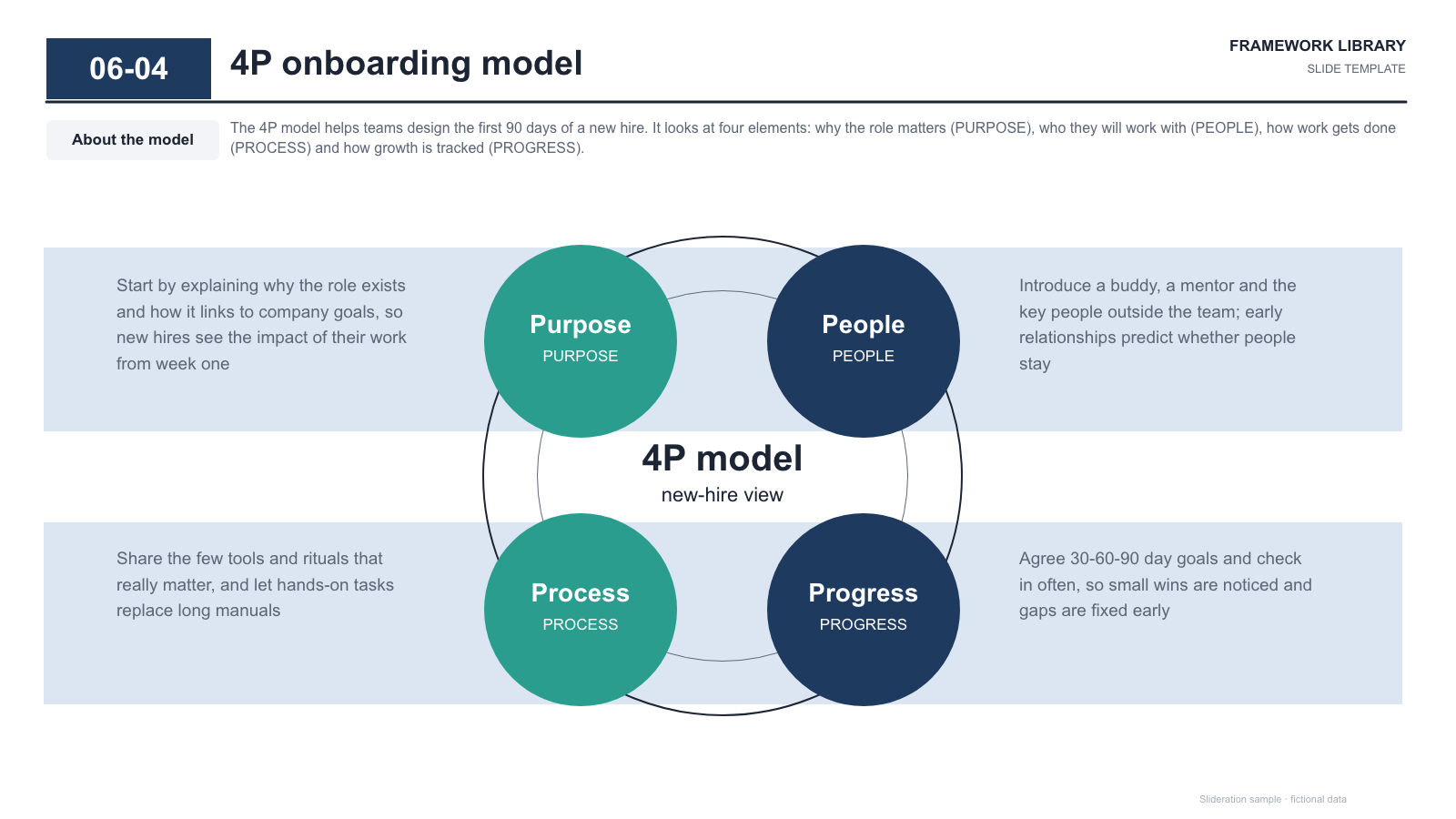

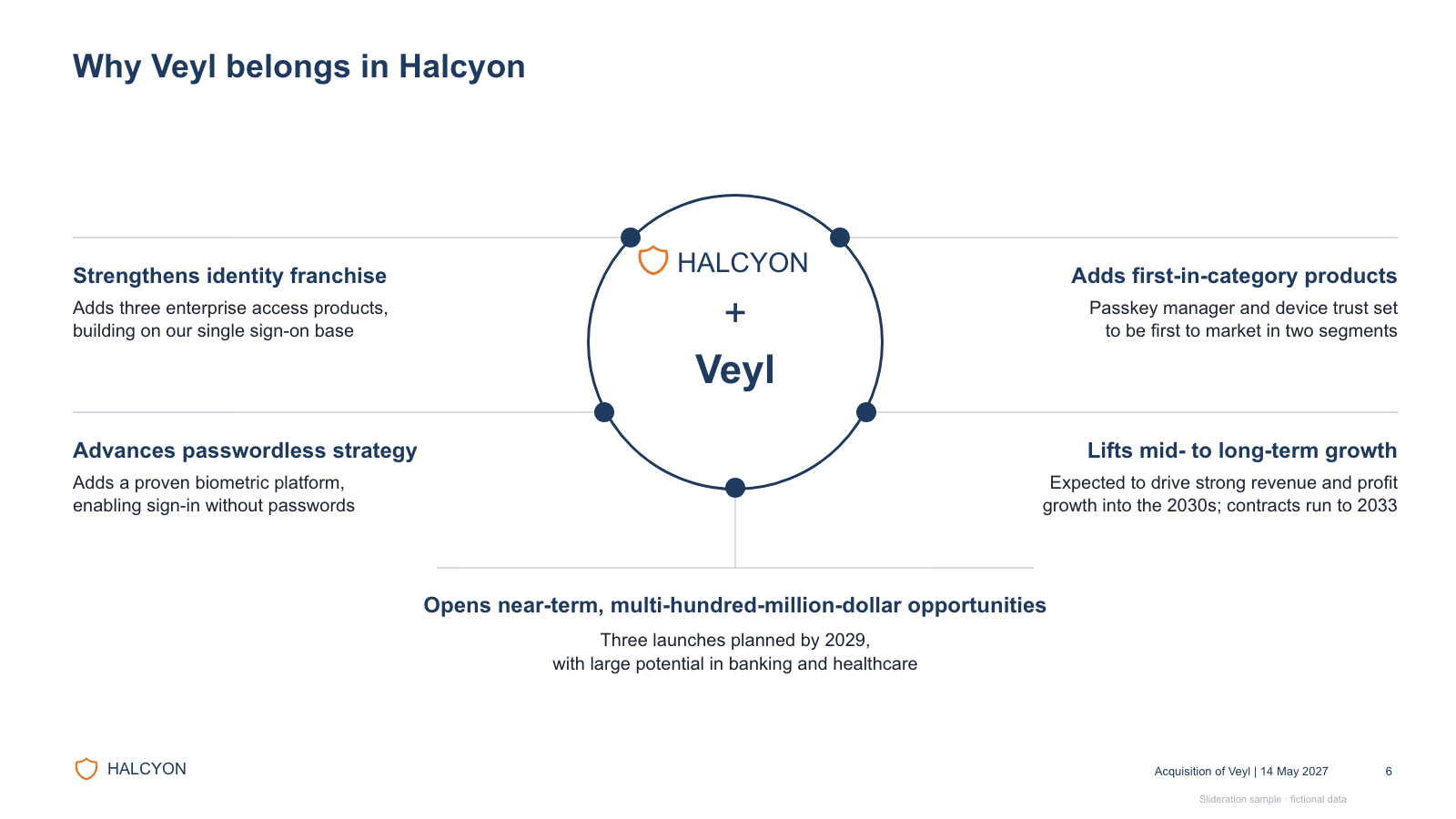
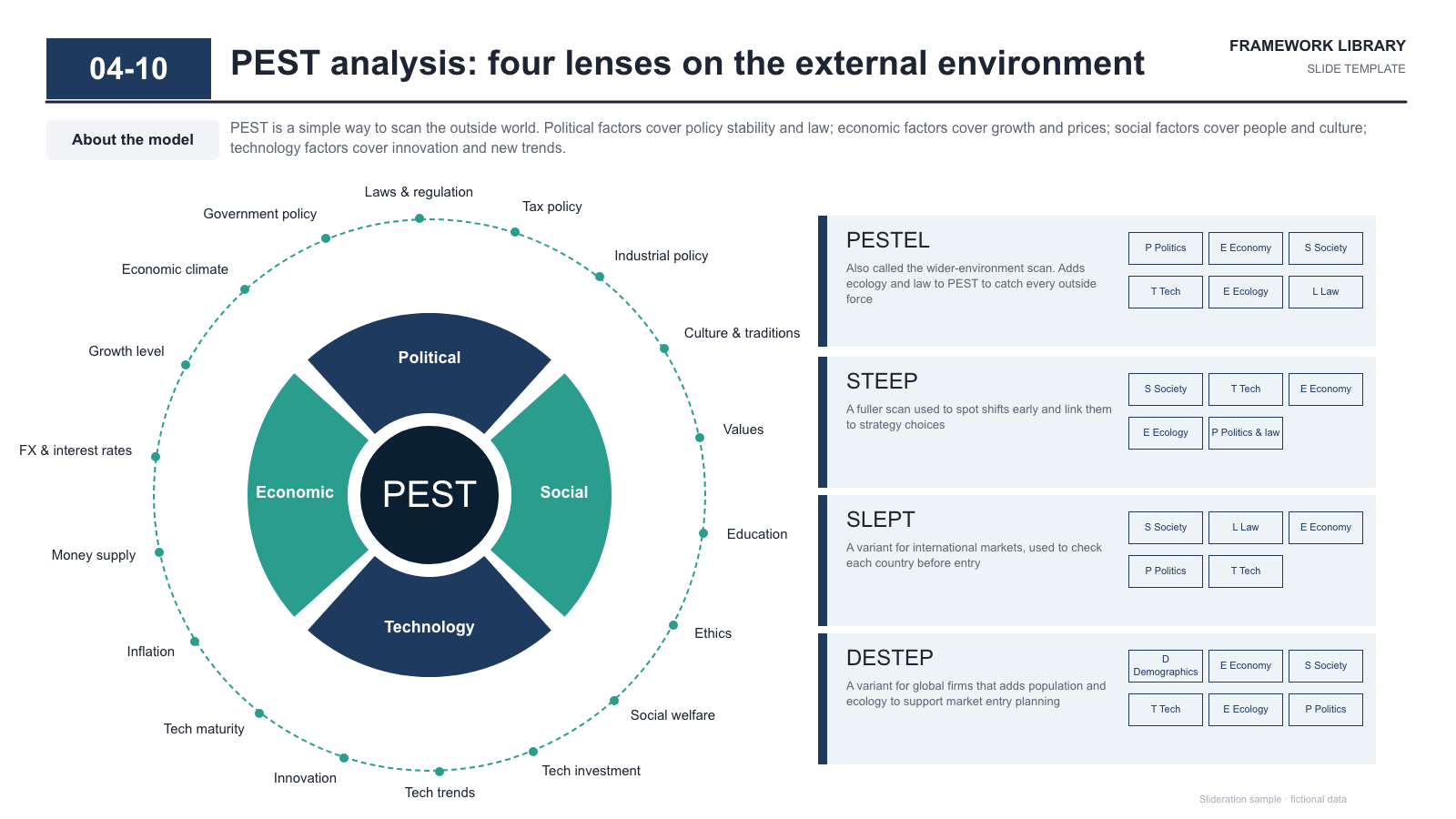
Matched by structure, not color. Download any layout as editable PowerPoint.
The library is small and growing. If nothing fits, try cropping to the part of the slide you care about.
Searching is free. 1 credit = 1 editable PPTX slide, and downloading the same slide again is free. New accounts get 2 free credits. Credits never expire.
One-time payments, no subscription. Prices in USD; taxes may apply at checkout. Payments are processed securely by our reseller and Merchant of Record, Creem. See the refund policy.
Showing that several elements connect through one central element — a platform, a shared capability, a common customer. The centre carries the claim, so it is worth being specific about what it is.
Direction of connection. In a hub and spoke, everything connects to the centre and not necessarily to each other. In a cycle, each element leads to the next around the ring and the centre is often empty. Use arrows only for the second case.
Four to eight. Three is usually clearer as columns; beyond eight the labels stop fitting and the diagram reads as decoration.
Yes. The circles, connectors and labels are native PowerPoint shapes, so you can add or remove a spoke, retype the centre and recolour to your brand without redrawing anything.