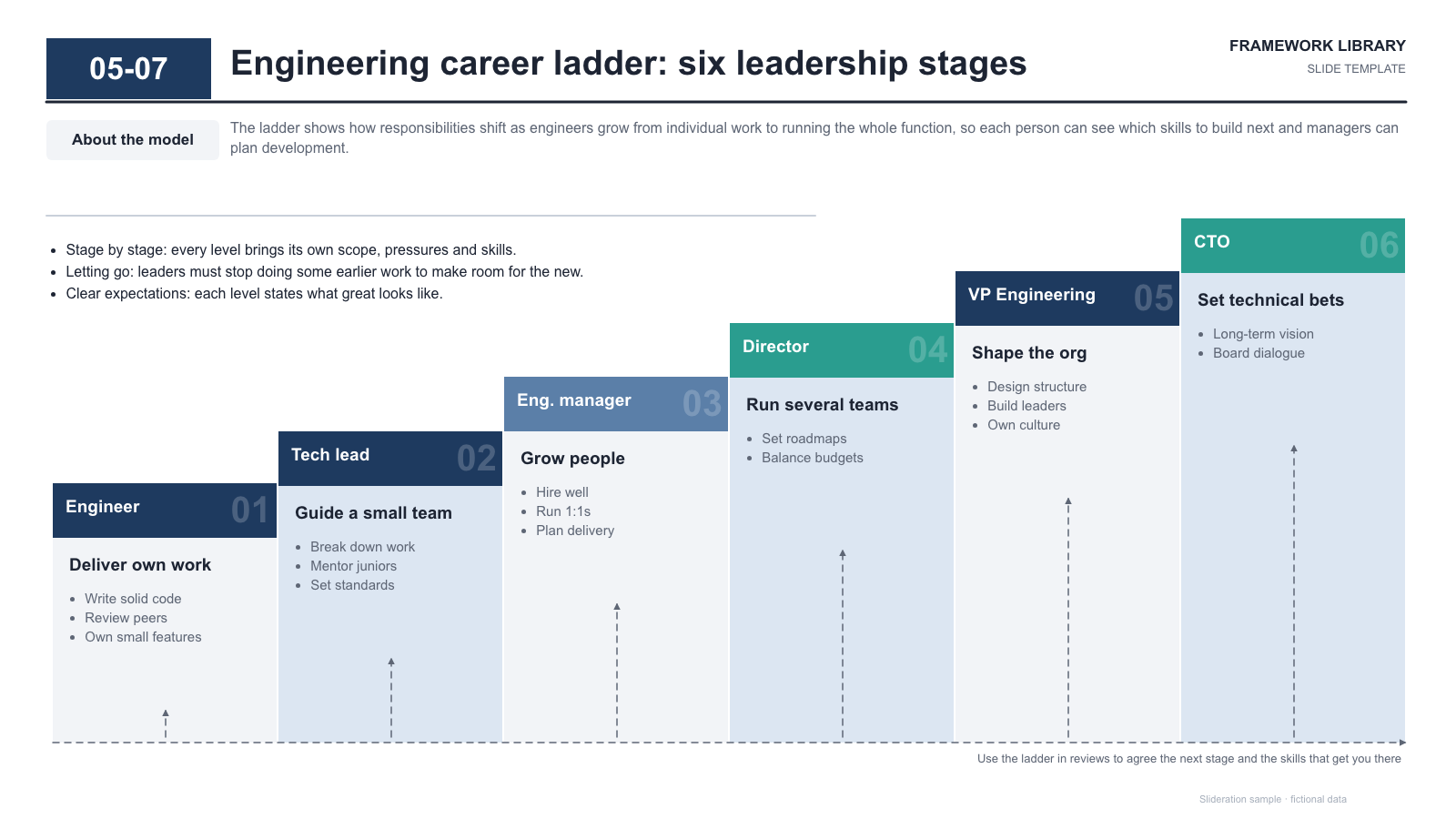
Six-step staircase of leadership stages with headers, focus lines and dashed growth arrows
Download PPTX · 1 creditSLIDE LAYOUT LIBRARY
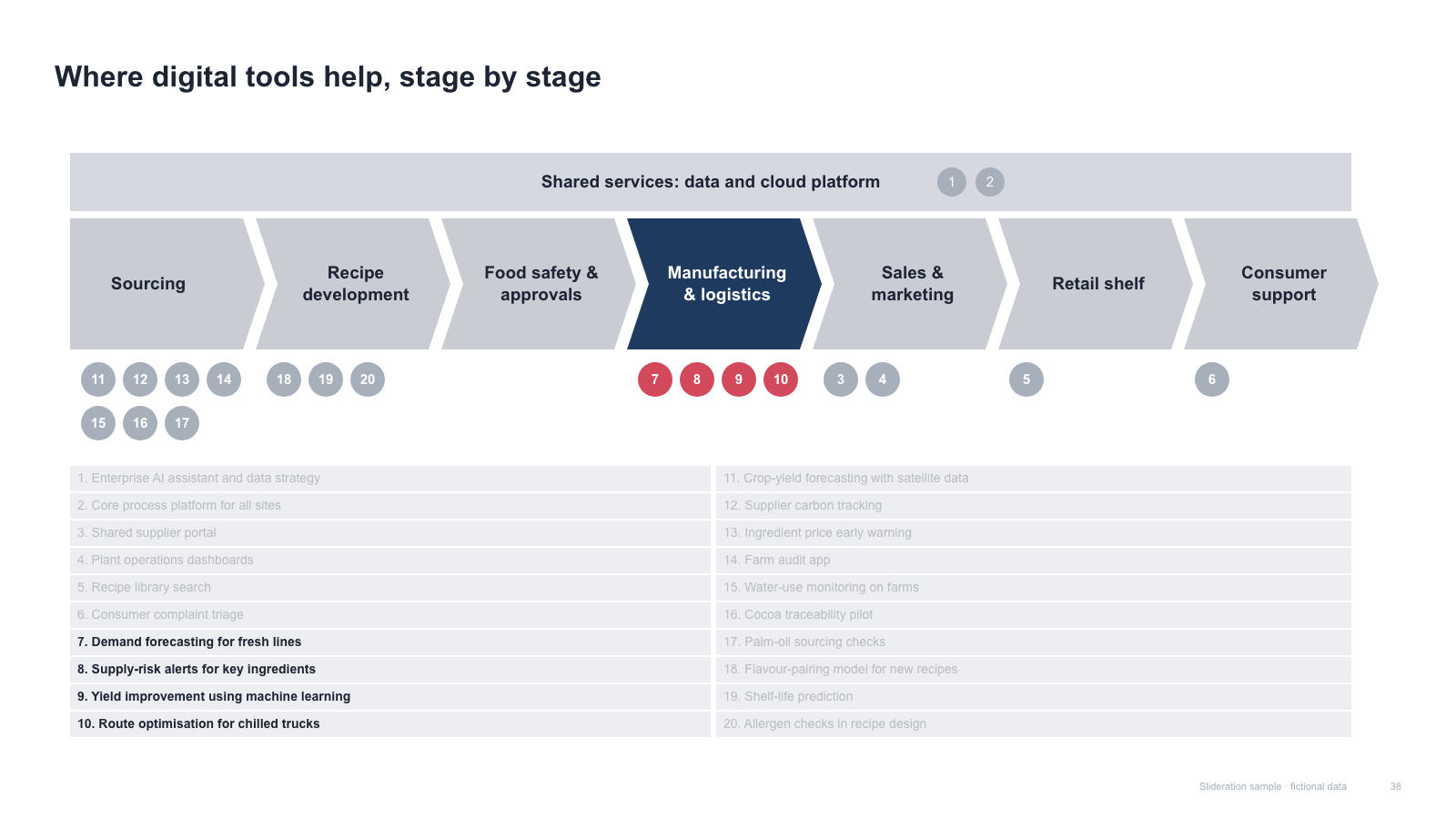
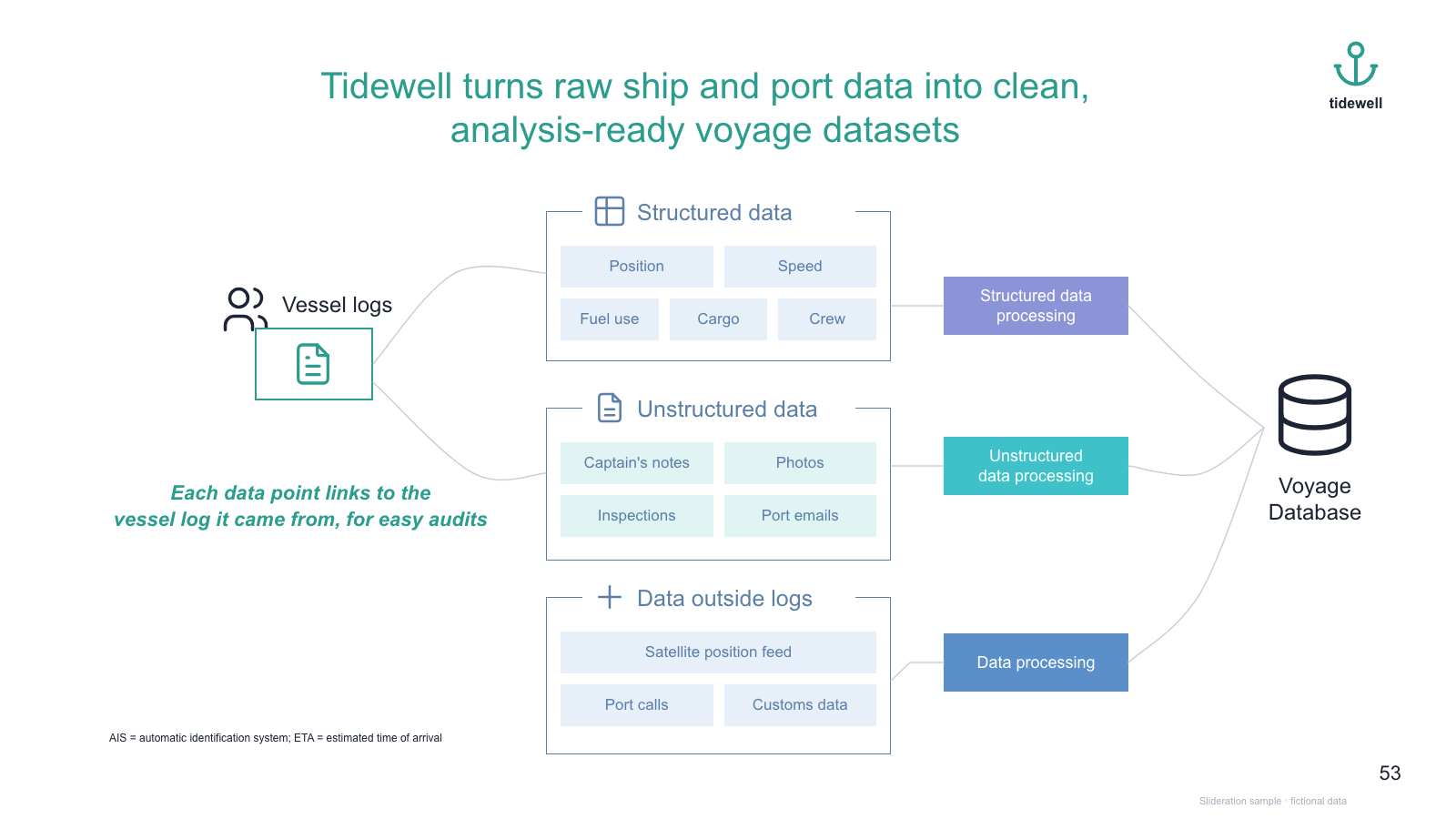
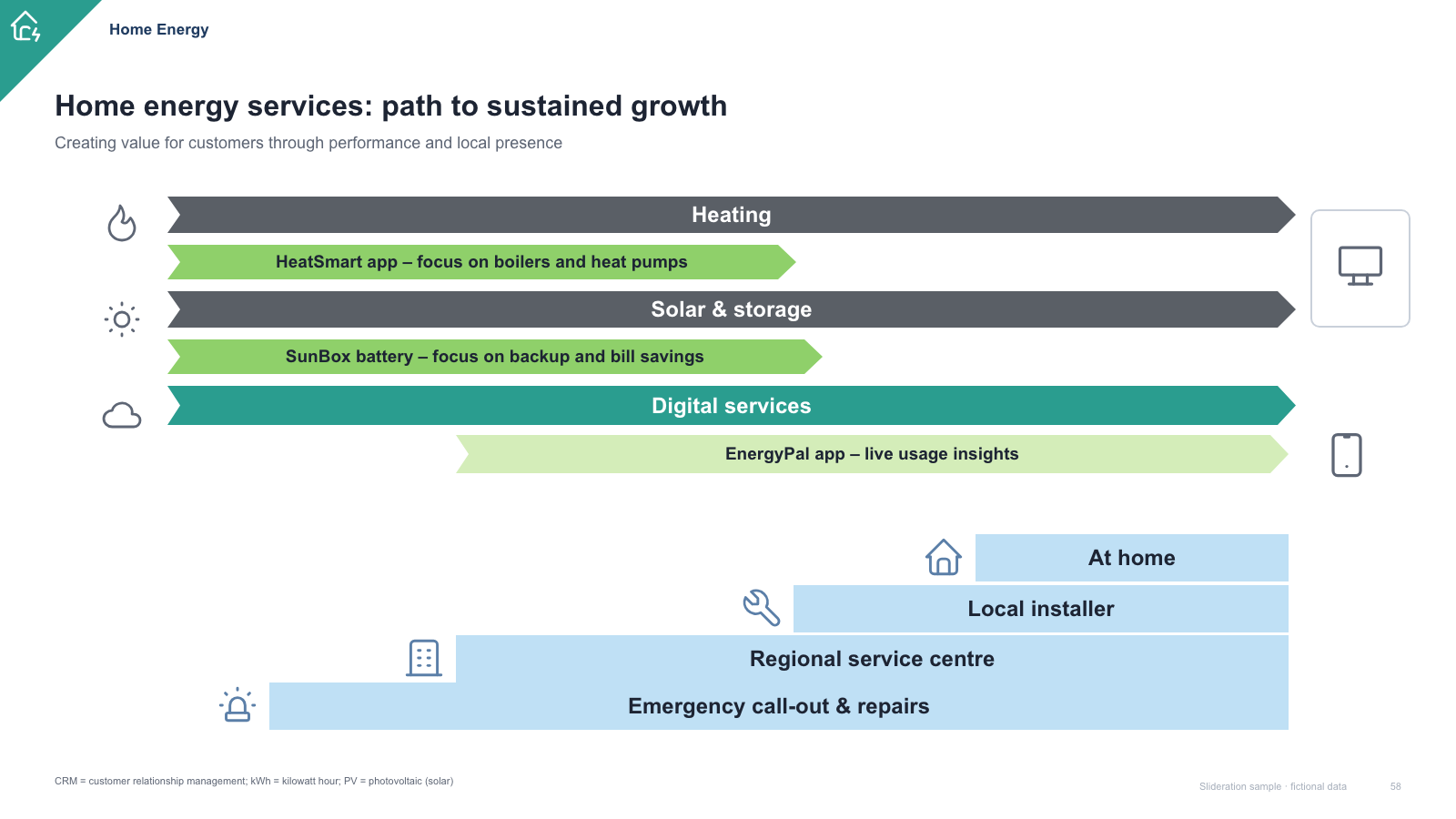
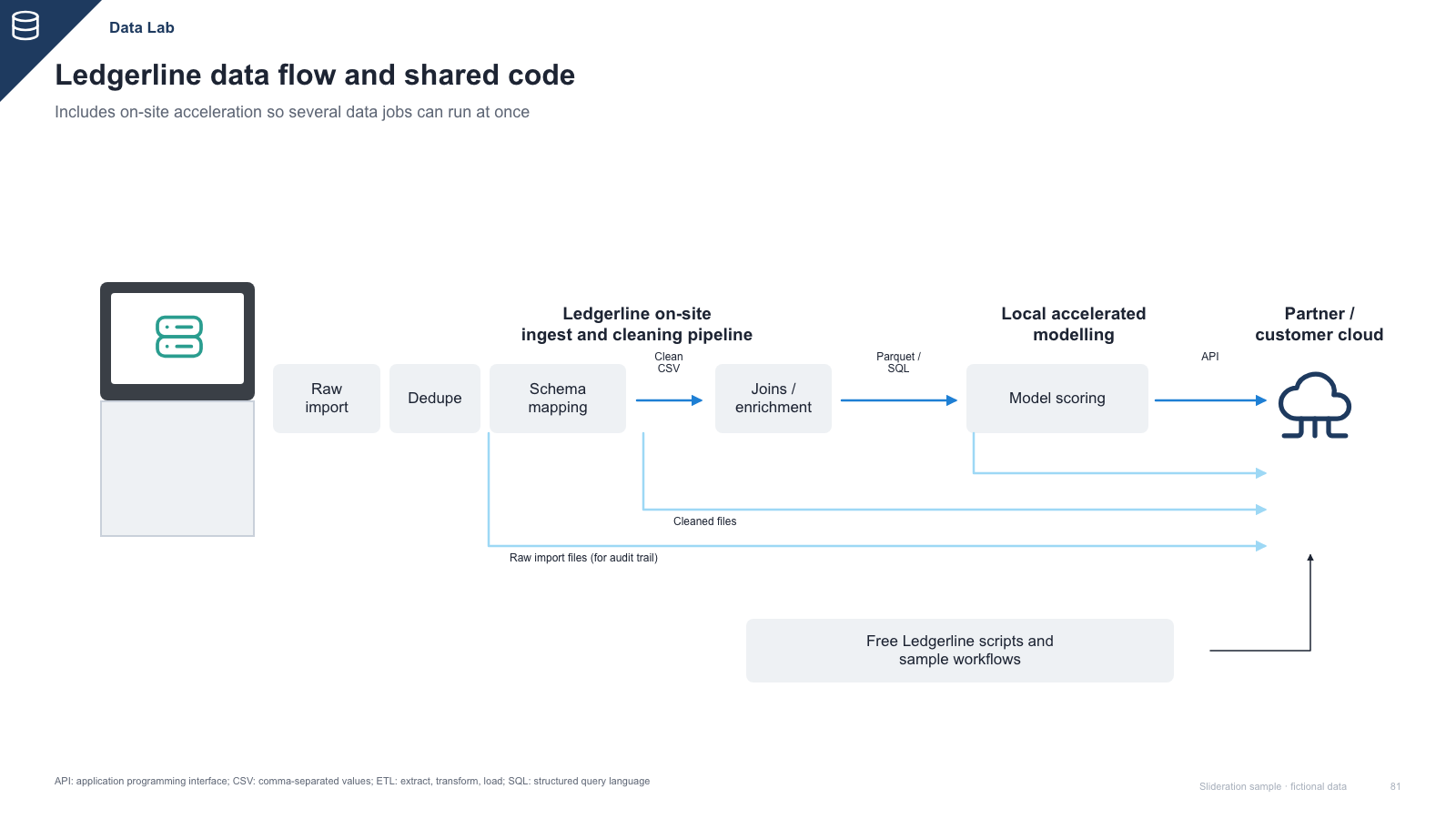
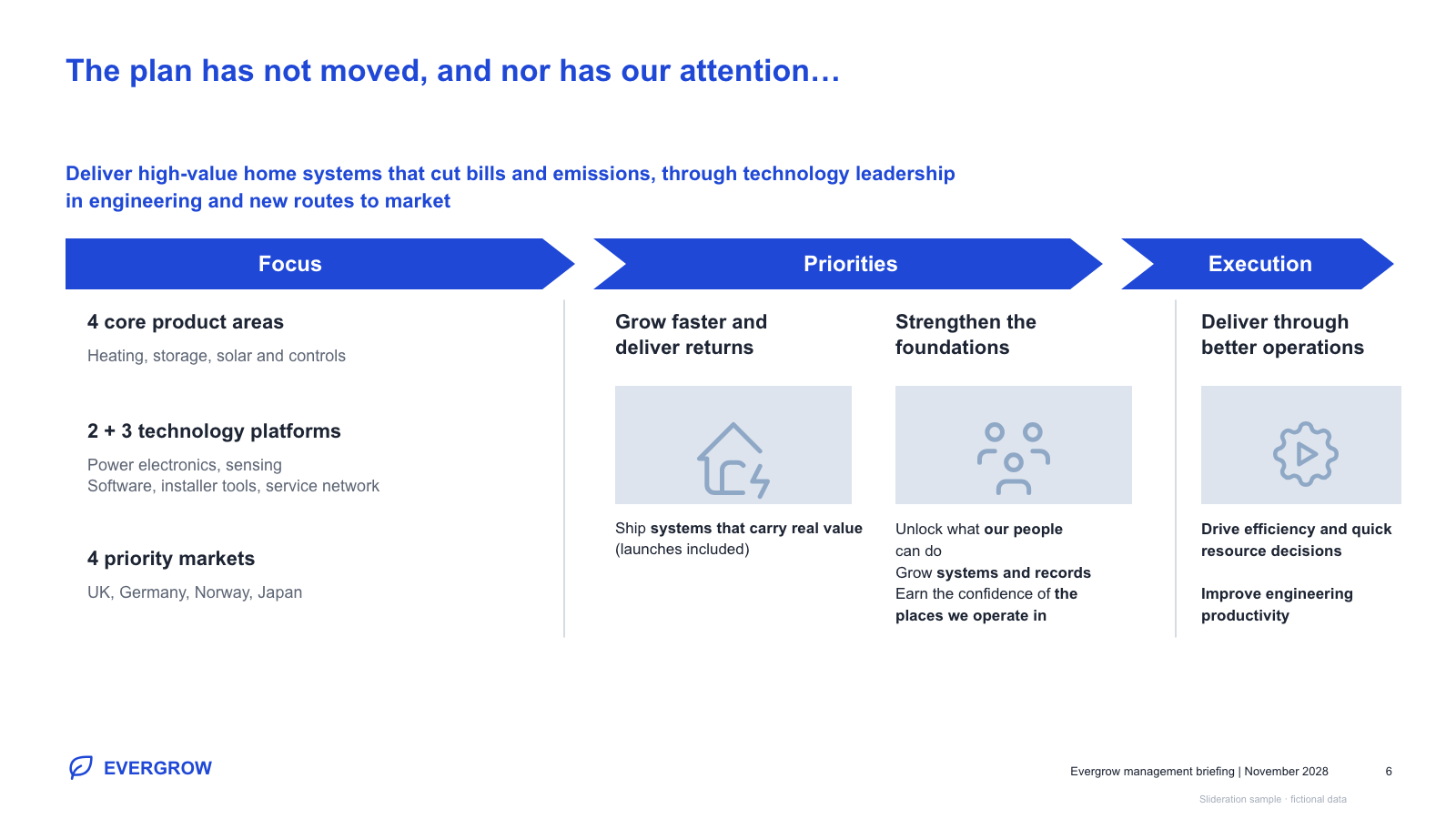
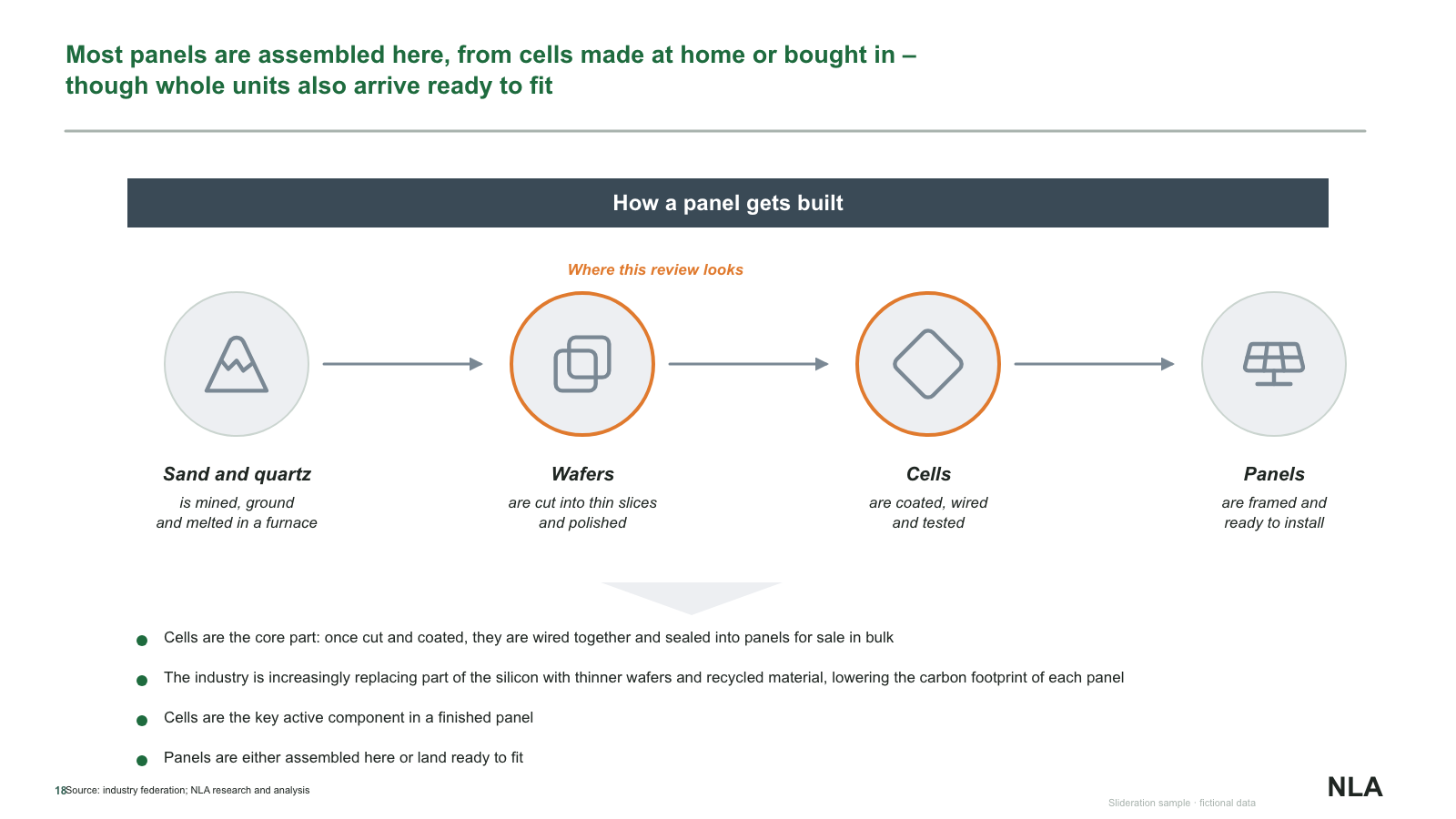
A process flow shows how one thing advances through stages. Unlike a timeline it is not anchored to dates — what it claims is order and dependency: this step cannot start until that one finishes.
Browse 11 editable PPTX examplesor drop an image here
Search is free · searches the whole library, not just this page
No screenshot to hand?
Use a process flow when the sequence is the message: a customer journey, an approval path, a value chain, a screening funnel, a manufacturing route.
Apply the swap test again. Move step three ahead of step two. If the process is now impossible or wrong, the order is real and arrows are justified. If it still reads fine, you have parallel activities and should use pillars instead — arrows would be claiming a dependency that does not exist.
Keep the distinction from a timeline clear. If the slide would still be true after a six-month delay, it is a process flow. If the dates are the commitment, it is a timeline.
Each one is redrawn from scratch with fictional sample data and comes as a native PowerPoint file — real shapes and text boxes you can edit, recolour and resize. Open an image for a full-size preview. Samples marked Free PPTX need no account; other downloads use 1 credit.
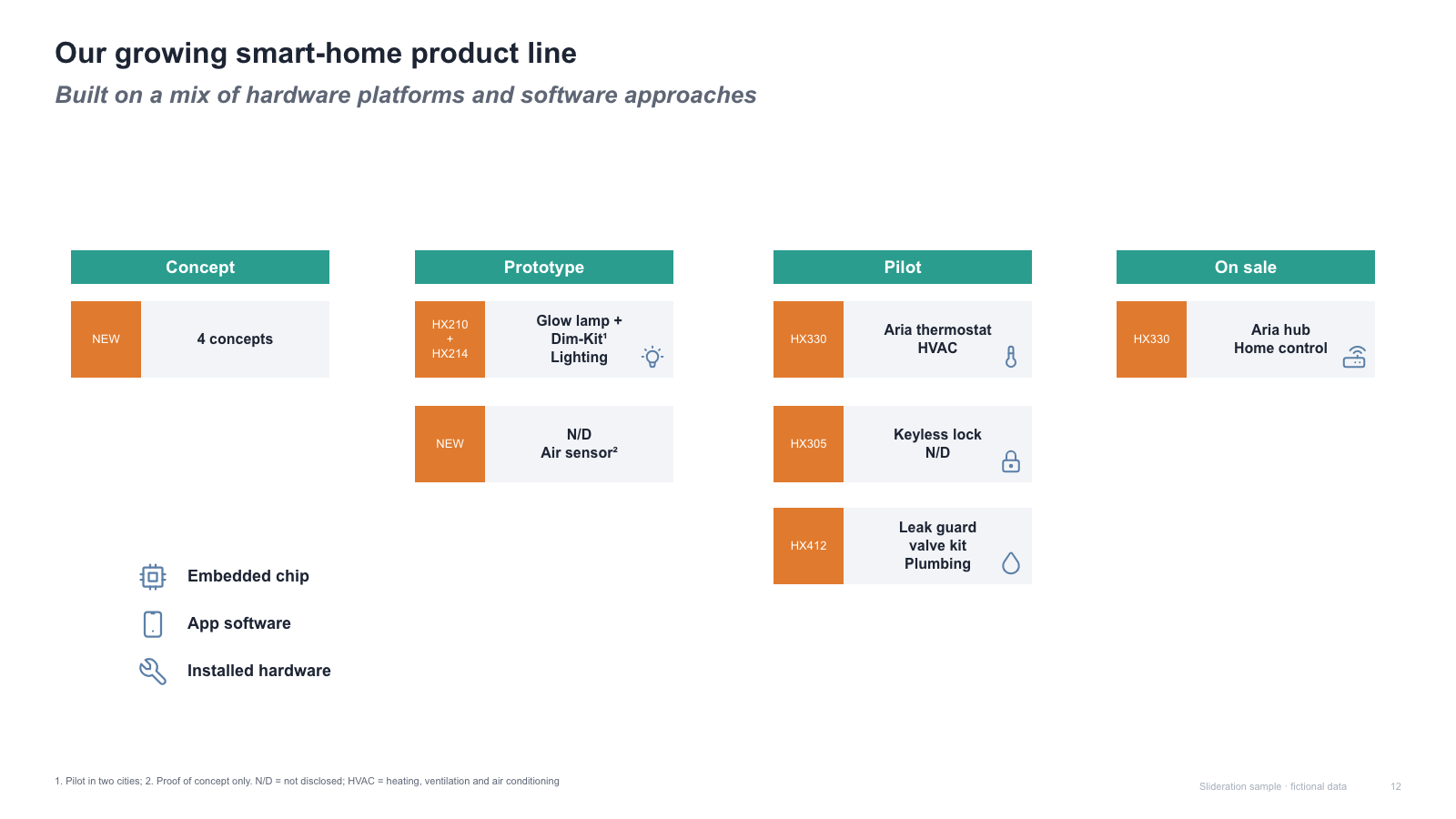
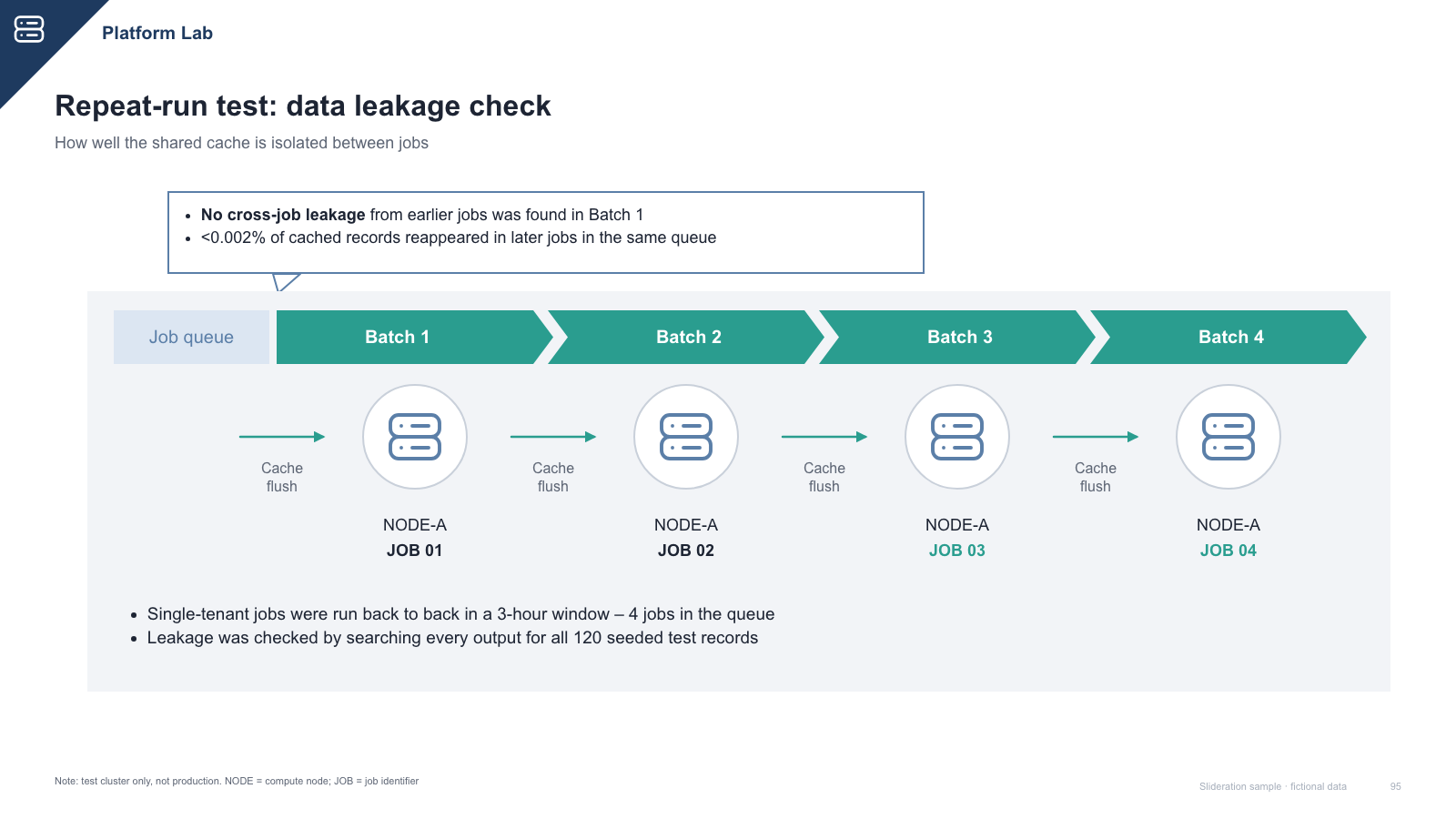
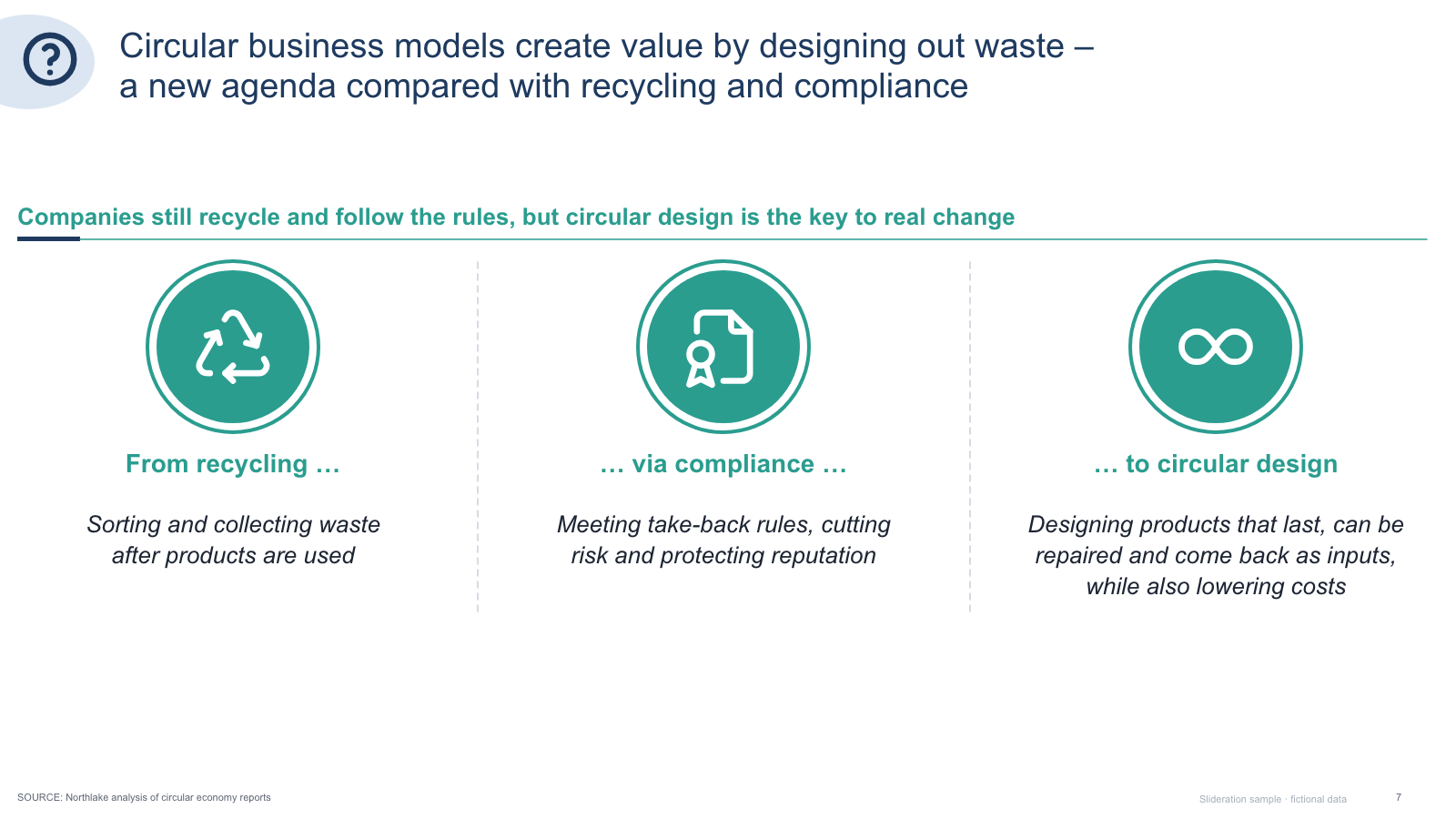
Matched by structure, not color. Download any layout as editable PowerPoint.
The library is small and growing. If nothing fits, try cropping to the part of the slide you care about.
Searching is free. 1 credit = 1 editable PPTX slide, and downloading the same slide again is free. New accounts get 2 free credits. Credits never expire.
One-time payments, no subscription. Prices in USD; taxes may apply at checkout. Payments are processed securely by our reseller and Merchant of Record, Creem. See the refund policy.
Audience and detail. A flowchart is documentation — every branch, every exception, every decision point. A process flow slide shows the main path in five or six steps so a room can follow it while someone talks.
Three to six. If your process genuinely has twelve, group them into three or four phases and let a second slide expand whichever phase carries the argument.
Chevrons suit a fixed linear sequence where each stage is roughly equivalent in weight. Use separate arrows when the steps are different kinds of things, or when something branches.
You can, and several layouts here do it by running the steps along a dated axis. It works when the dates are firm. When they are not, it invites questions about commitments you did not mean to make.