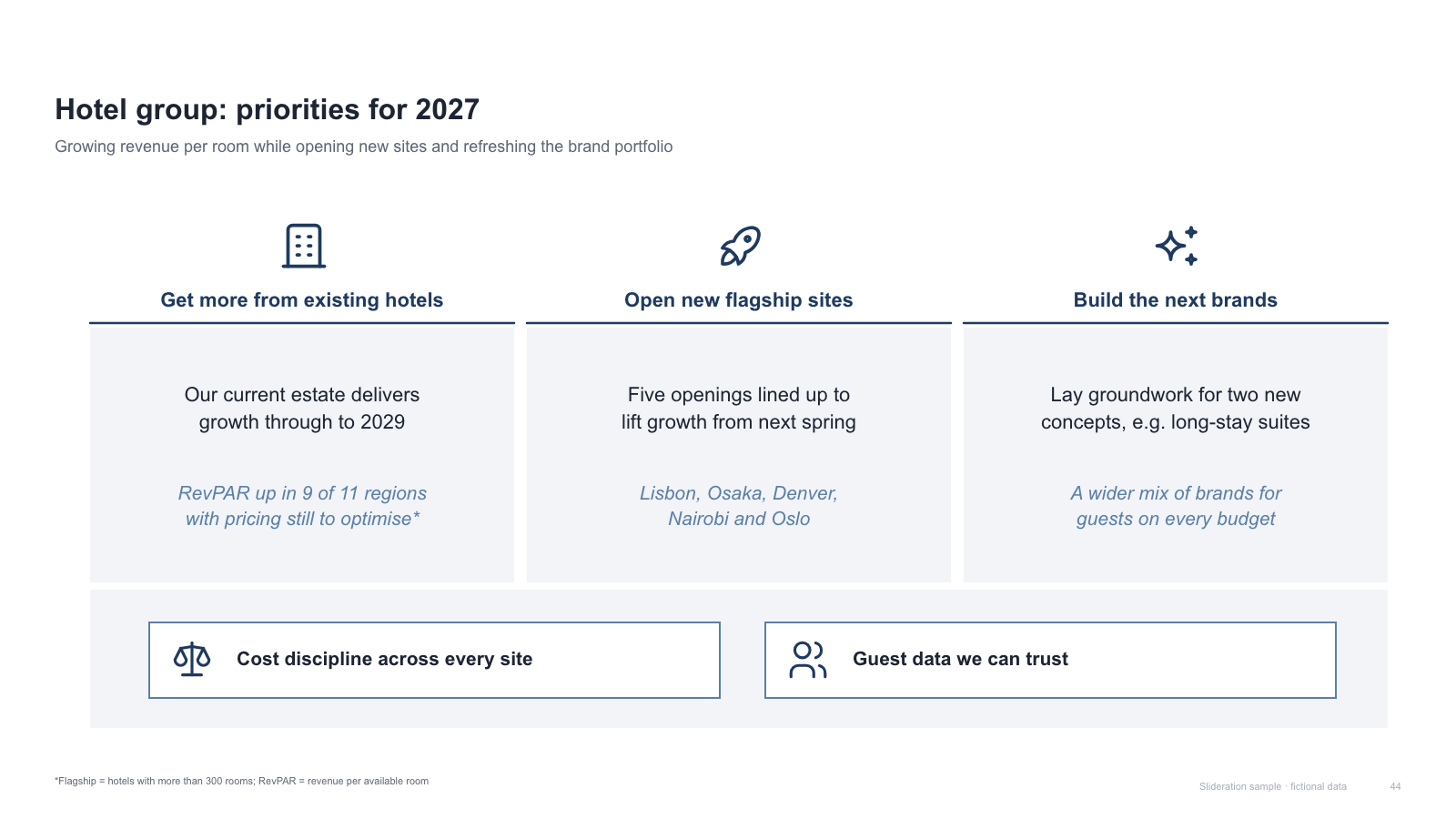
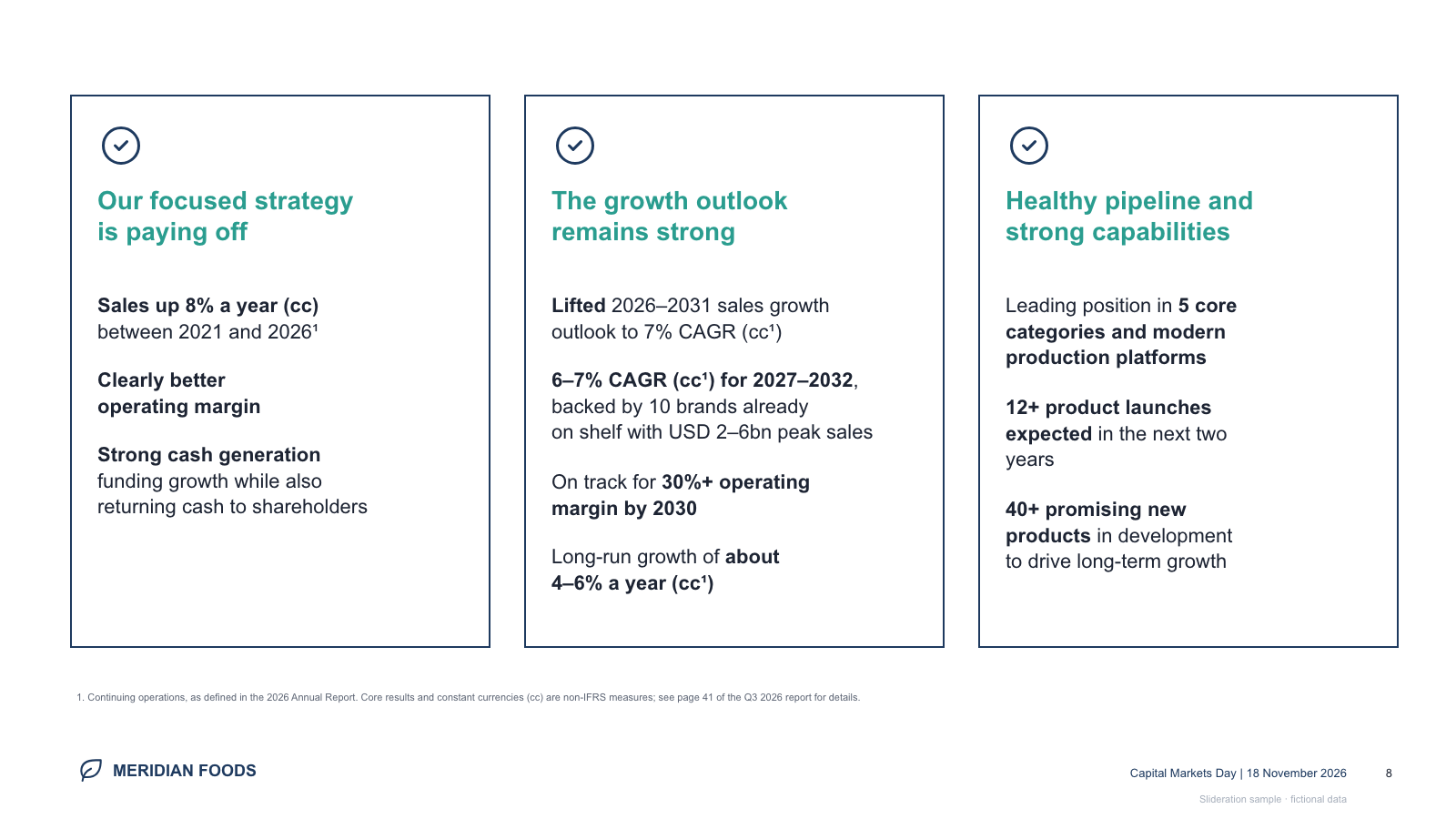
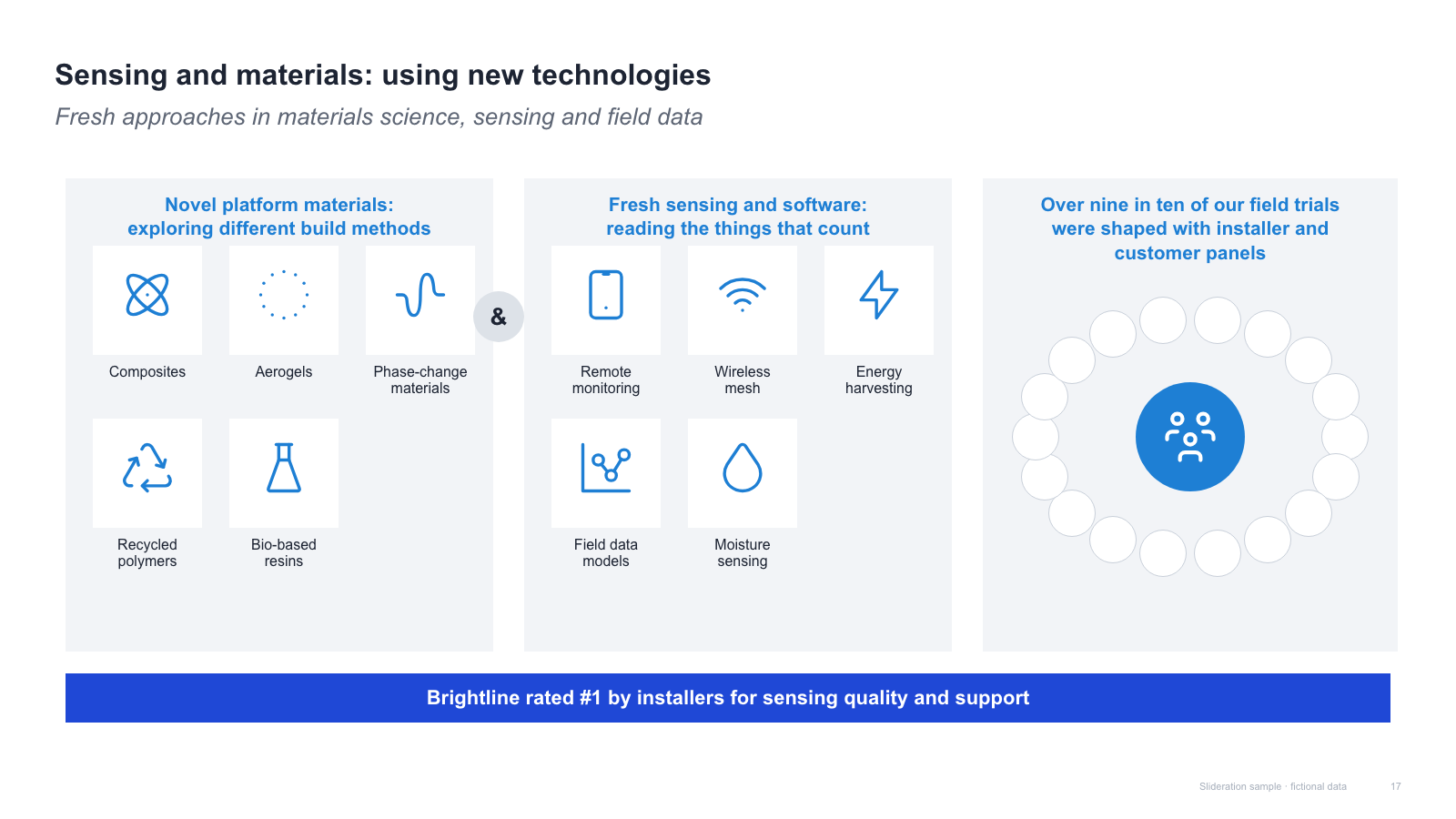
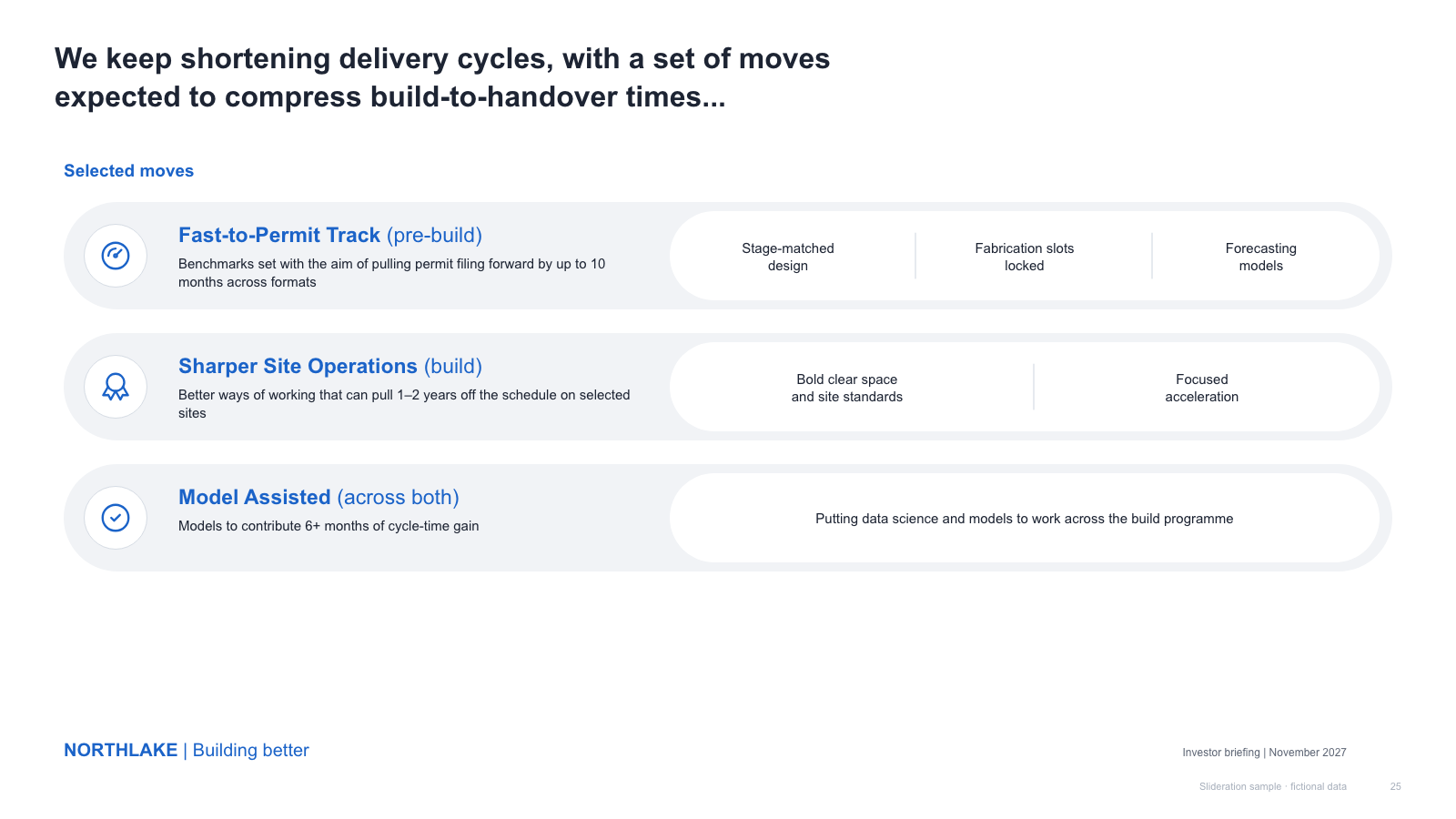
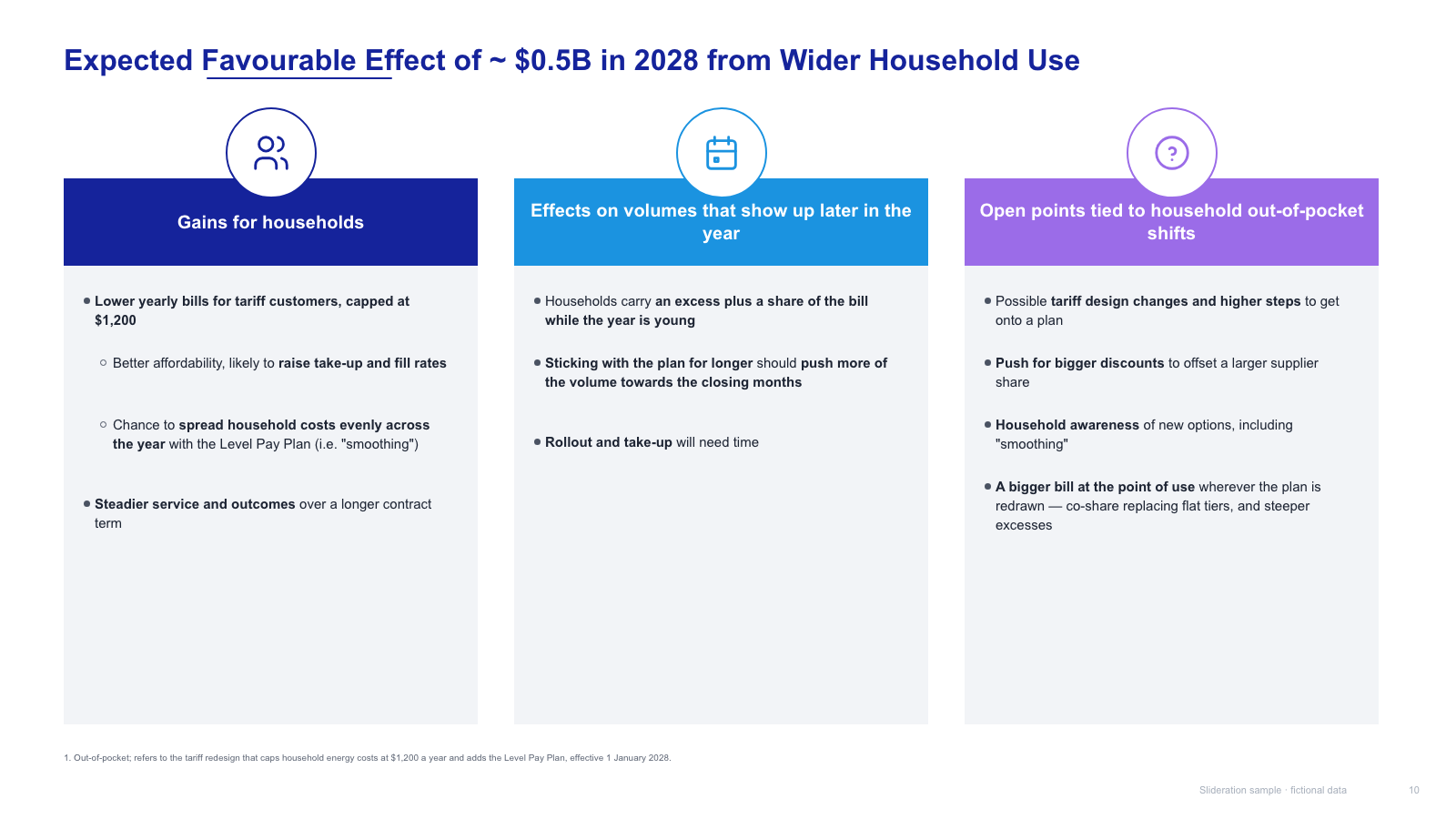
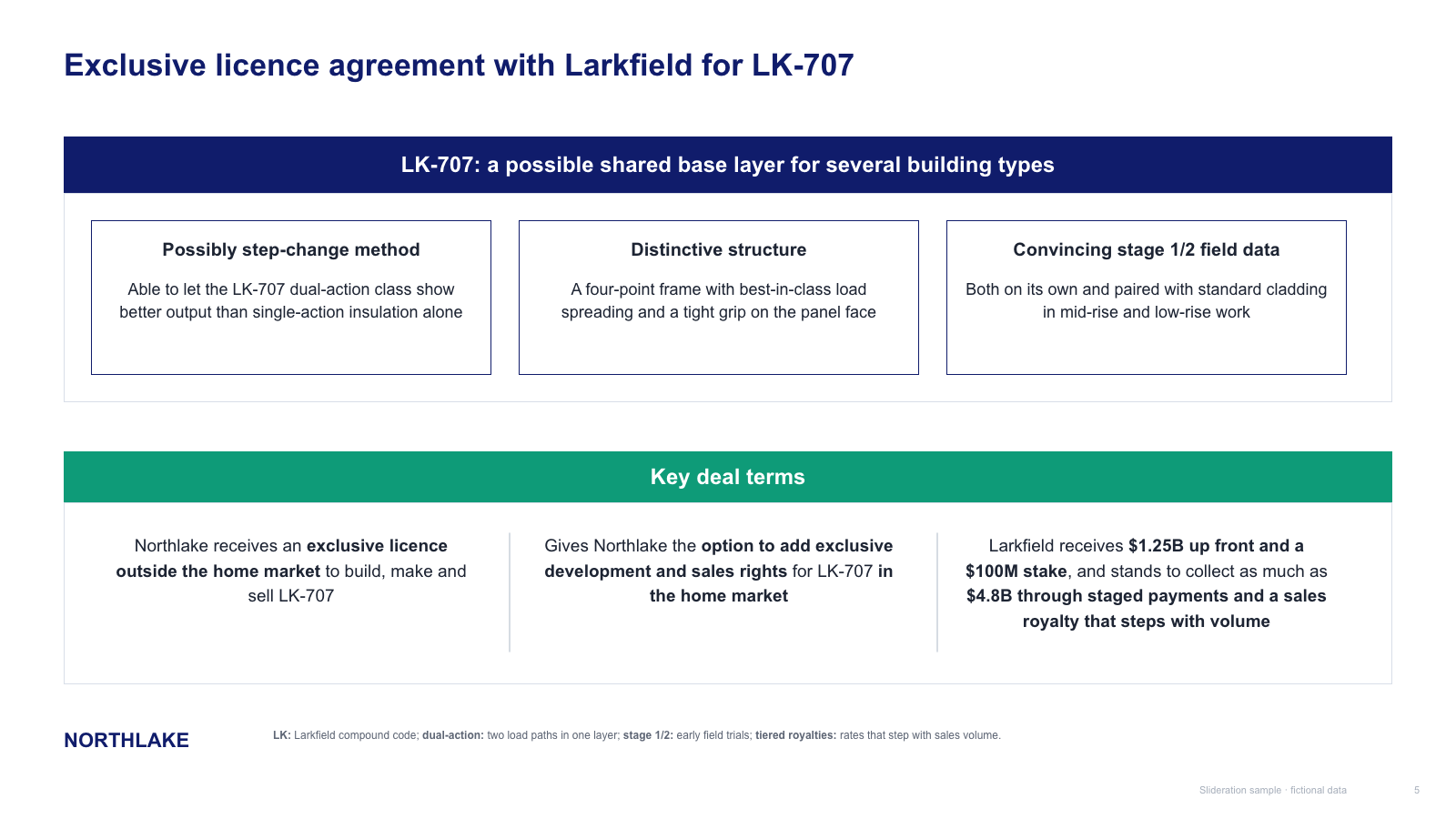
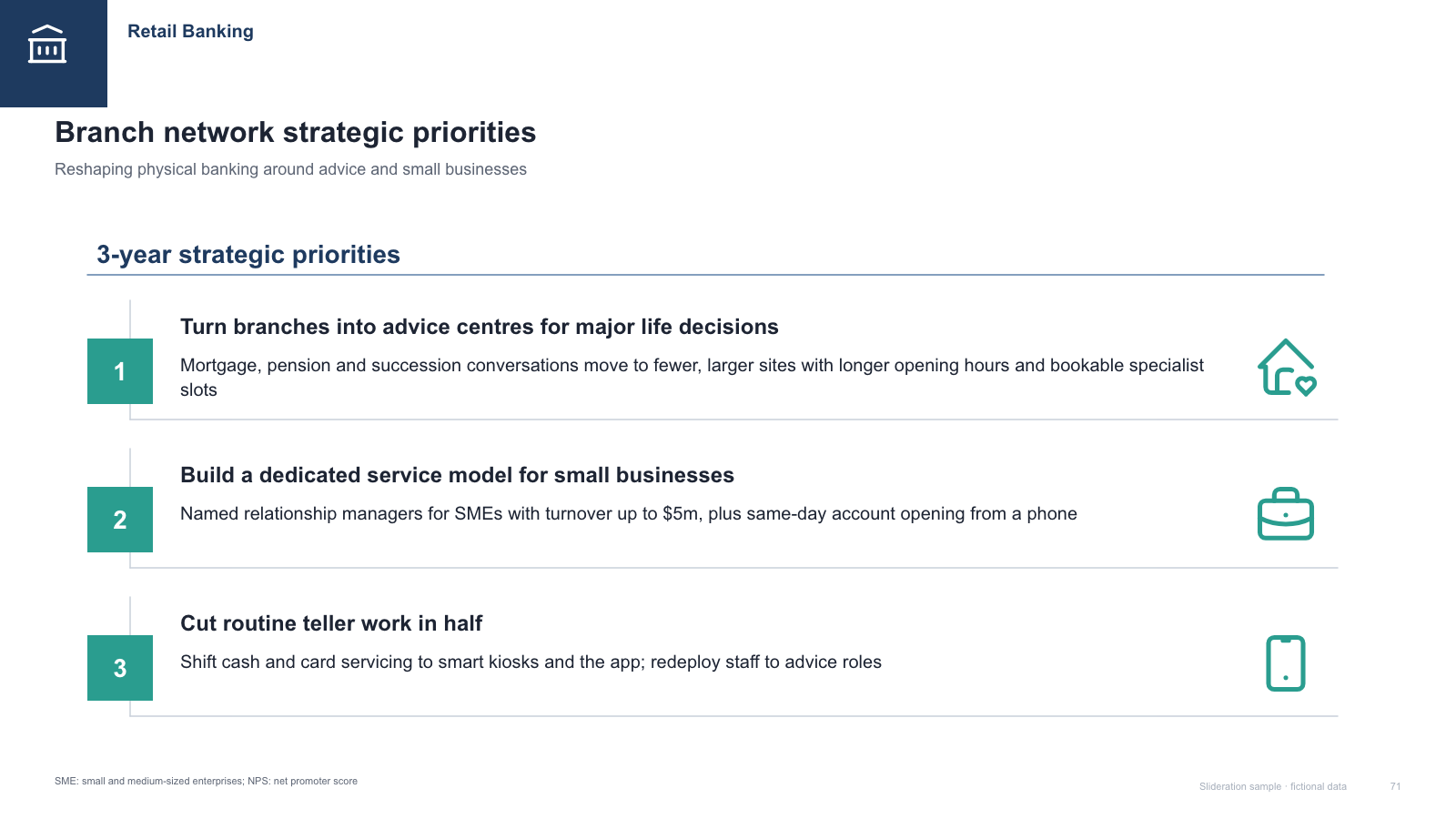
Three icon-topped priority columns with grey panels and a two-principle footer strip
Download PPTX · 1 creditSLIDE LAYOUT LIBRARY
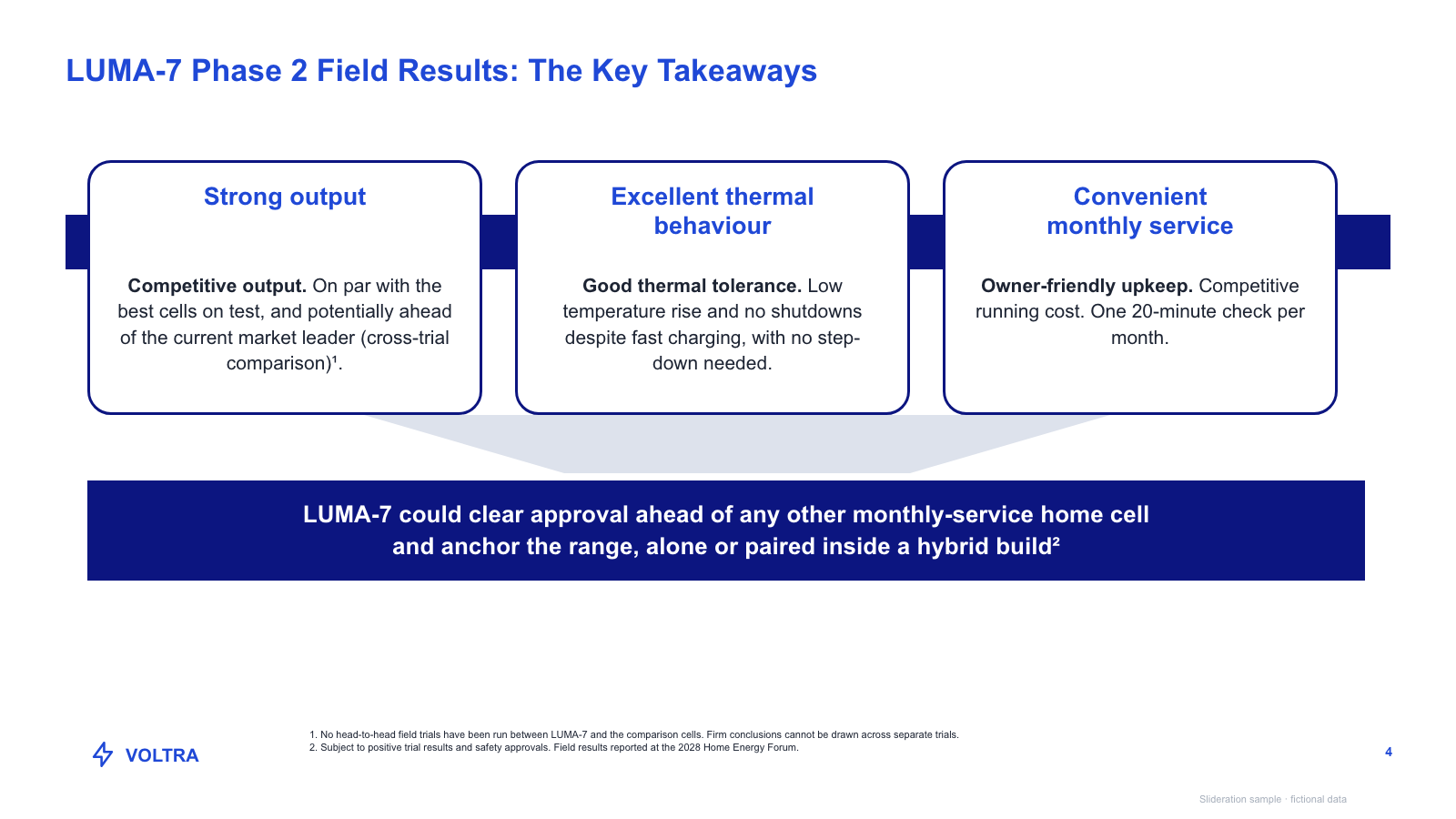
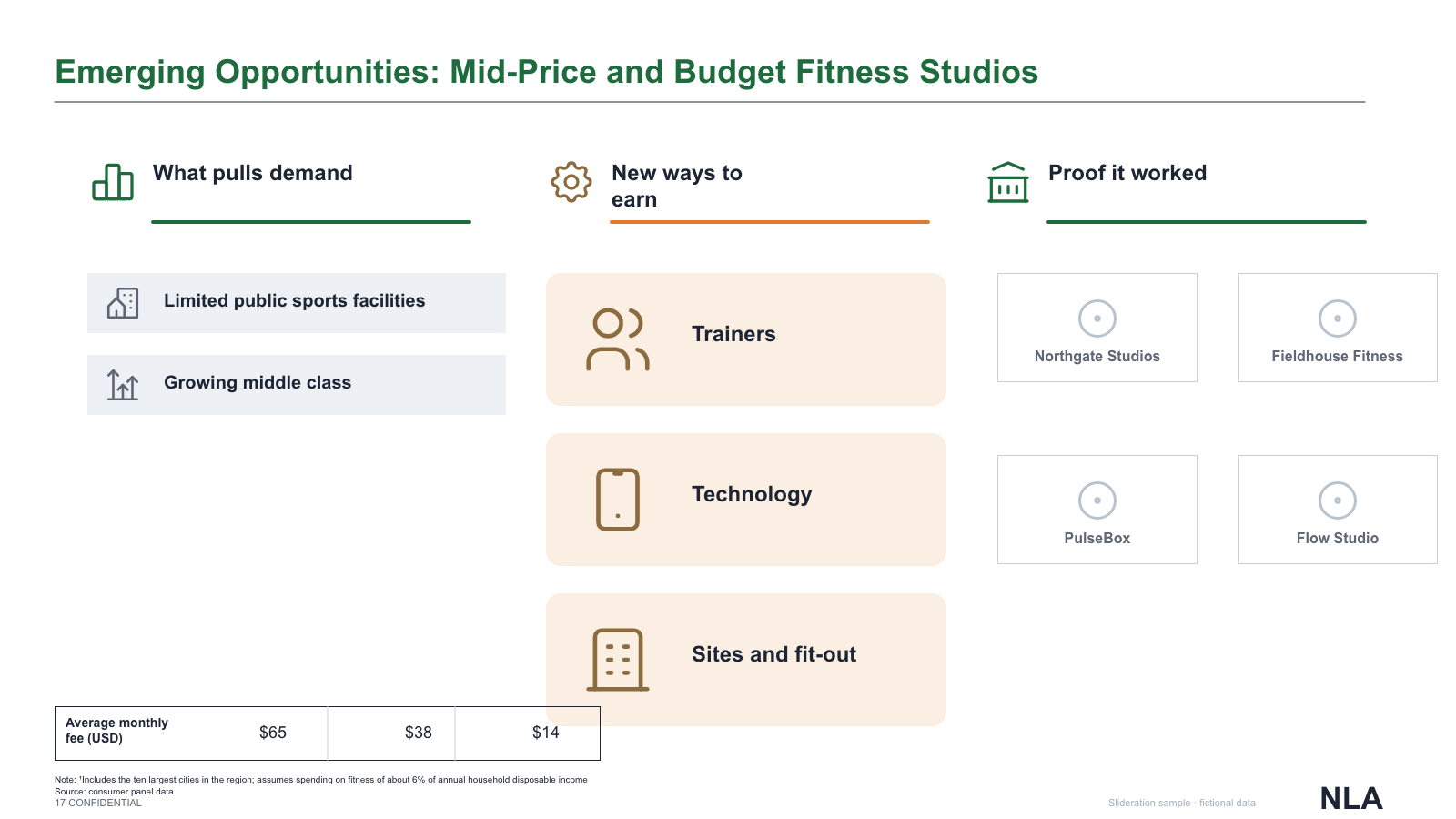
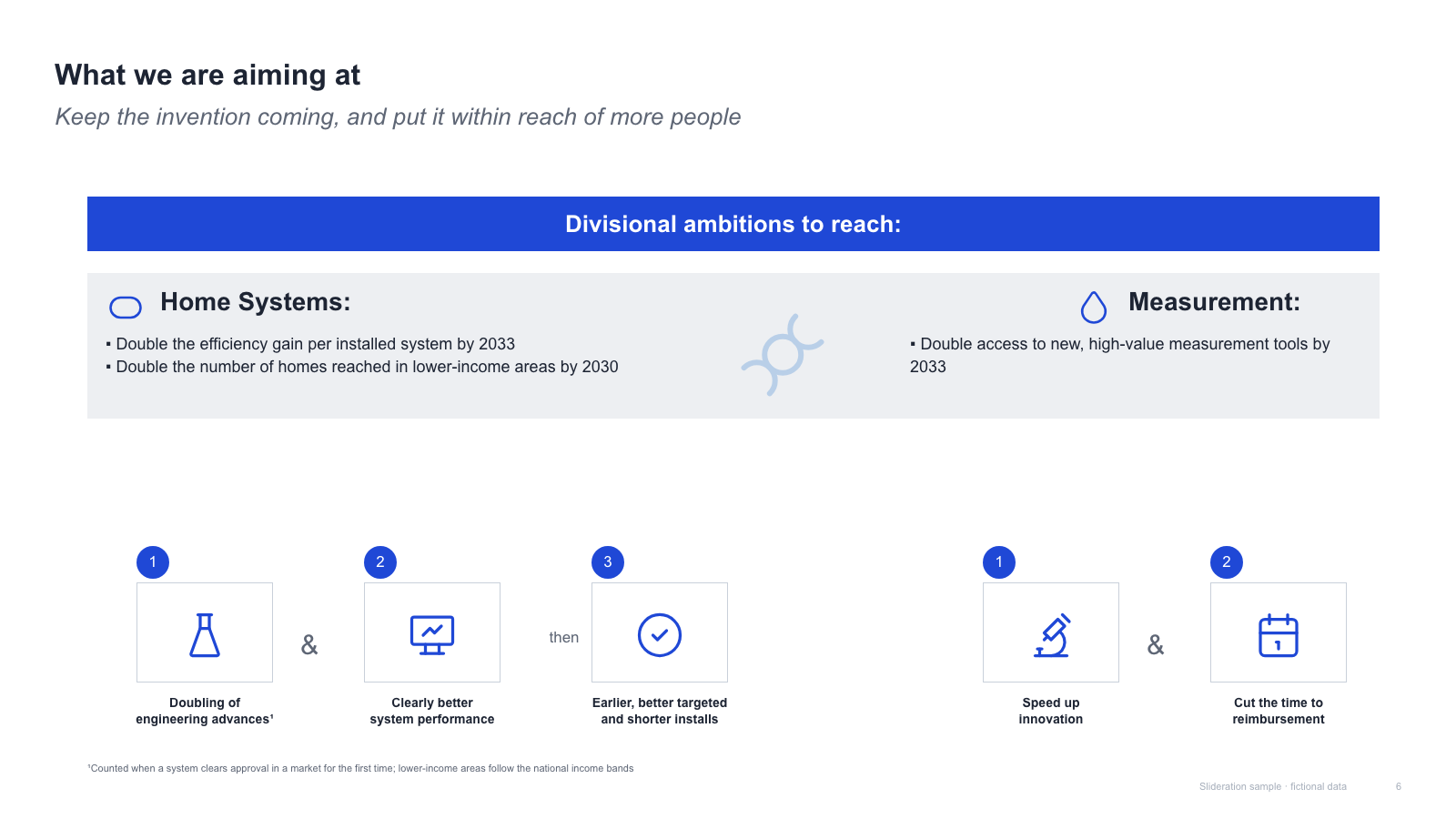
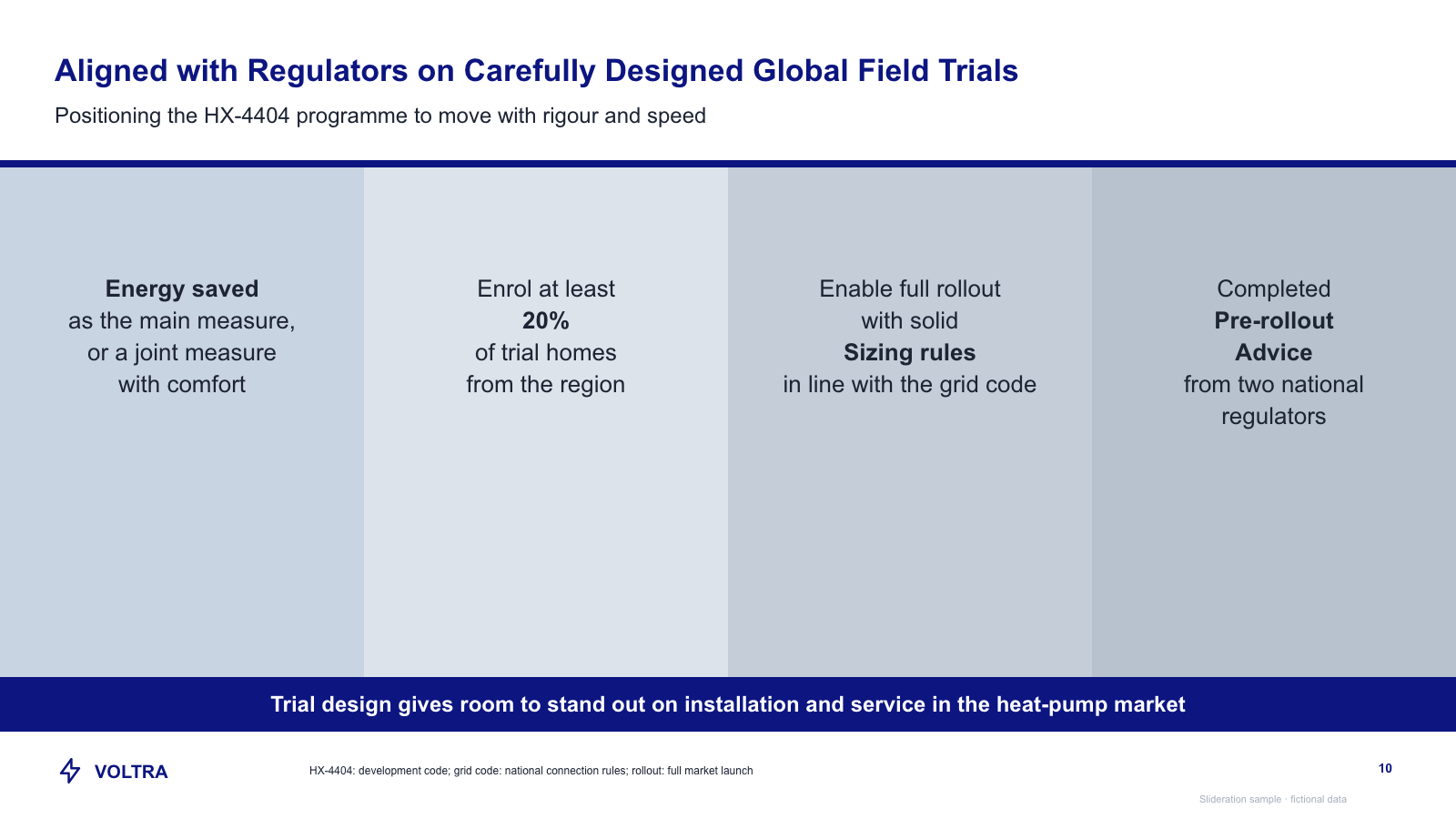
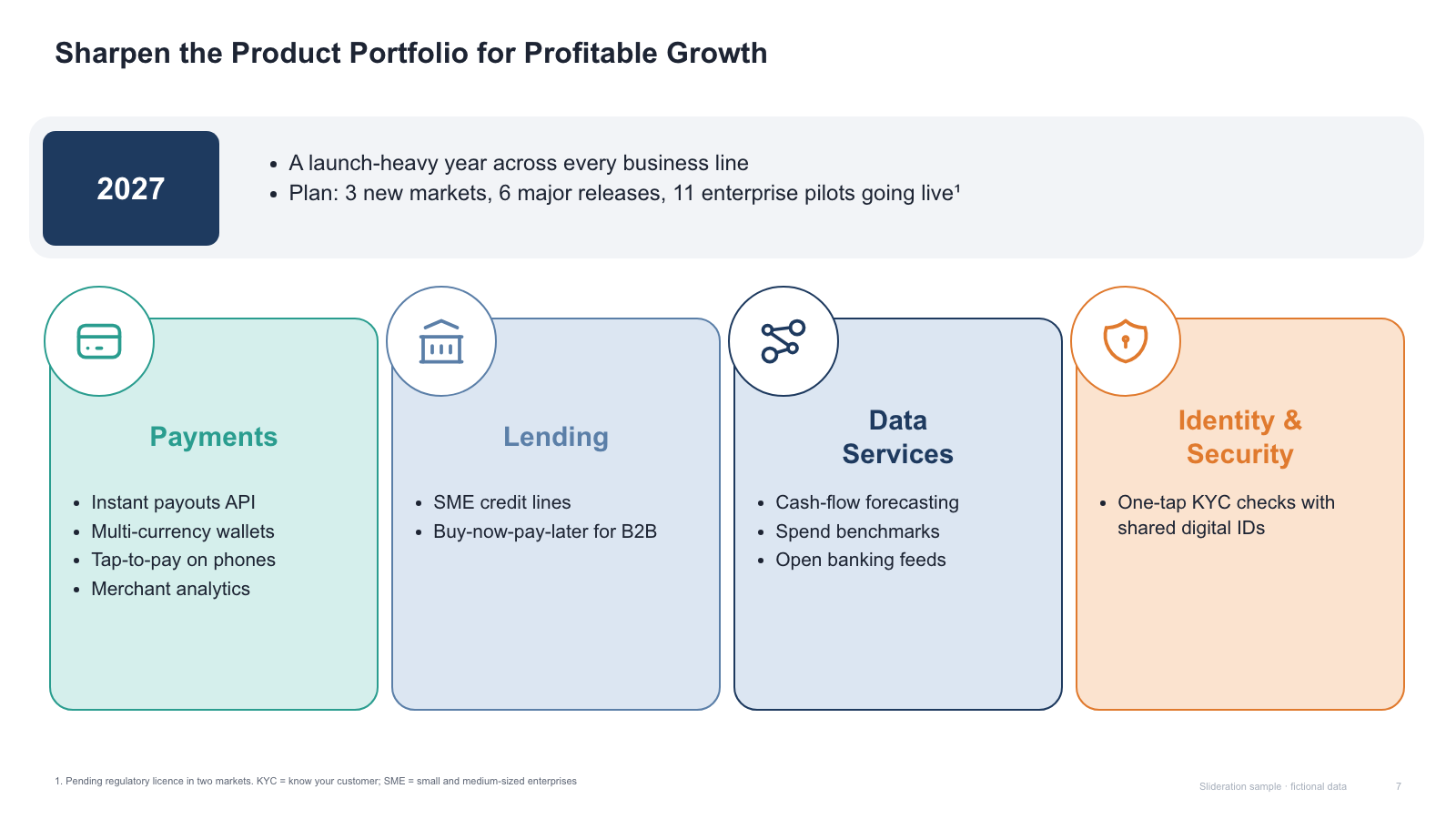
Pillars are the workhorse layout: three or four parallel blocks, each with a heading and a few supporting lines. The claim is the weakest of any layout on this site — these things are of the same kind and of comparable weight — which is exactly why it is so widely applicable and so widely abused.
Browse 30 editable PPTX examplesor drop an image here
Search is free · searches the whole library, not just this page
No screenshot to hand?
Use pillars when the blocks are genuinely interchangeable in position. This is the swap test: move block one to the end. If the slide still means the same thing, the content is parallel and pillars are correct.
If swapping changes the meaning, something else is going on. Order that matters means a process flow or a timeline; support that runs one way means a pyramid; two dimensions mean a matrix. Reaching for pillars in those cases hides the structure you actually have.
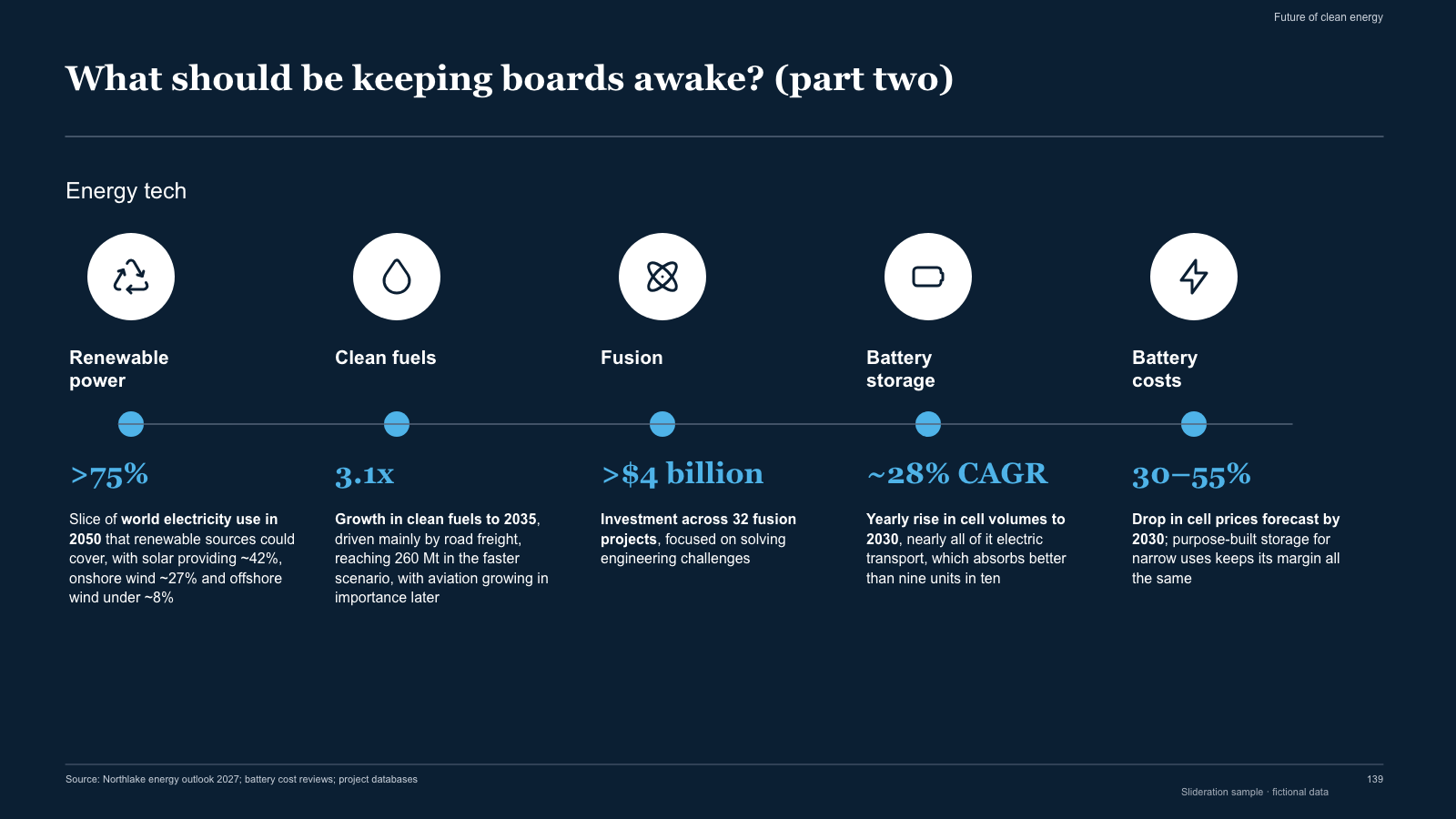
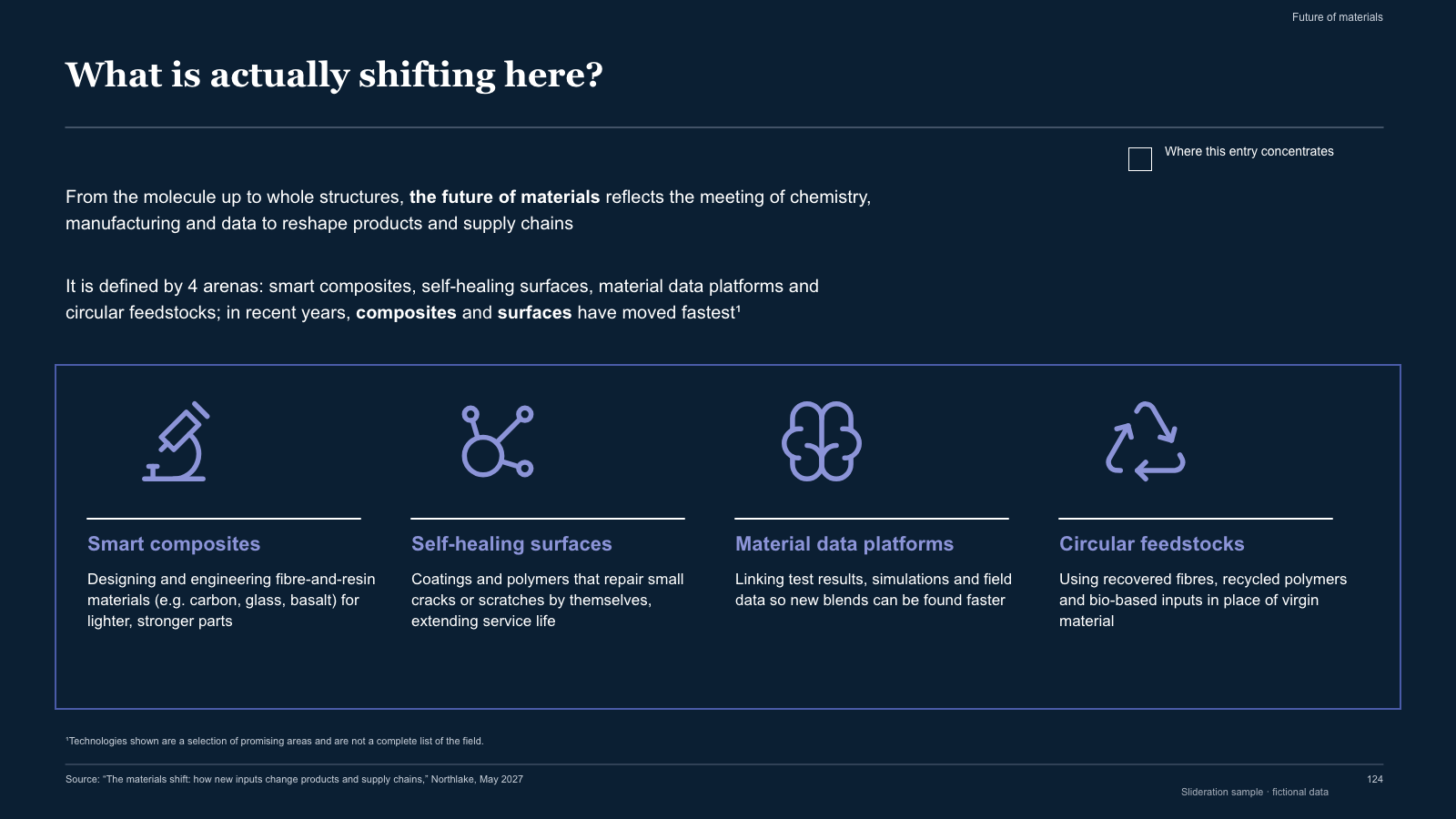
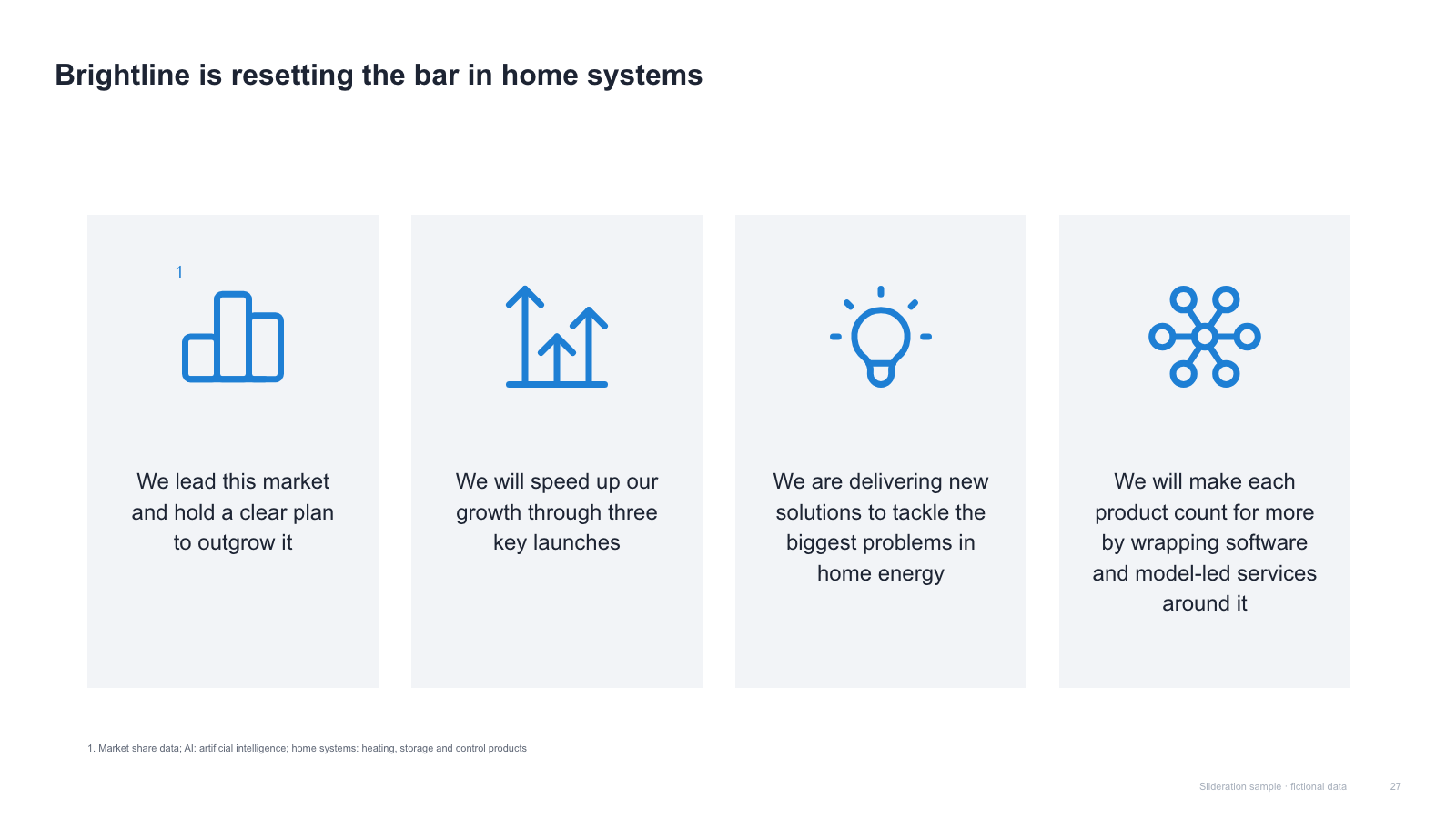
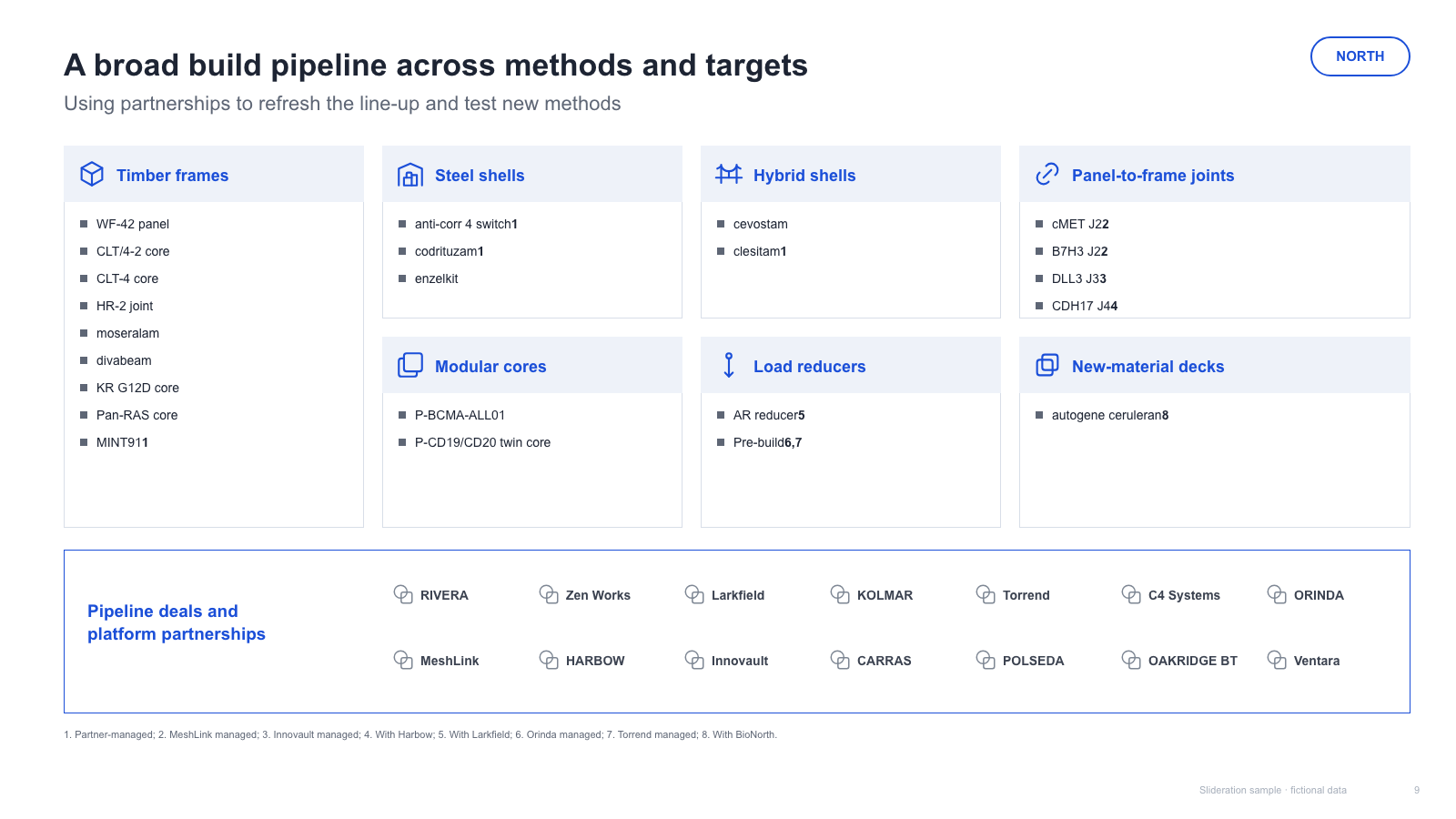
Three columns is the default because three fits comfortably at readable type size on a 16:9 slide. Four works with short headings. Five or more and you are building a card grid, which is fine — just stop calling them pillars and drop any implication of strategic weight.
Each one is redrawn from scratch with fictional sample data and comes as a native PowerPoint file — real shapes and text boxes you can edit, recolour and resize. Open an image for a full-size preview. Samples marked Free PPTX need no account; other downloads use 1 credit.
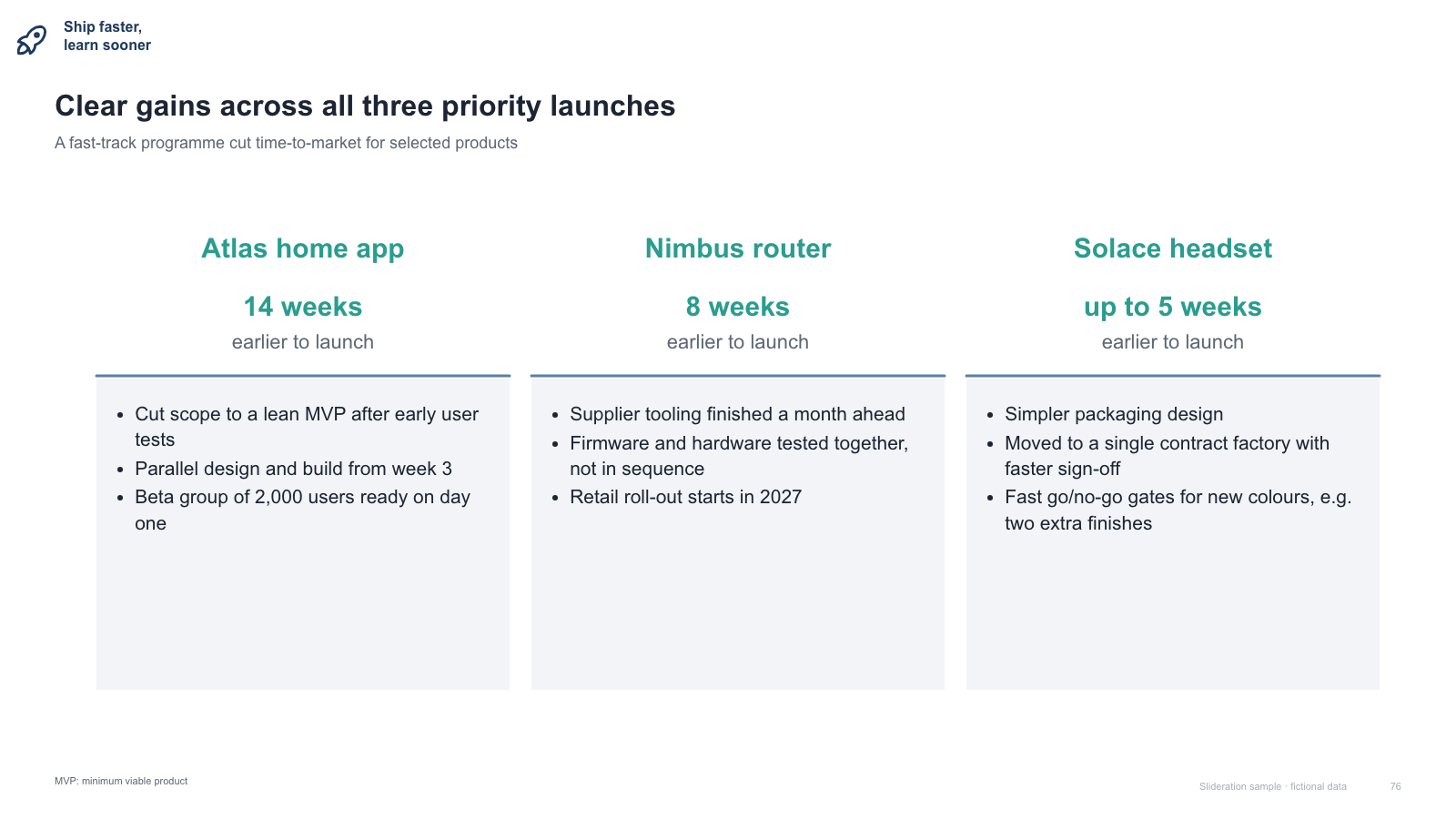
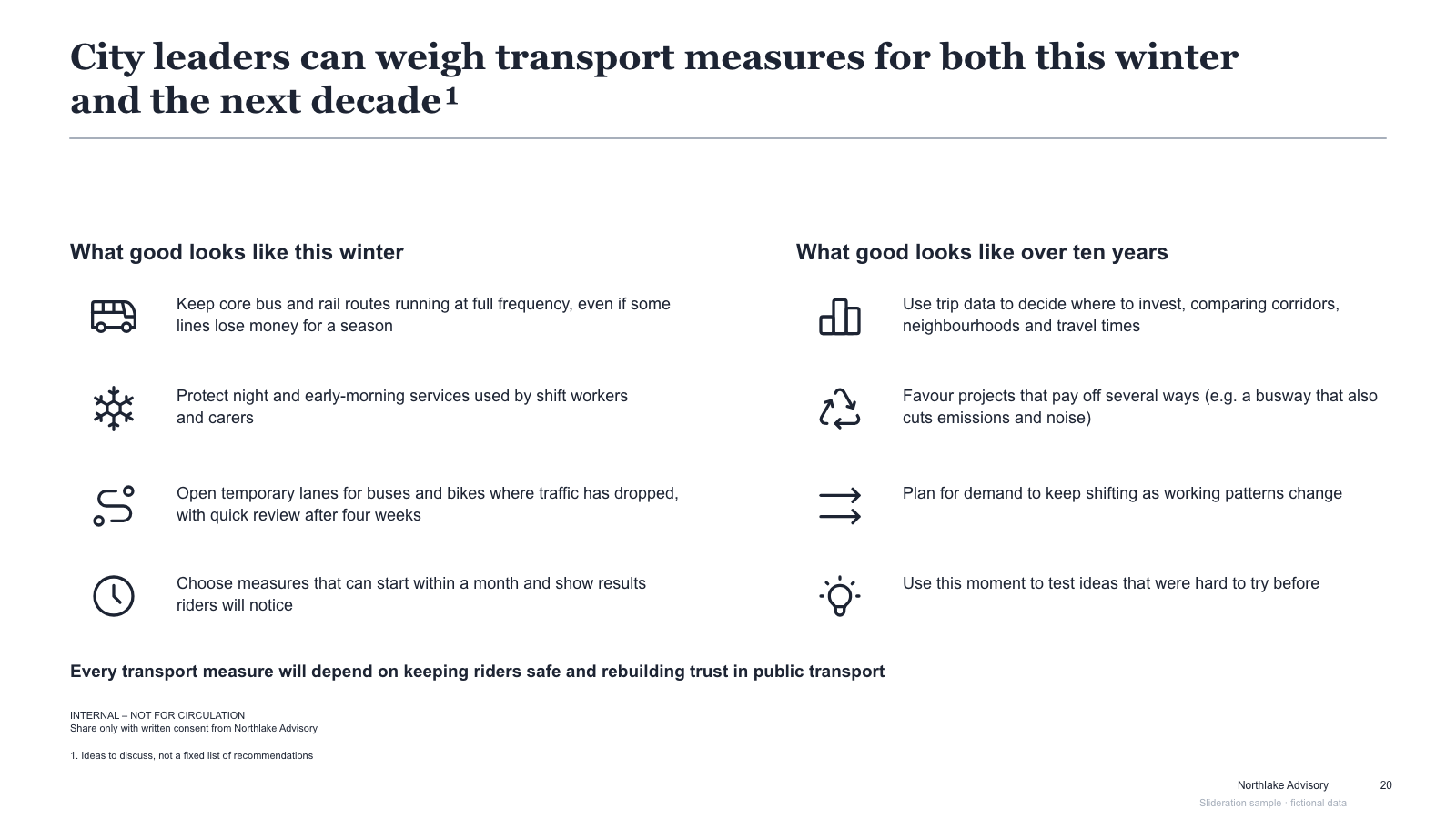
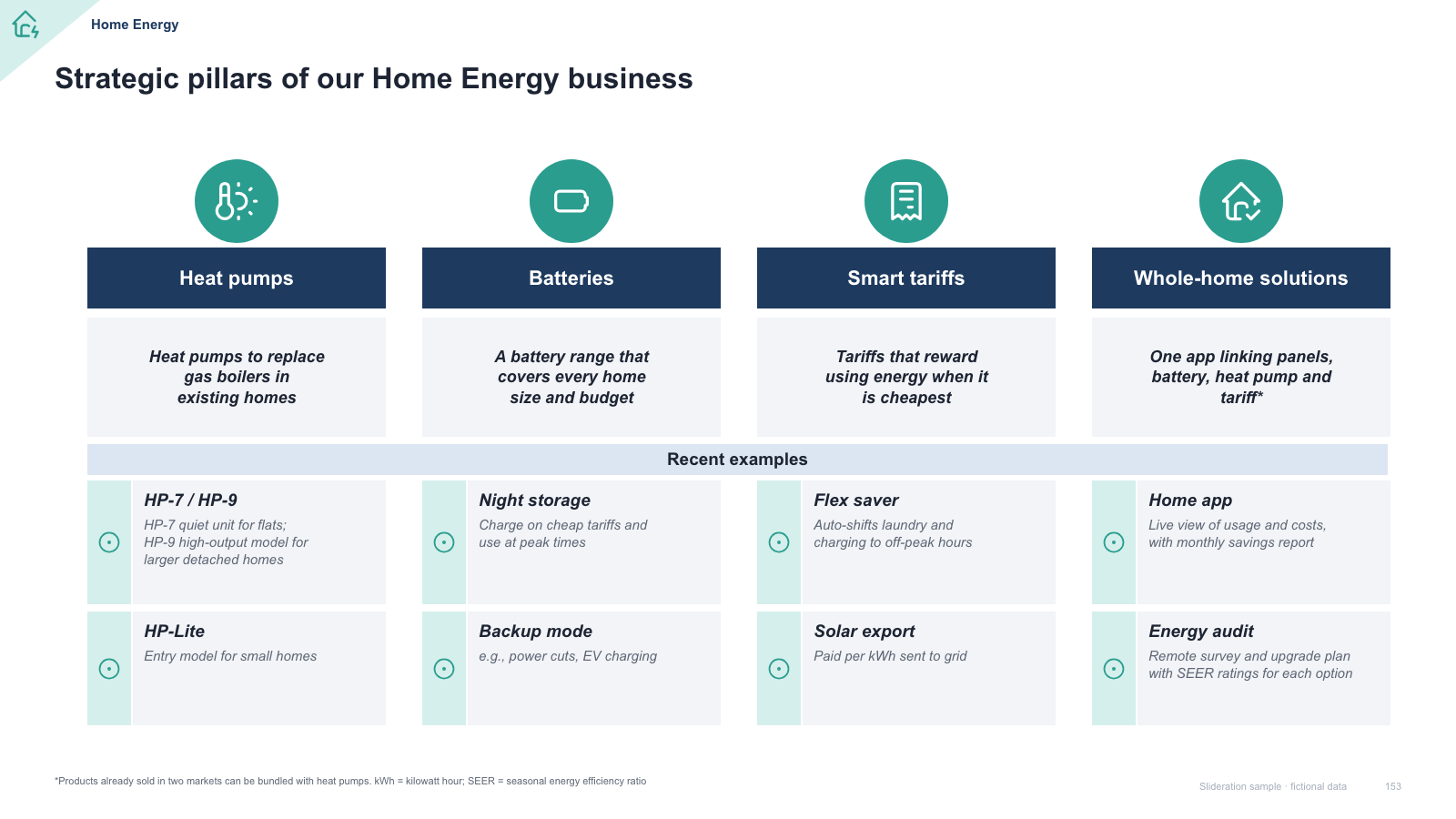

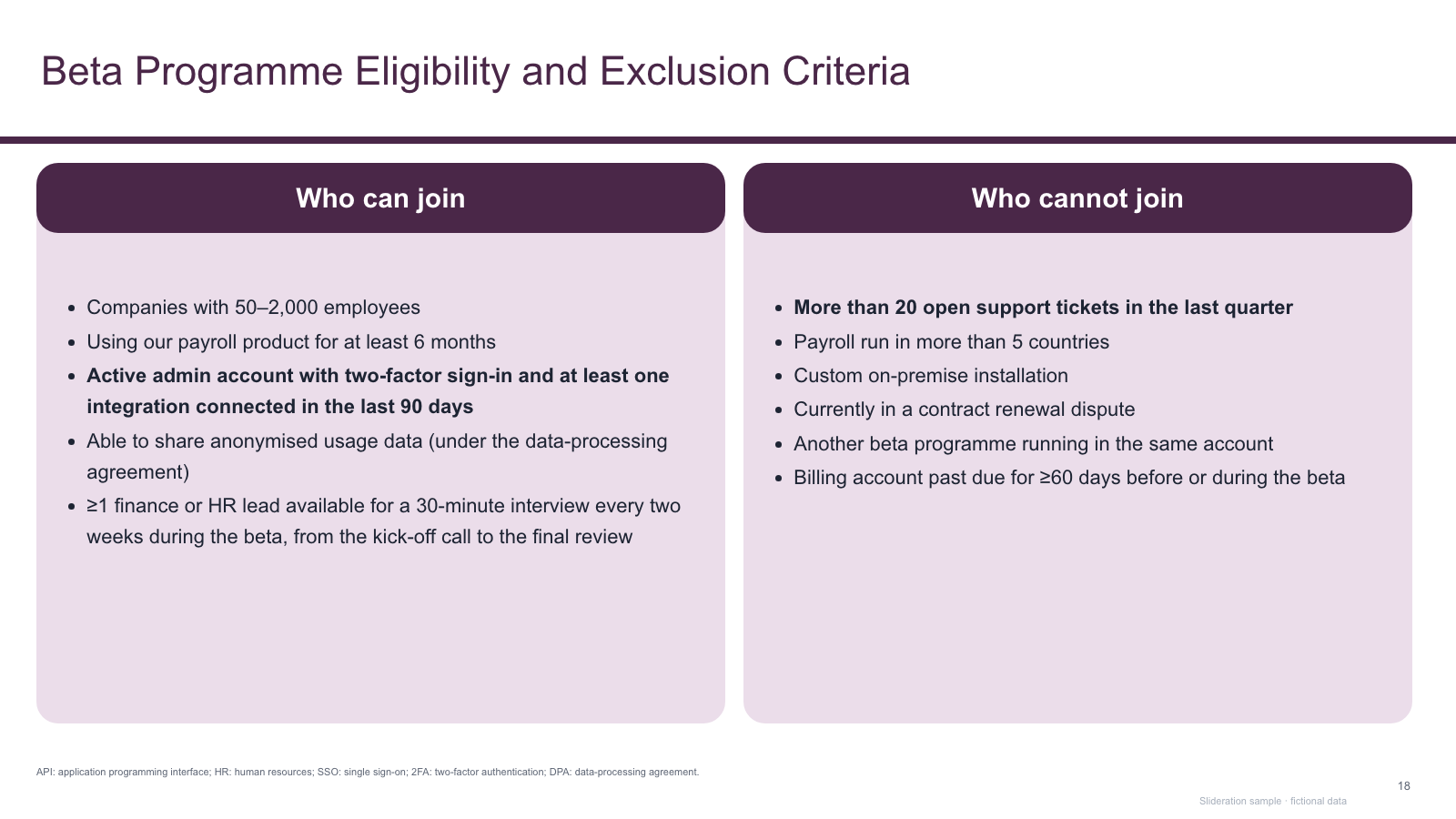
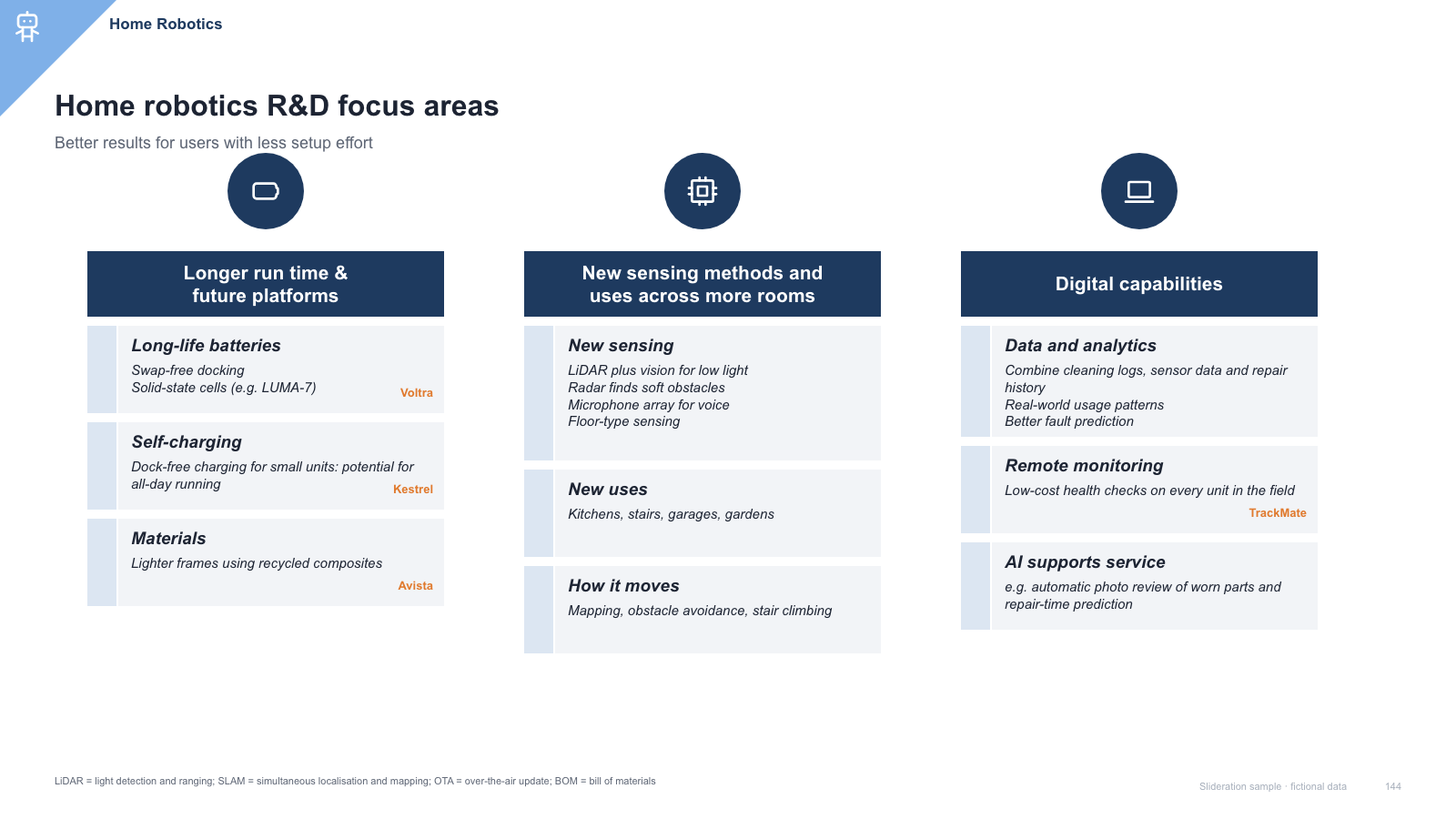
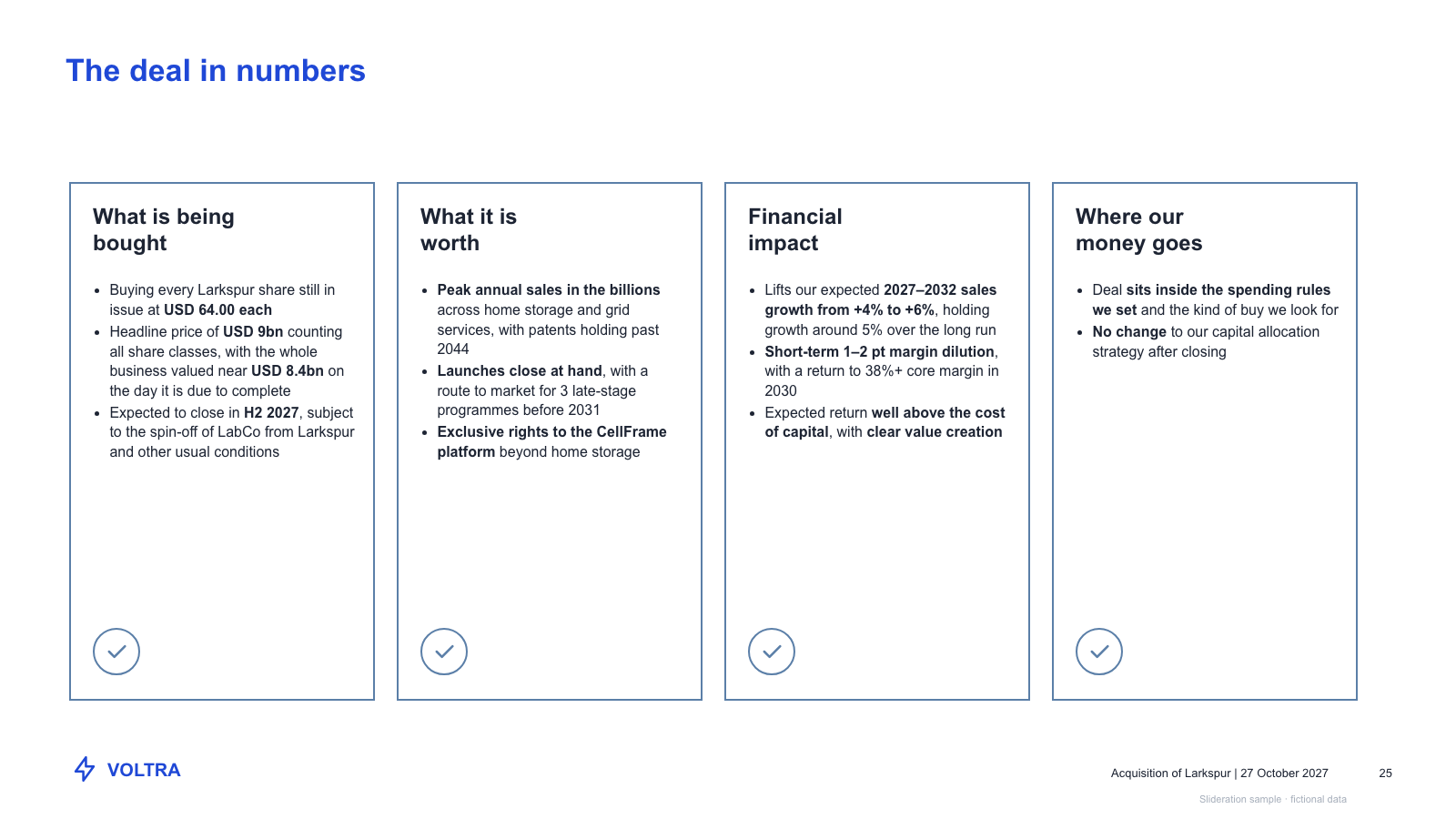
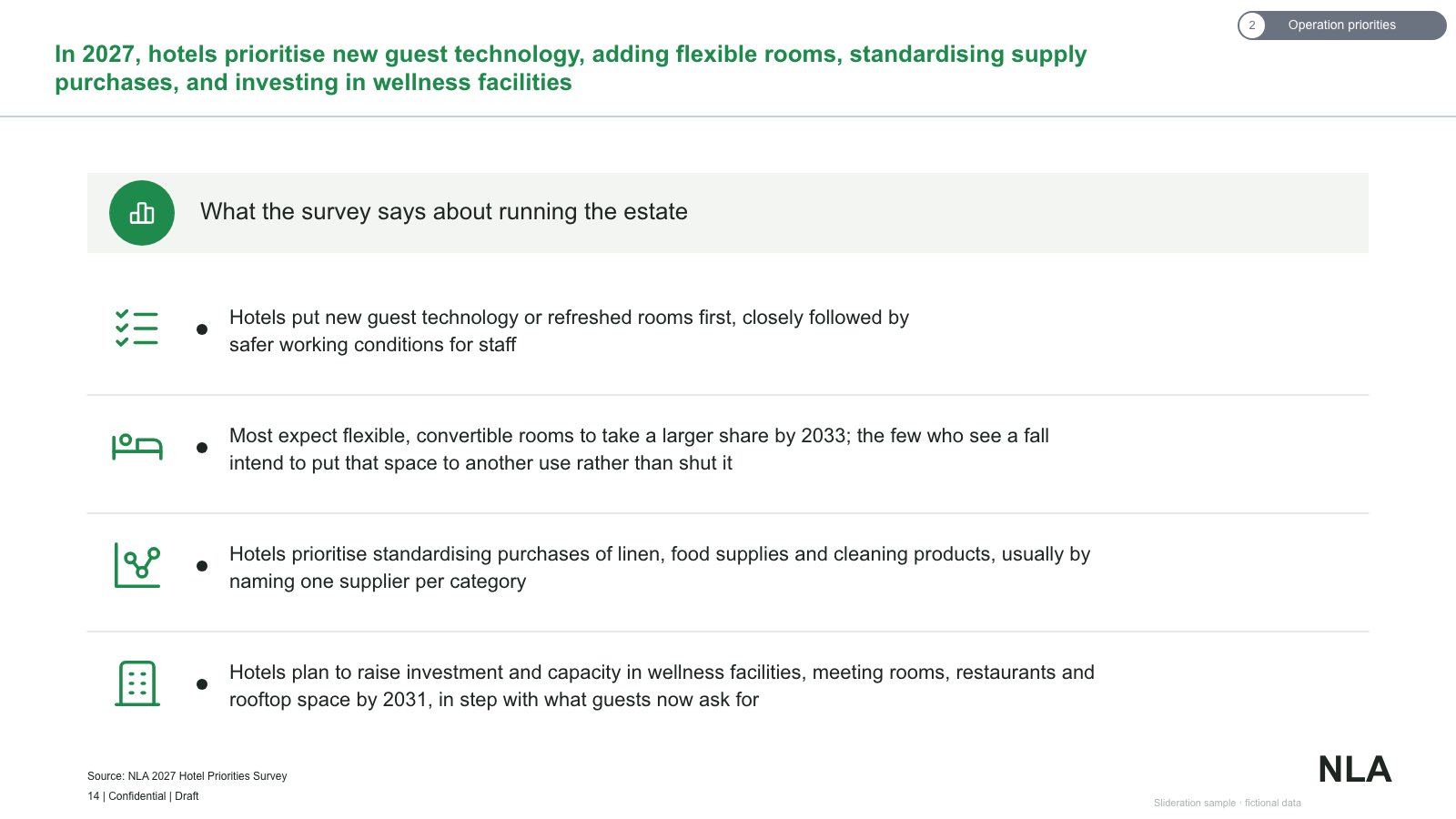



Matched by structure, not color. Download any layout as editable PowerPoint.
The library is small and growing. If nothing fits, try cropping to the part of the slide you care about.
Searching is free. 1 credit = 1 editable PPTX slide, and downloading the same slide again is free. New accounts get 2 free credits. Credits never expire.
One-time payments, no subscription. Prices in USD; taxes may apply at checkout. Payments are processed securely by our reseller and Merchant of Record, Creem. See the refund policy.
Swap two blocks. If the slide still says the same thing, the blocks are parallel and pillars are the right layout. If the swap breaks the meaning, the order carries information and you want a sequence layout instead.
Three or four. Three reads most comfortably at 16:9; four works if the headings are short. Five or more becomes a card grid, which is a different and less weighty claim.
Weight and count. Pillars imply a small number of load-bearing strategic thrusts; a card grid is a set of items of equal, lower individual importance. Both layouts appear on this page — the wording and the count are what separate them.
As close as you can manage. Unequal depth is read as unequal conviction, and a reader will assume the thin column is the one you are least sure about, whether or not that is true.