Parallel pools and batch elapsed time PowerPoint Template
Editable parallel pools and batch elapsed time worksheet with a fictional worked example and a fill-in slide. Preview both pages; download the 2-slide PPTX for 1 credit.
View in library · PPTX · 1 credit
Sign in to download. One credit unlocks the complete 2-slide file; repeat downloads are free.
When to use this template
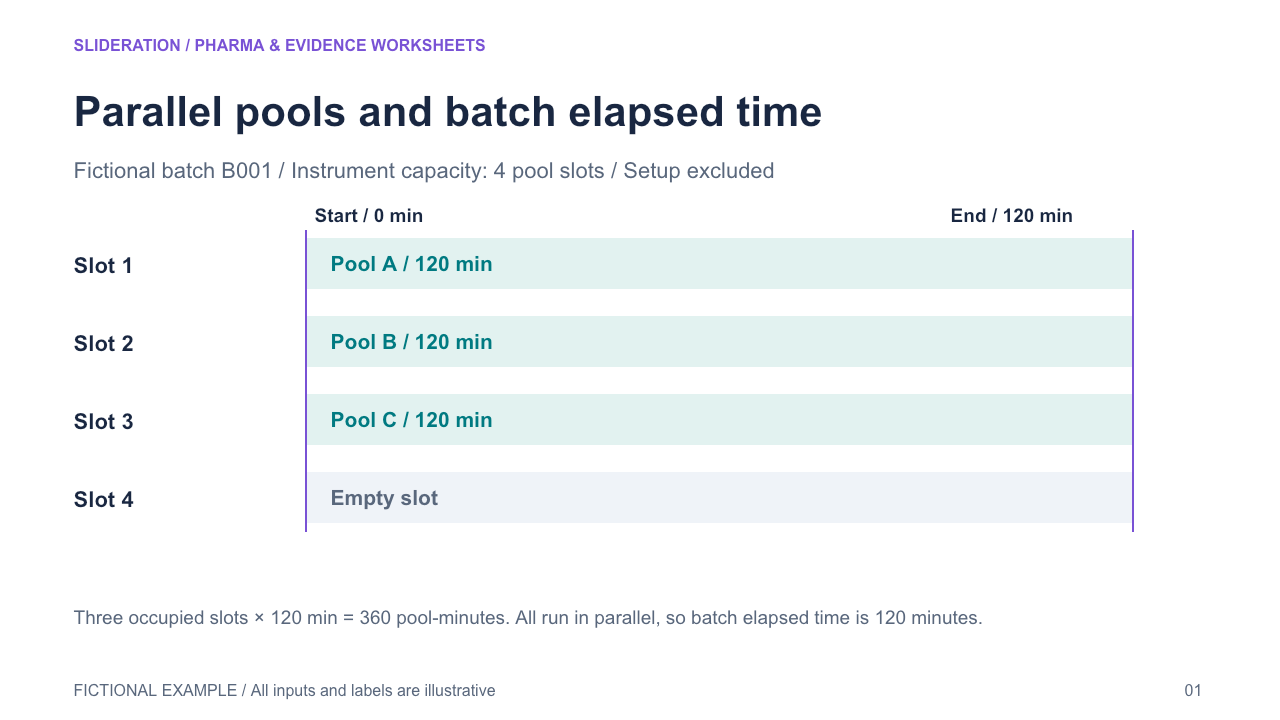
One instrument batch contains independently identified pool slots running concurrently; batch elapsed time is separate from summed pool-minutes, with capacity and empty slots explicit.
What you can edit
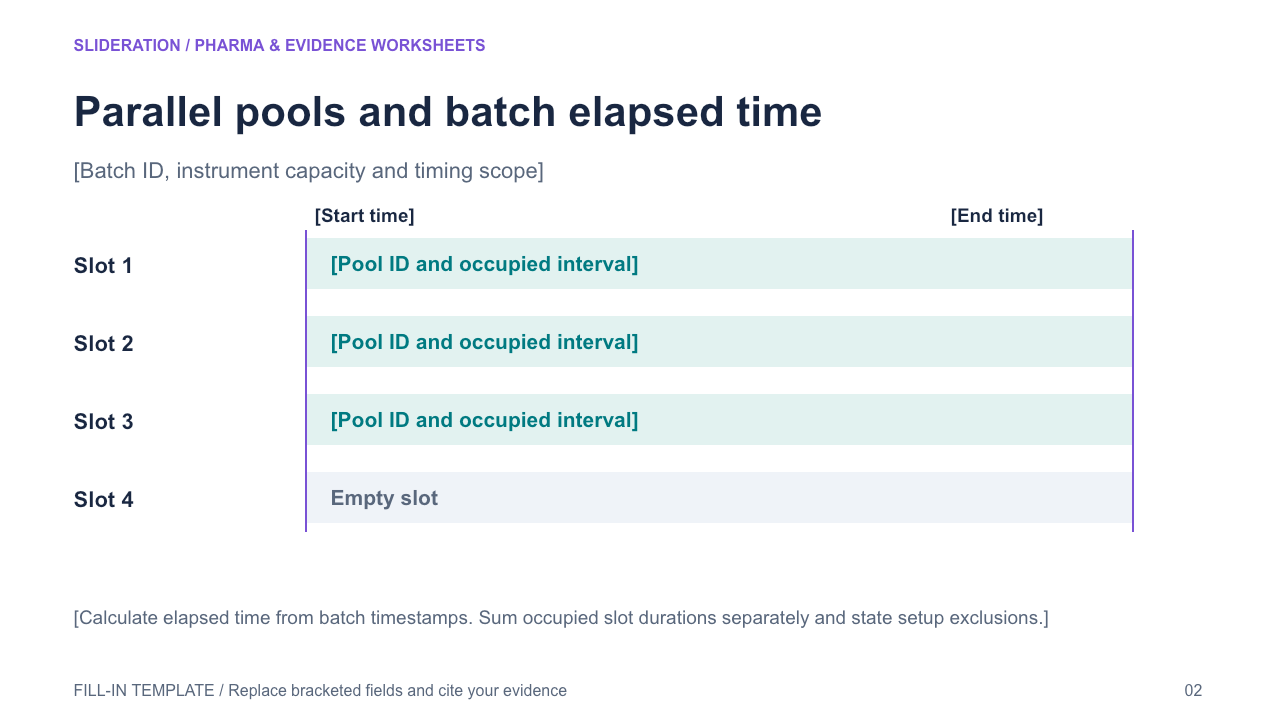
Edit the text, table cells and any native chart data in PowerPoint. The second slide keeps the structure and provides replacement fields. Chart templates use zero seed values on the fill-in slide; replace these together with the associated definitions and tables.
Use the evidence correctly
Fictional instrument, not source performance. Runs share one batch interval; do not report 360min as wall-clock or infer triple throughput when startup/output rates are unknown. Native concurrent lanes and occupied-slot ledger, not photos of instruments.
- Define your population, reporting period, measures and evidence sources.
- Duplicate the fill-in slide and replace every bracketed field and chart value.
- Check units, denominators, labels and conclusions against your source before presenting.
View in library · PPTX · 1 credit
Sign in to download. One credit unlocks the complete 2-slide file; repeat downloads are free.
All example content is fictional. Original Slideration template; no company endorsement. Use in your own presentations and client work under our slide licence. Redistribution or resale of template files is not permitted.