Endpoint testing order and status PowerPoint Template
Editable endpoint testing order and status worksheet with a fictional worked example and a fill-in slide. Preview both pages; download the 2-slide PPTX for 1 credit.
View in library · PPTX · 1 credit
Sign in to download. One credit unlocks the complete 2-slide file; repeat downloads are free.
When to use this template
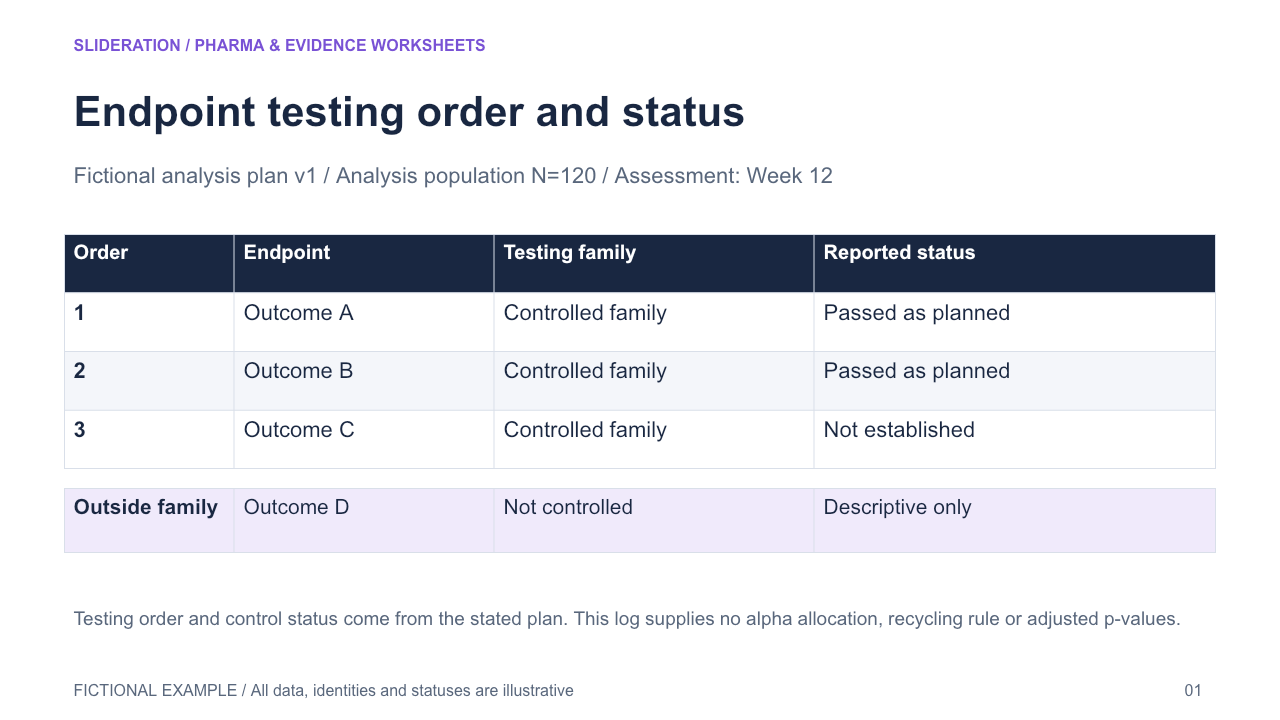
Prespecified ordered endpoint rows retain multiplicity-control status, analysis population/timepoint and claim status; additional nominal analyses are visibly outside the ordered family.
What you can edit
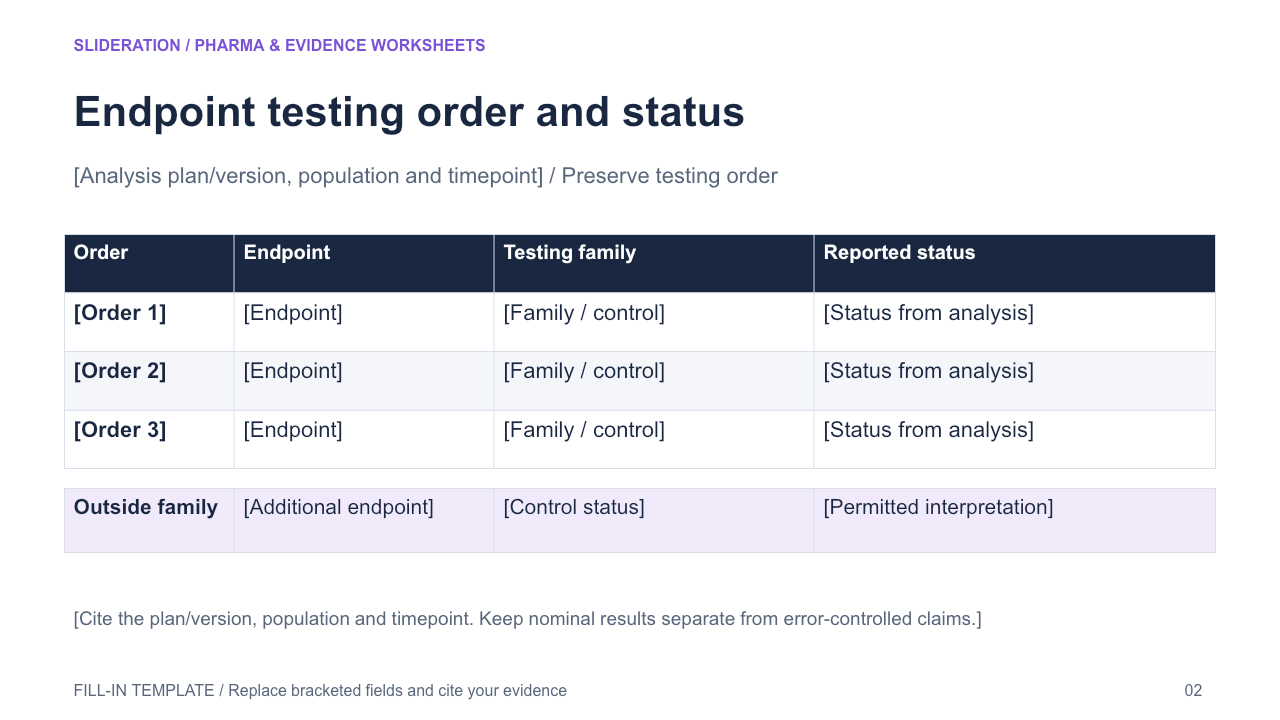
Edit the text, table cells and any native chart data in PowerPoint. The second slide keeps the structure and provides replacement fields. Chart templates use zero seed values on the fill-in slide; replace these together with the associated definitions and tables.
Use the evidence correctly
Fictional status log, not a recommended alpha allocation. Source notes ordered controlled endpoints and uncontrolled additional endpoints, but does not specify a reusable alpha-spending algorithm. Do not invent a stop/recycle rule, adjusted p-values or label nominal results confirmatory. Native ordered table with separate nominal panel.
- Define your population, reporting period, measures and evidence sources.
- Duplicate the fill-in slide and replace every bracketed field and chart value.
- Check units, denominators, labels and conclusions against your source before presenting.
View in library · PPTX · 1 credit
Sign in to download. One credit unlocks the complete 2-slide file; repeat downloads are free.
All example content is fictional. Original Slideration template; no company endorsement. Use in your own presentations and client work under our slide licence. Redistribution or resale of template files is not permitted.