Clinical Milestones PowerPoint Template
Track clinical development milestones with timing, status and dependencies. Free editable PowerPoint table, with a fictional example and a fill-in slide.
Download free PPTX · 2 slidesNo sign-up, payment or credits required. 16:9 format. One fictional example and one fill-in slide.
When to use this layout
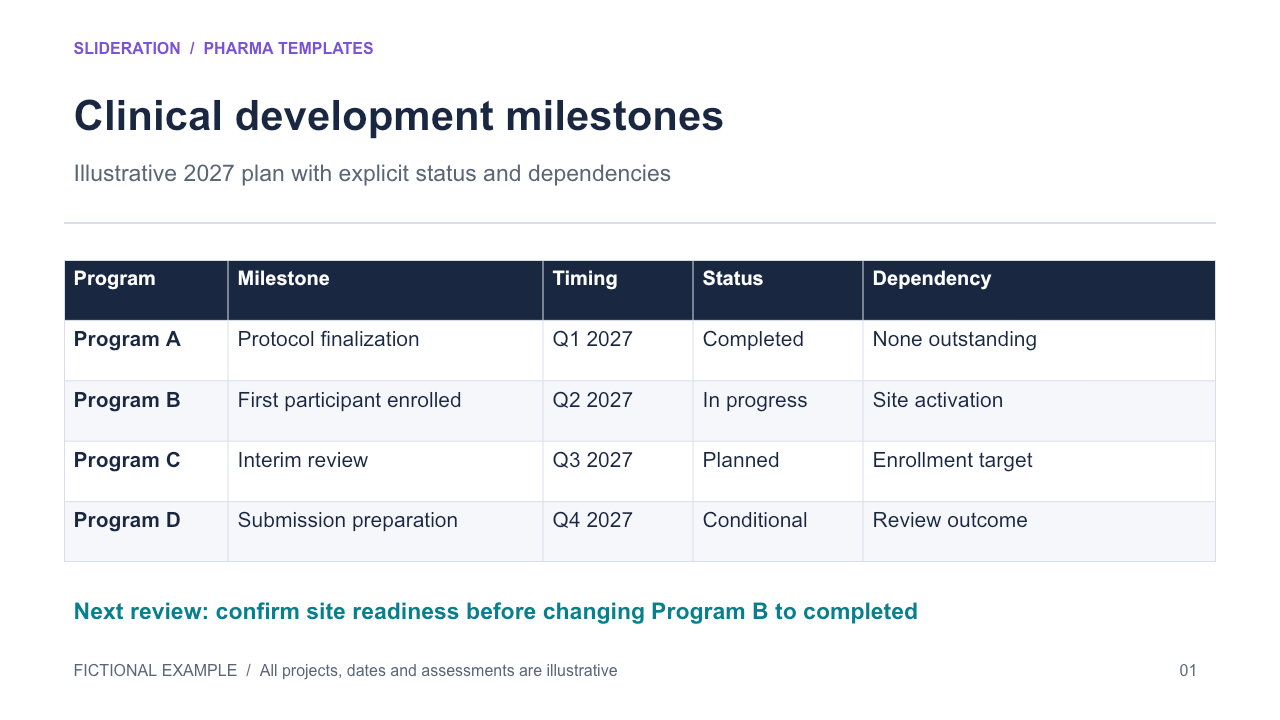
A development update needs to separate completed work from planned or conditional events.
What you can edit
The milestone tracker is a native PowerPoint table. Edit its cells, add rows, update timing and status, and change the decision note.
How to use it
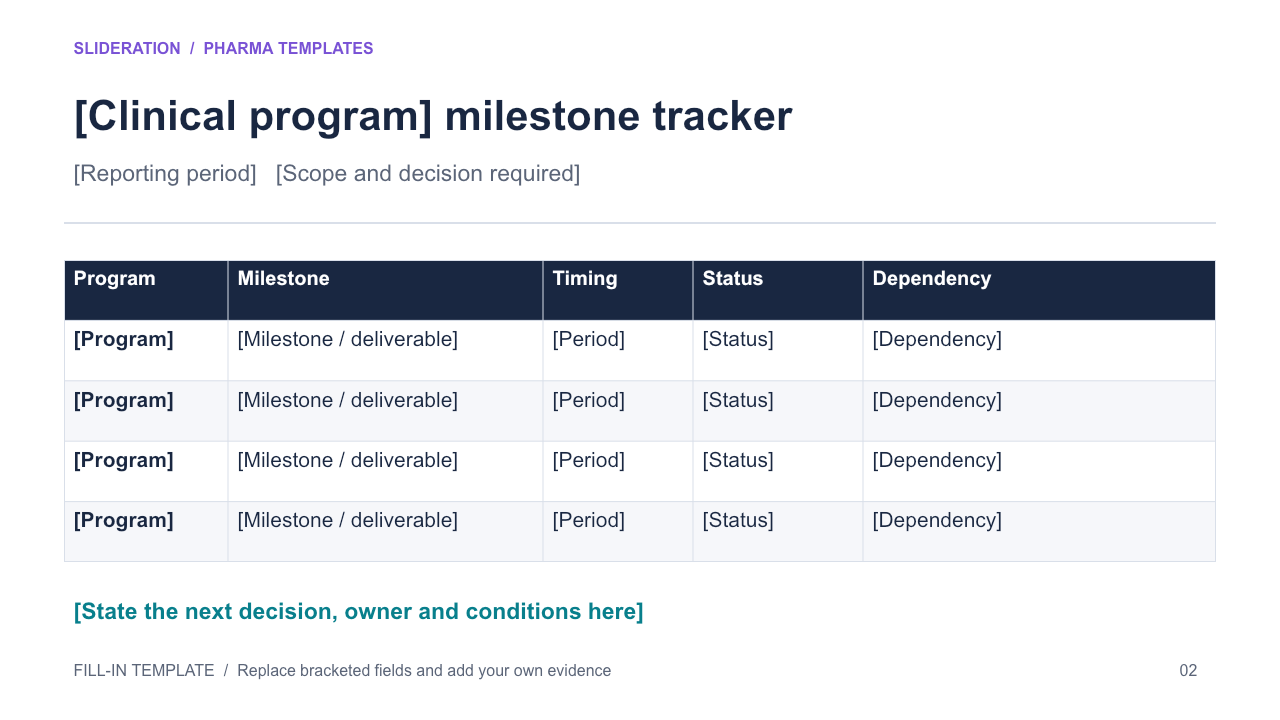
- Replace the programs and milestone deliverables with your own.
- Update timing, status and dependency together. Keep planned or conditional events distinct from completed milestones.
- Write the next decision and its owner, and add the date and source of the update.
Original Slideration templates with fictional example content. No real company data, logos or source-slide images. Use and edit in your own presentations, including client work, under the slide licence. Redistribution or resale of the template files is not permitted.